04Lật sáng tối cùng lúc
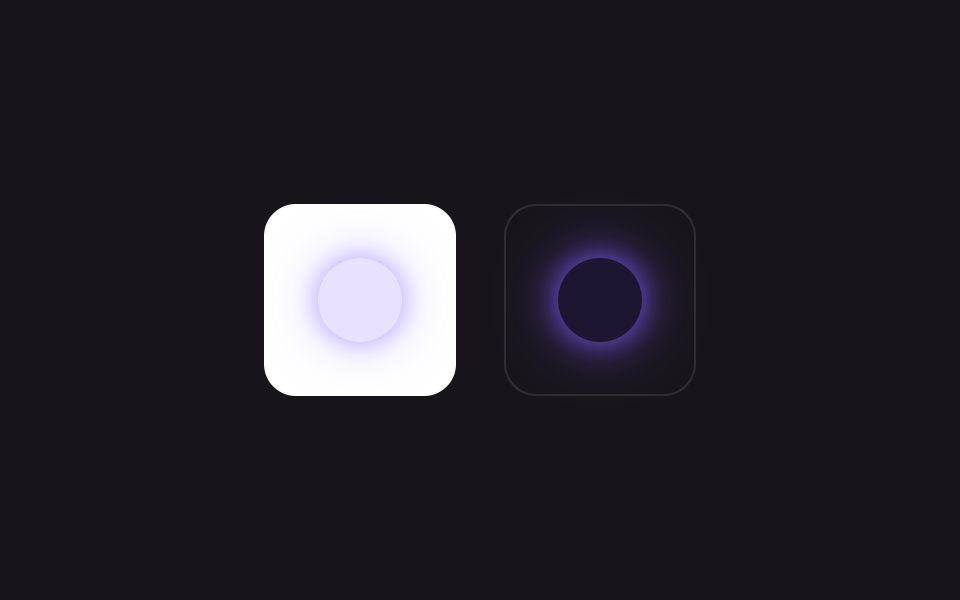
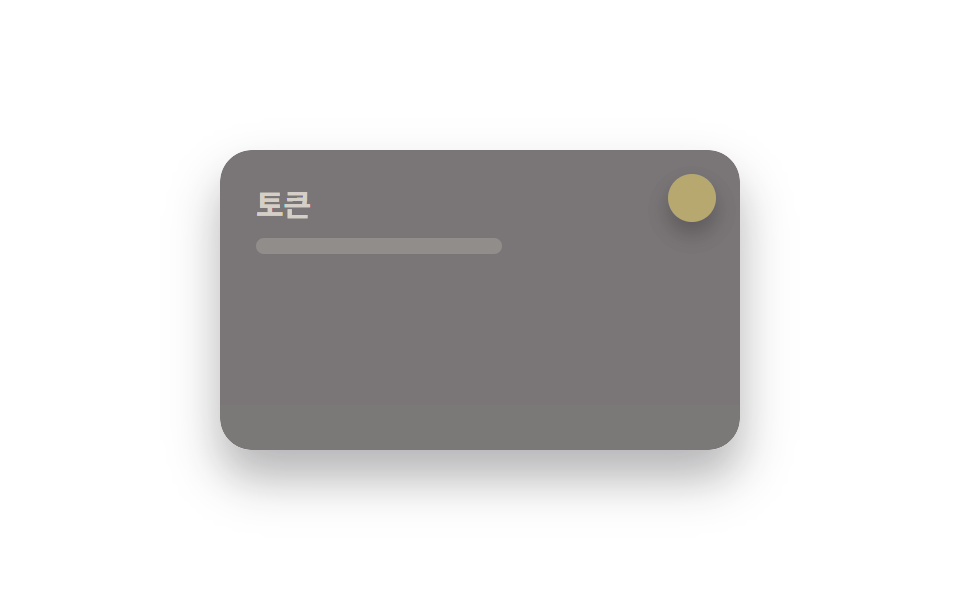
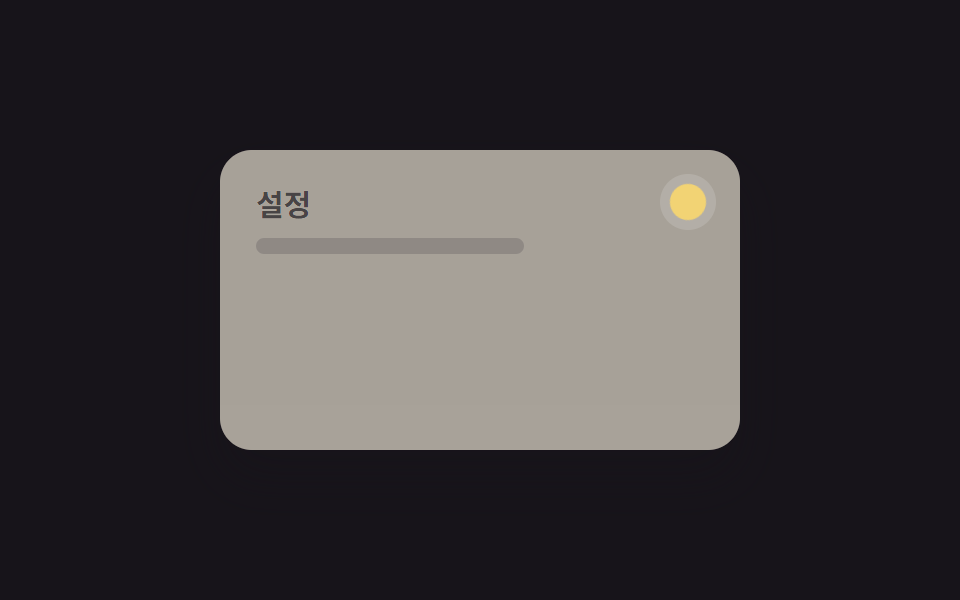
Hai lớp sáng và tối chồng lên nhau chuyển đổi bằng opacity, cho thấy kết quả: một biến đổi là nền, chữ và ô màu lật cùng lúc.
Dùng choThư viện component, token của design system
변수 2개전환 300ms테두리 포함
<main class="stage">
  <div class="panel">
    <div class="panel__face panel__face--light">
      <p class="panel__title">Token</p>
      <p class="panel__line"></p>
    </div>
    <div class="panel__face panel__face--dark">
      <p class="panel__title">Token</p>
      <p class="panel__line"></p>
    </div>
    <span class="chip">
      <span class="chip__swatch chip__swatch--light"></span>
      <span class="chip__swatch chip__swatch--dark"></span>
    </span>
  </div>
</main>
@use "../../../../site/static/demo-tokens" as *;
// ── 변수 3개 ──────────────────────────────
$duration: $dur-base;
$easing: $ease-out;
$color: $subject-blue;
// ── 데모 무대 ───────────────────────────────
@include stage($stage-paper);
.panel {
position: relative; overflow: hidden;
width: clamp(200px, 70vw, 260px); height: clamp(120px, 42vw, 150px);
border-radius: $r-card; box-shadow: $shadow-raised;
}
.panel__face {
position: absolute; inset: 0; box-sizing: border-box;
padding: clamp(12px, 5vw, 18px); text-align: left;
}
.panel__face--light {
background: $subject-cream; color: $subject-ink;
opacity: 1; animation: face-light $dur-loop $easing infinite;
}
.panel__face--dark {
background: $stage-ink; color: $subject-cream;
opacity: 0; animation: face-dark $dur-loop $easing infinite;
}
.panel__title { margin: 0 0 6px; font-weight: 700; font-size: clamp(12px, 3.6vw, 15px); line-height: 1.3; font-family: inherit; }
.panel__line { margin: 0; width: 55%; height: 8px; border-radius: 4px; background: currentColor; opacity: .25; }
// 변수 하나(color-scheme)만 바뀌면 스와치가 통째로 뒤집힌다는 걸 작은 칩으로 보여준다
.chip {
position: absolute; top: clamp(8px, 3vw, 12px); right: clamp(8px, 3vw, 12px);
width: 24px; height: 24px; border-radius: $r-control; overflow: hidden; box-shadow: $shadow-press;
}
.chip__swatch { position: absolute; inset: 0; }
.chip__swatch--light { background: $color; opacity: 1; animation: face-light $dur-loop $easing infinite; }
.chip__swatch--dark { background: $stage-yellow; opacity: 0; animation: face-dark $dur-loop $easing infinite; }
@keyframes face-light { 0%, 15% { opacity: 1; } 40%, 60% { opacity: 0; } 85%, 100% { opacity: 1; } }
@keyframes face-dark { 0%, 15% { opacity: 0; } 40%, 60% { opacity: 1; } 85%, 100% { opacity: 0; } }
// ── 접근성: 움직임 줄이기 설정이면 라이트 상태로 고정 ──────────
@media (prefers-reduced-motion: reduce) {
.panel__face--light, .panel__face--dark, .chip__swatch--light, .chip__swatch--dark { animation: none !important; }
}html, body {
margin: 0;
overflow: hidden;
}
.stage {
box-sizing: border-box;
min-height: 100vh;
display: grid;
place-items: center;
margin: 0;
background: #ffffff;
font-family: -apple-system, "Segoe UI", "Noto Sans KR", sans-serif;
padding: clamp(8px, 4vw, 24px);
}
.panel {
position: relative;
overflow: hidden;
width: clamp(200px, 70vw, 260px);
height: clamp(120px, 42vw, 150px);
border-radius: 16px;
box-shadow: 0 14px 24px rgba(23, 20, 26, 0.32);
}
.panel__face {
position: absolute;
inset: 0;
box-sizing: border-box;
padding: clamp(12px, 5vw, 18px);
text-align: left;
}
.panel__face--light {
background: #fff7e6;
color: #17141a;
opacity: 1;
animation: face-light 2s ease-out infinite;
}
.panel__face--dark {
background: #17141a;
color: #fff7e6;
opacity: 0;
animation: face-dark 2s ease-out infinite;
}
.panel__title {
margin: 0 0 6px;
font-weight: 700;
font-size: clamp(12px, 3.6vw, 15px);
line-height: 1.3;
font-family: inherit;
}
.panel__line {
margin: 0;
width: 55%;
height: 8px;
border-radius: 4px;
background: currentColor;
opacity: 0.25;
}
.chip {
position: absolute;
top: clamp(8px, 3vw, 12px);
right: clamp(8px, 3vw, 12px);
width: 24px;
height: 24px;
border-radius: 12px;
overflow: hidden;
box-shadow: 0 6px 12px rgba(23, 20, 26, 0.32);
}
.chip__swatch {
position: absolute;
inset: 0;
}
.chip__swatch--light {
background: #2f6df6;
opacity: 1;
animation: face-light 2s ease-out infinite;
}
.chip__swatch--dark {
background: #ffd23f;
opacity: 0;
animation: face-dark 2s ease-out infinite;
}
@keyframes face-light {
0%, 15% {
opacity: 1;
}
40%, 60% {
opacity: 0;
}
85%, 100% {
opacity: 1;
}
}
@keyframes face-dark {
0%, 15% {
opacity: 0;
}
40%, 60% {
opacity: 1;
}
85%, 100% {
opacity: 0;
}
}
@media (prefers-reduced-motion: reduce) {
.panel__face--light, .panel__face--dark, .chip__swatch--light, .chip__swatch--dark {
animation: none !important;
}
}import type { CSSProperties } from "react";
import styles from "./LightDarkSwitch.module.scss";
export type LightDarkSwitchProps = {
/** true 면 color-scheme: dark 로 light-dark() 값이 뒤집힌다 */
dark: boolean;
onToggle?: () => void;
duration?: number;
easing?: string;
color?: string;
className?: string;
};
type Vars = CSSProperties & { "--duration"?: string; "--easing"?: string; "--color"?: string };
export default function LightDarkSwitch({
dark,
onToggle,
duration = 300,
easing = "ease-out",
color = "#2f6df6",
className = "",
}: LightDarkSwitchProps) {
const vars: Vars = { "--duration": `${duration}ms`, "--easing": easing, "--color": color };
return (
<button
type="button"
className={`${styles.chip} ${className}`}
style={vars}
data-dark={dark}
aria-label="다크모드 전환"
onClick={onToggle}
>
<span className={`${styles.swatch} ${styles.light}`} />
<span className={`${styles.swatch} ${styles.dark}`} />
</button>
);
}04 Lật sáng tối cùng lúc — Diện tích đo được 26.944% · khung hình chuyển động 14/23Nguyên tác GODRICH · SCSS và React nằm trong tệp zip · 9 hiệu ứng css dark mode toggle 1 dòng CSS
Bài viết chứa demo này
 9 hiệu ứng css dark mode toggle 1 dòng CSSCss dark mode toggle là nút chuyển đổi giữa giao diện sáng và tối, thường đặt ở header hoặc menu cài đặt. Đây là chín hi Xem tất cả demo trong bài này