9 hiệu ứng css dark mode toggle 1 dòng CSS
Css dark mode toggle là nút chuyển đổi giữa giao diện sáng và tối, thường đặt ở header hoặc menu cài đặt.
 01 dark-mode-toggle-sun-moon
 02 dark-mode-toggle-slide-knob
 03 dark-mode-toggle-circle-expand
 04 dark-mode-toggle-light-dark-fn
 05 dark-mode-toggle-eclipse-mask
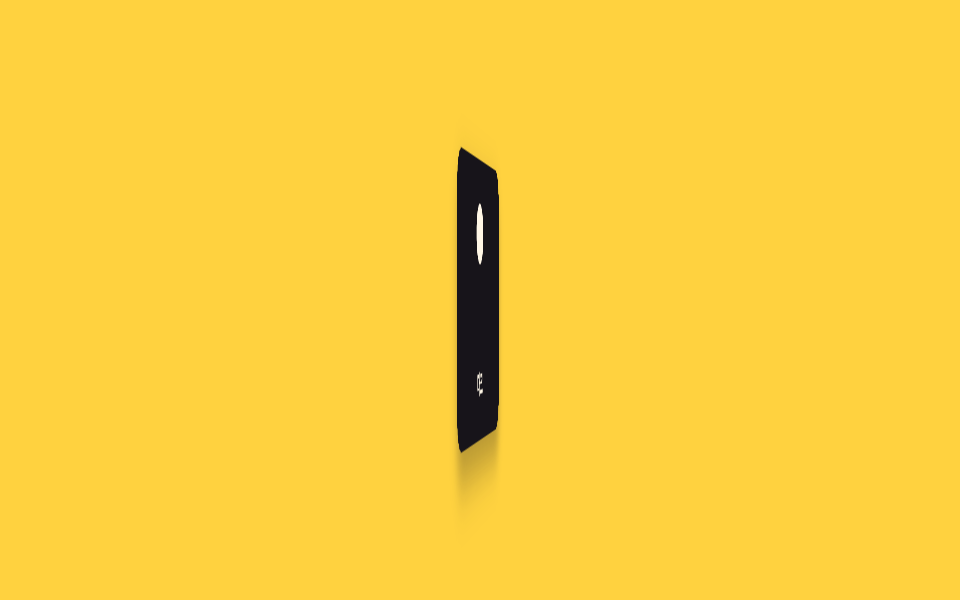 06 dark-mode-toggle-flip-card
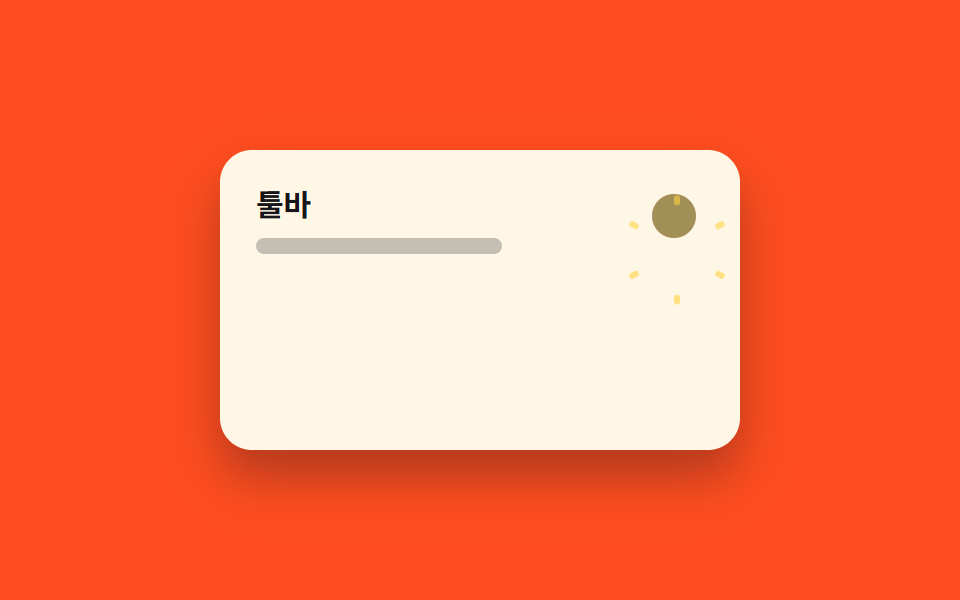 07 dark-mode-toggle-icon-morph
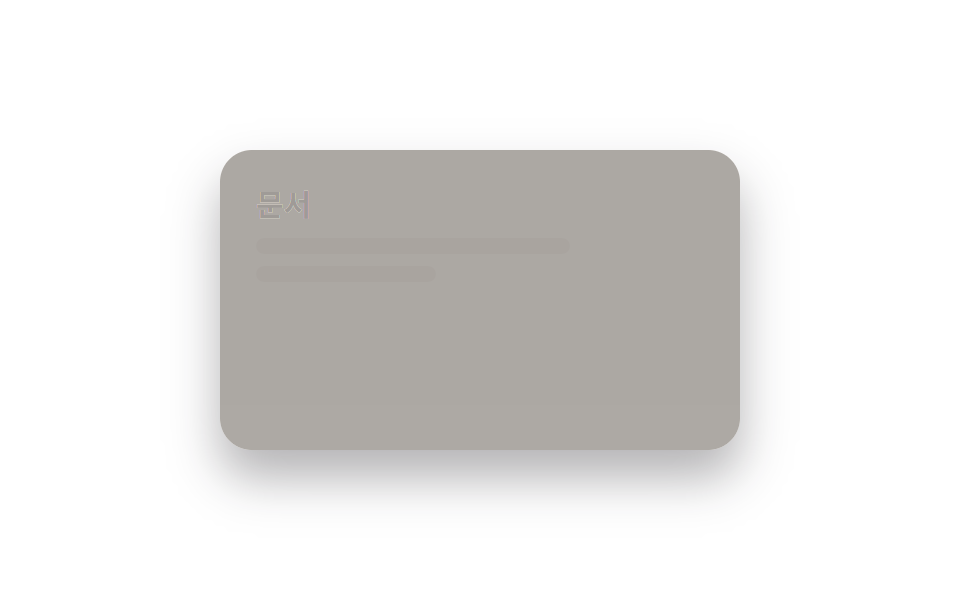 08 dark-mode-toggle-color-fade
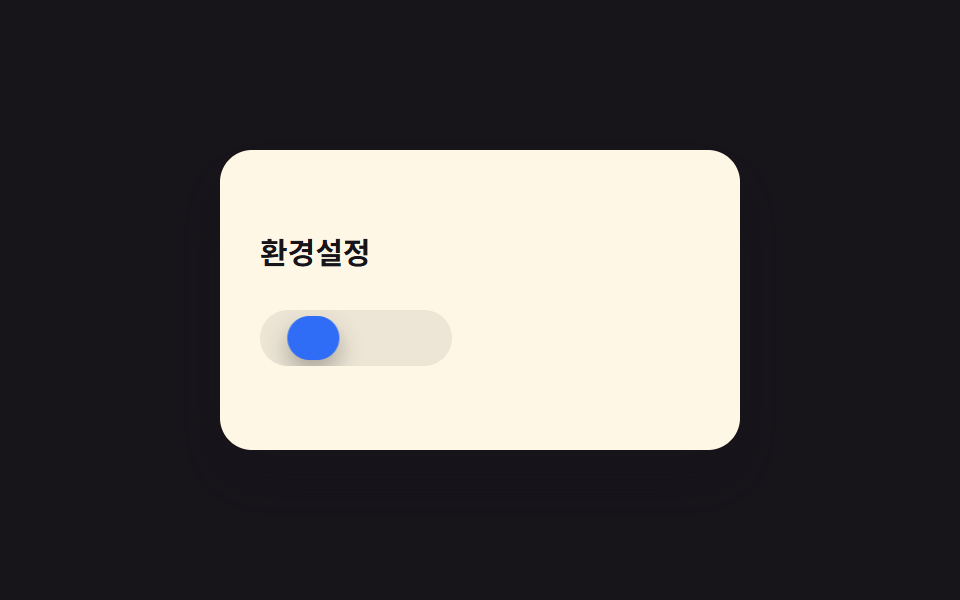 09 dark-mode-toggle-three-state
Tự chạy · bấm ô để tới mục đó · cả 9 trong một zip
- 01 Đổi icon mặt trời ↔ mặt trăng
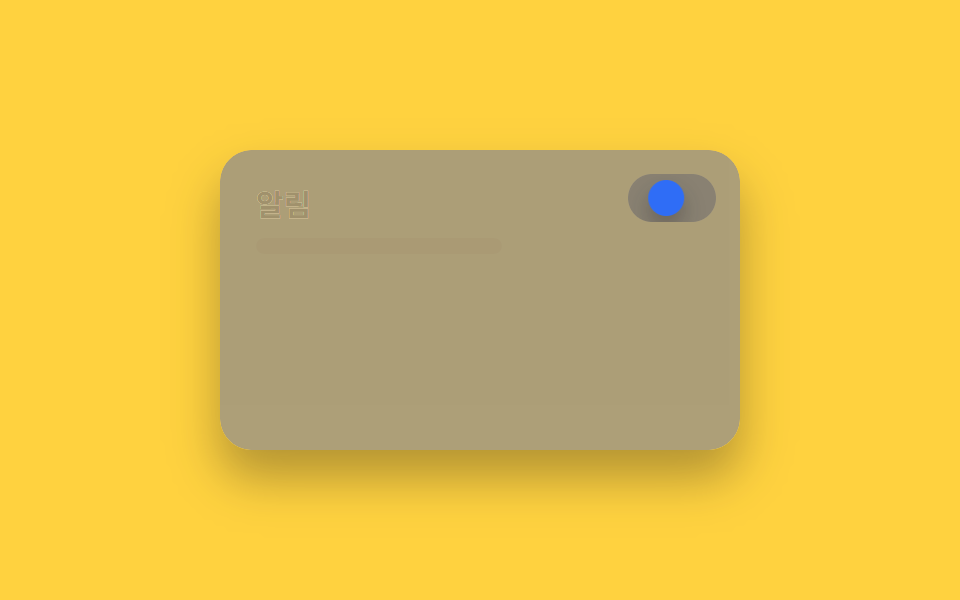
- 02 Nút trượt
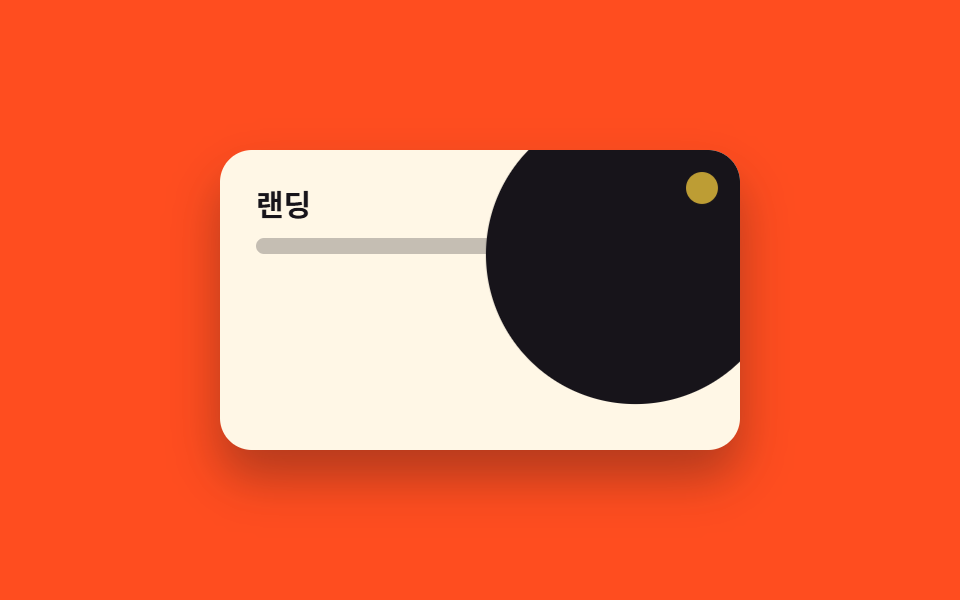
- 03 Lan tỏa hình tròn (View Transitions)
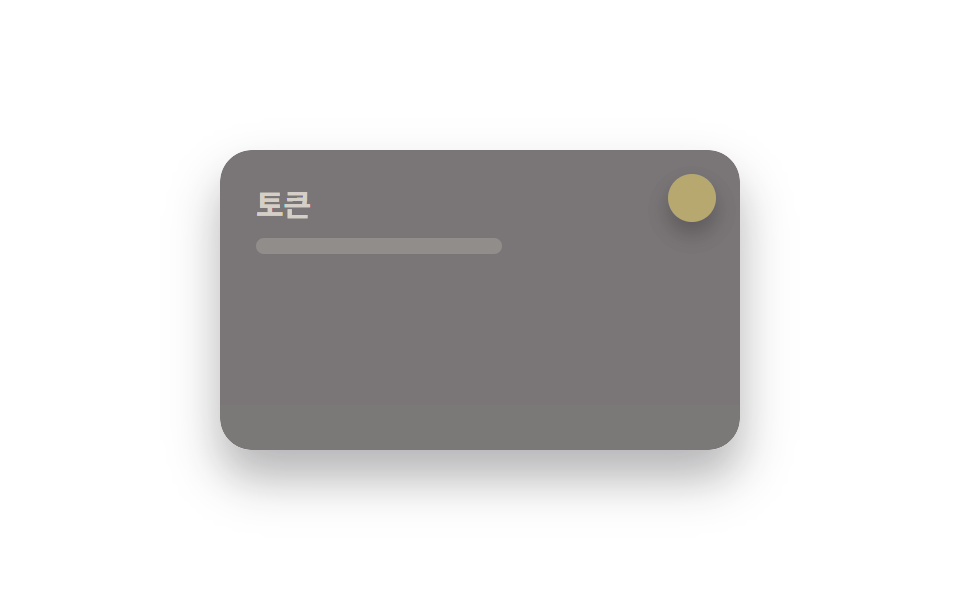
- 04 Lật sáng tối cùng lúc
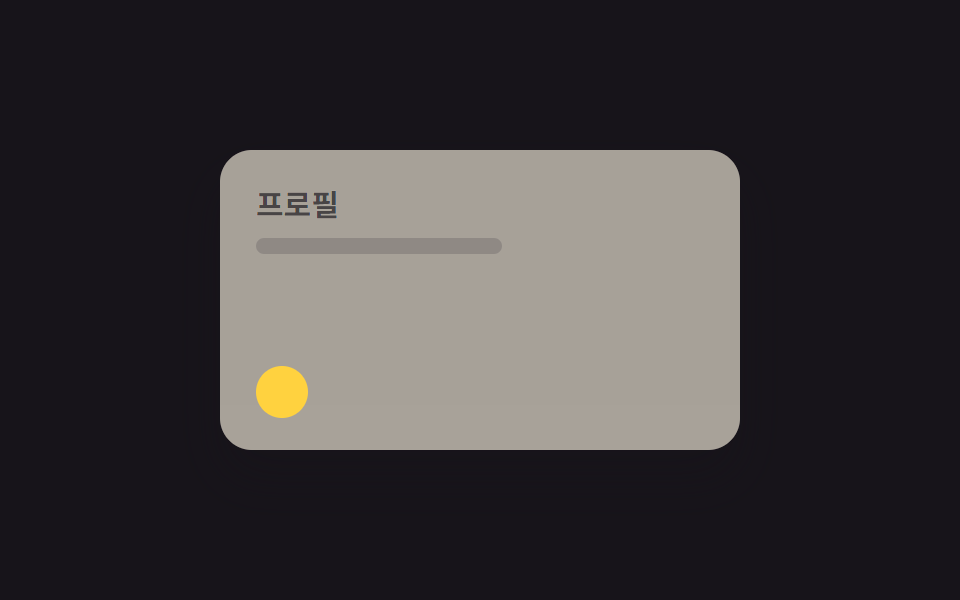
- 05 Mask nhật thực
- 06 Lật thẻ
- 07 Morph icon
- 08 Fade toàn bộ màu
- 09 3 trạng thái sáng · tối · tự động
Thứ tự chín hiệu ứng đi từ những công tắc quen mắt nhất đến những kỹ thuật chỉ đổi đúng một giá trị CSS. 01, 02 và 09 là dạng công tắc cổ điển, nơi bạn nhìn thấy chính nút gạt hoặc icon di chuyển. Từ 03 đến 07 tập trung vào icon hoặc cả khung đổi màu, còn 04 và 08 bỏ hẳn phần nút bấm riêng để chỉ đổi màu nền và chữ. Ở lưới phía trên, bạn xem từng ô tự chuyển từ sáng sang tối rồi quay lại sáng; bản dùng đúng sự kiện click nằm trong file zip.
01Đổi icon mặt trời ↔ mặt trăng
Bạn thấy gì
Nhấn toggle thì icon mặt trời xoay và biến thành mặt trăng, chỉ bằng transform: rotate() và crossfade opacity giữa hai lớp icon chồng lên nhau.
<main class="stage">
  <div class="panel">
    <div class="panel__face panel__face--light">
      <p class="panel__title">Cài đặt</p>
      <p class="panel__line"></p>
    </div>
    <div class="panel__face panel__face--dark">
      <p class="panel__title">Cài đặt</p>
      <p class="panel__line"></p>
    </div>
    <button class="toggle" type="button" aria-label="Chuyển chế độ tối">
      <span class="toggle__sun"></span>
      <span class="toggle__moon"></span>
    </button>
  </div>
</main>
@use "../../../../site/static/demo-tokens" as *;
// ── 변수 3개. 변형은 이것만 바꾼다 (값은 토큰에서 받는다) ──────
$duration: $dur-base;
$easing: $ease-spring;
$color: $subject-blue;
// ── 데모 무대 ───────────────────────────────
@include stage($stage-ink);
.panel {
position: relative; overflow: hidden;
width: clamp(200px, 70vw, 260px); height: clamp(120px, 42vw, 150px);
border-radius: $r-card; box-shadow: $shadow-raised;
}
.panel__face {
position: absolute; inset: 0; box-sizing: border-box;
padding: clamp(12px, 5vw, 18px); text-align: left;
}
.panel__face--light {
background: $subject-cream; color: $subject-ink;
opacity: 1; animation: face-light $dur-loop $easing infinite;
}
.panel__face--dark {
background: $stage-ink; color: $subject-cream;
opacity: 0; animation: face-dark $dur-loop $easing infinite;
}
.panel__title { margin: 0 0 6px; font-weight: 700; font-size: clamp(12px, 3.6vw, 15px); line-height: 1.3; font-family: inherit; }
.panel__line { margin: 0; width: 60%; height: 8px; border-radius: 4px; background: currentColor; opacity: .25; }
.toggle {
position: absolute; top: clamp(8px, 3vw, 12px); right: clamp(8px, 3vw, 12px);
width: 28px; height: 28px; border: 0; border-radius: 50%; padding: 0;
background: rgba(255, 255, 255, .14); cursor: pointer;
}
.toggle__sun, .toggle__moon {
position: absolute; inset: 5px; border-radius: 50%; transform-origin: center;
}
.toggle__sun {
background: $stage-yellow; opacity: 1; transform: rotate(0deg);
animation: sun $dur-loop $easing infinite;
}
.toggle__moon {
background: $subject-cream; opacity: 0; transform: rotate(-90deg);
animation: moon $dur-loop $easing infinite;
}
// 0~15% 라이트 유지 · 15~40% 전환 · 40~60% 다크 유지 · 60~85% 전환 · 85~100% 라이트로 되돌아감
@keyframes face-light { 0%, 15% { opacity: 1; } 40%, 60% { opacity: 0; } 85%, 100% { opacity: 1; } }
@keyframes face-dark { 0%, 15% { opacity: 0; } 40%, 60% { opacity: 1; } 85%, 100% { opacity: 0; } }
@keyframes sun { 0%, 15% { opacity: 1; transform: rotate(0deg); } 40%, 60% { opacity: 0; transform: rotate(90deg); } 85%, 100% { opacity: 1; transform: rotate(0deg); } }
@keyframes moon { 0%, 15% { opacity: 0; transform: rotate(-90deg); } 40%, 60% { opacity: 1; transform: rotate(0deg); } 85%, 100% { opacity: 0; transform: rotate(-90deg); } }
// ── 접근성: 움직임 줄이기 설정이면 라이트 상태로 고정 ──────────
@media (prefers-reduced-motion: reduce) {
.panel__face--light, .panel__face--dark, .toggle__sun, .toggle__moon { animation: none !important; }
}html, body {
margin: 0;
overflow: hidden;
}
.stage {
box-sizing: border-box;
min-height: 100vh;
display: grid;
place-items: center;
margin: 0;
background: #17141a;
font-family: -apple-system, "Segoe UI", "Noto Sans KR", sans-serif;
padding: clamp(8px, 4vw, 24px);
}
.panel {
position: relative;
overflow: hidden;
width: clamp(200px, 70vw, 260px);
height: clamp(120px, 42vw, 150px);
border-radius: 16px;
box-shadow: 0 14px 24px rgba(23, 20, 26, 0.32);
}
.panel__face {
position: absolute;
inset: 0;
box-sizing: border-box;
padding: clamp(12px, 5vw, 18px);
text-align: left;
}
.panel__face--light {
background: #fff7e6;
color: #17141a;
opacity: 1;
animation: face-light 2s cubic-bezier(0.2, 0.8, 0.2, 1) infinite;
}
.panel__face--dark {
background: #17141a;
color: #fff7e6;
opacity: 0;
animation: face-dark 2s cubic-bezier(0.2, 0.8, 0.2, 1) infinite;
}
.panel__title {
margin: 0 0 6px;
font-weight: 700;
font-size: clamp(12px, 3.6vw, 15px);
line-height: 1.3;
font-family: inherit;
}
.panel__line {
margin: 0;
width: 60%;
height: 8px;
border-radius: 4px;
background: currentColor;
opacity: 0.25;
}
.toggle {
position: absolute;
top: clamp(8px, 3vw, 12px);
right: clamp(8px, 3vw, 12px);
width: 28px;
height: 28px;
border: 0;
border-radius: 50%;
padding: 0;
background: rgba(255, 255, 255, 0.14);
cursor: pointer;
}
.toggle__sun, .toggle__moon {
position: absolute;
inset: 5px;
border-radius: 50%;
transform-origin: center;
}
.toggle__sun {
background: #ffd23f;
opacity: 1;
transform: rotate(0deg);
animation: sun 2s cubic-bezier(0.2, 0.8, 0.2, 1) infinite;
}
.toggle__moon {
background: #fff7e6;
opacity: 0;
transform: rotate(-90deg);
animation: moon 2s cubic-bezier(0.2, 0.8, 0.2, 1) infinite;
}
@keyframes face-light {
0%, 15% {
opacity: 1;
}
40%, 60% {
opacity: 0;
}
85%, 100% {
opacity: 1;
}
}
@keyframes face-dark {
0%, 15% {
opacity: 0;
}
40%, 60% {
opacity: 1;
}
85%, 100% {
opacity: 0;
}
}
@keyframes sun {
0%, 15% {
opacity: 1;
transform: rotate(0deg);
}
40%, 60% {
opacity: 0;
transform: rotate(90deg);
}
85%, 100% {
opacity: 1;
transform: rotate(0deg);
}
}
@keyframes moon {
0%, 15% {
opacity: 0;
transform: rotate(-90deg);
}
40%, 60% {
opacity: 1;
transform: rotate(0deg);
}
85%, 100% {
opacity: 0;
transform: rotate(-90deg);
}
}
@media (prefers-reduced-motion: reduce) {
.panel__face--light, .panel__face--dark, .toggle__sun, .toggle__moon {
animation: none !important;
}
}import type { CSSProperties } from "react";
import styles from "./SunMoonToggle.module.scss";
export type SunMoonToggleProps = {
/** 다크모드가 켜져 있는가 */
dark: boolean;
onToggle?: () => void;
/** 전환 시간 (기본 300ms) */
duration?: number;
easing?: string;
color?: string;
className?: string;
};
type Vars = CSSProperties & { "--duration"?: string; "--easing"?: string; "--color"?: string };
export default function SunMoonToggle({
dark,
onToggle,
duration = 300,
easing = "cubic-bezier(.2,.8,.2,1)",
color = "#2f6df6",
className = "",
}: SunMoonToggleProps) {
const vars: Vars = { "--duration": `${duration}ms`, "--easing": easing, "--color": color };
return (
<button
type="button"
className={`${styles.toggle} ${className}`}
style={vars}
data-dark={dark}
aria-label="다크모드 전환"
onClick={onToggle}
>
<span className={styles.sun} />
<span className={styles.moon} />
</button>
);
}01 · Đổi icon mặt trời ↔ mặt trăng — Diện tích đo được 26.961% · khung hình chuyển động 11/23Nguyên tác GODRICH · SCSS và React nằm trong tệp zip · Xem mật khẩu
Dùng ở đâu
Hợp với nút dark mode trên header hoặc menu cài đặt, nơi chính icon đóng vai trò nút bấm.
.toggle__sun {
  background: $stage-yellow; opacity: 1; transform: rotate(0deg);
  animation: sun $duration $easing infinite;
}
.toggle__moon {
  background: $subject-cream; opacity: 0; transform: rotate(-90deg);
  animation: moon $duration $easing infinite;
}
@keyframes sun {
  0%   { opacity: 1; transform: rotate(0deg); }
  50%  { opacity: 0; transform: rotate(90deg); }
  100% { opacity: 1; transform: rotate(0deg); }
}
@keyframes moon {
  0%   { opacity: 0; transform: rotate(-90deg); }
  50%  { opacity: 1; transform: rotate(0deg); }
  100% { opacity: 0; transform: rotate(-90deg); }
}
02Nút trượt
Chuyện gì diễn ra trên màn hình
Nút trượt trên track di chuyển trái phải còn màu nền track đổi theo, đúng kiểu công tắc mà mắt đã quen từ điện thoại.
<main class="stage">
  <div class="panel">
    <div class="panel__face panel__face--light">
      <p class="panel__title">Thông báo</p>
      <p class="panel__line"></p>
    </div>
    <div class="panel__face panel__face--dark">
      <p class="panel__title">Thông báo</p>
      <p class="panel__line"></p>
    </div>
    <span class="track">
      <span class="track__bg track__bg--light"></span>
      <span class="track__bg track__bg--dark"></span>
      <span class="knob"></span>
    </span>
  </div>
</main>
@use "../../../../site/static/demo-tokens" as *;
// ── 변수 3개 ──────────────────────────────
$duration: $dur-enter;
$easing: $ease-out;
$color: $subject-blue;
// ── 데모 무대 ───────────────────────────────
@include stage($stage-yellow);
.panel {
position: relative; overflow: hidden;
width: clamp(200px, 70vw, 260px); height: clamp(120px, 42vw, 150px);
border-radius: $r-card; box-shadow: $shadow-raised;
}
.panel__face {
position: absolute; inset: 0; box-sizing: border-box;
padding: clamp(12px, 5vw, 18px); text-align: left;
}
.panel__face--light {
background: $subject-cream; color: $subject-ink;
opacity: 1; animation: face-light $dur-loop $easing infinite;
}
.panel__face--dark {
background: $stage-ink; color: $subject-cream;
opacity: 0; animation: face-dark $dur-loop $easing infinite;
}
.panel__title { margin: 0 0 6px; font-weight: 700; font-size: clamp(12px, 3.6vw, 15px); line-height: 1.3; font-family: inherit; }
.panel__line { margin: 0; width: 55%; height: 8px; border-radius: 4px; background: currentColor; opacity: .25; }
.track {
position: absolute; top: clamp(8px, 3vw, 12px); right: clamp(8px, 3vw, 12px);
display: block; width: 44px; height: 24px; border-radius: $r-pill; overflow: hidden;
}
.track__bg { position: absolute; inset: 0; }
.track__bg--light { background: rgba(255, 255, 255, .5); opacity: 1; animation: face-light $dur-loop $easing infinite; }
.track__bg--dark { background: $subject-ink; opacity: 0; animation: face-dark $dur-loop $easing infinite; }
.knob {
position: absolute; top: 3px; left: 3px; width: 18px; height: 18px; border-radius: 50%;
background: $color; box-shadow: $shadow-press;
transform: translateX(0); animation: knob-slide $dur-loop $easing infinite;
}
// 0~15% 라이트 유지 · 15~40% 전환 · 40~60% 다크 유지 · 60~85% 전환 · 85~100% 라이트로 되돌아감
@keyframes face-light { 0%, 15% { opacity: 1; } 40%, 60% { opacity: 0; } 85%, 100% { opacity: 1; } }
@keyframes face-dark { 0%, 15% { opacity: 0; } 40%, 60% { opacity: 1; } 85%, 100% { opacity: 0; } }
@keyframes knob-slide {
0%, 15% { transform: translateX(0); }
40%, 60% { transform: translateX(20px); }
85%, 100% { transform: translateX(0); }
}
// ── 접근성: 움직임 줄이기 설정이면 라이트 상태로 고정 ──────────
@media (prefers-reduced-motion: reduce) {
.panel__face--light, .panel__face--dark, .track__bg--light, .track__bg--dark, .knob { animation: none !important; }
}html, body {
margin: 0;
overflow: hidden;
}
.stage {
box-sizing: border-box;
min-height: 100vh;
display: grid;
place-items: center;
margin: 0;
background: #ffd23f;
font-family: -apple-system, "Segoe UI", "Noto Sans KR", sans-serif;
padding: clamp(8px, 4vw, 24px);
}
.panel {
position: relative;
overflow: hidden;
width: clamp(200px, 70vw, 260px);
height: clamp(120px, 42vw, 150px);
border-radius: 16px;
box-shadow: 0 14px 24px rgba(23, 20, 26, 0.32);
}
.panel__face {
position: absolute;
inset: 0;
box-sizing: border-box;
padding: clamp(12px, 5vw, 18px);
text-align: left;
}
.panel__face--light {
background: #fff7e6;
color: #17141a;
opacity: 1;
animation: face-light 2s ease-out infinite;
}
.panel__face--dark {
background: #17141a;
color: #fff7e6;
opacity: 0;
animation: face-dark 2s ease-out infinite;
}
.panel__title {
margin: 0 0 6px;
font-weight: 700;
font-size: clamp(12px, 3.6vw, 15px);
line-height: 1.3;
font-family: inherit;
}
.panel__line {
margin: 0;
width: 55%;
height: 8px;
border-radius: 4px;
background: currentColor;
opacity: 0.25;
}
.track {
position: absolute;
top: clamp(8px, 3vw, 12px);
right: clamp(8px, 3vw, 12px);
display: block;
width: 44px;
height: 24px;
border-radius: 999px;
overflow: hidden;
}
.track__bg {
position: absolute;
inset: 0;
}
.track__bg--light {
background: rgba(255, 255, 255, 0.5);
opacity: 1;
animation: face-light 2s ease-out infinite;
}
.track__bg--dark {
background: #17141a;
opacity: 0;
animation: face-dark 2s ease-out infinite;
}
.knob {
position: absolute;
top: 3px;
left: 3px;
width: 18px;
height: 18px;
border-radius: 50%;
background: #2f6df6;
box-shadow: 0 6px 12px rgba(23, 20, 26, 0.32);
transform: translateX(0);
animation: knob-slide 2s ease-out infinite;
}
@keyframes face-light {
0%, 15% {
opacity: 1;
}
40%, 60% {
opacity: 0;
}
85%, 100% {
opacity: 1;
}
}
@keyframes face-dark {
0%, 15% {
opacity: 0;
}
40%, 60% {
opacity: 1;
}
85%, 100% {
opacity: 0;
}
}
@keyframes knob-slide {
0%, 15% {
transform: translateX(0);
}
40%, 60% {
transform: translateX(20px);
}
85%, 100% {
transform: translateX(0);
}
}
@media (prefers-reduced-motion: reduce) {
.panel__face--light, .panel__face--dark, .track__bg--light, .track__bg--dark, .knob {
animation: none !important;
}
}import type { CSSProperties } from "react";
import styles from "./SlideKnobToggle.module.scss";
export type SlideKnobToggleProps = {
dark: boolean;
onToggle?: () => void;
/** 노브가 미끄러지는 시간 (기본 600ms) */
duration?: number;
easing?: string;
color?: string;
className?: string;
};
type Vars = CSSProperties & { "--duration"?: string; "--easing"?: string; "--color"?: string };
export default function SlideKnobToggle({
dark,
onToggle,
duration = 600,
easing = "ease-out",
color = "#2f6df6",
className = "",
}: SlideKnobToggleProps) {
const vars: Vars = { "--duration": `${duration}ms`, "--easing": easing, "--color": color };
return (
<button
type="button"
className={`${styles.track} ${className}`}
style={vars}
data-dark={dark}
aria-label="다크모드 전환"
onClick={onToggle}
>
<span className={styles.knob} />
</button>
);
}02 · Nút trượt — Diện tích đo được 26.944% · khung hình chuyển động 14/23Nguyên tác GODRICH · SCSS và React nằm trong tệp zip · Xem mật khẩu
Chỗ dùng
Dùng cho toggle trong màn hình cài đặt hoặc nút bên phải thanh điều hướng.
.knob {
  position: absolute; top: 3px; left: 3px; width: 18px; height: 18px; border-radius: 50%;
  background: $color; box-shadow: $shadow-press;
  transform: translateX(0); animation: knob-slide $duration $easing infinite;
}
.track__bg--dark {
  background: $subject-ink; opacity: 0; animation: face-dark $duration $easing infinite;
}
@keyframes knob-slide {
  0%   { transform: translateX(0); }
  50%  { transform: translateX(20px); }
  100% { transform: translateX(0); }
}
03Lan tỏa hình tròn (View Transitions)
Chuyển động thế nào
Vòng tròn lan ra từ điểm nhấn rồi phủ kín cả khung, vòng tròn đó scale từ 0 lên 1 chính là đoạn CSS mà View Transitions API dùng để clip ảnh chụp của trang cũ.
<main class="stage">
  <div class="panel">
    <p class="panel__title">Landing</p>
    <p class="panel__line"></p>
    <span class="wipe"></span>
    <span class="origin"></span>
  </div>
</main>
@use "../../../../site/static/demo-tokens" as *;
// ── 변수 3개 ──────────────────────────────
$duration: $dur-enter;
$easing: $ease-pop;
$color: $stage-ink;
// ── 데모 무대 ───────────────────────────────
@include stage($stage-orange);
.panel {
position: relative; overflow: hidden;
width: clamp(200px, 70vw, 260px); height: clamp(120px, 42vw, 150px);
border-radius: $r-card; box-shadow: $shadow-raised;
background: $subject-cream; color: $subject-ink;
box-sizing: border-box; padding: clamp(12px, 5vw, 18px); text-align: left;
}
.panel__title { position: relative; z-index: 1; margin: 0 0 6px; font-weight: 700; font-size: clamp(12px, 3.6vw, 15px); line-height: 1.3; font-family: inherit; }
.panel__line { position: relative; z-index: 1; margin: 0; width: 55%; height: 8px; border-radius: 4px; background: currentColor; opacity: .25; }
// 클릭 지점(우상단 토글 자리)에서 원이 퍼져 화면을 다크모드로 덮는다. transform: scale 하나로.
.wipe {
position: absolute; z-index: 0; top: -60px; right: -60px;
width: 320px; height: 320px; border-radius: 50%;
background: $color; transform-origin: 78% 22%; // 규칙8: 클릭 지점서 퍼짐
transform: scale(0); animation: wipe-scale $dur-loop $easing infinite;
}
.origin {
position: absolute; z-index: 2; top: clamp(8px, 3vw, 12px); right: clamp(8px, 3vw, 12px);
width: 14px; height: 14px; border-radius: 50%; background: $stage-yellow;
animation: origin-pulse $dur-loop $easing infinite;
}
@keyframes wipe-scale {
0%, 10% { transform: scale(0); }
45%, 55% { transform: scale(1); }
90%, 100% { transform: scale(0); }
}
@keyframes origin-pulse {
0%, 10% { opacity: 1; transform: scale(1); }
45%, 55% { opacity: .4; transform: scale(1.3); }
90%, 100% { opacity: 1; transform: scale(1); }
}
// ── 접근성: 움직임 줄이기 설정이면 원이 퍼지지 않는다 ──────────
@media (prefers-reduced-motion: reduce) {
.wipe, .origin { animation: none !important; transform: scale(0); }
}html, body {
margin: 0;
overflow: hidden;
}
.stage {
box-sizing: border-box;
min-height: 100vh;
display: grid;
place-items: center;
margin: 0;
background: #ff4d1f;
font-family: -apple-system, "Segoe UI", "Noto Sans KR", sans-serif;
padding: clamp(8px, 4vw, 24px);
}
.panel {
position: relative;
overflow: hidden;
width: clamp(200px, 70vw, 260px);
height: clamp(120px, 42vw, 150px);
border-radius: 16px;
box-shadow: 0 14px 24px rgba(23, 20, 26, 0.32);
background: #fff7e6;
color: #17141a;
box-sizing: border-box;
padding: clamp(12px, 5vw, 18px);
text-align: left;
}
.panel__title {
position: relative;
z-index: 1;
margin: 0 0 6px;
font-weight: 700;
font-size: clamp(12px, 3.6vw, 15px);
line-height: 1.3;
font-family: inherit;
}
.panel__line {
position: relative;
z-index: 1;
margin: 0;
width: 55%;
height: 8px;
border-radius: 4px;
background: currentColor;
opacity: 0.25;
}
.wipe {
position: absolute;
z-index: 0;
top: -60px;
right: -60px;
width: 320px;
height: 320px;
border-radius: 50%;
background: #17141a;
transform-origin: 78% 22%;
transform: scale(0);
animation: wipe-scale 2s cubic-bezier(0.2, 1.4, 0.4, 1) infinite;
}
.origin {
position: absolute;
z-index: 2;
top: clamp(8px, 3vw, 12px);
right: clamp(8px, 3vw, 12px);
width: 14px;
height: 14px;
border-radius: 50%;
background: #ffd23f;
animation: origin-pulse 2s cubic-bezier(0.2, 1.4, 0.4, 1) infinite;
}
@keyframes wipe-scale {
0%, 10% {
transform: scale(0);
}
45%, 55% {
transform: scale(1);
}
90%, 100% {
transform: scale(0);
}
}
@keyframes origin-pulse {
0%, 10% {
opacity: 1;
transform: scale(1);
}
45%, 55% {
opacity: 0.4;
transform: scale(1.3);
}
90%, 100% {
opacity: 1;
transform: scale(1);
}
}
@media (prefers-reduced-motion: reduce) {
.wipe, .origin {
animation: none !important;
transform: scale(0);
}
}import type { CSSProperties, ReactNode } from "react";
import styles from "./CircleExpandToggle.module.scss";
export type CircleExpandToggleProps = {
dark: boolean;
onToggle?: () => void;
/** 원이 다 퍼지는 시간 (기본 600ms) */
duration?: number;
easing?: string;
/** 다크모드로 덮는 원의 색 */
color?: string;
children?: ReactNode;
className?: string;
};
type Vars = CSSProperties & { "--duration"?: string; "--easing"?: string; "--color"?: string };
export default function CircleExpandToggle({
dark,
onToggle,
duration = 600,
easing = "cubic-bezier(.2,1.4,.4,1)",
color = "#17141a",
children,
className = "",
}: CircleExpandToggleProps) {
const vars: Vars = { "--duration": `${duration}ms`, "--easing": easing, "--color": color };
return (
<div className={`${styles.panel} ${className}`} style={vars} data-dark={dark}>
<div className={styles.content}>{children}</div>
<span className={styles.wipe} />
<button type="button" className={styles.origin} aria-label="다크모드 전환" onClick={onToggle} />
</div>
);
}03 · Lan tỏa hình tròn (View Transitions) — Diện tích đo được 26.663% · khung hình chuyển động 19/23Nguyên tác GODRICH · SCSS và React nằm trong tệp zip · Xem mật khẩu
Dùng khi nào
Hợp với toggle hero trang landing hoặc màn hình mở đầu app.
.wipe {
  position: absolute; top: -60px; right: -60px;
  width: 320px; height: 320px; border-radius: 50%;
  background: $color; transform-origin: 78% 22%;
  transform: scale(0); animation: wipe-scale $duration $easing infinite;
}
@keyframes wipe-scale {
  0%   { transform: scale(0); }
  50%  { transform: scale(1); }
  100% { transform: scale(0); }
}
04Lật sáng tối cùng lúc
Bạn thấy gì
Chỉ cần đổi color-scheme, màu nền và chữ sẽ tự đổi cùng lúc nhờ light-dark().
<main class="stage">
  <div class="panel">
    <div class="panel__face panel__face--light">
      <p class="panel__title">Token</p>
      <p class="panel__line"></p>
    </div>
    <div class="panel__face panel__face--dark">
      <p class="panel__title">Token</p>
      <p class="panel__line"></p>
    </div>
    <span class="chip">
      <span class="chip__swatch chip__swatch--light"></span>
      <span class="chip__swatch chip__swatch--dark"></span>
    </span>
  </div>
</main>
@use "../../../../site/static/demo-tokens" as *;
// ── 변수 3개 ──────────────────────────────
$duration: $dur-base;
$easing: $ease-out;
$color: $subject-blue;
// ── 데모 무대 ───────────────────────────────
@include stage($stage-paper);
.panel {
position: relative; overflow: hidden;
width: clamp(200px, 70vw, 260px); height: clamp(120px, 42vw, 150px);
border-radius: $r-card; box-shadow: $shadow-raised;
}
.panel__face {
position: absolute; inset: 0; box-sizing: border-box;
padding: clamp(12px, 5vw, 18px); text-align: left;
}
.panel__face--light {
background: $subject-cream; color: $subject-ink;
opacity: 1; animation: face-light $dur-loop $easing infinite;
}
.panel__face--dark {
background: $stage-ink; color: $subject-cream;
opacity: 0; animation: face-dark $dur-loop $easing infinite;
}
.panel__title { margin: 0 0 6px; font-weight: 700; font-size: clamp(12px, 3.6vw, 15px); line-height: 1.3; font-family: inherit; }
.panel__line { margin: 0; width: 55%; height: 8px; border-radius: 4px; background: currentColor; opacity: .25; }
// 변수 하나(color-scheme)만 바뀌면 스와치가 통째로 뒤집힌다는 걸 작은 칩으로 보여준다
.chip {
position: absolute; top: clamp(8px, 3vw, 12px); right: clamp(8px, 3vw, 12px);
width: 24px; height: 24px; border-radius: $r-control; overflow: hidden; box-shadow: $shadow-press;
}
.chip__swatch { position: absolute; inset: 0; }
.chip__swatch--light { background: $color; opacity: 1; animation: face-light $dur-loop $easing infinite; }
.chip__swatch--dark { background: $stage-yellow; opacity: 0; animation: face-dark $dur-loop $easing infinite; }
@keyframes face-light { 0%, 15% { opacity: 1; } 40%, 60% { opacity: 0; } 85%, 100% { opacity: 1; } }
@keyframes face-dark { 0%, 15% { opacity: 0; } 40%, 60% { opacity: 1; } 85%, 100% { opacity: 0; } }
// ── 접근성: 움직임 줄이기 설정이면 라이트 상태로 고정 ──────────
@media (prefers-reduced-motion: reduce) {
.panel__face--light, .panel__face--dark, .chip__swatch--light, .chip__swatch--dark { animation: none !important; }
}html, body {
margin: 0;
overflow: hidden;
}
.stage {
box-sizing: border-box;
min-height: 100vh;
display: grid;
place-items: center;
margin: 0;
background: #ffffff;
font-family: -apple-system, "Segoe UI", "Noto Sans KR", sans-serif;
padding: clamp(8px, 4vw, 24px);
}
.panel {
position: relative;
overflow: hidden;
width: clamp(200px, 70vw, 260px);
height: clamp(120px, 42vw, 150px);
border-radius: 16px;
box-shadow: 0 14px 24px rgba(23, 20, 26, 0.32);
}
.panel__face {
position: absolute;
inset: 0;
box-sizing: border-box;
padding: clamp(12px, 5vw, 18px);
text-align: left;
}
.panel__face--light {
background: #fff7e6;
color: #17141a;
opacity: 1;
animation: face-light 2s ease-out infinite;
}
.panel__face--dark {
background: #17141a;
color: #fff7e6;
opacity: 0;
animation: face-dark 2s ease-out infinite;
}
.panel__title {
margin: 0 0 6px;
font-weight: 700;
font-size: clamp(12px, 3.6vw, 15px);
line-height: 1.3;
font-family: inherit;
}
.panel__line {
margin: 0;
width: 55%;
height: 8px;
border-radius: 4px;
background: currentColor;
opacity: 0.25;
}
.chip {
position: absolute;
top: clamp(8px, 3vw, 12px);
right: clamp(8px, 3vw, 12px);
width: 24px;
height: 24px;
border-radius: 12px;
overflow: hidden;
box-shadow: 0 6px 12px rgba(23, 20, 26, 0.32);
}
.chip__swatch {
position: absolute;
inset: 0;
}
.chip__swatch--light {
background: #2f6df6;
opacity: 1;
animation: face-light 2s ease-out infinite;
}
.chip__swatch--dark {
background: #ffd23f;
opacity: 0;
animation: face-dark 2s ease-out infinite;
}
@keyframes face-light {
0%, 15% {
opacity: 1;
}
40%, 60% {
opacity: 0;
}
85%, 100% {
opacity: 1;
}
}
@keyframes face-dark {
0%, 15% {
opacity: 0;
}
40%, 60% {
opacity: 1;
}
85%, 100% {
opacity: 0;
}
}
@media (prefers-reduced-motion: reduce) {
.panel__face--light, .panel__face--dark, .chip__swatch--light, .chip__swatch--dark {
animation: none !important;
}
}import type { CSSProperties } from "react";
import styles from "./LightDarkSwitch.module.scss";
export type LightDarkSwitchProps = {
/** true 면 color-scheme: dark 로 light-dark() 값이 뒤집힌다 */
dark: boolean;
onToggle?: () => void;
duration?: number;
easing?: string;
color?: string;
className?: string;
};
type Vars = CSSProperties & { "--duration"?: string; "--easing"?: string; "--color"?: string };
export default function LightDarkSwitch({
dark,
onToggle,
duration = 300,
easing = "ease-out",
color = "#2f6df6",
className = "",
}: LightDarkSwitchProps) {
const vars: Vars = { "--duration": `${duration}ms`, "--easing": easing, "--color": color };
return (
<button
type="button"
className={`${styles.chip} ${className}`}
style={vars}
data-dark={dark}
aria-label="다크모드 전환"
onClick={onToggle}
>
<span className={`${styles.swatch} ${styles.light}`} />
<span className={`${styles.swatch} ${styles.dark}`} />
</button>
);
}04 · Lật sáng tối cùng lúc — Diện tích đo được 26.944% · khung hình chuyển động 14/23Nguyên tác GODRICH · SCSS và React nằm trong tệp zip · Xem mật khẩu
Dùng ở đâu
Ở đây một ô màu nhỏ đổi opacity đại diện cho cú lật một bước đó, hợp với thư viện component hoặc token của design system nơi bạn không muốn animate riêng từng nơi dùng màu.
.chip__swatch--light {
  background: $color; opacity: 1;
  animation: face-light $duration $easing infinite;
}
.chip__swatch--dark {
  background: $stage-yellow; opacity: 0;
  animation: face-dark $duration $easing infinite;
}
@keyframes face-light { 0% { opacity: 1; } 45% { opacity: 0; } 100% { opacity: 1; } }
@keyframes face-dark  { 0% { opacity: 0; } 45% { opacity: 1; } 100% { opacity: 0; } }
05Mask nhật thực
Chuyện gì diễn ra trên màn hình
Mask hình mặt trăng trượt từ ngoài vào che dần icon mặt trời khi chuyển sang dark mode, chỉ dùng transform: translateX() trên một hình tròn tối màu.
<main class="stage">
  <div class="panel">
    <div class="panel__face panel__face--light">
      <p class="panel__title">Hồ sơ</p>
      <p class="panel__line"></p>
    </div>
    <div class="panel__face panel__face--dark">
      <p class="panel__title">Hồ sơ</p>
      <p class="panel__line"></p>
    </div>
    <span class="sun"></span>
    <span class="mask"></span>
  </div>
</main>
@use "../../../../site/static/demo-tokens" as *;
// ── 변수 3개 ──────────────────────────────
$duration: $dur-enter;
$easing: $ease-spring;
$color: $stage-yellow;
// ── 데모 무대 ───────────────────────────────
@include stage($stage-ink);
.panel {
position: relative; overflow: hidden;
width: clamp(200px, 70vw, 260px); height: clamp(120px, 42vw, 150px);
border-radius: $r-card; box-shadow: $shadow-raised;
}
.panel__face {
position: absolute; inset: 0; box-sizing: border-box;
padding: clamp(12px, 5vw, 18px); text-align: left;
}
.panel__face--light {
background: $subject-cream; color: $subject-ink;
opacity: 1; animation: face-light $dur-loop $easing infinite;
}
.panel__face--dark {
background: $stage-ink; color: $subject-cream;
opacity: 0; animation: face-dark $dur-loop $easing infinite;
}
.panel__title { margin: 0 0 6px; font-weight: 700; font-size: clamp(12px, 3.6vw, 15px); line-height: 1.3; font-family: inherit; }
.panel__line { margin: 0; width: 55%; height: 8px; border-radius: 4px; background: currentColor; opacity: .25; }
// 태양 아이콘을 달 모양 마스크가 옆에서 밀려와 가리며 다크모드로 넘어간다. transform: translateX 만 쓴다.
.sun {
position: absolute; z-index: 1; bottom: clamp(10px, 4vw, 16px); left: clamp(12px, 5vw, 18px);
width: 26px; height: 26px; border-radius: 50%; background: $color;
}
.mask {
position: absolute; z-index: 2; bottom: clamp(6px, 4vw, 12px); left: clamp(0px, 2vw, 4px);
width: 26px; height: 26px; border-radius: 50%; background: $stage-ink;
transform: translateX(-60px); animation: mask-slide $dur-loop $easing infinite;
}
@keyframes face-light { 0%, 15% { opacity: 1; } 40%, 60% { opacity: 0; } 85%, 100% { opacity: 1; } }
@keyframes face-dark { 0%, 15% { opacity: 0; } 40%, 60% { opacity: 1; } 85%, 100% { opacity: 0; } }
@keyframes mask-slide {
0%, 15% { transform: translateX(-60px); }
40%, 60% { transform: translateX(4px); }
85%, 100% { transform: translateX(-60px); }
}
// ── 접근성: 움직임 줄이기 설정이면 라이트 상태로 고정 ──────────
@media (prefers-reduced-motion: reduce) {
.panel__face--light, .panel__face--dark, .mask { animation: none !important; }
}html, body {
margin: 0;
overflow: hidden;
}
.stage {
box-sizing: border-box;
min-height: 100vh;
display: grid;
place-items: center;
margin: 0;
background: #17141a;
font-family: -apple-system, "Segoe UI", "Noto Sans KR", sans-serif;
padding: clamp(8px, 4vw, 24px);
}
.panel {
position: relative;
overflow: hidden;
width: clamp(200px, 70vw, 260px);
height: clamp(120px, 42vw, 150px);
border-radius: 16px;
box-shadow: 0 14px 24px rgba(23, 20, 26, 0.32);
}
.panel__face {
position: absolute;
inset: 0;
box-sizing: border-box;
padding: clamp(12px, 5vw, 18px);
text-align: left;
}
.panel__face--light {
background: #fff7e6;
color: #17141a;
opacity: 1;
animation: face-light 2s cubic-bezier(0.2, 0.8, 0.2, 1) infinite;
}
.panel__face--dark {
background: #17141a;
color: #fff7e6;
opacity: 0;
animation: face-dark 2s cubic-bezier(0.2, 0.8, 0.2, 1) infinite;
}
.panel__title {
margin: 0 0 6px;
font-weight: 700;
font-size: clamp(12px, 3.6vw, 15px);
line-height: 1.3;
font-family: inherit;
}
.panel__line {
margin: 0;
width: 55%;
height: 8px;
border-radius: 4px;
background: currentColor;
opacity: 0.25;
}
.sun {
position: absolute;
z-index: 1;
bottom: clamp(10px, 4vw, 16px);
left: clamp(12px, 5vw, 18px);
width: 26px;
height: 26px;
border-radius: 50%;
background: #ffd23f;
}
.mask {
position: absolute;
z-index: 2;
bottom: clamp(6px, 4vw, 12px);
left: clamp(0px, 2vw, 4px);
width: 26px;
height: 26px;
border-radius: 50%;
background: #17141a;
transform: translateX(-60px);
animation: mask-slide 2s cubic-bezier(0.2, 0.8, 0.2, 1) infinite;
}
@keyframes face-light {
0%, 15% {
opacity: 1;
}
40%, 60% {
opacity: 0;
}
85%, 100% {
opacity: 1;
}
}
@keyframes face-dark {
0%, 15% {
opacity: 0;
}
40%, 60% {
opacity: 1;
}
85%, 100% {
opacity: 0;
}
}
@keyframes mask-slide {
0%, 15% {
transform: translateX(-60px);
}
40%, 60% {
transform: translateX(4px);
}
85%, 100% {
transform: translateX(-60px);
}
}
@media (prefers-reduced-motion: reduce) {
.panel__face--light, .panel__face--dark, .mask {
animation: none !important;
}
}import type { CSSProperties } from "react";
import styles from "./EclipseMaskToggle.module.scss";
export type EclipseMaskToggleProps = {
dark: boolean;
onToggle?: () => void;
/** 마스크가 밀려오는 시간 (기본 600ms) */
duration?: number;
easing?: string;
/** 마스크(다크) 색 */
color?: string;
className?: string;
};
type Vars = CSSProperties & { "--duration"?: string; "--easing"?: string; "--color"?: string };
export default function EclipseMaskToggle({
dark,
onToggle,
duration = 600,
easing = "cubic-bezier(.2,.8,.2,1)",
color = "#17141a",
className = "",
}: EclipseMaskToggleProps) {
const vars: Vars = { "--duration": `${duration}ms`, "--easing": easing, "--color": color };
return (
<button
type="button"
className={`${styles.wrap} ${className}`}
style={vars}
data-dark={dark}
aria-label="다크모드 전환"
onClick={onToggle}
>
<span className={styles.sun} />
<span className={styles.mask} />
</button>
);
}05 · Mask nhật thực — Diện tích đo được 26.797% · khung hình chuyển động 11/23Nguyên tác GODRICH · SCSS và React nằm trong tệp zip · Xem mật khẩu
Chỗ dùng
Hợp với toggle nhấn mạnh thương hiệu hoặc trang giới thiệu sản phẩm.
.mask {
  position: absolute; bottom: 6px; left: 0;
  width: 26px; height: 26px; border-radius: 50%; background: $stage-ink;
  transform: translateX(-60px); animation: mask-slide $duration $easing infinite;
}
@keyframes mask-slide {
  0%   { transform: translateX(-60px); }
  50%  { transform: translateX(4px); }
  100% { transform: translateX(-60px); }
}
06Lật thẻ
Chuyển động thế nào
Card toggle lật theo trục Y nhờ perspective và transform-style: preserve-3d, từ mặt trời ở mặt trước sang mặt trăng ở mặt sau.
<main class="stage">
  <div class="card">
    <div class="card__inner">
      <div class="card__face card__face--front">
        <span class="card__icon card__icon--sun"></span>
        <p class="card__label">Sáng</p>
      </div>
      <div class="card__face card__face--back">
        <span class="card__icon card__icon--moon"></span>
        <p class="card__label">Tối</p>
      </div>
    </div>
  </div>
</main>
@use "../../../../site/static/demo-tokens" as *;
// ── 변수 3개 ──────────────────────────────
$duration: $dur-enter;
$easing: $ease-spring;
$color: $subject-blue;
// ── 데모 무대 ───────────────────────────────
@include stage($stage-yellow);
.card {
width: clamp(150px, 46vw, 180px); height: clamp(110px, 40vw, 140px);
perspective: 900px;
}
.card__inner {
position: relative; width: 100%; height: 100%; transform-style: preserve-3d;
animation: flip $dur-loop $easing infinite;
}
.card__face {
position: absolute; inset: 0; display: grid; place-items: center; gap: 8px;
border-radius: $r-card; box-shadow: $shadow-raised; backface-visibility: hidden;
}
.card__face--front { background: $subject-cream; color: $subject-ink; }
.card__face--back { background: $stage-ink; color: $subject-cream; transform: rotateY(180deg); }
.card__icon { width: 30px; height: 30px; border-radius: 50%; }
.card__icon--sun { background: $stage-yellow; }
.card__icon--moon { background: $subject-cream; }
.card__label { margin: 0; font-weight: 600; font-size: clamp(11px, 3.2vw, 13px); line-height: 1; font-family: inherit; }
// 앞면(라이트) → 뒷면(다크) → 다시 앞면. perspective + rotateY 만 쓴다
@keyframes flip {
0%, 15% { transform: rotateY(0deg); }
50% { transform: rotateY(180deg); }
85%, 100% { transform: rotateY(360deg); }
}
// ── 접근성: 움직임 줄이기 설정이면 앞면(라이트)에 고정 ──────────
@media (prefers-reduced-motion: reduce) {
.card__inner { animation: none !important; transform: rotateY(0deg); }
}html, body {
margin: 0;
overflow: hidden;
}
.stage {
box-sizing: border-box;
min-height: 100vh;
display: grid;
place-items: center;
margin: 0;
background: #ffd23f;
font-family: -apple-system, "Segoe UI", "Noto Sans KR", sans-serif;
padding: clamp(8px, 4vw, 24px);
}
.card {
width: clamp(150px, 46vw, 180px);
height: clamp(110px, 40vw, 140px);
perspective: 900px;
}
.card__inner {
position: relative;
width: 100%;
height: 100%;
transform-style: preserve-3d;
animation: flip 2s cubic-bezier(0.2, 0.8, 0.2, 1) infinite;
}
.card__face {
position: absolute;
inset: 0;
display: grid;
place-items: center;
gap: 8px;
border-radius: 16px;
box-shadow: 0 14px 24px rgba(23, 20, 26, 0.32);
backface-visibility: hidden;
}
.card__face--front {
background: #fff7e6;
color: #17141a;
}
.card__face--back {
background: #17141a;
color: #fff7e6;
transform: rotateY(180deg);
}
.card__icon {
width: 30px;
height: 30px;
border-radius: 50%;
}
.card__icon--sun {
background: #ffd23f;
}
.card__icon--moon {
background: #fff7e6;
}
.card__label {
margin: 0;
font-weight: 600;
font-size: clamp(11px, 3.2vw, 13px);
line-height: 1;
font-family: inherit;
}
@keyframes flip {
0%, 15% {
transform: rotateY(0deg);
}
50% {
transform: rotateY(180deg);
}
85%, 100% {
transform: rotateY(360deg);
}
}
@media (prefers-reduced-motion: reduce) {
.card__inner {
animation: none !important;
transform: rotateY(0deg);
}
}import type { CSSProperties } from "react";
import styles from "./FlipCardToggle.module.scss";
export type FlipCardToggleProps = {
dark: boolean;
onToggle?: () => void;
/** 카드가 뒤집히는 시간 (기본 600ms) */
duration?: number;
easing?: string;
className?: string;
};
type Vars = CSSProperties & { "--duration"?: string; "--easing"?: string };
export default function FlipCardToggle({
dark,
onToggle,
duration = 600,
easing = "cubic-bezier(.2,.8,.2,1)",
className = "",
}: FlipCardToggleProps) {
const vars: Vars = { "--duration": `${duration}ms`, "--easing": easing };
return (
<button
type="button"
className={`${styles.card} ${className}`}
style={vars}
data-dark={dark}
aria-label="다크모드 전환"
onClick={onToggle}
>
<span className={styles.inner}>
<span className={`${styles.face} ${styles.front}`}>라이트</span>
<span className={`${styles.face} ${styles.back}`}>다크</span>
</span>
</button>
);
}06 · Lật thẻ — Diện tích đo được 22.674% · khung hình chuyển động 17/23Nguyên tác GODRICH · SCSS và React nằm trong tệp zip · Xem mật khẩu
Dùng khi nào
Hợp với công tắc cài đặt dạng card hoặc menu hồ sơ.
.card__inner {
  position: relative; width: 100%; height: 100%; transform-style: preserve-3d;
  animation: flip $duration $easing infinite;
}
.card__face--front { background: $subject-cream; color: $subject-ink; }
.card__face--back  { background: $stage-ink; color: $subject-cream; transform: rotateY(180deg); }

@keyframes flip {
  0%   { transform: rotateY(0deg); }
  50%  { transform: rotateY(180deg); }
  100% { transform: rotateY(360deg); }
}
07Morph icon
Bạn thấy gì
Tia sáng của icon mặt trời gập lại rồi morph mượt thành các hố trên mặt trăng, chỉ bằng scaleY() trên từng tia và crossfade giữa hai lớp lõi.
<main class="stage">
  <div class="panel">
    <p class="panel__title">Thanh công cụ</p>
    <p class="panel__line"></p>
    <span class="icon">
      <span class="icon__core icon__core--sun"></span>
      <span class="icon__core icon__core--moon"></span>
      <span class="icon__ray" style="--i:0"></span>
      <span class="icon__ray" style="--i:1"></span>
      <span class="icon__ray" style="--i:2"></span>
      <span class="icon__ray" style="--i:3"></span>
      <span class="icon__ray" style="--i:4"></span>
      <span class="icon__ray" style="--i:5"></span>
    </span>
  </div>
</main>
@use "../../../../site/static/demo-tokens" as *;
// ── 변수 3개 ──────────────────────────────
$duration: $dur-quick;
$easing: $ease-pop;
$color: $stage-yellow;
// ── 데모 무대 ───────────────────────────────
@include stage($stage-orange);
.panel {
position: relative; overflow: hidden;
width: clamp(200px, 70vw, 260px); height: clamp(120px, 42vw, 150px);
border-radius: $r-card; box-shadow: $shadow-raised;
background: $subject-cream; color: $subject-ink;
box-sizing: border-box; padding: clamp(12px, 5vw, 18px); text-align: left;
}
.panel__title { margin: 0 0 6px; font-weight: 700; font-size: clamp(12px, 3.6vw, 15px); line-height: 1.3; font-family: inherit; }
.panel__line { margin: 0; width: 55%; height: 8px; border-radius: 4px; background: currentColor; opacity: .25; }
// 광선이 접혀 사라지고 원 안에 크레이터가 떠오른다. transform: scale·rotate 와 opacity 만 쓴다.
.icon {
position: absolute; top: clamp(10px, 4vw, 16px); right: clamp(10px, 4vw, 16px);
width: 34px; height: 34px;
}
.icon__core { position: absolute; inset: 6px; border-radius: 50%; }
.icon__core--sun { background: $color; opacity: 1; animation: core-light $dur-loop $easing infinite; }
.icon__core--moon { background: $stage-ink; opacity: 0; animation: core-dark $dur-loop $easing infinite; }
.icon__ray {
position: absolute; top: 50%; left: 50%; width: 3px; height: 8px; border-radius: 2px;
background: $color; transform-origin: 50% 17px; // 규칙8: 아이콘 중심 회전축
transform: rotate(calc(var(--i) * 60deg)) translateY(-17px) scaleY(1);
animation: ray-fold $dur-loop $easing infinite;
}
@keyframes core-light { 0%, 15% { opacity: 1; } 40%, 60% { opacity: 0; } 85%, 100% { opacity: 1; } }
@keyframes core-dark { 0%, 15% { opacity: 0; } 40%, 60% { opacity: 1; } 85%, 100% { opacity: 0; } }
@keyframes ray-fold {
0%, 15% { opacity: 1; transform: rotate(calc(var(--i) * 60deg)) translateY(-17px) scaleY(1); }
40%, 60% { opacity: 0; transform: rotate(calc(var(--i) * 60deg)) translateY(-17px) scaleY(0); }
85%, 100% { opacity: 1; transform: rotate(calc(var(--i) * 60deg)) translateY(-17px) scaleY(1); }
}
// ── 접근성: 움직임 줄이기 설정이면 태양 상태로 고정 ──────────
@media (prefers-reduced-motion: reduce) {
.icon__core--sun, .icon__core--moon, .icon__ray { animation: none !important; }
}html, body {
margin: 0;
overflow: hidden;
}
.stage {
box-sizing: border-box;
min-height: 100vh;
display: grid;
place-items: center;
margin: 0;
background: #ff4d1f;
font-family: -apple-system, "Segoe UI", "Noto Sans KR", sans-serif;
padding: clamp(8px, 4vw, 24px);
}
.panel {
position: relative;
overflow: hidden;
width: clamp(200px, 70vw, 260px);
height: clamp(120px, 42vw, 150px);
border-radius: 16px;
box-shadow: 0 14px 24px rgba(23, 20, 26, 0.32);
background: #fff7e6;
color: #17141a;
box-sizing: border-box;
padding: clamp(12px, 5vw, 18px);
text-align: left;
}
.panel__title {
margin: 0 0 6px;
font-weight: 700;
font-size: clamp(12px, 3.6vw, 15px);
line-height: 1.3;
font-family: inherit;
}
.panel__line {
margin: 0;
width: 55%;
height: 8px;
border-radius: 4px;
background: currentColor;
opacity: 0.25;
}
.icon {
position: absolute;
top: clamp(10px, 4vw, 16px);
right: clamp(10px, 4vw, 16px);
width: 34px;
height: 34px;
}
.icon__core {
position: absolute;
inset: 6px;
border-radius: 50%;
}
.icon__core--sun {
background: #ffd23f;
opacity: 1;
animation: core-light 2s cubic-bezier(0.2, 1.4, 0.4, 1) infinite;
}
.icon__core--moon {
background: #17141a;
opacity: 0;
animation: core-dark 2s cubic-bezier(0.2, 1.4, 0.4, 1) infinite;
}
.icon__ray {
position: absolute;
top: 50%;
left: 50%;
width: 3px;
height: 8px;
border-radius: 2px;
background: #ffd23f;
transform-origin: 50% 17px;
transform: rotate(calc(var(--i) * 60deg)) translateY(-17px) scaleY(1);
animation: ray-fold 2s cubic-bezier(0.2, 1.4, 0.4, 1) infinite;
}
@keyframes core-light {
0%, 15% {
opacity: 1;
}
40%, 60% {
opacity: 0;
}
85%, 100% {
opacity: 1;
}
}
@keyframes core-dark {
0%, 15% {
opacity: 0;
}
40%, 60% {
opacity: 1;
}
85%, 100% {
opacity: 0;
}
}
@keyframes ray-fold {
0%, 15% {
opacity: 1;
transform: rotate(calc(var(--i) * 60deg)) translateY(-17px) scaleY(1);
}
40%, 60% {
opacity: 0;
transform: rotate(calc(var(--i) * 60deg)) translateY(-17px) scaleY(0);
}
85%, 100% {
opacity: 1;
transform: rotate(calc(var(--i) * 60deg)) translateY(-17px) scaleY(1);
}
}
@media (prefers-reduced-motion: reduce) {
.icon__core--sun, .icon__core--moon, .icon__ray {
animation: none !important;
}
}import type { CSSProperties } from "react";
import styles from "./IconMorphToggle.module.scss";
export type IconMorphToggleProps = {
dark: boolean;
onToggle?: () => void;
/** 광선이 접히는 시간 (기본 220ms) */
duration?: number;
easing?: string;
color?: string;
className?: string;
};
type Vars = CSSProperties & { "--duration"?: string; "--easing"?: string; "--color"?: string };
type RayVars = CSSProperties & { "--i"?: number };
const RAYS = [0, 1, 2, 3, 4, 5];
export default function IconMorphToggle({
dark,
onToggle,
duration = 220,
easing = "cubic-bezier(.2,1.4,.4,1)",
color = "#ffd23f",
className = "",
}: IconMorphToggleProps) {
const vars: Vars = { "--duration": `${duration}ms`, "--easing": easing, "--color": color };
return (
<button
type="button"
className={`${styles.icon} ${className}`}
style={vars}
data-dark={dark}
aria-label="다크모드 전환"
onClick={onToggle}
>
<span className={`${styles.core} ${styles.coreLight}`} />
<span className={`${styles.core} ${styles.coreDark}`} />
{RAYS.map((i) => {
const rayVars: RayVars = { "--i": i };
return <span key={i} className={styles.ray} style={rayVars} />;
})}
</button>
);
}07 · Morph icon — Diện tích đo được 0.483% · khung hình chuyển động 10/23Nguyên tác GODRICH · SCSS và React nằm trong tệp zip · Xem mật khẩu
Dùng ở đâu
Hợp với nút chỉ có icon hoặc toggle trên toolbar.
.icon__core--sun  { background: $color; opacity: 1; animation: core-light $duration $easing infinite; }
.icon__core--moon { background: $stage-ink; opacity: 0; animation: core-dark $duration $easing infinite; }
.icon__ray {
  position: absolute; top: 50%; left: 50%; width: 3px; height: 8px; border-radius: 2px;
  background: $color; transform-origin: 50% 17px;
  transform: rotate(calc(var(--i) * 60deg)) translateY(-17px) scaleY(1);
  animation: ray-fold $duration $easing infinite;
}
@keyframes ray-fold {
  0%   { opacity: 1; transform: rotate(calc(var(--i) * 60deg)) translateY(-17px) scaleY(1); }
  50%  { opacity: 0; transform: rotate(calc(var(--i) * 60deg)) translateY(-17px) scaleY(0); }
  100% { opacity: 1; transform: rotate(calc(var(--i) * 60deg)) translateY(-17px) scaleY(1); }
}
08Fade toàn bộ màu
Chuyện gì diễn ra trên màn hình
Màu nền và chữ cùng lúc đổi opacity qua lại giữa hai lớp phủ kín, không có nút gạt hay icon nào đóng vai trò nút bấm riêng — chỉ có cả trang đổi màu cùng một lúc.
<main class="stage">
  <div class="panel">
    <div class="panel__face panel__face--light">
      <p class="panel__title">Tài liệu</p>
      <p class="panel__line"></p>
      <p class="panel__line panel__line--short"></p>
    </div>
    <div class="panel__face panel__face--dark">
      <p class="panel__title">Tài liệu</p>
      <p class="panel__line"></p>
      <p class="panel__line panel__line--short"></p>
    </div>
  </div>
</main>
@use "../../../../site/static/demo-tokens" as *;
// ── 변수 3개 ──────────────────────────────
$duration: $dur-enter;
$easing: $ease-out;
$color: $subject-blue;
// ── 데모 무대 ───────────────────────────────
@include stage($stage-paper);
.panel {
position: relative; overflow: hidden;
width: clamp(200px, 70vw, 260px); height: clamp(120px, 42vw, 150px);
border-radius: $r-card; box-shadow: $shadow-raised;
}
.panel__face {
position: absolute; inset: 0; box-sizing: border-box;
padding: clamp(12px, 5vw, 18px); text-align: left;
}
.panel__face--light {
background: $subject-cream; color: $subject-ink;
opacity: 1; animation: face-light $dur-loop $easing infinite;
}
.panel__face--dark {
background: $stage-ink; color: $subject-cream;
opacity: 0; animation: face-dark $dur-loop $easing infinite;
}
.panel__title { margin: 0 0 6px; font-weight: 700; font-size: clamp(12px, 3.6vw, 15px); line-height: 1.3; font-family: inherit; }
.panel__line { margin: 0 0 6px; width: 70%; height: 8px; border-radius: 4px; background: currentColor; opacity: .25; }
.panel__line--short { width: 40%; }
// 배경과 글자색이 같은 곡선을 따라 함께 뒤바뀐다. 토글 없이 페이지 전체가 페이드한다
@keyframes face-light { 0%, 15% { opacity: 1; } 40%, 60% { opacity: 0; } 85%, 100% { opacity: 1; } }
@keyframes face-dark { 0%, 15% { opacity: 0; } 40%, 60% { opacity: 1; } 85%, 100% { opacity: 0; } }
// ── 접근성: 움직임 줄이기 설정이면 라이트 상태로 고정 ──────────
@media (prefers-reduced-motion: reduce) {
.panel__face--light, .panel__face--dark { animation: none !important; }
}html, body {
margin: 0;
overflow: hidden;
}
.stage {
box-sizing: border-box;
min-height: 100vh;
display: grid;
place-items: center;
margin: 0;
background: #ffffff;
font-family: -apple-system, "Segoe UI", "Noto Sans KR", sans-serif;
padding: clamp(8px, 4vw, 24px);
}
.panel {
position: relative;
overflow: hidden;
width: clamp(200px, 70vw, 260px);
height: clamp(120px, 42vw, 150px);
border-radius: 16px;
box-shadow: 0 14px 24px rgba(23, 20, 26, 0.32);
}
.panel__face {
position: absolute;
inset: 0;
box-sizing: border-box;
padding: clamp(12px, 5vw, 18px);
text-align: left;
}
.panel__face--light {
background: #fff7e6;
color: #17141a;
opacity: 1;
animation: face-light 2s ease-out infinite;
}
.panel__face--dark {
background: #17141a;
color: #fff7e6;
opacity: 0;
animation: face-dark 2s ease-out infinite;
}
.panel__title {
margin: 0 0 6px;
font-weight: 700;
font-size: clamp(12px, 3.6vw, 15px);
line-height: 1.3;
font-family: inherit;
}
.panel__line {
margin: 0 0 6px;
width: 70%;
height: 8px;
border-radius: 4px;
background: currentColor;
opacity: 0.25;
}
.panel__line--short {
width: 40%;
}
@keyframes face-light {
0%, 15% {
opacity: 1;
}
40%, 60% {
opacity: 0;
}
85%, 100% {
opacity: 1;
}
}
@keyframes face-dark {
0%, 15% {
opacity: 0;
}
40%, 60% {
opacity: 1;
}
85%, 100% {
opacity: 0;
}
}
@media (prefers-reduced-motion: reduce) {
.panel__face--light, .panel__face--dark {
animation: none !important;
}
}import type { CSSProperties, ReactNode } from "react";
import styles from "./ColorFadeToggle.module.scss";
export type ColorFadeToggleProps = {
dark: boolean;
/** 전체 페이드가 끝나는 시간 (기본 800ms) */
duration?: number;
easing?: string;
lightContent: ReactNode;
darkContent: ReactNode;
className?: string;
};
type Vars = CSSProperties & { "--duration"?: string; "--easing"?: string };
export default function ColorFadeToggle({
dark,
duration = 800,
easing = "ease-out",
lightContent,
darkContent,
className = "",
}: ColorFadeToggleProps) {
const vars: Vars = { "--duration": `${duration}ms`, "--easing": easing };
return (
<div className={`${styles.panel} ${className}`} style={vars} data-dark={dark}>
<div className={styles.light}>{lightContent}</div>
<div className={styles.dark}>{darkContent}</div>
</div>
);
}08 · Fade toàn bộ màu — Diện tích đo được 26.961% · khung hình chuyển động 12/23Nguyên tác GODRICH · SCSS và React nằm trong tệp zip · Xem mật khẩu
Chỗ dùng
Hợp với chuyển theme toàn trang hoặc trình xem tài liệu.
.panel__face--light {
  background: $subject-cream; color: $subject-ink;
  opacity: 1; animation: face-light $duration $easing infinite;
}
.panel__face--dark {
  background: $stage-ink; color: $subject-cream;
  opacity: 0; animation: face-dark $duration $easing infinite;
}
@keyframes face-light { 0% { opacity: 1; } 45% { opacity: 0; } 100% { opacity: 1; } }
@keyframes face-dark  { 0% { opacity: 0; } 45% { opacity: 1; } 100% { opacity: 0; } }
093 trạng thái sáng · tối · tự động
Chuyển động thế nào
Công tắc 3 ô di chuyển chỉ báo bằng transform: translateX() theo thứ tự sáng, tối rồi tự động, mỗi bước dừng đúng một ô.
<main class="stage">
  <div class="panel">
    <p class="panel__title">Tùy chọn</p>
    <div class="segmented">
      <span class="segmented__slot segmented__slot--light"></span>
      <span class="segmented__slot segmented__slot--dark"></span>
      <span class="segmented__slot segmented__slot--auto"></span>
      <span class="segmented__thumb"></span>
    </div>
  </div>
</main>
@use "../../../../site/static/demo-tokens" as *;
// ── 변수 3개 ──────────────────────────────
$duration: $dur-base;
$easing: $ease-spring;
$color: $subject-blue;
// ── 데모 무대 ───────────────────────────────
@include stage($stage-ink);
.panel {
position: relative;
width: clamp(200px, 70vw, 260px); height: clamp(120px, 42vw, 150px);
border-radius: $r-card; box-shadow: $shadow-raised;
background: $subject-cream; color: $subject-ink;
box-sizing: border-box; padding: clamp(14px, 5vw, 20px);
display: flex; flex-direction: column; justify-content: center; gap: clamp(12px, 4vw, 18px);
}
.panel__title { margin: 0; font-weight: 700; font-size: clamp(12px, 3.6vw, 15px); line-height: 1.3; font-family: inherit; }
// 3칸짜리 트랙 위 인디케이터가 라이트→다크→자동 순으로 이동한다. transform: translateX 만 쓴다.
.segmented {
position: relative; display: flex; width: 96px; height: 28px;
border-radius: $r-pill; background: rgba(23, 20, 26, .08); overflow: hidden;
}
.segmented__slot { flex: 1; }
.segmented__thumb {
position: absolute; top: 3px; left: 3px; width: 26px; height: 22px; border-radius: $r-pill;
background: $color; box-shadow: $shadow-press;
transform: translateX(0); animation: thumb-move $dur-loop $easing infinite;
}
@keyframes thumb-move {
0%, 22% { transform: translateX(0); }
33%, 55% { transform: translateX(32px); }
66%, 88% { transform: translateX(64px); }
100% { transform: translateX(0); }
}
// ── 접근성: 움직임 줄이기 설정이면 첫 칸(라이트)에 고정 ──────────
@media (prefers-reduced-motion: reduce) {
.segmented__thumb { animation: none !important; transform: translateX(0); }
}html, body {
margin: 0;
overflow: hidden;
}
.stage {
box-sizing: border-box;
min-height: 100vh;
display: grid;
place-items: center;
margin: 0;
background: #17141a;
font-family: -apple-system, "Segoe UI", "Noto Sans KR", sans-serif;
padding: clamp(8px, 4vw, 24px);
}
.panel {
position: relative;
width: clamp(200px, 70vw, 260px);
height: clamp(120px, 42vw, 150px);
border-radius: 16px;
box-shadow: 0 14px 24px rgba(23, 20, 26, 0.32);
background: #fff7e6;
color: #17141a;
box-sizing: border-box;
padding: clamp(14px, 5vw, 20px);
display: flex;
flex-direction: column;
justify-content: center;
gap: clamp(12px, 4vw, 18px);
}
.panel__title {
margin: 0;
font-weight: 700;
font-size: clamp(12px, 3.6vw, 15px);
line-height: 1.3;
font-family: inherit;
}
.segmented {
position: relative;
display: flex;
width: 96px;
height: 28px;
border-radius: 999px;
background: rgba(23, 20, 26, 0.08);
overflow: hidden;
}
.segmented__slot {
flex: 1;
}
.segmented__thumb {
position: absolute;
top: 3px;
left: 3px;
width: 26px;
height: 22px;
border-radius: 999px;
background: #2f6df6;
box-shadow: 0 6px 12px rgba(23, 20, 26, 0.32);
transform: translateX(0);
animation: thumb-move 2s cubic-bezier(0.2, 0.8, 0.2, 1) infinite;
}
@keyframes thumb-move {
0%, 22% {
transform: translateX(0);
}
33%, 55% {
transform: translateX(32px);
}
66%, 88% {
transform: translateX(64px);
}
100% {
transform: translateX(0);
}
}
@media (prefers-reduced-motion: reduce) {
.segmented__thumb {
animation: none !important;
transform: translateX(0);
}
}import type { CSSProperties } from "react";
import styles from "./ThreeStateToggle.module.scss";
export type ThreeStateMode = "light" | "dark" | "auto";
export type ThreeStateToggleProps = {
mode: ThreeStateMode;
onChange?: (mode: ThreeStateMode) => void;
/** 인디케이터가 옮겨가는 시간 (기본 350ms) */
duration?: number;
easing?: string;
color?: string;
className?: string;
};
type Vars = CSSProperties & { "--duration"?: string; "--easing"?: string; "--color"?: string };
const MODES: ThreeStateMode[] = ["light", "dark", "auto"];
export default function ThreeStateToggle({
mode,
onChange,
duration = 350,
easing = "cubic-bezier(.2,.8,.2,1)",
color = "#2f6df6",
className = "",
}: ThreeStateToggleProps) {
const vars: Vars = { "--duration": `${duration}ms`, "--easing": easing, "--color": color };
return (
<span className={`${styles.track} ${className}`} style={vars} data-mode={mode} role="radiogroup" aria-label="환경설정">
{MODES.map((m) => (
<button
key={m}
type="button"
className={styles.slot}
role="radio"
aria-checked={m === mode}
onClick={() => onChange?.(m)}
/>
))}
<span className={styles.thumb} />
</span>
);
}09 · 3 trạng thái sáng · tối · tự động — Diện tích đo được 1.517% · khung hình chuyển động 8/23Nguyên tác GODRICH · SCSS và React nằm trong tệp zip · Xem mật khẩu
Dùng khi nào
Hợp với trang cài đặt chi tiết hoặc tùy chọn app desktop.
.segmented__thumb {
  position: absolute; top: 3px; left: 3px; width: 26px; height: 22px; border-radius: $r-pill;
  background: $color; box-shadow: $shadow-press;
  transform: translateX(0); animation: thumb-move $duration $easing infinite;
}
@keyframes thumb-move {
  0%   { transform: translateX(0); }
  33%  { transform: translateX(32px); }
  66%  { transform: translateX(64px); }
  100% { transform: translateX(0); }
}
Chỗ dễ hỏng ở đâu? — những cái bẫy
Hàm light-dark và trình duyệt còn kén
Cả chín hiệu ứng ở đây đều đứng vững trên đặc tả CSS ổn định, nhưng hai kỹ thuật mới nhất còn kén trình duyệt. Hàm light-dark() trên MDN ở mục 04 chạy được từ Chrome 123, Safari 17.5 và Firefox 120 trở lên, còn View Transitions API đứng sau hiệu ứng lan tỏa hình tròn ở mục 03 vẫn kén hơn nữa vì Safari và Firefox mới thêm hỗ trợ gần đây. Nếu trang của bạn còn phải chạy tốt trên trình duyệt cũ hơn các mốc đó, hai mục này cần một màu nền dự phòng khai báo trước color-scheme, để khi light-dark() bị bỏ qua thì chữ không lẫn vào nền. Cách an toàn hơn là bọc phần khai báo light-dark() trong @supports (color: light-dark(white, black)), để trình duyệt chưa hỗ trợ vẫn đọc được cặp màu nền/chữ khai báo thường bên ngoài khối đó, đúng như cách nhiều thư viện component vẫn đang làm khi chưa dám bỏ hẳn phương án cũ.
Chữ infinite trong khai báo animation
Cái bẫy thứ hai nằm ở chữ infinite trong animation của cả chín demo — nó có ở đây chỉ để ô xem trước tự lặp, chứ dán y nguyên vào nút thật thì icon sẽ xoay mãi không dừng dù không ai bấm gì. Bản trong file zip đã bỏ infinite và đổi bằng một class .is-dark gắn qua JS khi click, nên animation chỉ chạy đúng một lần theo mỗi lần bấm. Thời lượng animation trong file demo và trong file thật cũng không giống nhau — bản xem trước dùng chung một biến $duration cho cả chín mục để dễ so sánh cạnh nhau, còn bản trong zip đã tách riêng từng mục theo đúng số mili giây ghi trong bảng biến thể của mục đó, nên tốc độ trong lưới xem trước không phải con số bạn nên copy nguyên vào dự án thật, và nếu bạn muốn dừng đọc để mở file ngay thì mật khẩu của zip là kjdwbr3q.
Lưới xem trước và vòng lặp tự chạy
Cái bẫy thứ ba nằm ngay ở phần xem trước phía trên: lưới đó đặt các demo trong khung iframe cố định, quá nhỏ để chờ một cú click thật, nên mỗi ô tự chuyển từ sáng sang tối rồi quay lại sáng theo một vòng lặp hai giây thay cho sự kiện click thật của nó. Bạn chỉ xem chuyển động lặp ở đây thôi; muốn thấy icon mặt trời của mục 01 hay công tắc ba trạng thái của mục 09 phản hồi đúng theo cú bấm thật, hãy mở riêng file vanilla trong tab của bạn rồi tự tay bấm vào nút toggle — vòng lặp trong lưới chỉ là bản thế chỗ tạm thời.
Khả năng tiếp cận
Mặt sáng đứng yên khi tắt chuyển động
Chín demo đều tôn trọng prefers-reduced-motion, và cả chín cùng dừng ở đúng một trạng thái: mặt sáng đứng yên. Khi animation bị tắt, các lớp mặt tối hay icon mặt trăng vẫn giữ opacity 0 hoặc vị trí ẩn có sẵn trong CSS gốc, không phải một trạng thái lưng chừng giữa sáng và tối. Nút trượt ở mục 02 và công tắc ba ô ở mục 09 khoá lại ở ô đầu tiên bên trái, thẻ lật ở mục 06 khoá ở mặt trước, còn mask nhật thực ở mục 05 giữ nguyên vị trí ẩn phía sau icon mặt trời. Đây không phải chuyển động trang trí có thể bỏ qua, nó chính là trạng thái sáng/tối, nên tắt animation không tắt luôn tính năng — người dùng vẫn đổi được theme bằng cú bấm, chỉ là không thấy bước chuyển. Hướng dẫn prefers-reduced-motion của MDN ghi rõ mức hỗ trợ trình duyệt cho media query này.
@media (prefers-reduced-motion: reduce) {
  .toggle__sun, .toggle__moon, .knob, .wipe, .card__inner { animation: none !important; }
  .mask, .segmented__thumb { animation: none !important; transform: translateX(0); }
}
Xem thêm các hiệu ứng CSS khác trong chuyên mục CSS, và trang giới thiệu nói rõ vì sao site này đóng gói mỗi bài thành một file zip có mật khẩu.
FAQ
Css dark mode toggle có cần JavaScript không?
Phần lớn không. Cả chín hiệu ứng chỉ cần một animation hoặc một biến CSS đổi theo class .is-dark, và class đó gắn được bằng một dòng JS ngắn khi click hoặc bằng input[type=checkbox]:checked nếu bạn muốn zero JS. Thư mục react/ trong zip chỉ bọc cùng đoạn SCSS vào component, chứ không dùng JS để tự vẽ chuyển động.
light-dark() dùng được ở trình duyệt nào?
Từ Chrome 123, Safari 17.5 và Firefox 120 trở lên, hàm light-dark() đọc trực tiếp giá trị color-scheme trên phần tử để chọn màu sáng hoặc tối tương ứng. Trang light-dark() của MDN có bảng hỗ trợ trình duyệt chi tiết hơn, và với trình duyệt cũ hơn bạn vẫn cần khai báo màu nền dự phòng.
Chọn hiệu ứng nào cho dark mode toggle của mình?
Tuỳ vị trí đặt nút. Nút trên header hay menu cài đặt hợp với mục 01, 02 hoặc 09 vì người dùng nhìn thấy rõ chính nút gạt, toggle hero trang landing hợp với mục 03 vì hiệu ứng lan tỏa gây ấn tượng ngay từ đầu, còn 04 và 08 hợp khi bạn chỉ cần đổi màu nền và chữ cho cả một thư viện component mà không muốn animate riêng từng nơi.
Có thể bạn cũng thích
 Phản hồi9 micro interactions css — dán 1 dòng chạy ngay
 Phản hồi9 CSS Heart Like Animations — dán 1 dòng là chạy
 Phản hồi9 CSS Border Animations — dán 1 dòng là chạy
 Phản hồi9 css glow effect — nút chữ phát sáng như neon
 Phản hồi9 css confetti animation — dán một file là chạy
 Phản hồi9 css bounce animation — dán một dòng là chạy
 Phản hồi9 css arrow animation — dán một dòng là chạy
 Phản hồi9 CSS tooltip examples — copy dán một dòng là chạy
 Phản hồi9 hiệu ứng custom cursor css — copy dán một dòng
 Phản hồi9 kiểu css typing animation, copy dán là chạy