01Chuyển đổi height:auto
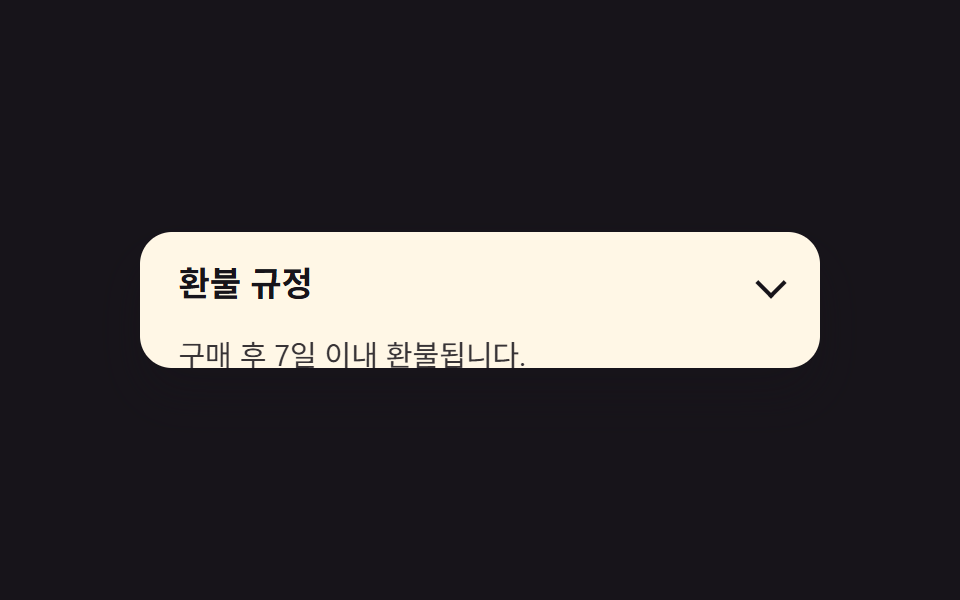
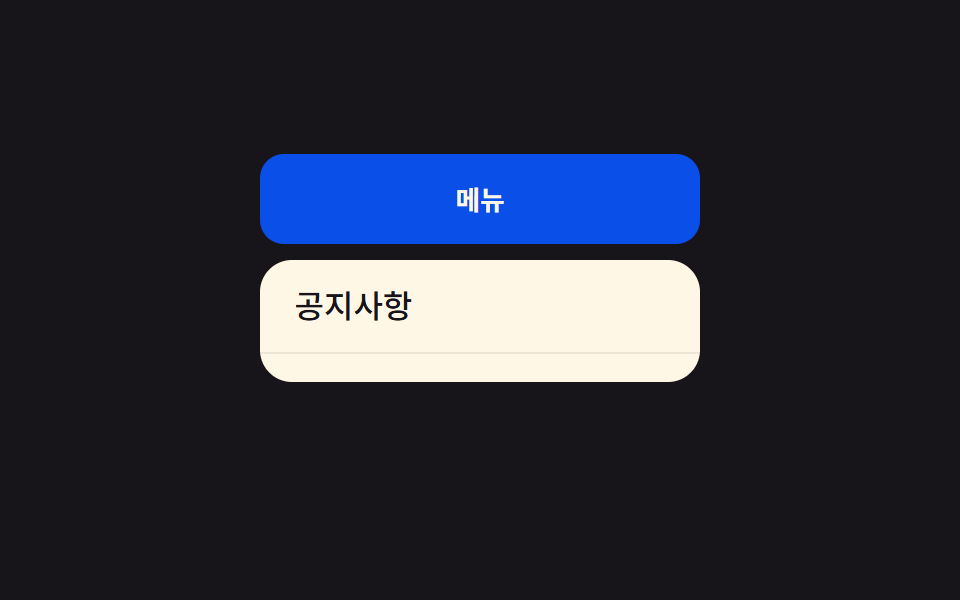
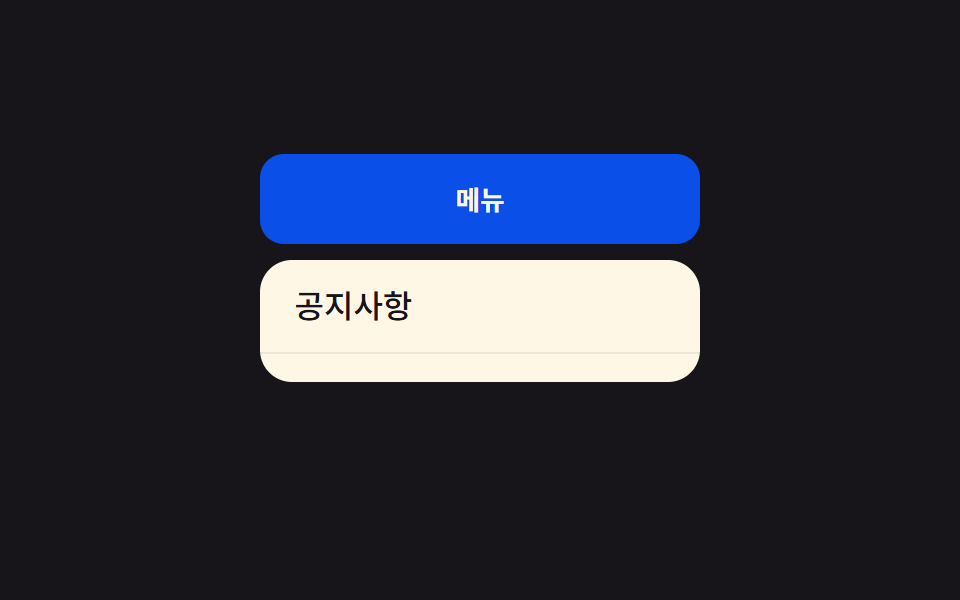
Chiều cao menu được nội suy từ 0 đến chiều cao nội dung thực qua grid-template-rows, khiến việc mở rộng height:auto trông mượt như có animation.
Dùng choDropdown menu điều hướng, menu kiêm luôn accordion lọc
grid-template-rows0fr→1froverflow:hidden
<main class="stage">
  <nav class="menu is-demo">
    <button class="menu__trigger" type="button" aria-expanded="false">Menu</button>
    <div class="menu__panel">
      <ul class="menu__list">
        <li><a href="#">Bảng tin</a></li>
        <li><a href="#">Câu hỏi thường gặp</a></li>
        <li><a href="#">Hỗ trợ</a></li>
      </ul>
    </div>
  </nav>
</main>
@use "../../../../site/static/demo-tokens" as *;
$duration: $dur-base; // 패널이 늘어나는 시간
$easing: $ease-out; // 시작 빠르고 끝은 부드럽게
$color: $subject-blue-deep; // 트리거 버튼 색 (크림 글자가 얹히므로 진한 파랑)
@include stage($stage-ink);
.menu {
position: relative;
width: min(220px, 90vw);
font-weight: 500;
font-size: clamp(13px, 3.6vw, 16px);
line-height: 1.4;
font-family: inherit;
&__trigger {
width: 100%;
border: 0;
border-radius: $r-control;
padding: clamp(9px, 3vw, 13px) clamp(16px, 4vw, 22px);
font-weight: 700;
font-family: inherit;
color: $subject-cream;
background: $color;
cursor: pointer;
}
&__panel {
display: grid;
grid-template-rows: 0fr; // height:auto 를 흉내내는 트릭. 0fr↔1fr 만 움직인다
transition: grid-template-rows $duration $easing;
margin-top: 8px;
}
&__list {
overflow: hidden; // grid-template-rows 트릭엔 자식에 overflow:hidden 이 필수
min-height: 0;
margin: 0;
padding: 0;
list-style: none;
background: $subject-cream;
border-radius: $r-card;
}
&__list li a {
display: block;
padding: clamp(8px, 2.6vw, 12px) clamp(12px, 3.6vw, 18px);
color: $stage-ink;
text-decoration: none;
border-bottom: 1px solid rgba($stage-ink, .08);
}
&__list li:last-child a { border-bottom: 0; }
&.is-demo &__panel { animation: reveal-loop $dur-loop $easing infinite; }
&.is-open &__panel { animation: none; grid-template-rows: 1fr; }
}
@keyframes reveal-loop {
0%, 30% { grid-template-rows: 0fr; }
45%, 80% { grid-template-rows: 1fr; }
95%, 100% { grid-template-rows: 0fr; }
}
@media (prefers-reduced-motion: reduce) {
.menu__panel { transition: none; }
.menu.is-demo .menu__panel { animation: none; grid-template-rows: 0fr; }
}html, body {
margin: 0;
overflow: hidden;
}
.stage {
box-sizing: border-box;
min-height: 100vh;
display: grid;
place-items: center;
margin: 0;
background: #17141a;
font-family: -apple-system, "Segoe UI", "Noto Sans KR", sans-serif;
padding: clamp(8px, 4vw, 24px);
}
.menu {
position: relative;
width: min(220px, 90vw);
font-weight: 500;
font-size: clamp(13px, 3.6vw, 16px);
line-height: 1.4;
font-family: inherit;
}
.menu__trigger {
width: 100%;
border: 0;
border-radius: 12px;
padding: clamp(9px, 3vw, 13px) clamp(16px, 4vw, 22px);
font-weight: 700;
font-family: inherit;
color: #fff7e6;
background: #0a4fe8;
cursor: pointer;
}
.menu__panel {
display: grid;
grid-template-rows: 0fr;
transition: grid-template-rows 300ms ease-out;
margin-top: 8px;
}
.menu__list {
overflow: hidden;
min-height: 0;
margin: 0;
padding: 0;
list-style: none;
background: #fff7e6;
border-radius: 16px;
}
.menu__list li a {
display: block;
padding: clamp(8px, 2.6vw, 12px) clamp(12px, 3.6vw, 18px);
color: #17141a;
text-decoration: none;
border-bottom: 1px solid rgba(23, 20, 26, 0.08);
}
.menu__list li:last-child a {
border-bottom: 0;
}
.menu.is-demo .menu__panel {
animation: reveal-loop 2s ease-out infinite;
}
.menu.is-open .menu__panel {
animation: none;
grid-template-rows: 1fr;
}
@keyframes reveal-loop {
0%, 30% {
grid-template-rows: 0fr;
}
45%, 80% {
grid-template-rows: 1fr;
}
95%, 100% {
grid-template-rows: 0fr;
}
}
@media (prefers-reduced-motion: reduce) {
.menu__panel {
transition: none;
}
.menu.is-demo .menu__panel {
animation: none;
grid-template-rows: 0fr;
}
}// 실제 클릭으로도 열고 닫힌다. 데모(.is-demo)는 스스로 반복하다가 사람이 누르면 멈추고 수동 토글로 바뀐다.
var m = document.querySelector('.menu');
var t = m.querySelector('.menu__trigger');
t.addEventListener('click', function () {
m.classList.remove('is-demo');
var open = m.classList.toggle('is-open');
t.setAttribute('aria-expanded', open);
});import { useState } from "react";
import type { CSSProperties } from "react";
import styles from "./HeightAutoDropdown.module.scss";
export type HeightAutoDropdownProps = {
triggerLabel: string;
items: string[];
/** 패널이 늘어나는 시간 (기본 300ms) */
duration?: number;
easing?: string;
color?: string;
};
type Vars = CSSProperties & { "--duration"?: string; "--easing"?: string; "--color"?: string };
export default function HeightAutoDropdown({
triggerLabel,
items,
duration = 300,
easing = "ease-out",
color = "#0a4fe8",
}: HeightAutoDropdownProps) {
const [open, setOpen] = useState(false);
const vars: Vars = { "--duration": `${duration}ms`, "--easing": easing, "--color": color };
return (
<nav className={styles.menu} style={vars}>
<button
type="button"
className={styles.trigger}
aria-expanded={open}
onClick={() => setOpen((v) => !v)}
>
{triggerLabel}
</button>
<div className={open ? `${styles.panel} ${styles.panelOpen}` : styles.panel}>
<ul className={styles.list}>
{items.map((label) => (
<li key={label}><a href="#">{label}</a></li>
))}
</ul>
</div>
</nav>
);
}01 Chuyển đổi height:auto — Diện tích đo được 29.538% · khung hình chuyển động 8/23Nguyên tác GODRICH · SCSS và React nằm trong tệp zip · 9 css dropdown menu animation — không JS, chỉ CSS
Bài viết chứa demo này
 9 css dropdown menu animation — không JS, chỉ CSSMột css dropdown menu animation là chuyển động khi menu điều hướng ẩn hiện, dựng bằng transition hoặc keyframes thuần CS Xem tất cả demo trong bài này