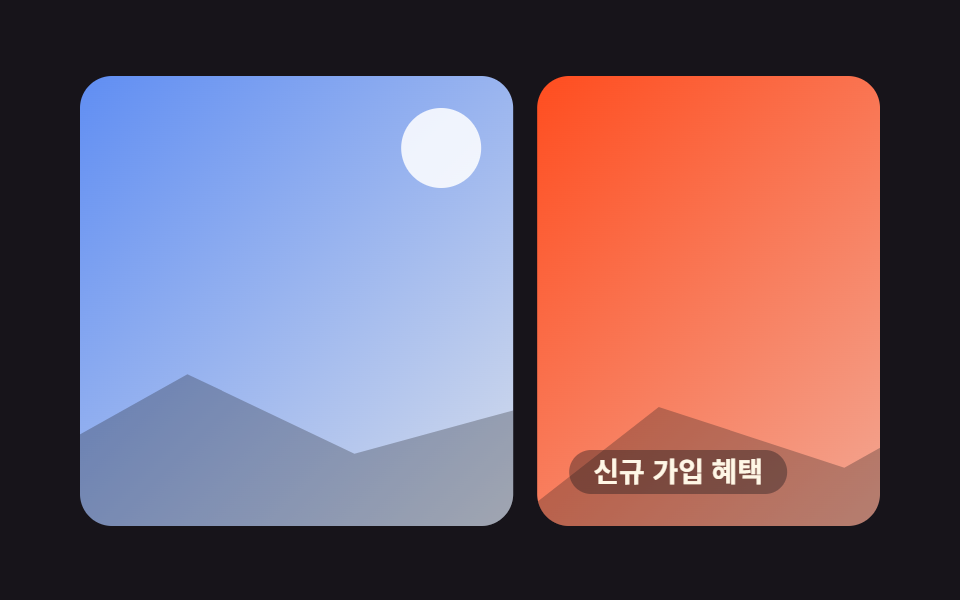
03Dừng khi hover
Khi con trỏ đặt lên banner, animation-play-state chuyển sang paused ngay lập tức và giữ nguyên khung hình đang chạy, không giật về đầu vòng lặp.
Dùng choBanner thông báo có chữ cần đọc, marquee mang nội dung quan trọng
animation-play-statepausedhover

<main class="stage">
  <div class="marquee is-demo" tabindex="0">
    <div class="marquee__track">
      <span class="marquee__chip">Đăng ký hôm nay, miễn phí tháng đầu</span>
      <span class="marquee__chip" aria-hidden="true">Đăng ký hôm nay, miễn phí tháng đầu</span>
    </div>
    <span class="marquee__cursor" aria-hidden="true"></span>
  </div>
</main>
@use "../../../../site/static/demo-tokens" as *;
$duration: 10s; // 실서비스 속도 — 데모는 아래 .is-demo 가 별도로 2s 루프에 맞춘다
$easing: linear;
$color: $subject-cream;
@include stage($stage-orange);
.marquee {
position: relative;
width: min(300px, 82vw);
overflow: hidden;
border-radius: $r-card;
padding: 16px 0;
background: rgba($color, .12);
outline: none;
}
.marquee__track {
display: flex;
width: max-content;
animation: marquee-scroll $duration $easing infinite;
}
.marquee__chip {
margin-right: 40px; // 트랙의 gap 대신 — 세트 폭이 정확히 절반이 되어 -50% 이음새가 0px 이 된다
flex-shrink: 0;
white-space: nowrap;
font-weight: 700; font-size: clamp(13px, 3.6vw, 15px); line-height: 1; font-family: inherit;
color: $subject-ink; // 주황 면 위 글자 — AA 4.5 (blog-design 글자 대비)
}
.marquee__cursor {
position: absolute;
top: 8px;
right: 22px;
width: 16px;
height: 16px;
border-radius: 50%;
background: $subject-blue;
box-shadow: 0 0 0 3px rgba($subject-blue, .28);
opacity: 0;
}
// 실제 사용자는 마우스를 올리면 여기서 멈춘다 — 읽던 문구가 그대로 남는다
.marquee:hover .marquee__track,
.marquee:focus-within .marquee__track,
.marquee:active .marquee__track {
animation-play-state: paused;
}
// 데모 · 문서용: 진짜 hover 는 렌더에서 못 일으키니, 흐르다 멈췄다 다시 흐르는 한 사이클을
// 트랙 자신의 keyframes 안에 구간(plateau)으로 넣어 2초마다 반복시킨다. 커서 점은 그 구간에서만 보인다
.marquee.is-demo .marquee__track {
animation: marquee-hover-cycle $dur-loop $easing infinite;
}
.marquee.is-demo .marquee__cursor {
animation: cursor-hover $dur-loop $easing infinite;
}
@keyframes marquee-hover-cycle {
0% { transform: translateX(0); }
38% { transform: translateX(-32%); }
62% { transform: translateX(-32%); } // 정지 구간 — 실제 hover 로 멈춘 순간을 흉내
100% { transform: translateX(-50%); }
}
@keyframes cursor-hover {
0%, 30% { opacity: 0; transform: translateY(6px) scale(.6); }
38%, 62% { opacity: 1; transform: translateY(0) scale(1); }
70%, 100% { opacity: 0; transform: translateY(6px) scale(.6); }
}
@media (prefers-reduced-motion: reduce) {
.marquee__track { animation: none; transform: translateX(0); }
.marquee__cursor { animation: none; opacity: 0; }
}html, body {
margin: 0;
overflow: hidden;
}
.stage {
box-sizing: border-box;
min-height: 100vh;
display: grid;
place-items: center;
margin: 0;
background: #ff4d1f;
font-family: -apple-system, "Segoe UI", "Noto Sans KR", sans-serif;
padding: clamp(8px, 4vw, 24px);
}
.marquee {
position: relative;
width: min(300px, 82vw);
overflow: hidden;
border-radius: 16px;
padding: 16px 0;
background: rgba(255, 247, 230, 0.12);
outline: none;
}
.marquee__track {
display: flex;
width: max-content;
animation: marquee-scroll 10s linear infinite;
}
.marquee__chip {
margin-right: 40px;
flex-shrink: 0;
white-space: nowrap;
font-weight: 700;
font-size: clamp(13px, 3.6vw, 15px);
line-height: 1;
font-family: inherit;
color: #17141a;
}
.marquee__cursor {
position: absolute;
top: 8px;
right: 22px;
width: 16px;
height: 16px;
border-radius: 50%;
background: #2f6df6;
box-shadow: 0 0 0 3px rgba(47, 109, 246, 0.28);
opacity: 0;
}
.marquee:hover .marquee__track,
.marquee:focus-within .marquee__track,
.marquee:active .marquee__track {
animation-play-state: paused;
}
.marquee.is-demo .marquee__track {
animation: marquee-hover-cycle 2s linear infinite;
}
.marquee.is-demo .marquee__cursor {
animation: cursor-hover 2s linear infinite;
}
@keyframes marquee-hover-cycle {
0% {
transform: translateX(0);
}
38% {
transform: translateX(-32%);
}
62% {
transform: translateX(-32%);
}
100% {
transform: translateX(-50%);
}
}
@keyframes cursor-hover {
0%, 30% {
opacity: 0;
transform: translateY(6px) scale(0.6);
}
38%, 62% {
opacity: 1;
transform: translateY(0) scale(1);
}
70%, 100% {
opacity: 0;
transform: translateY(6px) scale(0.6);
}
}
@media (prefers-reduced-motion: reduce) {
.marquee__track {
animation: none;
transform: translateX(0);
}
.marquee__cursor {
animation: none;
opacity: 0;
}
}import type { CSSProperties } from "react";
import styles from "./PauseHoverMarquee.module.scss";
export type PauseHoverMarqueeProps = {
text?: string;
/** 한 바퀴가 도는 시간 (기본 10000ms) */
duration?: number;
easing?: string;
color?: string;
};
type Vars = CSSProperties & { "--duration"?: string; "--easing"?: string; "--color"?: string };
export default function PauseHoverMarquee({
text = "지금 가입하면 첫 달 무료",
duration = 10000,
easing = "linear",
color = "#fff7e6",
}: PauseHoverMarqueeProps) {
const vars: Vars = { "--duration": `${duration}ms`, "--easing": easing, "--color": color };
return (
<div className={styles.marquee} style={vars} tabIndex={0}>
<div className={styles.track}>
<span className={styles.chip}>{text}</span>
<span className={styles.chip} aria-hidden="true">{text}</span>
</div>
</div>
);
}03 Dừng khi hover — Diện tích đo được 3.244% · khung hình chuyển động 19/23Nguyên tác GODRICH · SCSS và React nằm trong tệp zip · 9 CSS Marquee Infinite Loop — chỉ CSS, không JS
Bài viết chứa demo này
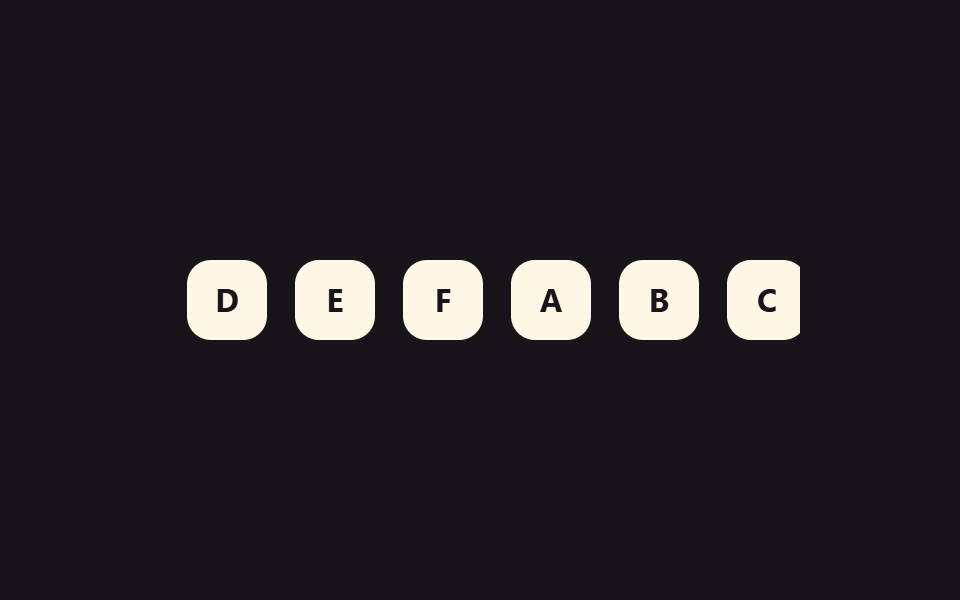 9 CSS Marquee Infinite Loop — chỉ CSS, không JSCSS marquee infinite loop là kỹ thuật giúp một dải nội dung trôi liên tục, không lộ đường nối, dựng hoàn toàn bằng CSS v Xem tất cả demo trong bài này