09Huy hiệu thông báo
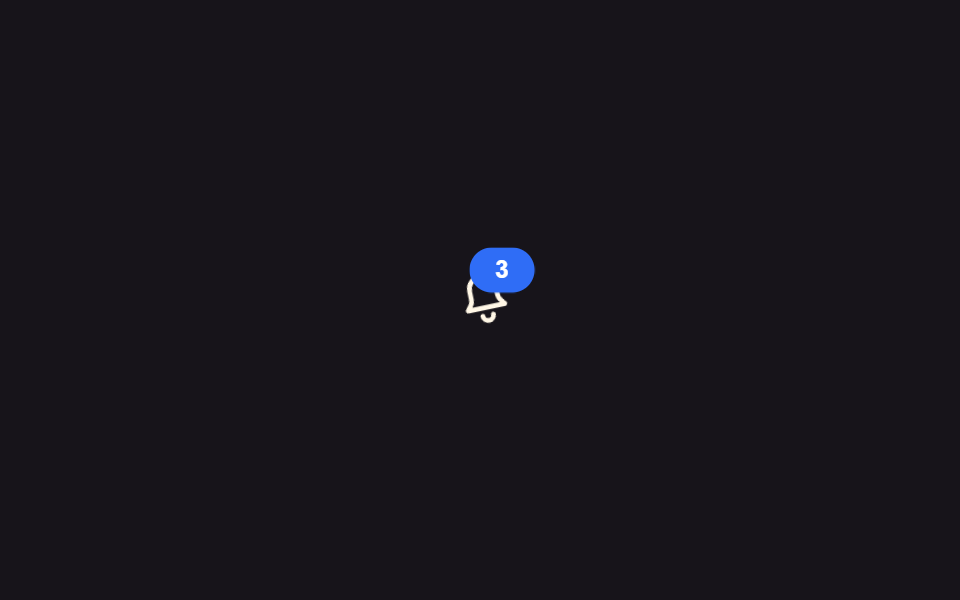
Icon chuông lắc nhẹ quanh đỉnh của nó đúng lúc badge góc trên phải phồng rồi xẹp lại, tạo một khoảnh khắc rõ ràng báo có thông báo mới.
Dùng choIcon chuông trên header, hiển thị số tin nhắn chưa đọc
transform-box: fill-boxrotatescale
<main class="stage">
  <button class="bell is-demo" type="button" aria-label="3 thông báo">
    <svg viewBox="0 0 24 24" width="32" height="32" aria-hidden="true">
      <g class="bell__body">
        <path d="M12 3a5 5 0 0 0-5 5v3.2c0 .9-.35 1.77-.98 2.4L5 15h14l-1.02-1.4a3.4 3.4 0 0 1-.98-2.4V8a5 5 0 0 0-5-5Z" fill="none" stroke="currentColor" stroke-width="1.8" stroke-linejoin="round"/>
        <path d="M10 18a2 2 0 0 0 4 0" fill="none" stroke="currentColor" stroke-width="1.8" stroke-linecap="round"/>
      </g>
    </svg>
    <span class="badge" aria-hidden="true">3</span>
  </button>
</main>
@use "../../../../site/static/demo-tokens" as *;
// ── 변수 3개 ──────────────────────────────
$duration: $dur-base; // 300ms — 종이 흔들리는 시간
$easing: $ease-out;
$color: $subject-blue; // 배지 색
// ── 데모 무대 ───────────────────────────────
@include stage($stage-ink);
.bell {
position: relative;
display: grid; place-items: center;
width: 56px; height: 56px;
border: 0; border-radius: $r-control;
background: transparent;
color: $subject-cream;
cursor: pointer;
&:hover, &:focus-visible { background: rgba(255, 255, 255, .08); }
}
.bell__body {
transform-box: fill-box;
transform-origin: 50% 0%; // 종의 꼭지점을 축으로 흔든다
}
.badge {
position: absolute; top: $sp-1; right: $sp-1;
display: grid; place-items: center;
min-width: 18px; height: 18px;
padding: 0 $sp-1;
border-radius: $r-pill;
background: $color;
color: #fff;
font-weight: 700;
font-size: 10px;
line-height: 1;
font-family: inherit;
}
// 실측 2026-09-10: 흔들림과 배지 맥동을 같은 구간에 겹쳐 "새 알림이 왔다"는 한 순간을 만든다
.bell.is-demo .bell__body { animation: shake $dur-loop $easing infinite; }
.bell.is-demo .badge { animation: pulse $dur-loop $easing infinite; }
@keyframes shake {
0%, 55%, 100% { transform: rotate(0deg); }
60% { transform: rotate(-14deg); }
65% { transform: rotate(12deg); }
70% { transform: rotate(-8deg); }
75% { transform: rotate(5deg); }
80% { transform: rotate(0deg); }
}
@keyframes pulse {
0%, 55%, 100% { transform: scale(1); }
60% { transform: scale(1.3); }
70% { transform: scale(1); }
}
// ── 접근성: 움직임 줄이기 설정이면 흔들지 않고 배지만 남긴다 ────────
@media (prefers-reduced-motion: reduce) {
.bell.is-demo .bell__body { animation: none; }
.bell.is-demo .badge { animation: none; }
}html, body {
margin: 0;
overflow: hidden;
}
.stage {
box-sizing: border-box;
min-height: 100vh;
display: grid;
place-items: center;
margin: 0;
background: #17141a;
font-family: -apple-system, "Segoe UI", "Noto Sans KR", sans-serif;
padding: clamp(8px, 4vw, 24px);
}
.bell {
position: relative;
display: grid;
place-items: center;
width: 56px;
height: 56px;
border: 0;
border-radius: 12px;
background: transparent;
color: #fff7e6;
cursor: pointer;
}
.bell:hover, .bell:focus-visible {
background: rgba(255, 255, 255, 0.08);
}
.bell__body {
transform-box: fill-box;
transform-origin: 50% 0%;
}
.badge {
position: absolute;
top: 4px;
right: 4px;
display: grid;
place-items: center;
min-width: 18px;
height: 18px;
padding: 0 4px;
border-radius: 999px;
background: #2f6df6;
color: #fff;
font-weight: 700;
font-size: 10px;
line-height: 1;
font-family: inherit;
}
.bell.is-demo .bell__body {
animation: shake 2s ease-out infinite;
}
.bell.is-demo .badge {
animation: pulse 2s ease-out infinite;
}
@keyframes shake {
0%, 55%, 100% {
transform: rotate(0deg);
}
60% {
transform: rotate(-14deg);
}
65% {
transform: rotate(12deg);
}
70% {
transform: rotate(-8deg);
}
75% {
transform: rotate(5deg);
}
80% {
transform: rotate(0deg);
}
}
@keyframes pulse {
0%, 55%, 100% {
transform: scale(1);
}
60% {
transform: scale(1.3);
}
70% {
transform: scale(1);
}
}
@media (prefers-reduced-motion: reduce) {
.bell.is-demo .bell__body {
animation: none;
}
.bell.is-demo .badge {
animation: none;
}
}import type { CSSProperties } from "react";
import styles from "./BellBadge.module.scss";
export type BellBadgeProps = {
count: number;
onClick?: () => void;
color?: string;
};
type Vars = CSSProperties & { "--color"?: string };
export default function BellBadge({ count, onClick, color = "#2f6df6" }: BellBadgeProps) {
const vars: Vars = { "--color": color };
return (
<button className={styles.bell} style={vars} type="button" aria-label={`알림 ${count}개`} onClick={onClick}>
<svg viewBox="0 0 24 24" width={32} height={32} aria-hidden="true">
<g className={styles.body}>
<path
d="M12 3a5 5 0 0 0-5 5v3.2c0 .9-.35 1.77-.98 2.4L5 15h14l-1.02-1.4a3.4 3.4 0 0 1-.98-2.4V8a5 5 0 0 0-5-5Z"
fill="none"
stroke="currentColor"
strokeWidth={1.8}
strokeLinejoin="round"
/>
<path d="M10 18a2 2 0 0 0 4 0" fill="none" stroke="currentColor" strokeWidth={1.8} strokeLinecap="round" />
</g>
</svg>
{count > 0 && (
<span className={styles.badge} aria-hidden="true">
{count}
</span>
)}
</button>
);
}09 Huy hiệu thông báo — Diện tích đo được 0.469% · khung hình chuyển động 8/23Nguyên tác GODRICH · SCSS và React nằm trong tệp zip · 9 CSS Toast Notification — không cần JS
Bài viết chứa demo này
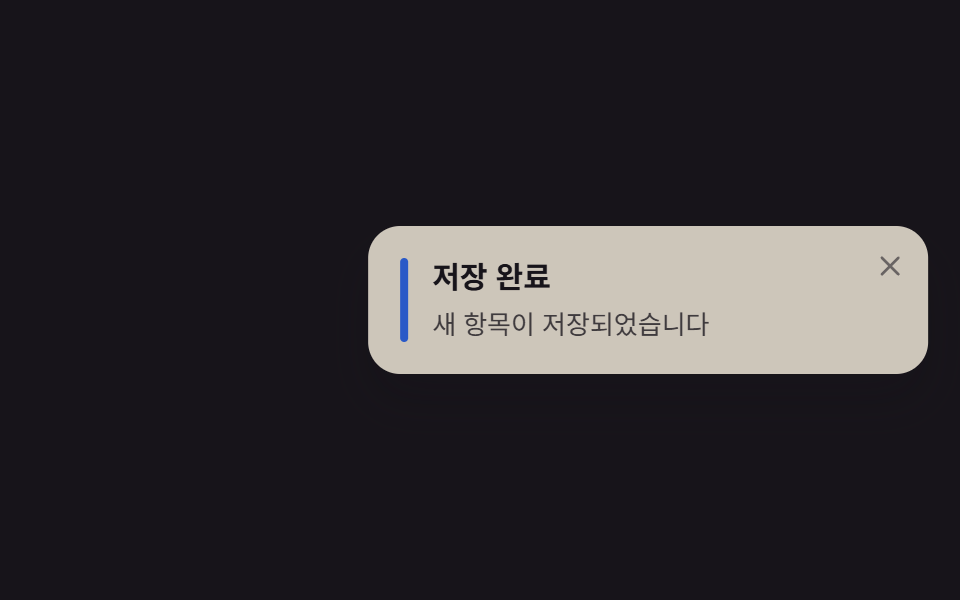 9 CSS Toast Notification — không cần JSCSS toast notification là thẻ thông báo nhỏ tự nổi lên một góc màn hình rồi tự đóng, dựng bằng CSS thuần, không cần JS. Xem tất cả demo trong bài này