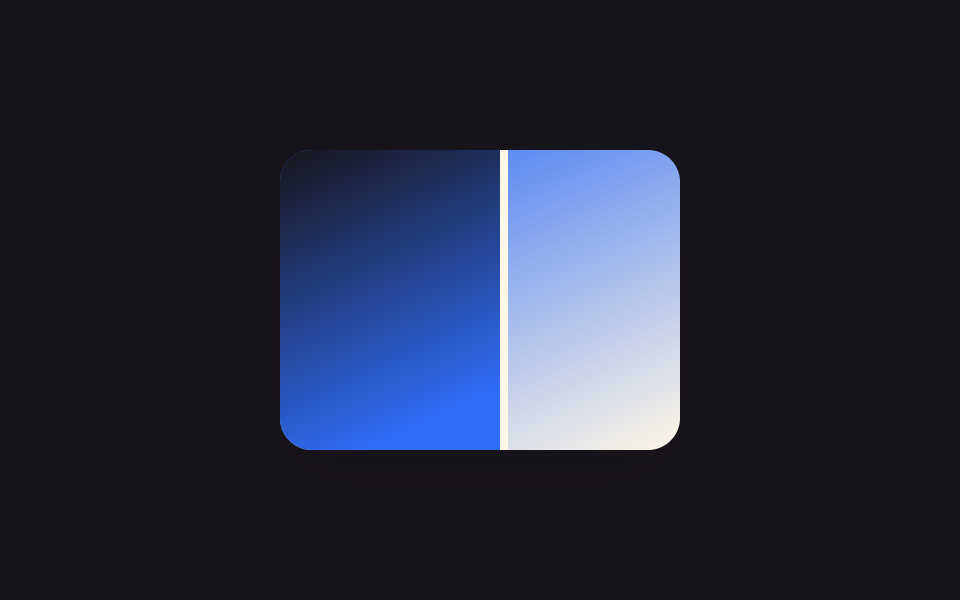
08Zoom-synced comparison slider
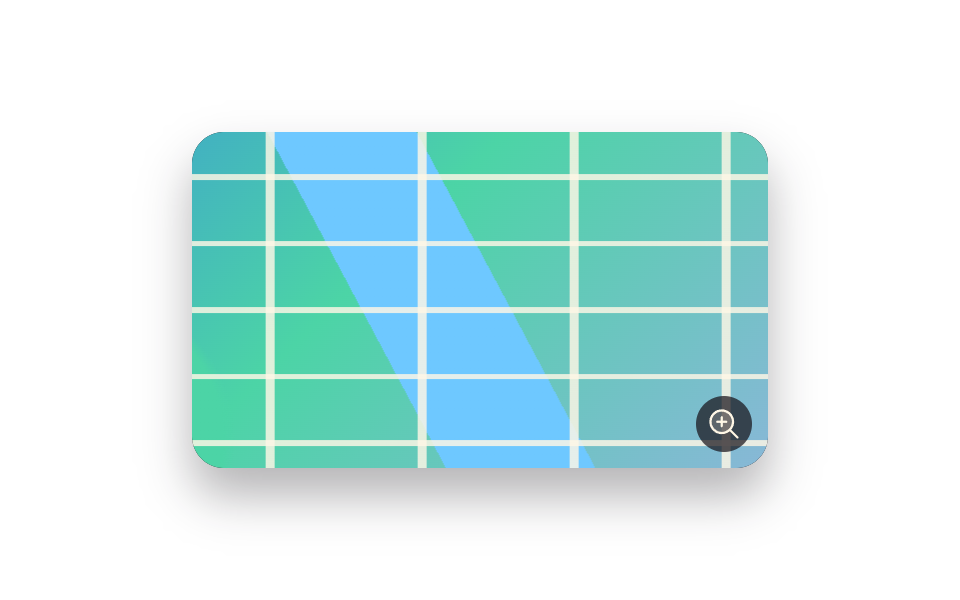
Scrolling the wheel over the slider zooms both the before and after photo together at the same scale and center point, so comparing fine detail never drifts out of sync.
Best forA before/after where fine detail like pores or a hairline needs a closer look, a fabric or material close-up comparison
transform:scale() 동기화wheel 줌transform-origin 고정
<main class="stage">
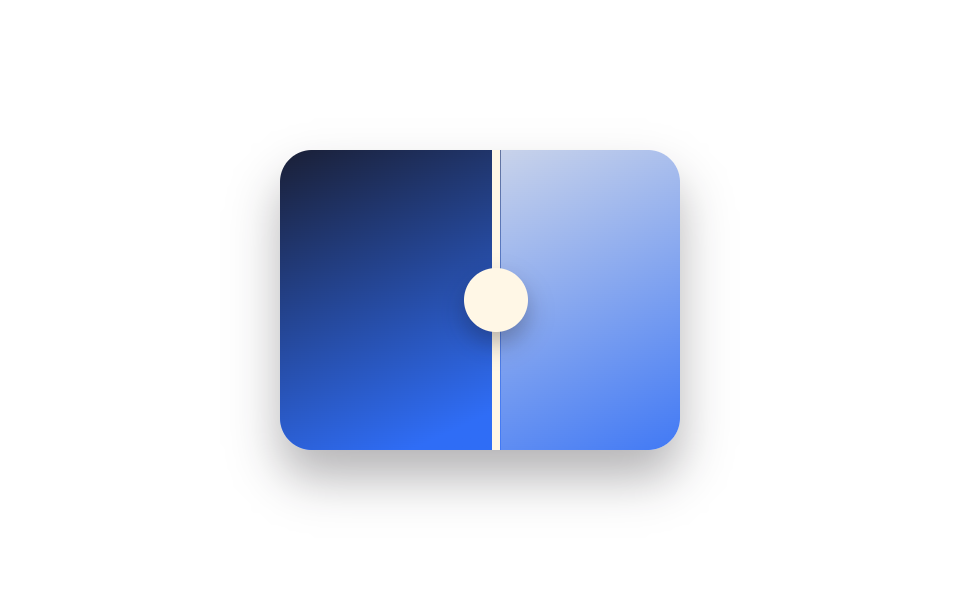
  <div class="ba is-demo" id="ba">
    <div class="ba__frame">
      <div class="ba__after"></div>
      <div class="ba__before"></div>
    </div>
    <div class="ba__handle"><span class="ba__grip"></span></div>
  </div>
</main>
@use "../../../../site/static/demo-tokens" as *;
$duration: $dur-loop;
$easing: $ease-spring;
$color: $subject-blue;
@property --reveal {
syntax: "<percentage>";
inherits: true;
initial-value: 50%;
}
@property --zoom {
syntax: "<number>";
inherits: true;
initial-value: 1;
}
@include stage($stage-paper);
.ba {
position: relative;
width: 200px;
max-width: 100%;
aspect-ratio: 4 / 3;
border-radius: $r-card;
overflow: hidden;
box-shadow: $shadow-raised;
touch-action: none;
cursor: ew-resize;
--reveal: 50%;
--zoom: 1;
}
.ba__frame {
position: absolute;
inset: 0;
overflow: hidden;
}
.ba__after,
.ba__before {
position: absolute;
inset: 0;
transform: scale(var(--zoom));
transform-origin: center;
}
.ba__after { background: linear-gradient(155deg, $subject-cream 0%, $color 100%); }
.ba__before {
background: linear-gradient(155deg, $subject-ink 0%, $color 70%);
clip-path: inset(0 calc(100% - var(--reveal)) 0 0);
}
.ba__handle {
position: absolute;
top: 0;
bottom: 0;
left: var(--reveal);
width: $sp-1;
transform: translateX(-50%);
background: $subject-cream;
}
.ba__grip {
position: absolute;
top: 50%;
left: 50%;
width: $sp-8;
height: $sp-8;
border-radius: $r-pill;
background: $subject-cream;
transform: translate(-50%, -50%);
box-shadow: $shadow-press;
}
.ba.is-demo { animation: reveal-loop $dur-loop $easing infinite; }
@keyframes reveal-loop {
0%, 8% { --reveal: 30%; --zoom: 1; }
50% { --reveal: 70%; --zoom: 1.35; }
92%, 100% { --reveal: 30%; --zoom: 1; }
}
@media (prefers-reduced-motion: reduce) {
.ba.is-demo { animation: none; --reveal: 50%; --zoom: 1; }
}@property --reveal {
syntax: "<percentage>";
inherits: true;
initial-value: 50%;
}
@property --zoom {
syntax: "<number>";
inherits: true;
initial-value: 1;
}
html, body {
margin: 0;
overflow: hidden;
}
.stage {
box-sizing: border-box;
min-height: 100vh;
display: grid;
place-items: center;
margin: 0;
background: #ffffff;
font-family: -apple-system, "Segoe UI", "Noto Sans KR", sans-serif;
padding: clamp(8px, 4vw, 24px);
}
.ba {
position: relative;
width: 200px;
max-width: 100%;
aspect-ratio: 4/3;
border-radius: 16px;
overflow: hidden;
box-shadow: 0 14px 24px rgba(23, 20, 26, 0.32);
touch-action: none;
cursor: ew-resize;
--reveal: 50%;
--zoom: 1;
}
.ba__frame {
position: absolute;
inset: 0;
overflow: hidden;
}
.ba__after,
.ba__before {
position: absolute;
inset: 0;
transform: scale(var(--zoom));
transform-origin: center;
}
.ba__after {
background: linear-gradient(155deg, #fff7e6 0%, #2f6df6 100%);
}
.ba__before {
background: linear-gradient(155deg, #17141a 0%, #2f6df6 70%);
clip-path: inset(0 calc(100% - var(--reveal)) 0 0);
}
.ba__handle {
position: absolute;
top: 0;
bottom: 0;
left: var(--reveal);
width: 4px;
transform: translateX(-50%);
background: #fff7e6;
}
.ba__grip {
position: absolute;
top: 50%;
left: 50%;
width: 32px;
height: 32px;
border-radius: 999px;
background: #fff7e6;
transform: translate(-50%, -50%);
box-shadow: 0 6px 12px rgba(23, 20, 26, 0.32);
}
.ba.is-demo {
animation: reveal-loop 2s cubic-bezier(0.2, 0.8, 0.2, 1) infinite;
}
@keyframes reveal-loop {
0%, 8% {
--reveal: 30%;
--zoom: 1;
}
50% {
--reveal: 70%;
--zoom: 1.35;
}
92%, 100% {
--reveal: 30%;
--zoom: 1;
}
}
@media (prefers-reduced-motion: reduce) {
.ba.is-demo {
animation: none;
--reveal: 50%;
--zoom: 1;
}
}(function () {
var el = document.getElementById("ba");
var dragging = false;
function setReveal(pct) {
pct = Math.max(0, Math.min(100, pct));
el.style.setProperty("--reveal", pct + "%");
}
function setZoom(z) {
z = Math.max(1, Math.min(2.2, z));
el.style.setProperty("--zoom", z.toFixed(2));
}
function fromX(x) {
var r = el.getBoundingClientRect();
return ((x - r.left) / r.width) * 100;
}
el.addEventListener("pointerdown", function (e) {
el.classList.remove("is-demo");
dragging = true;
el.setPointerCapture(e.pointerId);
setReveal(fromX(e.clientX));
});
el.addEventListener("pointermove", function (e) { if (dragging) setReveal(fromX(e.clientX)); });
el.addEventListener("pointerup", function () { dragging = false; });
el.addEventListener("wheel", function (e) {
el.classList.remove("is-demo");
e.preventDefault();
var cur = parseFloat(getComputedStyle(el).getPropertyValue("--zoom")) || 1;
setZoom(cur + (e.deltaY < 0 ? 0.15 : -0.15));
}, { passive: false });
})();import { useRef, useState, useCallback } from "react";
import type { CSSProperties, PointerEvent } from "react";
import styles from "./BeforeAfterZoomSync.module.scss";
export type BeforeAfterZoomSyncProps = {
duration?: string;
easing?: string;
color?: string;
};
type Vars = CSSProperties & { "--reveal"?: string; "--zoom"?: string };
type WheelEv = { deltaY: number; preventDefault: () => void; [k: string]: any };
/** 휠을 굴리면 전·후 두 장이 같은 배율·중심점으로 함께 확대돼 세부 비교가 어긋나지 않는다. */
export default function BeforeAfterZoomSync({
duration = "2s",
easing = "cubic-bezier(.2,.8,.2,1)",
color = "#2f6df6",
}: BeforeAfterZoomSyncProps) {
const ref = useRef<HTMLDivElement | null>(null);
const [reveal, setReveal] = useState(50);
const [zoom, setZoom] = useState(1);
const [demo, setDemo] = useState(true);
const dragging = useRef(false);
const setFromX = useCallback((x: number) => {
const el = ref.current;
if (!el) return;
const r = el.getBoundingClientRect();
setReveal(Math.max(0, Math.min(100, ((x - r.left) / r.width) * 100)));
}, []);
const onDown = useCallback((e: PointerEvent<HTMLDivElement>) => {
setDemo(false);
dragging.current = true;
(e.currentTarget as HTMLDivElement).setPointerCapture(e.pointerId);
setFromX(e.clientX);
}, [setFromX]);
const onMove = useCallback((e: PointerEvent<HTMLDivElement>) => { if (dragging.current) setFromX(e.clientX); }, [setFromX]);
const onUp = useCallback(() => { dragging.current = false; }, []);
const onWheel = useCallback((e: WheelEv) => {
setDemo(false);
e.preventDefault();
setZoom((z) => Math.max(1, Math.min(2.2, z + (e.deltaY < 0 ? 0.15 : -0.15))));
}, []);
const vars: Vars = {
"--reveal": `${reveal}%`,
"--zoom": zoom.toFixed(2),
["--duration" as string]: duration,
["--easing" as string]: easing,
["--color" as string]: color,
};
return (
<div
ref={ref}
className={demo ? `${styles.ba} ${styles.isDemo}` : styles.ba}
style={vars}
onPointerDown={onDown}
onPointerMove={onMove}
onPointerUp={onUp}
onWheel={onWheel}
>
<div className={styles.frame}>
<div className={styles.after} />
<div className={styles.before} />
</div>
<div className={styles.handle}>
<span className={styles.grip} />
</div>
</div>
);
}08 Zoom-synced comparison slider — Measured area 15.303% · moving frames 19/23Original by GODRICH · SCSS and React ship in the zip · 9 Before After Slider UIs — Drag to Compare
The post this demo lives in
 9 Before After Slider UIs — Drag to CompareA before after slider stacks two photos and splits them at a line you can move, so before and after show side by side. T See all demos in this post