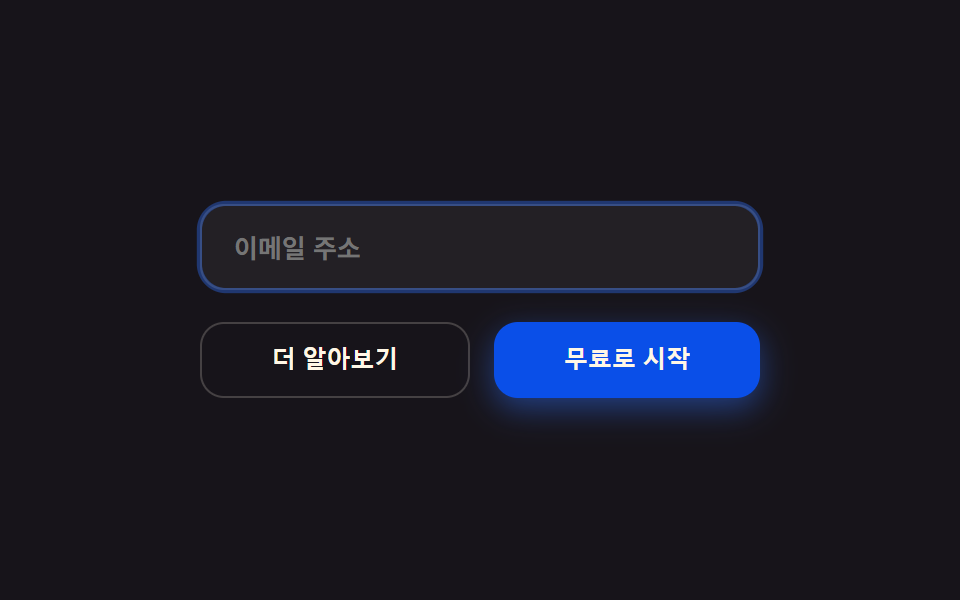
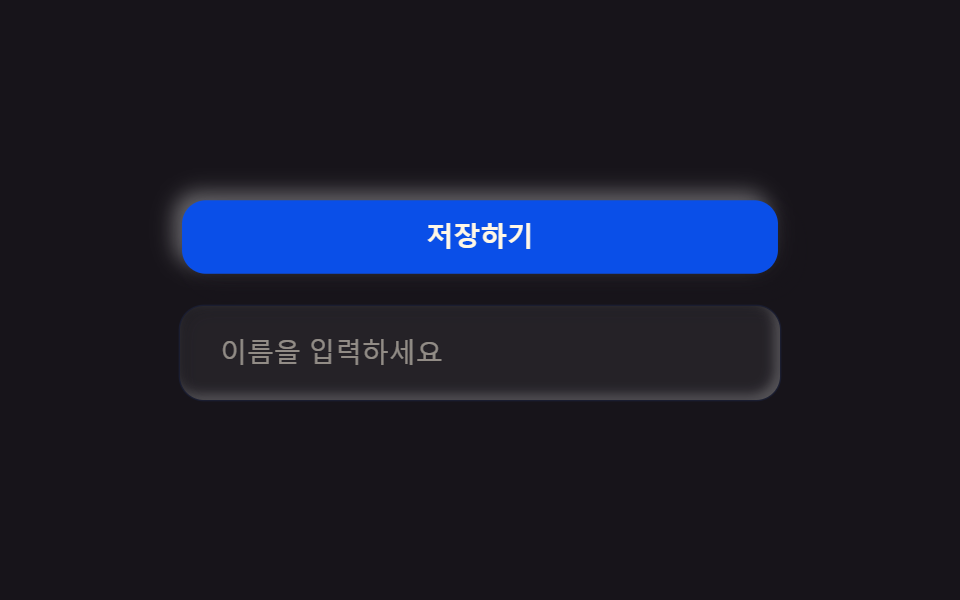
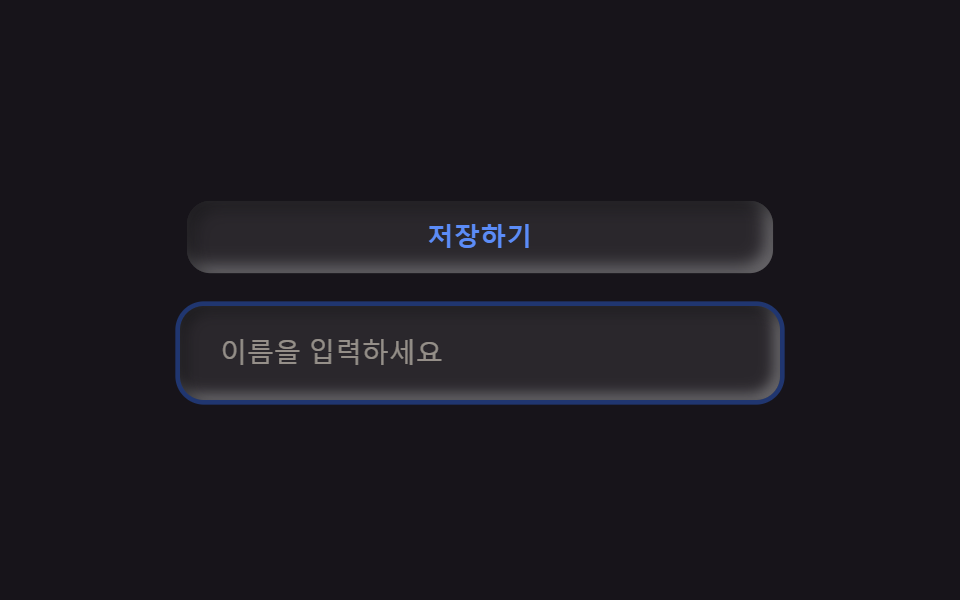
09Radius-12 pill buttons
Buttons and inputs share the same corner radius as the tiles so the whole screen reads as one system.
Best forForm submit buttons, search and email inputs
radius 12포커스 링 2px높이 44px
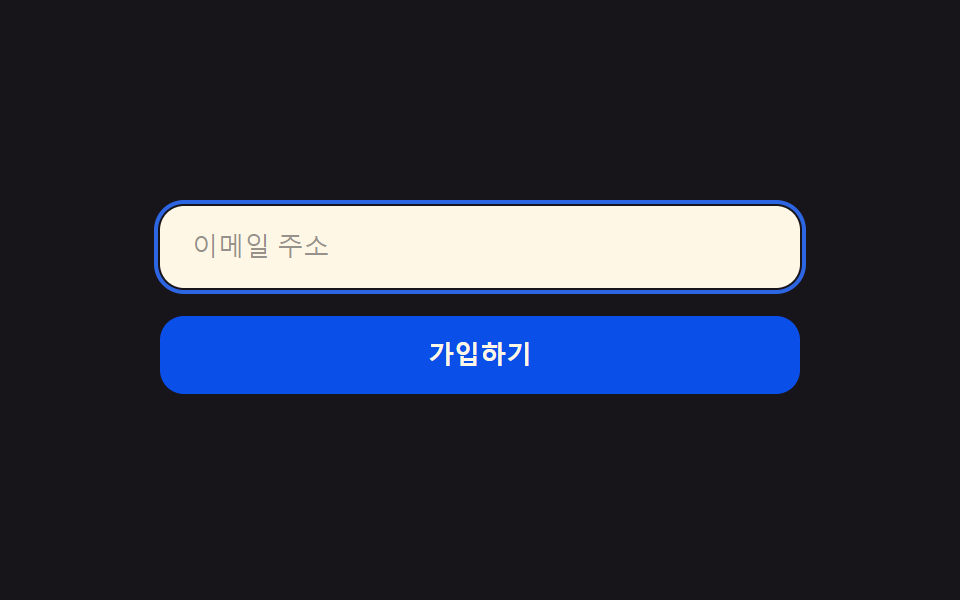
<main class="stage">
  <form class="form">
    <label class="form__field is-demo">
      <span class="form__ring" aria-hidden="true"></span>
      <input class="form__input" type="email" placeholder="Email address" readonly>
    </label>
    <button class="form__btn is-demo" type="button">Sign up</button>
  </form>
</main>
@use "../../../../site/static/demo-tokens" as *;
$duration: $dur-loop; // 포커스 링과 버튼이 도는 한 주기
$easing: $ease-spring; // 눌리는 곡선
$color: $subject-blue; // 포커스 색
@include stage($stage-ink);
.form {
width: clamp(220px, 76vw, 320px);
display: flex;
flex-direction: column;
gap: clamp(10px, 3vw, 14px);
}
.form__field {
position: relative;
display: block;
border-radius: $r-control;
background: $subject-cream;
}
.form__ring {
position: absolute;
inset: -3px;
border-radius: calc(#{$r-control} + 3px);
border: 2px solid $color;
opacity: 0;
animation: ringPulse $duration $easing infinite;
}
.form__input {
width: 100%;
box-sizing: border-box;
border: 0;
border-radius: $r-control;
background: transparent;
padding: clamp(11px, 3vw, 13px) clamp(14px, 3.6vw, 16px);
color: $subject-ink;
font-weight: 500; font-size: clamp(11px, 2.8vw, 13px); line-height: 1;
}
.form__input::placeholder { color: rgba($subject-ink, .45); }
.form__btn {
border: 0;
border-radius: $r-control;
background: $subject-blue-deep;
color: $subject-cream;
padding: clamp(11px, 3vw, 13px);
font-weight: 700; font-size: clamp(11px, 2.8vw, 13px); line-height: 1;
animation: btnPress $duration $easing infinite;
}
// 데모: 입력창에 포커스 링이 떴다 사라지고, 이어서 버튼이 한 번 눌린다
@keyframes ringPulse {
0%, 20% { opacity: 0; }
32%, 55% { opacity: 1; }
68%, 100% { opacity: 0; }
}
@keyframes btnPress {
0%, 68% { transform: scale(1); }
78% { transform: scale(.96); }
88%, 100% { transform: scale(1); }
}
@media (prefers-reduced-motion: reduce) {
.form__ring,
.form__btn {
animation: none !important;
transform: none;
}
.form__ring { opacity: 0; }
}html, body {
margin: 0;
overflow: hidden;
}
.stage {
box-sizing: border-box;
min-height: 100vh;
display: grid;
place-items: center;
margin: 0;
background: #17141a;
font-family: -apple-system, "Segoe UI", "Noto Sans KR", sans-serif;
padding: clamp(8px, 4vw, 24px);
}
.form {
width: clamp(220px, 76vw, 320px);
display: flex;
flex-direction: column;
gap: clamp(10px, 3vw, 14px);
}
.form__field {
position: relative;
display: block;
border-radius: 12px;
background: #fff7e6;
}
.form__ring {
position: absolute;
inset: -3px;
border-radius: calc(12px + 3px);
border: 2px solid #2f6df6;
opacity: 0;
animation: ringPulse 2s cubic-bezier(0.2, 0.8, 0.2, 1) infinite;
}
.form__input {
width: 100%;
box-sizing: border-box;
border: 0;
border-radius: 12px;
background: transparent;
padding: clamp(11px, 3vw, 13px) clamp(14px, 3.6vw, 16px);
color: #17141a;
font-weight: 500;
font-size: clamp(11px, 2.8vw, 13px);
line-height: 1;
}
.form__input::placeholder {
color: rgba(23, 20, 26, 0.45);
}
.form__btn {
border: 0;
border-radius: 12px;
background: #0a4fe8;
color: #fff7e6;
padding: clamp(11px, 3vw, 13px);
font-weight: 700;
font-size: clamp(11px, 2.8vw, 13px);
line-height: 1;
animation: btnPress 2s cubic-bezier(0.2, 0.8, 0.2, 1) infinite;
}
@keyframes ringPulse {
0%, 20% {
opacity: 0;
}
32%, 55% {
opacity: 1;
}
68%, 100% {
opacity: 0;
}
}
@keyframes btnPress {
0%, 68% {
transform: scale(1);
}
78% {
transform: scale(0.96);
}
88%, 100% {
transform: scale(1);
}
}
@media (prefers-reduced-motion: reduce) {
.form__ring,
.form__btn {
animation: none !important;
transform: none;
}
.form__ring {
opacity: 0;
}
}import type { CSSProperties } from "react";
import styles from "./BentoButtonsInputs.module.scss";
export type BentoButtonsInputsProps = {
placeholder?: string;
cta?: string;
duration?: number;
easing?: string;
color?: string;
};
type Vars = CSSProperties & { "--duration"?: string; "--easing"?: string; "--color"?: string };
export default function BentoButtonsInputs({
placeholder = "Email address",
cta = "Sign up",
duration = 2000,
easing = "cubic-bezier(.2,.8,.2,1)",
color = "#2f6df6",
}: BentoButtonsInputsProps) {
const vars: Vars = { "--duration": `${duration}ms`, "--easing": easing, "--color": color };
return (
<form className={styles.form} style={vars}>
<label className={styles.field}>
<span className={styles.ring} aria-hidden="true" />
<input className={styles.input} type="email" placeholder={placeholder} readOnly />
</label>
<button type="button" className={styles.btn}>{cta}</button>
</form>
);
}09 Radius-12 pill buttons — Measured area 2.1% · moving frames 10/23Original by GODRICH · SCSS and React ship in the zip · Bento Grid Design: 9 Ready-to-Copy Sections
The post this demo lives in
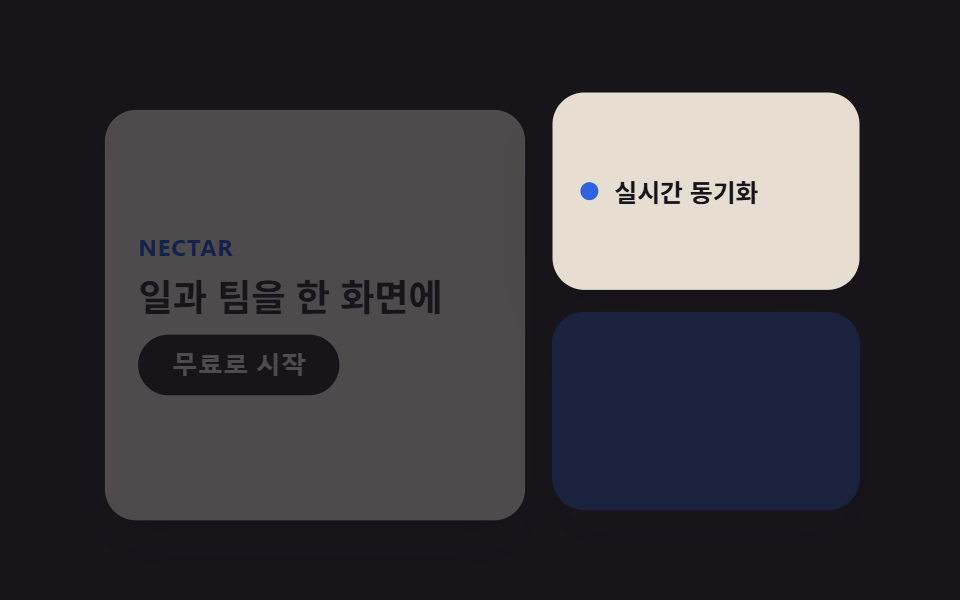 Bento Grid Design: 9 Ready-to-Copy SectionsBento grid design arranges a landing page into tiles of uneven sizes inside one grid, the way a bento box holds differen See all demos in this post