04Bookmark Ribbon That Folds and Drops
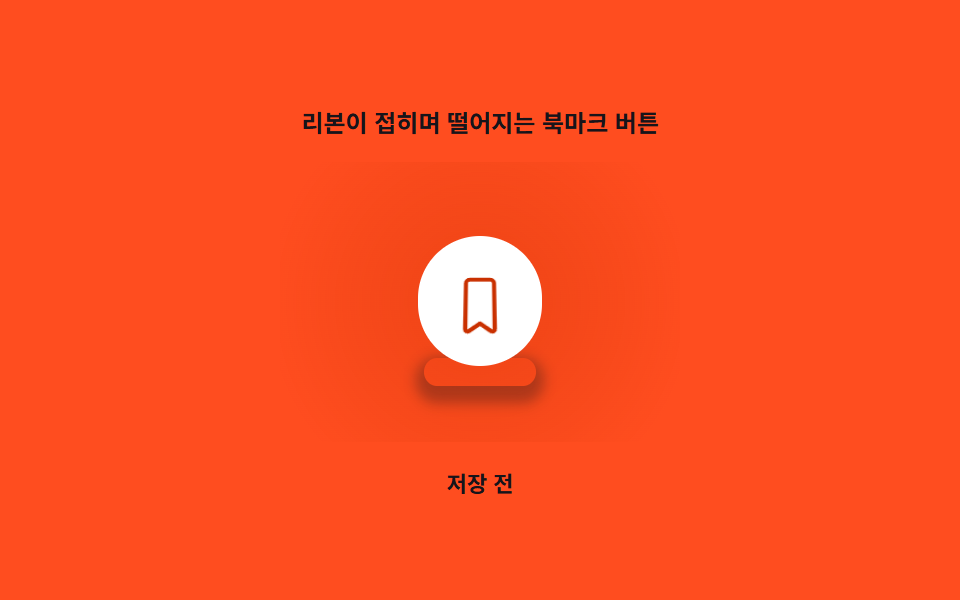
The moment it's pressed the ribbon's tip folds inward once, drops slightly while folded, then settles back.
Best forSave button at the top of an article detail page
FOLD_MAX_DEGFOLD_DROP_MAX_PXtriggerFold
<main class="stage">
<div class="fd is-demo" id="fd">
  <p class="fd__caption">A Bookmark Button Whose Ribbon Folds and Drops</p>
  <div class="fd__scene" id="fdScene">
    <div class="fd__shadow" id="fdShadow" aria-hidden="true"></div>
    <button class="fd__btn" id="fdBtn" type="button" aria-pressed="false">
      <span class="fd__wrap" id="fdWrap">
        <svg class="fd__icon" viewBox="0 0 24 24" width="30" height="30" aria-hidden="true" focusable="false">
          <path class="fd__shape" d="M6.5 3A1.5 1.5 0 0 1 8 1.5h8A1.5 1.5 0 0 1 17.5 3v18.2a.9.9 0 0 1-1.38.76L12 19.1l-4.12 2.86A.9.9 0 0 1 6.5 21.2Z"/>
        </svg>
      </span>
    </button>
  </div>
  <p class="fd__status" id="fdStatus" aria-live="polite">Not saved</p>
</div>
</main>
@use "../../../../site/static/demo-tokens" as *;
// 값 하나: 접힘 진행률(사인 봉우리) → rotateX 접힘 각 + 낙하 거리 + 그림자 블러/농도.
$duration: $dur-enter;
$easing: $ease-out;
$color: $subject-orange-deep;
@include stage($stage-orange);
.fd {
display: grid;
gap: $sp-3;
justify-items: center;
}
.fd__caption {
margin: 0;
font-size: 12px;
font-weight: 600;
color: $subject-ink;
}
.fd__scene {
position: relative;
width: 200px;
height: 140px;
display: grid;
place-items: center;
--tone: 0;
}
.fd__scene::before {
content: "";
position: absolute;
inset: 0;
margin: auto;
width: 200px;
height: 140px;
border-radius: $r-card;
background: radial-gradient(circle, rgba($subject-orange-deep, calc(.05 + var(--tone) * .72)) 0%, rgba($subject-orange-deep, calc(.02 + var(--tone) * .3)) 55%, transparent 88%);
pointer-events: none;
}
.fd__shadow {
position: absolute;
bottom: 28px;
width: 60px;
height: 14px;
border-radius: $r-pill;
background: transparent;
pointer-events: none;
}
.fd__btn {
position: relative;
z-index: 1;
border: 0;
background: $stage-paper;
border-radius: $r-pill;
padding: $sp-4;
cursor: pointer;
perspective: 300px;
}
.fd__btn:focus-visible {
outline: 2px solid $subject-orange-deep;
outline-offset: 3px;
}
.fd__wrap {
display: block;
transform-origin: top center;
will-change: transform;
}
.fd__shape {
fill: none;
stroke: $color;
stroke-width: 1.6;
stroke-linejoin: round;
}
.fd.is-saved .fd__shape {
fill: $color;
}
.fd__status {
margin: 0;
font-size: 11px;
color: $subject-ink;
font-weight: 600;
}
@media (max-width: 340px) {
.fd__scene { width: 150px; height: 96px; }
.fd__shadow { bottom: 14px; }
}
@media (prefers-reduced-motion: reduce) {
.fd__wrap { transition: none; }
}html, body {
margin: 0;
overflow: hidden;
}
.stage {
box-sizing: border-box;
min-height: 100vh;
display: grid;
place-items: center;
margin: 0;
background: #ff4d1f;
font-family: -apple-system, "Segoe UI", "Noto Sans KR", sans-serif;
padding: clamp(8px, 4vw, 24px);
}
.fd {
display: grid;
gap: 12px;
justify-items: center;
}
.fd__caption {
margin: 0;
font-size: 12px;
font-weight: 600;
color: #17141a;
}
.fd__scene {
position: relative;
width: 200px;
height: 140px;
display: grid;
place-items: center;
--tone: 0;
}
.fd__scene::before {
content: "";
position: absolute;
inset: 0;
margin: auto;
width: 200px;
height: 140px;
border-radius: 16px;
background: radial-gradient(circle, rgba(201, 48, 0, calc(0.05 + var(--tone) * 0.72)) 0%, rgba(201, 48, 0, calc(0.02 + var(--tone) * 0.3)) 55%, transparent 88%);
pointer-events: none;
}
.fd__shadow {
position: absolute;
bottom: 28px;
width: 60px;
height: 14px;
border-radius: 999px;
background: transparent;
pointer-events: none;
}
.fd__btn {
position: relative;
z-index: 1;
border: 0;
background: #ffffff;
border-radius: 999px;
padding: 16px;
cursor: pointer;
perspective: 300px;
}
.fd__btn:focus-visible {
outline: 2px solid #c93000;
outline-offset: 3px;
}
.fd__wrap {
display: block;
transform-origin: top center;
will-change: transform;
}
.fd__shape {
fill: none;
stroke: #c93000;
stroke-width: 1.6;
stroke-linejoin: round;
}
.fd.is-saved .fd__shape {
fill: #c93000;
}
.fd__status {
margin: 0;
font-size: 11px;
color: #17141a;
font-weight: 600;
}
@media (max-width: 340px) {
.fd__scene {
width: 150px;
height: 96px;
}
.fd__shadow {
bottom: 14px;
}
}
@media (prefers-reduced-motion: reduce) {
.fd__wrap {
transition: none;
}
}(function () {
"use strict";
var FOLD_MAX_DEG = 56;
var FOLD_DROP_MAX_PX = 12;
var FOLD_MS = 560;
var CYCLE_S = 2;
var root = document.getElementById("fd");
var scene = document.getElementById("fdScene");
var shadow = document.getElementById("fdShadow");
var btn = document.getElementById("fdBtn");
var wrap = document.getElementById("fdWrap");
var status = document.getElementById("fdStatus");
var reduce = window.matchMedia("(prefers-reduced-motion: reduce)").matches;
var saved = false;
function setSaved(v) {
saved = v;
btn.setAttribute("aria-pressed", String(v));
root.classList.toggle("is-saved", v);
status.textContent = v ? "Saved" : "Not saved";
}
// 값 하나: 접힘 진행률 p(0~1, 사인 곡선 한 번의 봉우리) → 접힘 각도(rotateX) + 낙하 거리
// + 그림자 블러·투명도(높이가 낮아질수록 그림자가 진해진다).
function render(p) {
scene.style.setProperty("--tone", p.toFixed(3));
var deg = p * FOLD_MAX_DEG;
var drop = p * FOLD_DROP_MAX_PX;
wrap.style.transform = "perspective(300px) rotateX(" + deg.toFixed(2) + "deg) translateY(" + drop.toFixed(2) + "px)";
var blur = 3 + p * 10;
var spread = 6 - p * 4;
var alpha = 0.22 + p * 0.28;
shadow.style.boxShadow = "0 " + (2 + p * 6).toFixed(1) + "px " + blur.toFixed(1) + "px " + spread.toFixed(1) + "px rgba(23,20,26," + alpha.toFixed(2) + ")";
shadow.style.transform = "scaleX(" + (1 - p * 0.18).toFixed(3) + ")";
}
var foldStart = null;
var pending = false;
function triggerFold() {
pending = true;
}
btn.addEventListener("click", function () {
root.classList.remove("is-demo");
setSaved(!saved);
triggerFold();
});
var start = null;
var prevT = 0;
var toggledA = false;
var toggledB = false;
function loop(now) {
if (start === null) start = now;
if (pending) { foldStart = now; pending = false; }
var t = ((now - start) / 1000) % CYCLE_S;
if (t < prevT) { toggledA = false; toggledB = false; }
prevT = t;
if (!reduce && root.classList.contains("is-demo")) {
if (!toggledA && t > 0.35) { toggledA = true; setSaved(true); triggerFold(); }
if (!toggledB && t > 1.35) { toggledB = true; setSaved(false); triggerFold(); }
}
var p = 0;
if (!reduce && foldStart !== null) {
var ft = (now - foldStart) / FOLD_MS;
if (ft >= 1) {
foldStart = null;
p = 0;
} else {
p = Math.sin(Math.PI * ft);
}
}
render(p);
requestAnimationFrame(loop);
}
requestAnimationFrame(loop);
})();// RibbonFoldDropBookmark — vanilla 판(run/416/demo/04-bookmark-btn-ribbon-fold-drop/index.html) 의 React 포트.
// 값 하나: 접힘 진행률(사인 곡선 한 번의 봉우리) → 접힘 각도(rotateX) + 낙하 거리 + 그림자 블러·농도 + 배경 톤.
import { useEffect, useRef, useState } from "react";
import styles from "./RibbonFoldDropBookmark.module.scss";
type Box<T> = { current: T };
const FOLD_MAX_DEG = 56;
const FOLD_DROP_MAX_PX = 12;
const FOLD_MS = 560;
const CYCLE_S = 2;
export default function RibbonFoldDropBookmark() {
const sceneRef = useRef<HTMLDivElement | null>(null);
const shadowRef = useRef<HTMLDivElement | null>(null);
const wrapRef = useRef<HTMLSpanElement | null>(null);
const foldStartRef = useRef<number | null>(null);
const pendingRef = useRef<boolean>(false) as Box<boolean>;
const frameRef = useRef<number>(0) as Box<number>;
const [saved, setSaved] = useState(false);
const [demo, setDemo] = useState(true);
const [reduce, setReduce] = useState(false);
function render(p: number): void {
const scene = sceneRef.current;
const wrap = wrapRef.current;
const shadow = shadowRef.current;
if (!scene || !wrap || !shadow) return;
scene.style.setProperty("--tone", p.toFixed(3));
const deg = p * FOLD_MAX_DEG;
const drop = p * FOLD_DROP_MAX_PX;
wrap.style.transform = "perspective(300px) rotateX(" + deg.toFixed(2) + "deg) translateY(" + drop.toFixed(2) + "px)";
const blur = 3 + p * 10;
const spread = 6 - p * 4;
const alpha = 0.22 + p * 0.28;
shadow.style.boxShadow = "0 " + (2 + p * 6).toFixed(1) + "px " + blur.toFixed(1) + "px " + spread.toFixed(1) + "px rgba(23,20,26," + alpha.toFixed(2) + ")";
shadow.style.transform = "scaleX(" + (1 - p * 0.18).toFixed(3) + ")";
}
function triggerFold(): void {
pendingRef.current = true;
}
useEffect(() => {
setReduce(window.matchMedia("(prefers-reduced-motion: reduce)").matches);
}, []);
useEffect(() => {
let start = 0;
let prevT = 0;
let toggledA = false;
let toggledB = false;
function loop(now: number): void {
if (start === 0) start = now;
if (pendingRef.current) { foldStartRef.current = now; pendingRef.current = false; }
const t = ((now - start) / 1000) % CYCLE_S;
if (t < prevT) { toggledA = false; toggledB = false; }
prevT = t;
if (!reduce && demo) {
if (!toggledA && t > 0.35) { toggledA = true; setSaved(true); triggerFold(); }
if (!toggledB && t > 1.35) { toggledB = true; setSaved(false); triggerFold(); }
}
let p = 0;
if (!reduce && foldStartRef.current !== null) {
const ft = (now - foldStartRef.current) / FOLD_MS;
if (ft >= 1) {
foldStartRef.current = null;
p = 0;
} else {
p = Math.sin(Math.PI * ft);
}
}
render(p);
frameRef.current = requestAnimationFrame(loop);
}
frameRef.current = requestAnimationFrame(loop);
return () => cancelAnimationFrame(frameRef.current);
}, [reduce, demo]);
function onClick(): void {
setDemo(false);
setSaved(!saved);
triggerFold();
}
return (
<main className={styles.stage}>
<div className={styles.fd}>
<p className={styles.caption}>리본이 접히며 떨어지는 북마크 버튼</p>
<div className={styles.scene} ref={sceneRef}>
<div className={styles.shadow} ref={shadowRef} aria-hidden="true" />
<button className={styles.btn} type="button" aria-pressed={saved} onClick={onClick}>
<span className={styles.wrap} ref={wrapRef}>
<svg className={styles.icon} viewBox="0 0 24 24" width={30} height={30} aria-hidden="true" focusable="false">
<path className={styles.shape} d="M6.5 3A1.5 1.5 0 0 1 8 1.5h8A1.5 1.5 0 0 1 17.5 3v18.2a.9.9 0 0 1-1.38.76L12 19.1l-4.12 2.86A.9.9 0 0 1 6.5 21.2Z" />
</svg>
</span>
</button>
</div>
<p className={styles.status} aria-live="polite">{saved ? "저장됨" : "저장 전"}</p>
</div>
</main>
);
}04 Bookmark Ribbon That Folds and Drops — Measured area 10.631% · moving frames 17/23Original by GODRICH · SCSS and React ship in the zip · Bookmark Icon Animation: 9 Patterns, One Icon
The post this demo lives in
 Bookmark Icon Animation: 9 Patterns, One Iconbookmark icon animation: Saved. One word, nine feelings — 03 overshoots by a spring value, 06 stacks the count digit by See all demos in this post
If you like this effect - similar demos
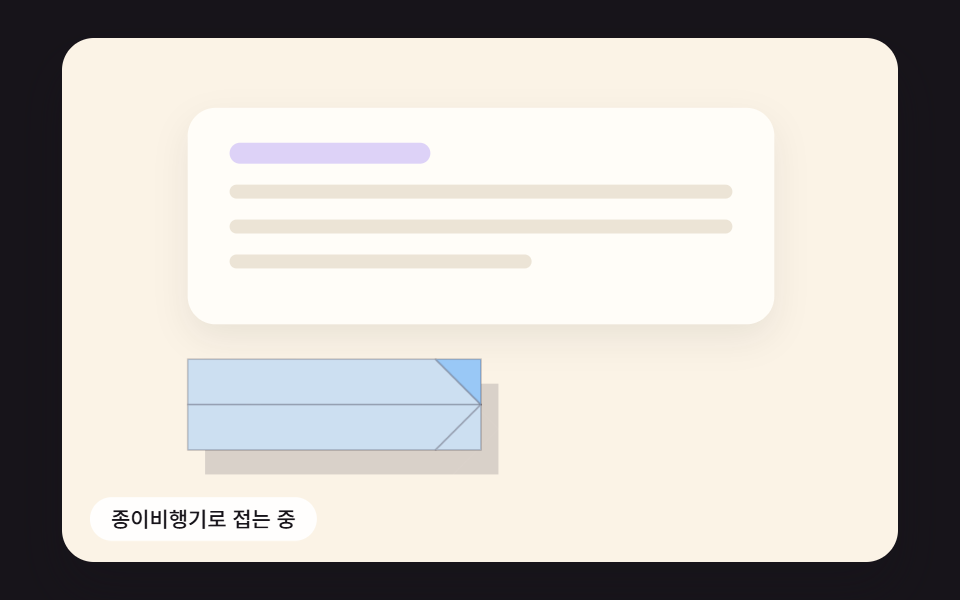 Buttons01 A Send Button That Folds Into a Paper Plane and Banks Along a CurveSend Button Animation CSS: 9 Fold-and-Fly Buttons
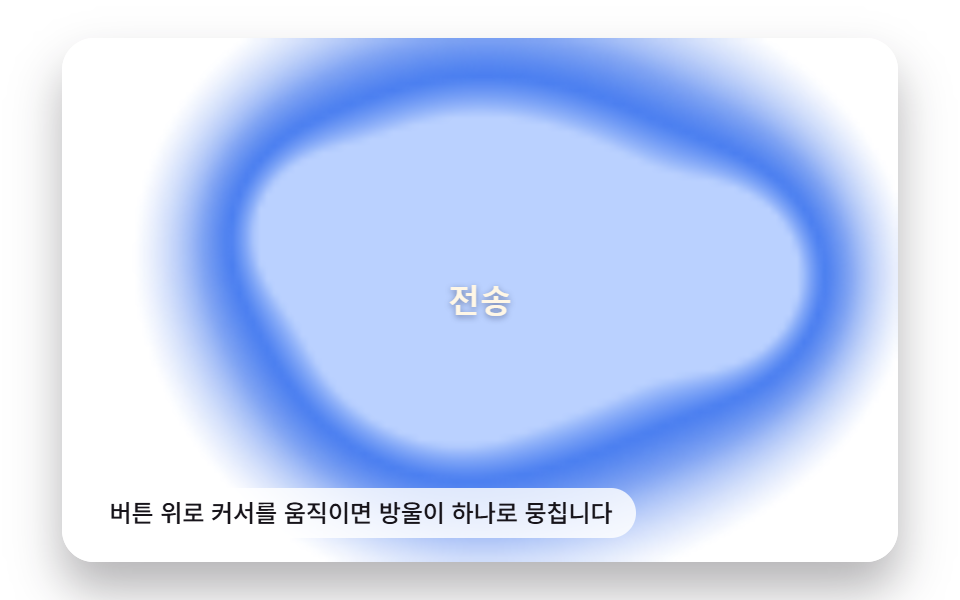 Buttons04 Liquid-metal Button That Merges and Spreads With a Pointer-distance ValueButton Click Effect CSS: 9 Canvas Pixel Patterns
 Buttons02 Button that unlocks when the form is valid9 button state css patterns, loading to done