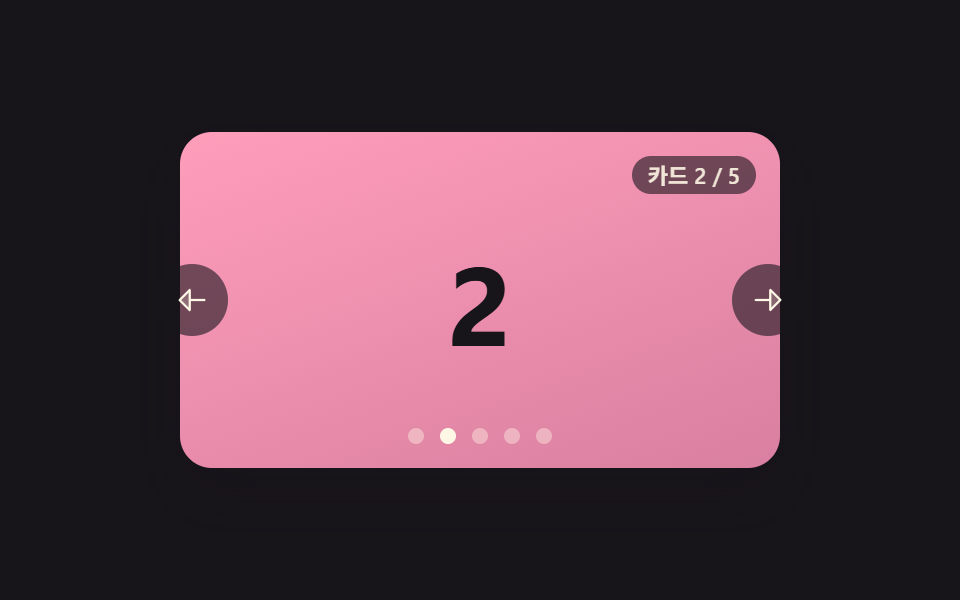
09Carousel That Crossfades Cards Back Into Depth
While the next card fades in sharply, the previous one fades out while shrinking slightly, appearing to recede into the background as they cross-fade in place.
Best forA calm background slideshow that wants minimal motion
easeInOutCubictranslateZpaintStatic
<main class="stage">
<section class="carousel is-demo" id="carousel" role="region" aria-roledescription="carousel" aria-label="Card carousel">
  <div class="viewport" id="viewport" tabindex="0">
    <div class="layers" id="layers">
      <div class="card card--0"><span class="num">1</span></div>
      <div class="card card--1"><span class="num">2</span></div>
      <div class="card card--2"><span class="num">3</span></div>
      <div class="card card--3"><span class="num">4</span></div>
      <div class="card card--4"><span class="num">5</span></div>
    </div>
  </div>
  <button type="button" class="navBtn navBtn--prev" id="prevBtn" aria-label="Previous card">
    <svg viewBox="0 0 256 256" width="18" height="18" aria-hidden="true"><g fill="currentColor"><path d="M112 56v144l-72-72Z" opacity=".2"/><path d="M216 120h-96V56a8 8 0 0 0-13.66-5.66l-72 72a8 8 0 0 0 0 11.32l72 72A8 8 0 0 0 120 200v-64h96a8 8 0 0 0 0-16m-112 60.69L51.31 128L104 75.31Z"/></g></svg>
  </button>
  <button type="button" class="navBtn navBtn--next" id="nextBtn" aria-label="Next card">
    <svg viewBox="0 0 256 256" width="18" height="18" aria-hidden="true"><g fill="currentColor"><path d="m216 128l-72 72V56Z" opacity=".2"/><path d="m221.66 122.34l-72-72A8 8 0 0 0 136 56v64H40a8 8 0 0 0 0 16h96v64a8 8 0 0 0 13.66 5.66l72-72a8 8 0 0 0 0-11.32M152 180.69V75.31L204.69 128Z"/></g></svg>
  </button>
  <div class="dots" id="dots" role="tablist" aria-label="Jump to card"></div>
  <div class="readout" id="readout" aria-live="polite"></div>
</section>
</main>
@use "../../../../site/static/demo-tokens" as *;
// 변수 3개
$duration: $dur-base;
$easing: $ease-out;
$color: $subject-mint;
// 계산 겹: index.html 의 goTo() 가 CSS 트랜지션 없이 매 프레임 삼차 이징(easeInOutCubic)으로
// opacity·scale·translateZ 세 값을 동시에 계산해 나가는 카드는 가라앉고 들어오는 카드는 떠오른다.
@include stage($stage-ink);
.carousel {
position: relative;
width: 300px;
}
.viewport {
position: relative;
width: 300px;
height: 168px;
border-radius: $r-card;
overflow: hidden;
box-shadow: $shadow-raised;
background: $stage-ink;
outline: none;
perspective: 600px;
}
.layers {
position: relative;
width: 100%;
height: 100%;
transform-style: preserve-3d;
}
.card {
position: absolute;
inset: 0;
display: grid;
place-items: center;
will-change: transform, opacity;
.num {
font-weight: 700;
font-size: 56px;
line-height: 1;
}
}
.card--0 { background: linear-gradient(160deg, $subject-mint, #63b299); .num { color: $subject-ink; } }
.card--1 { background: linear-gradient(160deg, $subject-pink, #d97fa0); .num { color: $subject-ink; } }
.card--2 { background: linear-gradient(160deg, $subject-blue-deep, #475690); .num { color: $subject-cream; } }
.card--3 { background: linear-gradient(160deg, $subject-lilac, #bdb3da); .num { color: $subject-ink; } }
.card--4 { background: linear-gradient(160deg, $subject-sky, #9cb8ce); .num { color: $subject-ink; } }
.navBtn {
position: absolute;
top: 50%;
margin-top: -18px;
width: 36px;
height: 36px;
border-radius: $r-pill;
border: none;
display: grid;
place-items: center;
background: rgba($stage-ink, .6);
color: $subject-cream;
cursor: pointer;
z-index: 4;
&:focus-visible { outline: 2px solid $color; outline-offset: 2px; }
}
.navBtn--prev { left: -($sp-3); }
.navBtn--next { right: -($sp-3); }
.dots {
position: absolute;
left: 50%;
bottom: $sp-3;
transform: translateX(-50%);
display: flex;
gap: $sp-2;
z-index: 4;
}
.dot {
width: 8px;
height: 8px;
border-radius: $r-pill;
border: none;
background: rgba($subject-cream, .4);
cursor: pointer;
padding: 0;
&.isActive { background: $subject-cream; }
&:focus-visible { outline: 2px solid $color; outline-offset: 2px; }
}
.readout {
position: absolute;
right: $sp-3;
top: $sp-3;
padding: $sp-1 $sp-2;
border-radius: $r-pill;
background: rgba($stage-ink, .6);
color: rgba($subject-cream, .9);
font-size: 11px;
font-weight: 600;
line-height: 1;
font-variant-numeric: tabular-nums;
z-index: 4;
}
@media (max-width: 340px) {
.carousel { width: 220px; }
.viewport { width: 220px; height: 106px; }
.card .num { font-size: 36px; }
.navBtn { width: 28px; height: 28px; margin-top: -14px; }
.dot { width: 6px; height: 6px; }
.readout { font-size: 9px; }
}
@media (prefers-reduced-motion: reduce) {
// 실사용 경로 적용 — 점·버튼·키보드는 index.html 이 그대로 이징 계산을 돌린다.
// scss 만: 포커스 아웃라인 전환만 꺼서 잔여 트랜지션을 없앤다.
.navBtn, .dot { transition: none; }
}html, body {
margin: 0;
overflow: hidden;
}
.stage {
box-sizing: border-box;
min-height: 100vh;
display: grid;
place-items: center;
margin: 0;
background: #17141a;
font-family: -apple-system, "Segoe UI", "Noto Sans KR", sans-serif;
padding: clamp(8px, 4vw, 24px);
}
.carousel {
position: relative;
width: 300px;
}
.viewport {
position: relative;
width: 300px;
height: 168px;
border-radius: 16px;
overflow: hidden;
box-shadow: 0 14px 24px rgba(23, 20, 26, 0.32);
background: #17141a;
outline: none;
perspective: 600px;
}
.layers {
position: relative;
width: 100%;
height: 100%;
transform-style: preserve-3d;
}
.card {
position: absolute;
inset: 0;
display: grid;
place-items: center;
will-change: transform, opacity;
}
.card .num {
font-weight: 700;
font-size: 56px;
line-height: 1;
}
.card--0 {
background: linear-gradient(160deg, #4cd4a6, #63b299);
}
.card--0 .num {
color: #17141a;
}
.card--1 {
background: linear-gradient(160deg, #ff9ebb, #d97fa0);
}
.card--1 .num {
color: #17141a;
}
.card--2 {
background: linear-gradient(160deg, #0a4fe8, #475690);
}
.card--2 .num {
color: #fff7e6;
}
.card--3 {
background: linear-gradient(160deg, #b9a0ff, #bdb3da);
}
.card--3 .num {
color: #17141a;
}
.card--4 {
background: linear-gradient(160deg, #6ec8ff, #9cb8ce);
}
.card--4 .num {
color: #17141a;
}
.navBtn {
position: absolute;
top: 50%;
margin-top: -18px;
width: 36px;
height: 36px;
border-radius: 999px;
border: none;
display: grid;
place-items: center;
background: rgba(23, 20, 26, 0.6);
color: #fff7e6;
cursor: pointer;
z-index: 4;
}
.navBtn:focus-visible {
outline: 2px solid #4cd4a6;
outline-offset: 2px;
}
.navBtn--prev {
left: -12px;
}
.navBtn--next {
right: -12px;
}
.dots {
position: absolute;
left: 50%;
bottom: 12px;
transform: translateX(-50%);
display: flex;
gap: 8px;
z-index: 4;
}
.dot {
width: 8px;
height: 8px;
border-radius: 999px;
border: none;
background: rgba(255, 247, 230, 0.4);
cursor: pointer;
padding: 0;
}
.dot.isActive {
background: #fff7e6;
}
.dot:focus-visible {
outline: 2px solid #4cd4a6;
outline-offset: 2px;
}
.readout {
position: absolute;
right: 12px;
top: 12px;
padding: 4px 8px;
border-radius: 999px;
background: rgba(23, 20, 26, 0.6);
color: rgba(255, 247, 230, 0.9);
font-size: 11px;
font-weight: 600;
line-height: 1;
font-variant-numeric: tabular-nums;
z-index: 4;
}
@media (max-width: 340px) {
.carousel {
width: 220px;
}
.viewport {
width: 220px;
height: 106px;
}
.card .num {
font-size: 36px;
}
.navBtn {
width: 28px;
height: 28px;
margin-top: -14px;
}
.dot {
width: 6px;
height: 6px;
}
.readout {
font-size: 9px;
}
}
@media (prefers-reduced-motion: reduce) {
.navBtn, .dot {
transition: none;
}
}(function () {
var TOTAL = 5;
var CROSSFADE_MS = 480;
var DEPTH_SCALE = 0.18; // 페이드 도중 줄었다 늘어나는 scale 폭
var DEPTH_PUSH = 70; // 페이드 도중 밀려나는 translateZ(px) 깊이
var DEMO_HOLD_MS = 620;
var carousel = document.getElementById('carousel');
var viewport = document.getElementById('viewport');
var layers = document.getElementById('layers');
var cards = Array.prototype.slice.call(layers.querySelectorAll('.card'));
var dotsWrap = document.getElementById('dots');
var readout = document.getElementById('readout');
var prevBtn = document.getElementById('prevBtn');
var nextBtn = document.getElementById('nextBtn');
var reduce = window.matchMedia('(prefers-reduced-motion: reduce)').matches;
var LABEL_PREFIX = 'Card ';
var LABEL_SEP = ' / ';
var GOTO_LABEL_PREFIX = 'Card ';
var GOTO_LABEL_SUFFIX = ' — go to';
var current = 0;
var fadeFrame = null;
var demoTimers = [];
var dots = [];
for (var i = 0; i < TOTAL; i++) {
var d = document.createElement('button');
d.type = 'button';
d.className = 'dot';
d.setAttribute('role', 'tab');
d.setAttribute('aria-label', GOTO_LABEL_PREFIX + (i + 1) + GOTO_LABEL_SUFFIX);
(function (idx) { d.addEventListener('click', function () { human(); goTo(idx); }); })(i);
dotsWrap.appendChild(d);
dots.push(d);
}
// 이징 겹 — CSS 트랜지션이 아니라 매 프레임 p 를 직접 삼차 이징으로 굽혀
// opacity·scale·translateZ 세 값을 동시에 계산한다.
function easeInOutCubic(p) {
return p < 0.5 ? 4 * p * p * p : 1 - Math.pow(-2 * p + 2, 3) / 2;
}
function paintStatic() {
cards.forEach(function (el, n) {
var active = n === current;
el.style.opacity = active ? '1' : '0';
el.style.transform = active ? 'translateZ(0) scale(1)' : 'translateZ(' + (-DEPTH_PUSH) + 'px) scale(' + (1 - DEPTH_SCALE).toFixed(3) + ')';
el.style.zIndex = active ? '2' : '1';
});
dots.forEach(function (el, n) { el.classList.toggle('isActive', n === current); });
readout.textContent = LABEL_PREFIX + (current + 1) + LABEL_SEP + TOTAL;
}
function stopFade() {
if (fadeFrame) { cancelAnimationFrame(fadeFrame); fadeFrame = null; }
}
function goTo(target) {
target = ((target % TOTAL) + TOTAL) % TOTAL;
if (target === current) return;
stopFade();
var from = current, to = target;
var fromEl = cards[from], toEl = cards[to];
toEl.style.zIndex = '2';
fromEl.style.zIndex = '1';
var start = performance.now();
function frame(now) {
var raw = Math.min(1, (now - start) / CROSSFADE_MS);
var p = easeInOutCubic(raw);
fromEl.style.opacity = (1 - p).toFixed(3);
fromEl.style.transform = 'translateZ(' + (-p * DEPTH_PUSH).toFixed(1) + 'px) scale(' + (1 - p * DEPTH_SCALE).toFixed(3) + ')';
toEl.style.opacity = p.toFixed(3);
toEl.style.transform = 'translateZ(' + (-(1 - p) * DEPTH_PUSH).toFixed(1) + 'px) scale(' + (1 - DEPTH_SCALE + p * DEPTH_SCALE).toFixed(3) + ')';
if (raw < 1) {
fadeFrame = requestAnimationFrame(frame);
} else {
current = to;
fadeFrame = null;
dots.forEach(function (el, n) { el.classList.toggle('isActive', n === current); });
readout.textContent = LABEL_PREFIX + (current + 1) + LABEL_SEP + TOTAL;
}
}
fadeFrame = requestAnimationFrame(frame);
}
function human() {
if (carousel.classList.contains('is-demo')) {
carousel.classList.remove('is-demo');
demoTimers.forEach(function (t) { clearTimeout(t); });
demoTimers = [];
}
}
prevBtn.addEventListener('click', function () { human(); goTo(current - 1); });
nextBtn.addEventListener('click', function () { human(); goTo(current + 1); });
function onKeydown(e) {
if (e.key === 'ArrowLeft') { human(); goTo(current - 1); e.preventDefault(); }
else if (e.key === 'ArrowRight') { human(); goTo(current + 1); e.preventDefault(); }
}
viewport.addEventListener('keydown', onKeydown);
// reduce: 실사용 경로 적용 — 점·버튼·키보드는 위 리스너가 그대로 이징 계산을 돌린다.
// 아래 demoCycle() 은 시연 게이트만이고 reduce 에서는 돌지 않는다.
function demoCycle(i) {
if (!carousel.classList.contains('is-demo')) return;
goTo(current + 1);
demoTimers.push(setTimeout(function () { demoCycle(i + 1); }, DEMO_HOLD_MS));
}
function init() {
paintStatic();
if (!reduce) demoCycle(0);
}
init();
})();import { useEffect, useRef } from 'react';
import styles from './CarouselCrossfadeDepth.module.scss';
// 상수 — vanilla demo 09 (run/384/demo/09-carousel-slide-fade-crossfade-depth/index.html) 과 동일
const TOTAL = 5;
const CROSSFADE_MS = 480;
const DEPTH_SCALE = 0.18; // 페이드 도중 줄었다 늘어나는 scale 폭
const DEPTH_PUSH = 70; // 페이드 도중 밀려나는 translateZ(px) 깊이
const DEMO_HOLD_MS = 620;
const LABEL_PREFIX = '카드 ';
const LABEL_SEP = ' / ';
const GOTO_LABEL_PREFIX = '카드 ';
const GOTO_LABEL_SUFFIX = '로 이동';
// 이징 겹 — CSS 트랜지션이 아니라 매 프레임 p 를 직접 삼차 이징으로 굽혀
// opacity·scale·translateZ 세 값을 동시에 계산한다.
function easeInOutCubic(p: number) {
return p < 0.5 ? 4 * p * p * p : 1 - Math.pow(-2 * p + 2, 3) / 2;
}
export default function CarouselCrossfadeDepth() {
const carouselRef = useRef<HTMLElement>(null);
useEffect(() => {
const carousel = carouselRef.current;
if (!carousel) return undefined;
const viewport = carousel.querySelector<HTMLDivElement>('.' + styles.viewport);
const layers = carousel.querySelector<HTMLDivElement>('.' + styles.layers);
const dotsWrap = carousel.querySelector<HTMLDivElement>('.' + styles.dots);
const readout = carousel.querySelector<HTMLDivElement>('.' + styles.readout);
const prevBtn = carousel.querySelector<HTMLButtonElement>('.' + styles['navBtn--prev']);
const nextBtn = carousel.querySelector<HTMLButtonElement>('.' + styles['navBtn--next']);
if (!viewport || !layers || !dotsWrap || !readout || !prevBtn || !nextBtn) return undefined;
const cards = Array.prototype.slice.call(
layers.querySelectorAll<HTMLDivElement>('.' + styles.card)
) as HTMLDivElement[];
let current = 0;
let fadeFrame = 0;
let demoTimers: number[] = [];
const dots: HTMLButtonElement[] = [];
const dotClickHandlers: (() => void)[] = [];
dotsWrap.innerHTML = '';
for (let i = 0; i < TOTAL; i++) {
const d = document.createElement('button');
d.type = 'button';
d.className = styles.dot;
d.setAttribute('role', 'tab');
d.setAttribute('aria-label', GOTO_LABEL_PREFIX + (i + 1) + GOTO_LABEL_SUFFIX);
const idx = i;
const handler = () => { human(); goTo(idx); };
dotClickHandlers.push(handler);
d.addEventListener('click', handler);
dotsWrap.appendChild(d);
dots.push(d);
}
function paintStatic() {
cards.forEach((el, n) => {
const active = n === current;
el.style.opacity = active ? '1' : '0';
el.style.transform = active
? 'translateZ(0) scale(1)'
: 'translateZ(' + -DEPTH_PUSH + 'px) scale(' + (1 - DEPTH_SCALE).toFixed(3) + ')';
el.style.zIndex = active ? '2' : '1';
});
dots.forEach((el, n) => el.classList.toggle(styles.isActive, n === current));
readout!.textContent = LABEL_PREFIX + (current + 1) + LABEL_SEP + TOTAL;
}
function stopFade() {
if (fadeFrame) { cancelAnimationFrame(fadeFrame); fadeFrame = 0; }
}
function goTo(target: number) {
target = ((target % TOTAL) + TOTAL) % TOTAL;
if (target === current) return;
stopFade();
const from = current, to = target;
const fromEl = cards[from], toEl = cards[to];
toEl.style.zIndex = '2';
fromEl.style.zIndex = '1';
const start = performance.now();
function frame(now: number) {
const raw = Math.min(1, (now - start) / CROSSFADE_MS);
const p = easeInOutCubic(raw);
fromEl.style.opacity = (1 - p).toFixed(3);
fromEl.style.transform = 'translateZ(' + (-p * DEPTH_PUSH).toFixed(1) + 'px) scale(' + (1 - p * DEPTH_SCALE).toFixed(3) + ')';
toEl.style.opacity = p.toFixed(3);
toEl.style.transform = 'translateZ(' + (-(1 - p) * DEPTH_PUSH).toFixed(1) + 'px) scale(' + (1 - DEPTH_SCALE + p * DEPTH_SCALE).toFixed(3) + ')';
if (raw < 1) {
fadeFrame = requestAnimationFrame(frame);
} else {
current = to;
fadeFrame = 0;
dots.forEach((el, n) => el.classList.toggle(styles.isActive, n === current));
readout!.textContent = LABEL_PREFIX + (current + 1) + LABEL_SEP + TOTAL;
}
}
fadeFrame = requestAnimationFrame(frame);
}
function human() {
if (carousel!.classList.contains(styles['is-demo'])) {
carousel!.classList.remove(styles['is-demo']);
demoTimers.forEach((t) => window.clearTimeout(t));
demoTimers = [];
}
}
function onPrev() { human(); goTo(current - 1); }
function onNext() { human(); goTo(current + 1); }
function onKeydown(e: KeyboardEvent) {
if (e.key === 'ArrowLeft') { human(); goTo(current - 1); e.preventDefault(); }
else if (e.key === 'ArrowRight') { human(); goTo(current + 1); e.preventDefault(); }
}
prevBtn.addEventListener('click', onPrev);
nextBtn.addEventListener('click', onNext);
viewport.addEventListener('keydown', onKeydown);
const reduce = window.matchMedia('(prefers-reduced-motion: reduce)').matches;
// reduce: 실사용 경로 적용 — 점·버튼·키보드는 위 리스너가 그대로 이징 계산을 돌린다.
// 아래 demoCycle() 은 시연 게이트만이고 reduce 에서는 돌지 않는다.
function demoCycle(i: number) {
if (!carousel!.classList.contains(styles['is-demo'])) return;
goTo(current + 1);
demoTimers.push(window.setTimeout(() => demoCycle(i + 1), DEMO_HOLD_MS));
}
paintStatic();
if (!reduce) demoCycle(0);
return () => {
prevBtn.removeEventListener('click', onPrev);
nextBtn.removeEventListener('click', onNext);
viewport.removeEventListener('keydown', onKeydown);
dots.forEach((d, i) => d.removeEventListener('click', dotClickHandlers[i]));
demoTimers.forEach((t) => window.clearTimeout(t));
stopFade();
};
}, []);
return (
<main className={styles.stage}>
<section
className={styles.carousel + ' ' + styles['is-demo']}
ref={carouselRef}
role="region"
aria-roledescription="carousel"
aria-label="카드 캐러셀"
>
<div className={styles.viewport} tabIndex={0}>
<div className={styles.layers}>
<div className={styles.card + ' ' + styles['card--0']}><span className={styles.num}>1</span></div>
<div className={styles.card + ' ' + styles['card--1']}><span className={styles.num}>2</span></div>
<div className={styles.card + ' ' + styles['card--2']}><span className={styles.num}>3</span></div>
<div className={styles.card + ' ' + styles['card--3']}><span className={styles.num}>4</span></div>
<div className={styles.card + ' ' + styles['card--4']}><span className={styles.num}>5</span></div>
</div>
</div>
<button type="button" className={styles.navBtn + ' ' + styles['navBtn--prev']} aria-label="이전 카드">
<svg viewBox="0 0 256 256" width={18} height={18} aria-hidden="true"><g fill="currentColor"><path d="M112 56v144l-72-72Z" opacity=".2" /><path d="M216 120h-96V56a8 8 0 0 0-13.66-5.66l-72 72a8 8 0 0 0 0 11.32l72 72A8 8 0 0 0 120 200v-64h96a8 8 0 0 0 0-16m-112 60.69L51.31 128L104 75.31Z" /></g></svg>
</button>
<button type="button" className={styles.navBtn + ' ' + styles['navBtn--next']} aria-label="다음 카드">
<svg viewBox="0 0 256 256" width={18} height={18} aria-hidden="true"><g fill="currentColor"><path d="m216 128l-72 72V56Z" opacity=".2" /><path d="m221.66 122.34l-72-72A8 8 0 0 0 136 56v64H40a8 8 0 0 0 0 16h96v64a8 8 0 0 0 13.66 5.66l72-72a8 8 0 0 0 0-11.32M152 180.69V75.31L204.69 128Z" /></g></svg>
</button>
<div className={styles.dots} role="tablist" aria-label="카드 바로가기"></div>
<div className={styles.readout} aria-live="polite"></div>
</section>
</main>
);
}09 Carousel That Crossfades Cards Back Into Depth — Measured area 34.82% · moving frames 22/23Original by GODRICH · SCSS and React ship in the zip · Carousel Slider UI Design — 9 Transitions
The post this demo lives in
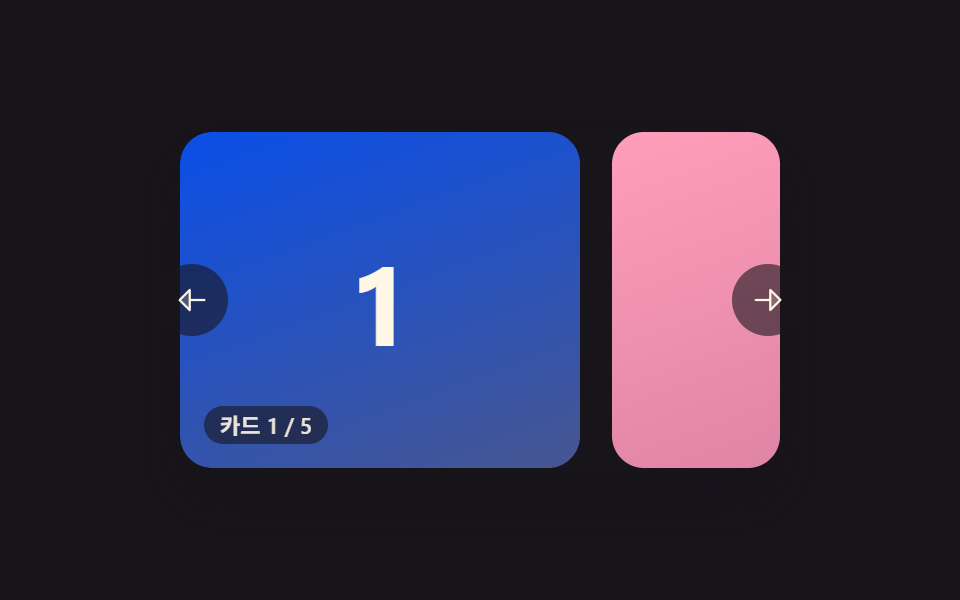 Carousel Slider UI Design — 9 TransitionsAmong nine carousel slider transitions, one glides on from inertia as a card advances, one snaps back like a rubber band See all demos in this post
If you like this effect - similar demos
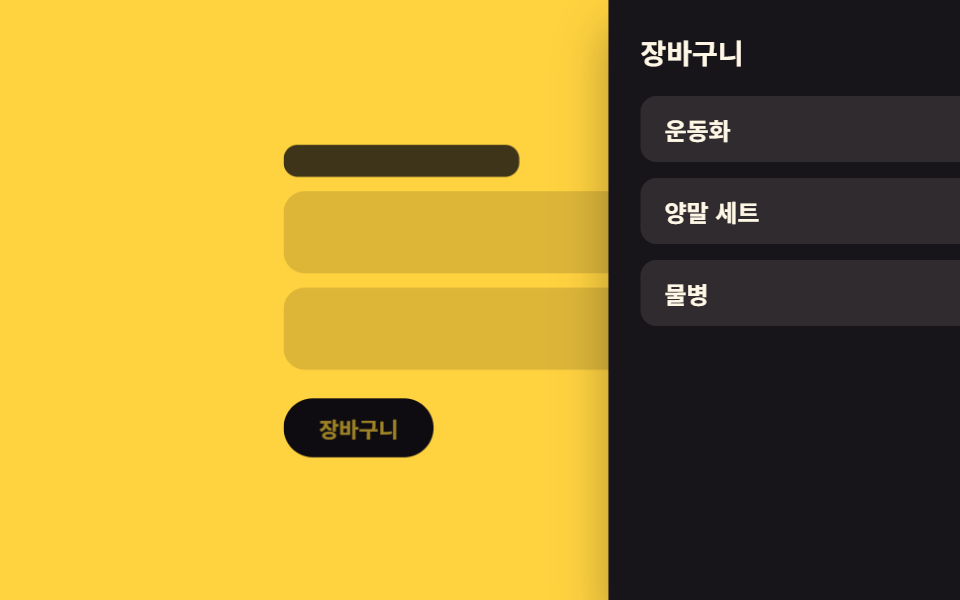 Transitions02 Backdrop scale-back — the page behind shrinks in proportion to how far the panel has openedCart Drawer UI Patterns: 9 Motion Techniques
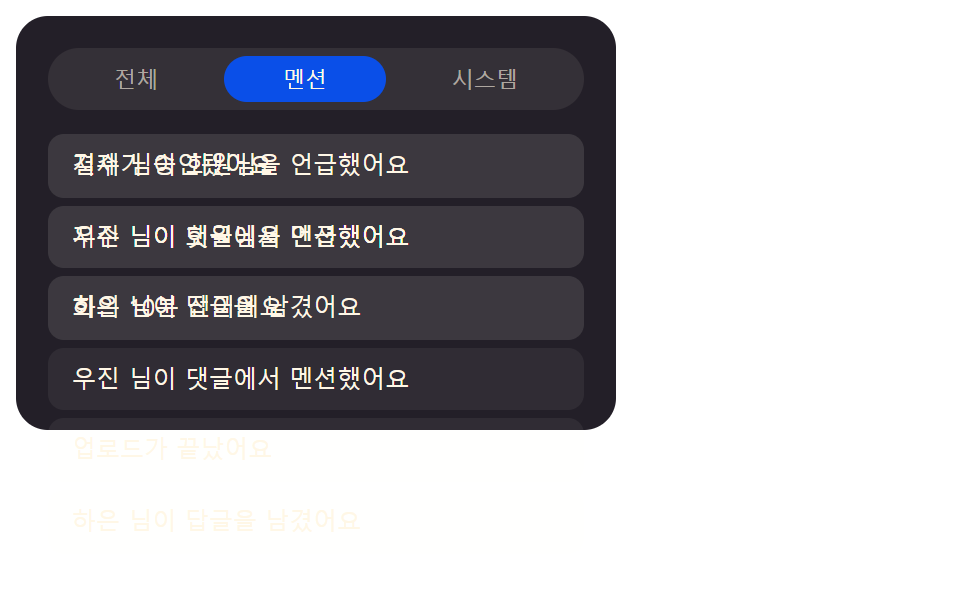 Transitions09 Filter List That Crossfades When a Tab-index Value ChangesNotification Animation CSS: 9 Panel UI Patterns
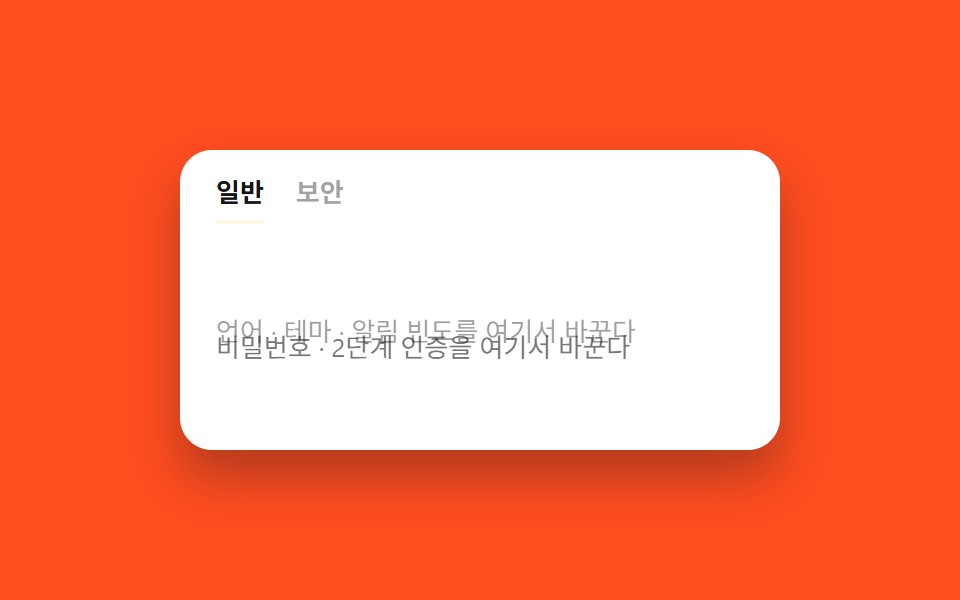 Transitions07 Tab content cross-fade9 CSS Page Transitions — No Library, Pure CSS