08Shake
Shakes left-right three times on error, then stops.
Best forFailed login, invalid input
6px세게 10px두 번만
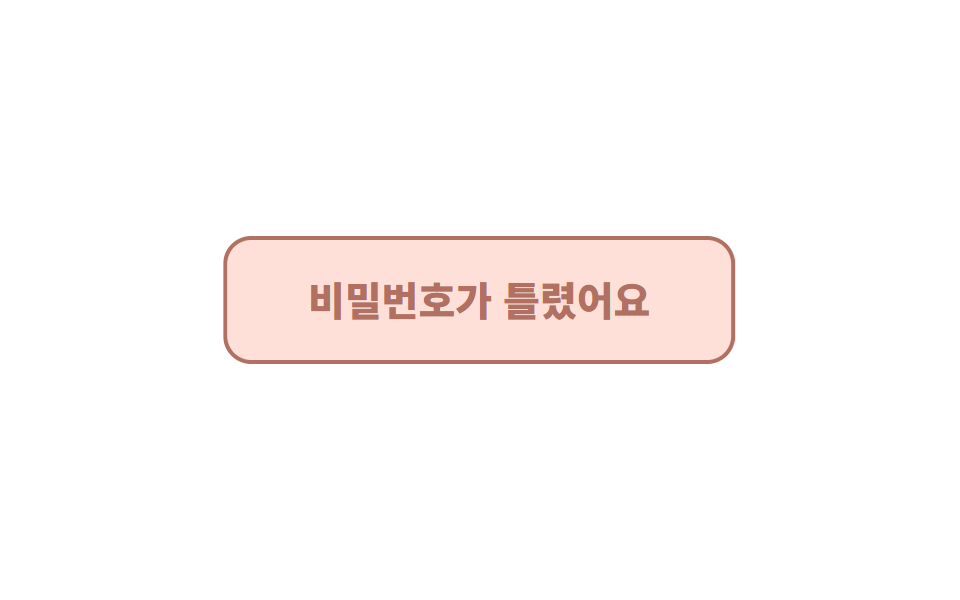
<main class="stage"><button class="btn is-demo" type="button">That password doesn't look right.</button></main>// ── 변수 3개 ──────────────────────────────────────────
$amount: 6px; // 흔들리는 폭
$duration: 420ms;
$color: #b27062;
html, body { margin: 0; overflow: hidden; } // iframe 안에서 스크롤바가 생기지 않게 (실측 2026-09-09: body 여백 8px 이 100vh 를 넘겼다)
.stage { min-height: 100vh; display: grid; place-items: center; margin: 0; background: #ffffff; font-family: -apple-system, "Segoe UI", "Noto Sans KR", sans-serif; }
.btn {
border: 2.5px solid $color;
border-radius: 14px;
padding: 20px 40px;
font-weight: 800;
font-size: 20px;
line-height: 1;
font-family: inherit;
color: $color;
background: #ffe0d8;
cursor: pointer;
&.is-shaking { animation: shake $duration cubic-bezier(.36, .07, .19, .97) both; }
&.is-demo { animation: shake-loop 2s cubic-bezier(.36, .07, .19, .97) infinite; }
}
// 세 번 흔들고 멈춘다. 다섯 번 넘으면 화난 것처럼 보인다
@keyframes shake {
10%, 90% { transform: translateX(-$amount * .5); }
20%, 80% { transform: translateX($amount); }
30%, 70% { transform: translateX(-$amount); }
40%, 60% { transform: translateX($amount * .7); }
50% { transform: translateX(-$amount * .7); }
}
@keyframes shake-loop {
0%, 60% { transform: translateX(0); }
62%, 78% { transform: translateX(-$amount * .5); }
64%, 76% { transform: translateX($amount); }
66%, 74% { transform: translateX(-$amount); }
68%, 72% { transform: translateX($amount * .7); }
70% { transform: translateX(-$amount * .7); }
80%, 100% { transform: translateX(0); }
}
@media (prefers-reduced-motion: reduce) {
.btn.is-shaking, .btn.is-demo { animation: none; }
.btn.is-shaking { background: $color; color: #fff; } // 흔들림 대신 색으로 알린다
}html, body {
margin: 0;
overflow: hidden;
}
.stage {
min-height: 100vh;
display: grid;
place-items: center;
margin: 0;
background: #ffffff;
font-family: -apple-system, "Segoe UI", "Noto Sans KR", sans-serif;
}
.btn {
border: 2.5px solid #b27062;
border-radius: 14px;
padding: 20px 40px;
font-weight: 800;
font-size: 20px;
line-height: 1;
font-family: inherit;
color: #b27062;
background: #ffe0d8;
cursor: pointer;
}
.btn.is-shaking {
animation: shake 420ms cubic-bezier(0.36, 0.07, 0.19, 0.97) both;
}
.btn.is-demo {
animation: shake-loop 2s cubic-bezier(0.36, 0.07, 0.19, 0.97) infinite;
}
@keyframes shake {
10%, 90% {
transform: translateX(-3px);
}
20%, 80% {
transform: translateX(6px);
}
30%, 70% {
transform: translateX(-6px);
}
40%, 60% {
transform: translateX(4.2px);
}
50% {
transform: translateX(-4.2px);
}
}
@keyframes shake-loop {
0%, 60% {
transform: translateX(0);
}
62%, 78% {
transform: translateX(-3px);
}
64%, 76% {
transform: translateX(6px);
}
66%, 74% {
transform: translateX(-6px);
}
68%, 72% {
transform: translateX(4.2px);
}
70% {
transform: translateX(-4.2px);
}
80%, 100% {
transform: translateX(0);
}
}
@media (prefers-reduced-motion: reduce) {
.btn.is-shaking, .btn.is-demo {
animation: none;
}
.btn.is-shaking {
background: #b27062;
color: #fff;
}
}// 누를 때마다 다시 흔든다. 실제로는 검증 실패 시 is-shaking 을 켠다.
var b = document.querySelector('.btn');
b.addEventListener('click', function () {
b.classList.remove('is-demo'); b.classList.remove('is-shaking'); void b.offsetWidth; b.classList.add('is-shaking');
});
b.addEventListener('animationend', function () { b.classList.remove('is-shaking'); });import { useState } from "react";
import type { CSSProperties, ReactNode } from "react";
import styles from "./ShakeButton.module.scss";
export type ShakeButtonProps = { children: ReactNode; shakeKey: number; amount?: number; duration?: number; color?: string; onClick?: () => void };
/** shakeKey 를 바꾸면(예: 실패 횟수) 다시 흔든다. */
export default function ShakeButton({ children, shakeKey, amount = 6, duration = 420, color = "#c2361a", onClick }: ShakeButtonProps) {
const [last, setLast] = useState<number>(0);
const vars = { "--amount": `${amount}px`, "--duration": `${duration}ms`, "--color": color } as CSSProperties;
const shaking = shakeKey > 0 && shakeKey !== last;
return (
<button key={shakeKey} type="button" className={`${styles.btn} ${shaking ? styles.shaking : ""}`} style={vars} onClick={onClick} onAnimationEnd={() => setLast(shakeKey)}>
{children}
</button>
);
}08 Shake — Measured area 2.381% · moving frames 6/23Original by GODRICH · SCSS and React ship in the zip · 9 CSS Button Animations (SCSS + React, copy-paste)
The post this demo lives in
 9 CSS Button Animations (SCSS + React, copy-paste)A CSS button animation is a small motion that tells the user a button noticed them: hover, press, wait, fail, or confirm See all demos in this post
If you like this effect - similar demos
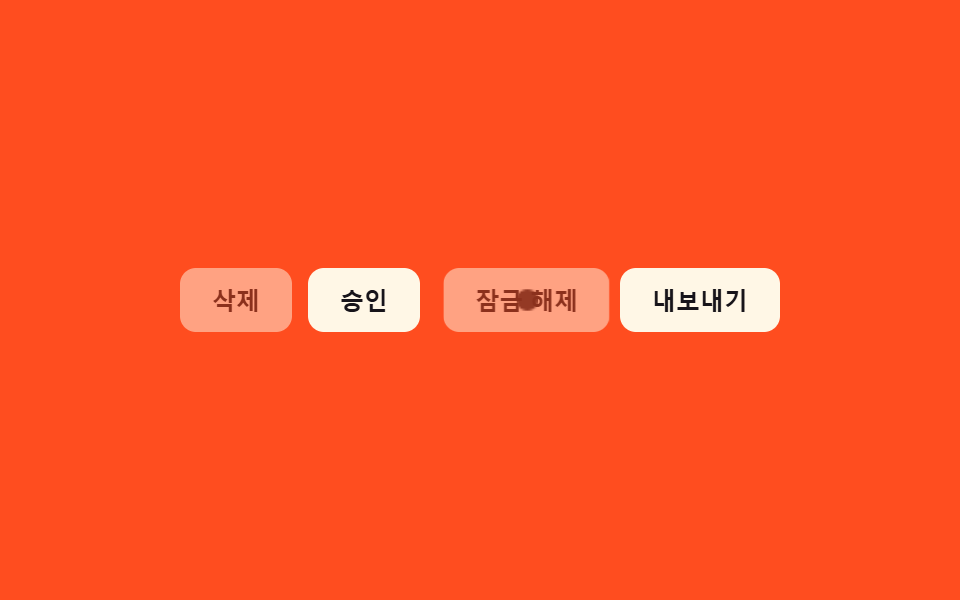 Buttons09 Disabled ripple block — pressing a button whose disabled value is on stops the ripple-spread value midway and answers with a shake value insteadButton Group CSS: 9 Adjoined Patterns
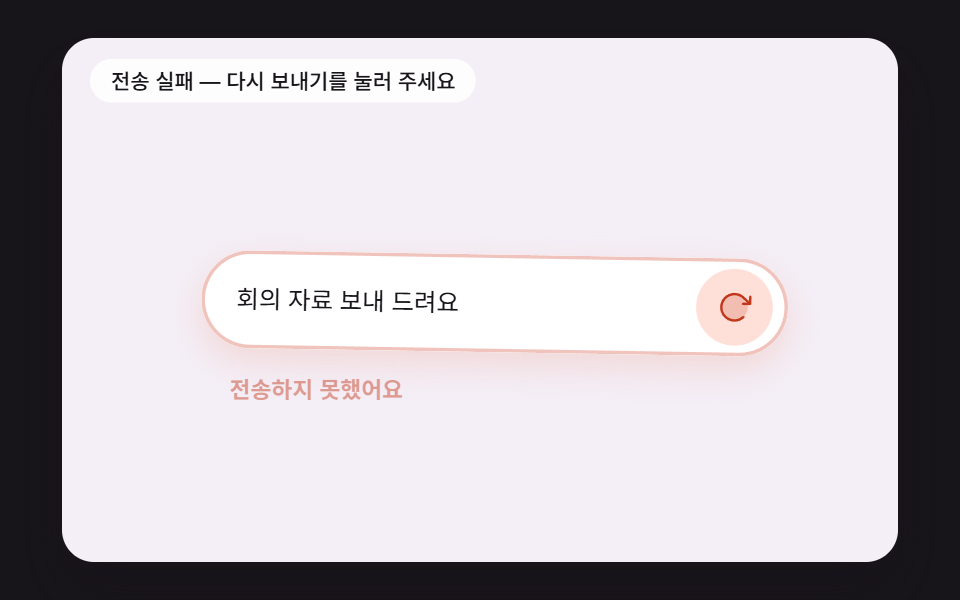 Buttons08 A Button That Reports a Failed Send With a Fading Shake and Turns Into RetrySend Button Animation CSS: 9 Fold-and-Fly Buttons
 Buttons01 Candy gradient flow button9 css button design ideas — candy, push, loading