05Icon slide button
Label and arrow sit as two stacked layers that swap places with translateX, so on hover the text slides over and the arrow glides into its spot.
Best forA read-more link on a blog, the next-step button on a product tour
격층 translateXoverflow: hidden$ease-spring
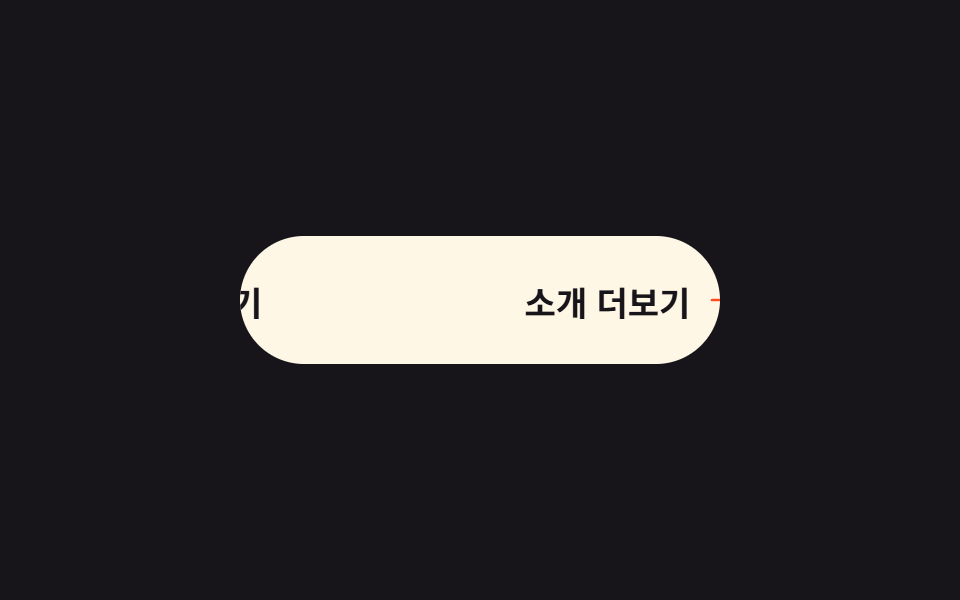
<main class="stage is-demo">
  <button class="btn" type="button">
    <span class="btn__track">
      <span class="btn__cell">Read more</span>
      <span class="btn__cell">
        Read more
        <svg class="btn__arrow" viewBox="0 0 256 256" aria-hidden="true" focusable="false">
          <g fill="currentColor"><path d="m216 128l-72 72V56Z" opacity=".2"/><path d="m221.66 122.34l-72-72A8 8 0 0 0 136 56v64H40a8 8 0 0 0 0 16h96v64a8 8 0 0 0 13.66 5.66l72-72a8 8 0 0 0 0-11.32M152 180.69V75.31L204.69 128Z"/></g>
        </svg>
      </span>
    </span>
  </button>
</main>
@use "../../../../site/static/demo-tokens" as *;
// ── 변수 3개 ──────────────────────────────────────────
$duration: $dur-loop; // 2s — 슬라이드 한 주기
$easing: $ease-spring;
$color: $stage-orange; // 화살표 포인트색
@include stage($stage-ink);
.btn {
box-sizing: border-box;
position: relative;
width: 240px;
height: 64px;
border: none;
border-radius: $r-pill;
background: $subject-cream;
color: $subject-ink;
font-family: -apple-system, "Segoe UI", "Noto Sans KR", sans-serif;
font-weight: 700;
font-size: 17px;
cursor: pointer;
overflow: hidden; // 두 칸 중 보이는 칸은 늘 하나
}
// 두 칸 트랙 — transform 으로 좌우 이동만 (레이아웃 고정)
.btn__track {
display: flex;
width: 200%;
height: 100%;
transition: transform $dur-base $easing;
}
.btn__cell {
box-sizing: border-box;
flex: 0 0 50%;
display: flex;
align-items: center;
justify-content: center;
gap: $sp-2;
white-space: nowrap;
}
.btn__arrow {
width: 20px;
height: 20px;
color: $color; // Phosphor duotone: g fill="currentColor" 가 이 값을 물려받는다
}
// 실사용: 올리면 두 번째 칸(라벨+화살표)이 오른쪽에서 들어온다
.btn:hover .btn__track { transform: translateX(-50%); }
.btn:focus-visible { outline: 3px solid $stage-yellow; outline-offset: 4px; }
// 격자 미리보기: 밀었다 되돌아오는 루프
.stage.is-demo .btn__track { animation: slide-in $duration $easing infinite; }
@keyframes slide-in {
0%, 18% { transform: translateX(0); }
55%, 72% { transform: translateX(-50%); }
88% { transform: translateX(-4%); } // 살짝 되튕김
100% { transform: translateX(0); }
}
@media (prefers-reduced-motion: reduce) {
.stage.is-demo .btn__track { animation: none; transform: translateX(-50%); }
}html, body {
margin: 0;
overflow: hidden;
}
.stage {
box-sizing: border-box;
min-height: 100vh;
display: grid;
place-items: center;
margin: 0;
background: #17141a;
font-family: -apple-system, "Segoe UI", "Noto Sans KR", sans-serif;
padding: clamp(8px, 4vw, 24px);
}
.btn {
box-sizing: border-box;
position: relative;
width: 240px;
height: 64px;
border: none;
border-radius: 999px;
background: #fff7e6;
color: #17141a;
font-family: -apple-system, "Segoe UI", "Noto Sans KR", sans-serif;
font-weight: 700;
font-size: 17px;
cursor: pointer;
overflow: hidden;
}
.btn__track {
display: flex;
width: 200%;
height: 100%;
transition: transform 300ms cubic-bezier(0.2, 0.8, 0.2, 1);
}
.btn__cell {
box-sizing: border-box;
flex: 0 0 50%;
display: flex;
align-items: center;
justify-content: center;
gap: 8px;
white-space: nowrap;
}
.btn__arrow {
width: 20px;
height: 20px;
color: #ff4d1f;
}
.btn:hover .btn__track {
transform: translateX(-50%);
}
.btn:focus-visible {
outline: 3px solid #ffd23f;
outline-offset: 4px;
}
.stage.is-demo .btn__track {
animation: slide-in 2s cubic-bezier(0.2, 0.8, 0.2, 1) infinite;
}
@keyframes slide-in {
0%, 18% {
transform: translateX(0);
}
55%, 72% {
transform: translateX(-50%);
}
88% {
transform: translateX(-4%);
}
100% {
transform: translateX(0);
}
}
@media (prefers-reduced-motion: reduce) {
.stage.is-demo .btn__track {
animation: none;
transform: translateX(-50%);
}
}import type { CSSProperties } from "react";
import styles from "./IconSlideButton.module.scss";
export type IconSlideButtonProps = {
duration?: number;
easing?: string;
color?: string;
label?: string;
};
export default function IconSlideButton({
duration = 300,
easing = "cubic-bezier(.2, .8, .2, 1)",
color = "#ff4d1f",
label = "소개 더보기",
}: IconSlideButtonProps) {
const vars: CSSProperties = { "--duration": `${duration}ms`, "--easing": easing, "--color": color } as CSSProperties;
return (
<button className={styles.btn} style={vars} type="button">
<span className={styles.track}>
<span className={styles.cell}>{label}</span>
<span className={styles.cell}>
{label}
<svg className={styles.arrow} viewBox="0 0 256 256" aria-hidden="true" focusable="false">
<g fill="currentColor"><path d="m216 128l-72 72V56Z" opacity=".2" /><path d="m221.66 122.34l-72-72A8 8 0 0 0 136 56v64H40a8 8 0 0 0 0 16h96v64a8 8 0 0 0 13.66 5.66l72-72a8 8 0 0 0 0-11.32M152 180.69V75.31L204.69 128Z" /></g>
</svg>
</span>
</span>
</button>
);
}05 Icon slide button — Measured area 2.354% · moving frames 15/23Original by GODRICH · SCSS and React ship in the zip · 9 css button design ideas — candy, push, loading
The post this demo lives in
 9 css button design ideas — candy, push, loadingcss button design means deciding a button's colors, shape, and mouse reaction in a few lines of code. Want that candy-gr See all demos in this post
If you like this effect - similar demos
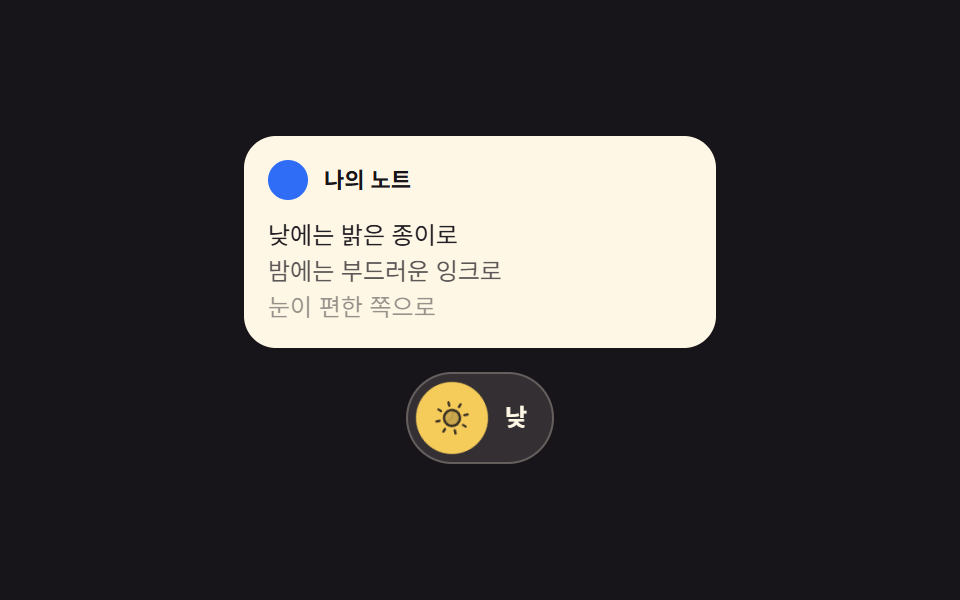 Buttons05 Theme button where the sun and moon trade places9 Icon Button CSS Patterns — Press, Drag, Expand
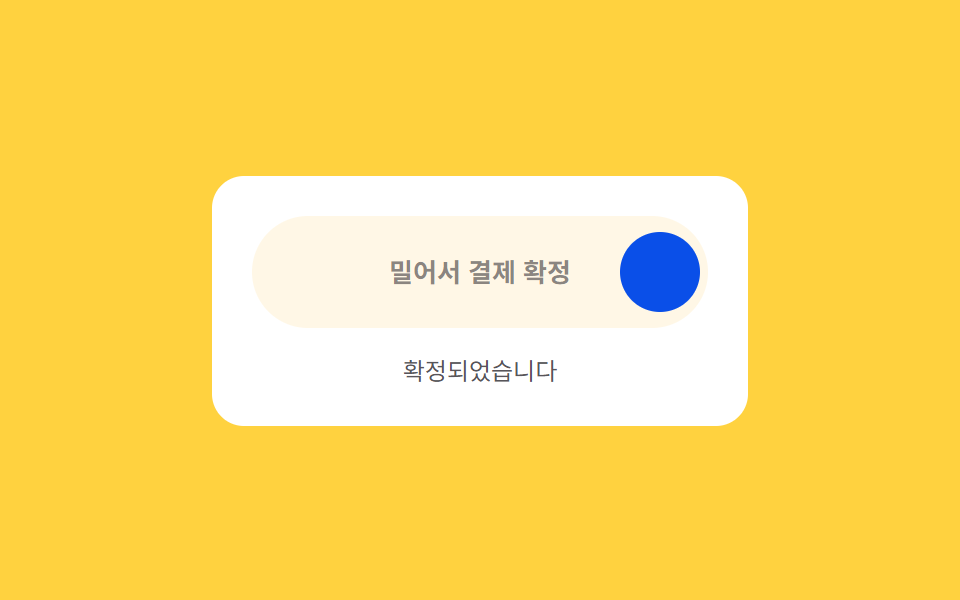 Buttons06 Drag-to-confirm — a button that reaches a confirmed state once a dragged position value passes a thresholdCTA Button Design: 9 Interaction Patterns
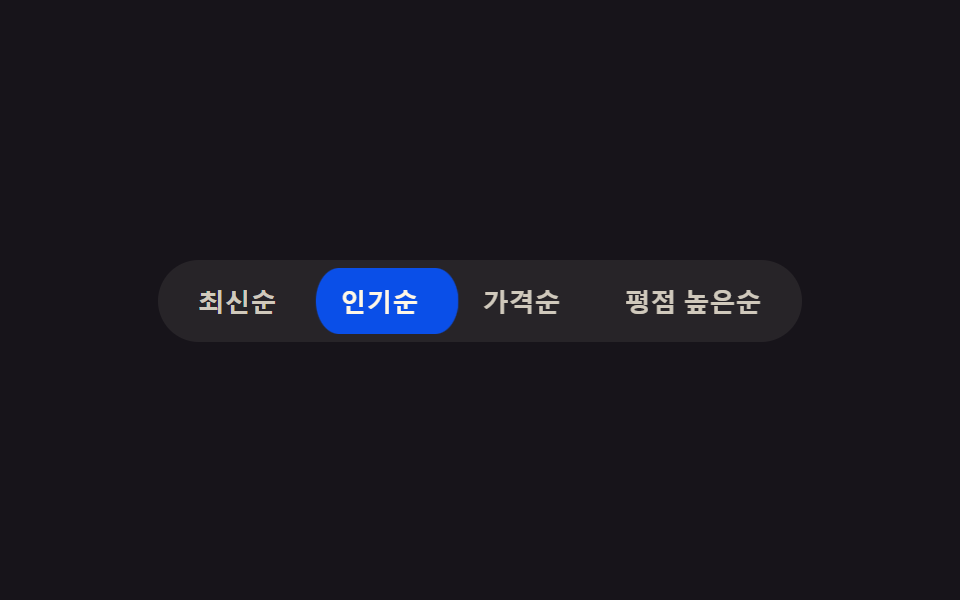 Buttons02 Active-indicator slide — when the active-button value changes, the highlight background's position value glides to the new button along measured coordinatesButton Group CSS: 9 Adjoined Patterns