04Wavy Section Edge Built From Two Summed Sines
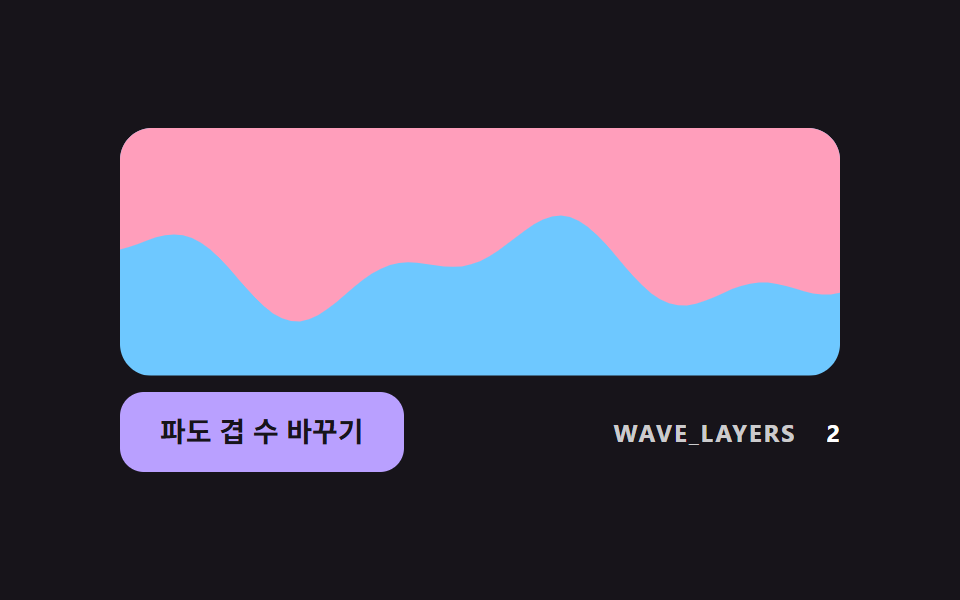
Two sines with different periods are added into one SVG path that draws the section edge, giving an edge that repeats less than a single curve.
Best forTurning a straight edge into a curve
WAVE_LAYERSWAVE_AMPWAVE_PERIOD
<main class="stage">
<div class="dv is-demo" id="dvRoot">
  <svg class="dv__svg" id="dvSvg" viewBox="0 0 320 110" aria-hidden="true" focusable="false">
    <rect class="dv__under" x="0" y="0" width="320" height="110"></rect>
    <path class="dv__over" id="dvPath" d="M0 0H320V55H0Z"></path>
  </svg>
  <div class="dv__bar">
  <button class="dv__btn" id="dvBtn" type="button">Change wave layers</button>
  <p class="dv__meta"><span class="dv__tag">WAVE_LAYERS</span> <b id="dvLayers">2</b></p>
  </div>
</div>
</main>
@use "../../../../site/static/demo-tokens" as *;
// 핵심: 경계선 높이를 주기가 다른 사인 WAVE_LAYERS 개의 합으로 계산해 SVG path 로 그린다.
$over-color: $subject-pink;
$under-color: $subject-sky;
@include stage($stage-ink);
.dv {
width: min(100%, 360px);
display: grid;
gap: $sp-2;
justify-items: center;
}
.dv__svg {
display: block;
width: 100%;
height: auto;
border-radius: $r-card;
overflow: hidden;
}
.dv__under { fill: $under-color; }
.dv__over { fill: $over-color; }
.dv__btn {
box-sizing: border-box;
height: 40px;
padding: 0 $sp-5;
border: 0;
border-radius: $r-control;
background: $subject-lilac;
color: $subject-ink;
font-family: inherit;
font-size: 14px;
font-weight: 700;
line-height: 20px;
cursor: pointer;
}
.dv__btn:focus-visible { outline: 3px solid $stage-paper; outline-offset: 3px; }
.dv__meta {
margin: 0;
display: flex;
align-items: baseline;
gap: $sp-2;
font-size: 12px;
line-height: 16px;
color: rgba($stage-paper, .78);
}
.dv__tag { font-weight: 700; letter-spacing: .08em; }
.dv__meta b { min-width: 2ch; text-align: right; font-variant-numeric: tabular-nums; color: $stage-paper; }
@media (prefers-reduced-motion: reduce) {
.dv__btn { transition: none; }
}
.dv__bar { box-sizing: border-box; width: 100%; display: flex; flex-wrap: wrap; align-items: center; justify-content: space-between; gap: $sp-2 $sp-3; }html, body {
margin: 0;
overflow: hidden;
}
.stage {
box-sizing: border-box;
min-height: 100vh;
display: grid;
place-items: center;
margin: 0;
background: #17141a;
font-family: -apple-system, "Segoe UI", "Noto Sans KR", sans-serif;
padding: clamp(8px, 4vw, 24px);
}
.dv {
width: min(100%, 360px);
display: grid;
gap: 8px;
justify-items: center;
}
.dv__svg {
display: block;
width: 100%;
height: auto;
border-radius: 16px;
overflow: hidden;
}
.dv__under {
fill: #6ec8ff;
}
.dv__over {
fill: #ff9ebb;
}
.dv__btn {
box-sizing: border-box;
height: 40px;
padding: 0 20px;
border: 0;
border-radius: 12px;
background: #b9a0ff;
color: #17141a;
font-family: inherit;
font-size: 14px;
font-weight: 700;
line-height: 20px;
cursor: pointer;
}
.dv__btn:focus-visible {
outline: 3px solid #ffffff;
outline-offset: 3px;
}
.dv__meta {
margin: 0;
display: flex;
align-items: baseline;
gap: 8px;
font-size: 12px;
line-height: 16px;
color: rgba(255, 255, 255, 0.78);
}
.dv__tag {
font-weight: 700;
letter-spacing: 0.08em;
}
.dv__meta b {
min-width: 2ch;
text-align: right;
font-variant-numeric: tabular-nums;
color: #ffffff;
}
@media (prefers-reduced-motion: reduce) {
.dv__btn {
transition: none;
}
}
.dv__bar {
box-sizing: border-box;
width: 100%;
display: flex;
flex-wrap: wrap;
align-items: center;
justify-content: space-between;
gap: 8px 12px;
}(function () {
// 기법: 경계 높이 y(x) = BASE_Y + 각 겹(진폭 * sin(2π x / 주기 + 위상 * 속도배수))의 합. 두 주기를 일부러 서로 약분되지 않게 잡아 반복이 덜 보인다.
// 점을 STEP_PX 간격으로 찍어 SVG path 의 d 를 직접 만든다.
var WAVE_LAYERS = 2;
var WAVE_AMP = [16, 9, 5];
var WAVE_PERIOD = [190, 83, 47];
var WAVE_SPEED = [1, 1.7, 2.3];
var BASE_Y = 62;
var VIEW_W = 320;
var STEP_PX = 4;
var RATE_RAD_PER_S = 2.4;
var root = document.getElementById('dvRoot');
var pathEl = document.getElementById('dvPath');
var btn = document.getElementById('dvBtn');
var layersEl = document.getElementById('dvLayers');
var reduce = window.matchMedia('(prefers-reduced-motion: reduce)').matches;
var phase = 0;
function edgeY(x) {
var y = BASE_Y;
for (var i = 0; i < WAVE_LAYERS; i += 1) {
y += WAVE_AMP[i] * Math.sin(2 * Math.PI * x / WAVE_PERIOD[i] + phase * WAVE_SPEED[i]);
}
return y;
}
function draw() {
var d = 'M0 0H' + VIEW_W + 'V' + edgeY(VIEW_W).toFixed(1);
for (var x = VIEW_W - STEP_PX; x >= 0; x -= STEP_PX) d += 'L' + x + ' ' + edgeY(x).toFixed(1);
d += 'L0 ' + edgeY(0).toFixed(1) + 'Z';
pathEl.setAttribute('d', d);
layersEl.textContent = String(WAVE_LAYERS);
}
function stopDemo() { root.classList.remove('is-demo'); }
btn.addEventListener('click', function () {
WAVE_LAYERS = WAVE_LAYERS % 3 + 1;
draw();
});
var lastTs = null;
function tick(ts) {
var dt = lastTs === null ? 0.016 : Math.min(0.05, (ts - lastTs) / 1000);
lastTs = ts;
if (root.classList.contains('is-demo')) {
phase += RATE_RAD_PER_S * dt;
draw();
}
requestAnimationFrame(tick);
}
draw();
if (reduce) {
stopDemo();
} else {
requestAnimationFrame(tick);
}
})();// WaveEdge — vanilla 판(04-divl-sine-wave-section-edge) 의 React 포트.
// 경계 높이를 주기가 다른 사인 WAVE_LAYERS 개의 합으로 계산해 SVG path 의 d 를 직접 만든다.
import { useEffect, useRef } from "react";
import styles from "./WaveEdge.module.scss";
type Box<T> = { current: T };
const WAVE_AMP: number[] = [16, 9, 5];
const WAVE_PERIOD: number[] = [190, 83, 47];
const WAVE_SPEED: number[] = [1, 1.7, 2.3];
const BASE_Y = 62;
const VIEW_W = 320;
const STEP_PX = 4;
const RATE_RAD_PER_S = 2.4;
export default function WaveEdge() {
const pathRef = useRef<SVGPathElement | null>(null) as Box<SVGPathElement | null>;
const btnRef = useRef<HTMLButtonElement | null>(null) as Box<HTMLButtonElement | null>;
const layersRef = useRef<HTMLElement | null>(null) as Box<HTMLElement | null>;
useEffect(() => {
const pathEl = pathRef.current;
const btn = btnRef.current;
const layersEl = layersRef.current;
if (!pathEl || !btn || !layersEl) return;
const reduce = window.matchMedia("(prefers-reduced-motion: reduce)").matches;
let demo = !reduce;
let layers = 2;
let phase = 0;
let lastTs: number | null = null;
let raf = 0;
const edgeY = (x: number): number => {
let y = BASE_Y;
for (let i = 0; i < layers; i += 1) {
y += WAVE_AMP[i] * Math.sin((2 * Math.PI * x) / WAVE_PERIOD[i] + phase * WAVE_SPEED[i]);
}
return y;
};
const draw = (): void => {
let d = "M0 0H" + VIEW_W + "V" + edgeY(VIEW_W).toFixed(1);
for (let x = VIEW_W - STEP_PX; x >= 0; x -= STEP_PX) d += "L" + x + " " + edgeY(x).toFixed(1);
d += "L0 " + edgeY(0).toFixed(1) + "Z";
pathEl.setAttribute("d", d);
layersEl.textContent = String(layers);
};
const onClick = (): void => {
layers = (layers % 3) + 1;
draw();
};
btn.addEventListener("click", onClick);
function tick(ts: number): void {
const dt = lastTs === null ? 0.016 : Math.min(0.05, (ts - lastTs) / 1000);
lastTs = ts;
if (demo) {
phase += RATE_RAD_PER_S * dt;
draw();
}
raf = requestAnimationFrame(tick);
}
draw();
if (!reduce) raf = requestAnimationFrame(tick);
return () => {
demo = false;
cancelAnimationFrame(raf);
btn.removeEventListener("click", onClick);
};
}, []);
return (
<div className={styles.dv}>
<svg className={styles.svg} viewBox="0 0 320 110" aria-hidden="true" focusable="false">
<rect className={styles.under} x="0" y="0" width="320" height="110" />
<path className={styles.over} ref={pathRef} d="M0 0H320V55H0Z" />
</svg>
<div className={styles.bar}>
<button className={styles.btn} ref={btnRef} type="button">파도 겹 수 바꾸기</button>
<p className={styles.meta}>
<span className={styles.tag}>WAVE_LAYERS</span> <b ref={layersRef}>2</b>
</p>
</div>
</div>
);
}04 Wavy Section Edge Built From Two Summed Sines — Measured area 11.55% · moving frames 23/23Original by GODRICH · SCSS and React ship in the zip · CSS Divider: 9 Demos That Compute the Line Shape
The post this demo lives in
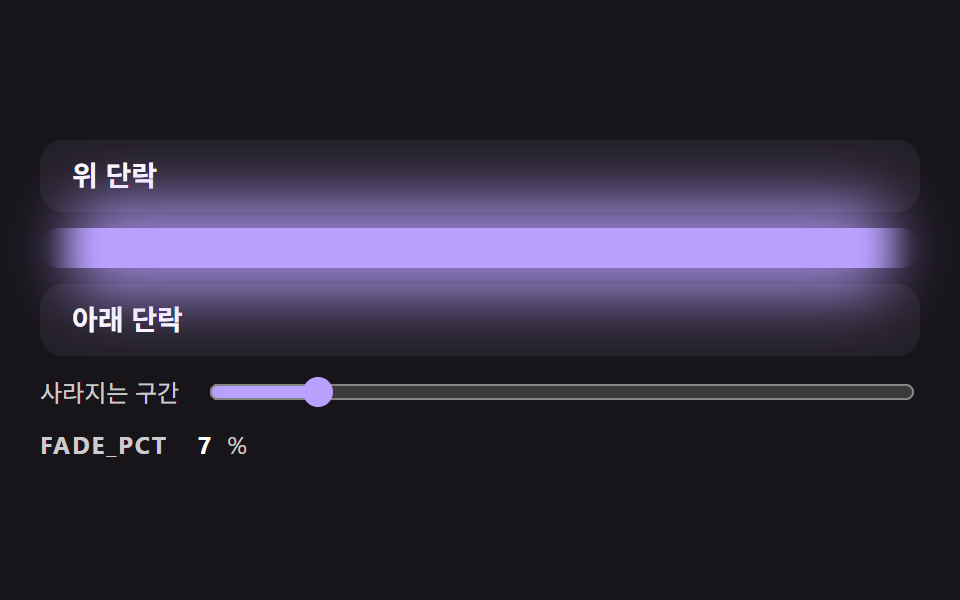 CSS Divider: 9 Demos That Compute the Line ShapeA CSS divider looks like a single line, yet its ends cut off hard, the lines do not fit the width of a centered label an See all demos in this post
If you like this effect - similar demos
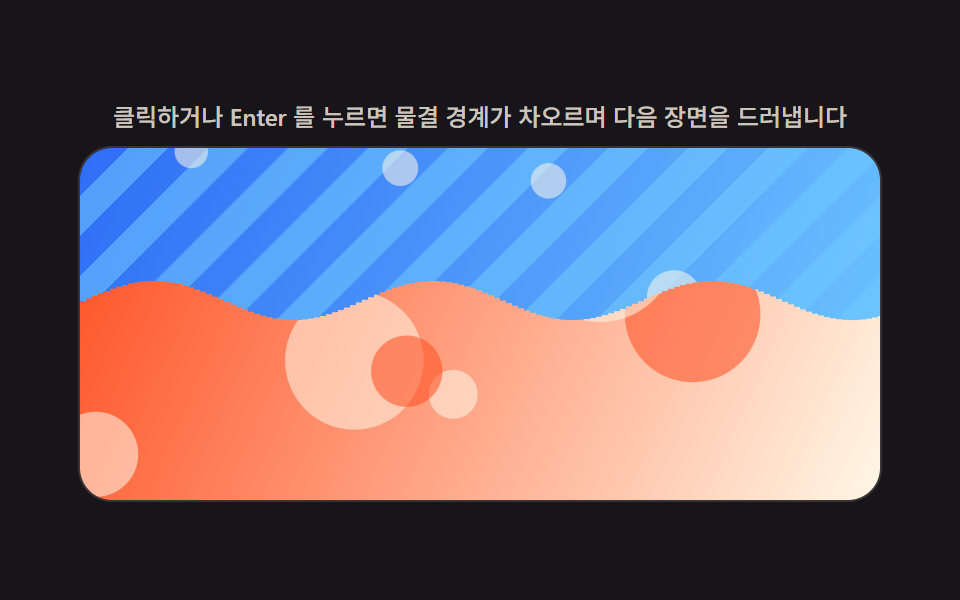 Transitions09 Liquid Wave Reveal Whose Boundary Comes From a Sine Phase OffsetImage Reveal Effect CSS — 9 Canvas-computed Wipes
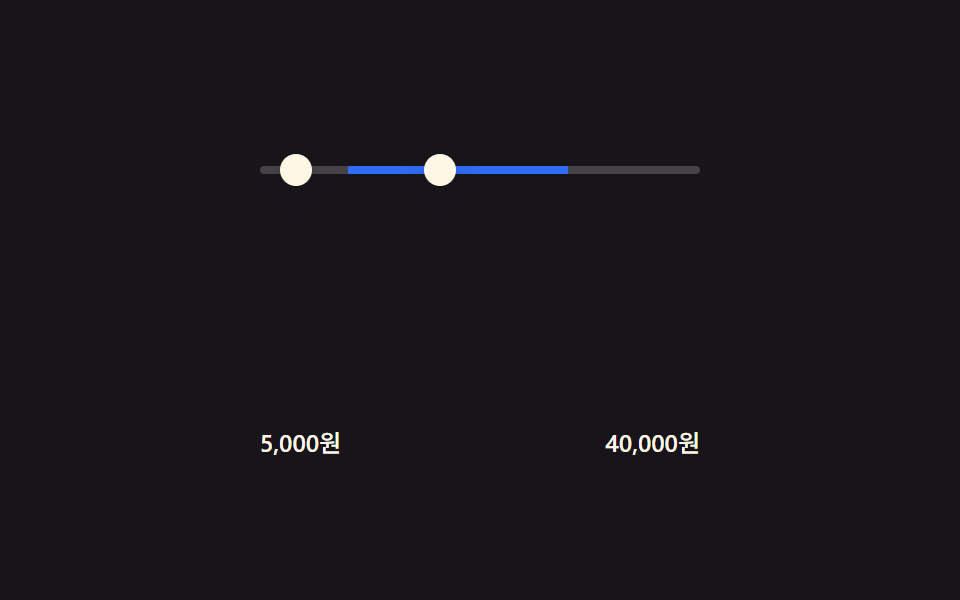 Transitions09 Price-range fill — a slider computing its track width from two input values9 Filter UI Patterns (Panel Slide to Chip Remove)
 Transitions04 Circle reveal from click point9 CSS Page Transitions — No Library, Pure CSS