053D tilt
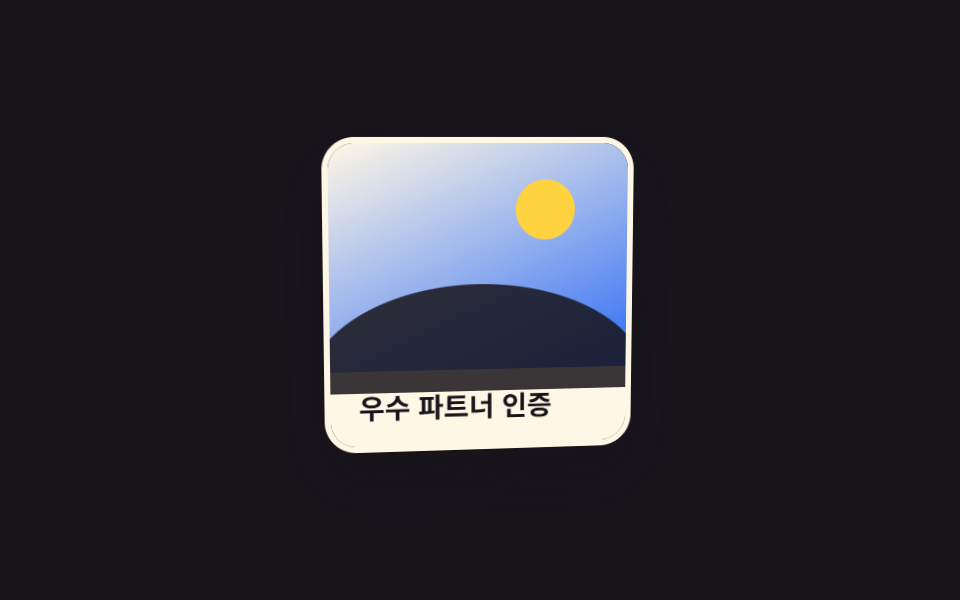
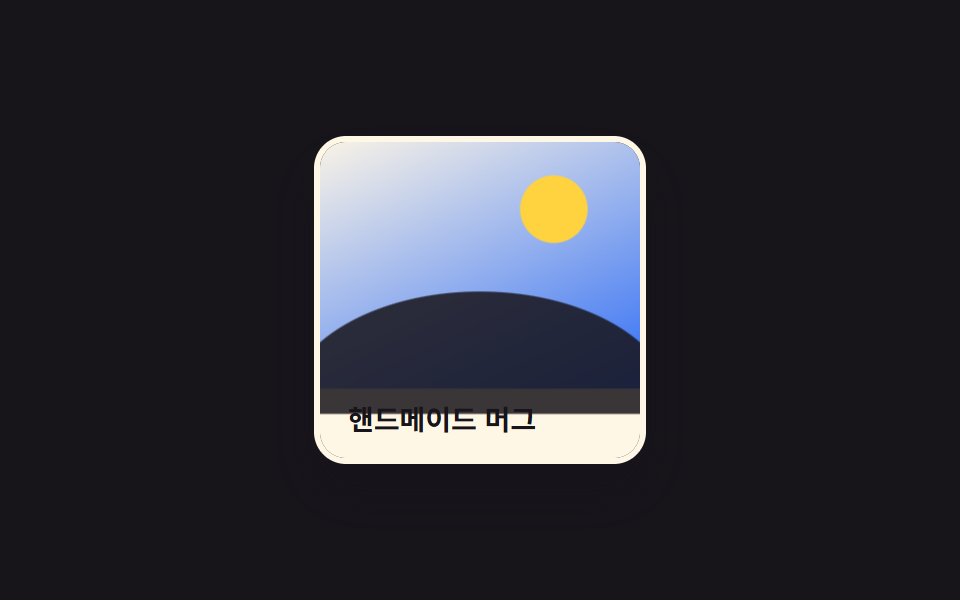
Inside a perspective-wrapped parent, the image tilts slightly on rotateX and rotateY, making the card look like it lifts in 3D.
Best forProduct showcase cards, certificate or badge images
perspectiverotateX/rotateYtransform-style
<main class="stage">
  <div class="frame">
    <figure class="photo is-demo" tabindex="0">
      <span class="photo__pic" aria-hidden="true">
        <span class="photo__sun"></span>
        <span class="photo__hill"></span>
      </span>
      <figcaption class="photo__cap">Certified Partner</figcaption>
    </figure>
  </div>
</main>
@use "../../../../site/static/demo-tokens" as *;
$duration: $dur-base; // 기울기가 붙는 시간
$easing: $ease-spring;
$color: $subject-cream; // 카드 프레임 색
@include stage($stage-ink);
.stage { padding: clamp(6px, 2.4vw, 16px); } // 320px 대응: 데모 카드가 작아 여백도 줄인다
.frame {
perspective: 700px; // 자식 카드가 이 값 기준으로 기운다
}
.photo {
margin: 0;
width: min(150px, 48vw);
border-radius: $r-card;
overflow: hidden;
box-shadow: $shadow-raised;
border: 3px solid $color;
outline: none;
cursor: pointer;
transform-style: preserve-3d;
transform: rotateX(0) rotateY(0);
transition: transform $duration $easing;
}
.photo__pic {
display: block;
position: relative;
aspect-ratio: 4 / 3;
background: linear-gradient(155deg, $subject-cream 0%, $subject-blue 100%);
}
.photo__sun {
position: absolute;
top: 16%;
right: 18%;
width: 20%;
aspect-ratio: 1;
border-radius: 50%;
background: $stage-yellow;
}
.photo__hill {
position: absolute;
left: -8%;
right: -8%;
bottom: -10%;
height: 48%;
border-radius: 50% 50% 0 0 / 100% 100% 0 0;
background: $subject-ink;
opacity: .85;
}
.photo__cap {
word-break: keep-all;
margin: 0;
padding: 10px 14px;
font-weight: 600; font-size: clamp(12px, 3.4vw, 14px); line-height: 1.3; font-family: inherit;
color: $stage-ink;
background: $color;
}
.photo:hover,
.photo:focus-visible,
.photo:active {
transform: rotateX(-9deg) rotateY(11deg) translateY(-4px);
}
.photo.is-demo {
animation: tilt-loop $dur-loop $easing infinite;
}
@keyframes tilt-loop {
0%, 15% { transform: rotateX(0) rotateY(0); }
40% { transform: rotateX(-9deg) rotateY(11deg) translateY(-4px); }
65% { transform: rotateX(6deg) rotateY(-9deg) translateY(-2px); }
100% { transform: rotateX(0) rotateY(0); }
}
@media (hover: none) {
.photo:active { transform: rotateX(-9deg) rotateY(11deg) translateY(-4px); }
}
@media (prefers-reduced-motion: reduce) {
.photo { transition: none; }
.photo.is-demo { animation: none; }
}html, body {
margin: 0;
overflow: hidden;
}
.stage {
box-sizing: border-box;
min-height: 100vh;
display: grid;
place-items: center;
margin: 0;
background: #17141a;
font-family: -apple-system, "Segoe UI", "Noto Sans KR", sans-serif;
padding: clamp(8px, 4vw, 24px);
}
.stage {
padding: clamp(6px, 2.4vw, 16px);
}
.frame {
perspective: 700px;
}
.photo {
margin: 0;
width: min(150px, 48vw);
border-radius: 16px;
overflow: hidden;
box-shadow: 0 14px 24px rgba(23, 20, 26, 0.32);
border: 3px solid #fff7e6;
outline: none;
cursor: pointer;
transform-style: preserve-3d;
transform: rotateX(0) rotateY(0);
transition: transform 300ms cubic-bezier(0.2, 0.8, 0.2, 1);
}
.photo__pic {
display: block;
position: relative;
aspect-ratio: 4/3;
background: linear-gradient(155deg, #fff7e6 0%, #2f6df6 100%);
}
.photo__sun {
position: absolute;
top: 16%;
right: 18%;
width: 20%;
aspect-ratio: 1;
border-radius: 50%;
background: #ffd23f;
}
.photo__hill {
position: absolute;
left: -8%;
right: -8%;
bottom: -10%;
height: 48%;
border-radius: 50% 50% 0 0/100% 100% 0 0;
background: #17141a;
opacity: 0.85;
}
.photo__cap {
word-break: keep-all;
margin: 0;
padding: 10px 14px;
font-weight: 600;
font-size: clamp(12px, 3.4vw, 14px);
line-height: 1.3;
font-family: inherit;
color: #17141a;
background: #fff7e6;
}
.photo:hover,
.photo:focus-visible,
.photo:active {
transform: rotateX(-9deg) rotateY(11deg) translateY(-4px);
}
.photo.is-demo {
animation: tilt-loop 2s cubic-bezier(0.2, 0.8, 0.2, 1) infinite;
}
@keyframes tilt-loop {
0%, 15% {
transform: rotateX(0) rotateY(0);
}
40% {
transform: rotateX(-9deg) rotateY(11deg) translateY(-4px);
}
65% {
transform: rotateX(6deg) rotateY(-9deg) translateY(-2px);
}
100% {
transform: rotateX(0) rotateY(0);
}
}
@media (hover: none) {
.photo:active {
transform: rotateX(-9deg) rotateY(11deg) translateY(-4px);
}
}
@media (prefers-reduced-motion: reduce) {
.photo {
transition: none;
}
.photo.is-demo {
animation: none;
}
}import type { CSSProperties } from "react";
import styles from "./Tilt3DPhoto.module.scss";
export type Tilt3DPhotoProps = {
caption: string;
/** 기울기가 붙는 시간 (기본 300ms) */
duration?: number;
easing?: string;
/** 카드 프레임 색 */
color?: string;
};
type Vars = CSSProperties & { "--duration"?: string; "--easing"?: string; "--color"?: string };
export default function Tilt3DPhoto({
caption,
duration = 300,
easing = "cubic-bezier(.2,.8,.2,1)",
color = "#fff7e6",
}: Tilt3DPhotoProps) {
const vars: Vars = { "--duration": `${duration}ms`, "--easing": easing, "--color": color };
return (
<div className={styles.frame}>
<figure className={styles.photo} style={vars} tabIndex={0}>
<span className={styles.pic} aria-hidden="true">
<span className={styles.sun} />
<span className={styles.hill} />
</span>
<figcaption className={styles.cap}>{caption}</figcaption>
</figure>
</div>
);
}05 3D tilt — Measured area 5.519% · moving frames 18/23Original by GODRICH · SCSS and React ship in the zip · 9 CSS Image Hover Effects — One Line, Copy-Paste
The post this demo lives in
 9 CSS Image Hover Effects — One Line, Copy-PasteThese nine css image hover effects each run on a single wrapped image and swap in a zoom, a color shift, or a sliding ca See all demos in this post