01Auto-hyphen phone number
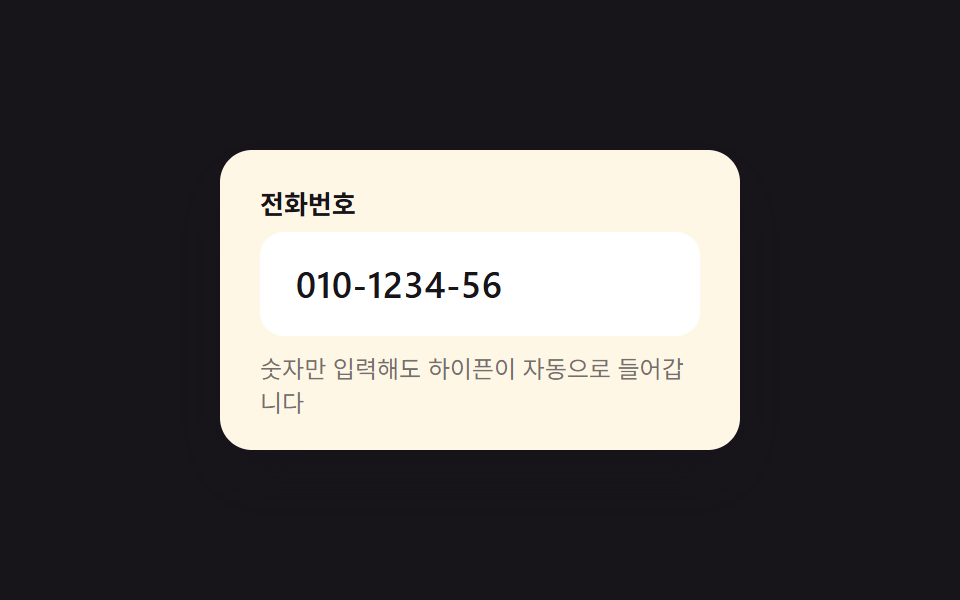
Type digits only and hyphens are inserted automatically as you go, like 010-1234-5678.
Best forSignup contact fields, shipping phone number entry
010 패턴자동 하이픈숫자만

<main class="stage">
  <div class="field is-demo" id="field">
    <label class="field__label" for="phone-input">Phone number</label>
    <input class="field__input" id="phone-input" type="tel" inputmode="numeric" autocomplete="tel-national" placeholder="010-0000-0000" aria-describedby="phone-hint" maxlength="13">
    <p class="field__hint" id="phone-hint">Type digits only — hyphens are added automatically</p>
  </div>
</main>
@use "../../../../site/static/demo-tokens" as *;
// ── 변수 3개 ──────────────────────────────────────────
$duration: $dur-quick; // 포커스 링 전환 시간
$easing: $ease-out; // 포커스 링 전환 이징
$color: $subject-blue; // 포커스 링 색
// ── 데모 무대 ──────────────────────────────────────────
@include stage($stage-ink);
.field {
box-sizing: border-box;
width: min(260px, 84vw);
background: $subject-cream;
border-radius: $r-card;
padding: $sp-5 $sp-5 $sp-4;
box-shadow: $shadow-raised;
&__label {
display: block;
margin: 0 0 $sp-2;
font-weight: 700;
font-size: 13px;
line-height: 1;
font-family: inherit;
color: $stage-ink;
}
&__input {
box-sizing: border-box;
width: 100%;
border: 2px solid transparent;
border-radius: $r-control;
padding: $sp-3 $sp-4;
font-weight: 600;
font-size: clamp(15px, 4.4vw, 18px);
letter-spacing: .02em;
font-family: inherit;
color: $stage-ink;
background: #fff;
transition: border-color $duration $easing, box-shadow $duration $easing;
&:focus {
outline: none;
border-color: $color;
box-shadow: 0 0 0 3px rgba(47, 109, 246, .18);
}
}
&__hint {
margin: $sp-2 0 0;
font-size: 12px;
line-height: 1.4;
font-family: inherit;
color: rgba(23, 20, 26, .6);
}
}
// ── 접근성: 모션 축소 시 포커스 링 전환을 즉시 처리 ────────────
@media (prefers-reduced-motion: reduce) {
.field__input { transition: none; }
}html, body {
margin: 0;
overflow: hidden;
}
.stage {
box-sizing: border-box;
min-height: 100vh;
display: grid;
place-items: center;
margin: 0;
background: #17141a;
font-family: -apple-system, "Segoe UI", "Noto Sans KR", sans-serif;
padding: clamp(8px, 4vw, 24px);
}
.field {
box-sizing: border-box;
width: min(260px, 84vw);
background: #fff7e6;
border-radius: 16px;
padding: 20px 20px 16px;
box-shadow: 0 14px 24px rgba(23, 20, 26, 0.32);
}
.field__label {
display: block;
margin: 0 0 8px;
font-weight: 700;
font-size: 13px;
line-height: 1;
font-family: inherit;
color: #17141a;
}
.field__input {
box-sizing: border-box;
width: 100%;
border: 2px solid transparent;
border-radius: 12px;
padding: 12px 16px;
font-weight: 600;
font-size: clamp(15px, 4.4vw, 18px);
letter-spacing: 0.02em;
font-family: inherit;
color: #17141a;
background: #fff;
transition: border-color 220ms ease-out, box-shadow 220ms ease-out;
}
.field__input:focus {
outline: none;
border-color: #2f6df6;
box-shadow: 0 0 0 3px rgba(47, 109, 246, 0.18);
}
.field__hint {
margin: 8px 0 0;
font-size: 12px;
line-height: 1.4;
font-family: inherit;
color: rgba(23, 20, 26, 0.6);
}
@media (prefers-reduced-motion: reduce) {
.field__input {
transition: none;
}
}(function () {
var field = document.getElementById('field');
var input = document.getElementById('phone-input');
function format(digits) {
digits = digits.replace(/\D/g, '').slice(0, 11);
if (digits.length < 4) return digits;
if (digits.length < 8) return digits.slice(0, 3) + '-' + digits.slice(3);
return digits.slice(0, 3) + '-' + digits.slice(3, 7) + '-' + digits.slice(7);
}
input.addEventListener('input', function () {
input.value = format(input.value);
});
function stopDemo() {
if (!field.classList.contains('is-demo')) return;
field.classList.remove('is-demo');
clearInterval(timer);
input.value = '';
}
input.addEventListener('pointerdown', stopDemo);
input.addEventListener('keydown', stopDemo);
var digits = '01012345678';
var i = 0;
var timer = setInterval(function () {
if (i > digits.length) { i = 0; input.value = ''; return; }
input.value = format(digits.slice(0, i));
i++;
}, 160);
})();import { useRef, useState } from "react";
import styles from "./PhoneFormat.module.scss";
export type PhoneFormatProps = {
label?: string;
hint?: string;
color?: string;
};
function format(raw: string): string {
const d = raw.replace(/\D/g, "").slice(0, 11);
if (d.length < 4) return d;
if (d.length < 8) return `${d.slice(0, 3)}-${d.slice(3)}`;
return `${d.slice(0, 3)}-${d.slice(3, 7)}-${d.slice(7)}`;
}
export default function PhoneFormat({
label = "전화번호",
hint = "숫자만 입력해도 하이픈이 자동으로 들어갑니다",
color = "#2f6df6",
}: PhoneFormatProps) {
const [value, setValue] = useState("");
const id = useRef("phone-input-" + Math.random().toString(36).slice(2)).current;
return (
<div className={styles.field} style={{ ["--color" as string]: color }}>
<label className={styles.label} htmlFor={id}>{label}</label>
<input
className={styles.input}
id={id}
type="tel"
inputMode="numeric"
autoComplete="tel-national"
placeholder="010-0000-0000"
maxLength={13}
value={value}
aria-describedby={id + "-hint"}
onChange={(e: any) => setValue(format(e.target.value))}
/>
<p className={styles.hint} id={id + "-hint"}>{hint}</p>
</div>
);
}01 Auto-hyphen phone number — Measured area 0.857% · moving frames 15/23Original by GODRICH · SCSS and React ship in the zip · CSS Input Design: 9 Form Widgets You Can Paste In
The post this demo lives in
 CSS Input Design: 9 Form Widgets You Can Paste InCSS input design means the small form fields — phone numbers, card numbers, quantities, tags — that fill checkout and si See all demos in this post
If you like this effect - similar demos
 Inputs01 Auto-advance to next boxOTP Input UI: 9 States, Validation Included
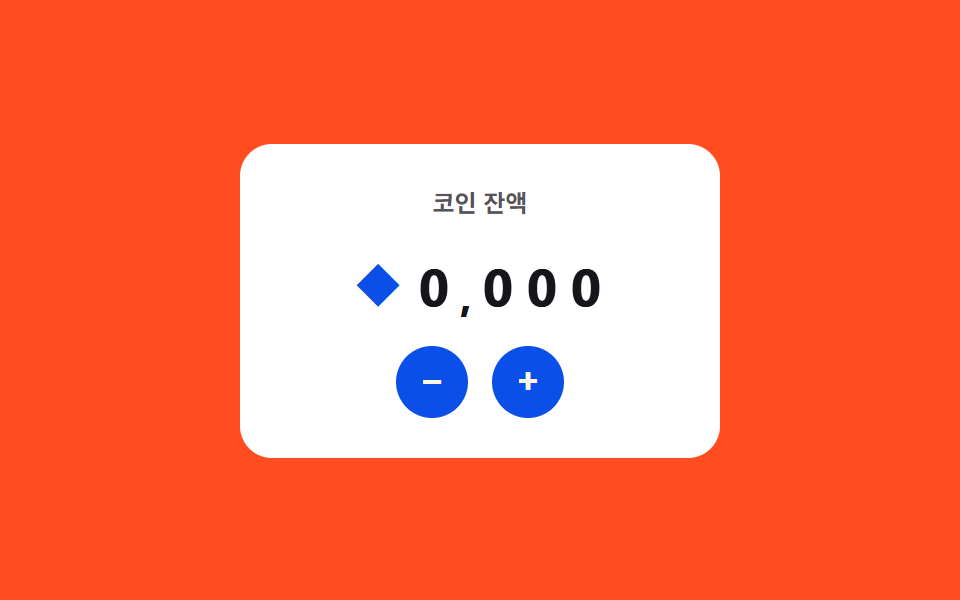 Inputs07 Live currency format — a stepper that recomputes digit-grouping positions every time its value changesNumber Stepper UI: 9 Interaction Patterns
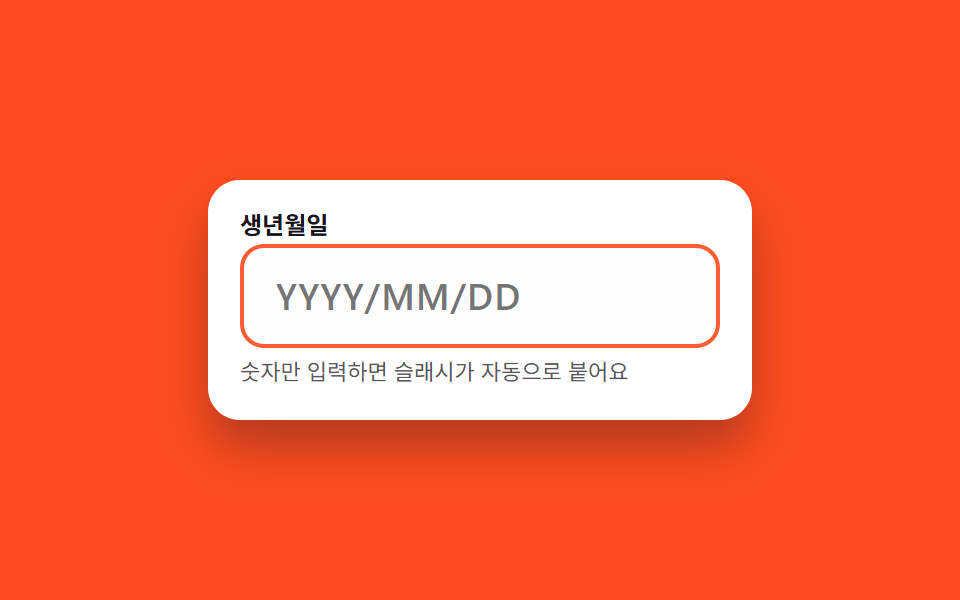 Inputs03 Date input with auto-slashRegister Form Design: 9 Keyboard-Friendly Inputs