01Dial-rotating marker — stacking an angle value per item so each bullet turns like a clock
The needle inside each bullet stacks an angle value in proportion to its item number, so the whole list reads as one dial set.
Best forA how-to steps list, an onboarding order list
DIAL_STEP_DEGrotate$subject-blue

<main class="stage">
<div class="wrap is-demo" id="wrap">
  <ol class="dial-list" id="list">
    <li style="--i:0">Design review</li>
    <li style="--i:1">Mockup production</li>
    <li style="--i:2">Internal QA</li>
    <li style="--i:3">Client sign-off</li>
    <li style="--i:4">Deployed</li>
  </ol>
  <button class="advance" id="advance" type="button">Turn the needle to the next step</button>
</div>
</main>
@use "../../../../site/static/demo-tokens" as *;
// 계산 겹은 index.html 의 turns[i] * DIAL_STEP_DEG * (i+1) 누적식에 있다 — 여기는 다이얼 모양·판만 맡는다.
// ::marker 는 transform(rotate) 을 지원하지 않아 바늘을 돌릴 수 없다 (::marker 로 되는 건 color·content·font 뿐).
// 그래서 list-style:none 으로 네이티브 마커를 지우고 ::before(다이얼 원판)·::after(바늘) 로 대체한다.
@include stage($stage-ink);
.dial-list {
list-style: none;
margin: 0;
padding: 0;
display: flex;
flex-direction: column;
gap: $sp-2;
width: 220px;
}
.dial-list li {
position: relative;
padding-left: 40px;
min-height: 28px;
display: flex;
align-items: center;
color: $subject-cream;
font-size: 13px;
transition: color $dur-quick $ease-out;
}
.dial-list li::before {
content: '';
position: absolute;
left: 0;
top: 50%;
width: 24px;
height: 24px;
margin-top: -12px;
border-radius: 50%;
background: $subject-blue;
box-shadow: inset 0 0 0 2px rgba($subject-cream, .25);
}
.dial-list li::after {
content: '';
position: absolute;
left: 12px;
top: 50%;
width: 9px;
height: 2px;
margin-top: -1px;
background: $subject-cream;
transform-origin: left center; // 바늘의 회전축 — 다이얼 중심에 고정된 채 끝만 돈다
transform: rotate(var(--angle, 0deg));
transition: transform $dur-quick $ease-out;
}
.dial-list li.is-active {
color: $subject-blue-light;
}
.dial-list li.is-active::before {
box-shadow: inset 0 0 0 2px rgba($subject-cream, .25), 0 0 0 4px rgba($subject-blue, .35);
}
.advance {
appearance: none;
border: none;
margin-top: $sp-4;
padding: $sp-2 $sp-4;
border-radius: $r-control;
background: $subject-blue;
color: $subject-cream;
font-size: 12px;
font-weight: 600;
cursor: pointer;
transition: transform $dur-instant $ease-out;
&:hover { transform: translateY(-1px); }
&:active { transform: scale(.96); }
&:focus-visible { outline: 2px solid $subject-blue-light; outline-offset: 2px; }
}
@media (max-width: 340px) {
.dial-list { width: 180px; gap: $sp-1; }
.dial-list li { font-size: 11px; min-height: 22px; padding-left: 32px; }
.dial-list li::before { width: 20px; height: 20px; margin-top: -10px; }
.dial-list li::after { left: 10px; }
.advance { margin-top: $sp-2; padding: $sp-1 $sp-3; }
}
@media (prefers-reduced-motion: reduce) {
.dial-list li::after { transition: none; }
.advance { transition: none; }
}html, body {
margin: 0;
overflow: hidden;
}
.stage {
box-sizing: border-box;
min-height: 100vh;
display: grid;
place-items: center;
margin: 0;
background: #17141a;
font-family: -apple-system, "Segoe UI", "Noto Sans KR", sans-serif;
padding: clamp(8px, 4vw, 24px);
}
.dial-list {
list-style: none;
margin: 0;
padding: 0;
display: flex;
flex-direction: column;
gap: 8px;
width: 220px;
}
.dial-list li {
position: relative;
padding-left: 40px;
min-height: 28px;
display: flex;
align-items: center;
color: #fff7e6;
font-size: 13px;
transition: color 220ms ease-out;
}
.dial-list li::before {
content: "";
position: absolute;
left: 0;
top: 50%;
width: 24px;
height: 24px;
margin-top: -12px;
border-radius: 50%;
background: #2f6df6;
box-shadow: inset 0 0 0 2px rgba(255, 247, 230, 0.25);
}
.dial-list li::after {
content: "";
position: absolute;
left: 12px;
top: 50%;
width: 9px;
height: 2px;
margin-top: -1px;
background: #fff7e6;
transform-origin: left center;
transform: rotate(var(--angle, 0deg));
transition: transform 220ms ease-out;
}
.dial-list li.is-active {
color: #5b8cf8;
}
.dial-list li.is-active::before {
box-shadow: inset 0 0 0 2px rgba(255, 247, 230, 0.25), 0 0 0 4px rgba(47, 109, 246, 0.35);
}
.advance {
appearance: none;
border: none;
margin-top: 16px;
padding: 8px 16px;
border-radius: 12px;
background: #2f6df6;
color: #fff7e6;
font-size: 12px;
font-weight: 600;
cursor: pointer;
transition: transform 140ms ease-out;
}
.advance:hover {
transform: translateY(-1px);
}
.advance:active {
transform: scale(0.96);
}
.advance:focus-visible {
outline: 2px solid #5b8cf8;
outline-offset: 2px;
}
@media (max-width: 340px) {
.dial-list {
width: 180px;
gap: 4px;
}
.dial-list li {
font-size: 11px;
min-height: 22px;
padding-left: 32px;
}
.dial-list li::before {
width: 20px;
height: 20px;
margin-top: -10px;
}
.dial-list li::after {
left: 10px;
}
.advance {
margin-top: 8px;
padding: 4px 12px;
}
}
@media (prefers-reduced-motion: reduce) {
.dial-list li::after {
transition: none;
}
.advance {
transition: none;
}
}(function () {
var DIAL_STEP_DEG = 30; // 클릭 한 번이 바늘에 더하는 각도 — 변형 01 목표: 30 → 15
var reduce = window.matchMedia('(prefers-reduced-motion: reduce)').matches;
var wrap = document.getElementById('wrap');
var list = document.getElementById('list');
var items = Array.prototype.slice.call(list.querySelectorAll('li'));
var button = document.getElementById('advance');
var isDemo = true;
// 계산 겹: 항목 i 의 바늘 각도는 그 항목이 지금까지 지나온 횟수(turns[i]) 에 자기 번호(i+1) 를 곱해 쌓인다.
// 뒤 항목일수록 같은 한 번의 전진에도 더 큰 각도를 받는다 — 단순 지연이 아니라 번호에 비례한 누적이다.
var turns = items.map(function () { return 0; });
function render() {
items.forEach(function (el, i) {
var deg = turns[i] * DIAL_STEP_DEG * (i + 1);
el.style.setProperty('--angle', (deg % 360) + 'deg');
});
}
function human() { if (isDemo) { wrap.classList.remove('is-demo'); isDemo = false; } }
var active = 0;
function advance() {
turns[active] += 1;
items[active].classList.add('is-active');
setTimeout(function () { items[active] && items[active].classList.remove('is-active'); }, 260);
active = (active + 1) % items.length;
render();
}
button.addEventListener('click', function () { human(); advance(); });
var last = 0;
var STEP_MS = 480;
function loop(ts) {
if (!last) last = ts;
if (isDemo) {
if (reduce) {
turns = items.map(function (_, i) { return i + 1; }); // 계산은 유지, 시간 축소 대신 종료 상태로 즉시 고정
render();
} else if (ts - last >= STEP_MS) {
last = ts;
advance();
}
}
requestAnimationFrame(loop);
}
requestAnimationFrame(loop);
render();
})();// DialRotateMarker — vanilla 판(run/373/demo/01-list-style-marker-dial-rotate/index.html) 의 React 포트.
// ::marker 는 transform(rotate) 을 지원하지 않아 list-style:none 으로 지우고 ::before(다이얼 원판)·
// ::after(바늘) 로 마커를 다시 그린다. 바늘 각도는 turns[i] * DIAL_STEP_DEG * (i+1) 로 항목 번호에 비례해 쌓인다.
import { useEffect, useRef } from "react";
import styles from "./DialRotateMarker.module.scss";
type Box<T> = { current: T };
const DIAL_STEP_DEG = 30; // 클릭 한 번이 바늘에 더하는 각도 — 변형 01 목표: 30 → 15
const STEP_MS = 480; // 자동 루프에서 한 단계 전진하는 간격
const STEPS = ["설계 검토", "시안 제작", "내부 검수", "고객 확인", "배포 완료"];
export default function DialRotateMarker() {
const rootRef = useRef(null) as unknown as Box<HTMLDivElement>;
const listRef = useRef(null) as unknown as Box<HTMLOListElement>;
const rafRef = useRef(0) as unknown as Box<number>;
useEffect(() => {
const reduce = window.matchMedia("(prefers-reduced-motion: reduce)").matches;
const root = rootRef.current;
const list = listRef.current;
if (!root || !list) return;
const items = Array.prototype.slice.call(list.querySelectorAll("li"));
let isDemo = true;
// 계산 겹: 항목 i 의 바늘 각도는 그 항목이 지금까지 지나온 횟수(turns[i]) 에 자기 번호(i+1) 를 곱해 쌓인다.
// 뒤 항목일수록 같은 한 번의 전진에도 더 큰 각도를 받는다 — 단순 지연이 아니라 번호에 비례한 누적이다.
let turns = items.map(function () { return 0; });
function render() {
items.forEach(function (el: HTMLElement, i: number) {
const deg = turns[i] * DIAL_STEP_DEG * (i + 1);
el.style.setProperty("--angle", (deg % 360) + "deg");
});
}
function human() { if (isDemo) { root!.classList.remove(styles.isDemo); isDemo = false; } }
let active = 0;
function advance() {
turns[active] += 1;
items[active].classList.add("is-active");
setTimeout(function () { items[active] && items[active].classList.remove("is-active"); }, 260);
active = (active + 1) % items.length;
render();
}
function onClick() { human(); advance(); }
root!.addEventListener("click", onClick);
let last = 0;
function loop(ts: number) {
if (!last) last = ts;
if (isDemo) {
if (reduce) {
turns = items.map(function (_: HTMLElement, i: number) { return i + 1; }); // 계산은 유지, 종료 상태로 즉시 고정
render();
} else if (ts - last >= STEP_MS) {
last = ts;
advance();
}
}
rafRef.current = requestAnimationFrame(loop);
}
rafRef.current = requestAnimationFrame(loop);
render();
return () => {
root!.removeEventListener("click", onClick);
cancelAnimationFrame(rafRef.current);
};
}, []);
return (
<main className={styles.stage}>
<div className={styles.wrap + " " + styles.isDemo} ref={rootRef}>
<ol className={styles.dialList} ref={listRef}>
{STEPS.map(function (s, i) { return <li key={s} style={{ ["--i" as string]: String(i) } as Record<string, string>}>{s}</li>; })}
</ol>
<button className={styles.advance} type="button">다음 단계로 바늘 돌리기</button>
</div>
</main>
);
}01 Dial-rotating marker — stacking an angle value per item so each bullet turns like a clock — Measured area 2.805% · moving frames 17/23Original by GODRICH · SCSS and React ship in the zip · CSS List Style: 9 Marker Design Patterns
The post this demo lives in
 CSS List Style: 9 Marker Design PatternsNine list markers: one turns each bullet like a clock as a dial angle stacks per item, one rolls a counter into odometer See all demos in this post
If you like this effect - similar demos
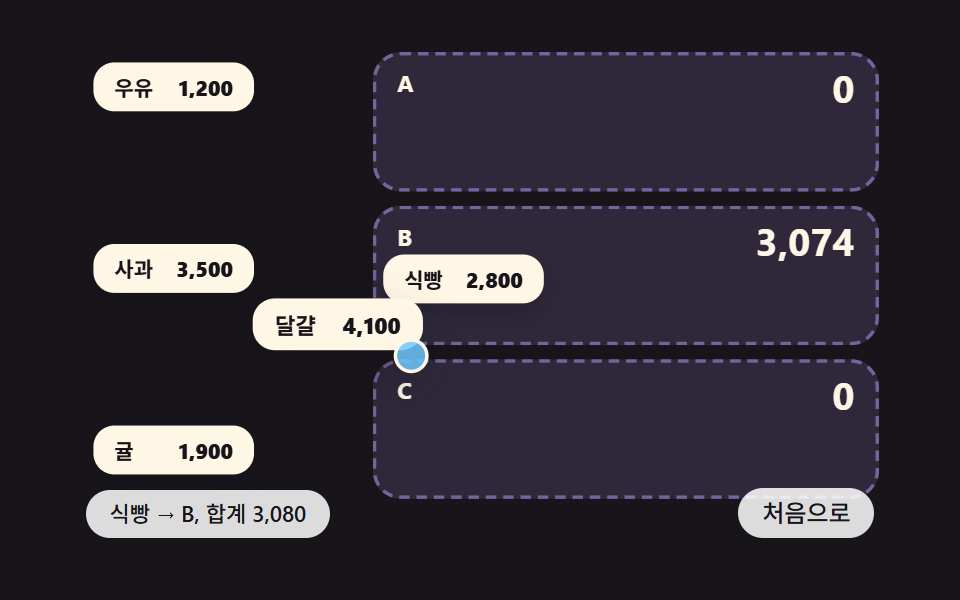 Lists & tables09 A Split-Bill List Where Dragging an Item Into a Person's Slot Makes Each Slot Total Ease Toward Its New ValueCSS Receipt: 9 Thermal Print and Tear-Off Scenes
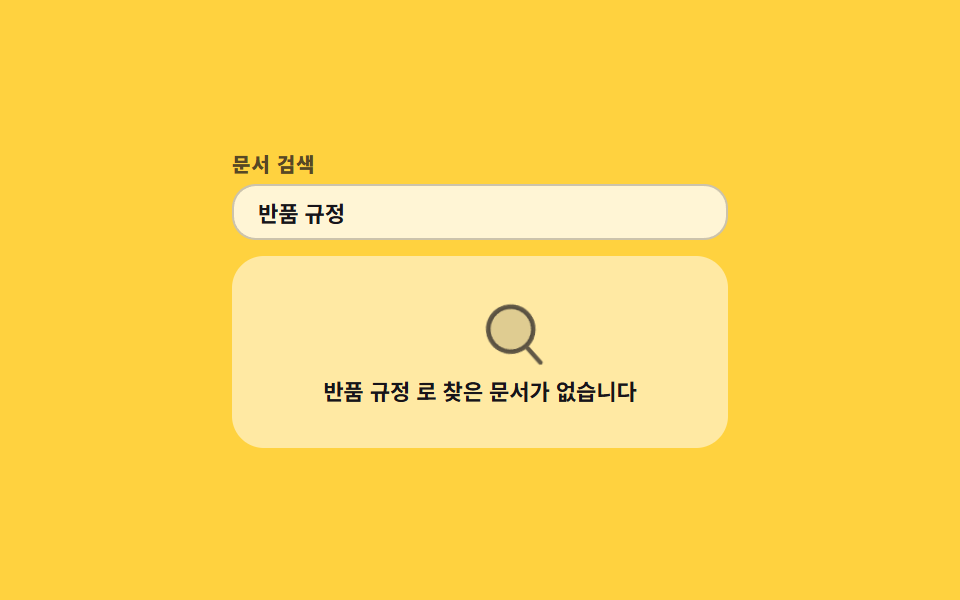 Lists & tables02 Sweeping no-results lens9 Empty State UI Design Cards Drawn in Pure CSS
 Lists & tables01 Priority sort that holds two columns at once9 Data Table UI Patterns — Drag, Resize, Select