03Segment-hover ring — only the arc under the pointer stands out
The ring splits into segments, and only the one under the pointer changes thickness and brightness to stand apart.
Best forA stats-summary ring chart, a settings-menu highlight
segmentIndexAtMath.atan2conic-gradient(
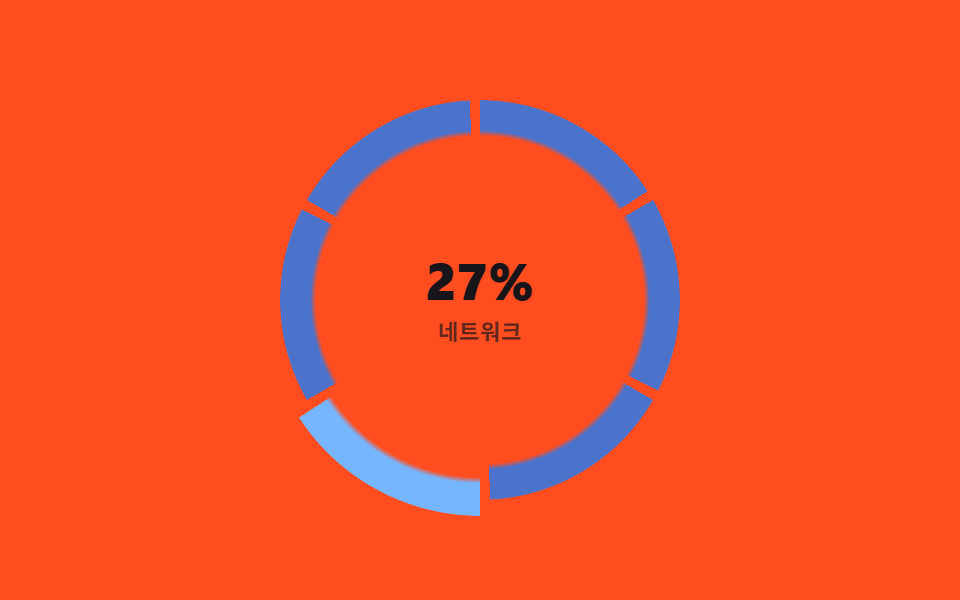
<main class="stage">
<div class="sh is-demo" id="sh">
  <div class="sh__ring" id="shRing">
    <div class="sh__center">
      <b class="sh__pct" id="shPct">0%</b>
      <span class="sh__label" id="shLabel">CPU</span>
    </div>
  </div>
</div>
</main>
@use "../../../../site/static/demo-tokens" as *;
// 구간 호버 링 — 계산 겹은 index.html 의 atan2 각도 계산과 360/N 구간 판정(segmentIndexAt)에 있다.
// 여기서는 구간마다 conic-gradient 로 자기 몫의 호만 칠하고 mask-image 로 도넛 모양을 낸 뒤,
// 활성 구간만 scale·filter 로 두께·밝기를 바꾼다.
$duration: $dur-quick;
$easing: $ease-spring;
$color: $subject-blue-light;
@include stage($stage-orange);
.sh { display: flex; align-items: center; justify-content: center; }
.sh__ring {
position: relative;
width: 200px;
height: 200px;
display: grid;
place-items: center;
touch-action: none;
}
.sh__seg {
position: absolute;
inset: 0;
border-radius: 50%;
background: conic-gradient(from calc(var(--start, 0) * 1deg),
$color 0deg calc(var(--span, 0) * 1deg), transparent calc(var(--span, 0) * 1deg) 360deg);
mask-image: radial-gradient(circle, transparent 58%, black 60%, black 84%, transparent 86%);
-webkit-mask-image: radial-gradient(circle, transparent 58%, black 60%, black 84%, transparent 86%);
transform: scale(1);
filter: brightness(.82);
transition: transform $duration $easing, filter $duration $easing;
}
.sh__seg--active {
transform: scale(1.08);
filter: brightness(1.3);
}
.sh__center {
display: flex;
flex-direction: column;
align-items: center;
gap: 4px;
pointer-events: none;
}
.sh__pct { font-size: 26px; font-weight: 800; color: $subject-ink; line-height: 1; }
.sh__label { font-size: 11px; font-weight: 700; color: rgba($subject-ink, .68); letter-spacing: .04em; }
@media (max-width: 340px) {
.sh__ring { width: 150px; height: 150px; }
.sh__pct { font-size: 20px; }
.sh__label { font-size: 9px; }
}
@media (prefers-reduced-motion: reduce) {
.sh__seg { transition: none; }
}html, body {
margin: 0;
overflow: hidden;
}
.stage {
box-sizing: border-box;
min-height: 100vh;
display: grid;
place-items: center;
margin: 0;
background: #ff4d1f;
font-family: -apple-system, "Segoe UI", "Noto Sans KR", sans-serif;
padding: clamp(8px, 4vw, 24px);
}
.sh {
display: flex;
align-items: center;
justify-content: center;
}
.sh__ring {
position: relative;
width: 200px;
height: 200px;
display: grid;
place-items: center;
touch-action: none;
}
.sh__seg {
position: absolute;
inset: 0;
border-radius: 50%;
background: conic-gradient(from calc(var(--start, 0) * 1deg), #5b8cf8 0deg calc(var(--span, 0) * 1deg), transparent calc(var(--span, 0) * 1deg) 360deg);
mask-image: radial-gradient(circle, transparent 58%, black 60%, black 84%, transparent 86%);
-webkit-mask-image: radial-gradient(circle, transparent 58%, black 60%, black 84%, transparent 86%);
transform: scale(1);
filter: brightness(0.82);
transition: transform 220ms cubic-bezier(0.2, 0.8, 0.2, 1), filter 220ms cubic-bezier(0.2, 0.8, 0.2, 1);
}
.sh__seg--active {
transform: scale(1.08);
filter: brightness(1.3);
}
.sh__center {
display: flex;
flex-direction: column;
align-items: center;
gap: 4px;
pointer-events: none;
}
.sh__pct {
font-size: 26px;
font-weight: 800;
color: #17141a;
line-height: 1;
}
.sh__label {
font-size: 11px;
font-weight: 700;
color: rgba(23, 20, 26, 0.68);
letter-spacing: 0.04em;
}
@media (max-width: 340px) {
.sh__ring {
width: 150px;
height: 150px;
}
.sh__pct {
font-size: 20px;
}
.sh__label {
font-size: 9px;
}
}
@media (prefers-reduced-motion: reduce) {
.sh__seg {
transition: none;
}
}(function () {
var SEGMENTS = [
{ label: 'CPU', pct: 42 },
{ label: 'GPU', pct: 68 },
{ label: 'RAM', pct: 55 },
{ label: 'Network', pct: 27 },
{ label: 'Disk', pct: 81 },
{ label: 'Power', pct: 34 }
];
var N = SEGMENTS.length;
var GAP_DEG = 3; // 구간 사이 틈
var SEG_DEG = 360 / N - GAP_DEG; // 구간 하나의 실제 폭
var LOOP_MS = 2000;
var reduce = window.matchMedia('(prefers-reduced-motion: reduce)').matches;
var root = document.getElementById('sh');
var ring = document.getElementById('shRing');
var pctEl = document.getElementById('shPct');
var labelEl = document.getElementById('shLabel');
var isDemo = true;
var segs = SEGMENTS.map(function (s, i) {
var start = i * 360 / N;
var el = document.createElement('div');
el.className = 'sh__seg';
el.style.setProperty('--start', start);
el.style.setProperty('--span', SEG_DEG);
el.setAttribute('aria-hidden', 'true');
ring.appendChild(el);
return { el: el, start: start, data: s };
});
function human() { if (isDemo) { root.classList.remove('is-demo'); isDemo = false; } }
// 계산 겹: 포인터 좌표를 링 중심 기준 각도로 바꾼 뒤(atan2), 어느 구간(360/N 폭)에 속하는지 판정한다.
function angleAt(clientX, clientY) {
var r = ring.getBoundingClientRect();
var cx = r.left + r.width / 2, cy = r.top + r.height / 2;
var deg = Math.atan2(clientY - cy, clientX - cx) * 180 / Math.PI + 90; // 12시를 0도로
return ((deg % 360) + 360) % 360;
}
function segmentIndexAt(deg) {
return Math.floor(deg / (360 / N)) % N;
}
function setActive(idx) {
segs.forEach(function (s, i) { s.el.classList.toggle('sh__seg--active', i === idx); });
var d = SEGMENTS[idx];
pctEl.textContent = d.pct + '%';
labelEl.textContent = d.label;
}
ring.addEventListener('pointermove', function (e) {
human();
setActive(segmentIndexAt(angleAt(e.clientX, e.clientY)));
});
ring.addEventListener('pointerleave', function () { human(); });
// 자동 루프: 가상 포인터가 원을 한 바퀴 도는 것처럼 각도를 연속으로 흘려 같은 판정 함수를 태운다
function loop(ts) {
if (isDemo) {
if (!reduce) {
var phase = (ts % LOOP_MS) / LOOP_MS;
setActive(segmentIndexAt(phase * 360));
} else {
setActive(0);
}
}
requestAnimationFrame(loop);
}
setActive(0);
requestAnimationFrame(loop);
})();// SegmentHoverRing — vanilla 판(run/374/demo/03-arc-segment-hover/index.html) 의 React 포트.
// 계산 겹: 포인터 좌표를 링 중심 기준 atan2 각도로 바꾼 뒤(12시를 0도로), 360/N 폭 구간 중 어디에 속하는지 판정한다.
import { useEffect, useRef, useState } from "react";
import styles from "./SegmentHoverRing.module.scss";
type Box<T> = { current: T };
type Segment = { label: string; pct: number };
const SEGMENTS: Segment[] = [
{ label: "CPU", pct: 42 },
{ label: "GPU", pct: 68 },
{ label: "RAM", pct: 55 },
{ label: "네트워크", pct: 27 },
{ label: "디스크", pct: 81 },
{ label: "전원", pct: 34 },
];
const N = SEGMENTS.length;
const GAP_DEG = 3;
const SEG_DEG = 360 / N - GAP_DEG;
const LOOP_MS = 2000;
export default function SegmentHoverRing() {
const rootRef = useRef(null) as unknown as Box<HTMLDivElement>;
const ringRef = useRef(null) as unknown as Box<HTMLDivElement>;
const rafRef = useRef(0) as unknown as Box<number>;
const [active, setActiveState] = useState(0);
useEffect(() => {
const reduce = window.matchMedia("(prefers-reduced-motion: reduce)").matches;
const root = rootRef.current;
const ring = ringRef.current;
if (!root || !ring) return;
const segEls: HTMLDivElement[] = Array.prototype.slice.call(ring.querySelectorAll("[data-seg]"));
segEls.forEach(function (el, i) {
el.style.setProperty("--start", String((i * 360) / N));
el.style.setProperty("--span", String(SEG_DEG));
});
let isDemo = true;
function human() { if (isDemo) { root!.classList.remove(styles.isDemo); isDemo = false; } }
function angleAt(clientX: number, clientY: number) {
const r = ring!.getBoundingClientRect();
const cx = r.left + r.width / 2;
const cy = r.top + r.height / 2;
const deg = (Math.atan2(clientY - cy, clientX - cx) * 180) / Math.PI + 90;
return ((deg % 360) + 360) % 360;
}
function segmentIndexAt(deg: number) {
return Math.floor(deg / (360 / N)) % N;
}
function setActive(idx: number) {
segEls.forEach(function (el, i) { el.classList.toggle(styles.segActive, i === idx); });
setActiveState(idx);
}
function onMove(e: PointerEvent) { human(); setActive(segmentIndexAt(angleAt(e.clientX, e.clientY))); }
function onLeave() { human(); }
ring.addEventListener("pointermove", onMove);
ring.addEventListener("pointerleave", onLeave);
function loop(ts: number) {
if (isDemo) {
if (!reduce) {
const phase = (ts % LOOP_MS) / LOOP_MS;
setActive(segmentIndexAt(phase * 360));
} else {
setActive(0);
}
}
rafRef.current = requestAnimationFrame(loop);
}
setActive(0);
rafRef.current = requestAnimationFrame(loop);
return () => {
ring.removeEventListener("pointermove", onMove);
ring.removeEventListener("pointerleave", onLeave);
cancelAnimationFrame(rafRef.current);
};
}, []);
const activeData = SEGMENTS[active];
return (
<main className={styles.stage}>
<div className={styles.sh + " " + styles.isDemo} ref={rootRef}>
<div className={styles.ring} ref={ringRef}>
{SEGMENTS.map(function (s, i) {
return <div key={s.label} data-seg className={styles.seg} aria-hidden="true" />;
})}
<div className={styles.center}>
<b className={styles.pct}>{activeData.pct}%</b>
<span className={styles.label}>{activeData.label}</span>
</div>
</div>
</div>
</main>
);
}03 Segment-hover ring — only the arc under the pointer stands out — Measured area 11.2% · moving frames 22/23Original by GODRICH · SCSS and React ship in the zip · CSS Radial Menu: 9 Circular Control Patterns
The post this demo lives in
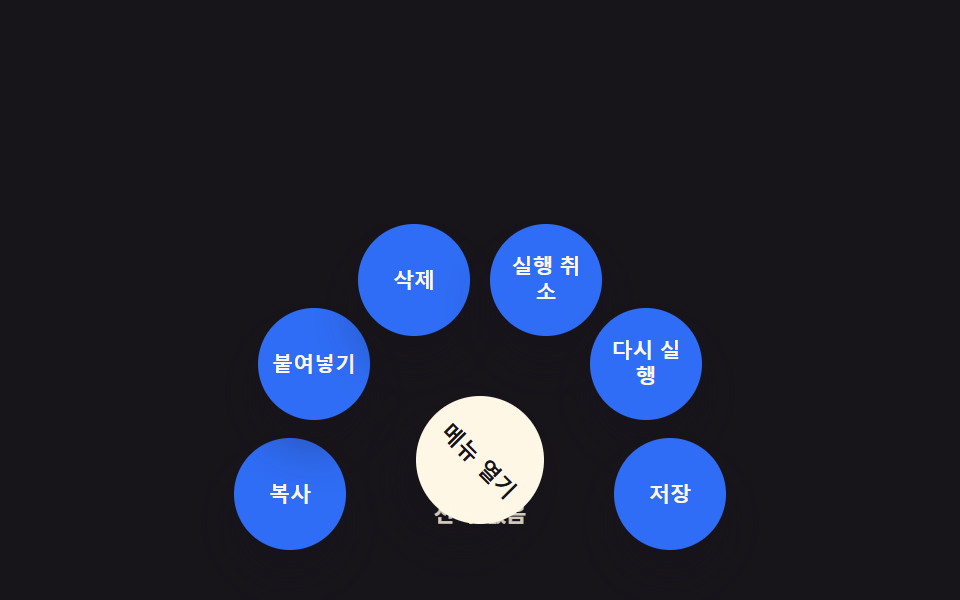 CSS Radial Menu: 9 Circular Control PatternsNine css radial menu style controls: one decays a dragged angle with inertia, one turns a value into a conic-gradient ri See all demos in this post
If you like this effect - similar demos
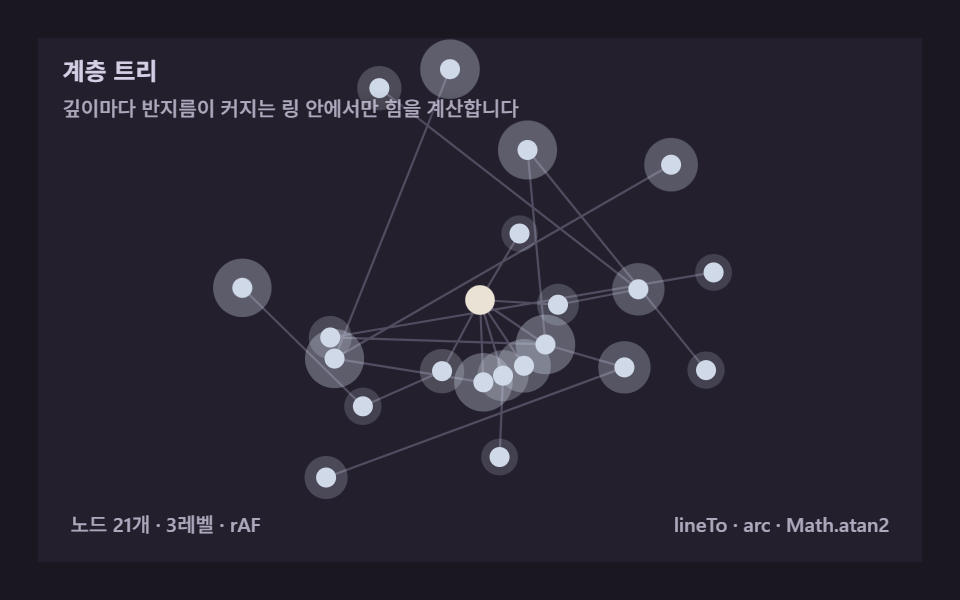 Creative UI05 Hierarchy tree — levels radiating out from a single rootForce Directed Graph: 9 Network Layout Demos
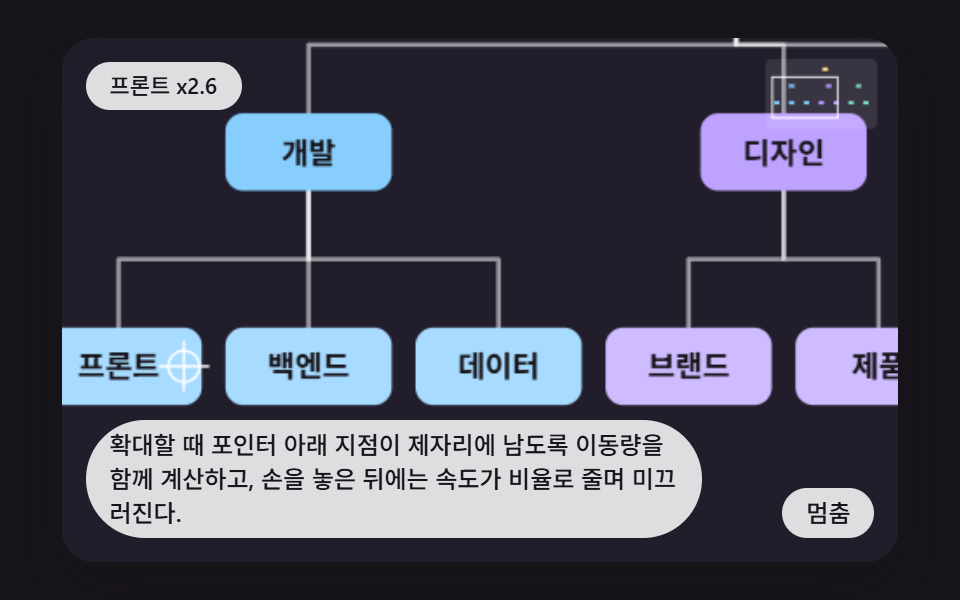 Creative UI05 Pan and Zoom That Keep the Point Under the Pointer FixedCSS Org Chart: 9 Tidy Tree Layout Demos
 Creative UI04 A Walk Signal Showing the Seconds Left as a Shrinking ArcTraffic Light CSS: 9 Demos With Queues and Waves