03Multi-glyph composed typing
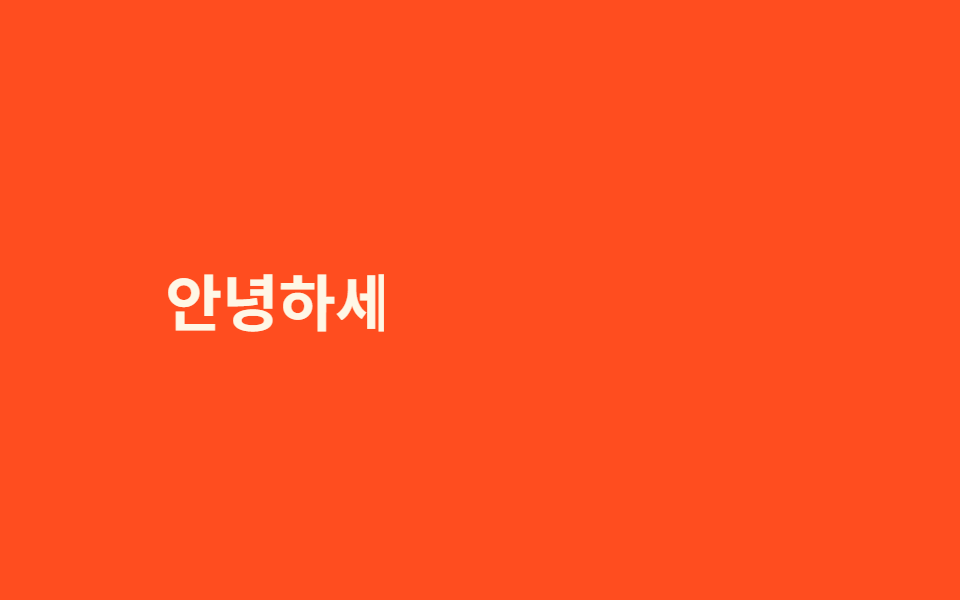
steps()+ch assumes a monospace font, so mixed Hangul, CJK, and emoji get cut mid-glyph. JS measures each character's real pixel width and steps a clip-path to that exact boundary.
Best forMultilingual product names mixing Latin, CJK and emoji, i18n landing pages
clip-path 스텝measureText가변폭 대응
<main class="stage">
  <p class="glyph"><span class="glyph__text" id="gtext">Hello Godrich 🎉</span></p>
</main>
@use "../../../../site/static/demo-tokens" as *;
$duration: $dur-loop; // JS 쪽 el.animate() duration:2000 과 맞춘다
$easing: linear; // 글자 폭 기준 offset 을 이미 곡선으로 넣어 linear 로 충분하다
$color: $subject-cream; // 글자 색
@include stage($stage-orange);
.glyph {
margin: 0;
font-weight: 700; font-size: clamp(22px, 6.4vw, 40px); line-height: 1.4; font-family: inherit;
color: $color;
&__text {
display: inline-block;
}
}
@media (prefers-reduced-motion: reduce) {
.glyph__text { clip-path: none !important; }
}html, body {
margin: 0;
overflow: hidden;
}
.stage {
box-sizing: border-box;
min-height: 100vh;
display: grid;
place-items: center;
margin: 0;
background: #ff4d1f;
font-family: -apple-system, "Segoe UI", "Noto Sans KR", sans-serif;
padding: clamp(8px, 4vw, 24px);
}
.glyph {
margin: 0;
font-weight: 700;
font-size: clamp(22px, 6.4vw, 40px);
line-height: 1.4;
font-family: inherit;
color: #fff7e6;
}
.glyph__text {
display: inline-block;
}
@media (prefers-reduced-motion: reduce) {
.glyph__text {
clip-path: none !important;
}
}(function () {
if (matchMedia('(prefers-reduced-motion: reduce)').matches) return;
var el = document.getElementById('gtext'), s = el.textContent, cv = document.createElement('canvas').getContext('2d');
cv.font = getComputedStyle(el).font;
var w = 0, cum = [0];
for (var i = 0; i < s.length; i++) { w += cv.measureText(s[i]).width; cum.push(w); }
var kf = cum.map(function (px) { return { clipPath: 'inset(0 ' + (100 - px / w * 70) + '% 0 0)', offset: px / w * .7 }; });
kf.push({ clipPath: 'inset(0 0% 0 0)', offset: .88 }, { clipPath: 'inset(0 100% 0 0)', offset: 1 });
el.animate(kf, { duration: 2000, iterations: Infinity });
})();import { useEffect, useRef } from "react";
import type { CSSProperties } from "react";
import styles from "./MultiGlyphTyping.module.scss";
export type MultiGlyphTypingProps = {
text: string;
/** el.animate() duration (기본 2000ms) */
duration?: number;
color?: string;
};
export default function MultiGlyphTyping({ text, duration = 2000, color = "#fff7e6" }: MultiGlyphTypingProps) {
const ref = useRef<HTMLSpanElement | null>(null);
useEffect(() => {
const el = ref.current;
if (!el || matchMedia("(prefers-reduced-motion: reduce)").matches) return;
const cv = document.createElement("canvas").getContext("2d");
if (!cv) return;
cv.font = getComputedStyle(el).font;
let w = 0;
const cum = [0];
for (let i = 0; i < text.length; i++) { w += cv.measureText(text[i]).width; cum.push(w); }
const kf = cum.map((px) => ({ clipPath: "inset(0 " + (100 - (px / w) * 70) + "% 0 0)", offset: (px / w) * 0.7 }));
kf.push({ clipPath: "inset(0 0% 0 0)", offset: 0.88 }, { clipPath: "inset(0 100% 0 0)", offset: 1 });
const anim = el.animate(kf, { duration, iterations: Infinity });
return () => anim.cancel();
}, [text, duration]);
const vars = { "--color": color } as CSSProperties;
return (
<p className={styles.glyph} style={vars}>
<span ref={ref} className={styles.text}>{text}</span>
</p>
);
}03 Multi-glyph composed typing — Measured area 2.801% · moving frames 23/23Original by GODRICH · SCSS and React ship in the zip · 9 CSS Typing Animation, One Line, Copy-Paste
The post this demo lives in
 9 CSS Typing Animation, One Line, Copy-PasteA css typing animation is a text effect that types itself onto the screen letter by letter, built from a width transitio See all demos in this post