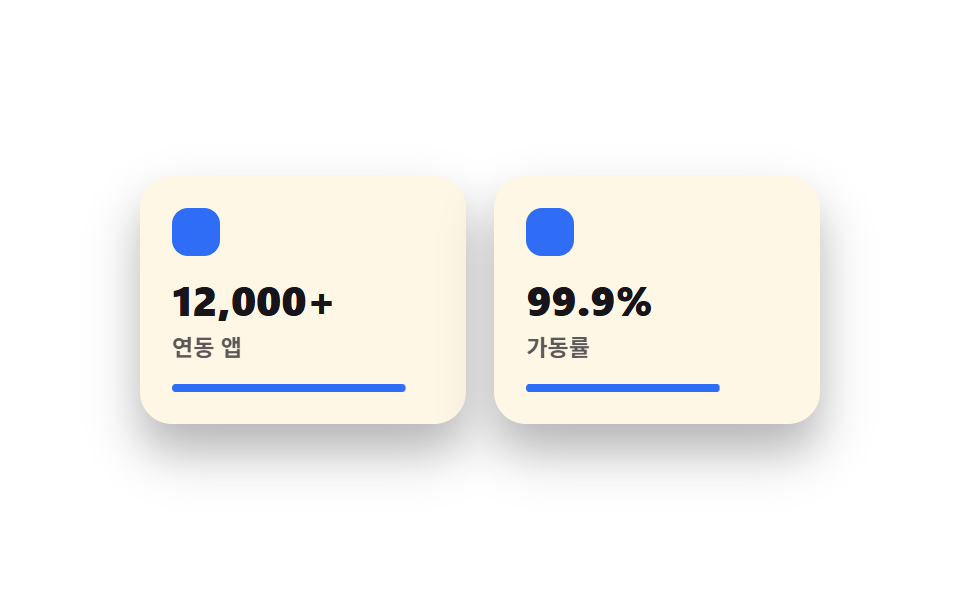
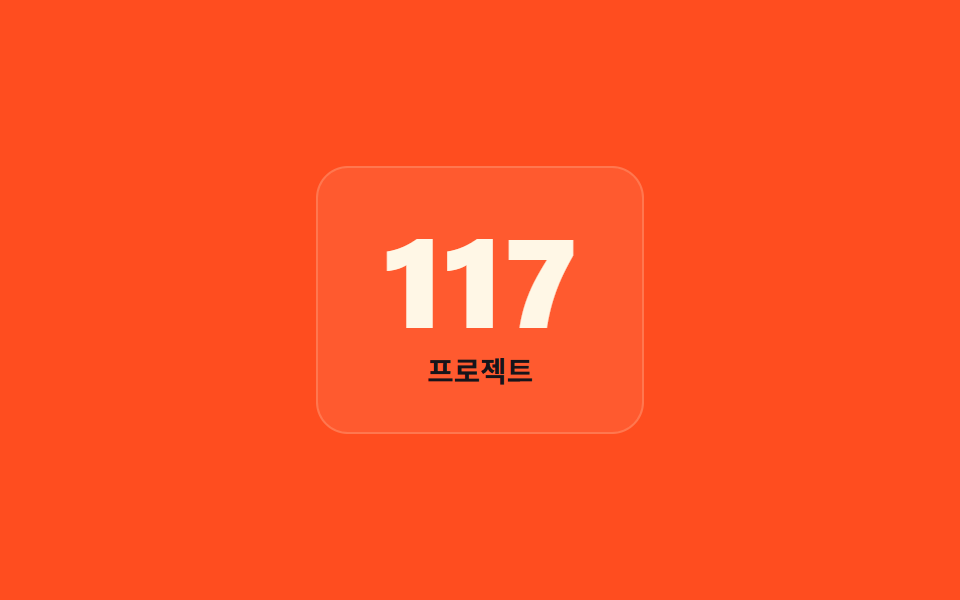
03Oversized-number cards
Each card's oversized number counts up from 0 to its real value the moment it enters the viewport.
Best forStat-highlight cards, performance summaries
@property 숫자 보간counter-resettabular-nums
<main class="stage">
  <div class="card is-demo">
    <span class="card__num" aria-hidden="true"></span>
    <span class="card__sr">248 projects</span>
    <span class="card__label">Projects</span>
  </div>
</main>
@use "../../../../site/static/demo-tokens" as *;
$duration: $dur-loop; // 0에서 목표까지 세는 시간
$easing: $ease-out;
$color: $subject-cream; // 숫자 색
@include stage($stage-orange);
// @property: 정수 커스텀 속성이라야 애니메이션 중간값도 정수로 보간된다
@property --num {
syntax: '<integer>';
initial-value: 0;
inherits: false;
}
.card {
text-align: center;
padding: $sp-6 $sp-8;
border-radius: $r-card;
background: rgba($subject-cream, .08);
border: 1px solid rgba($subject-cream, .18);
&__num {
--num: 0;
counter-reset: num var(--num);
display: block;
font-weight: 800;
font-size: clamp(40px, 13vw, 72px);
line-height: 1;
font-variant-numeric: tabular-nums;
color: $color;
&::before { content: counter(num); }
}
// counter() 생성 콘텐츠는 스크린 리더가 못 읽는다 — 실제 최종값을 시각적으로만 숨겨 따로 둔다
&__sr {
position: absolute;
width: 1px; height: 1px;
overflow: hidden;
clip-path: inset(50%);
white-space: nowrap;
}
&__label {
display: block;
margin-top: $sp-2;
font-weight: 600;
font-size: clamp(12px, 3vw, 15px);
line-height: 1;
color: $subject-ink; // 주황 면 위 글자 — AA 4.5 (blog-design 글자 대비)
}
}
.card.is-demo .card__num {
animation: count-up $duration $easing infinite;
}
@keyframes count-up {
0% { --num: 0; }
65% { --num: 248; }
100% { --num: 248; }
}
@media (prefers-reduced-motion: reduce) {
.card.is-demo .card__num { animation: none; --num: 248; }
}html, body {
margin: 0;
overflow: hidden;
}
.stage {
box-sizing: border-box;
min-height: 100vh;
display: grid;
place-items: center;
margin: 0;
background: #ff4d1f;
font-family: -apple-system, "Segoe UI", "Noto Sans KR", sans-serif;
padding: clamp(8px, 4vw, 24px);
}
@property --num {
syntax: "<integer>";
initial-value: 0;
inherits: false;
}
.card {
text-align: center;
padding: 24px 32px;
border-radius: 16px;
background: rgba(255, 247, 230, 0.08);
border: 1px solid rgba(255, 247, 230, 0.18);
}
.card__num {
--num: 0;
counter-reset: num var(--num);
display: block;
font-weight: 800;
font-size: clamp(40px, 13vw, 72px);
line-height: 1;
font-variant-numeric: tabular-nums;
color: #fff7e6;
}
.card__num::before {
content: counter(num);
}
.card__sr {
position: absolute;
width: 1px;
height: 1px;
overflow: hidden;
clip-path: inset(50%);
white-space: nowrap;
}
.card__label {
display: block;
margin-top: 8px;
font-weight: 600;
font-size: clamp(12px, 3vw, 15px);
line-height: 1;
color: #17141a;
}
.card.is-demo .card__num {
animation: count-up 2s ease-out infinite;
}
@keyframes count-up {
0% {
--num: 0;
}
65% {
--num: 248;
}
100% {
--num: 248;
}
}
@media (prefers-reduced-motion: reduce) {
.card.is-demo .card__num {
animation: none;
--num: 248;
}
}import type { CSSProperties } from "react";
import styles from "./KineticCardGrid.module.scss";
export type KineticCardGridProps = {
value?: number;
label?: string;
/** 0에서 목표까지 세는 시간(기본 2000ms) */
duration?: number;
easing?: string;
color?: string;
};
type Vars = CSSProperties & { "--duration"?: string; "--easing"?: string; "--color"?: string; "--num-target"?: number };
export default function KineticCardGrid({
value = 248,
label = "Projects",
duration = 2000,
easing = "ease-out",
color = "#fff7e6",
}: KineticCardGridProps) {
const vars: Vars = { "--duration": `${duration}ms`, "--easing": easing, "--color": color, "--num-target": value };
return (
<div className={styles.stage} style={vars}>
<div className={styles.card}>
<span className={styles.num} aria-hidden="true" />
<span className={styles.sr}>{value} {label.toLowerCase()}</span>
<span className={styles.label}>{label}</span>
</div>
</div>
);
}03 Oversized-number cards — Measured area 9.127% · moving frames 16/23Original by GODRICH · SCSS and React ship in the zip · I Took Kinetic Typography Apart in CSS
The post this demo lives in
 I Took Kinetic Typography Apart in CSSKinetic typography is a design style where the headline scales with the viewport and words rise into place one after ano See all demos in this post