04Notice Banner That Slides Out When a Paste Is Detected
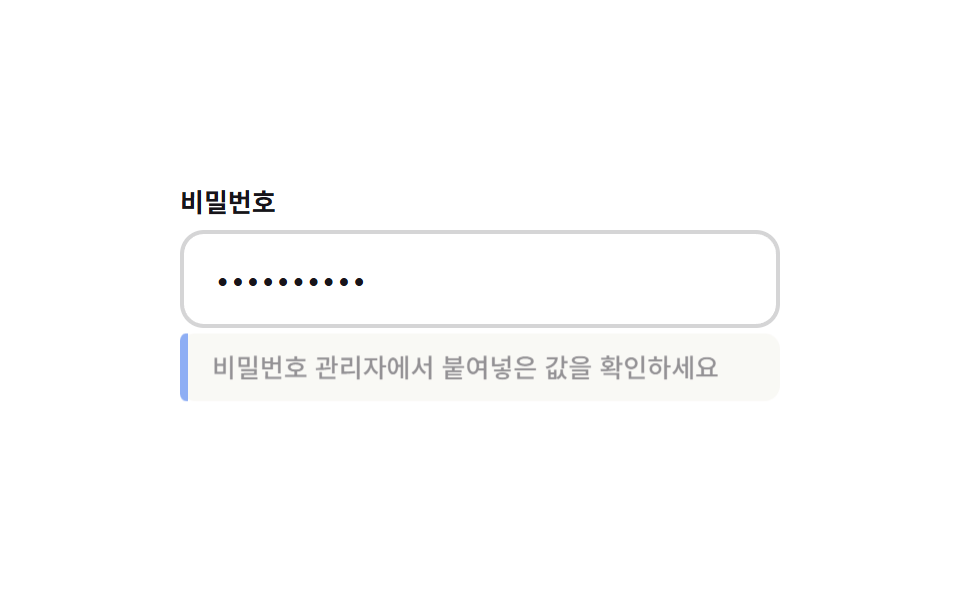
When a paste event fires on the field, a notice banner slides out from beneath it.
Best forNotice for password-manager autofill via paste
PASTE_BANNER_SLIDE_MSPASTE_BANNER_VISIBLE_MSsimulatePaste
<main class="stage">
  <div class="pdb is-demo">
    <label class="pdb__label" for="pdb-input">Password</label>
    <div class="pdb__frame">
      <input id="pdb-input" class="pdb__input" type="password" placeholder="Enter your password" autocomplete="current-password">
    </div>
    <p class="pdb__banner" id="pdbBanner" aria-live="polite"></p>
  </div>
</main>
@use "../../../../site/static/demo-tokens" as *;
@include stage($stage-paper);
.pdb {
width: min(300px, 86vw);
display: grid;
gap: $sp-2;
}
.pdb__label {
font-weight: 700;
font-size: 13px;
line-height: 1;
color: $subject-ink;
}
.pdb__frame { position: relative; }
.pdb__input {
box-sizing: border-box;
width: 100%;
border: 2px solid rgba($subject-ink, .18);
border-radius: $r-control;
padding: $sp-3 $sp-4;
font-weight: 500;
font-size: clamp(14px, 4vw, 16px);
line-height: 1;
font-family: inherit;
color: $subject-ink;
background: #fff;
letter-spacing: .06em;
&:focus { outline: none; border-color: $subject-blue-deep; }
}
.pdb__banner {
position: relative;
margin: 0;
padding: $sp-2 $sp-3 $sp-2 $sp-4;
border-radius: $r-sm;
background: #f3f1ea;
color: $subject-ink;
font-weight: 500;
font-size: 13px;
line-height: 1.4;
opacity: 0;
transform: translateY(-10px);
transition: transform var(--pdbSlideMs, 320ms) $ease-out, opacity var(--pdbSlideMs, 320ms) $ease-out;
&::before {
content: '';
position: absolute;
left: 0; top: 0; bottom: 0;
width: 4px;
border-radius: $r-xs 0 0 $r-xs;
background: $subject-blue-deep;
}
&.is-visible {
opacity: 1;
transform: translateY(0);
}
}
@media (max-width: 340px) {
.pdb { width: min(260px, 88vw); }
}
@media (prefers-reduced-motion: reduce) {
.pdb__banner { transition: none; }
}html, body {
margin: 0;
overflow: hidden;
}
.stage {
box-sizing: border-box;
min-height: 100vh;
display: grid;
place-items: center;
margin: 0;
background: #ffffff;
font-family: -apple-system, "Segoe UI", "Noto Sans KR", sans-serif;
padding: clamp(8px, 4vw, 24px);
}
.pdb {
width: min(300px, 86vw);
display: grid;
gap: 8px;
}
.pdb__label {
font-weight: 700;
font-size: 13px;
line-height: 1;
color: #17141a;
}
.pdb__frame {
position: relative;
}
.pdb__input {
box-sizing: border-box;
width: 100%;
border: 2px solid rgba(23, 20, 26, 0.18);
border-radius: 12px;
padding: 12px 16px;
font-weight: 500;
font-size: clamp(14px, 4vw, 16px);
line-height: 1;
font-family: inherit;
color: #17141a;
background: #fff;
letter-spacing: 0.06em;
}
.pdb__input:focus {
outline: none;
border-color: #0a4fe8;
}
.pdb__banner {
position: relative;
margin: 0;
padding: 8px 12px 8px 16px;
border-radius: 8px;
background: #f3f1ea;
color: #17141a;
font-weight: 500;
font-size: 13px;
line-height: 1.4;
opacity: 0;
transform: translateY(-10px);
transition: transform var(--pdbSlideMs, 320ms) ease-out, opacity var(--pdbSlideMs, 320ms) ease-out;
}
.pdb__banner::before {
content: "";
position: absolute;
left: 0;
top: 0;
bottom: 0;
width: 4px;
border-radius: 4px 0 0 4px;
background: #0a4fe8;
}
.pdb__banner.is-visible {
opacity: 1;
transform: translateY(0);
}
@media (max-width: 340px) {
.pdb {
width: min(260px, 88vw);
}
}
@media (prefers-reduced-motion: reduce) {
.pdb__banner {
transition: none;
}
}(function () {
// 기법: 실제 input paste 이벤트를 그대로 트리거로 쓴다(값 자체는 읽지 않는다).
// 배너는 슬라이드+opacity 로 필드 아래에서 나타났다가 일정 시간 뒤 같은 방식으로 사라진다.
var PASTE_BANNER_SLIDE_MS = 320;
var PASTE_BANNER_VISIBLE_MS = 1400;
var BANNER_MESSAGE = 'Check the value pasted from your password manager';
function seedRand(seed) {
var s = seed >>> 0;
return function () { s = (s * 1664525 + 1013904223) >>> 0; return s / 4294967296; };
}
var root = document.querySelector('.pdb');
var input = document.getElementById('pdb-input');
var banner = document.getElementById('pdbBanner');
root.style.setProperty('--pdbSlideMs', PASTE_BANNER_SLIDE_MS + 'ms');
var hideTimer = null;
var clearTimer = null;
function handlePaste() {
clearTimeout(hideTimer);
clearTimeout(clearTimer);
banner.textContent = BANNER_MESSAGE;
banner.classList.add('is-visible');
hideTimer = setTimeout(function () {
banner.classList.remove('is-visible');
clearTimer = setTimeout(function () { banner.textContent = ''; }, PASTE_BANNER_SLIDE_MS);
}, PASTE_BANNER_VISIBLE_MS);
}
input.addEventListener('paste', function () { handlePaste(); });
var pasteRand = seedRand(426041);
var pool = 'ABCDEFGHJKMNPQRSTUVWXYZabcdefghijkmnpqrstuvwxyz23456789';
var fakeValue = '';
for (var i = 0; i < 10; i += 1) fakeValue += pool[Math.floor(pasteRand() * pool.length)];
function simulatePaste() {
input.value = fakeValue;
handlePaste();
}
var reduce = window.matchMedia('(prefers-reduced-motion: reduce)').matches;
if (reduce) root.classList.remove('is-demo');
if (root.classList.contains('is-demo')) {
setTimeout(function () {
simulatePaste();
setInterval(simulatePaste, 2000);
}, 200);
}
})();import { useEffect, useRef } from "react";
import styles from "./PasswordRevealPasteDetectBanner.module.scss";
export default function PasswordRevealPasteDetectBanner() {
const rootRef = useRef<HTMLDivElement>(null);
const inputRef = useRef<HTMLInputElement>(null);
const bannerRef = useRef<HTMLParagraphElement>(null);
useEffect(() => {
const root = rootRef.current;
const input = inputRef.current;
const banner = bannerRef.current;
if (!root || !input || !banner) return;
const PASTE_BANNER_SLIDE_MS = 320;
const PASTE_BANNER_VISIBLE_MS = 1400;
const BANNER_MESSAGE = "비밀번호 관리자에서 붙여넣은 값을 확인하세요";
function seedRand(seed: number) {
let s = seed >>> 0;
return function () { s = (s * 1664525 + 1013904223) >>> 0; return s / 4294967296; };
}
root.style.setProperty("--pdbSlideMs", PASTE_BANNER_SLIDE_MS + "ms");
let hideTimer: ReturnType<typeof setTimeout> | null = null;
let clearTimer: ReturnType<typeof setTimeout> | null = null;
function handlePaste() {
if (hideTimer) clearTimeout(hideTimer);
if (clearTimer) clearTimeout(clearTimer);
banner!.textContent = BANNER_MESSAGE;
banner!.classList.add(styles.isVisible);
hideTimer = setTimeout(() => {
banner!.classList.remove(styles.isVisible);
clearTimer = setTimeout(() => { banner!.textContent = ""; }, PASTE_BANNER_SLIDE_MS);
}, PASTE_BANNER_VISIBLE_MS);
}
function onPaste() { handlePaste(); }
input.addEventListener("paste", onPaste);
const pasteRand = seedRand(426041);
const pool = "ABCDEFGHJKMNPQRSTUVWXYZabcdefghijkmnpqrstuvwxyz23456789";
let fakeValue = "";
for (let i = 0; i < 10; i += 1) fakeValue += pool[Math.floor(pasteRand() * pool.length)];
function simulatePaste() {
input!.value = fakeValue;
handlePaste();
}
const reduce = window.matchMedia("(prefers-reduced-motion: reduce)").matches;
if (reduce) root.classList.remove("is-demo");
let loopTimer: ReturnType<typeof setTimeout> | null = null;
let loopInterval: ReturnType<typeof setInterval> | null = null;
if (root.classList.contains("is-demo")) {
loopTimer = setTimeout(() => {
simulatePaste();
loopInterval = setInterval(simulatePaste, 2000);
}, 200);
}
return () => {
input.removeEventListener("paste", onPaste);
if (hideTimer) clearTimeout(hideTimer);
if (clearTimer) clearTimeout(clearTimer);
if (loopTimer) clearTimeout(loopTimer);
if (loopInterval) clearInterval(loopInterval);
};
}, []);
return (
<main className={styles.stage}>
<div className={`${styles.pdb} is-demo`} ref={rootRef}>
<label className={styles.pdb__label} htmlFor="pdb-input-react">비밀번호</label>
<div className={styles.pdb__frame}>
<input
id="pdb-input-react"
ref={inputRef}
className={styles.pdb__input}
type="password"
placeholder="비밀번호를 입력하세요"
autoComplete="current-password"
/>
</div>
<p className={styles.pdb__banner} ref={bannerRef} aria-live="polite" />
</div>
</main>
);
}04 Notice Banner That Slides Out When a Paste Is Detected — Measured area 10.463% · moving frames 12/23Original by GODRICH · SCSS and React ship in the zip · Show Password Toggle Icon: 9 Reveal Patterns
The post this demo lives in
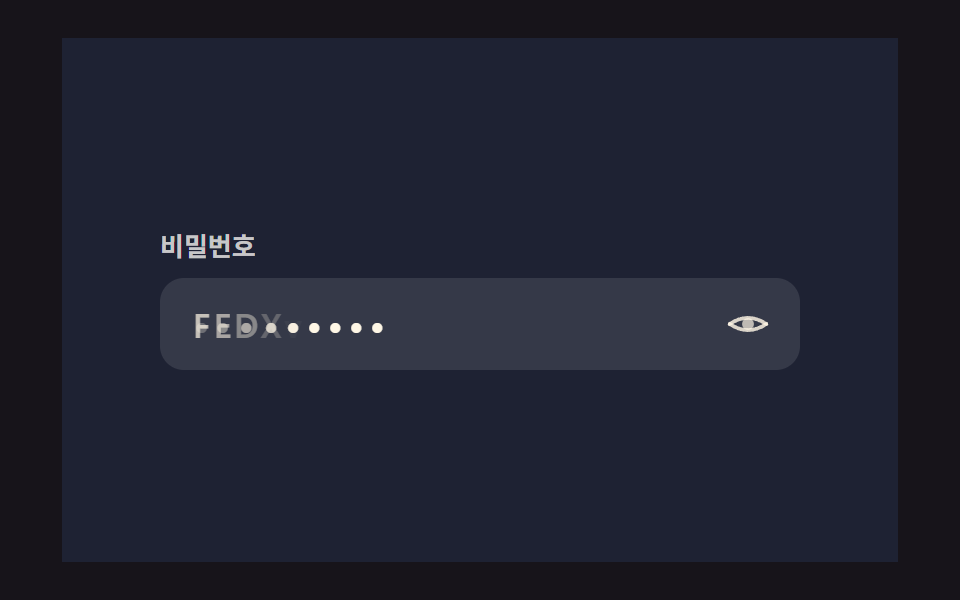 Show Password Toggle Icon: 9 Reveal PatternsNine show password toggle icon builds: One eye icon opens onto nine forking alleys. Alley 01 crosses letters into dots, See all demos in this post
If you like this effect - similar demos
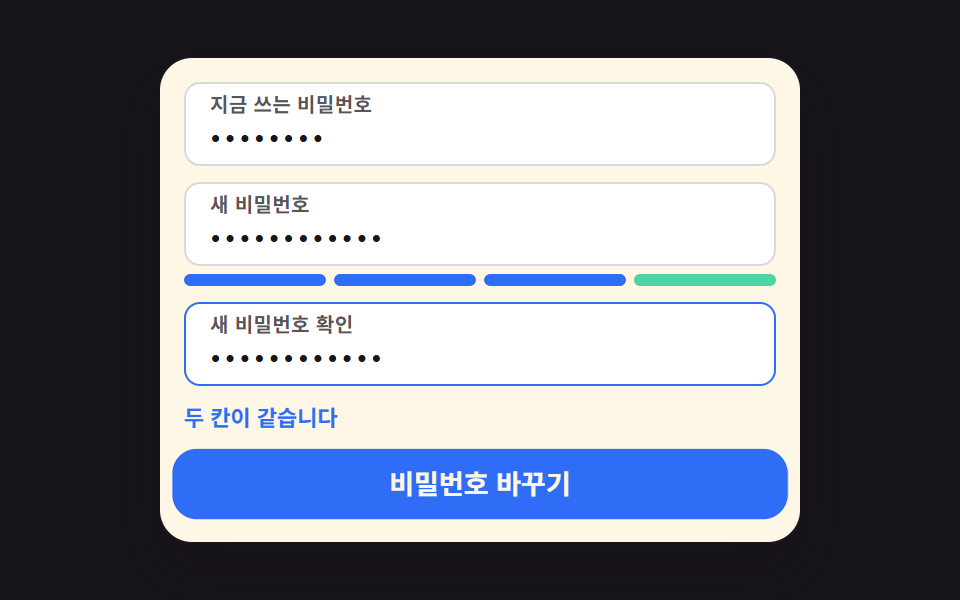 Auth UI05 Password change that opens when three fields agree9 account security settings UI patterns
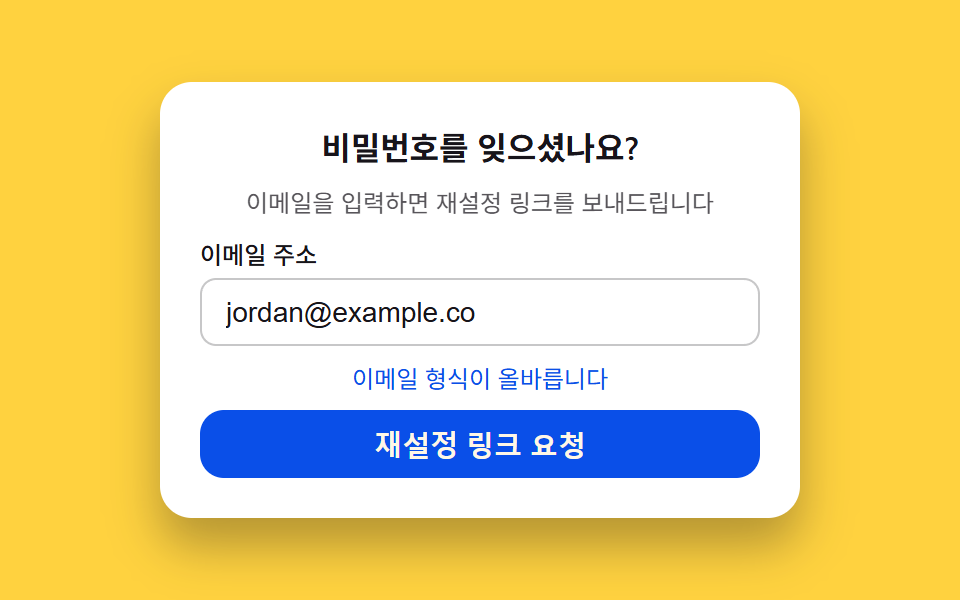 Auth UI06 Password reset request — a form that scores email validity to set its button state9 Login UI Design Patterns (Copy-Paste)
 Auth UI04 Password strength meter9 Login Form Design Patterns You Can Copy-Paste