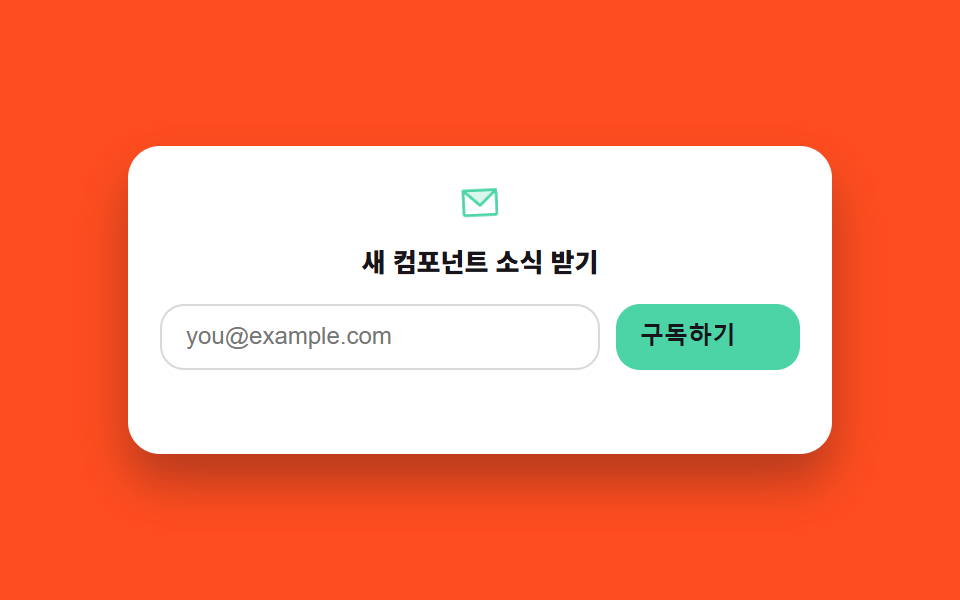
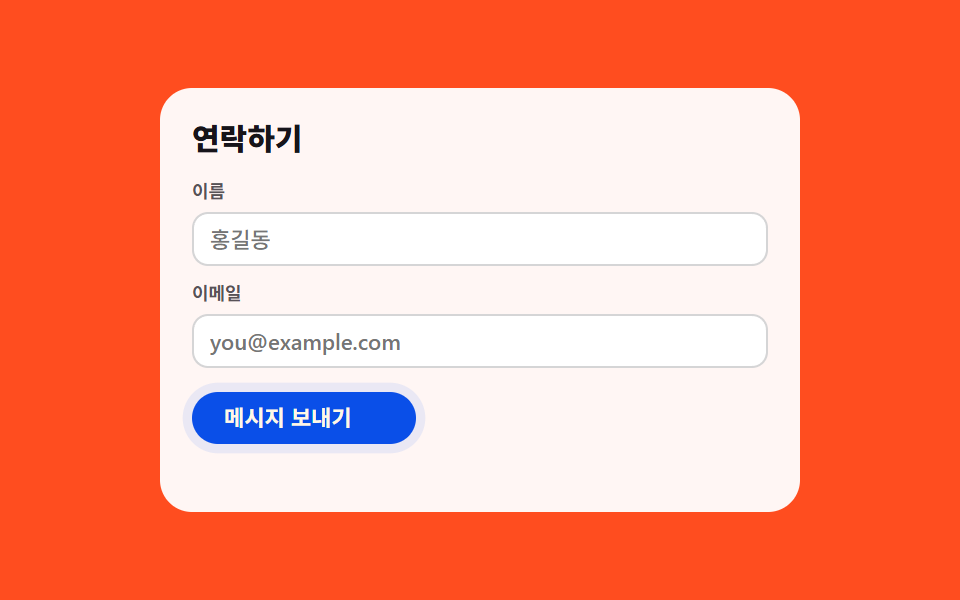
08Sign-up form
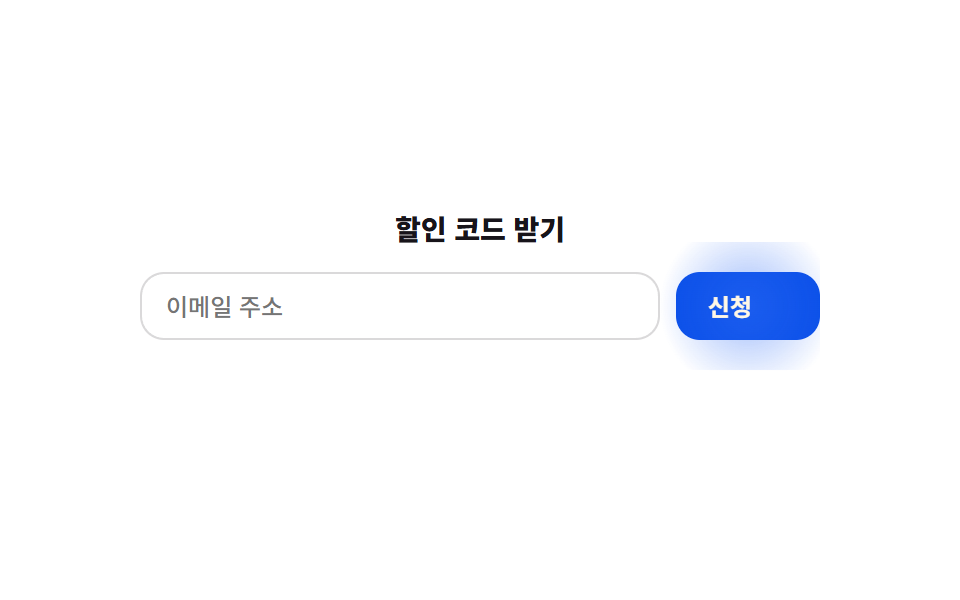
이메일을 넣고 신청 버튼을 누르면 정규식으로 실제 형식을 검사해 통과하면 SVG 체크가 stroke-dashoffset으로 그려지고, 틀리면 입력칸이 좌우로 짧게 흔들립니다.
Best for
stroke-dashoffset정규식submit
<main class="stage">
  <form class="sf" novalidate>
    <p class="sf__title">Get the discount code</p>
    <div class="sf__row">
      <input class="sf__input" type="email" placeholder="Email address" aria-label="Email address">
      <button type="submit" class="sf__btn">
        <span class="sf__btn-label">Submit</span>
        <svg class="sf__check" viewBox="0 0 24 24" width="14" height="14" aria-hidden="true">
          <polyline points="4,13 9,18 20,6" />
        </svg>
      </button>
    </div>
    <p class="sf__status" role="status" aria-live="polite"></p>
  </form>
</main>
@use "../../../../site/static/demo-tokens" as *;
// ── 변수 3개 ──────────────────────────────────────────
$duration: $dur-base; // 체크 드로잉
$easing: $ease-pop;
$color: $subject-blue;
@include stage($stage-paper);
.sf { width: min(340px, 94vw); overflow: hidden; } // 버튼 글로우(::before, inset:-10px)가 320px 에서 바깥으로 번져 body.scrollWidth 를 넘겼다 — 실측 2026-09-10
.sf__title { margin: 0 0 $sp-3; font-weight: 800; font-size: 14px; line-height: 1.3; font-family: inherit; color: $subject-ink; text-align: center; }
.sf__row { display: flex; gap: $sp-2; }
.sf__input {
flex: 1 1 auto;
min-width: 0;
box-sizing: border-box;
padding: $sp-2 $sp-3;
border: 1px solid rgba(23, 20, 26, .16);
border-radius: $r-control;
font-weight: 500; font-size: 12px; line-height: 1; font-family: inherit;
color: $subject-ink;
background: #fff;
}
.sf__input.shake { animation: sf-shake .4s $easing; }
@keyframes sf-shake {
0%, 100% { transform: translateX(0); }
25% { transform: translateX(-6px); }
75% { transform: translateX(6px); }
}
.sf__btn {
position: relative;
isolation: isolate; // z-index:-1 글로우를 이 컨텍스트 안에 가둔다(없으면 무대 배경 아래로 가라앉는다)
flex: 0 0 auto;
display: flex;
align-items: center;
gap: $sp-1;
border: 0;
cursor: pointer;
padding: $sp-2 $sp-4;
border-radius: $r-control;
background: $subject-blue-deep;
color: $subject-cream;
font-weight: 700; font-size: 12px; line-height: 1; font-family: inherit;
}
// 무대 장식: 버튼 바깥으로 번지는 글로우 링. 처음엔 .sf__btn 에 overflow:hidden 을 줬더니
// 불투명한 배경과 같은 박스 안에서 글로우가 그대로 가려져 측정값이 0 이었다 — overflow 를 없애고 밖으로 번지게 뒀다.
.sf__btn::before {
content: "";
position: absolute;
inset: -10px;
z-index: -1;
border-radius: inherit;
background: radial-gradient(circle, rgba(47, 109, 246, .55), transparent 70%);
animation: sf-glow 1.8s ease-in-out infinite;
}
@keyframes sf-glow {
0%, 100% { opacity: .35; transform: scale(1); }
50% { opacity: 1; transform: scale(1.25); }
}
.sf__check { position: relative; z-index: 1; }
.sf__btn.is-done { background: #51a477; }
.sf__check { stroke: currentColor; stroke-width: 3; fill: none; stroke-linecap: round; stroke-linejoin: round; stroke-dasharray: 24; stroke-dashoffset: 24; }
.sf__btn.is-done .sf__check { animation: sf-check $duration $easing forwards; }
@keyframes sf-check { to { stroke-dashoffset: 0; } }
.sf__status { min-height: 16px; margin: $sp-2 0 0; font-weight: 600; font-size: 11px; line-height: 1.4; font-family: inherit; color: rgba(23, 20, 26, .6); text-align: center; }
// ── 접근성 ──────────────────────────────────────────
@media (prefers-reduced-motion: reduce) {
.sf__btn::before, .sf__input.shake, .sf__btn.is-done .sf__check { animation: none !important; }
.sf__btn.is-done .sf__check { stroke-dashoffset: 0; }
}
// ── 반응형(320×200) ──────────────────────────────────
@media (max-width: 340px), (max-height: 220px) {
.sf__title { margin-bottom: $sp-2; }
}html, body {
margin: 0;
overflow: hidden;
}
.stage {
box-sizing: border-box;
min-height: 100vh;
display: grid;
place-items: center;
margin: 0;
background: #ffffff;
font-family: -apple-system, "Segoe UI", "Noto Sans KR", sans-serif;
padding: clamp(8px, 4vw, 24px);
}
.sf {
width: min(340px, 94vw);
overflow: hidden;
}
.sf__title {
margin: 0 0 12px;
font-weight: 800;
font-size: 14px;
line-height: 1.3;
font-family: inherit;
color: #17141a;
text-align: center;
}
.sf__row {
display: flex;
gap: 8px;
}
.sf__input {
flex: 1 1 auto;
min-width: 0;
box-sizing: border-box;
padding: 8px 12px;
border: 1px solid rgba(23, 20, 26, 0.16);
border-radius: 12px;
font-weight: 500;
font-size: 12px;
line-height: 1;
font-family: inherit;
color: #17141a;
background: #fff;
}
.sf__input.shake {
animation: sf-shake 0.4s cubic-bezier(0.2, 1.4, 0.4, 1);
}
@keyframes sf-shake {
0%, 100% {
transform: translateX(0);
}
25% {
transform: translateX(-6px);
}
75% {
transform: translateX(6px);
}
}
.sf__btn {
position: relative;
isolation: isolate;
flex: 0 0 auto;
display: flex;
align-items: center;
gap: 4px;
border: 0;
cursor: pointer;
padding: 8px 16px;
border-radius: 12px;
background: #0a4fe8;
color: #fff7e6;
font-weight: 700;
font-size: 12px;
line-height: 1;
font-family: inherit;
}
.sf__btn::before {
content: "";
position: absolute;
inset: -10px;
z-index: -1;
border-radius: inherit;
background: radial-gradient(circle, rgba(47, 109, 246, 0.55), transparent 70%);
animation: sf-glow 1.8s ease-in-out infinite;
}
@keyframes sf-glow {
0%, 100% {
opacity: 0.35;
transform: scale(1);
}
50% {
opacity: 1;
transform: scale(1.25);
}
}
.sf__check {
position: relative;
z-index: 1;
}
.sf__btn.is-done {
background: #51a477;
}
.sf__check {
stroke: currentColor;
stroke-width: 3;
fill: none;
stroke-linecap: round;
stroke-linejoin: round;
stroke-dasharray: 24;
stroke-dashoffset: 24;
}
.sf__btn.is-done .sf__check {
animation: sf-check 300ms cubic-bezier(0.2, 1.4, 0.4, 1) forwards;
}
@keyframes sf-check {
to {
stroke-dashoffset: 0;
}
}
.sf__status {
min-height: 16px;
margin: 8px 0 0;
font-weight: 600;
font-size: 11px;
line-height: 1.4;
font-family: inherit;
color: rgba(23, 20, 26, 0.6);
text-align: center;
}
@media (prefers-reduced-motion: reduce) {
.sf__btn::before, .sf__input.shake, .sf__btn.is-done .sf__check {
animation: none !important;
}
.sf__btn.is-done .sf__check {
stroke-dashoffset: 0;
}
}
@media (max-width: 340px), (max-height: 220px) {
.sf__title {
margin-bottom: 8px;
}
}// 실제 동작: 제출 Hrs 정규식으로 이메일 형식을 검사한다. 통과하면 SVG 체크가 stroke-dashoffset 으로 그려지고, 실패하면 입력칸이 좌우로 흔들린다.
var form = document.querySelector('.sf');
var input = document.querySelector('.sf__input');
var btn = document.querySelector('.sf__btn');
var status = document.querySelector('.sf__status');
var RE = /^[^\s@]+@[^\s@]+\.[^\s@]+$/;
form.addEventListener('submit', function (e) {
e.preventDefault();
if (RE.test(input.value)) {
btn.classList.remove('is-error');
btn.classList.add('is-done');
status.textContent = 'Signed up — your code is on the way';
} else {
btn.classList.remove('is-done');
input.classList.remove('shake'); void input.offsetWidth;
input.classList.add('shake');
status.textContent = 'Check the email format';
}
});import { useState } from "react";
import type { CSSProperties } from "react";
import styles from "./SignupForm.module.scss";
export type SignupFormProps = { duration?: number; easing?: string; color?: string };
type Vars = CSSProperties & { "--duration"?: string; "--easing"?: string; "--color"?: string };
const RE = /^[^\s@]+@[^\s@]+\.[^\s@]+$/;
export default function SignupForm({ duration = 300, easing = "cubic-bezier(.2,1.4,.4,1)", color = "#0a4fe8" }: SignupFormProps) {
const [email, setEmail] = useState("");
const [status, setStatus] = useState<"idle" | "error" | "done">("idle");
const [shakeKey, setShakeKey] = useState(0);
const vars: Vars = { "--duration": `${duration}ms`, "--easing": easing, "--color": color };
function onSubmit(e: any) {
e.preventDefault();
if (RE.test(email)) {
setStatus("done");
} else {
setStatus("error");
setShakeKey((k) => k + 1);
}
}
return (
<form className={styles.sf} style={vars} onSubmit={onSubmit}>
<p className={styles.title}>할인 코드 받기</p>
<div className={styles.row}>
<input
key={shakeKey}
className={`${styles.input} ${status === "error" ? styles.shake : ""}`}
type="email"
placeholder="이메일 주소"
aria-label="이메일 주소"
value={email}
onChange={(e: any) => setEmail(e.target.value)}
/>
<button type="submit" className={`${styles.btn} ${status === "done" ? styles.done : ""}`}>
<span className={styles.btnLabel}>신청</span>
<svg className={styles.check} viewBox="0 0 24 24" width="14" height="14" aria-hidden="true">
<polyline points="4,13 9,18 20,6" />
</svg>
</button>
</div>
<p className={styles.status} role="status" aria-live="polite">
{status === "done" ? "신청 완료 — 코드가 곧 도착합니다" : status === "error" ? "이메일 형식을 확인해 주세요" : ""}
</p>
</form>
);
}08 Sign-up form — Measured area 1.704% · moving frames 11/23Original by GODRICH · SCSS and React ship in the zip · 9 Promotion Landing Page Templates — Copy-Paste
The post this demo lives in
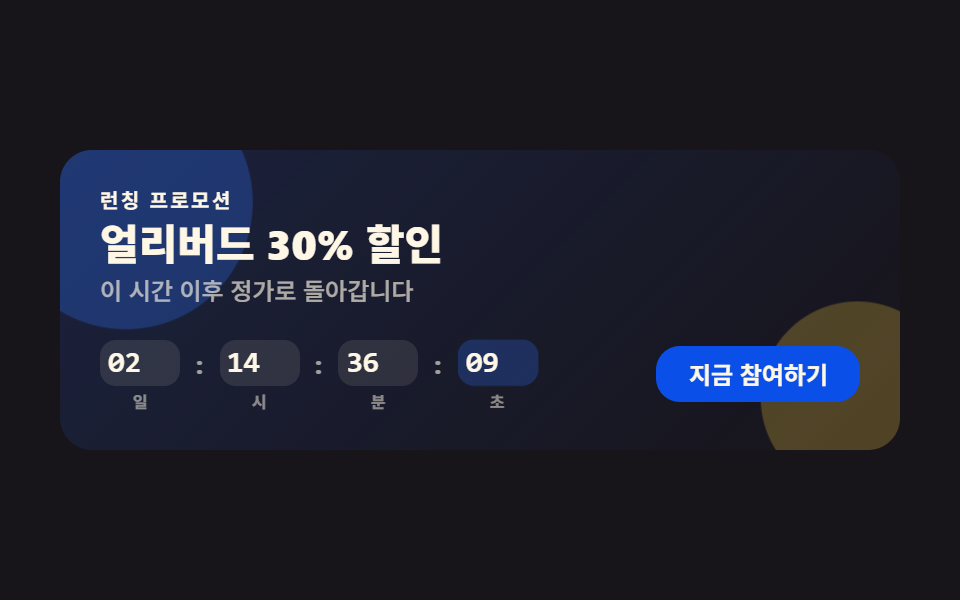 9 Promotion Landing Page Templates — Copy-PasteA promotion landing page template packages the sections a campaign launch runs on — countdown, proof, pricing, sign-up — See all demos in this post