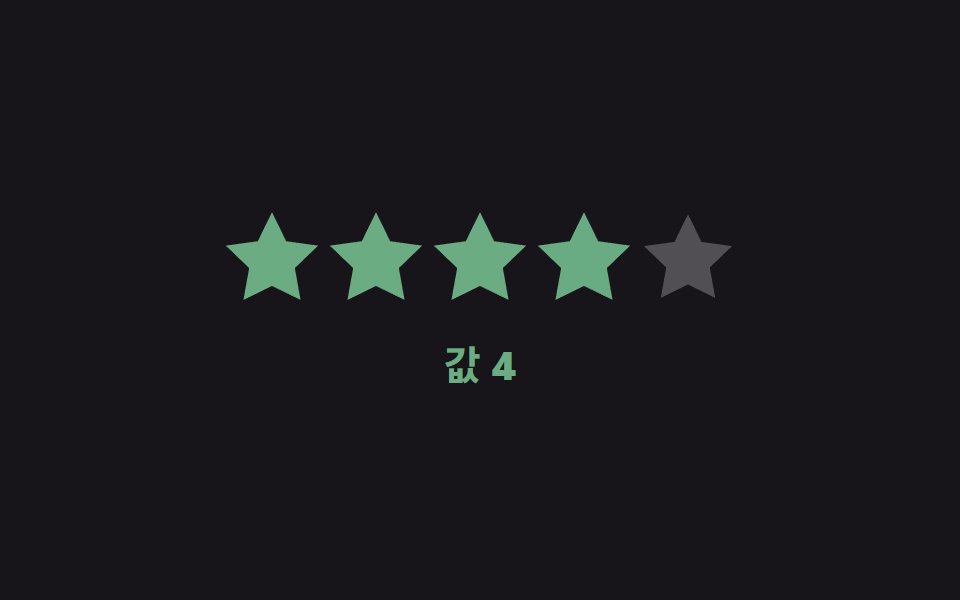
07Value color shift — the star's color value changes in stages according to the size of the selected value
When the selected star's order value sits in a lower range the color value leans one way, in a higher range it leans the other way, and values in between blend continuously between the two colors.
Best forA rating widget that also distinguishes satisfaction by color, an internal review form that flags low scores
mix(t) — RGB 채널 선형보간LOW = [0xc2, 0x36, 0x1a]HIGH = [0x4c, 0xd4, 0xa6]
<main class="stage">
<div class="sr is-demo" id="sr">
  <div class="sr__row" id="srRow">
    <button class="sr__star" type="button" data-i="1"><svg viewBox="0 0 24 24"><path d="M12 .587l3.668 7.568 8.332 1.151-6.064 5.828 1.48 8.279L12 19.771l-7.416 3.642 1.48-8.279-6.064-5.828 8.332-1.151z"/></svg></button>
    <button class="sr__star" type="button" data-i="2"><svg viewBox="0 0 24 24"><path d="M12 .587l3.668 7.568 8.332 1.151-6.064 5.828 1.48 8.279L12 19.771l-7.416 3.642 1.48-8.279-6.064-5.828 8.332-1.151z"/></svg></button>
    <button class="sr__star" type="button" data-i="3"><svg viewBox="0 0 24 24"><path d="M12 .587l3.668 7.568 8.332 1.151-6.064 5.828 1.48 8.279L12 19.771l-7.416 3.642 1.48-8.279-6.064-5.828 8.332-1.151z"/></svg></button>
    <button class="sr__star" type="button" data-i="4"><svg viewBox="0 0 24 24"><path d="M12 .587l3.668 7.568 8.332 1.151-6.064 5.828 1.48 8.279L12 19.771l-7.416 3.642 1.48-8.279-6.064-5.828 8.332-1.151z"/></svg></button>
    <button class="sr__star" type="button" data-i="5"><svg viewBox="0 0 24 24"><path d="M12 .587l3.668 7.568 8.332 1.151-6.064 5.828 1.48 8.279L12 19.771l-7.416 3.642 1.48-8.279-6.064-5.828 8.332-1.151z"/></svg></button>
  </div>
  <div class="sr__readout" id="srReadout">Value <b id="srNum">3</b></div>
</div>
</main>
@use "../../../../site/static/demo-tokens" as *;
// 계산 겹: 선택된 값(1~5)을 0~1 비율로 바꾼 뒤 두 토큰 색의 R·G·B 채널을 각각 그 비율만큼
// 선형보간(mix())해 중간 색을 만든다 — HSL 회전이 아니라 채널별 산술 혼합이다.
@include stage($stage-ink);
.sr {
display: grid;
gap: $sp-5;
place-items: center;
}
.sr__row { display: flex; gap: $sp-2; }
.sr__star {
width: 44px;
height: 44px;
padding: 0;
border: 0;
background: none;
cursor: pointer;
color: rgba($stage-paper, .25);
transition: color $dur-base $ease-out, transform $dur-quick $ease-out;
svg { display: block; width: 100%; height: 100%; fill: currentColor; }
&--filled { transform: scale(1.05); }
}
.sr__readout {
font: 700 20px/1.2 -apple-system, "Segoe UI", "Noto Sans KR", sans-serif;
color: $stage-paper;
transition: color $dur-base $ease-out;
b { font-variant-numeric: tabular-nums; }
}
@media (max-width: 340px) {
.sr__star { width: 34px; height: 34px; }
.sr__row { gap: $sp-1; }
.sr__readout { font-size: 16px; }
}
@media (prefers-reduced-motion: reduce) {
.sr__star, .sr__readout { transition: none; }
}html, body {
margin: 0;
overflow: hidden;
}
.stage {
box-sizing: border-box;
min-height: 100vh;
display: grid;
place-items: center;
margin: 0;
background: #17141a;
font-family: -apple-system, "Segoe UI", "Noto Sans KR", sans-serif;
padding: clamp(8px, 4vw, 24px);
}
.sr {
display: grid;
gap: 20px;
place-items: center;
}
.sr__row {
display: flex;
gap: 8px;
}
.sr__star {
width: 44px;
height: 44px;
padding: 0;
border: 0;
background: none;
cursor: pointer;
color: rgba(255, 255, 255, 0.25);
transition: color 300ms ease-out, transform 220ms ease-out;
}
.sr__star svg {
display: block;
width: 100%;
height: 100%;
fill: currentColor;
}
.sr__star--filled {
transform: scale(1.05);
}
.sr__readout {
font: 700 20px/1.2 -apple-system, "Segoe UI", "Noto Sans KR", sans-serif;
color: #ffffff;
transition: color 300ms ease-out;
}
.sr__readout b {
font-variant-numeric: tabular-nums;
}
@media (max-width: 340px) {
.sr__star {
width: 34px;
height: 34px;
}
.sr__row {
gap: 4px;
}
.sr__readout {
font-size: 16px;
}
}
@media (prefers-reduced-motion: reduce) {
.sr__star, .sr__readout {
transition: none;
}
}(function () {
var root = document.getElementById('sr');
var stars = Array.prototype.slice.call(document.querySelectorAll('.sr__star'));
var numEl = document.getElementById('srNum');
var readout = document.getElementById('srReadout');
// 토큰 사이 보간 — demo-tokens 의 $error(낮은 Value)와 $subject-mint(높은 Value) hex 를 그대로 두 끝점으로 쓴다.
var LOW = [0xc2, 0x36, 0x1a];
var HIGH = [0x4c, 0xd4, 0xa6];
// 계산 겹: 선택된 Value(1~5)을 0~1 비율 t 로 바꾼 뒤, 두 토큰 색의 R·G·B 채널을 각각
// t 만큼 선형보간(mix)해 중간 색을 만든다 — HSL 회전이 아니라 채널별 산술 혼합이다.
function mix(t) {
var c = LOW.map(function (v, i) { return Math.round(v + (HIGH[i] - v) * t); });
return 'rgb(' + c.join(',') + ')';
}
function paint(value) {
var t = (value - 1) / 4;
var color = mix(t);
stars.forEach(function (s, idx) {
s.style.color = idx < value ? color : '';
s.classList.toggle('sr__star--filled', idx < value);
});
numEl.textContent = String(value);
readout.style.color = color;
}
stars.forEach(function (s) {
var i = Number(s.getAttribute('data-i'));
s.addEventListener('click', function () { root.classList.remove('is-demo'); stopAutoplay(); paint(i); });
});
paint(3);
// 자동 루프: 값을 1→5→1 로 오가며 두 토큰 색 사이를 잇는 보간 색을 보여준다.
var seq = [1, 2, 3, 4, 5, 4, 3, 2];
var si = 0;
var autoTimer = null;
function autoTick() { paint(seq[si]); si = (si + 1) % seq.length; }
var reduce = window.matchMedia('(prefers-reduced-motion: reduce)').matches;
function stopAutoplay() { if (autoTimer) { clearInterval(autoTimer); autoTimer = null; } }
if (!reduce) { autoTimer = setInterval(autoTick, 340); autoTick(); }
})();import { useEffect, useRef } from "react";
import styles from "./ValueColorShift.module.scss";
const STAR_PATH =
"M12 .587l3.668 7.568 8.332 1.151-6.064 5.828 1.48 8.279L12 19.771l-7.416 3.642 1.48-8.279-6.064-5.828 8.332-1.151z";
export default function ValueColorShift() {
const rootRef = useRef<HTMLDivElement | null>(null);
useEffect(() => {
const root = rootRef.current;
if (!root) return;
const stars = Array.prototype.slice.call(
root.querySelectorAll(`.${styles.star}`)
) as HTMLElement[];
const numEl = root.querySelector<HTMLElement>(`.${styles.num}`);
const readout = root.querySelector<HTMLElement>(`.${styles.readout}`);
if (!numEl || !readout) return;
// 토큰 사이 보간 — demo-tokens 의 $error(낮은 값)와 $subject-mint(높은 값) hex 를 그대로 두 끝점으로 쓴다.
const LOW = [0xc2, 0x36, 0x1a];
const HIGH = [0x4c, 0xd4, 0xa6];
// 계산 겹: 선택된 값(1~5)을 0~1 비율 t 로 바꾼 뒤, 두 토큰 색의 R·G·B 채널을 각각
// t 만큼 선형보간(mix)해 중간 색을 만든다 — HSL 회전이 아니라 채널별 산술 혼합이다.
function mix(t: number) {
const c = LOW.map((v, i) => Math.round(v + (HIGH[i] - v) * t));
return "rgb(" + c.join(",") + ")";
}
function paint(value: number) {
const t = (value - 1) / 4;
const color = mix(t);
stars.forEach((s, idx) => {
s.style.color = idx < value ? color : "";
s.classList.toggle(styles.filled, idx < value);
});
numEl!.textContent = String(value);
readout!.style.color = color;
}
const clickHandlers: Array<() => void> = [];
stars.forEach((s, idx) => {
const i = idx + 1;
const handler = () => { stopAutoplay(); paint(i); };
clickHandlers.push(handler);
s.addEventListener("click", handler);
});
paint(3);
// 자동 루프: 값을 1→5→1 로 오가며 두 토큰 색 사이를 잇는 보간 색을 보여준다.
const seq = [1, 2, 3, 4, 5, 4, 3, 2];
let si = 0;
let autoTimer: number | null = null;
function autoTick() { paint(seq[si]); si = (si + 1) % seq.length; }
function stopAutoplay() { if (autoTimer !== null) { window.clearInterval(autoTimer); autoTimer = null; } }
const reduce = window.matchMedia("(prefers-reduced-motion: reduce)").matches;
if (!reduce) { autoTimer = window.setInterval(autoTick, 340); autoTick(); }
return () => {
stopAutoplay();
stars.forEach((s, idx) => s.removeEventListener("click", clickHandlers[idx]));
};
}, []);
return (
<div ref={rootRef} className={styles.stage}>
<div className={styles.sr}>
<div className={styles.row}>
{[1, 2, 3, 4, 5].map((i) => (
<button key={i} type="button" className={styles.star}>
<svg viewBox="0 0 24 24"><path d={STAR_PATH} /></svg>
</button>
))}
</div>
<div className={styles.readout}>값 <b className={styles.num}>3</b></div>
</div>
</div>
);
}07 Value color shift — the star's color value changes in stages according to the size of the selected value — Measured area 3.591% · moving frames 23/23Original by GODRICH · SCSS and React ship in the zip · Star Rating UI: 9 Interactive Rating Patterns
The post this demo lives in
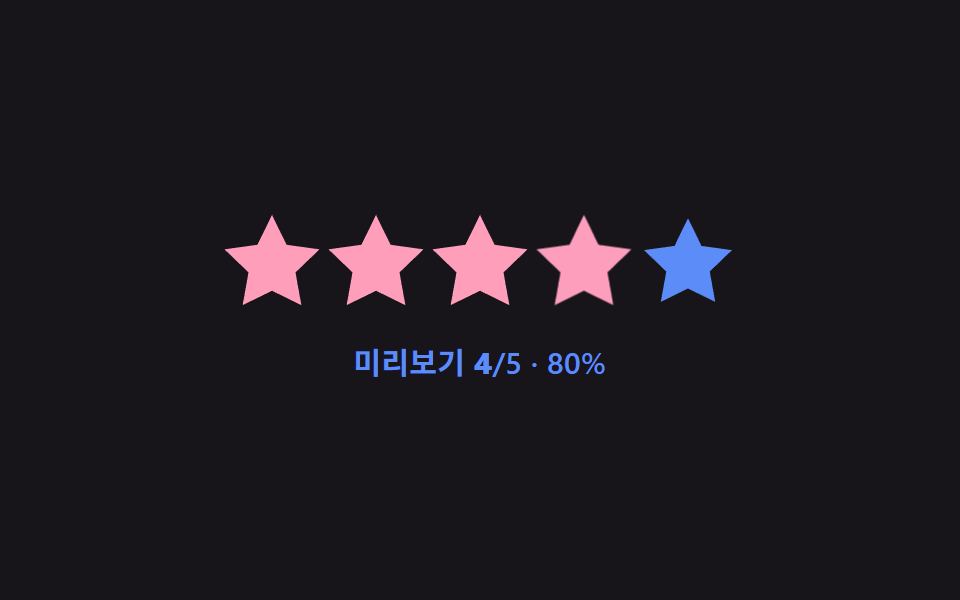 Star Rating UI: 9 Interactive Rating PatternsOne fill value follows the finger's position value in real time, one overlays an average's decimal part on a star, and o See all demos in this post
If you like this effect - similar demos
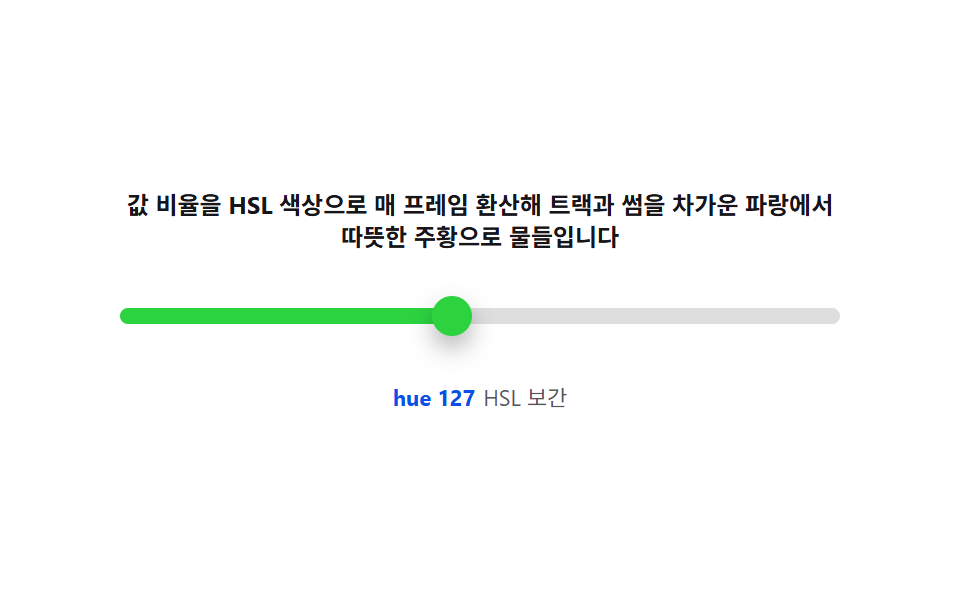 Pickers08 Color-temperature track — interpolating hue and saturation from the value ratioCSS Range Slider: 9 Physics-Grade Custom Sliders
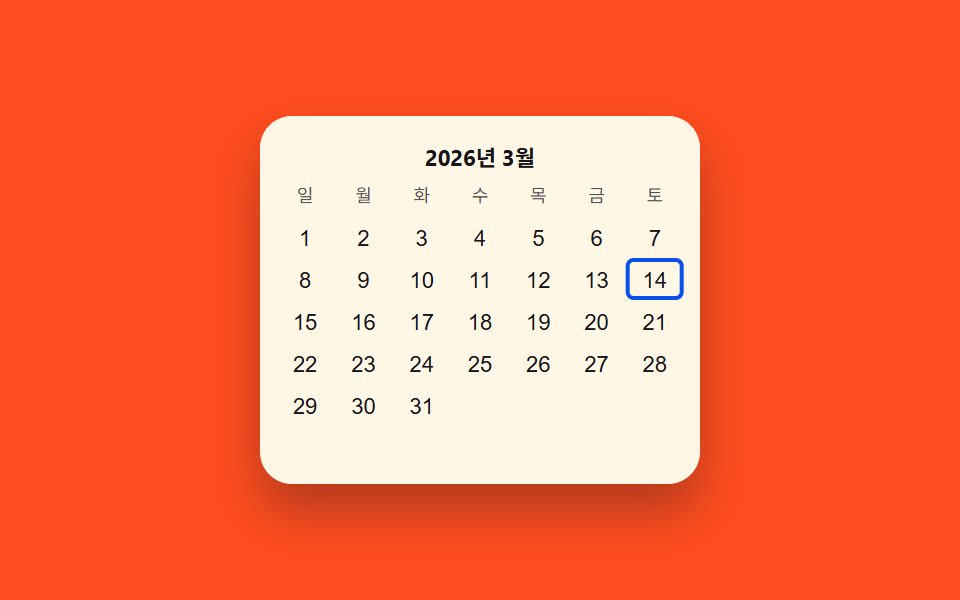 Pickers03 Keyboard-arrow value toggle — each time a direction value changes, a highlighted-cell value moves across the gridDate Picker UI: 9 Popover & Calendar Patterns
 Pickers02 Hue wheel that reads the angle you pressCustom Color Picker: 9 JS Parts, No Library