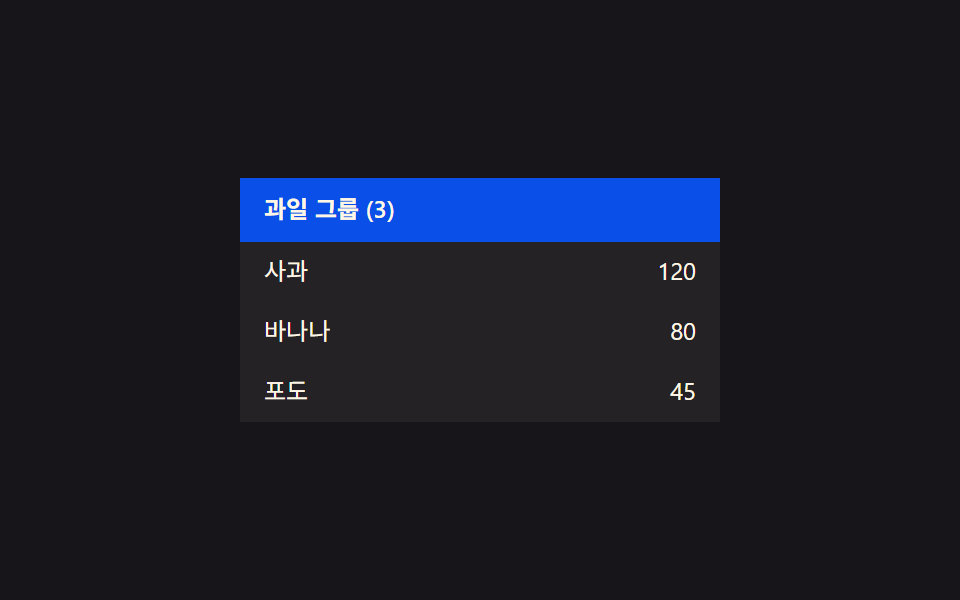
02Group collapse-value toggle — when a group header's collapse value changes, the display value of every row under it changes together
When a group header's collapse value turns on, the display value of every row beneath it disappears at once, and turning it off brings them back.
Best forAn inventory list grouped by category, a task list grouped by team
STAGGER_MS 70transitionDelay.tgc__child
<main class="stage">
<table class="tgc is-demo" id="tgc">
  <tbody>
    <tr class="tgc__group" id="tgcGroup">
      <td colspan="2">Fruit group (3)</td>
    </tr>
    <tr class="tgc__child" data-i="0" id="tgcChild0">
      <td class="tgc__cell">Apple</td>
      <td class="tgc__cell tgc__cell--num">120</td>
    </tr>
    <tr class="tgc__child" data-i="1" id="tgcChild1">
      <td class="tgc__cell">Banana</td>
      <td class="tgc__cell tgc__cell--num">80</td>
    </tr>
    <tr class="tgc__child" data-i="2" id="tgcChild2">
      <td class="tgc__cell">Grape</td>
      <td class="tgc__cell tgc__cell--num">45</td>
    </tr>
  </tbody>
</table>
</main>
@use "../../../../site/static/demo-tokens" as *;
// 계산 겹: 접힘 값이 바뀌면 자식 행 개수만큼 stagger(70ms×i)로 전환 시각을 나눠 건다 — index.html apply() 참조
@include stage($stage-ink);
.tgc {
width: 100%;
max-width: 240px;
border-collapse: collapse;
font: 400 12px/1.3 -apple-system, "Segoe UI", "Noto Sans KR", sans-serif;
color: $subject-cream;
}
.tgc__group {
cursor: pointer;
background: $subject-blue-deep;
color: $subject-cream;
font-weight: 600;
}
.tgc__group td {
padding: $sp-2 $sp-3;
}
.tgc__group--collapsed {
border-radius: $r-xs;
}
.tgc__child {
overflow: hidden;
height: 30px;
opacity: 1;
transition: height $dur-base $ease-out, opacity $dur-base $ease-out, transform $dur-base $ease-out;
}
.tgc__cell {
padding: $sp-1 $sp-3;
background: rgba(255, 247, 230, .06);
box-sizing: border-box;
}
.tgc__cell--num {
text-align: right;
font-variant-numeric: tabular-nums;
}
@media (max-width: 340px) {
.tgc { max-width: 200px; font-size: 11px; }
.tgc__cell, .tgc__group td { padding: $sp-1 $sp-2; }
}
@media (prefers-reduced-motion: reduce) {
.tgc__child { transition: none; }
}html, body {
margin: 0;
overflow: hidden;
}
.stage {
box-sizing: border-box;
min-height: 100vh;
display: grid;
place-items: center;
margin: 0;
background: #17141a;
font-family: -apple-system, "Segoe UI", "Noto Sans KR", sans-serif;
padding: clamp(8px, 4vw, 24px);
}
.tgc {
width: 100%;
max-width: 240px;
border-collapse: collapse;
font: 400 12px/1.3 -apple-system, "Segoe UI", "Noto Sans KR", sans-serif;
color: #fff7e6;
}
.tgc__group {
cursor: pointer;
background: #0a4fe8;
color: #fff7e6;
font-weight: 600;
}
.tgc__group td {
padding: 8px 12px;
}
.tgc__group--collapsed {
border-radius: 4px;
}
.tgc__child {
overflow: hidden;
height: 30px;
opacity: 1;
transition: height 300ms ease-out, opacity 300ms ease-out, transform 300ms ease-out;
}
.tgc__cell {
padding: 4px 12px;
background: rgba(255, 247, 230, 0.06);
box-sizing: border-box;
}
.tgc__cell--num {
text-align: right;
font-variant-numeric: tabular-nums;
}
@media (max-width: 340px) {
.tgc {
max-width: 200px;
font-size: 11px;
}
.tgc__cell, .tgc__group td {
padding: 4px 8px;
}
}
@media (prefers-reduced-motion: reduce) {
.tgc__child {
transition: none;
}
}(function () {
var root = document.getElementById('tgc');
var group = document.getElementById('tgcGroup');
var children = [0, 1, 2].map(function (i) { return document.getElementById('tgcChild' + i); });
// 상수: 자식 행 높이(px) · 자식 사이 stagger 간격(ms) · 자동 루프 간격
var CHILD_H = 30;
var STAGGER_MS = 70;
var AUTO_TOGGLE_MS = 1300;
var collapsed = false;
// 계산 겹: 접힘 값이 켜지면 자식 행 수 × stagger 로 각 행의 표시 값 전환 시각을 다르게 건다
function apply() {
children.forEach(function (el, i) {
var delay = i * STAGGER_MS;
el.style.transitionDelay = delay + 'ms';
if (collapsed) {
el.style.height = '0px';
el.style.opacity = '0';
el.style.transform = 'translateY(-' + (CHILD_H * 0.3).toFixed(1) + 'px)';
} else {
el.style.height = CHILD_H + 'px';
el.style.opacity = '1';
el.style.transform = 'translateY(0px)';
}
});
group.classList.toggle('tgc__group--collapsed', collapsed);
}
apply();
function toggle() {
collapsed = !collapsed;
apply();
}
group.addEventListener('click', function () {
root.classList.remove('is-demo');
toggle();
});
// 자동 루프: 그룹의 접힘 값을 주기적으로 켜고 끈다
function autoStep() {
if (root.classList.contains('is-demo')) toggle();
setTimeout(autoStep, AUTO_TOGGLE_MS);
}
setTimeout(autoStep, AUTO_TOGGLE_MS);
})();import { useEffect, useRef } from "react";
import styles from "./TableRowGroupCollapse.module.scss";
type Box<T> = { current: T };
export default function TableRowGroupCollapse() {
const rootRef = useRef(null) as unknown as Box<HTMLTableElement | null>;
useEffect(() => {
const root = rootRef.current;
if (!root) return;
const group = root.querySelector(`.${styles.group}`) as HTMLElement | null;
const children = [0, 1, 2].map((i) => root.querySelector(`.${styles["child" + i]}`) as HTMLElement | null);
if (!group || children.some((el) => !el)) return;
// 상수: 자식 행 높이(px) · 자식 사이 stagger 간격(ms) · 자동 루프 간격
const CHILD_H = 30;
const STAGGER_MS = 70;
const AUTO_TOGGLE_MS = 1300;
let collapsed = false;
let stopped = false;
let autoTimer = 0;
function apply() {
children.forEach((el, i) => {
const delay = i * STAGGER_MS;
el!.style.transitionDelay = delay + "ms";
if (collapsed) {
el!.style.height = "0px";
el!.style.opacity = "0";
el!.style.transform = "translateY(-" + (CHILD_H * 0.3).toFixed(1) + "px)";
} else {
el!.style.height = CHILD_H + "px";
el!.style.opacity = "1";
el!.style.transform = "translateY(0px)";
}
});
group!.classList.toggle(styles["group--collapsed"], collapsed);
}
apply();
function toggle() {
collapsed = !collapsed;
apply();
}
function onClick() {
root!.classList.remove(styles["is-demo"]);
toggle();
}
group.addEventListener("click", onClick);
function autoStep() {
if (stopped) return;
if (root!.classList.contains(styles["is-demo"])) toggle();
autoTimer = window.setTimeout(autoStep, AUTO_TOGGLE_MS);
}
autoTimer = window.setTimeout(autoStep, AUTO_TOGGLE_MS);
return () => {
stopped = true;
window.clearTimeout(autoTimer);
group.removeEventListener("click", onClick);
};
}, []);
return (
<table ref={rootRef} className={`${styles.stage} ${styles.tgc} ${styles["is-demo"]}`}>
<tbody>
<tr className={styles.group}>
<td colSpan={2}>과일 그룹 (3)</td>
</tr>
<tr className={`${styles.child} ${styles.child0}`}>
<td className={styles.cell}>사과</td>
<td className={`${styles.cell} ${styles.cellNum}`}>120</td>
</tr>
<tr className={`${styles.child} ${styles.child1}`}>
<td className={styles.cell}>바나나</td>
<td className={`${styles.cell} ${styles.cellNum}`}>80</td>
</tr>
<tr className={`${styles.child} ${styles.child2}`}>
<td className={styles.cell}>포도</td>
<td className={`${styles.cell} ${styles.cellNum}`}>45</td>
</tr>
</tbody>
</table>
);
}02 Group collapse-value toggle — when a group header's collapse value changes, the display value of every row under it changes together — Measured area 17.353% · moving frames 7/23Original by GODRICH · SCSS and React ship in the zip · Collapsible Table Row: 9 UI Patterns
The post this demo lives in
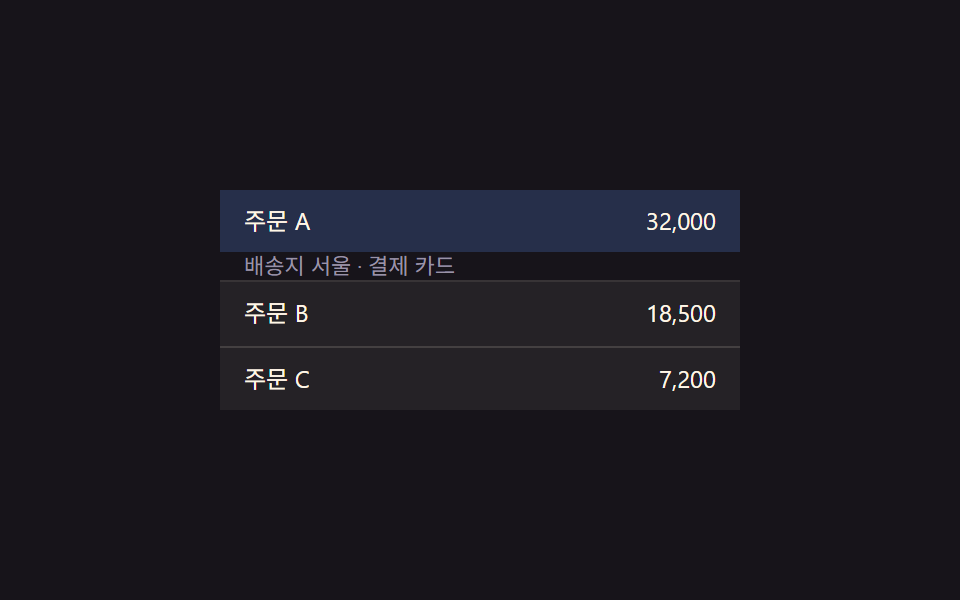 Collapsible Table Row: 9 UI PatternsCollapsible table row: One of nine grows a detail height as a row's expand value changes, one shrinks a removed row to z See all demos in this post
If you like this effect - similar demos
 Transitions01 Active-indicator slide-morph toggle — when the selected tab changes, the highlight's position and width values shift together from the old spot to the new oneCSS Bottom Navigation Bar: 9 Transition Patterns
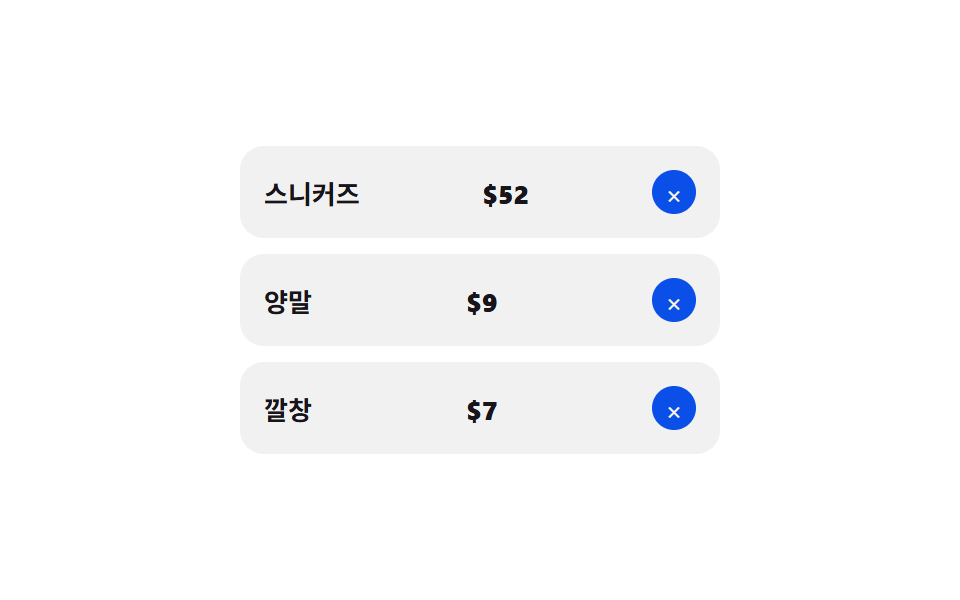 Transitions08 Remove-item collapse — a removed row's height value shrinking to zero as rows below close the gapCart Drawer UI Patterns: 9 Motion Techniques
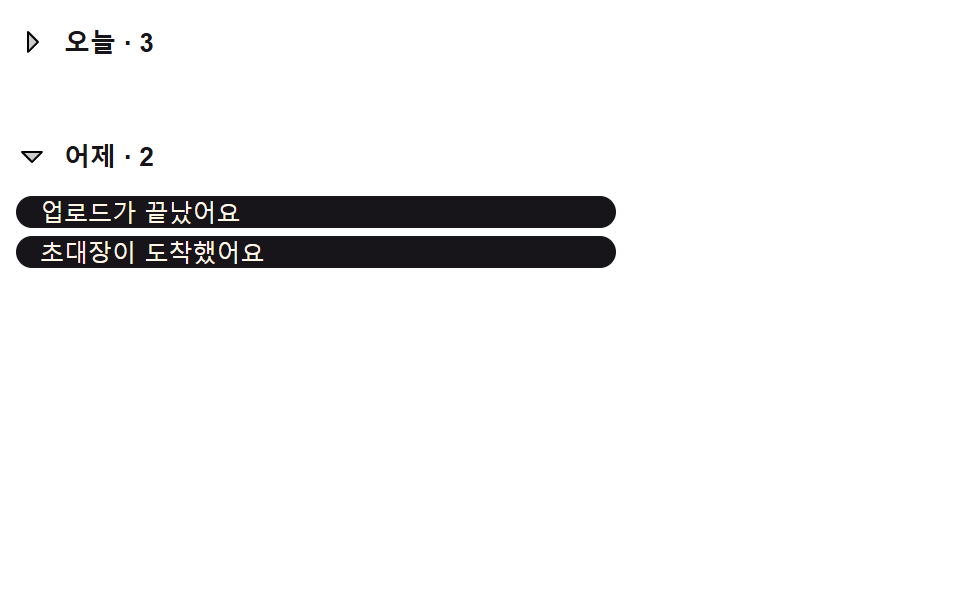 Transitions02 Header List That Collapses by a Date-group ValueNotification Animation CSS: 9 Panel UI Patterns