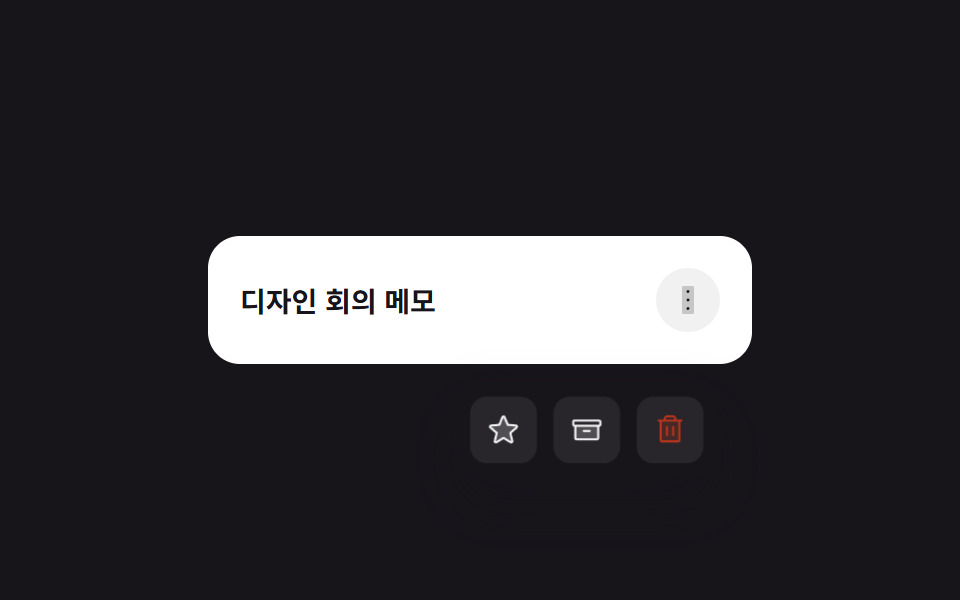
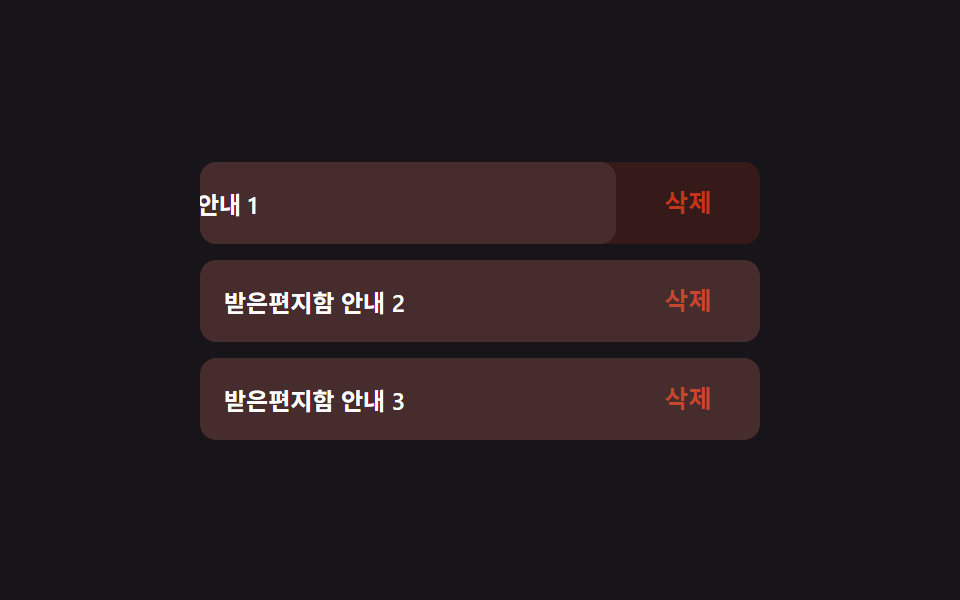
05Long-Press Ring to Schedule Undo
Long-pressing a todo fills a circular ring that schedules an undo, and lifting your finger before the ring completes cancels it (different from 231's instantly popping icon menu — here it's a timed confirm ring).
Best forUndo confirmation, mistake-proof long-press actions
LONGPRESS_HOLD_MS 경과비율 → strokeDashoffsetpointerdown/pointerup 조기 해제 취소elapsed/LONGPRESS_HOLD_MS 계산
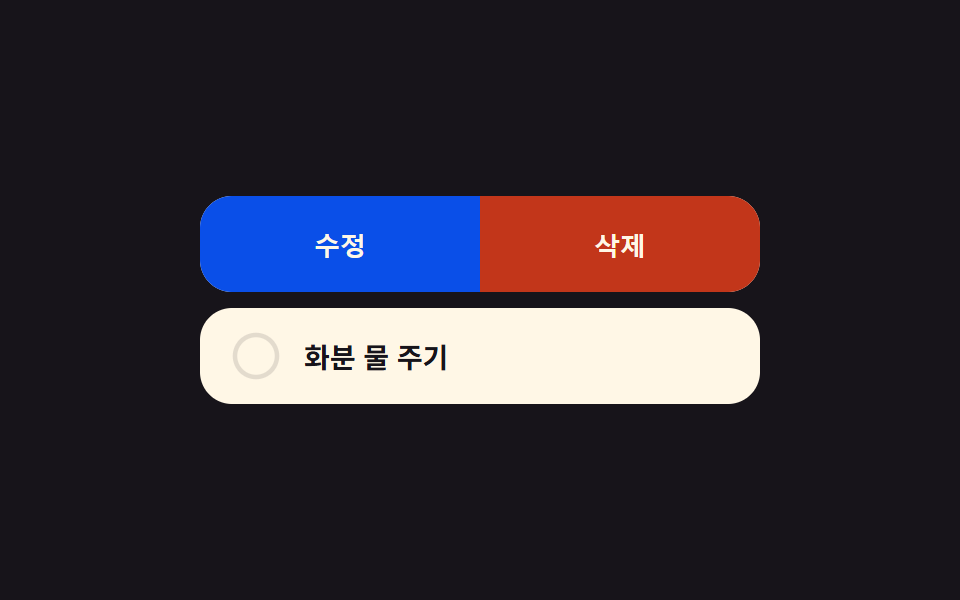
<main class="stage">
<ul class="list is-demo" id="list">
  <li class="row" id="row-0" data-actions="false" tabindex="0" role="button" aria-haspopup="true" aria-label="Check the mailbox — long-press to see actions">
    <span class="ring" aria-hidden="true"><svg viewBox="0 0 32 32"><circle class="ringTrack" cx="16" cy="16" r="14"/><circle class="ringFill" id="ringFill-0" cx="16" cy="16" r="14"/></svg></span>
    <span class="rowText">Check the mailbox</span>
    <span class="actions" id="actions-0">
      <button class="actBtn actEdit" type="button" aria-label="Edit">Edit</button>
      <button class="actBtn actDel" type="button" aria-label="Delete">Delete</button>
    </span>
  </li>
  <li class="row" id="row-1" data-actions="false" tabindex="0" role="button" aria-haspopup="true" aria-label="Water the plant — long-press to see actions">
    <span class="ring" aria-hidden="true"><svg viewBox="0 0 32 32"><circle class="ringTrack" cx="16" cy="16" r="14"/><circle class="ringFill" id="ringFill-1" cx="16" cy="16" r="14"/></svg></span>
    <span class="rowText">Water the plant</span>
    <span class="actions" id="actions-1">
      <button class="actBtn actEdit" type="button" aria-label="Edit">Edit</button>
      <button class="actBtn actDel" type="button" aria-label="Delete">Delete</button>
    </span>
  </li>
</ul>
</main>
@use "../../../../site/static/demo-tokens" as *;
// 계산 겹은 index.html 의 startPress() 에 있다 — 실제 경과 시간(elapsed)을
// LONGPRESS_HOLD_MS 로 나눈 비율을 원 둘레 길이(strokeDasharray)에 곱해 링을 채운다.
@include stage($stage-ink);
.list {
list-style: none;
margin: 0;
padding: 0;
width: 280px;
display: grid;
gap: $sp-2;
}
.row {
position: relative;
display: flex;
align-items: center;
gap: $sp-3;
padding: $sp-3 $sp-4;
border-radius: $r-card;
background: $subject-cream;
cursor: pointer;
overflow: hidden;
touch-action: none;
transition: transform $dur-quick $ease-out;
&.pressing { transform: scale(.98); }
&:focus-visible { outline: 2px solid $subject-blue-light; outline-offset: 2px; }
}
.ring {
width: 24px;
height: 24px;
flex: none;
svg { width: 100%; height: 100%; transform: rotate(-90deg); }
}
.ringTrack {
fill: none;
stroke: rgba($subject-ink, .12);
stroke-width: 3;
}
.ringFill {
fill: none;
stroke: $subject-blue;
stroke-width: 3;
stroke-linecap: round;
}
.rowText {
flex: 1;
color: $subject-ink;
font-size: 14px;
font-weight: 600;
}
.actions {
position: absolute;
inset: 0;
display: flex;
transform: translateX(100%);
transition: transform $dur-base $ease-spring;
}
.row[data-actions="true"] .actions { transform: translateX(0); }
.actBtn {
appearance: none;
border: none;
flex: 1;
color: $subject-cream;
font-size: 13px;
font-weight: 700;
cursor: pointer;
}
.actEdit { background: $subject-blue-deep; }
.actDel { background: $error; }
@media (max-width: 340px) {
.list { width: 220px; }
}
@media (prefers-reduced-motion: reduce) {
// 실사용 경로에도 적용 — 링은 값 갱신만(전환 없음), 액션 패널은 슬라이드 없이 즉시 나타난다
.row { transition: none !important; }
.actions { transition: none !important; }
}html, body {
margin: 0;
overflow: hidden;
}
.stage {
box-sizing: border-box;
min-height: 100vh;
display: grid;
place-items: center;
margin: 0;
background: #17141a;
font-family: -apple-system, "Segoe UI", "Noto Sans KR", sans-serif;
padding: clamp(8px, 4vw, 24px);
}
.list {
list-style: none;
margin: 0;
padding: 0;
width: 280px;
display: grid;
gap: 8px;
}
.row {
position: relative;
display: flex;
align-items: center;
gap: 12px;
padding: 12px 16px;
border-radius: 16px;
background: #fff7e6;
cursor: pointer;
overflow: hidden;
touch-action: none;
transition: transform 220ms ease-out;
}
.row.pressing {
transform: scale(0.98);
}
.row:focus-visible {
outline: 2px solid #5b8cf8;
outline-offset: 2px;
}
.ring {
width: 24px;
height: 24px;
flex: none;
}
.ring svg {
width: 100%;
height: 100%;
transform: rotate(-90deg);
}
.ringTrack {
fill: none;
stroke: rgba(23, 20, 26, 0.12);
stroke-width: 3;
}
.ringFill {
fill: none;
stroke: #2f6df6;
stroke-width: 3;
stroke-linecap: round;
}
.rowText {
flex: 1;
color: #17141a;
font-size: 14px;
font-weight: 600;
}
.actions {
position: absolute;
inset: 0;
display: flex;
transform: translateX(100%);
transition: transform 300ms cubic-bezier(0.2, 0.8, 0.2, 1);
}
.row[data-actions=true] .actions {
transform: translateX(0);
}
.actBtn {
appearance: none;
border: none;
flex: 1;
color: #fff7e6;
font-size: 13px;
font-weight: 700;
cursor: pointer;
}
.actEdit {
background: #0a4fe8;
}
.actDel {
background: #c2361a;
}
@media (max-width: 340px) {
.list {
width: 220px;
}
}
@media (prefers-reduced-motion: reduce) {
.row {
transition: none !important;
}
.actions {
transition: none !important;
}
}(function () {
var LONGPRESS_HOLD_MS = 500; // 누른 채 버티면 이 시간에 링이 다 찬다
var reduce = window.matchMedia('(prefers-reduced-motion: reduce)').matches;
var list = document.getElementById('list');
var rows = [document.getElementById('row-0'), document.getElementById('row-1')];
var rings = [document.getElementById('ringFill-0'), document.getElementById('ringFill-1')];
var CIRC = 2 * Math.PI * 14;
function human() { list.classList.remove('is-demo'); window.clearInterval(autoTimer); }
rings.forEach(function (r) {
r.style.strokeDasharray = CIRC.toFixed(2);
r.style.strokeDashoffset = CIRC.toFixed(2);
});
// 계산 겹: 실제 경과 시간 비율(elapsed / LONGPRESS_HOLD_MS)을 원의 둘레 길이에 곱해
// 링이 실제로 몇 초 눌렀는지를 정확히 반영하게 한다.
function paintRing(i, ratio) {
var offset = CIRC * (1 - Math.min(1, Math.max(0, ratio)));
rings[i].style.strokeDashoffset = offset.toFixed(2);
}
function startPress(i, startTime) {
rows[i].classList.add('pressing');
var raf;
function tick(now) {
var elapsed = now - startTime;
var ratio = elapsed / LONGPRESS_HOLD_MS;
paintRing(i, ratio);
if (ratio >= 1) {
openActions(i);
cancelPress(i);
return;
}
raf = requestAnimationFrame(tick);
}
raf = requestAnimationFrame(tick);
rows[i]._raf = raf;
}
function cancelPress(i) {
rows[i].classList.remove('pressing');
if (rows[i]._raf) cancelAnimationFrame(rows[i]._raf);
paintRing(i, 0);
}
function openActions(i) {
rows[i].setAttribute('data-actions', 'true');
}
function closeActions(i) {
rows[i].setAttribute('data-actions', 'false');
}
rows.forEach(function (row, i) {
var downAt = 0;
row.addEventListener('pointerdown', function (e) {
human();
downAt = performance.now();
startPress(i, downAt);
});
row.addEventListener('pointerup', function () { cancelPress(i); });
row.addEventListener('pointerleave', function () { cancelPress(i); });
row.addEventListener('keydown', function (e) {
human();
if (e.key === 'Enter' || e.key === ' ') {
e.preventDefault();
openActions(i);
} else if (e.key === 'Escape') {
closeActions(i);
}
});
var editBtn = document.getElementById('actions-' + i).querySelector('.actEdit');
var delBtn = document.getElementById('actions-' + i).querySelector('.actDel');
editBtn.addEventListener('click', function (e) { e.stopPropagation(); human(); closeActions(i); });
delBtn.addEventListener('click', function (e) { e.stopPropagation(); human(); closeActions(i); });
});
var cursor = 0;
function autoStep() {
var i = cursor;
var start = performance.now();
startPress(i, start - LONGPRESS_HOLD_MS * 0.02);
window.setTimeout(function () {
window.setTimeout(function () { closeActions(i); }, 700);
}, LONGPRESS_HOLD_MS + 60);
cursor = (cursor + 1) % rows.length;
}
var autoTimer;
if (!reduce) { autoStep(); autoTimer = window.setInterval(autoStep, 1900); }
})();// LongPressActions — vanilla 판(run/377/demo/05-long-press-actions/index.html) 의 React 포트.
// 계산 겹: 실제 경과 시간(elapsed) / LONGPRESS_HOLD_MS 비율을 원 둘레 길이에 곱해 링을 채운다.
import { useEffect, useRef, useState } from "react";
import type { MouseEvent as ReactMouseEvent } from "react";
// KeyboardEvent 는 "react" 스텁이 export 하지 않는다(demo.py ambient.d.ts) — lib.dom 의 전역 타입을 그대로 쓴다.
import styles from "./LongPressActions.module.scss";
type Box<T> = { current: T };
const LONGPRESS_HOLD_MS = 500;
const CIRC = 2 * Math.PI * 14;
const ROWS = [
{ id: 0, text: "우편함 확인하기" },
{ id: 1, text: "화분 물 주기" },
];
export default function LongPressActions() {
const [isDemo, setIsDemo] = useState(true);
const [ratios, setRatios] = useState([0, 0]);
const [pressing, setPressing] = useState([false, false]);
const [actionsOpen, setActionsOpen] = useState([false, false]);
const rafRefs = useRef([0, 0]) as unknown as Box<number[]>;
const timerRef = useRef(0) as unknown as Box<number>;
function human() {
if (isDemo) { setIsDemo(false); window.clearInterval(timerRef.current); }
}
function startPress(i: number, startTime: number) {
setPressing(function (p) { const n = p.slice(); n[i] = true; return n; });
function tick(now: number) {
const elapsed = now - startTime;
const ratio = Math.min(1, Math.max(0, elapsed / LONGPRESS_HOLD_MS));
setRatios(function (r) { const n = r.slice(); n[i] = ratio; return n; });
if (ratio >= 1) {
setActionsOpen(function (a) { const n = a.slice(); n[i] = true; return n; });
cancelPress(i);
return;
}
rafRefs.current[i] = requestAnimationFrame(tick);
}
rafRefs.current[i] = requestAnimationFrame(tick);
}
function cancelPress(i: number) {
setPressing(function (p) { const n = p.slice(); n[i] = false; return n; });
setRatios(function (r) { const n = r.slice(); n[i] = 0; return n; });
cancelAnimationFrame(rafRefs.current[i]);
}
function closeActions(i: number) {
setActionsOpen(function (a) { const n = a.slice(); n[i] = false; return n; });
}
useEffect(function () {
const reduce = window.matchMedia("(prefers-reduced-motion: reduce)").matches;
if (reduce) return;
let cursor = 0;
function autoStep() {
const i = cursor;
startPress(i, performance.now() - LONGPRESS_HOLD_MS * 0.02);
window.setTimeout(function () {
window.setTimeout(function () { closeActions(i); }, 700);
}, LONGPRESS_HOLD_MS + 60);
cursor = (cursor + 1) % ROWS.length;
}
autoStep();
timerRef.current = window.setInterval(autoStep, 1900);
return function () {
window.clearInterval(timerRef.current);
rafRefs.current.forEach(function (id) { cancelAnimationFrame(id); });
};
// eslint-disable-next-line
}, []);
return (
<main className={styles.stage}>
<ul className={styles.list + (isDemo ? " " + styles.isDemo : "")}>
{ROWS.map(function (row, i) {
const offset = CIRC * (1 - ratios[i]);
return (
<li
key={row.id}
className={styles.row + (pressing[i] ? " " + styles.pressing : "")}
tabIndex={0}
role="button"
aria-haspopup="true"
aria-label={row.text + " — 길게 눌러 액션 보기"}
onPointerDown={function () { human(); startPress(i, performance.now()); }}
onPointerUp={function () { cancelPress(i); }}
onPointerLeave={function () { cancelPress(i); }}
onKeyDown={function (e: KeyboardEvent) {
human();
if (e.key === "Enter" || e.key === " ") { e.preventDefault(); setActionsOpen(function (a) { const n = a.slice(); n[i] = true; return n; }); }
else if (e.key === "Escape") { closeActions(i); }
}}
>
<span className={styles.ring} aria-hidden="true">
<svg viewBox="0 0 32 32">
<circle className={styles.ringTrack} cx={16} cy={16} r={14} />
<circle className={styles.ringFill} cx={16} cy={16} r={14} style={{ strokeDasharray: CIRC.toFixed(2), strokeDashoffset: offset.toFixed(2) }} />
</svg>
</span>
<span className={styles.rowText}>{row.text}</span>
<span className={styles.actions} data-open={actionsOpen[i] ? "true" : "false"}>
<button className={styles.actEdit} type="button" aria-label="수정" onClick={function (e: ReactMouseEvent) { e.stopPropagation(); human(); closeActions(i); }}>수정</button>
<button className={styles.actDel} type="button" aria-label="삭제" onClick={function (e: ReactMouseEvent) { e.stopPropagation(); human(); closeActions(i); }}>삭제</button>
</span>
</li>
);
})}
</ul>
</main>
);
}05 Long-Press Ring to Schedule Undo — Measured area 18.42% · moving frames 16/23Original by GODRICH · SCSS and React ship in the zip · Todo List UI: 9 Patterns From Ring Gauge to Rewind
The post this demo lives in
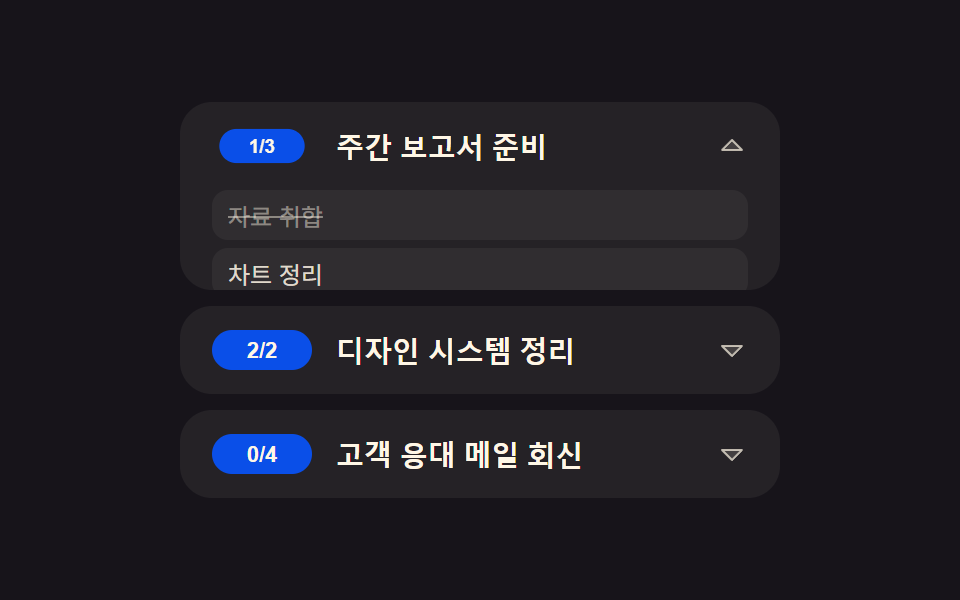 Todo List UI: 9 Patterns From Ring Gauge to RewindAmong nine todo list ui patterns, one doubles how many load each tap, one rewinds the timeline dot by dot, one fills a r See all demos in this post