05縦方向比較スライダー
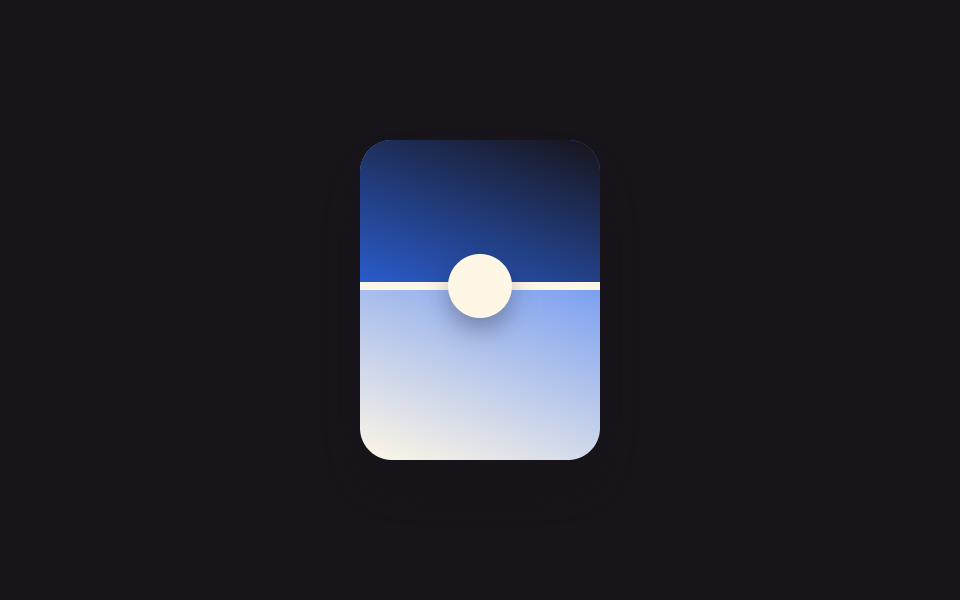
境界線が左右ではなく上下に動き、clip-path: inset(var(--reveal) 0 0 0) で上の写真が下の写真を覆うように下りてくる縦型です。
使いどころレシピの下ごしらえ前後、縦長のインテリア工事写真の比較
clip-path 세로축--reveal 변수vh 무대
<main class="stage">
  <div class="ba is-demo" id="ba">
    <div class="ba__after"></div>
    <div class="ba__before"></div>
    <div class="ba__handle"><span class="ba__grip"></span></div>
  </div>
</main>
@use "../../../../site/static/demo-tokens" as *;
$duration: $dur-loop;
$easing: $ease-spring;
$color: $subject-blue;
@property --reveal {
syntax: "<percentage>";
inherits: true;
initial-value: 50%;
}
@include stage($stage-ink);
.ba {
position: relative;
width: 120px;
max-width: 100%;
aspect-ratio: 3 / 4;
border-radius: $r-card;
overflow: hidden;
box-shadow: $shadow-raised;
touch-action: none;
cursor: ns-resize;
--reveal: 50%;
}
.ba__after,
.ba__before {
position: absolute;
inset: 0;
}
.ba__after { background: linear-gradient(200deg, $color 0%, $subject-cream 100%); }
.ba__before {
background: linear-gradient(200deg, $stage-ink 0%, $color 70%);
clip-path: inset(0 0 calc(100% - var(--reveal)) 0);
}
.ba__handle {
position: absolute;
left: 0;
right: 0;
top: var(--reveal);
height: $sp-1;
transform: translateY(-50%);
background: $subject-cream;
}
.ba__grip {
position: absolute;
top: 50%;
left: 50%;
width: $sp-8;
height: $sp-8;
border-radius: $r-pill;
background: $subject-cream;
transform: translate(-50%, -50%);
box-shadow: $shadow-press;
}
.ba.is-demo { animation: reveal-loop $dur-loop $easing infinite; }
@keyframes reveal-loop {
0%, 8% { --reveal: 22%; }
50% { --reveal: 78%; }
92%, 100% { --reveal: 22%; }
}
@media (prefers-reduced-motion: reduce) {
.ba.is-demo { animation: none; --reveal: 50%; }
}@property --reveal {
syntax: "<percentage>";
inherits: true;
initial-value: 50%;
}
html, body {
margin: 0;
overflow: hidden;
}
.stage {
box-sizing: border-box;
min-height: 100vh;
display: grid;
place-items: center;
margin: 0;
background: #17141a;
font-family: -apple-system, "Segoe UI", "Noto Sans KR", sans-serif;
padding: clamp(8px, 4vw, 24px);
}
.ba {
position: relative;
width: 120px;
max-width: 100%;
aspect-ratio: 3/4;
border-radius: 16px;
overflow: hidden;
box-shadow: 0 14px 24px rgba(23, 20, 26, 0.32);
touch-action: none;
cursor: ns-resize;
--reveal: 50%;
}
.ba__after,
.ba__before {
position: absolute;
inset: 0;
}
.ba__after {
background: linear-gradient(200deg, #2f6df6 0%, #fff7e6 100%);
}
.ba__before {
background: linear-gradient(200deg, #17141a 0%, #2f6df6 70%);
clip-path: inset(0 0 calc(100% - var(--reveal)) 0);
}
.ba__handle {
position: absolute;
left: 0;
right: 0;
top: var(--reveal);
height: 4px;
transform: translateY(-50%);
background: #fff7e6;
}
.ba__grip {
position: absolute;
top: 50%;
left: 50%;
width: 32px;
height: 32px;
border-radius: 999px;
background: #fff7e6;
transform: translate(-50%, -50%);
box-shadow: 0 6px 12px rgba(23, 20, 26, 0.32);
}
.ba.is-demo {
animation: reveal-loop 2s cubic-bezier(0.2, 0.8, 0.2, 1) infinite;
}
@keyframes reveal-loop {
0%, 8% {
--reveal: 22%;
}
50% {
--reveal: 78%;
}
92%, 100% {
--reveal: 22%;
}
}
@media (prefers-reduced-motion: reduce) {
.ba.is-demo {
animation: none;
--reveal: 50%;
}
}(function () {
var el = document.getElementById("ba");
var dragging = false;
function set(pct) {
pct = Math.max(0, Math.min(100, pct));
el.style.setProperty("--reveal", pct + "%");
}
function fromY(y) {
var r = el.getBoundingClientRect();
return ((y - r.top) / r.height) * 100;
}
el.addEventListener("pointerdown", function (e) {
el.classList.remove("is-demo");
dragging = true;
el.setPointerCapture(e.pointerId);
set(fromY(e.clientY));
});
el.addEventListener("pointermove", function (e) { if (dragging) set(fromY(e.clientY)); });
el.addEventListener("pointerup", function () { dragging = false; });
})();import { useRef, useState, useCallback } from "react";
import type { CSSProperties, PointerEvent } from "react";
import styles from "./BeforeAfterVertical.module.scss";
export type BeforeAfterVerticalProps = {
duration?: string;
easing?: string;
color?: string;
};
type Vars = CSSProperties & { "--reveal"?: string };
/** 경계선이 위아래로 움직인다. clip-path: inset(var(--reveal) 0 0 0) 로 위쪽 사진이 아래를 덮는다. */
export default function BeforeAfterVertical({
duration = "2s",
easing = "cubic-bezier(.2,.8,.2,1)",
color = "#2f6df6",
}: BeforeAfterVerticalProps) {
const ref = useRef<HTMLDivElement | null>(null);
const [reveal, setReveal] = useState(50);
const [demo, setDemo] = useState(true);
const dragging = useRef(false);
const setFromY = useCallback((y: number) => {
const el = ref.current;
if (!el) return;
const r = el.getBoundingClientRect();
setReveal(Math.max(0, Math.min(100, ((y - r.top) / r.height) * 100)));
}, []);
const onDown = useCallback((e: PointerEvent<HTMLDivElement>) => {
setDemo(false);
dragging.current = true;
(e.currentTarget as HTMLDivElement).setPointerCapture(e.pointerId);
setFromY(e.clientY);
}, [setFromY]);
const onMove = useCallback((e: PointerEvent<HTMLDivElement>) => { if (dragging.current) setFromY(e.clientY); }, [setFromY]);
const onUp = useCallback(() => { dragging.current = false; }, []);
const vars: Vars = { "--reveal": `${reveal}%`, ["--duration" as string]: duration, ["--easing" as string]: easing, ["--color" as string]: color };
return (
<div
ref={ref}
className={demo ? `${styles.ba} ${styles.isDemo}` : styles.ba}
style={vars}
onPointerDown={onDown}
onPointerMove={onMove}
onPointerUp={onUp}
>
<div className={styles.after} />
<div className={styles.before} />
<div className={styles.handle}>
<span className={styles.grip} />
</div>
</div>
);
}05 縦方向比較スライダー — 計測 累積面積 8.635% · 動いたフレーム 17/23GODRICH オリジナル · SCSS と React は zip に同梱 · ビフォーアフター スライダー UI 9選 — ドラッグで比較
このデモが属する記事
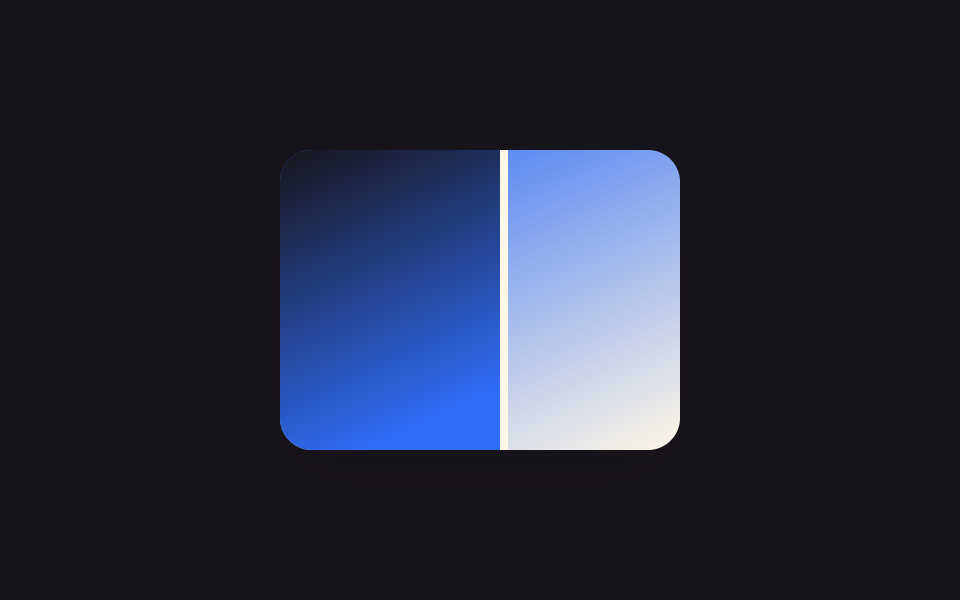 ビフォーアフター スライダー UI 9選 — ドラッグで比較ビフォーアフター スライダーは2枚の写真を重ね、動かせる境界線で前後を並べて見せるUIです。境界線はクリックやドラッグにリアルタイムで反応する必要があるため、CSSだけでは作れずJSが数行必要です。 この記事のデモをすべて見る