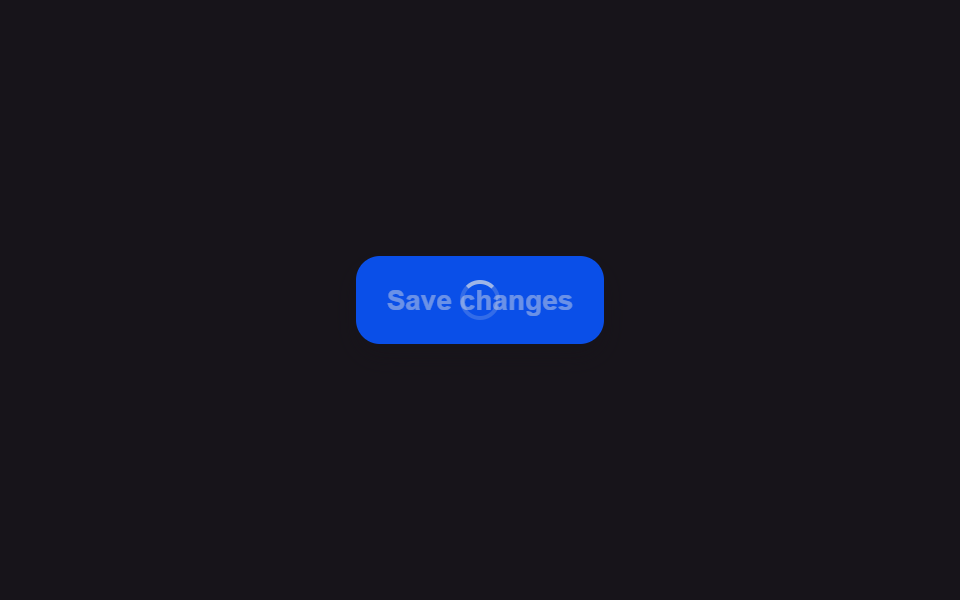
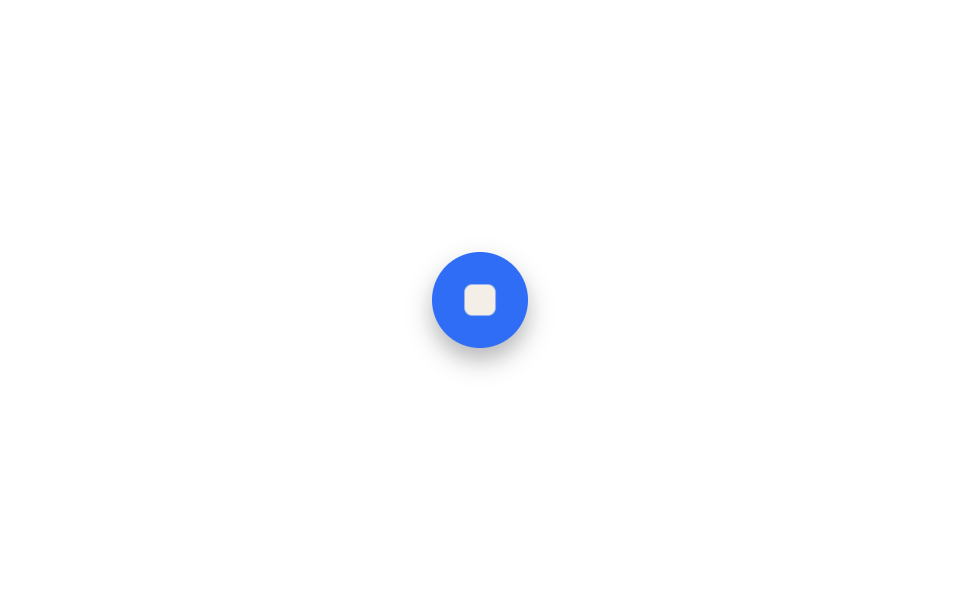
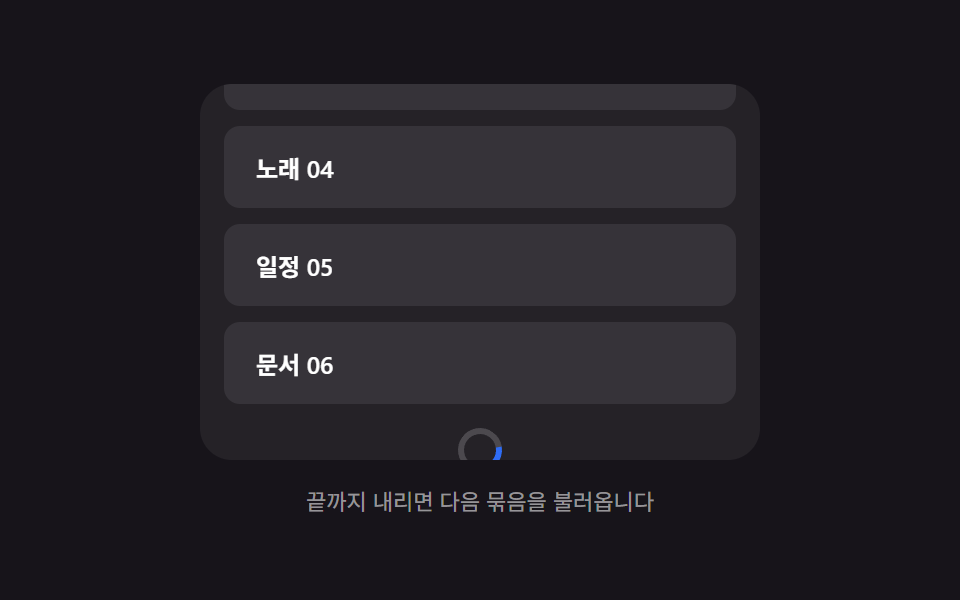
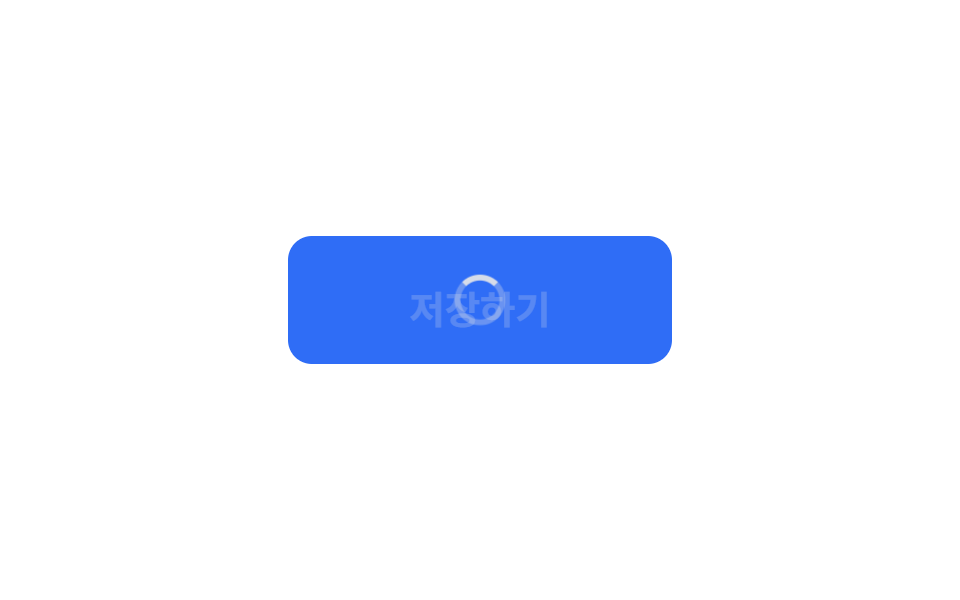
08ボタン内ローディング状態
ボタンを押すと文字が消え、その場に小さなスピナーが現れて処理中を示す。
使いどころ保存ボタン、決済ボタン
버튼 폭 고정0.9초disabled 처리
<main class="stage">
  <button class="btn is-demo" type="button">
    <span class="btn__label">保存</span>
    <span class="btn__spin" aria-hidden="true"></span>
  </button>
</main>
@use "../../../../site/static/demo-tokens" as *;
$duration: $dur-quick; // 글자 ↔ 스피너 교체
$spin: .8s; // 스피너 한 바퀴
$color: $subject-blue; // 버튼 색
@include stage($stage-paper);
.btn {
position: relative;
display: grid;
place-items: center;
min-width: clamp(150px, 40vw, 200px); // 폭을 고정해 글자가 사라져도 안 줄어든다
border: 0;
border-radius: $r-control;
padding: clamp(14px, 4vw, 22px) clamp(24px, 6vw, 40px);
font-weight: 700;
font-size: clamp(15px, 4vw, 20px);
line-height: 1;
font-family: inherit;
color: $subject-cream;
background: $color;
cursor: pointer;
&__label, &__spin { grid-area: 1 / 1; transition: opacity $duration, transform $duration; }
&__spin {
width: 20px;
height: 20px;
border-radius: 50%;
border: 3px solid rgba($subject-cream, .35);
border-top-color: $subject-cream;
opacity: 0;
transform: scale(.6);
animation: spin $spin linear infinite;
}
&.is-loading &__label { opacity: 0; transform: translateY(6px); }
&.is-loading &__spin { opacity: 1; transform: scale(1); }
// 데모: 2초 주기로 스스로 눌린 것처럼 반복한다
&.is-demo &__label { animation: label-loop $dur-loop ease infinite; }
&.is-demo &__spin { animation: spin $spin linear infinite, spin-loop $dur-loop ease infinite; }
}
@keyframes spin { to { transform: rotate(360deg); } }
@keyframes label-loop {
0%, 30% { opacity: 1; transform: none; }
45%, 80% { opacity: 0; transform: translateY(6px); }
95%, 100% { opacity: 1; transform: none; }
}
@keyframes spin-loop {
0%, 30% { opacity: 0; }
45%, 80% { opacity: 1; }
95%, 100% { opacity: 0; }
}
@media (prefers-reduced-motion: reduce) {
.btn__label, .btn__spin { transition: none; animation: none !important; }
.btn.is-loading .btn__spin { opacity: 1; transform: none; border-top-color: rgba($subject-cream, .35); }
}html, body {
margin: 0;
overflow: hidden;
}
.stage {
box-sizing: border-box;
min-height: 100vh;
display: grid;
place-items: center;
margin: 0;
background: #ffffff;
font-family: -apple-system, "Segoe UI", "Noto Sans KR", sans-serif;
padding: clamp(8px, 4vw, 24px);
}
.btn {
position: relative;
display: grid;
place-items: center;
min-width: clamp(150px, 40vw, 200px);
border: 0;
border-radius: 12px;
padding: clamp(14px, 4vw, 22px) clamp(24px, 6vw, 40px);
font-weight: 700;
font-size: clamp(15px, 4vw, 20px);
line-height: 1;
font-family: inherit;
color: #fff7e6;
background: #2f6df6;
cursor: pointer;
}
.btn__label, .btn__spin {
grid-area: 1/1;
transition: opacity 220ms, transform 220ms;
}
.btn__spin {
width: 20px;
height: 20px;
border-radius: 50%;
border: 3px solid rgba(255, 247, 230, 0.35);
border-top-color: #fff7e6;
opacity: 0;
transform: scale(0.6);
animation: spin 0.8s linear infinite;
}
.btn.is-loading .btn__label {
opacity: 0;
transform: translateY(6px);
}
.btn.is-loading .btn__spin {
opacity: 1;
transform: scale(1);
}
.btn.is-demo .btn__label {
animation: label-loop 2s ease infinite;
}
.btn.is-demo .btn__spin {
animation: spin 0.8s linear infinite, spin-loop 2s ease infinite;
}
@keyframes spin {
to {
transform: rotate(360deg);
}
}
@keyframes label-loop {
0%, 30% {
opacity: 1;
transform: none;
}
45%, 80% {
opacity: 0;
transform: translateY(6px);
}
95%, 100% {
opacity: 1;
transform: none;
}
}
@keyframes spin-loop {
0%, 30% {
opacity: 0;
}
45%, 80% {
opacity: 1;
}
95%, 100% {
opacity: 0;
}
}
@media (prefers-reduced-motion: reduce) {
.btn__label, .btn__spin {
transition: none;
animation: none !important;
}
.btn.is-loading .btn__spin {
opacity: 1;
transform: none;
border-top-color: rgba(255, 247, 230, 0.35);
}
}// 실제로는 fetch 시작 시 is-loading 을 붙이고 응답이 오면 뗀다. 데모는 2초 주기로 스스로 반복한다.
var b = document.querySelector('.btn');
b.addEventListener('pointerdown', function () {
b.classList.remove('is-demo');
b.classList.add('is-loading');
b.disabled = true;
setTimeout(function () {
b.classList.remove('is-loading');
b.disabled = false;
}, 900);
});import { useCallback, useState } from "react";
import type { CSSProperties, MouseEvent, ReactNode } from "react";
import styles from "./InlineSpinnerButton.module.scss";
export type InlineSpinnerButtonProps = {
children: ReactNode;
/** 글자 ↔ 스피너 교체 시간 (기본 220ms) */
duration?: number;
/** 스피너 한 바퀴 시간 (기본 800ms) */
spin?: number;
/** 버튼 색 */
color?: string;
/** 로딩을 유지할 시간 (기본 900ms, 실제로는 fetch 응답 시점) */
loadingMs?: number;
onClick?: (e: MouseEvent<HTMLButtonElement>) => void;
type?: "button" | "submit";
};
type Vars = CSSProperties & { "--duration"?: string; "--spin"?: string; "--color"?: string };
export default function InlineSpinnerButton({
children,
duration = 220,
spin = 800,
color = "#2f6df6",
loadingMs = 900,
onClick,
type = "button",
}: InlineSpinnerButtonProps) {
const [loading, setLoading] = useState(false);
const handle = useCallback(
(e: MouseEvent<HTMLButtonElement>) => {
setLoading(true);
onClick?.(e);
window.setTimeout(() => setLoading(false), loadingMs);
},
[onClick, loadingMs]
);
const vars: Vars = {
"--duration": `${duration}ms`,
"--spin": `${spin}ms`,
"--color": color,
};
return (
<button
type={type}
className={styles.btn}
style={vars}
disabled={loading}
onClick={handle}
>
<span className={styles.label} data-hidden={loading}>{children}</span>
<span className={styles.spinner} data-visible={loading} aria-hidden="true" />
</button>
);
}08 ボタン内ローディング状態 — 計測 累積面積 0.899% · 動いたフレーム 15/23GODRICH オリジナル · SCSS と React は zip に同梱 · CSS ローディング スピナー 9選 — コピペでOK
このデモが属する記事
 CSS ローディング スピナー 9選 — コピペでOKcss ローディング スピナーは、読み込み中であることをひと目で伝える、CSSだけで動く小さな部品です。この記事では9種類を選び、疑似要素とtransform、そして@propertyという仕組みだけで実装しました。格子の9つはiframe この記事のデモをすべて見る