CSS ローディング スピナー 9選 — コピペでOK
css ローディング スピナーは、読み込み中であることをひと目で伝える、CSSだけで動く小さな部品です。この記事では9種類を選び、疑似要素とtransform、そして@propertyという仕組みだけで実装しました。格子の9つはiframeの中で最初から回っていて、クリックでは止められません。
 01 loading-spinner-ring-basic
 02 loading-spinner-dual-ring
 03 loading-spinner-dots-bounce
 04 loading-spinner-bar-indeterminate
 05 loading-spinner-conic-sweep
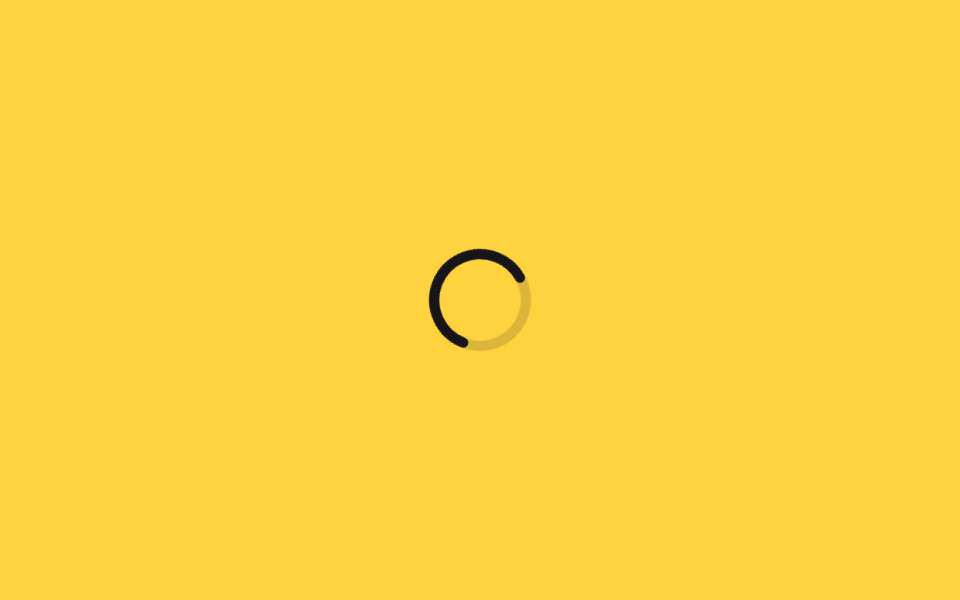 06 loading-spinner-dash-svg-circle
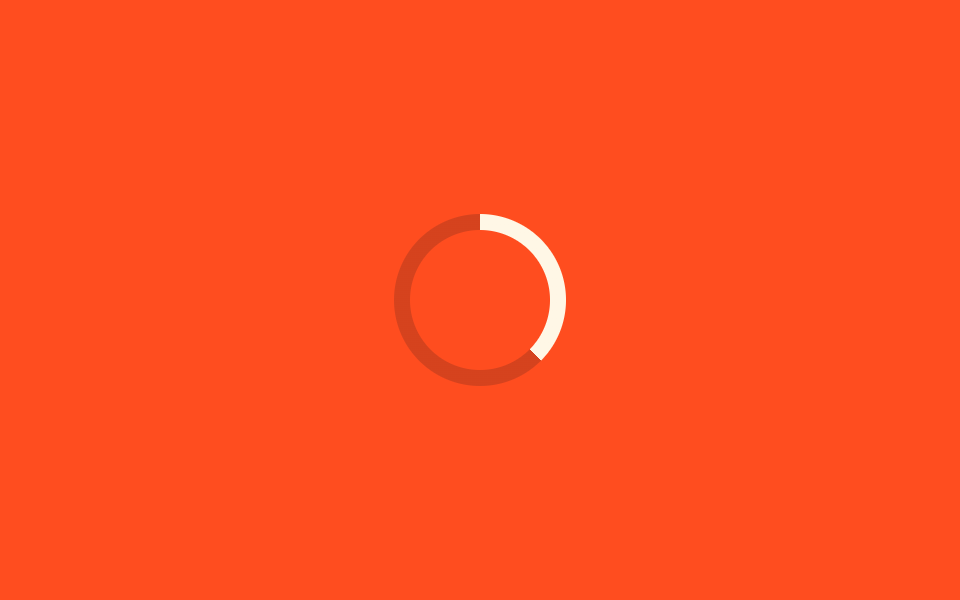 07 loading-spinner-property-progress-ring
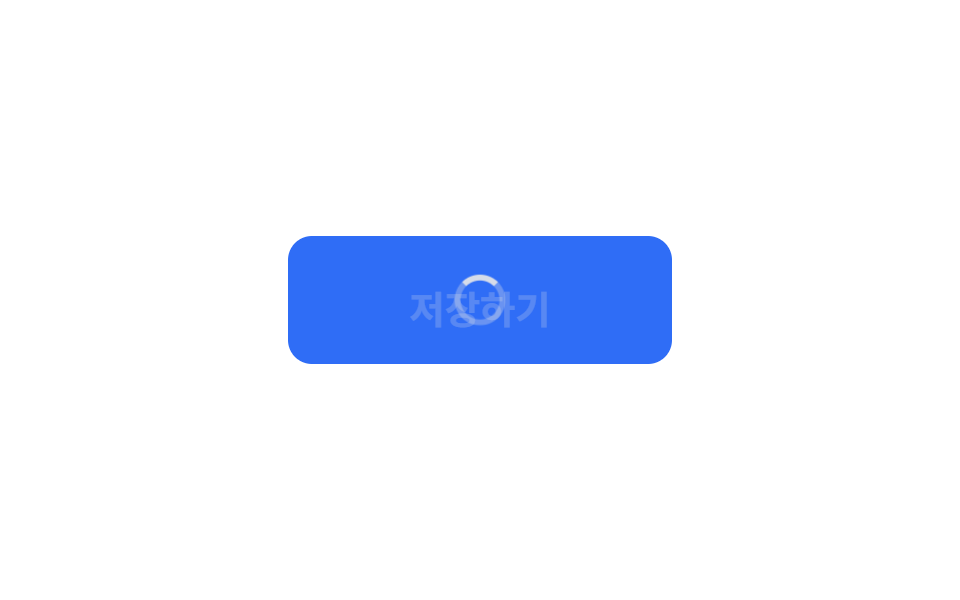 08 loading-spinner-button-inline-spinner
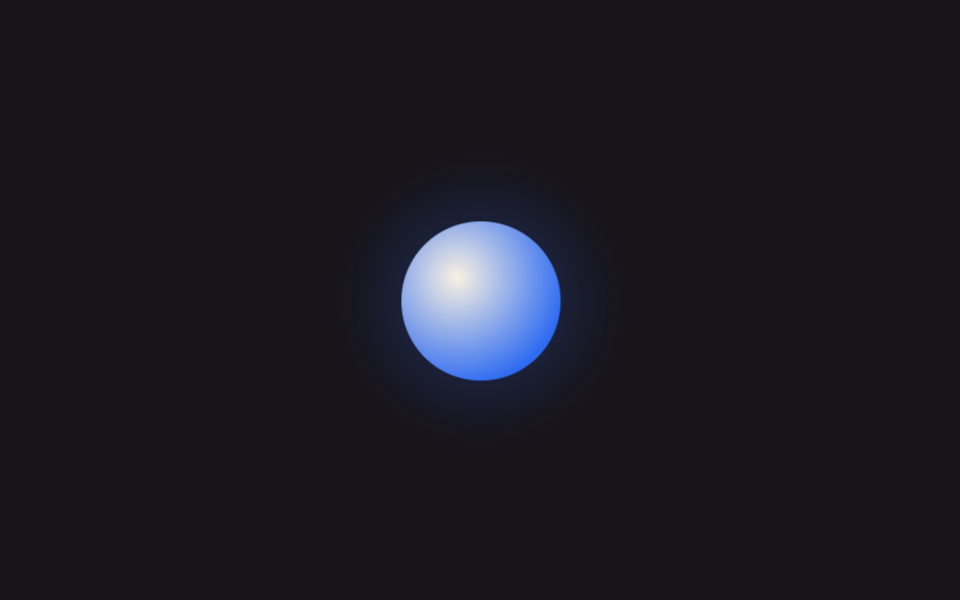 09 loading-spinner-ai-pulse-orb
自動再生 · タイルを押すとその項目へ · すべて1つのzip
- 01 基本リングスピナー
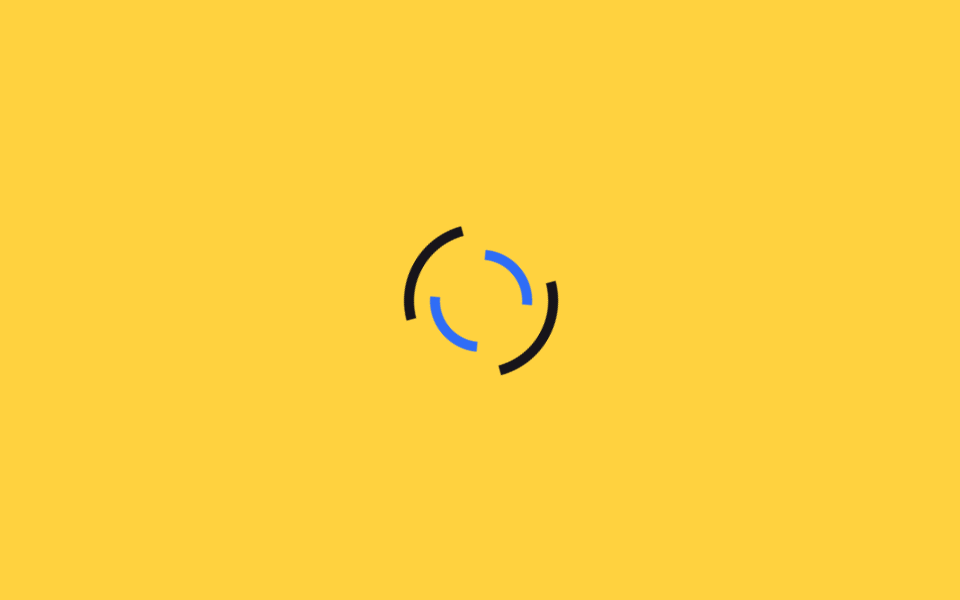
- 02 二重逆回転リング
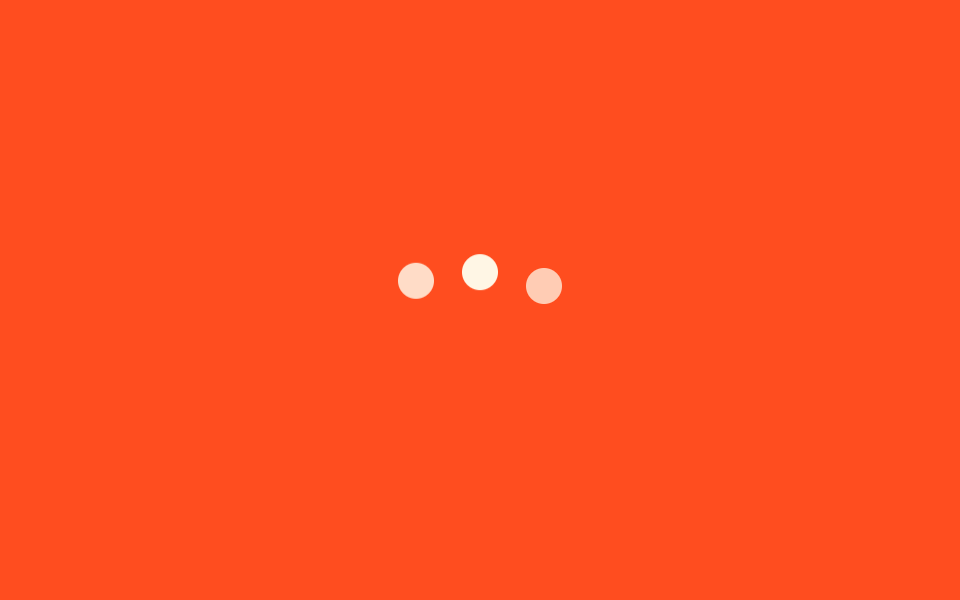
- 03 3点バウンス
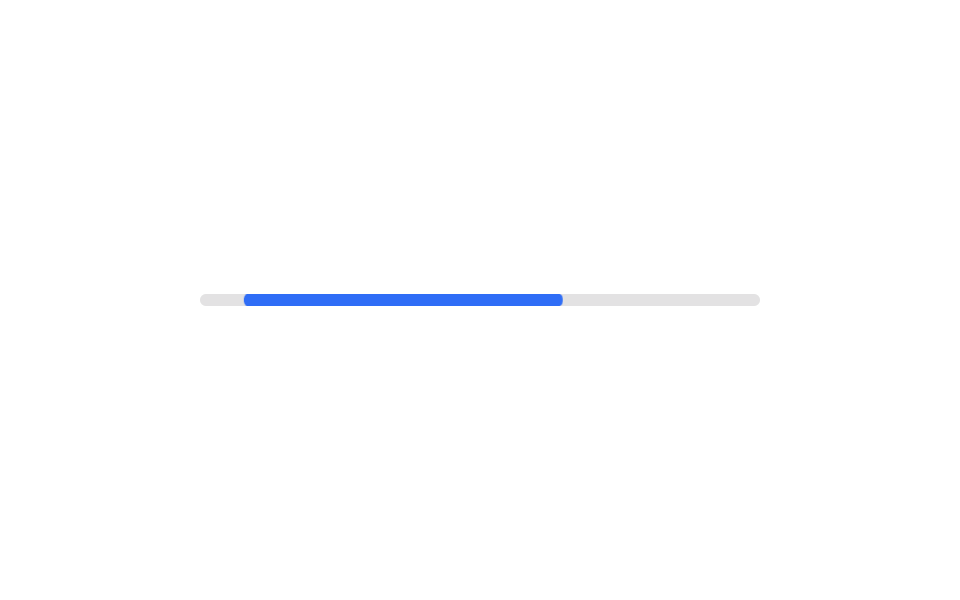
- 04 無限バー
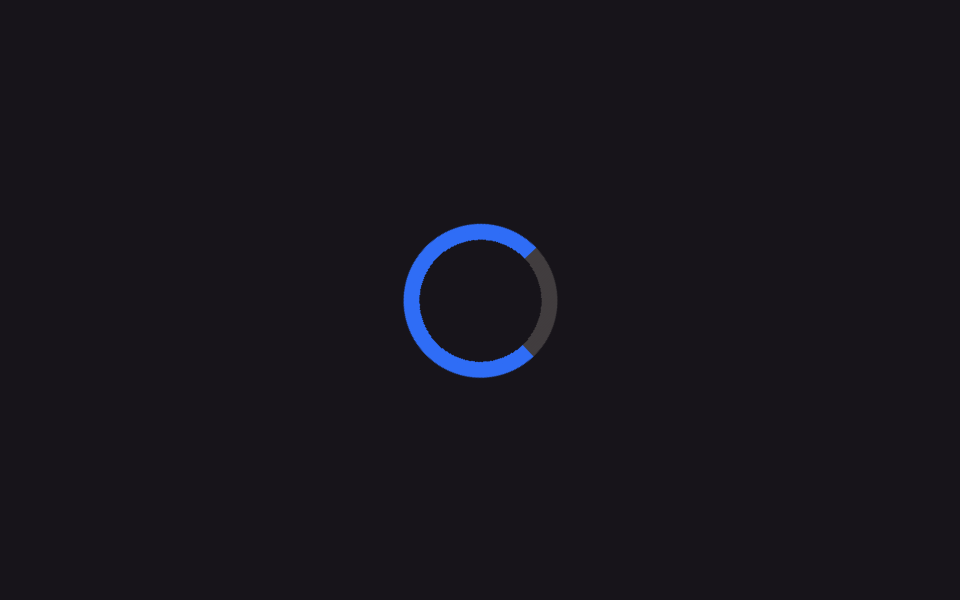
- 05 conic-gradientスイープ
- 06 stroke-dashoffset円
- 07 @propertyで%リング
- 08 ボタン内ローディング状態
- 09 AIアプリ風パルスオーブ
並び順は効果の派手さではなく、回転を作る仕組みの難易度です。まずborder-top-colorだけで回す基本形から始め(01)、それを二重にして奥行きを足し(02)、形を点とバーに変え(03〜04)、conic-gradientとSVGのstroke-dashoffset、@propertyという発展的な書き方を重ね(05〜07)、最後にボタンの中とAIアプリ風の演出という実際の場面への転用を並べました(08〜09)。CSSだけでスピナーを完結させるため、08のJavaScriptはボタンの状態を切り替えるだけで、回転そのものの数値は一行も触っていません。 待ち時間が長く、来るものの形を先に描くほうがよい場面はCSS スケルトン ローディング 9選が担い、どこまで進んだかを見せる必要があるならCSS プログレスバー 円形ゲージ9選へ進みます。
01基本リングスピナー
どんな動きか
円形の枠線ひとつが上の一辺だけ色を変えて回り続け、読み込み中であることを知らせます。
<main class="stage">
  <div class="spinner" role="status" aria-label="読み込み中"></div>
</main>
@use "../../../../site/static/demo-tokens" as *;
$duration: 1s; // 한 바퀴 도는 시간
$easing: linear; // 등속
$color: $subject-blue; // 진한 구간 색
@include stage($stage-ink);
.spinner {
width: clamp(48px, 14vw, 72px);
height: clamp(48px, 14vw, 72px);
border-radius: 50%;
border: 6px solid rgba($subject-cream, .22);
border-top-color: $color; // 위쪽 한 변만 진하게
animation: spin $duration $easing infinite;
}
@keyframes spin {
to { transform: rotate(360deg); }
}
@media (prefers-reduced-motion: reduce) {
.spinner { animation: none; border-top-color: rgba($subject-cream, .22); }
}html, body {
margin: 0;
overflow: hidden;
}
.stage {
box-sizing: border-box;
min-height: 100vh;
display: grid;
place-items: center;
margin: 0;
background: #17141a;
font-family: -apple-system, "Segoe UI", "Noto Sans KR", sans-serif;
padding: clamp(8px, 4vw, 24px);
}
.spinner {
width: clamp(48px, 14vw, 72px);
height: clamp(48px, 14vw, 72px);
border-radius: 50%;
border: 6px solid rgba(255, 247, 230, 0.22);
border-top-color: #2f6df6;
animation: spin 1s linear infinite;
}
@keyframes spin {
to {
transform: rotate(360deg);
}
}
@media (prefers-reduced-motion: reduce) {
.spinner {
animation: none;
border-top-color: rgba(255, 247, 230, 0.22);
}
}import type { CSSProperties } from "react";
import styles from "./RingSpinner.module.scss";
export type RingSpinnerProps = {
/** 스피너 지름 (기본 56px) */
size?: number;
/** 한 바퀴 도는 시간 (기본 1000ms) */
duration?: number;
/** 진한 구간 색 */
color?: string;
/** 접근성 라벨 */
label?: string;
};
type Vars = CSSProperties & { "--size"?: string; "--duration"?: string; "--color"?: string };
export default function RingSpinner({
size = 56,
duration = 1000,
color = "#2f6df6",
label = "Loading",
}: RingSpinnerProps) {
const vars: Vars = {
"--size": `${size}px`,
"--duration": `${duration}ms`,
"--color": color,
};
return <div className={styles.spinner} style={vars} role="status" aria-label={label} />;
}01 · 基本リングスピナー — 計測 累積面積 1.248% · 動いたフレーム 23/23GODRICH オリジナル · SCSS と React は zip に同梱 · パスワードを見る
css ローディング アイコンの使いどころ
ページ全体の読み込みや、ボタンを押した直後の待機画面によく使われます。
.spinner {
  width: clamp(48px, 14vw, 72px);
  height: clamp(48px, 14vw, 72px);
  border-radius: 50%;
  border: 6px solid rgba($subject-cream, .22);
  border-top-color: $color;
  animation: spin 1s linear infinite;
}

@keyframes spin {
  to { transform: rotate(360deg); }
}
02二重逆回転リング
何が起きるか
内側と外側のリングが互いに逆方向へ回転し、平面のスピナーに立体的な奥行きを作ります。
<main class="stage">
  <div class="spinner" role="status" aria-label="読み込み中">
    <span class="spinner__ring spinner__ring--outer" aria-hidden="true"></span>
    <span class="spinner__ring spinner__ring--inner" aria-hidden="true"></span>
  </div>
</main>
@use "../../../../site/static/demo-tokens" as *;
$duration-outer: 1.2s; // 바깥 링 한 바퀴
$duration-inner: .9s; // 안쪽 링 한 바퀴 (역방향)
$color: $subject-ink; // 바깥 링 색
@include stage($stage-yellow);
.spinner {
position: relative;
width: clamp(56px, 16vw, 84px);
height: clamp(56px, 16vw, 84px);
}
.spinner__ring {
position: absolute;
inset: 0;
border-radius: 50%;
border: 5px solid transparent;
}
.spinner__ring--outer {
border-top-color: $color;
border-bottom-color: $color;
animation: spin $duration-outer linear infinite;
}
.spinner__ring--inner {
inset: 13px;
border-left-color: $subject-blue;
border-right-color: $subject-blue;
animation: spin-rev $duration-inner linear infinite;
}
@keyframes spin {
to { transform: rotate(360deg); }
}
@keyframes spin-rev {
to { transform: rotate(-360deg); }
}
@media (prefers-reduced-motion: reduce) {
.spinner__ring--outer, .spinner__ring--inner { animation: none; }
}html, body {
margin: 0;
overflow: hidden;
}
.stage {
box-sizing: border-box;
min-height: 100vh;
display: grid;
place-items: center;
margin: 0;
background: #ffd23f;
font-family: -apple-system, "Segoe UI", "Noto Sans KR", sans-serif;
padding: clamp(8px, 4vw, 24px);
}
.spinner {
position: relative;
width: clamp(56px, 16vw, 84px);
height: clamp(56px, 16vw, 84px);
}
.spinner__ring {
position: absolute;
inset: 0;
border-radius: 50%;
border: 5px solid transparent;
}
.spinner__ring--outer {
border-top-color: #17141a;
border-bottom-color: #17141a;
animation: spin 1.2s linear infinite;
}
.spinner__ring--inner {
inset: 13px;
border-left-color: #2f6df6;
border-right-color: #2f6df6;
animation: spin-rev 0.9s linear infinite;
}
@keyframes spin {
to {
transform: rotate(360deg);
}
}
@keyframes spin-rev {
to {
transform: rotate(-360deg);
}
}
@media (prefers-reduced-motion: reduce) {
.spinner__ring--outer, .spinner__ring--inner {
animation: none;
}
}import type { CSSProperties } from "react";
import styles from "./DualRingSpinner.module.scss";
export type DualRingSpinnerProps = {
/** 스피너 지름 (기본 68px) */
size?: number;
/** 바깥 링 한 바퀴 시간 (기본 1200ms) */
durationOuter?: number;
/** 안쪽 링 한 바퀴 시간, 역방향 (기본 900ms) */
durationInner?: number;
/** 바깥 링 색 */
color?: string;
/** 안쪽 링 색 */
accent?: string;
label?: string;
};
type Vars = CSSProperties & {
"--size"?: string;
"--duration-outer"?: string;
"--duration-inner"?: string;
"--color"?: string;
"--accent"?: string;
};
export default function DualRingSpinner({
size = 68,
durationOuter = 1200,
durationInner = 900,
color = "#17141a",
accent = "#2f6df6",
label = "Loading",
}: DualRingSpinnerProps) {
const vars: Vars = {
"--size": `${size}px`,
"--duration-outer": `${durationOuter}ms`,
"--duration-inner": `${durationInner}ms`,
"--color": color,
"--accent": accent,
};
return (
<div className={styles.spinner} style={vars} role="status" aria-label={label}>
<span className={styles.outer} aria-hidden="true" />
<span className={styles.inner} aria-hidden="true" />
</div>
);
}02 · 二重逆回転リング — 計測 累積面積 1.833% · 動いたフレーム 23/23GODRICH オリジナル · SCSS と React は zip に同梱 · パスワードを見る
向いている場面
モーダルの読み込みや、データを取得中のダッシュボードカードで使うと効果的です。
.spinner__ring {
  position: absolute;
  inset: 0;
  border-radius: 50%;
  border: 5px solid transparent;
}
.spinner__ring--outer {
  border-top-color: $color;
  border-bottom-color: $color;
  animation: spin 1.2s linear infinite;
}
.spinner__ring--inner {
  inset: 13px;
  border-left-color: $subject-blue;
  border-right-color: $subject-blue;
  animation: spin-rev .9s linear infinite;
}

@keyframes spin-rev {
  to { transform: rotate(-360deg); }
}
033点バウンス
動きの内容
3つの点が少しずつ遅れて跳ね上がり、また沈むことで待機中であることを知らせます。
<main class="stage">
  <div class="dots" role="status" aria-label="入力中">
    <span aria-hidden="true"></span>
    <span aria-hidden="true"></span>
    <span aria-hidden="true"></span>
  </div>
</main>
@use "../../../../site/static/demo-tokens" as *;
$duration: .9s; // 점 하나의 바운스 주기
$delay: .16s; // 점 사이 시차
$color: $subject-cream; // 점 색
@include stage($stage-orange);
.dots {
display: flex;
gap: clamp(8px, 3vw, 14px);
}
.dots span {
width: clamp(12px, 4vw, 18px);
height: clamp(12px, 4vw, 18px);
border-radius: 50%;
background: $color;
animation: bounce $duration ease-in-out infinite;
}
.dots span:nth-child(2) { animation-delay: $delay; }
.dots span:nth-child(3) { animation-delay: $delay * 2; }
@keyframes bounce {
0%, 80%, 100% { transform: translateY(0); opacity: .5; }
40% { transform: translateY(-14px); opacity: 1; }
}
@media (prefers-reduced-motion: reduce) {
.dots span { animation: none; opacity: .85; }
}html, body {
margin: 0;
overflow: hidden;
}
.stage {
box-sizing: border-box;
min-height: 100vh;
display: grid;
place-items: center;
margin: 0;
background: #ff4d1f;
font-family: -apple-system, "Segoe UI", "Noto Sans KR", sans-serif;
padding: clamp(8px, 4vw, 24px);
}
.dots {
display: flex;
gap: clamp(8px, 3vw, 14px);
}
.dots span {
width: clamp(12px, 4vw, 18px);
height: clamp(12px, 4vw, 18px);
border-radius: 50%;
background: #fff7e6;
animation: bounce 0.9s ease-in-out infinite;
}
.dots span:nth-child(2) {
animation-delay: 0.16s;
}
.dots span:nth-child(3) {
animation-delay: 0.32s;
}
@keyframes bounce {
0%, 80%, 100% {
transform: translateY(0);
opacity: 0.5;
}
40% {
transform: translateY(-14px);
opacity: 1;
}
}
@media (prefers-reduced-motion: reduce) {
.dots span {
animation: none;
opacity: 0.85;
}
}import type { CSSProperties } from "react";
import styles from "./DotsBounce.module.scss";
export type DotsBounceProps = {
/** 점 하나의 바운스 주기 (기본 900ms) */
duration?: number;
/** 점 사이 시차 (기본 160ms) */
delay?: number;
/** 점 색 */
color?: string;
label?: string;
};
type Vars = CSSProperties & { "--duration"?: string; "--delay"?: string; "--color"?: string };
export default function DotsBounce({
duration = 900,
delay = 160,
color = "#fff7e6",
label = "Typing",
}: DotsBounceProps) {
const vars: Vars = {
"--duration": `${duration}ms`,
"--delay": `${delay}ms`,
"--color": color,
};
return (
<div className={styles.dots} style={vars} role="status" aria-label={label}>
<span aria-hidden="true" />
<span aria-hidden="true" />
<span aria-hidden="true" />
</div>
);
}03 · 3点バウンス — 計測 累積面積 1.1% · 動いたフレーム 23/23GODRICH オリジナル · SCSS と React は zip に同梱 · パスワードを見る
使う場面
チャットの入力待ちや、検索の自動補完を待つ場面に向いています。
.dots span {
  width: clamp(12px, 4vw, 18px);
  height: clamp(12px, 4vw, 18px);
  border-radius: 50%;
  background: $color;
  animation: bounce .9s ease-in-out infinite;
}
.dots span:nth-child(2) { animation-delay: .16s; }
.dots span:nth-child(3) { animation-delay: .32s; }

@keyframes bounce {
  0%, 80%, 100% { transform: translateY(0); opacity: .5; }
  40%           { transform: translateY(-14px); opacity: 1; }
}
04無限バー
どんな動きか
進捗の割合が分からないとき、短いバーが左右に伸び縮みしながら動き続け、進行中であることを示します。
<main class="stage">
  <div class="bar" role="progressbar" aria-label="処理中">
    <span class="bar__fill" aria-hidden="true"></span>
  </div>
</main>
@use "../../../../site/static/demo-tokens" as *;
$duration: 1.5s; // 막대가 한 번 오가는 시간
$easing: ease-in-out;
$color: $subject-blue; // 막대 색
@include stage($stage-paper);
.bar {
position: relative;
width: clamp(180px, 60vw, 280px);
height: 6px;
border-radius: 999px;
background: rgba($subject-ink, .12);
overflow: hidden;
}
.bar__fill {
position: absolute;
inset: 0;
border-radius: inherit;
background: $color;
transform-origin: left center; // width 대신 transform 으로만 움직인다
animation: sweep $duration $easing infinite;
}
@keyframes sweep {
0% { transform: translateX(-100%) scaleX(.3); }
50% { transform: translateX(20%) scaleX(.6); }
100% { transform: translateX(100%) scaleX(.3); }
}
@media (prefers-reduced-motion: reduce) {
.bar__fill { animation: none; transform: translateX(0) scaleX(.55); opacity: .7; }
}html, body {
margin: 0;
overflow: hidden;
}
.stage {
box-sizing: border-box;
min-height: 100vh;
display: grid;
place-items: center;
margin: 0;
background: #ffffff;
font-family: -apple-system, "Segoe UI", "Noto Sans KR", sans-serif;
padding: clamp(8px, 4vw, 24px);
}
.bar {
position: relative;
width: clamp(180px, 60vw, 280px);
height: 6px;
border-radius: 999px;
background: rgba(23, 20, 26, 0.12);
overflow: hidden;
}
.bar__fill {
position: absolute;
inset: 0;
border-radius: inherit;
background: #2f6df6;
transform-origin: left center;
animation: sweep 1.5s ease-in-out infinite;
}
@keyframes sweep {
0% {
transform: translateX(-100%) scaleX(0.3);
}
50% {
transform: translateX(20%) scaleX(0.6);
}
100% {
transform: translateX(100%) scaleX(0.3);
}
}
@media (prefers-reduced-motion: reduce) {
.bar__fill {
animation: none;
transform: translateX(0) scaleX(0.55);
opacity: 0.7;
}
}import type { CSSProperties } from "react";
import styles from "./IndeterminateBar.module.scss";
export type IndeterminateBarProps = {
/** 막대가 한 번 오가는 시간 (기본 1500ms) */
duration?: number;
/** 막대 색 */
color?: string;
/** 트랙 너비 */
width?: number;
label?: string;
};
type Vars = CSSProperties & { "--duration"?: string; "--color"?: string; "--width"?: string };
export default function IndeterminateBar({
duration = 1500,
color = "#2f6df6",
width = 220,
label = "Processing",
}: IndeterminateBarProps) {
const vars: Vars = {
"--duration": `${duration}ms`,
"--color": color,
"--width": `${width}px`,
};
return (
<div className={styles.bar} style={vars} role="progressbar" aria-label={label}>
<span className={styles.fill} aria-hidden="true" />
</div>
);
}04 · 無限バー — 計測 累積面積 1.164% · 動いたフレーム 15/23GODRICH オリジナル · SCSS と React は zip に同梱 · パスワードを見る
使いどころ
ファイルのアップロードが始まる前や、ページ上部の進捗表示に向いています。
.bar__fill {
  position: absolute;
  inset: 0;
  border-radius: inherit;
  background: $color;
  transform-origin: left center;
  animation: sweep 1.5s ease-in-out infinite;
}

@keyframes sweep {
  0%   { transform: translateX(-100%) scaleX(.3); }
  50%  { transform: translateX(20%) scaleX(.6); }
  100% { transform: translateX(100%) scaleX(.3); }
}
05conic-gradientスイープ
何が起きるか
conic-gradientひとつが背景画像を使わずに回転し、なめらかに薄れていくリングを描きます。
<main class="stage">
  <div class="spinner" role="status" aria-label="読み込み中"></div>
</main>
@use "../../../../site/static/demo-tokens" as *;
$duration: 1.1s; // 한 바퀴 도는 시간
$easing: linear;
$color: $subject-blue; // 그라디언트 진한 구간
@include stage($stage-ink);
.spinner {
width: clamp(56px, 16vw, 84px);
height: clamp(56px, 16vw, 84px);
border-radius: 50%;
background: conic-gradient($color 0deg 270deg, rgba($subject-cream, .18) 270deg 360deg);
// 가운데를 뚫어 링으로 보이게 한다 — 그라디언트 자체는 그대로 두고 통째로 돌린다
-webkit-mask: radial-gradient(farthest-side, transparent calc(100% - 8px), #000 calc(100% - 8px));
mask: radial-gradient(farthest-side, transparent calc(100% - 8px), #000 calc(100% - 8px));
animation: spin $duration $easing infinite;
}
@keyframes spin {
to { transform: rotate(360deg); }
}
@media (prefers-reduced-motion: reduce) {
.spinner { animation: none; }
}html, body {
margin: 0;
overflow: hidden;
}
.stage {
box-sizing: border-box;
min-height: 100vh;
display: grid;
place-items: center;
margin: 0;
background: #17141a;
font-family: -apple-system, "Segoe UI", "Noto Sans KR", sans-serif;
padding: clamp(8px, 4vw, 24px);
}
.spinner {
width: clamp(56px, 16vw, 84px);
height: clamp(56px, 16vw, 84px);
border-radius: 50%;
background: conic-gradient(#2f6df6 0deg 270deg, rgba(255, 247, 230, 0.18) 270deg 360deg);
-webkit-mask: radial-gradient(farthest-side, transparent calc(100% - 8px), #000 calc(100% - 8px));
mask: radial-gradient(farthest-side, transparent calc(100% - 8px), #000 calc(100% - 8px));
animation: spin 1.1s linear infinite;
}
@keyframes spin {
to {
transform: rotate(360deg);
}
}
@media (prefers-reduced-motion: reduce) {
.spinner {
animation: none;
}
}import type { CSSProperties } from "react";
import styles from "./ConicSweepSpinner.module.scss";
export type ConicSweepSpinnerProps = {
/** 스피너 지름 (기본 68px) */
size?: number;
/** 한 바퀴 도는 시간 (기본 1100ms) */
duration?: number;
/** 그라디언트 진한 구간 색 */
color?: string;
label?: string;
};
type Vars = CSSProperties & { "--size"?: string; "--duration"?: string; "--color"?: string };
export default function ConicSweepSpinner({
size = 68,
duration = 1100,
color = "#2f6df6",
label = "Loading",
}: ConicSweepSpinnerProps) {
const vars: Vars = {
"--size": `${size}px`,
"--duration": `${duration}ms`,
"--color": color,
};
return <div className={styles.spinner} style={vars} role="status" aria-label={label} />;
}05 · conic-gradientスイープ — 計測 累積面積 1.473% · 動いたフレーム 23/23GODRICH オリジナル · SCSS と React は zip に同梱 · パスワードを見る
向いている場面
ブランドカラーを強調したい読み込み画面や、決済を待つ画面に向いています。
.spinner {
  width: clamp(56px, 16vw, 84px);
  height: clamp(56px, 16vw, 84px);
  border-radius: 50%;
  background: conic-gradient($color 0deg 270deg, rgba($subject-cream, .18) 270deg 360deg);
  mask: radial-gradient(farthest-side, transparent calc(100% - 8px), #000 calc(100% - 8px));
  animation: spin 1.1s linear infinite;
}

@keyframes spin {
  to { transform: rotate(360deg); }
}
06stroke-dashoffset円
動きの内容
SVGの円ひとつがstroke-dasharrayとstroke-dashoffsetの数値だけを変え、軌跡を描くように回ります。
<main class="stage">
  <svg class="spinner" viewBox="0 0 44 44" width="56" height="56" role="status" aria-label="読み込み中">
    <circle class="spinner__track" cx="22" cy="22" r="18" fill="none" stroke-width="4"></circle>
    <circle class="spinner__arc" cx="22" cy="22" r="18" fill="none" stroke-width="4"></circle>
  </svg>
</main>
@use "../../../../site/static/demo-tokens" as *;
$duration-spin: 1.4s; // svg 전체가 도는 시간
$duration-dash: 1.4s; // 궤적이 늘었다 줄었다 하는 시간
$color: $subject-ink; // 궤적 색
@include stage($stage-yellow);
.spinner {
animation: spin $duration-spin linear infinite;
transform-origin: center;
}
.spinner__track {
stroke: rgba($subject-ink, .15);
}
.spinner__arc {
stroke: $color;
stroke-linecap: round;
stroke-dasharray: 113; // 2 * π * 18 ≈ 113
stroke-dashoffset: 90;
animation: dash $duration-dash ease-in-out infinite;
}
@keyframes spin {
to { transform: rotate(360deg); }
}
@keyframes dash {
0% { stroke-dashoffset: 100; }
50% { stroke-dashoffset: 20; }
100% { stroke-dashoffset: 100; }
}
@media (prefers-reduced-motion: reduce) {
.spinner { animation: none; }
.spinner__arc { animation: none; stroke-dashoffset: 60; }
}html, body {
margin: 0;
overflow: hidden;
}
.stage {
box-sizing: border-box;
min-height: 100vh;
display: grid;
place-items: center;
margin: 0;
background: #ffd23f;
font-family: -apple-system, "Segoe UI", "Noto Sans KR", sans-serif;
padding: clamp(8px, 4vw, 24px);
}
.spinner {
animation: spin 1.4s linear infinite;
transform-origin: center;
}
.spinner__track {
stroke: rgba(23, 20, 26, 0.15);
}
.spinner__arc {
stroke: #17141a;
stroke-linecap: round;
stroke-dasharray: 113;
stroke-dashoffset: 90;
animation: dash 1.4s ease-in-out infinite;
}
@keyframes spin {
to {
transform: rotate(360deg);
}
}
@keyframes dash {
0% {
stroke-dashoffset: 100;
}
50% {
stroke-dashoffset: 20;
}
100% {
stroke-dashoffset: 100;
}
}
@media (prefers-reduced-motion: reduce) {
.spinner {
animation: none;
}
.spinner__arc {
animation: none;
stroke-dashoffset: 60;
}
}import type { CSSProperties } from "react";
import styles from "./DashCircleSpinner.module.scss";
export type DashCircleSpinnerProps = {
/** svg 전체가 도는 시간 (기본 1400ms) */
durationSpin?: number;
/** 궤적이 늘었다 줄었다 하는 시간 (기본 1400ms) */
durationDash?: number;
/** 궤적 색 */
color?: string;
label?: string;
};
type Vars = CSSProperties & { "--duration-spin"?: string; "--duration-dash"?: string; "--color"?: string };
export default function DashCircleSpinner({
durationSpin = 1400,
durationDash = 1400,
color = "#17141a",
label = "Loading",
}: DashCircleSpinnerProps) {
const vars: Vars = {
"--duration-spin": `${durationSpin}ms`,
"--duration-dash": `${durationDash}ms`,
"--color": color,
};
return (
<svg
className={styles.spinner}
style={vars}
viewBox="0 0 44 44"
width="56"
height="56"
role="status"
aria-label={label}
>
<circle className={styles.track} cx="22" cy="22" r="18" fill="none" strokeWidth="4" />
<circle className={styles.arc} cx="22" cy="22" r="18" fill="none" strokeWidth="4" />
</svg>
);
}06 · stroke-dashoffset円 — 計測 累積面積 0.706% · 動いたフレーム 23/23GODRICH オリジナル · SCSS と React は zip に同梱 · パスワードを見る
使う場面
正確なパーセントを示さない待機アイコンや、アプリのスプラッシュ画面に向いています。
.spinner {
  animation: spin 1.4s linear infinite;
  transform-origin: center;
}
.spinner__arc {
  stroke: $color;
  stroke-linecap: round;
  stroke-dasharray: 113;
  stroke-dashoffset: 90;
  animation: dash 1.4s ease-in-out infinite;
}

@keyframes dash {
  0%   { stroke-dashoffset: 100; }
  50%  { stroke-dashoffset: 20; }
  100% { stroke-dashoffset: 100; }
}
07@propertyで%リング
どんな動きか
@propertyで数値として登録したカスタムプロパティ--percentが0から100まで動き、conic-gradientの塗り分けを書き換えてリングを満たします。
<main class="stage">
  <div class="ring" role="progressbar" aria-valuemin="0" aria-valuemax="100" aria-label="進捗"></div>
</main>
@use "../../../../site/static/demo-tokens" as *;
$duration: 1.8s; // 0 → 100 → 0 한 사이클
$easing: ease-in-out;
$color: $subject-cream; // 채워지는 색
@include stage($stage-orange);
@property --percent {
syntax: "<number>";
inherits: false;
initial-value: 0;
}
.ring {
--percent: 0;
position: relative;
width: clamp(64px, 18vw, 96px);
height: clamp(64px, 18vw, 96px);
border-radius: 50%;
background: conic-gradient($color calc(var(--percent) * 1%), rgba($subject-ink, .18) 0);
animation: fill $duration $easing infinite;
}
.ring::before {
content: "";
position: absolute;
inset: 8px;
border-radius: 50%;
background: $stage-orange; // 안쪽을 뚫어 링으로 보이게
}
@keyframes fill {
0% { --percent: 0; }
50% { --percent: 100; }
100% { --percent: 0; }
}
@media (prefers-reduced-motion: reduce) {
.ring { animation: none; --percent: 62; }
}html, body {
margin: 0;
overflow: hidden;
}
.stage {
box-sizing: border-box;
min-height: 100vh;
display: grid;
place-items: center;
margin: 0;
background: #ff4d1f;
font-family: -apple-system, "Segoe UI", "Noto Sans KR", sans-serif;
padding: clamp(8px, 4vw, 24px);
}
@property --percent {
syntax: "<number>";
inherits: false;
initial-value: 0;
}
.ring {
--percent: 0;
position: relative;
width: clamp(64px, 18vw, 96px);
height: clamp(64px, 18vw, 96px);
border-radius: 50%;
background: conic-gradient(#fff7e6 calc(var(--percent) * 1%), rgba(23, 20, 26, 0.18) 0);
animation: fill 1.8s ease-in-out infinite;
}
.ring::before {
content: "";
position: absolute;
inset: 8px;
border-radius: 50%;
background: #ff4d1f;
}
@keyframes fill {
0% {
--percent: 0;
}
50% {
--percent: 100;
}
100% {
--percent: 0;
}
}
@media (prefers-reduced-motion: reduce) {
.ring {
animation: none;
--percent: 62;
}
}import type { CSSProperties } from "react";
import styles from "./PropertyProgressRing.module.scss";
export type PropertyProgressRingProps = {
/** 스피너 지름 (기본 80px) */
size?: number;
/** 0 → 100 → 0 한 사이클 시간 (기본 1800ms) */
duration?: number;
/** 채워지는 색 */
color?: string;
label?: string;
};
type Vars = CSSProperties & { "--size"?: string; "--duration"?: string; "--color"?: string };
export default function PropertyProgressRing({
size = 80,
duration = 1800,
color = "#fff7e6",
label = "Progress",
}: PropertyProgressRingProps) {
const vars: Vars = {
"--size": `${size}px`,
"--duration": `${duration}ms`,
"--color": color,
};
return (
<div
className={styles.ring}
style={vars}
role="progressbar"
aria-valuemin={0}
aria-valuemax={100}
aria-label={label}
/>
);
}07 · @propertyで%リング — 計測 累積面積 1.508% · 動いたフレーム 23/23GODRICH オリジナル · SCSS と React は zip に同梱 · パスワードを見る
使いどころ
実際の進捗率がわかるアップロードや、オンボーディングの完了率の表示に向いています。MDNの@property対応表によると、@propertyはChrome 85以降・Safari 16.4以降・Firefox 128以降で使え、対応前のFirefoxでは--percentがアニメーションせず数字が固定されたまま表示されます。
@property --percent {
  syntax: "<number>";
  inherits: false;
  initial-value: 0;
}

.ring {
  --percent: 0;
  background: conic-gradient($color calc(var(--percent) * 1%), rgba($subject-ink, .18) 0);
  animation: fill 1.8s ease-in-out infinite;
}

@keyframes fill {
  0%   { --percent: 0; }
  50%  { --percent: 100; }
  100% { --percent: 0; }
}
08ボタン内ローディング状態
何が起きるか
ボタンを押すとラベルの文字が消え、同じ場所に小さなスピナーが現れて処理中であることを示します。
<main class="stage">
  <button class="btn is-demo" type="button">
    <span class="btn__label">保存</span>
    <span class="btn__spin" aria-hidden="true"></span>
  </button>
</main>
@use "../../../../site/static/demo-tokens" as *;
$duration: $dur-quick; // 글자 ↔ 스피너 교체
$spin: .8s; // 스피너 한 바퀴
$color: $subject-blue; // 버튼 색
@include stage($stage-paper);
.btn {
position: relative;
display: grid;
place-items: center;
min-width: clamp(150px, 40vw, 200px); // 폭을 고정해 글자가 사라져도 안 줄어든다
border: 0;
border-radius: $r-control;
padding: clamp(14px, 4vw, 22px) clamp(24px, 6vw, 40px);
font-weight: 700;
font-size: clamp(15px, 4vw, 20px);
line-height: 1;
font-family: inherit;
color: $subject-cream;
background: $color;
cursor: pointer;
&__label, &__spin { grid-area: 1 / 1; transition: opacity $duration, transform $duration; }
&__spin {
width: 20px;
height: 20px;
border-radius: 50%;
border: 3px solid rgba($subject-cream, .35);
border-top-color: $subject-cream;
opacity: 0;
transform: scale(.6);
animation: spin $spin linear infinite;
}
&.is-loading &__label { opacity: 0; transform: translateY(6px); }
&.is-loading &__spin { opacity: 1; transform: scale(1); }
// 데모: 2초 주기로 스스로 눌린 것처럼 반복한다
&.is-demo &__label { animation: label-loop $dur-loop ease infinite; }
&.is-demo &__spin { animation: spin $spin linear infinite, spin-loop $dur-loop ease infinite; }
}
@keyframes spin { to { transform: rotate(360deg); } }
@keyframes label-loop {
0%, 30% { opacity: 1; transform: none; }
45%, 80% { opacity: 0; transform: translateY(6px); }
95%, 100% { opacity: 1; transform: none; }
}
@keyframes spin-loop {
0%, 30% { opacity: 0; }
45%, 80% { opacity: 1; }
95%, 100% { opacity: 0; }
}
@media (prefers-reduced-motion: reduce) {
.btn__label, .btn__spin { transition: none; animation: none !important; }
.btn.is-loading .btn__spin { opacity: 1; transform: none; border-top-color: rgba($subject-cream, .35); }
}html, body {
margin: 0;
overflow: hidden;
}
.stage {
box-sizing: border-box;
min-height: 100vh;
display: grid;
place-items: center;
margin: 0;
background: #ffffff;
font-family: -apple-system, "Segoe UI", "Noto Sans KR", sans-serif;
padding: clamp(8px, 4vw, 24px);
}
.btn {
position: relative;
display: grid;
place-items: center;
min-width: clamp(150px, 40vw, 200px);
border: 0;
border-radius: 12px;
padding: clamp(14px, 4vw, 22px) clamp(24px, 6vw, 40px);
font-weight: 700;
font-size: clamp(15px, 4vw, 20px);
line-height: 1;
font-family: inherit;
color: #fff7e6;
background: #2f6df6;
cursor: pointer;
}
.btn__label, .btn__spin {
grid-area: 1/1;
transition: opacity 220ms, transform 220ms;
}
.btn__spin {
width: 20px;
height: 20px;
border-radius: 50%;
border: 3px solid rgba(255, 247, 230, 0.35);
border-top-color: #fff7e6;
opacity: 0;
transform: scale(0.6);
animation: spin 0.8s linear infinite;
}
.btn.is-loading .btn__label {
opacity: 0;
transform: translateY(6px);
}
.btn.is-loading .btn__spin {
opacity: 1;
transform: scale(1);
}
.btn.is-demo .btn__label {
animation: label-loop 2s ease infinite;
}
.btn.is-demo .btn__spin {
animation: spin 0.8s linear infinite, spin-loop 2s ease infinite;
}
@keyframes spin {
to {
transform: rotate(360deg);
}
}
@keyframes label-loop {
0%, 30% {
opacity: 1;
transform: none;
}
45%, 80% {
opacity: 0;
transform: translateY(6px);
}
95%, 100% {
opacity: 1;
transform: none;
}
}
@keyframes spin-loop {
0%, 30% {
opacity: 0;
}
45%, 80% {
opacity: 1;
}
95%, 100% {
opacity: 0;
}
}
@media (prefers-reduced-motion: reduce) {
.btn__label, .btn__spin {
transition: none;
animation: none !important;
}
.btn.is-loading .btn__spin {
opacity: 1;
transform: none;
border-top-color: rgba(255, 247, 230, 0.35);
}
}// 실제로는 fetch 시작 시 is-loading 을 붙이고 응답이 오면 뗀다. 데모는 2초 주기로 스스로 반복한다.
var b = document.querySelector('.btn');
b.addEventListener('pointerdown', function () {
  b.classList.remove('is-demo');
  b.classList.add('is-loading');
  b.disabled = true;
  setTimeout(function () {
    b.classList.remove('is-loading');
    b.disabled = false;
  }, 900);
});import { useCallback, useState } from "react";
import type { CSSProperties, MouseEvent, ReactNode } from "react";
import styles from "./InlineSpinnerButton.module.scss";
export type InlineSpinnerButtonProps = {
children: ReactNode;
/** 글자 ↔ 스피너 교체 시간 (기본 220ms) */
duration?: number;
/** 스피너 한 바퀴 시간 (기본 800ms) */
spin?: number;
/** 버튼 색 */
color?: string;
/** 로딩을 유지할 시간 (기본 900ms, 실제로는 fetch 응답 시점) */
loadingMs?: number;
onClick?: (e: MouseEvent<HTMLButtonElement>) => void;
type?: "button" | "submit";
};
type Vars = CSSProperties & { "--duration"?: string; "--spin"?: string; "--color"?: string };
export default function InlineSpinnerButton({
children,
duration = 220,
spin = 800,
color = "#2f6df6",
loadingMs = 900,
onClick,
type = "button",
}: InlineSpinnerButtonProps) {
const [loading, setLoading] = useState(false);
const handle = useCallback(
(e: MouseEvent<HTMLButtonElement>) => {
setLoading(true);
onClick?.(e);
window.setTimeout(() => setLoading(false), loadingMs);
},
[onClick, loadingMs]
);
const vars: Vars = {
"--duration": `${duration}ms`,
"--spin": `${spin}ms`,
"--color": color,
};
return (
<button
type={type}
className={styles.btn}
style={vars}
disabled={loading}
onClick={handle}
>
<span className={styles.label} data-hidden={loading}>{children}</span>
<span className={styles.spinner} data-visible={loading} aria-hidden="true" />
</button>
);
}08 · ボタン内ローディング状態 — 計測 累積面積 0.899% · 動いたフレーム 15/23GODRICH オリジナル · SCSS と React は zip に同梱 · パスワードを見る
向いている場面
保存ボタンや決済ボタンに向いていて、幅をあらかじめ固定しておくことで文字が消えても横幅が縮みません。
var b = document.querySelector('.btn');
b.addEventListener('pointerdown', function () {
b.classList.remove('is-demo');
b.classList.add('is-loading');
b.disabled = true;
setTimeout(function () {
b.classList.remove('is-loading');
b.disabled = false;
}, 900);
});
09AIアプリ風パルスオーブ
動きの内容
にじんだグラデーションの球体が膨らんだり縮んだりを繰り返し、AIが応答を考え中であることを静かに伝えます。
<main class="stage">
  <div class="orb" role="status" aria-label="応答を準備中"></div>
</main>
@use "../../../../site/static/demo-tokens" as *;
$duration: $dur-loop; // 펄스 한 사이클 (2초)
$easing: ease-in-out;
$color: $subject-blue; // 구체 안쪽 색
@include stage($stage-ink);
.orb {
position: relative;
width: clamp(56px, 16vw, 84px);
height: clamp(56px, 16vw, 84px);
}
.orb::before {
content: "";
position: absolute;
inset: -30%;
border-radius: 50%;
background: radial-gradient(circle, rgba($color, .55), transparent 70%);
filter: blur(6px);
animation: glow $duration $easing infinite;
}
.orb::after {
content: "";
position: absolute;
inset: 0;
border-radius: 50%;
background: radial-gradient(circle at 35% 35%, $subject-cream, $color 75%);
animation: core $duration $easing infinite;
}
@keyframes core {
0%, 100% { transform: scale(.88); opacity: .88; }
50% { transform: scale(1.08); opacity: 1; }
}
@keyframes glow {
0%, 100% { transform: scale(.8); opacity: .35; }
50% { transform: scale(1.25); opacity: .65; }
}
@media (prefers-reduced-motion: reduce) {
.orb::before, .orb::after { animation: none; transform: scale(1); opacity: .75; }
}html, body {
margin: 0;
overflow: hidden;
}
.stage {
box-sizing: border-box;
min-height: 100vh;
display: grid;
place-items: center;
margin: 0;
background: #17141a;
font-family: -apple-system, "Segoe UI", "Noto Sans KR", sans-serif;
padding: clamp(8px, 4vw, 24px);
}
.orb {
position: relative;
width: clamp(56px, 16vw, 84px);
height: clamp(56px, 16vw, 84px);
}
.orb::before {
content: "";
position: absolute;
inset: -30%;
border-radius: 50%;
background: radial-gradient(circle, rgba(47, 109, 246, 0.55), transparent 70%);
filter: blur(6px);
animation: glow 2s ease-in-out infinite;
}
.orb::after {
content: "";
position: absolute;
inset: 0;
border-radius: 50%;
background: radial-gradient(circle at 35% 35%, #fff7e6, #2f6df6 75%);
animation: core 2s ease-in-out infinite;
}
@keyframes core {
0%, 100% {
transform: scale(0.88);
opacity: 0.88;
}
50% {
transform: scale(1.08);
opacity: 1;
}
}
@keyframes glow {
0%, 100% {
transform: scale(0.8);
opacity: 0.35;
}
50% {
transform: scale(1.25);
opacity: 0.65;
}
}
@media (prefers-reduced-motion: reduce) {
.orb::before, .orb::after {
animation: none;
transform: scale(1);
opacity: 0.75;
}
}import type { CSSProperties } from "react";
import styles from "./PulseOrb.module.scss";
export type PulseOrbProps = {
/** 오브 지름 (기본 68px) */
size?: number;
/** 펄스 한 사이클 시간 (기본 2000ms) */
duration?: number;
/** 구체 안쪽 색 */
color?: string;
label?: string;
};
type Vars = CSSProperties & { "--size"?: string; "--duration"?: string; "--color"?: string };
export default function PulseOrb({
size = 68,
duration = 2000,
color = "#2f6df6",
label = "Preparing a response",
}: PulseOrbProps) {
const vars: Vars = {
"--size": `${size}px`,
"--duration": `${duration}ms`,
"--color": color,
};
return <div className={styles.orb} style={vars} role="status" aria-label={label} />;
}09 · AIアプリ風パルスオーブ — 計測 累積面積 8.89% · 動いたフレーム 23/23GODRICH オリジナル · SCSS と React は zip に同梱 · パスワードを見る
使う場面
AIチャットボットの応答待ちや、音声アシスタントが聞き取っている最中の表示に向いています。
.orb::before {
  position: absolute;
  inset: -30%;
  border-radius: 50%;
  background: radial-gradient(circle, rgba($color, .55), transparent 70%);
  filter: blur(6px);
  animation: glow 2s ease-in-out infinite;
}
.orb::after {
  position: absolute;
  inset: 0;
  border-radius: 50%;
  background: radial-gradient(circle at 35% 35%, $subject-cream, $color 75%);
  animation: core 2s ease-in-out infinite;
}

@keyframes core {
  0%, 100% { transform: scale(.88); opacity: .88; }
  50%      { transform: scale(1.08); opacity: 1; }
}
どこで崩れるか — 落とし穴
@property 非対応での止まり方
9つとも回転や拡大縮小をtransformだけで作っていて、位置やサイズの数値を直接書き換えるコードは使っていません。1つ目の落とし穴は07を組み立てているときに踏んだもので、@propertyに対応していないブラウザでは--percentのアニメーションだけが止まり、conic-gradientの塗り分けが0%のまま固定されて、リング全体が塗られない状態で止まって見えました。
ボタンの幅が縮む
2つ目は08のボタンを作ったときのことです。幅を固定していない状態で試すと、ラベルの文字が消えた瞬間にボタンの横幅がスピナーの直径まで縮み、周りのレイアウトが一瞬がたつきました。min-widthで幅を固定してから、この崩れは直りました。修正済みの9ファイルを開くには qda5pgmf という文字列が必要です。下のカードからzipを取ってください。
08のボタンの読み込みが終わった後、うまくいったことを1行で伝える役はトースト通知 css アニメーション9選が引き受け、待ち時間が画面全体を覆う規模ならページ遷移 ローディング 9選がその重さを扱います。
円弧が回って見えない
3つ目は06のSVGを組み立てたときのことです。stroke-dashoffsetだけをアニメーションさせて.spinnerの回転を外すと、円弧はその場で伸び縮みするだけで、リングの外周を回っているようには見えませんでした。.spinnerにも別のkeyframesで360度の回転を重ねたことで、軌跡を描きながら回る動きになりました。
アクセシビリティ
動きを減らす設定のとき
9つとも prefers-reduced-motion: reduce で回転や拡大縮小が止まりますが、要素そのものは消えません。基本リング(01)と二重リング(02)は静止した円のまま残り、07の@propertyリングは--percentを62に固定した部分的な塗りで止まり、09のオーブはぼやけた輪郭とopacity .75を保ったまま動きを止めます。
@media (prefers-reduced-motion: reduce) {
  .spinner, .dots span, .bar__fill,
  .spinner__arc, .ring, .orb::before,
  .orb::after, .btn__spin { animation: none !important; }
  .ring { --percent: 62; }
}
スピナー以外の css ローディング アニメはこちらのカテゴリー一覧に、このサイトの成り立ちは紹介ページにまとめています。
FAQ
9つを同じページに複数置いても動きは重なりませんか?
重なりません。それぞれのアニメーションは自分自身のクラス名にしか結び付いていないため、01のリングと09のオーブを隣に並べても、片方のanimationがもう片方の要素に影響することはありません。conic-gradientやmaskを使う05・07も、変数と背景がそれぞれの要素にスコープされているので同時設置に問題はありません。
Reactでは何を使って回転を表示しますか?
zipのreact/フォルダの各コンポーネントは、div要素かsvg要素にこれまでと同じクラス名を付けているだけで、回転の速さと曲線はCSSのanimationと@keyframesが担います。08だけはuseStateで処理中かどうかのbooleanを持ち、そのstateに応じてis-loadingに相当するクラス名を付け外しします。
css ローディング 画面はスマホでも同じように回転しますか?
はい、01から06と09はiOSでも同じ速さで回転します。07の@propertyは前述のMDNの対応表にあるとおりSafari 16.4以降で動きますが、それより古いiOSでは--percentのアニメーションだけが止まり、リングは常に0%のまま表示されます。
こんな記事もどうぞ
 ローディング【コピペOK】CSS スケルトン ローディング 9選
 ローディングCSS プログレスバー 円形ゲージ9選 — 数値を変えるだけ
 ローディング【コピペOK】AIチャット ローディング アニメーション css 9選
 ローディング【コピペOK】ローディング 画面 デザイン CSSだけ 9選
 ローディング引っ張って更新 スマホ 9選 — 引いた距離で変わる更新のかたち
 ローディングダウンロード 進捗バー 9選 — 値がパーセントで更新される9つの方式
 ローディングcss プログレスバー 9選 — ゲーム風に満ちる9つの方式
 ローディングスケルトン チャート 9種 — 数式で完成する瞬間まで
 ローディングcss 3d 回転ローダー9種 — 値で面切替
 ローディングページ遷移 ローディング 9選 — コピペで動く