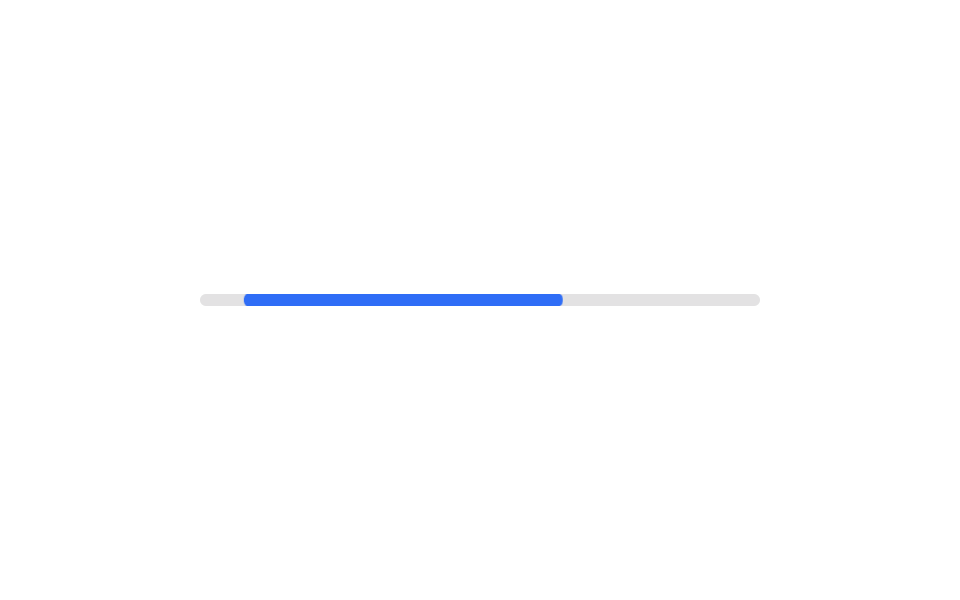
06不定バー
1本の短いバーが左右に往復する代わりに、長さの異なる2本のバーが異なるタイミングで重なりながら通過し、マテリアルデザインのローディングバーのように転がる印象を作る。
使いどころ所要時間が不明な初期読み込み、検索結果の待機
두 세그먼트animation-delay 차등cubic-bezier

<main class="stage">
  <div class="track" role="progressbar" aria-label="読み込み中">
    <span class="seg seg--a is-demo"></span>
    <span class="seg seg--b is-demo"></span>
  </div>
  <p class="cap">読み込み中</p>
</main>
@use "../../../../site/static/demo-tokens" as *;
// ── 변수 3개 ──────────────────────────────────────────
$duration: 1.6s; // 긴 조각 하나가 지나가는 시간
$easing: cubic-bezier(.4, 0, .2, 1);
$color: $subject-ink; // 조각 색
@include stage($stage-yellow);
// 진행률을 모르므로 aria-valuenow 를 주지 않는다 (ARIA 명세: 불확정 progressbar 는 값 속성을 뺀다)
.track {
position: relative;
width: clamp(200px, 58vw, 280px);
height: 8px;
border-radius: $r-pill;
background: rgba(23, 20, 26, .12);
overflow: hidden;
}
.seg {
position: absolute;
inset: 0; // 폭을 꽉 채운 뒤 transform 으로만 밀고 줄인다 (width 는 건드리지 않는다)
border-radius: inherit;
background: $color;
transform-origin: left center; // 규칙8: 좌변 기준 이동·신축
}
// 짧은 바 하나가 오가는 대신, 길이가 다른 두 조각이 시간차를 두고 서로 겹쳐 지나간다 (머티리얼 디자인 방식)
.seg--a.is-demo { animation: seg-a $duration $easing infinite; }
.seg--b.is-demo { animation: seg-b $duration $easing infinite; animation-delay: $duration * .35; }
@keyframes seg-a {
0% { transform: translateX(-100%) scaleX(.15); }
55% { transform: translateX(30%) scaleX(.7); }
100% { transform: translateX(120%) scaleX(.15); }
}
@keyframes seg-b {
0% { transform: translateX(-140%) scaleX(.1); }
60% { transform: translateX(10%) scaleX(.4); }
100% { transform: translateX(120%) scaleX(.1); }
}
.cap {
margin: 14px 0 0;
color: rgba(23, 20, 26, .75);
font: 600 clamp(12px, 3.2vw, 14px)/1 -apple-system, "Segoe UI", "Noto Sans KR", sans-serif;
}
@media (prefers-reduced-motion: reduce) {
.seg.is-demo { animation: none; transform: translateX(0) scaleX(.4); opacity: .7; }
}html, body {
margin: 0;
overflow: hidden;
}
.stage {
box-sizing: border-box;
min-height: 100vh;
display: grid;
place-items: center;
margin: 0;
background: #ffd23f;
font-family: -apple-system, "Segoe UI", "Noto Sans KR", sans-serif;
padding: clamp(8px, 4vw, 24px);
}
.track {
position: relative;
width: clamp(200px, 58vw, 280px);
height: 8px;
border-radius: 999px;
background: rgba(23, 20, 26, 0.12);
overflow: hidden;
}
.seg {
position: absolute;
inset: 0;
border-radius: inherit;
background: #17141a;
transform-origin: left center;
}
.seg--a.is-demo {
animation: seg-a 1.6s cubic-bezier(0.4, 0, 0.2, 1) infinite;
}
.seg--b.is-demo {
animation: seg-b 1.6s cubic-bezier(0.4, 0, 0.2, 1) infinite;
animation-delay: 0.56s;
}
@keyframes seg-a {
0% {
transform: translateX(-100%) scaleX(0.15);
}
55% {
transform: translateX(30%) scaleX(0.7);
}
100% {
transform: translateX(120%) scaleX(0.15);
}
}
@keyframes seg-b {
0% {
transform: translateX(-140%) scaleX(0.1);
}
60% {
transform: translateX(10%) scaleX(0.4);
}
100% {
transform: translateX(120%) scaleX(0.1);
}
}
.cap {
margin: 14px 0 0;
color: rgba(23, 20, 26, 0.75);
font: 600 clamp(12px, 3.2vw, 14px)/1 -apple-system, "Segoe UI", "Noto Sans KR", sans-serif;
}
@media (prefers-reduced-motion: reduce) {
.seg.is-demo {
animation: none;
transform: translateX(0) scaleX(0.4);
opacity: 0.7;
}
}import type { CSSProperties } from "react";
import styles from "./IndeterminateBar.module.scss";
export type IndeterminateBarProps = {
duration?: number;
easing?: string;
color?: string;
/** 진행률을 모르므로 값이 아니라 상태만 알린다 */
label?: string;
};
type Vars = CSSProperties & {
"--duration"?: string;
"--easing"?: string;
"--color"?: string;
};
export default function IndeterminateBar({
duration = 1600,
easing = "cubic-bezier(.4,0,.2,1)",
color = "#17141a",
label = "Loading",
}: IndeterminateBarProps) {
const vars: Vars = { "--duration": `${duration}ms`, "--easing": easing, "--color": color };
return (
<div className={styles.track} style={vars} role="progressbar" aria-label={label}>
<span className={`${styles.seg} ${styles.a}`} />
<span className={`${styles.seg} ${styles.b}`} />
</div>
);
}06 不定バー — 計測 累積面積 1.542% · 動いたフレーム 19/23GODRICH オリジナル · SCSS と React は zip に同梱 · CSS プログレスバー 円形ゲージ9選 — 数値を変えるだけ
このデモが属する記事
 CSS プログレスバー 円形ゲージ9選 — 数値を変えるだけcss プログレスバー 円で探している人が見たいのは、直線の帯ではなく丸いリングやゲージで割合を示すCSS部品です。今回は実際に動く9種類を用意し、どれもwidthではなくtransformとconic-gradientだけで値を表現してい この記事のデモをすべて見る