05進捗バーを結合
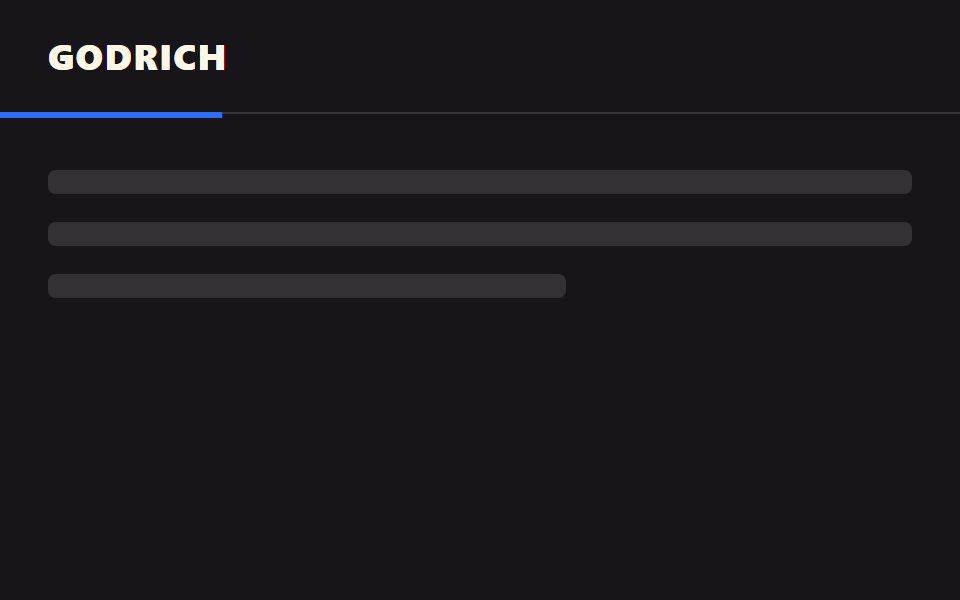
固定ヘッダーの下端に、読んだ分だけ伸びる細い進捗バーが結合し、ヘッダーと一体で動く。
使いどころ長いブログ記事のヘッダー、チュートリアル文書の上部
scroll() 타임라인하단 3px헤더 자식 요소
<main class="stage">
  <header class="head">
    <span class="head__logo">GODRICH</span>
    <span class="head__bar is-demo" aria-hidden="true"></span>
  </header>
  <div class="page">
    <p class="page__line"></p>
    <p class="page__line"></p>
    <p class="page__line short"></p>
  </div>
</main>
@use "../../../../site/static/demo-tokens" as *;
// ── 변수 3개 ──────────────────────────────────────────
$thickness: 3px; // 바 두께. 굵게 6px
$color: $subject-blue; // 바 색
$track: rgba(255, 255, 255, .14); // 안 읽은 구간
// ── 데모 무대 ──────────────────────────────────────────
html, body { margin: 0; overflow: hidden; }
.stage {
min-height: 100vh;
margin: 0;
background: $stage-ink;
font-family: -apple-system, "Segoe UI", "Noto Sans KR", sans-serif;
}
.head {
position: sticky;
top: 0;
height: 56px;
display: flex;
align-items: center;
padding: 0 clamp(16px, 5vw, 24px);
background: $stage-ink;
border-bottom: 1px solid $track;
&__logo { color: $subject-cream; font-weight: 800; font-size: 18px; line-height: 1; font-family: inherit; letter-spacing: .04em; }
// 진행 바는 헤더의 자식 요소라 헤더와 한 덩어리로 스크롤을 따라간다
&__bar {
position: absolute;
left: 0; bottom: -$thickness;
width: 100%;
height: $thickness;
background: $color;
transform: scaleX(0);
transform-origin: left; // 규칙8: 스크롤 진행띠 좌측 채움
// 실제 사용: 문서 전체 스크롤 진행률이 곧 바 길이다
@supports (animation-timeline: scroll()) {
animation: fill-bar linear both;
animation-timeline: scroll(root);
}
}
}
@keyframes fill-bar {
from { transform: scaleX(0); }
to { transform: scaleX(1); }
}
// ── 데모(.is-demo): 2초 루프로 흉내 ────────────────────
.head__bar.is-demo {
animation: fill-loop $dur-loop linear infinite;
}
@keyframes fill-loop {
0% { transform: scaleX(0); }
90% { transform: scaleX(1); }
100% { transform: scaleX(1); }
}
// ── 배경: 문서처럼 보이는 자리 ─────────────────────────
.page { padding: 28px 24px 0; }
.page__line {
height: 12px;
margin: 0 0 14px;
border-radius: 4px;
background: rgba(255, 255, 255, .12);
&.short { width: 60%; }
}
@media (prefers-reduced-motion: reduce) {
.head__bar, .head__bar.is-demo { animation: none !important; transform: scaleX(1); }
}html, body {
margin: 0;
overflow: hidden;
}
.stage {
min-height: 100vh;
margin: 0;
background: #17141a;
font-family: -apple-system, "Segoe UI", "Noto Sans KR", sans-serif;
}
.head {
position: sticky;
top: 0;
height: 56px;
display: flex;
align-items: center;
padding: 0 clamp(16px, 5vw, 24px);
background: #17141a;
border-bottom: 1px solid rgba(255, 255, 255, 0.14);
}
.head__logo {
color: #fff7e6;
font-weight: 800;
font-size: 18px;
line-height: 1;
font-family: inherit;
letter-spacing: 0.04em;
}
.head__bar {
position: absolute;
left: 0;
bottom: -3px;
width: 100%;
height: 3px;
background: #2f6df6;
transform: scaleX(0);
transform-origin: left;
}
@supports (animation-timeline: scroll()) {
.head__bar {
animation: fill-bar linear both;
animation-timeline: scroll(root);
}
}
@keyframes fill-bar {
from {
transform: scaleX(0);
}
to {
transform: scaleX(1);
}
}
.head__bar.is-demo {
animation: fill-loop 2s linear infinite;
}
@keyframes fill-loop {
0% {
transform: scaleX(0);
}
90% {
transform: scaleX(1);
}
100% {
transform: scaleX(1);
}
}
.page {
padding: 28px 24px 0;
}
.page__line {
height: 12px;
margin: 0 0 14px;
border-radius: 4px;
background: rgba(255, 255, 255, 0.12);
}
.page__line.short {
width: 60%;
}
@media (prefers-reduced-motion: reduce) {
.head__bar, .head__bar.is-demo {
animation: none !important;
transform: scaleX(1);
}
}import type { CSSProperties } from "react";
import styles from "./HeaderProgressBar.module.scss";
export type HeaderProgressBarProps = {
logo: string;
/** 바 두께 (기본 3px) */
thickness?: number;
color?: string;
track?: string;
};
type Vars = CSSProperties & { "--thickness"?: string; "--color"?: string; "--track"?: string };
export default function HeaderProgressBar({
logo,
thickness = 3,
color = "#2f6df6",
track = "rgba(255,255,255,.14)",
}: HeaderProgressBarProps) {
const vars: Vars = { "--thickness": `${thickness}px`, "--color": color, "--track": track };
return (
<header className={styles.head} style={vars}>
<span className={styles.logo}>{logo}</span>
{/* scroll() 타임라인만으로 채워진다 — JS 없이 */}
<span className={styles.bar} aria-hidden="true" />
</header>
);
}05 進捗バーを結合 — 計測 累積面積 1.0% · 動いたフレーム 22/23GODRICH オリジナル · SCSS と React は zip に同梱 · CSS 固定ヘッダー 9選 — CSSだけ・JS不要
このデモが属する記事
 CSS 固定ヘッダー 9選 — CSSだけ・JS不要css 固定ヘッダーは、スクロールしても画面上部に留まり続けるナビゲーションをCSSの position:sticky で作る手法です。この記事では隠す・影を付ける・色を反転するなど9種類の動きを選び、判定の仕組みごとに難易度順で並べました この記事のデモをすべて見る