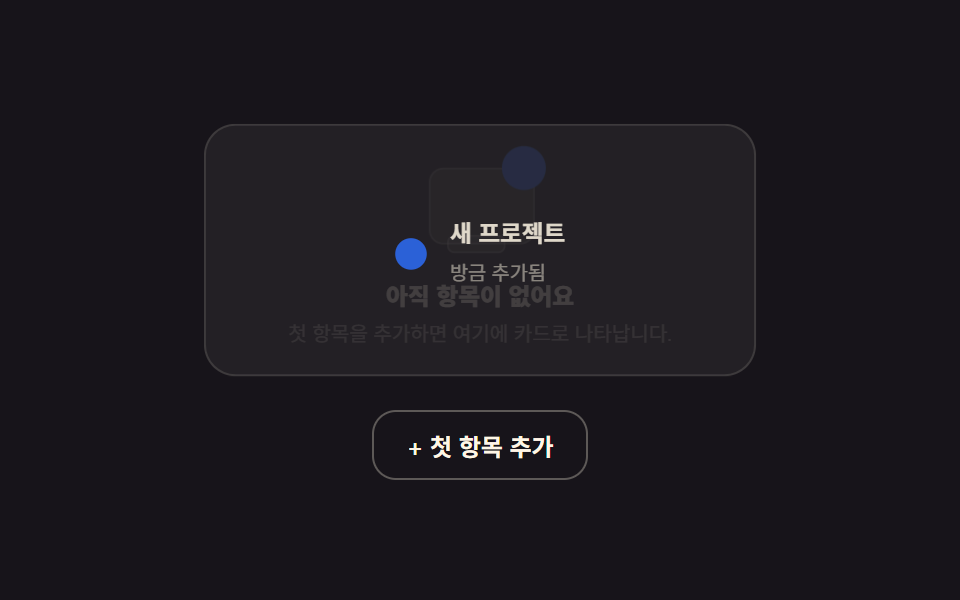
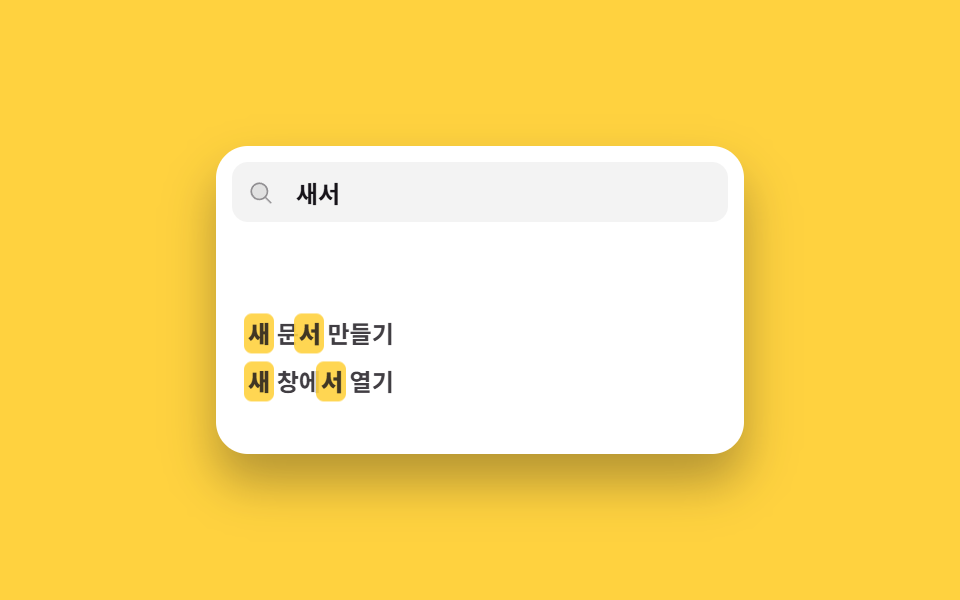
08タグ管理入力ウィジェット
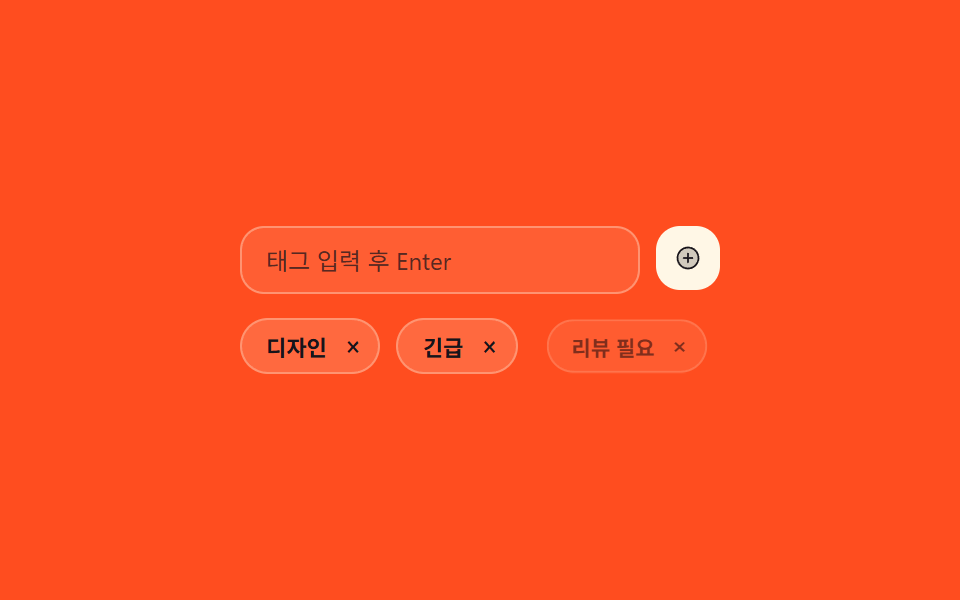
入力して追加を押すと新しいタグチップが実際にリストの末尾に滑り込み、チップの✕を押すとそのタグだけ実際に消えます。
使いどころ投稿・商品編集画面にタグ入力を一行だけ別で付けたいとき
translateXopacityclick
<main class="stage">
  <div class="tg">
    <div class="tg__row">
      <input class="tg__input" type="text" placeholder="タグを入力してEnter" aria-label="新しいタグ">
      <button class="tg__add" type="button" aria-label="タグを追加">
        <svg viewBox="0 0 256 256" width="14" height="14"><g fill="currentColor"><path d="M224 128a96 96 0 1 1-96-96a96 96 0 0 1 96 96" opacity=".2"/><path d="M128 24a104 104 0 1 0 104 104A104.11 104.11 0 0 0 128 24m0 192a88 88 0 1 1 88-88a88.1 88.1 0 0 1-88 88m48-88a8 8 0 0 1-8 8h-32v32a8 8 0 0 1-16 0v-32H88a8 8 0 0 1 0-16h32V88a8 8 0 0 1 16 0v32h32a8 8 0 0 1 8 8"/></g></svg>
      </button>
    </div>
    <ul class="tg__list">
      <li class="tg__chip" data-tag="デザイン">デザイン<button class="tg__remove" type="button" aria-label="デザインを削除">×</button></li>
      <li class="tg__chip" data-tag="緊急">緊急<button class="tg__remove" type="button" aria-label="緊急を削除">×</button></li>
      <li class="tg__chip tg__chip--demo is-demo" aria-hidden="true">レビュー必要<button class="tg__remove" type="button" tabindex="-1" aria-hidden="true">×</button></li>
    </ul>
  </div>
</main>
@use "../../../../site/static/demo-tokens" as *;
$duration: $dur-quick;
$easing: $ease-pop;
$color: $subject-cream;
@include stage($stage-orange);
.tg {
box-sizing: border-box;
width: min(240px, 86vw);
font-family: -apple-system, "Segoe UI", "Noto Sans KR", sans-serif;
}
.tg__row { display: flex; gap: $sp-2; margin: 0 0 $sp-3; }
.tg__input {
flex: 1 1 auto; min-width: 0;
box-sizing: border-box;
border: 1px solid rgba(255, 247, 230, .35);
background: rgba(255, 247, 230, .1);
color: $subject-ink;
border-radius: $r-control;
padding: $sp-2 $sp-3;
font: inherit; font-size: 12px;
}
.tg__input::placeholder { color: rgba(23, 20, 26, .72); }
.tg__add {
flex: 0 0 auto;
width: 32px; height: 32px; padding: 0;
border: 0; background: $subject-cream; color: $subject-ink;
border-radius: $r-control;
display: grid; place-items: center; cursor: pointer;
}
.tg__list { list-style: none; margin: 0; padding: 0; display: flex; flex-wrap: wrap; gap: $sp-2; }
.tg__chip {
box-sizing: border-box;
display: inline-flex; align-items: center; gap: $sp-1;
background: rgba(255, 247, 230, .16);
border: 1px solid rgba(255, 247, 230, .3);
color: $subject-ink;
padding: $sp-1 $sp-1 $sp-1 $sp-3;
border-radius: $r-pill;
font-size: 11px; font-weight: 600;
opacity: 1; transform: scale(1);
transition: opacity $duration $easing, transform $duration $easing;
}
.tg__chip--out { opacity: 0; transform: scale(.7); }
.tg__remove {
width: 18px; height: 18px; padding: 0;
border: 0; background: transparent; color: inherit;
border-radius: 50%;
font-size: 13px; line-height: 1; cursor: pointer;
}
.tg__remove:hover { background: rgba(255, 247, 230, .2); }
.tg__chip--demo { pointer-events: none; opacity: 0; transform: translateX(10px) scale(.9); }
// ── 자동 루프: 새 태그 칩이 계속 밀려 들어왔다 사라진다 ──────────────
.tg__chip--demo.is-demo { animation: tg-in 2.4s $easing infinite; }
@keyframes tg-in {
0% { opacity: 0; transform: translateX(10px) scale(.9); }
35% { opacity: 1; transform: translateX(0) scale(1); }
80% { opacity: 1; transform: translateX(0) scale(1); }
100% { opacity: 0; transform: translateX(10px) scale(.9); }
}
@media (max-width: 340px) {
.tg__chip { font-size: 10px; }
}
@media (prefers-reduced-motion: reduce) {
.tg__chip--demo.is-demo { animation: none !important; opacity: 0; }
.tg__chip { transition: none; }
}html, body {
margin: 0;
overflow: hidden;
}
.stage {
box-sizing: border-box;
min-height: 100vh;
display: grid;
place-items: center;
margin: 0;
background: #ff4d1f;
font-family: -apple-system, "Segoe UI", "Noto Sans KR", sans-serif;
padding: clamp(8px, 4vw, 24px);
}
.tg {
box-sizing: border-box;
width: min(240px, 86vw);
font-family: -apple-system, "Segoe UI", "Noto Sans KR", sans-serif;
}
.tg__row {
display: flex;
gap: 8px;
margin: 0 0 12px;
}
.tg__input {
flex: 1 1 auto;
min-width: 0;
box-sizing: border-box;
border: 1px solid rgba(255, 247, 230, 0.35);
background: rgba(255, 247, 230, 0.1);
color: #17141a;
border-radius: 12px;
padding: 8px 12px;
font: inherit;
font-size: 12px;
}
.tg__input::placeholder {
color: rgba(23, 20, 26, 0.72);
}
.tg__add {
flex: 0 0 auto;
width: 32px;
height: 32px;
padding: 0;
border: 0;
background: #fff7e6;
color: #17141a;
border-radius: 12px;
display: grid;
place-items: center;
cursor: pointer;
}
.tg__list {
list-style: none;
margin: 0;
padding: 0;
display: flex;
flex-wrap: wrap;
gap: 8px;
}
.tg__chip {
box-sizing: border-box;
display: inline-flex;
align-items: center;
gap: 4px;
background: rgba(255, 247, 230, 0.16);
border: 1px solid rgba(255, 247, 230, 0.3);
color: #17141a;
padding: 4px 4px 4px 12px;
border-radius: 999px;
font-size: 11px;
font-weight: 600;
opacity: 1;
transform: scale(1);
transition: opacity 220ms cubic-bezier(0.2, 1.4, 0.4, 1), transform 220ms cubic-bezier(0.2, 1.4, 0.4, 1);
}
.tg__chip--out {
opacity: 0;
transform: scale(0.7);
}
.tg__remove {
width: 18px;
height: 18px;
padding: 0;
border: 0;
background: transparent;
color: inherit;
border-radius: 50%;
font-size: 13px;
line-height: 1;
cursor: pointer;
}
.tg__remove:hover {
background: rgba(255, 247, 230, 0.2);
}
.tg__chip--demo {
pointer-events: none;
opacity: 0;
transform: translateX(10px) scale(0.9);
}
.tg__chip--demo.is-demo {
animation: tg-in 2.4s cubic-bezier(0.2, 1.4, 0.4, 1) infinite;
}
@keyframes tg-in {
0% {
opacity: 0;
transform: translateX(10px) scale(0.9);
}
35% {
opacity: 1;
transform: translateX(0) scale(1);
}
80% {
opacity: 1;
transform: translateX(0) scale(1);
}
100% {
opacity: 0;
transform: translateX(10px) scale(0.9);
}
}
@media (max-width: 340px) {
.tg__chip {
font-size: 10px;
}
}
@media (prefers-reduced-motion: reduce) {
.tg__chip--demo.is-demo {
animation: none !important;
opacity: 0;
}
.tg__chip {
transition: none;
}
}// 실제 동작: 입력하고 추가를 누르면(또는 Enter) 新しいタグ 칩이 실제로 생기고, ×를 누르면 그 태그만 실제로 사라진다.
var list = document.querySelector('.tg__list');
var input = document.querySelector('.tg__input');
var addBtn = document.querySelector('.tg__add');
function wireRemove(li) {
li.querySelector('.tg__remove').addEventListener('click', function () {
li.classList.add('tg__chip--out');
setTimeout(function () { li.remove(); }, 180);
});
}
function addTag() {
var v = input.value.trim();
if (!v) return;
var li = document.createElement('li');
li.className = 'tg__chip';
li.dataset.tag = v;
li.textContent = v;
var rm = document.createElement('button');
rm.type = 'button'; rm.className = 'tg__remove'; rm.textContent = '×';
rm.setAttribute('aria-label', v + ' 削除');
li.appendChild(rm);
wireRemove(li);
list.appendChild(li);
input.value = '';
input.focus({ preventScroll: true });
}
addBtn.addEventListener('click', addTag);
input.addEventListener('keydown', function (e) { if (e.key === 'Enter') { e.preventDefault(); addTag(); } });
document.querySelectorAll('.tg__chip:not(.tg__chip--demo)').forEach(wireRemove);import { useState } from "react";
import type { CSSProperties } from "react";
import styles from "./TagManager.module.scss";
export type TagManagerProps = {
duration?: number;
easing?: string;
color?: string;
};
type Vars = CSSProperties & { "--duration"?: string; "--easing"?: string; "--color"?: string };
export default function TagManager({ duration = 220, easing = "cubic-bezier(.2,1.4,.4,1)", color = "#fff7e6" }: TagManagerProps) {
const [tags, setTags] = useState(["Design", "Urgent"]);
const [value, setValue] = useState("");
const vars: Vars = { "--duration": `${duration}ms`, "--easing": easing, "--color": color };
function addTag() {
const v = value.trim();
if (!v) return;
setTags((t) => [...t, v]);
setValue("");
}
function removeTag(tag: string) {
setTags((t) => t.filter((x) => x !== tag));
}
return (
<div className={styles.tg} style={vars}>
<div className={styles.row}>
<input
className={styles.input}
type="text"
placeholder="Type a tag, press Enter"
aria-label="New tag"
value={value}
onChange={(e: any) => setValue(e.target.value)}
onKeyDown={(e: any) => { if (e.key === "Enter") { e.preventDefault(); addTag(); } }}
/>
<button type="button" className={styles.add} aria-label="Add tag" onClick={addTag}>+</button>
</div>
<ul className={styles.list}>
{tags.map((tag) => (
<li key={tag} className={styles.chip}>
{tag}
<button type="button" className={styles.remove} aria-label={`Remove ${tag}`} onClick={() => removeTag(tag)}>×</button>
</li>
))}
</ul>
</div>
);
}08 タグ管理入力ウィジェット — 計測 累積面積 1.604% · 動いたフレーム 9/23GODRICH オリジナル · SCSS と React は zip に同梱 · ダッシュボード コンポーネント9選 — 画面ごとじゃなくこの部品だけ
このデモが属する記事
 ダッシュボード コンポーネント9選 — 画面ごとじゃなくこの部品だけダッシュボード コンポーネントとは、完成した管理画面をまるごと組み込む代わりに、ヘッダーやフィード、カレンダーのように画面の一部品だけをそのまま自分のプロジェクトに移せるUI部品です。画面ごとではなくこの部品だけで、九つのうち一つは Ctr この記事のデモをすべて見る