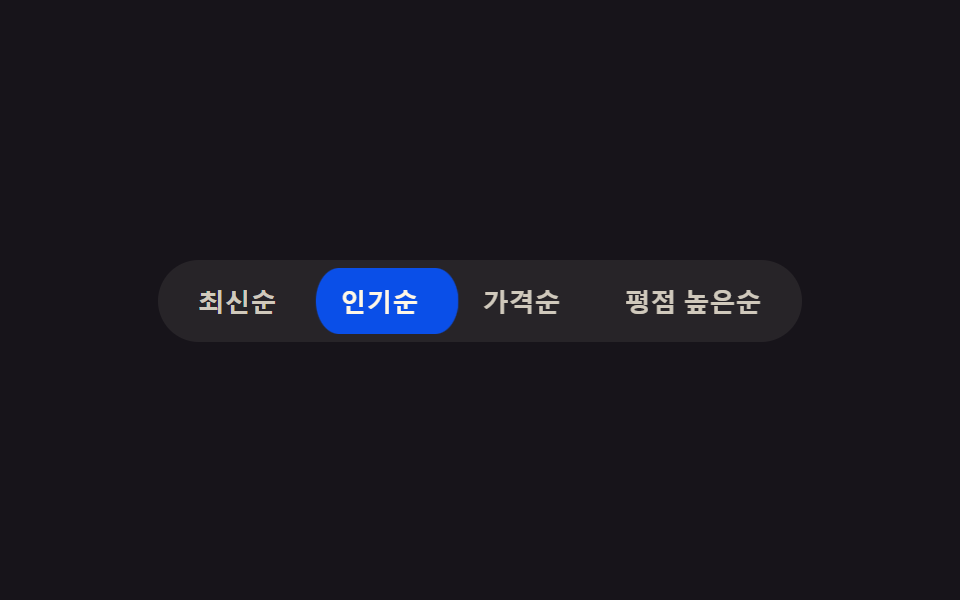
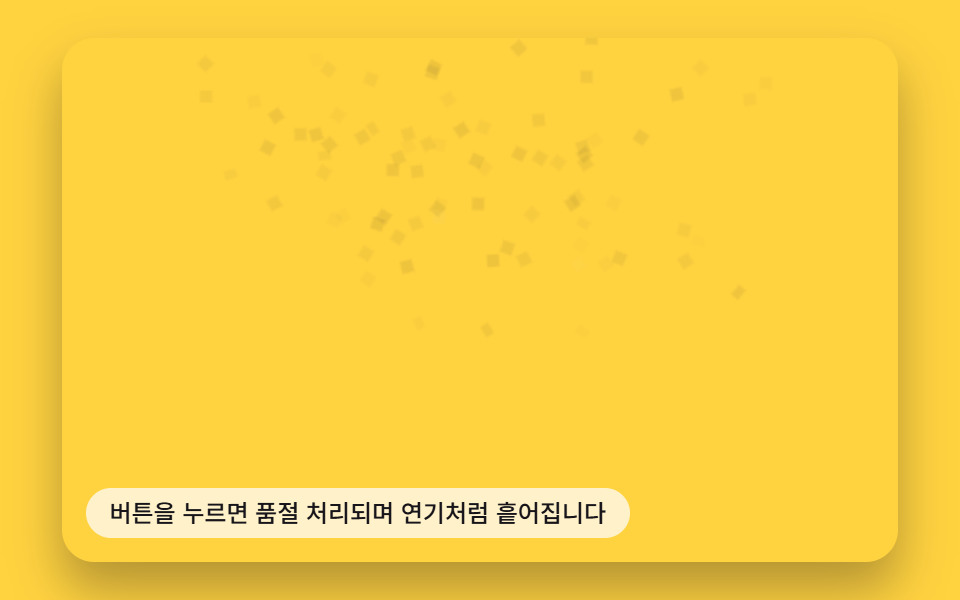
01アコーディオン表示切替 — ボタンの開く値が変わると丸み値と影の値が一緒に変わり、下の内容を差し出す方式
開く値が変わるとボタンの角の丸み値が大きくなり影の値が深くなって、下の内容がその下に現れます。
使いどころFAQ項目の開閉、設定グループの展開
STAGGER_MSmeasuretoggle

<main class="stage">
<div class="ba is-demo" id="ba">
  <button type="button" class="ba__btn" id="baBtn" aria-expanded="false" aria-controls="baPanel">
    <span class="ba__label">開く値を展開</span>
    <span class="ba__mark" aria-hidden="true">
      <svg viewBox="0 0 16 16" width="14" height="14"><path d="M3 6l5 5 5-5" fill="none" stroke="currentColor" stroke-width="2" stroke-linecap="round" stroke-linejoin="round"/></svg>
    </span>
  </button>
  <div class="ba__panel" id="baPanel" role="region">
    <ul class="ba__list" id="baList">
      <li class="ba__item">回答値 1</li>
      <li class="ba__item">回答値 2</li>
      <li class="ba__item">回答値 3</li>
    </ul>
  </div>
</div>
</main>
@use "../../../../site/static/demo-tokens" as *;
// 계산 겹: 하위 항목 노출 높이를 getBoundingClientRect 로 실측해 --panel-h 로 넘기고(index.html),
// 항목마다 순서 * STAGGER_MS 산술로 transition-delay 를 준다.
@include stage($stage-ink);
.ba {
width: 100%;
max-width: 300px;
}
.ba__btn {
display: flex;
align-items: center;
justify-content: space-between;
gap: $sp-3;
width: 100%;
box-sizing: border-box;
padding: $sp-3 $sp-4;
border: 0;
border-radius: $r-control $r-control 0 0;
background: $subject-cream;
color: $subject-ink;
font-weight: 600;
font-size: 15px;
box-shadow: $shadow-press;
transition: border-radius $dur-base $ease-out, box-shadow $dur-base $ease-out;
cursor: pointer;
}
.ba__mark {
display: inline-flex;
transition: transform $dur-base $ease-out;
}
.ba__panel {
overflow: hidden;
max-height: 0;
border-radius: 0 0 $r-control $r-control;
background: rgba($subject-cream, .92);
transition: max-height $dur-enter $ease-spring;
}
.ba__list {
list-style: none;
margin: 0;
padding: $sp-3 $sp-4;
display: grid;
gap: $sp-2;
}
.ba__item {
color: $subject-ink;
font-size: 13px;
opacity: 0;
transform: translateY(-6px);
transition: opacity $dur-quick $ease-out, transform $dur-quick $ease-out;
}
.ba--open {
.ba__btn { border-radius: $r-control $r-control 0 0; box-shadow: $shadow-raised; }
.ba__mark { transform: rotate(180deg); }
.ba__panel { max-height: var(--panel-h, 160px); }
.ba__item { opacity: 1; transform: translateY(0); }
}
@media (max-width: 340px) {
.ba__btn { padding: $sp-2 $sp-3; font-size: 14px; }
.ba__list { padding: $sp-2 $sp-3; }
}
@media (prefers-reduced-motion: reduce) {
.ba__btn, .ba__mark, .ba__panel, .ba__item { transition: none; }
}html, body {
margin: 0;
overflow: hidden;
}
.stage {
box-sizing: border-box;
min-height: 100vh;
display: grid;
place-items: center;
margin: 0;
background: #17141a;
font-family: -apple-system, "Segoe UI", "Noto Sans KR", sans-serif;
padding: clamp(8px, 4vw, 24px);
}
.ba {
width: 100%;
max-width: 300px;
}
.ba__btn {
display: flex;
align-items: center;
justify-content: space-between;
gap: 12px;
width: 100%;
box-sizing: border-box;
padding: 12px 16px;
border: 0;
border-radius: 12px 12px 0 0;
background: #fff7e6;
color: #17141a;
font-weight: 600;
font-size: 15px;
box-shadow: 0 6px 12px rgba(23, 20, 26, 0.32);
transition: border-radius 300ms ease-out, box-shadow 300ms ease-out;
cursor: pointer;
}
.ba__mark {
display: inline-flex;
transition: transform 300ms ease-out;
}
.ba__panel {
overflow: hidden;
max-height: 0;
border-radius: 0 0 12px 12px;
background: rgba(255, 247, 230, 0.92);
transition: max-height 600ms cubic-bezier(0.2, 0.8, 0.2, 1);
}
.ba__list {
list-style: none;
margin: 0;
padding: 12px 16px;
display: grid;
gap: 8px;
}
.ba__item {
color: #17141a;
font-size: 13px;
opacity: 0;
transform: translateY(-6px);
transition: opacity 220ms ease-out, transform 220ms ease-out;
}
.ba--open .ba__btn {
border-radius: 12px 12px 0 0;
box-shadow: 0 14px 24px rgba(23, 20, 26, 0.32);
}
.ba--open .ba__mark {
transform: rotate(180deg);
}
.ba--open .ba__panel {
max-height: var(--panel-h, 160px);
}
.ba--open .ba__item {
opacity: 1;
transform: translateY(0);
}
@media (max-width: 340px) {
.ba__btn {
padding: 8px 12px;
font-size: 14px;
}
.ba__list {
padding: 8px 12px;
}
}
@media (prefers-reduced-motion: reduce) {
.ba__btn, .ba__mark, .ba__panel, .ba__item {
transition: none;
}
}(function () {
var root = document.getElementById('ba');
var btn = document.getElementById('baBtn');
var panel = document.getElementById('baPanel');
var items = panel.querySelectorAll('.ba__item');
var STAGGER_MS = 70; // 계산 겹: 항목 순서 * 이 값만큼 늦게 나타난다
// 계산 겹: 하위 항목이 실제로 차지하는 노출 높이를 getBoundingClientRect 로 실측해
// panel 의 --panel-h 로 넘긴다 — 짐작한 고정값이 아니라 지금 폰트·내용 기준 값이다.
function measure() {
var h = 0;
items.forEach(function (li) { h += li.getBoundingClientRect().height; });
panel.style.setProperty('--panel-h', h + 'px');
}
items.forEach(function (li, i) {
li.style.transitionDelay = (i * STAGGER_MS) + 'ms';
});
var open = false;
function paint() {
measure();
root.classList.toggle('ba--open', open);
btn.setAttribute('aria-expanded', String(open));
}
function toggle() {
open = !open;
paint();
}
btn.addEventListener('click', function () {
root.classList.remove('is-demo');
stopAutoplay();
toggle();
});
var autoTimer = null;
function stopAutoplay() { if (autoTimer) { clearInterval(autoTimer); autoTimer = null; } }
var reduce = window.matchMedia('(prefers-reduced-motion: reduce)').matches;
measure();
if (!reduce) { toggle(); autoTimer = setInterval(toggle, 800); }
else { open = true; paint(); }
})();import { useEffect, useRef } from "react";
import styles from "./AccordionReveal.module.scss";
type Box<T> = { current: T };
const STAGGER_MS = 70; // 계산 겹: 항목 순서 * 이 값만큼 늦게 나타난다
export default function AccordionReveal() {
const rootRef = useRef(null) as unknown as Box<HTMLDivElement | null>;
useEffect(() => {
const root = rootRef.current;
if (!root) return;
const btn = root.querySelector(`.${styles.btn}`) as HTMLButtonElement | null;
const panel = root.querySelector(`.${styles.panel}`) as HTMLElement | null;
const items = root.querySelectorAll(`.${styles.item}`);
if (!btn || !panel) return;
items.forEach((li, i) => {
(li as HTMLElement).style.transitionDelay = (i * STAGGER_MS) + "ms";
});
function measure() {
let h = 0;
items.forEach((li) => { h += li.getBoundingClientRect().height; });
panel!.style.setProperty("--panel-h", h + "px");
}
let open = false;
function paint() {
measure();
root!.classList.toggle(styles["root--open"], open);
btn!.setAttribute("aria-expanded", String(open));
}
function toggle() {
open = !open;
paint();
}
function onClick() {
root!.classList.remove(styles["is-demo"]);
stopAutoplay();
toggle();
}
btn.addEventListener("click", onClick);
let autoTimer: number | null = null;
function stopAutoplay() { if (autoTimer !== null) { window.clearInterval(autoTimer); autoTimer = null; } }
const reduce = window.matchMedia("(prefers-reduced-motion: reduce)").matches;
measure();
if (!reduce) { toggle(); autoTimer = window.setInterval(toggle, 800); }
else { open = true; paint(); }
return () => {
stopAutoplay();
btn.removeEventListener("click", onClick);
};
}, []);
return (
<div ref={rootRef} className={`${styles.stage} ${styles.ba} ${styles["is-demo"]}`}>
<button type="button" className={styles.btn} aria-expanded="false">
<span className={styles.label}>열림 값 펼치기</span>
<span className={styles.mark} aria-hidden="true">
<svg viewBox="0 0 16 16" width="14" height="14"><path d="M3 6l5 5 5-5" fill="none" stroke="currentColor" strokeWidth="2" strokeLinecap="round" strokeLinejoin="round" /></svg>
</span>
</button>
<div className={styles.panel} role="region">
<ul className={styles.list}>
<li className={styles.item}>답변 값 1</li>
<li className={styles.item}>답변 값 2</li>
<li className={styles.item}>답변 값 3</li>
</ul>
</div>
</div>
);
}01 アコーディオン表示切替 — ボタンの開く値が変わると丸み値と影の値が一緒に変わり、下の内容を差し出す方式 — 計測 累積面積 18.301% · 動いたフレーム 8/23GODRICH オリジナル · SCSS と React は zip に同梱 · css 開閉 ボタン 9選 — ボタンの形が変わる9つの方式
このデモが属する記事
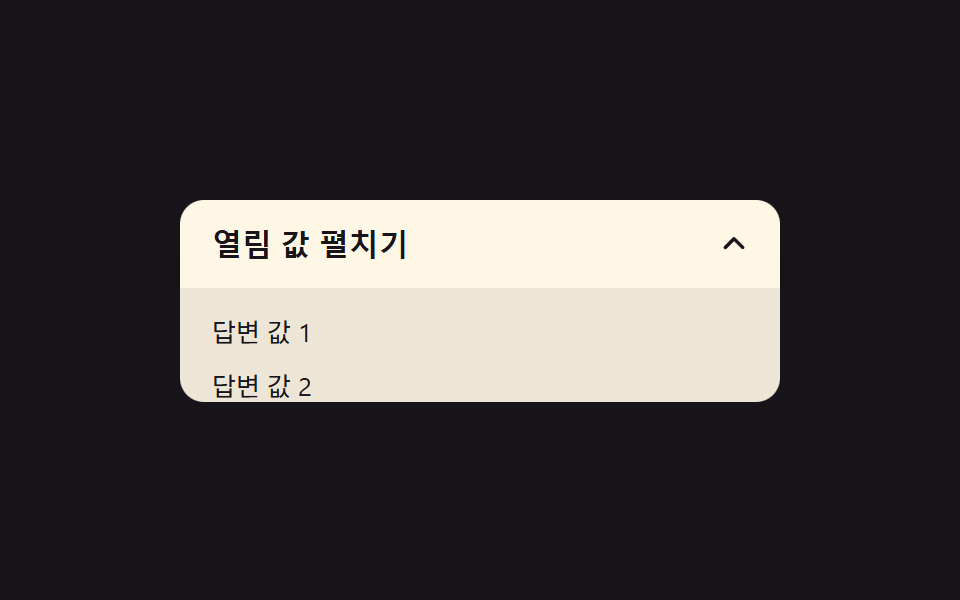 css 開閉 ボタン 9選 — ボタンの形が変わる9つの方式css 開閉 ボタン:9つのうち1つは開く値が変わるとボタンの角の丸み値が一緒に大きくなり、1つは閉じる値がオンになるとプラス記号が回転して閉じる記号に変わり、もう1つは展開値が伸びる間、幅の値が目標を少し越えてから戻ります。 この記事のデモをすべて見る