09影の位置に押し込むボタン
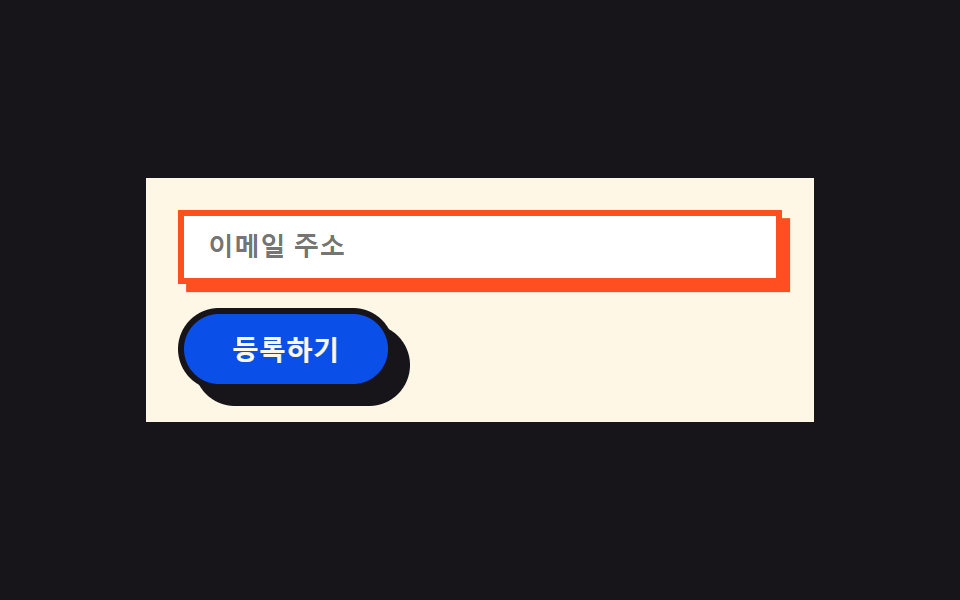
ボタンを押すと影のオフセット分だけ本体が正確に動き、同時に影がゼロに縮み、ボタンが自分の影の場所に沈み込むように見えます。入力欄はフォーカス時に影が何もない状態から現れます。
使いどころフォーム送信ボタン・ニュースレター入力欄
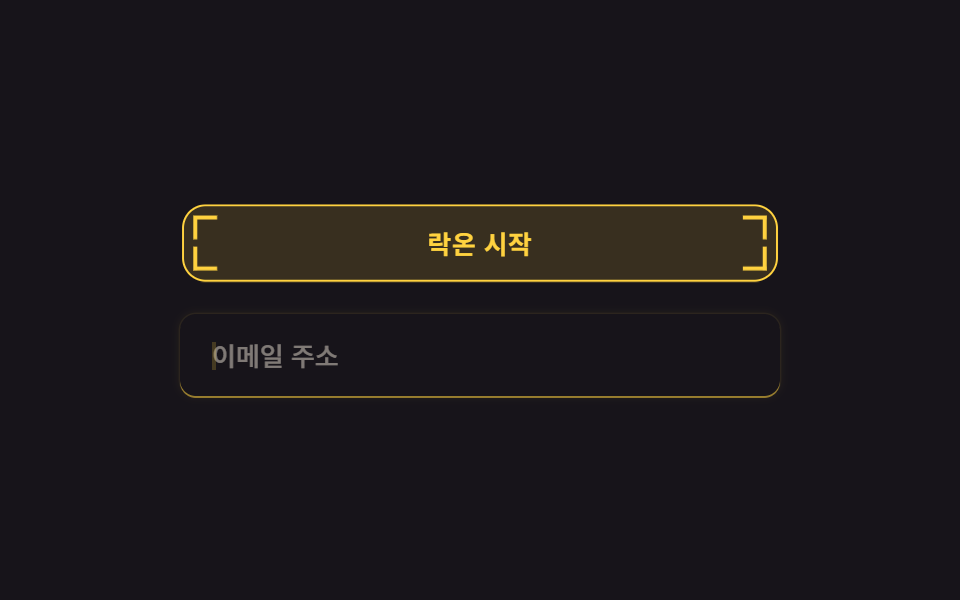
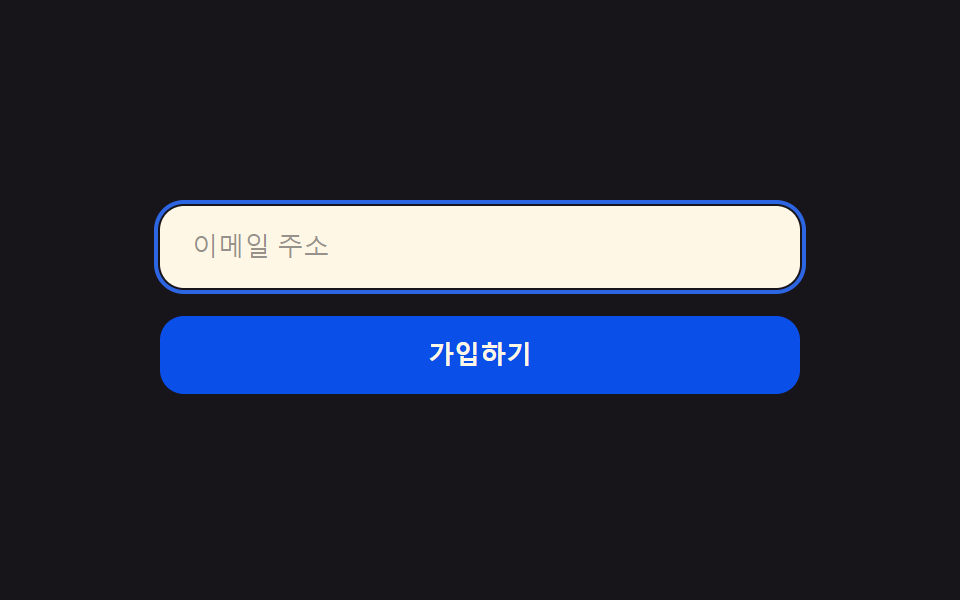
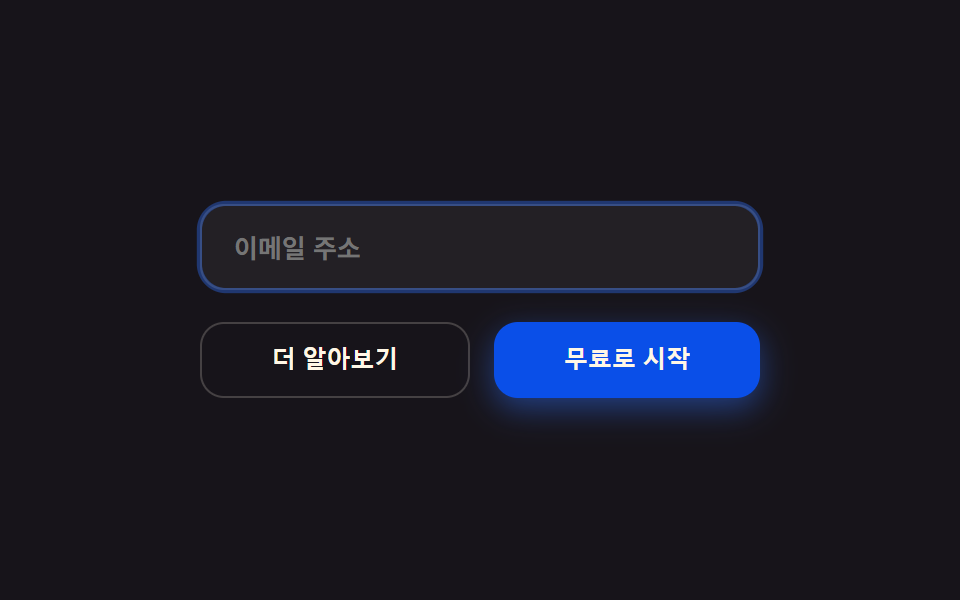
press 오프셋 이동radius pill(버튼만)focus 그림자 팝
<main class="stage">
  <form class="form">
    <label class="form__field">
      <input class="form__input is-demo" type="email" placeholder="メールアドレス" readonly>
    </label>
    <button class="form__btn is-demo" type="button">登録する</button>
  </form>
</main>
@use "../../../../site/static/demo-tokens" as *;
$duration: $dur-loop;
$easing: $ease-pop;
$color: $subject-blue; // 버튼 색
$border: 3px;
@include stage($stage-ink);
.form {
box-sizing: border-box;
display: flex;
flex-direction: column;
gap: $sp-3;
width: clamp(240px, 82vw, 340px);
padding: $sp-4;
border: $border solid $subject-ink;
border-radius: 0;
background: $subject-cream;
box-shadow: $sp-2 $sp-2 0 $subject-ink;
}
.form__field { display: block; }
.form__input {
box-sizing: border-box;
width: 100%;
border: $border solid $subject-ink;
border-radius: 0;
background: $stage-paper;
padding: $sp-2 $sp-3;
color: $subject-ink;
font-weight: 600;
font-size: clamp(12px, 2.8vw, 13px);
box-shadow: 0 0 0 rgba($stage-orange, 0);
animation: focusPop $duration $easing infinite;
}
.form__btn {
box-sizing: border-box;
align-self: flex-start;
border: $border solid $subject-ink;
border-radius: $r-pill;
background: $subject-blue-deep;
color: $subject-cream;
padding: $sp-2 $sp-6;
font-weight: 800;
font-size: clamp(12px, 2.8vw, 14px);
box-shadow: $sp-2 $sp-2 0 $subject-ink;
animation: pressInto $duration $easing infinite;
animation-delay: -1s;
}
// 데모: 버튼은 그림자 오프셋만큼 정확히 이동하며 그림자가 동시에 0 으로 줄어 "그림자 자리로 파고드는" 느낌을 준다.
// 입력창은 초점 링이 0에서 뿅 나타났다 사라진다
@keyframes pressInto {
0%, 50%, 100% { transform: translate(0, 0); box-shadow: $sp-2 $sp-2 0 $subject-ink; }
70% { transform: translate($sp-2, $sp-2); box-shadow: 0 0 0 $subject-ink; }
}
@keyframes focusPop {
0%, 60%, 100% { box-shadow: 0 0 0 rgba($stage-orange, 0); border-color: $subject-ink; }
80% { box-shadow: $sp-1 $sp-1 0 $stage-orange; border-color: $stage-orange; }
}
@media (prefers-reduced-motion: reduce) {
.form__btn {
animation: none !important;
transform: none;
box-shadow: $sp-2 $sp-2 0 $subject-ink;
}
.form__input {
animation: none !important;
box-shadow: 0 0 0 rgba($stage-orange, 0);
border-color: $subject-ink;
}
}html, body {
margin: 0;
overflow: hidden;
}
.stage {
box-sizing: border-box;
min-height: 100vh;
display: grid;
place-items: center;
margin: 0;
background: #17141a;
font-family: -apple-system, "Segoe UI", "Noto Sans KR", sans-serif;
padding: clamp(8px, 4vw, 24px);
}
.form {
box-sizing: border-box;
display: flex;
flex-direction: column;
gap: 12px;
width: clamp(240px, 82vw, 340px);
padding: 16px;
border: 3px solid #17141a;
border-radius: 0;
background: #fff7e6;
box-shadow: 8px 8px 0 #17141a;
}
.form__field {
display: block;
}
.form__input {
box-sizing: border-box;
width: 100%;
border: 3px solid #17141a;
border-radius: 0;
background: #ffffff;
padding: 8px 12px;
color: #17141a;
font-weight: 600;
font-size: clamp(12px, 2.8vw, 13px);
box-shadow: 0 0 0 rgba(255, 77, 31, 0);
animation: focusPop 2s cubic-bezier(0.2, 1.4, 0.4, 1) infinite;
}
.form__btn {
box-sizing: border-box;
align-self: flex-start;
border: 3px solid #17141a;
border-radius: 999px;
background: #0a4fe8;
color: #fff7e6;
padding: 8px 24px;
font-weight: 800;
font-size: clamp(12px, 2.8vw, 14px);
box-shadow: 8px 8px 0 #17141a;
animation: pressInto 2s cubic-bezier(0.2, 1.4, 0.4, 1) infinite;
animation-delay: -1s;
}
@keyframes pressInto {
0%, 50%, 100% {
transform: translate(0, 0);
box-shadow: 8px 8px 0 #17141a;
}
70% {
transform: translate(8px, 8px);
box-shadow: 0 0 0 #17141a;
}
}
@keyframes focusPop {
0%, 60%, 100% {
box-shadow: 0 0 0 rgba(255, 77, 31, 0);
border-color: #17141a;
}
80% {
box-shadow: 4px 4px 0 #ff4d1f;
border-color: #ff4d1f;
}
}
@media (prefers-reduced-motion: reduce) {
.form__btn {
animation: none !important;
transform: none;
box-shadow: 8px 8px 0 #17141a;
}
.form__input {
animation: none !important;
box-shadow: 0 0 0 rgba(255, 77, 31, 0);
border-color: #17141a;
}
}import type { CSSProperties } from "react";
import styles from "./ButtonsInputsBrutalist.module.scss";
export type ButtonsInputsBrutalistProps = {
placeholder?: string;
cta?: string;
duration?: number;
easing?: string;
color?: string;
};
type Vars = CSSProperties & { "--duration"?: string; "--easing"?: string; "--color"?: string };
export default function ButtonsInputsBrutalist({
placeholder = "이메일 주소",
cta = "등록하기",
duration = 2000,
easing = "cubic-bezier(.2,1.4,.4,1)",
color = "#0a4fe8",
}: ButtonsInputsBrutalistProps) {
const vars: Vars = { "--duration": `${duration}ms`, "--easing": easing, "--color": color };
return (
<form className={styles.form} style={vars}>
<label className={styles.field}>
<input className={styles.input} type="email" placeholder={placeholder} readOnly />
</label>
<button type="button" className={styles.btn}>{cta}</button>
</form>
);
}09 影の位置に押し込むボタン — 計測 累積面積 5.142% · 動いたフレーム 19/23GODRICH オリジナル · SCSS と React は zip に同梱 · ネオブルータリズム UI キット、影がにじまないLPパーツ9選
このデモが属する記事
 ネオブルータリズム UI キット、影がにじまないLPパーツ9選ネオブルータリズム UIとは、太い墨色の枠線とにじみのない直角の影、彩度の高い原色ブロックを飾らずにそのまま画面へ置くデザイン手法です。ボタンやカードによく使われます。 この記事のデモをすべて見る