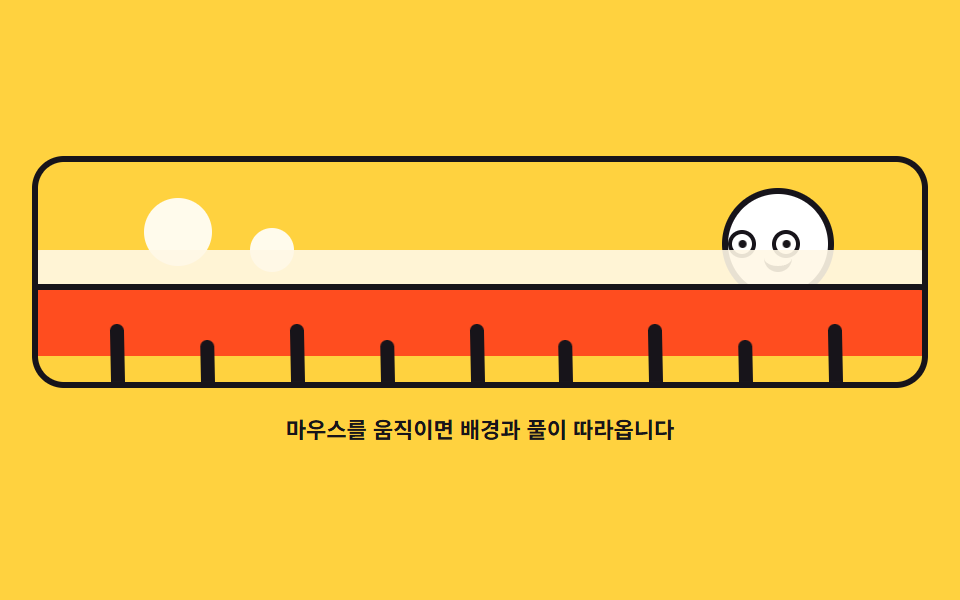
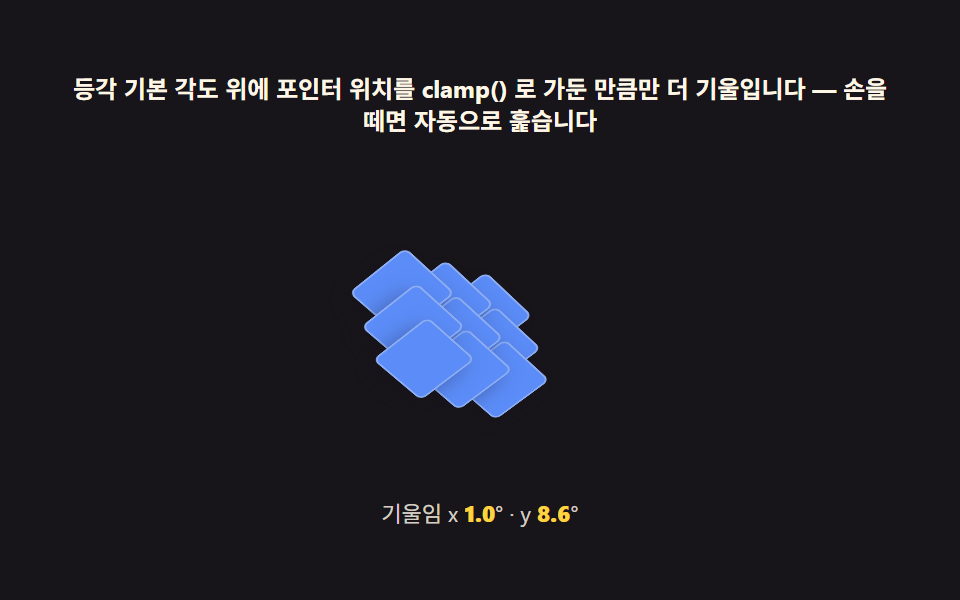
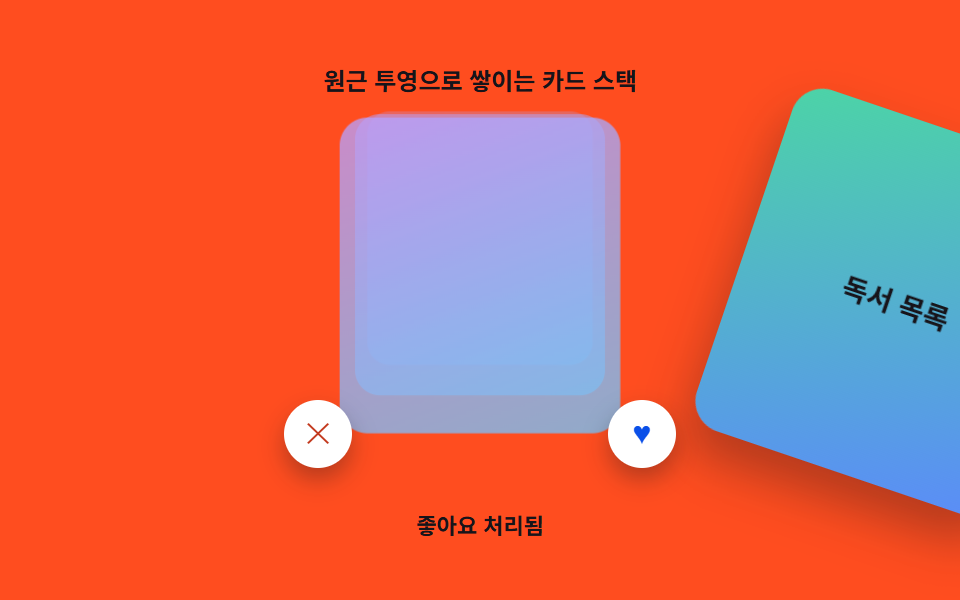
02奥行きごとにずれるカードスタック
重ねた3枚のカードが奥行きごとに違う距離で動き、層が分かれて見えます。
使いどころ料金プランの比較カード群、アプリ紹介ページの画面プレビュー
translate3dlinear-gradientrotateY

<main class="stage">
<div class="cs is-demo" id="cs">
  <div class="cs__scene" id="scene" role="img" aria-label="奥行きの違う3枚のカードがマウスに合わせてずれるモデル">
    <div class="cs__card cs__card--back">
      <span class="cs__tag">チーム</span>
      <span class="cs__gloss" aria-hidden="true"></span>
    </div>
    <div class="cs__card cs__card--mid">
      <span class="cs__tag">プロ</span>
      <span class="cs__gloss" aria-hidden="true"></span>
    </div>
    <div class="cs__card cs__card--front">
      <svg xmlns="http://www.w3.org/2000/svg" viewBox="0 0 256 256" class="cs__ico" aria-hidden="true"><g fill="currentColor"><path d="m224 96l-96 56l-96-56l96-56Z" opacity=".2"/><path d="M232.4 114.49L128 174.06l-104.4-59.57a8 8 0 0 0-7.94 13.88l108.36 61.85a8 8 0 0 0 7.94 0l108.4-61.85a8 8 0 0 0-8-13.88ZM24 89.9l100.36 57.28a8 8 0 0 0 7.94 0L232.4 89.9a16 16 0 0 0 0-27.79L131.94 4.87a8 8 0 0 0-7.88 0L24 62.11a16 16 0 0 0 0 27.79Zm104-69l96.06 54.85L128 130.61L31.94 75.75Z"/></g></svg>
      <span class="cs__tag cs__tag--lead">ベーシック</span>
      <span class="cs__gloss" aria-hidden="true"></span>
    </div>
  </div>
  <p class="cs__hint">マウスを左右に動かしてみてください</p>
</div>
</main>
@use "../../../../site/static/demo-tokens" as *;
// 깊이별로 어긋나는 카드 스택 — 실제 움직임은 JS 가 포인터 x 를 -1~1 로 바꿔 --px 하나만 넘기고,
// 카드마다 다른 깊이 계수(--shift)가 그 값을 곱해 층이 갈라진다.
// 격자 미리보기(.is-demo)는 같은 이동폭(앞 26px · 가운데 16px · 뒤 8px)을 @keyframes 로 왕복시킨다.
$duration: $dur-loop;
$easing: linear;
$color: $subject-ink;
@include stage($stage-yellow);
.cs { display: grid; justify-items: center; gap: $sp-3; width: 100%; }
.cs__scene {
--px: 0;
position: relative;
width: clamp(160px, 42vw, 212px);
height: clamp(96px, 26vw, 124px);
perspective: 700px;
transform-style: preserve-3d;
}
.cs__scene:focus-visible { outline: 3px solid $subject-blue; outline-offset: $sp-2; border-radius: $r-sm; }
.cs__card {
position: absolute; left: 50%; top: 50%; box-sizing: border-box;
display: flex; align-items: flex-start; gap: $sp-1;
width: clamp(104px, 27vw, 132px); height: clamp(64px, 17vw, 84px);
padding: $sp-2;
border-radius: $r-card;
overflow: hidden;
// 깊이 계수: 앞 카드가 가장 크게 밀린다. translate3d 의 z 가 원근 축소까지 맡는다
transform: translate3d(calc(-50% + var(--px) * var(--shift)), calc(-50% + var(--y)), var(--z)) rotateY(calc(var(--px) * var(--tilt)));
}
.cs__card--back { --shift: 8px; --z: -56px; --tilt: 3deg; --y: -28px; background: $subject-ink; color: $subject-cream; }
.cs__card--mid { --shift: 16px; --z: -28px; --tilt: 5deg; --y: -18px; background: $subject-blue; color: $stage-paper; }
.cs__card--front { --shift: 26px; --z: 0px; --tilt: 7deg; --y: 0px; background: $stage-paper; color: $color; box-shadow: $shadow-raised; }
.cs__tag { font-weight: 800; font-size: clamp(10px, 2.6vw, 12px); }
// 뒤 두 장은 앞 카드 위로 삐져나온 띠에만 글자가 보인다 — 그 띠 안으로 라벨을 올린다
.cs__card--back, .cs__card--mid { padding-top: $sp-1; }
.cs__tag--lead { font-size: clamp(12px, 3.2vw, 14px); }
.cs__ico { width: clamp(16px, 4.4vw, 20px); height: clamp(16px, 4.4vw, 20px); color: $subject-blue; }
// 광택은 카드 위를 지나는 밝은 띠 — 포인터가 오른쪽으로 갈수록 띠도 오른쪽으로 쓸린다
.cs__gloss {
position: absolute; inset: 0;
background: linear-gradient(104deg, rgba($stage-paper, 0) 38%, rgba($stage-paper, .62) 50%, rgba($stage-paper, 0) 62%);
transform: translateX(calc(var(--px) * 64px));
}
.cs__card--back .cs__gloss { opacity: .5; }
.cs__hint { margin: 0; color: $color; font-weight: 700; font-size: clamp(9px, 2.4vw, 11px); }
// ── 미리보기 루프: --px 가 -1 → 1 로 지나간 것과 같은 결과를 카드마다 직접 그린다.
// 끝에서 잠깐 머물러 층이 가장 갈라진 장면이 poster 로 뽑히게 한다
.cs.is-demo .cs__card,
.cs.is-demo .cs__gloss {
animation-duration: $duration;
animation-timing-function: $easing;
animation-iteration-count: infinite;
}
.cs.is-demo .cs__card--back { animation-name: csBack; }
.cs.is-demo .cs__card--mid { animation-name: csMid; }
.cs.is-demo .cs__card--front { animation-name: csFront; }
.cs.is-demo .cs__gloss { animation-name: csGloss; }
@keyframes csBack {
0%, 6% { transform: translate3d(calc(-50% - 8px), calc(-50% - 28px), -56px) rotateY(-3deg); }
44%, 56% { transform: translate3d(calc(-50% + 8px), calc(-50% - 28px), -56px) rotateY(3deg); }
94%, 100% { transform: translate3d(calc(-50% - 8px), calc(-50% - 28px), -56px) rotateY(-3deg); }
}
@keyframes csMid {
0%, 6% { transform: translate3d(calc(-50% - 16px), calc(-50% - 18px), -28px) rotateY(-5deg); }
44%, 56% { transform: translate3d(calc(-50% + 16px), calc(-50% - 18px), -28px) rotateY(5deg); }
94%, 100% { transform: translate3d(calc(-50% - 16px), calc(-50% - 18px), -28px) rotateY(-5deg); }
}
@keyframes csFront {
0%, 6% { transform: translate3d(calc(-50% - 26px), -50%, 0) rotateY(-7deg); }
44%, 56% { transform: translate3d(calc(-50% + 26px), -50%, 0) rotateY(7deg); }
94%, 100% { transform: translate3d(calc(-50% - 26px), -50%, 0) rotateY(-7deg); }
}
@keyframes csGloss {
0%, 6% { transform: translateX(-64px); }
44%, 56% { transform: translateX(64px); }
94%, 100% { transform: translateX(-64px); }
}
@media (max-width: 340px) {
.cs { gap: $sp-2; }
.cs__card { padding: $sp-1; }
}
@media (prefers-reduced-motion: reduce) {
.cs.is-demo .cs__card,
.cs.is-demo .cs__gloss { animation: none !important; }
// 움직임 없이 층이 갈라진 상태로 세운다
.cs.is-demo .cs__card--back { transform: translate3d(calc(-50% + 8px), calc(-50% - 28px), -56px) rotateY(3deg) !important; }
.cs.is-demo .cs__card--mid { transform: translate3d(calc(-50% + 16px), calc(-50% - 18px), -28px) rotateY(5deg) !important; }
.cs.is-demo .cs__card--front { transform: translate3d(calc(-50% + 26px), -50%, 0) rotateY(7deg) !important; }
.cs.is-demo .cs__gloss { transform: translateX(32px) !important; }
}html, body {
margin: 0;
overflow: hidden;
}
.stage {
box-sizing: border-box;
min-height: 100vh;
display: grid;
place-items: center;
margin: 0;
background: #ffd23f;
font-family: -apple-system, "Segoe UI", "Noto Sans KR", sans-serif;
padding: clamp(8px, 4vw, 24px);
}
.cs {
display: grid;
justify-items: center;
gap: 12px;
width: 100%;
}
.cs__scene {
--px: 0;
position: relative;
width: clamp(160px, 42vw, 212px);
height: clamp(96px, 26vw, 124px);
perspective: 700px;
transform-style: preserve-3d;
}
.cs__scene:focus-visible {
outline: 3px solid #2f6df6;
outline-offset: 8px;
border-radius: 8px;
}
.cs__card {
position: absolute;
left: 50%;
top: 50%;
box-sizing: border-box;
display: flex;
align-items: flex-start;
gap: 4px;
width: clamp(104px, 27vw, 132px);
height: clamp(64px, 17vw, 84px);
padding: 8px;
border-radius: 16px;
overflow: hidden;
transform: translate3d(calc(-50% + var(--px) * var(--shift)), calc(-50% + var(--y)), var(--z)) rotateY(calc(var(--px) * var(--tilt)));
}
.cs__card--back {
--shift: 8px;
--z: -56px;
--tilt: 3deg;
--y: -28px;
background: #17141a;
color: #fff7e6;
}
.cs__card--mid {
--shift: 16px;
--z: -28px;
--tilt: 5deg;
--y: -18px;
background: #2f6df6;
color: #ffffff;
}
.cs__card--front {
--shift: 26px;
--z: 0px;
--tilt: 7deg;
--y: 0px;
background: #ffffff;
color: #17141a;
box-shadow: 0 14px 24px rgba(23, 20, 26, 0.32);
}
.cs__tag {
font-weight: 800;
font-size: clamp(10px, 2.6vw, 12px);
}
.cs__card--back, .cs__card--mid {
padding-top: 4px;
}
.cs__tag--lead {
font-size: clamp(12px, 3.2vw, 14px);
}
.cs__ico {
width: clamp(16px, 4.4vw, 20px);
height: clamp(16px, 4.4vw, 20px);
color: #2f6df6;
}
.cs__gloss {
position: absolute;
inset: 0;
background: linear-gradient(104deg, rgba(255, 255, 255, 0) 38%, rgba(255, 255, 255, 0.62) 50%, rgba(255, 255, 255, 0) 62%);
transform: translateX(calc(var(--px) * 64px));
}
.cs__card--back .cs__gloss {
opacity: 0.5;
}
.cs__hint {
margin: 0;
color: #17141a;
font-weight: 700;
font-size: clamp(9px, 2.4vw, 11px);
}
.cs.is-demo .cs__card,
.cs.is-demo .cs__gloss {
animation-duration: 2s;
animation-timing-function: linear;
animation-iteration-count: infinite;
}
.cs.is-demo .cs__card--back {
animation-name: csBack;
}
.cs.is-demo .cs__card--mid {
animation-name: csMid;
}
.cs.is-demo .cs__card--front {
animation-name: csFront;
}
.cs.is-demo .cs__gloss {
animation-name: csGloss;
}
@keyframes csBack {
0%, 6% {
transform: translate3d(calc(-50% - 8px), calc(-50% - 28px), -56px) rotateY(-3deg);
}
44%, 56% {
transform: translate3d(calc(-50% + 8px), calc(-50% - 28px), -56px) rotateY(3deg);
}
94%, 100% {
transform: translate3d(calc(-50% - 8px), calc(-50% - 28px), -56px) rotateY(-3deg);
}
}
@keyframes csMid {
0%, 6% {
transform: translate3d(calc(-50% - 16px), calc(-50% - 18px), -28px) rotateY(-5deg);
}
44%, 56% {
transform: translate3d(calc(-50% + 16px), calc(-50% - 18px), -28px) rotateY(5deg);
}
94%, 100% {
transform: translate3d(calc(-50% - 16px), calc(-50% - 18px), -28px) rotateY(-5deg);
}
}
@keyframes csFront {
0%, 6% {
transform: translate3d(calc(-50% - 26px), -50%, 0) rotateY(-7deg);
}
44%, 56% {
transform: translate3d(calc(-50% + 26px), -50%, 0) rotateY(7deg);
}
94%, 100% {
transform: translate3d(calc(-50% - 26px), -50%, 0) rotateY(-7deg);
}
}
@keyframes csGloss {
0%, 6% {
transform: translateX(-64px);
}
44%, 56% {
transform: translateX(64px);
}
94%, 100% {
transform: translateX(-64px);
}
}
@media (max-width: 340px) {
.cs {
gap: 8px;
}
.cs__card {
padding: 4px;
}
}
@media (prefers-reduced-motion: reduce) {
.cs.is-demo .cs__card,
.cs.is-demo .cs__gloss {
animation: none !important;
}
.cs.is-demo .cs__card--back {
transform: translate3d(calc(-50% + 8px), calc(-50% - 28px), -56px) rotateY(3deg) !important;
}
.cs.is-demo .cs__card--mid {
transform: translate3d(calc(-50% + 16px), calc(-50% - 18px), -28px) rotateY(5deg) !important;
}
.cs.is-demo .cs__card--front {
transform: translate3d(calc(-50% + 26px), -50%, 0) rotateY(7deg) !important;
}
.cs.is-demo .cs__gloss {
transform: translateX(32px) !important;
}
}var cs = document.getElementById('cs');
var scene = document.getElementById('scene');
var aim = 0, now = 0, running = false;
// 깊이 계수는 CSS 가 카드마다 --shift 로 갖고 있고, JS 는 -1~1 한 값(--px)만 넘긴다
function step() {
now += (aim - now) * 0.16;
scene.style.setProperty('--px', now.toFixed(3));
if (Math.abs(aim - now) < 0.002) { scene.style.setProperty('--px', aim.toFixed(3)); running = false; return; }
requestAnimationFrame(step);
}
function start() {
if (running) { return; }
running = true;
requestAnimationFrame(step);
}
function aimFrom(e) {
var r = scene.getBoundingClientRect();
var nx = (e.clientX - r.left) / r.width * 2 - 1;
aim = Math.max(-1, Math.min(1, nx));
}
scene.addEventListener('pointermove', function (e) { cs.classList.remove('is-demo'); aimFrom(e); start(); });
scene.addEventListener('pointerleave', function () { aim = 0; start(); });
// 키보드 경로: 좌우 화살표로 같은 범위를 0.25씩 움직인다
scene.setAttribute('tabindex', '0');
scene.addEventListener('keydown', function (e) {
var move = e.key === 'ArrowLeft' ? -0.25 : e.key === 'ArrowRight' ? 0.25 : 0;
if (!move) { return; }
e.preventDefault();
cs.classList.remove('is-demo');
aim = Math.max(-1, Math.min(1, aim + move));
start();
});// CardStackParallax — vanilla 판(run/290/demo/02-pointer-3d-card-stack-parallax/index.html) 의 React 포트.
// 깊이 계수는 CSS 가 카드마다 --shift 로 갖고 있고, 훅은 -1~1 한 값(--px)만 장면에 넘긴다.
// 감쇠 0.16 으로 목표를 따라가고 차이가 0.002 미만이면 목표 값으로 딱 맞춰 멈춘다. 값·수치는 vanilla 와 같다.
import { useEffect, useRef, useState } from "react";
import type { CSSProperties, PointerEvent as ReactPointerEvent } from "react";
import styles from "./CardStackParallax.module.scss";
export type CardStackParallaxProps = {
duration?: number;
easing?: string;
color?: string;
};
type Vars = CSSProperties & { "--duration"?: string; "--easing"?: string; "--color"?: string };
// useRef 는 T | null 을 돌려준다. 처음부터 값이 있고 절대 비지 않는 상자는 이렇게 좁혀 쓴다
type Box<T> = { current: T };
// React 의 KeyboardEvent 제네릭이 없는 환경이라 필요한 것만 로컬로 선언한다
type KeyEvt = { key: string; preventDefault(): void };
const SCENE_LABEL = "깊이가 다른 카드 석 장이 마우스를 따라 어긋나는 모형";
const KEY_STEP = 0.25; // 키보드 경로: 좌우 화살표로 같은 범위를 0.25씩 움직인다
function clamp(value: number, min: number, max: number): number {
return Math.max(min, Math.min(max, value));
}
export default function CardStackParallax({
duration = 2000,
easing = "linear",
color = "#17141a",
}: CardStackParallaxProps) {
const sceneRef = useRef<HTMLDivElement | null>(null);
const aimRef = useRef<number>(0) as Box<number>;
const nowRef = useRef<number>(0) as Box<number>;
const runningRef = useRef<boolean>(false) as Box<boolean>;
const frameRef = useRef<number>(0) as Box<number>;
const [demo, setDemo] = useState(true);
const vars: Vars = { "--duration": `${duration}ms`, "--easing": easing, "--color": color };
useEffect(() => {
return () => cancelAnimationFrame(frameRef.current);
}, []);
function step(): void {
const scene = sceneRef.current;
if (!scene) {
runningRef.current = false;
return;
}
nowRef.current += (aimRef.current - nowRef.current) * 0.16;
scene.style.setProperty("--px", nowRef.current.toFixed(3));
if (Math.abs(aimRef.current - nowRef.current) < 0.002) {
scene.style.setProperty("--px", aimRef.current.toFixed(3));
runningRef.current = false;
return;
}
frameRef.current = requestAnimationFrame(step);
}
function start(): void {
if (runningRef.current) return;
runningRef.current = true;
frameRef.current = requestAnimationFrame(step);
}
function aimFrom(event: ReactPointerEvent<HTMLDivElement>): void {
const scene = sceneRef.current;
if (!scene) return;
const r = scene.getBoundingClientRect();
const nx = ((event.clientX - r.left) / r.width) * 2 - 1;
aimRef.current = clamp(nx, -1, 1);
}
function onPointerMove(event: ReactPointerEvent<HTMLDivElement>): void {
setDemo(false);
aimFrom(event);
start();
}
function onPointerLeave(): void {
aimRef.current = 0;
start();
}
function onKeyDown(event: KeyEvt): void {
const move = event.key === "ArrowLeft" ? -KEY_STEP : event.key === "ArrowRight" ? KEY_STEP : 0;
if (!move) return;
event.preventDefault();
setDemo(false);
aimRef.current = clamp(aimRef.current + move, -1, 1);
start();
}
const cls = [styles.root, demo ? styles.isDemo : ""].filter(Boolean).join(" ");
return (
<main className={styles.stage}>
<div className={cls} style={vars}>
<div
className={styles.scene}
ref={sceneRef}
role="img"
aria-label={SCENE_LABEL}
tabIndex={0}
onPointerMove={onPointerMove}
onPointerLeave={onPointerLeave}
onKeyDown={onKeyDown}
>
<div className={`${styles.card} ${styles.cardBack}`}>
<span className={styles.tag}>팀</span>
<span className={styles.gloss} aria-hidden="true"></span>
</div>
<div className={`${styles.card} ${styles.cardMid}`}>
<span className={styles.tag}>프로</span>
<span className={styles.gloss} aria-hidden="true"></span>
</div>
<div className={`${styles.card} ${styles.cardFront}`}>
<svg xmlns="http://www.w3.org/2000/svg" viewBox="0 0 256 256" className={styles.ico} aria-hidden="true"><g fill="currentColor"><path d="m224 96l-96 56l-96-56l96-56Z" opacity=".2"/><path d="M232.4 114.49L128 174.06l-104.4-59.57a8 8 0 0 0-7.94 13.88l108.36 61.85a8 8 0 0 0 7.94 0l108.4-61.85a8 8 0 0 0-8-13.88ZM24 89.9l100.36 57.28a8 8 0 0 0 7.94 0L232.4 89.9a16 16 0 0 0 0-27.79L131.94 4.87a8 8 0 0 0-7.88 0L24 62.11a16 16 0 0 0 0 27.79Zm104-69l96.06 54.85L128 130.61L31.94 75.75Z"/></g></svg>
<span className={`${styles.tag} ${styles.tagLead}`}>기본</span>
<span className={styles.gloss} aria-hidden="true"></span>
</div>
</div>
<p className={styles.hint}>마우스를 좌우로 옮겨 보세요</p>
</div>
</main>
);
}02 奥行きごとにずれるカードスタック — 計測 累積面積 11.708% · 動いたフレーム 20/23GODRICH オリジナル · SCSS と React は zip に同梱 · マウス 追従 アニメーション css で作る3D場面9選
このデモが属する記事
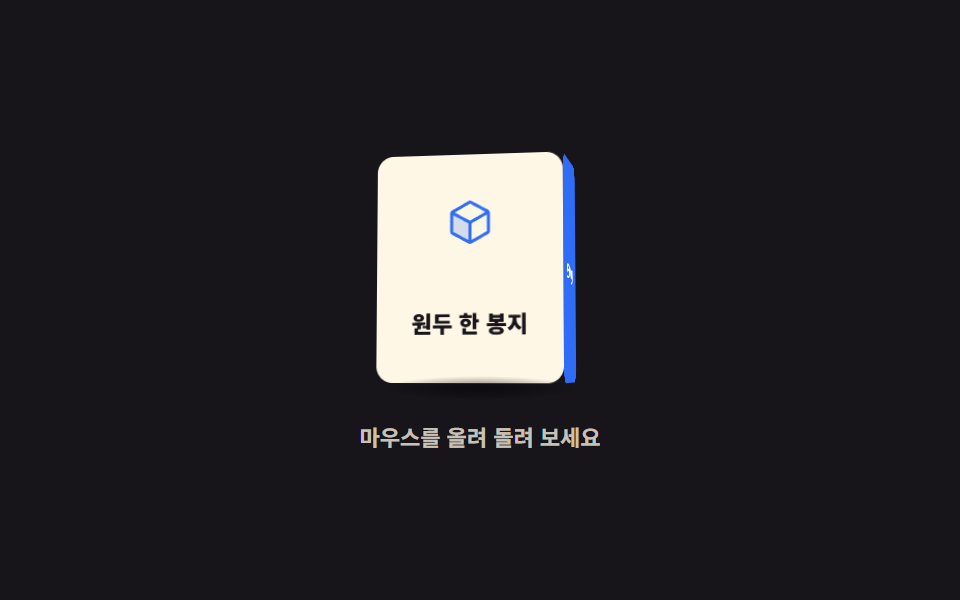 マウス 追従 アニメーション css で作る3D場面9選マウス追従アニメーションとは、ポインタの位置に反応して要素が回る CSS 3D 回転の場面です。「マウス 追従 アニメーション css」の9つの場面は perspective と preserve-3d、素の JavaScript のポイン この記事のデモをすべて見る