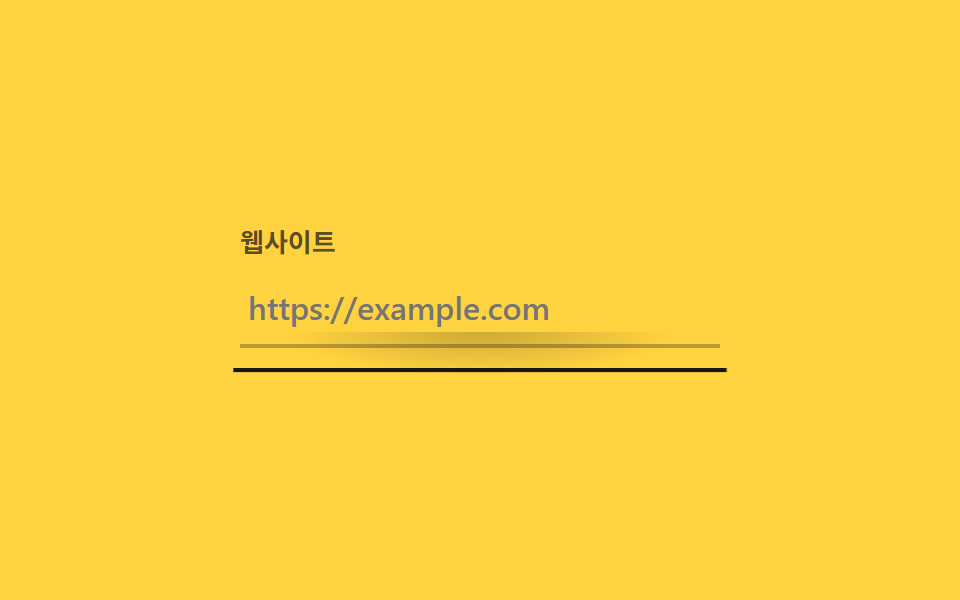
06밑줄 확장
입력창 아래 인디케이터가 가운데서 시작해 포커스를 받으면 left·right 값을 0으로 트랜지션해 양쪽으로 벌어지며 채워진다.
쓰임로그인 폼 입력 필드, 검색창 포커스 표시
left/right:focus0.22초
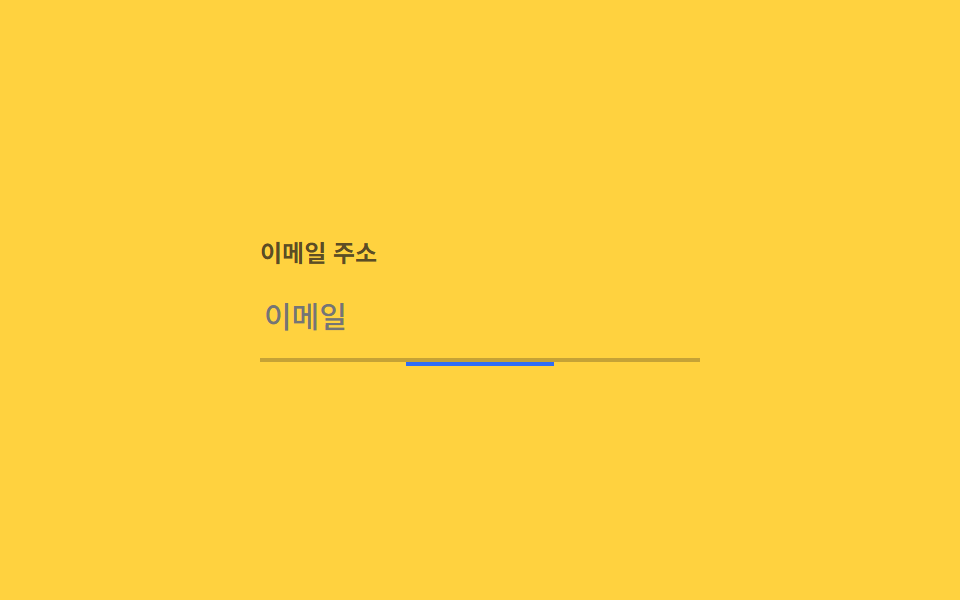
<main class="stage">
  <div class="field is-demo">
    <label class="field__label" for="email">이메일 주소</label>
    <input class="field__input" id="email" type="email" placeholder="이메일">
    <span class="field__bar" aria-hidden="true"></span>
  </div>
</main>
@use "../../../../site/static/demo-tokens" as *;
$duration: $dur-quick; // 실제 포커스 시 밑줄이 벌어지는 시간
$easing: $ease-out;
$color: $subject-blue; // 밑줄 색
@include stage($stage-yellow);
.stage { padding: clamp(6px, 2.4vw, 16px); }
.field {
position: relative;
width: min(220px, 70vw);
}
.field__label {
display: block;
margin-bottom: 4px;
font-weight: 600; font-size: clamp(11px, 3vw, 12px); line-height: 1.3; font-family: inherit;
color: rgba($stage-ink, .7);
}
.field__input {
box-sizing: border-box;
width: 100%;
border: 0;
border-bottom: 2px solid rgba($stage-ink, .25);
background: transparent;
padding: 10px 2px;
font-weight: 500; font-size: clamp(13px, 3.6vw, 15px); line-height: 1.3; font-family: inherit;
color: $stage-ink;
}
.field__bar {
position: absolute;
left: 50%; right: 50%; bottom: -2px;
height: 2px;
background: $color;
transition: left $duration $easing, right $duration $easing;
}
.field__input:focus + .field__bar { left: 0; right: 0; }
// 데모 루프: 가운데서 시작 → 양쪽으로 채워짐 → 다시 가운데로
.field.is-demo .field__bar { animation: grow $dur-loop $easing infinite; }
@keyframes grow {
0%, 10% { left: 50%; right: 50%; }
40%, 60% { left: 0; right: 0; }
100% { left: 50%; right: 50%; }
}
@media (prefers-reduced-motion: reduce) {
.field__bar { transition: none; }
.field.is-demo .field__bar { animation: none; left: 0; right: 0; }
}html, body {
margin: 0;
overflow: hidden;
}
.stage {
box-sizing: border-box;
min-height: 100vh;
display: grid;
place-items: center;
margin: 0;
background: #ffd23f;
font-family: -apple-system, "Segoe UI", "Noto Sans KR", sans-serif;
padding: clamp(8px, 4vw, 24px);
}
.stage {
padding: clamp(6px, 2.4vw, 16px);
}
.field {
position: relative;
width: min(220px, 70vw);
}
.field__label {
display: block;
margin-bottom: 4px;
font-weight: 600;
font-size: clamp(11px, 3vw, 12px);
line-height: 1.3;
font-family: inherit;
color: rgba(23, 20, 26, 0.7);
}
.field__input {
box-sizing: border-box;
width: 100%;
border: 0;
border-bottom: 2px solid rgba(23, 20, 26, 0.25);
background: transparent;
padding: 10px 2px;
font-weight: 500;
font-size: clamp(13px, 3.6vw, 15px);
line-height: 1.3;
font-family: inherit;
color: #17141a;
}
.field__bar {
position: absolute;
left: 50%;
right: 50%;
bottom: -2px;
height: 2px;
background: #2f6df6;
transition: left 220ms ease-out, right 220ms ease-out;
}
.field__input:focus + .field__bar {
left: 0;
right: 0;
}
.field.is-demo .field__bar {
animation: grow 2s ease-out infinite;
}
@keyframes grow {
0%, 10% {
left: 50%;
right: 50%;
}
40%, 60% {
left: 0;
right: 0;
}
100% {
left: 50%;
right: 50%;
}
}
@media (prefers-reduced-motion: reduce) {
.field__bar {
transition: none;
}
.field.is-demo .field__bar {
animation: none;
left: 0;
right: 0;
}
}import type { CSSProperties } from "react";
import styles from "./UnderlineGrowField.module.scss";
export type UnderlineGrowFieldProps = {
label: string;
placeholder: string;
/** 실제 포커스 시 밑줄이 벌어지는 시간 (기본 220ms) */
duration?: number;
easing?: string;
/** 밑줄 색 */
color?: string;
};
type Vars = CSSProperties & { "--duration"?: string; "--easing"?: string; "--color"?: string };
export default function UnderlineGrowField({
label,
placeholder,
duration = 220,
easing = "ease-out",
color = "#2f6df6",
}: UnderlineGrowFieldProps) {
const vars: Vars = { "--duration": `${duration}ms`, "--easing": easing, "--color": color };
const id = "field-" + label.replace(/\s+/g, "-").toLowerCase();
return (
<div className={styles.field} style={vars}>
<label className={styles.label} htmlFor={id}>{label}</label>
<input className={styles.input} id={id} type="text" placeholder={placeholder} />
<span className={styles.bar} aria-hidden="true" />
</div>
);
}06 밑줄 확장 — 측정 누적면적 0.306% · 움직인 프레임 17/23GODRICH 원작 · zip 에 SCSS·React 포함 · CSS 테두리 애니메이션 9종 — 한 줄 복붙으로
이 데모가 속한 글
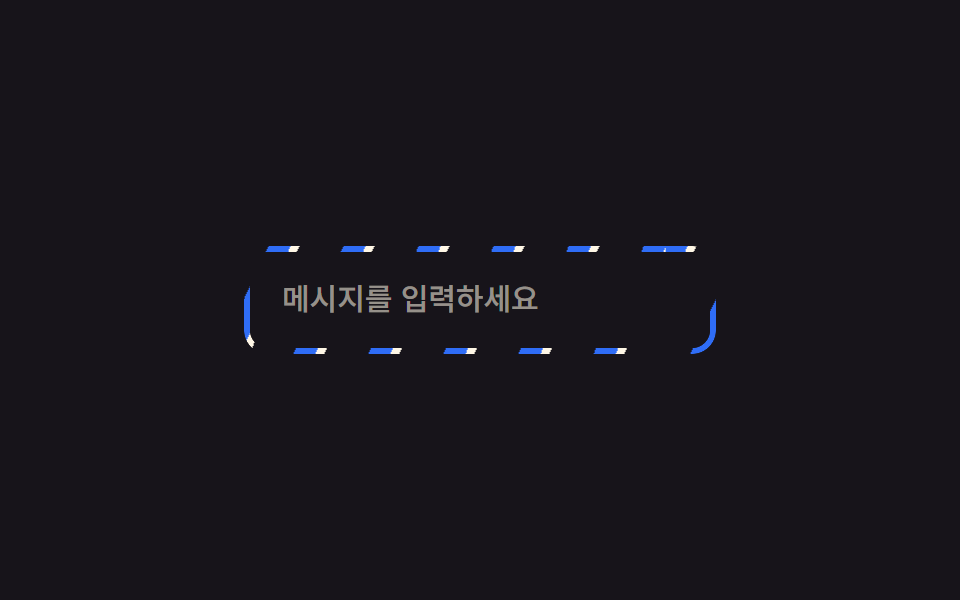 CSS 테두리 애니메이션 9종 — 한 줄 복붙으로CSS 테두리 애니메이션은 카드나 입력창의 가장자리를 움직여 지금 상태를 알리는 기법입니다. 아홉 개를 한 번에 모았고, 대각선 줄무늬가 흐르는 것부터 SVG로 그려지는 것, 필터로 색이 순환하는 것까지 전부 다른 이 글의 데모 전부 보기