포트폴리오 갤러리 UI 9종 — 드래그 정렬부터 모프 전환까지
포트폴리오 갤러리는 사진이나 작업물을 격자로 늘어놓고, 마우스를 올리거나 클릭했을 때 확대·정렬·전환이 일어나는 화면입니다. 핀터레스트에 저장해 둔 그 포트폴리오 갤러리를 아홉 가지 방식으로 나눠 그대로 코드로 드립니다.
 01 gallery-infinite-scroll-photo-wall
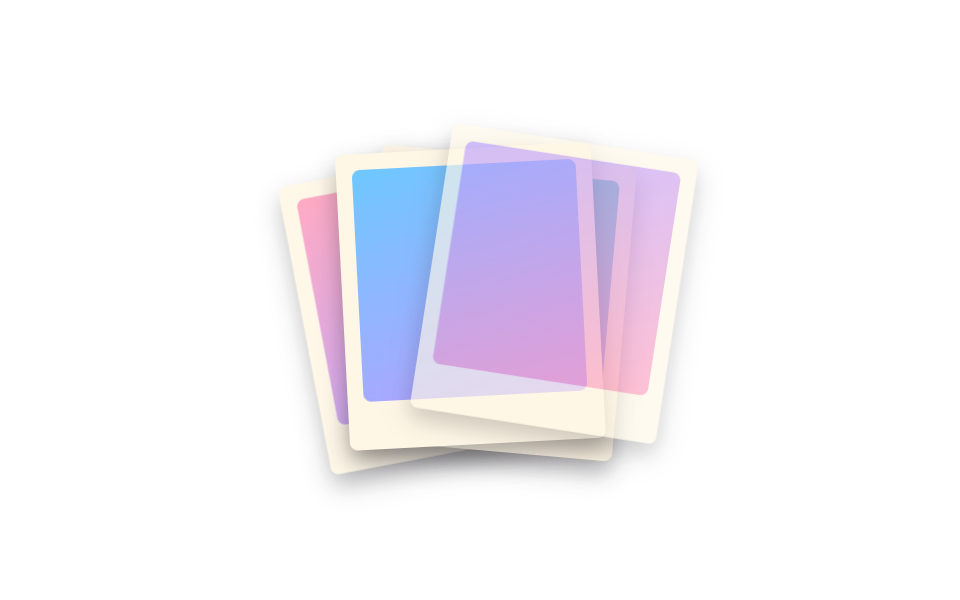 02 gallery-polaroid-stack
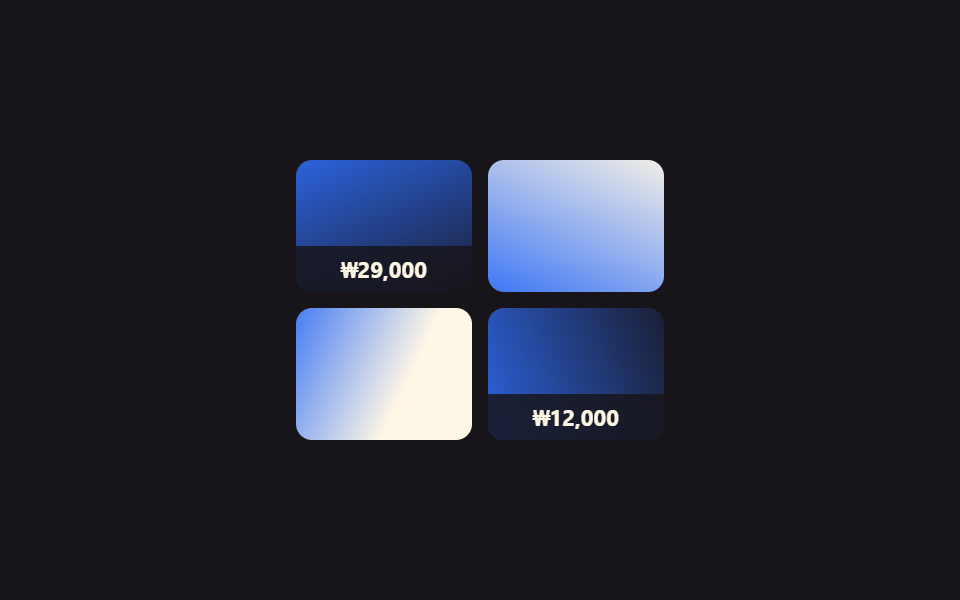 03 gallery-hover-zoom-product
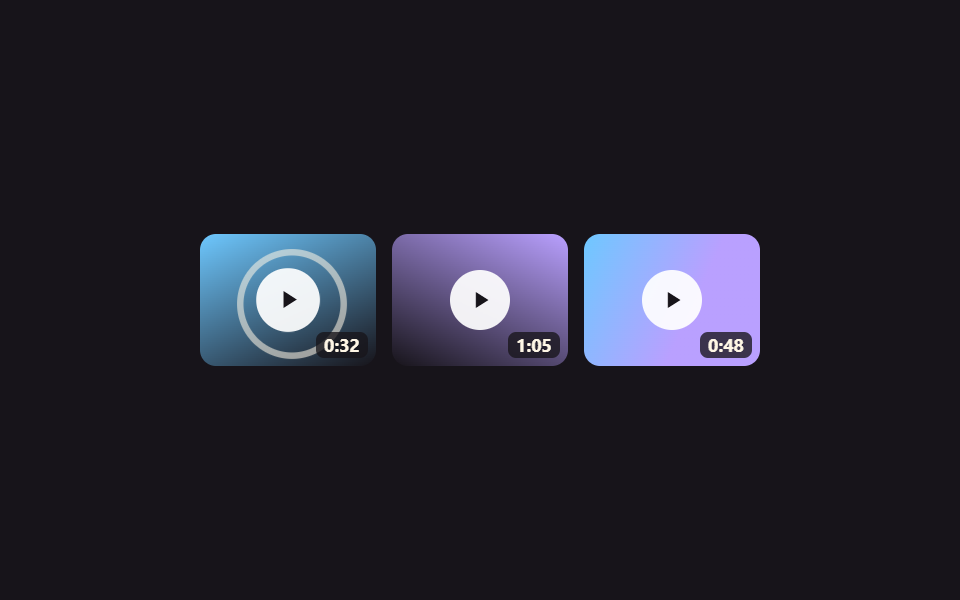 04 gallery-video-thumbnail-play-overlay
 05 gallery-tag-filter-portfolio-grid
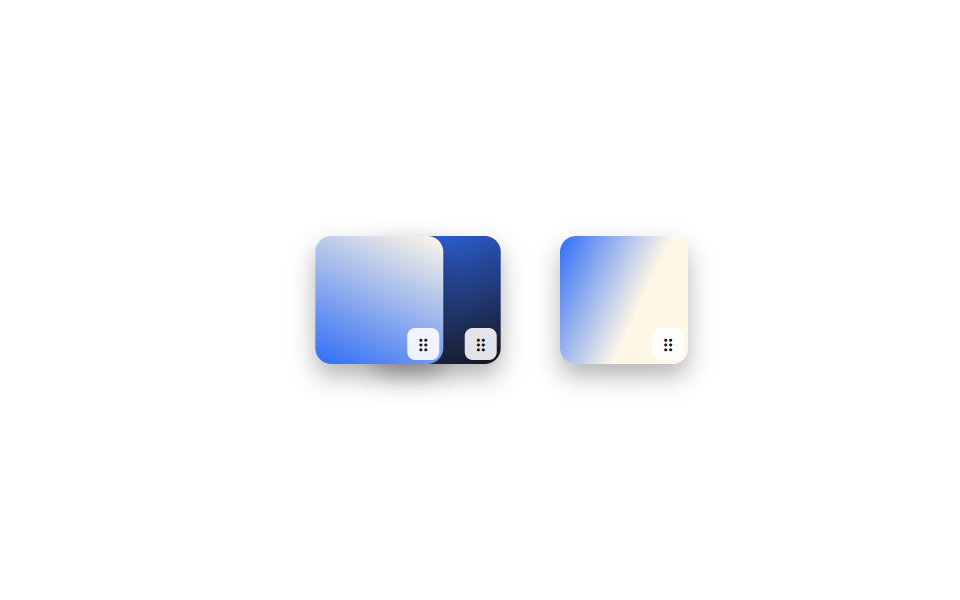 06 gallery-drag-reorder-photo-grid
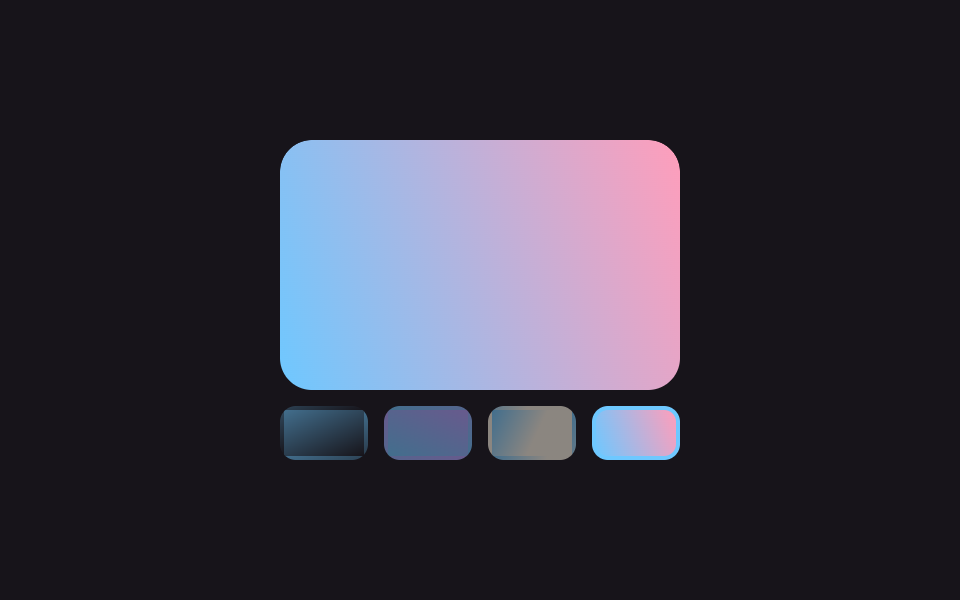 07 gallery-fullscreen-slideshow-thumbnail-strip
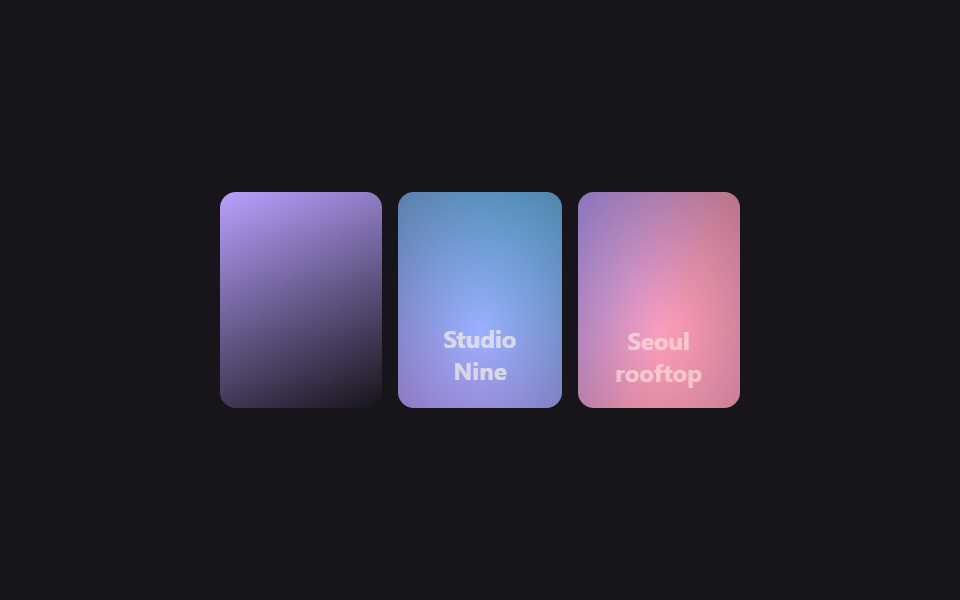 08 gallery-caption-reveal-hover-scrim
 09 gallery-grid-to-single-view-morph
자동 재생 · 눌러서 해당 항목으로 · 전부 한 zip
- 01 무한 스크롤 사진 벽
- 02 폴라로이드 스택 갤러리
- 03 상품 갤러리 호버 확대
- 04 영상 썸네일 그리드 · 재생 오버레이
- 05 태그 필터 포트폴리오 그리드
- 06 드래그로 순서 바꾸는 사진 그리드
- 07 풀스크린 슬라이드쇼 · 썸네일 스트립
- 08 스크림 캡션 리빌 갤러리
- 09 그리드→단일 뷰 모프 전환
아홉 개는 인기 순서가 아니라 갤러리를 만나는 사람이 실제로 거치는 순서로 놓았습니다. 웹사이트 갤러리를 처음엔 그냥 지나가며 보고(01), 손으로 한 장씩 넘겨 보고(02), 마음에 드는 하나를 골라 확대해 보고(03), 영상이면 재생 버튼을 찾고(04), 사진이 많으면 태그로 걸러 보고(05), 주인이라면 직접 순서를 정리하고(06), 대표작 몇 장을 크게 훑어보고(07), 사연이 궁금해 캡션을 읽고(08), 마지막엔 하나에 몰입해서 큰 화면으로 봅니다(09). 두 장을 겹쳐 손잡이로 가르는 쪽은 이미지 비교 슬라이더 UI 9종이고, 클릭 없이 휠과 렌즈로 확대하는 쪽은 이미지 확대 보기 UI 9종입니다.
| 번호 | 이름 | 무엇이 움직이나 | JS |
|---|---|---|---|
| 01 | 무한 스크롤 사진 벽 | 트랙 translateX |
없음 |
| 02 | 폴라로이드 스택 갤러리 | 카드 rotate·translate |
없음 |
| 03 | 상품 갤러리 호버 확대 | 사진 scale, 가격바 translateY |
없음 |
| 04 | 영상 썸네일 그리드 · 재생 오버레이 | 버튼 scale, 파동 scale·opacity |
없음 |
| 05 | 태그 필터 포트폴리오 그리드 | 카드 opacity·scale |
13줄 (자동 순환만) |
| 06 | 드래그로 순서 바꾸는 사진 그리드 | 타일 translateX |
34줄 |
| 07 | 풀스크린 슬라이드쇼 · 썸네일 스트립 | 트랙 translateX, 썸네일 테두리 |
19줄 |
| 08 | 스크림 캡션 리빌 갤러리 | 스크림 opacity, 캡션 translateY |
없음 |
| 09 | 그리드→단일 뷰 모프 전환 | 타일 translate·scale |
24줄 |
01무한 스크롤 사진 벽
갤러리 레이아웃에서 무엇이 보이나
작은 정사각 사진들이 가로로 끊임없이 흘러갑니다.
<main class="stage">
  <div class="wall-viewport" aria-label="사진이 끝없이 흐르는 갤러리">
    <ul class="wall-track is-demo">
      <li class="wall-tile wall-tile--pink"></li>
      <li class="wall-tile wall-tile--mint"></li>
      <li class="wall-tile wall-tile--lilac"></li>
      <li class="wall-tile wall-tile--sky"></li>
      <li class="wall-tile wall-tile--pink2"></li>
      <li class="wall-tile wall-tile--pink" aria-hidden="true"></li>
      <li class="wall-tile wall-tile--mint" aria-hidden="true"></li>
      <li class="wall-tile wall-tile--lilac" aria-hidden="true"></li>
      <li class="wall-tile wall-tile--sky" aria-hidden="true"></li>
      <li class="wall-tile wall-tile--pink2" aria-hidden="true"></li>
    </ul>
  </div>
</main>
@use "../../../../site/static/demo-tokens" as *;
$duration: $dur-loop; // 한 바퀴 도는 시간
$easing: linear;
$color: $subject-pink; // 대표 타일 색
@include stage($stage-paper);
.wall-viewport {
width: min(280px, 84vw);
overflow: hidden;
border-radius: $r-card;
box-shadow: $shadow-press;
}
.wall-track {
display: flex;
list-style: none;
margin: 0;
padding: 0;
width: max-content;
}
// 간격은 margin-right 로만 준다 (BD15) — flex gap 을 쓰면 -50% 가 gap/2 만큼 모자라 튄다
.wall-tile {
flex: 0 0 auto;
width: 56px;
height: 42px;
margin-right: $sp-2;
border-radius: $r-sm;
}
.wall-tile--pink { background: linear-gradient(155deg, $color 0%, $subject-cream 100%); }
.wall-tile--mint { background: linear-gradient(155deg, $subject-mint 0%, $subject-cream 100%); }
.wall-tile--lilac { background: linear-gradient(155deg, $subject-lilac 0%, $subject-cream 100%); }
.wall-tile--sky { background: linear-gradient(155deg, $subject-sky 0%, $subject-cream 100%); }
.wall-tile--pink2 { background: linear-gradient(205deg, $subject-cream 0%, $color 100%); }
// 트랙을 통째로 복제(위 10칸 = 5칸 × 2벌)해 두면 -50% 지점이 처음과 픽셀 단위로 같아 이어붙인 자리가 안 보인다
.wall-track.is-demo { animation: wall-loop $duration $easing infinite; }
@keyframes wall-loop {
0% { transform: translateX(0); }
100% { transform: translateX(-50%); }
}
@media (prefers-reduced-motion: reduce) {
.wall-track.is-demo { animation: none; }
}html, body {
margin: 0;
overflow: hidden;
}
.stage {
box-sizing: border-box;
min-height: 100vh;
display: grid;
place-items: center;
margin: 0;
background: #ffffff;
font-family: -apple-system, "Segoe UI", "Noto Sans KR", sans-serif;
padding: clamp(8px, 4vw, 24px);
}
.wall-viewport {
width: min(280px, 84vw);
overflow: hidden;
border-radius: 16px;
box-shadow: 0 6px 12px rgba(23, 20, 26, 0.32);
}
.wall-track {
display: flex;
list-style: none;
margin: 0;
padding: 0;
width: max-content;
}
.wall-tile {
flex: 0 0 auto;
width: 56px;
height: 42px;
margin-right: 8px;
border-radius: 8px;
}
.wall-tile--pink {
background: linear-gradient(155deg, #ff9ebb 0%, #fff7e6 100%);
}
.wall-tile--mint {
background: linear-gradient(155deg, #4cd4a6 0%, #fff7e6 100%);
}
.wall-tile--lilac {
background: linear-gradient(155deg, #b9a0ff 0%, #fff7e6 100%);
}
.wall-tile--sky {
background: linear-gradient(155deg, #6ec8ff 0%, #fff7e6 100%);
}
.wall-tile--pink2 {
background: linear-gradient(205deg, #fff7e6 0%, #ff9ebb 100%);
}
.wall-track.is-demo {
animation: wall-loop 2s linear infinite;
}
@keyframes wall-loop {
0% {
transform: translateX(0);
}
100% {
transform: translateX(-50%);
}
}
@media (prefers-reduced-motion: reduce) {
.wall-track.is-demo {
animation: none;
}
}import type { CSSProperties } from "react";
import styles from "./InfiniteScrollPhotoWall.module.scss";
export type InfiniteScrollPhotoWallProps = {
/** 한 바퀴 도는 시간 (기본 2000ms) */
duration?: number;
easing?: string;
/** 대표 타일 색 */
color?: string;
};
type Vars = CSSProperties & { "--duration"?: string; "--easing"?: string; "--color"?: string };
const ORDER = ["a", "b", "c", "d", "e", "a", "b", "c", "d", "e"] as const;
/** 작은 사진들이 가로로 끝없이 흐르고, 트랙을 통째로 복제해 이어붙인 자리가 안 보인다 */
export default function InfiniteScrollPhotoWall({
duration = 2000,
easing = "linear",
color = "#ff9ebb",
}: InfiniteScrollPhotoWallProps) {
const vars: Vars = { "--duration": `${duration}ms`, "--easing": easing, "--color": color };
return (
<div className={styles.viewport} style={vars} aria-label="A gallery of photos scrolling endlessly">
<ul className={styles.track}>
{ORDER.map((tone, i) => (
<li key={i} className={`${styles.tile} ${styles["tile-" + tone]}`} aria-hidden={i >= 5} />
))}
</ul>
</div>
);
}01 · 무한 스크롤 사진 벽 — 측정 누적면적 8.037% · 움직인 프레임 23/23GODRICH 원작 · zip 에 SCSS·React 포함 · 비밀번호 보기
코드에서 볼 곳
줄을 통째로 복제해 뒤에 이어 붙여 두면, 트랙이 자기 폭의 절반(-50%)만큼 움직인 순간 화면에 보이는 모양이 처음과 완전히 같아져 이어붙인 자리가 티가 나지 않습니다.
.wall-track {
  display: flex;
  width: max-content;              // 사진 5장 × 2벌 = 10칸
  animation: wall-loop $duration linear infinite;
}
.wall-tile {
  flex: 0 0 auto;
  margin-right: $sp-2;             // gap 이 아니라 margin — 안 그러면 -50%가 어긋난다
}
@keyframes wall-loop {
  0%   { transform: translateX(0); }
  100% { transform: translateX(-50%); }
}
02폴라로이드 스택 갤러리
화면에서 일어나는 일
사진 네 장이 폴라로이드처럼 조금씩 다른 각도로 겹쳐 쌓여 있다가, 맨 위 장이 옆으로 밀려나며 회전해 물러나면 다음 장이 드러나는 걸 순서대로 반복합니다.
<main class="stage">
  <div class="stack is-demo" aria-label="넘겨보는 폴라로이드 사진 스택" tabindex="0">
    <div class="polaroid polaroid--1"><span class="polaroid__photo polaroid__photo--a"></span></div>
    <div class="polaroid polaroid--2"><span class="polaroid__photo polaroid__photo--b"></span></div>
    <div class="polaroid polaroid--3"><span class="polaroid__photo polaroid__photo--c"></span></div>
    <div class="polaroid polaroid--4"><span class="polaroid__photo polaroid__photo--d"></span></div>
  </div>
</main>
@use "../../../../site/static/demo-tokens" as *;
$duration: $dur-loop; // 한 장이 물러났다 돌아오는 주기
$easing: $ease-spring;
$color: $subject-lilac; // 폴라로이드 사진 색 포인트
@include stage($stage-paper);
.stack {
position: relative;
width: 128px;
height: 148px;
outline: none;
}
.polaroid {
position: absolute;
inset: 0;
padding: $sp-2 $sp-2 $sp-6;
background: $subject-cream;
border-radius: $r-xs;
box-shadow: $shadow-press;
transform-origin: 50% 85%; // 규칙8: 폴라로이드 회전 피벗 아래축
}
.polaroid__photo {
display: block;
width: 100%;
height: 100%;
border-radius: $r-xs;
}
.polaroid__photo--a { background: linear-gradient(160deg, $subject-pink 0%, $color 100%); }
.polaroid__photo--b { background: linear-gradient(160deg, $subject-mint 0%, $color 100%); }
.polaroid__photo--c { background: linear-gradient(160deg, $subject-sky 0%, $color 100%); }
.polaroid__photo--d { background: linear-gradient(160deg, $color 0%, $subject-pink 100%); }
.polaroid--1 { transform: rotate(-8deg) translate(-6px, 4px); z-index: 1; }
.polaroid--2 { transform: rotate(5deg) translate(4px, 1px); z-index: 2; }
.polaroid--3 { transform: rotate(-3deg) translate(-2px, -2px); z-index: 3; }
.polaroid--4 { transform: rotate(2deg) translate(1px, -4px); z-index: 4; }
// 네 장이 차례로 살짝씩 밀려났다 제자리로 돌아온다 — 항상 한 장은 움직이는 중이라 스택이 계속 넘겨지는 것처럼 보인다
.stack.is-demo .polaroid--1 { animation: shuffle-1 $duration $easing infinite; }
.stack.is-demo .polaroid--2 { animation: shuffle-2 $duration $easing infinite; animation-delay: -0.5s; }
.stack.is-demo .polaroid--3 { animation: shuffle-3 $duration $easing infinite; animation-delay: -1s; }
.stack.is-demo .polaroid--4 { animation: shuffle-4 $duration $easing infinite; animation-delay: -1.5s; }
@keyframes shuffle-1 {
0%, 10%, 55%, 100% { transform: rotate(-8deg) translate(-6px, 4px); opacity: 1; }
30% { transform: rotate(-24deg) translate(-64px, -22px) scale(.94); opacity: .25; }
}
@keyframes shuffle-2 {
0%, 10%, 55%, 100% { transform: rotate(5deg) translate(4px, 1px); opacity: 1; }
30% { transform: rotate(20deg) translate(60px, -20px) scale(.94); opacity: .25; }
}
@keyframes shuffle-3 {
0%, 10%, 55%, 100% { transform: rotate(-3deg) translate(-2px, -2px); opacity: 1; }
30% { transform: rotate(-18deg) translate(-58px, -24px) scale(.94); opacity: .25; }
}
@keyframes shuffle-4 {
0%, 10%, 55%, 100% { transform: rotate(2deg) translate(1px, -4px); opacity: 1; }
30% { transform: rotate(16deg) translate(56px, -26px) scale(.94); opacity: .25; }
}
@media (prefers-reduced-motion: reduce) {
.stack.is-demo .polaroid--1,
.stack.is-demo .polaroid--2,
.stack.is-demo .polaroid--3,
.stack.is-demo .polaroid--4 { animation: none; }
}html, body {
margin: 0;
overflow: hidden;
}
.stage {
box-sizing: border-box;
min-height: 100vh;
display: grid;
place-items: center;
margin: 0;
background: #ffffff;
font-family: -apple-system, "Segoe UI", "Noto Sans KR", sans-serif;
padding: clamp(8px, 4vw, 24px);
}
.stack {
position: relative;
width: 128px;
height: 148px;
outline: none;
}
.polaroid {
position: absolute;
inset: 0;
padding: 8px 8px 24px;
background: #fff7e6;
border-radius: 4px;
box-shadow: 0 6px 12px rgba(23, 20, 26, 0.32);
transform-origin: 50% 85%;
}
.polaroid__photo {
display: block;
width: 100%;
height: 100%;
border-radius: 4px;
}
.polaroid__photo--a {
background: linear-gradient(160deg, #ff9ebb 0%, #b9a0ff 100%);
}
.polaroid__photo--b {
background: linear-gradient(160deg, #4cd4a6 0%, #b9a0ff 100%);
}
.polaroid__photo--c {
background: linear-gradient(160deg, #6ec8ff 0%, #b9a0ff 100%);
}
.polaroid__photo--d {
background: linear-gradient(160deg, #b9a0ff 0%, #ff9ebb 100%);
}
.polaroid--1 {
transform: rotate(-8deg) translate(-6px, 4px);
z-index: 1;
}
.polaroid--2 {
transform: rotate(5deg) translate(4px, 1px);
z-index: 2;
}
.polaroid--3 {
transform: rotate(-3deg) translate(-2px, -2px);
z-index: 3;
}
.polaroid--4 {
transform: rotate(2deg) translate(1px, -4px);
z-index: 4;
}
.stack.is-demo .polaroid--1 {
animation: shuffle-1 2s cubic-bezier(0.2, 0.8, 0.2, 1) infinite;
}
.stack.is-demo .polaroid--2 {
animation: shuffle-2 2s cubic-bezier(0.2, 0.8, 0.2, 1) infinite;
animation-delay: -0.5s;
}
.stack.is-demo .polaroid--3 {
animation: shuffle-3 2s cubic-bezier(0.2, 0.8, 0.2, 1) infinite;
animation-delay: -1s;
}
.stack.is-demo .polaroid--4 {
animation: shuffle-4 2s cubic-bezier(0.2, 0.8, 0.2, 1) infinite;
animation-delay: -1.5s;
}
@keyframes shuffle-1 {
0%, 10%, 55%, 100% {
transform: rotate(-8deg) translate(-6px, 4px);
opacity: 1;
}
30% {
transform: rotate(-24deg) translate(-64px, -22px) scale(0.94);
opacity: 0.25;
}
}
@keyframes shuffle-2 {
0%, 10%, 55%, 100% {
transform: rotate(5deg) translate(4px, 1px);
opacity: 1;
}
30% {
transform: rotate(20deg) translate(60px, -20px) scale(0.94);
opacity: 0.25;
}
}
@keyframes shuffle-3 {
0%, 10%, 55%, 100% {
transform: rotate(-3deg) translate(-2px, -2px);
opacity: 1;
}
30% {
transform: rotate(-18deg) translate(-58px, -24px) scale(0.94);
opacity: 0.25;
}
}
@keyframes shuffle-4 {
0%, 10%, 55%, 100% {
transform: rotate(2deg) translate(1px, -4px);
opacity: 1;
}
30% {
transform: rotate(16deg) translate(56px, -26px) scale(0.94);
opacity: 0.25;
}
}
@media (prefers-reduced-motion: reduce) {
.stack.is-demo .polaroid--1,
.stack.is-demo .polaroid--2,
.stack.is-demo .polaroid--3,
.stack.is-demo .polaroid--4 {
animation: none;
}
}import type { CSSProperties } from "react";
import styles from "./PolaroidStack.module.scss";
export type PolaroidStackProps = {
/** 한 장이 물러났다 돌아오는 주기 (기본 2000ms) */
duration?: number;
easing?: string;
/** 사진 색 포인트 */
color?: string;
};
type Vars = CSSProperties & { "--duration"?: string; "--easing"?: string; "--color"?: string };
/** 네 장이 차례로 살짝씩 밀려났다 제자리로 돌아와, 스택이 계속 넘겨지는 것처럼 보인다 */
export default function PolaroidStack({
duration = 2000,
easing = "cubic-bezier(.2,.8,.2,1)",
color = "#b9a0ff",
}: PolaroidStackProps) {
const vars: Vars = { "--duration": `${duration}ms`, "--easing": easing, "--color": color };
return (
<div className={styles.stack} style={vars} tabIndex={0} aria-label="A stack of polaroid photos you flip through">
<div className={`${styles.polaroid} ${styles.p1}`}><span className={`${styles.photo} ${styles.photoA}`} /></div>
<div className={`${styles.polaroid} ${styles.p2}`}><span className={`${styles.photo} ${styles.photoB}`} /></div>
<div className={`${styles.polaroid} ${styles.p3}`}><span className={`${styles.photo} ${styles.photoC}`} /></div>
<div className={`${styles.polaroid} ${styles.p4}`}><span className={`${styles.photo} ${styles.photoD}`} /></div>
</div>
);
}02 · 폴라로이드 스택 갤러리 — 측정 누적면적 29.485% · 움직인 프레임 23/23GODRICH 원작 · zip 에 SCSS·React 포함 · 비밀번호 보기
코드 읽는 법
여행 사진첩처럼 한 장씩 넘겨 보여주고 싶은 갤러리에 맞습니다.
.polaroid--top {
  transform: rotate(2deg) translate(1px, -4px);
  z-index: 4;
  animation: shuffle $duration $easing infinite;
}
@keyframes shuffle {
  0%, 10%, 55%, 100% { transform: rotate(2deg) translate(1px, -4px); opacity: 1; }
  30% { transform: rotate(16deg) translate(56px, -26px) scale(.94); opacity: .25; }
}
03상품 갤러리 호버 확대
어떤 움직임인가
상품 사진 칸에 커서를 올리면 액자 크기는 그대로인 채 안쪽 사진만 확대되고, 동시에 아래에서 가격표가 슬라이드로 올라옵니다.
<main class="stage">
  <ul class="pgallery is-demo" aria-label="상품 갤러리">
    <li class="pcard" tabindex="0"><span class="pcard__img pcard__img--a"></span><span class="pcard__price">₩29,000</span></li>
    <li class="pcard" tabindex="0"><span class="pcard__img pcard__img--b"></span><span class="pcard__price">₩18,000</span></li>
    <li class="pcard" tabindex="0"><span class="pcard__img pcard__img--c"></span><span class="pcard__price">₩42,000</span></li>
    <li class="pcard" tabindex="0"><span class="pcard__img pcard__img--d"></span><span class="pcard__price">₩12,000</span></li>
  </ul>
</main>
@use "../../../../site/static/demo-tokens" as *;
$duration: $dur-base; // 확대·가격바 애니메이션 시간
$easing: $ease-out;
$color: $subject-blue; // 사진 그러데이션 포인트
@include stage($stage-ink);
.pgallery {
display: grid;
grid-template-columns: repeat(2, 1fr);
gap: $sp-2;
list-style: none;
margin: 0;
padding: 0;
width: 184px;
max-width: 100%;
}
.pcard {
position: relative;
aspect-ratio: 4 / 3;
overflow: hidden;
border-radius: $r-sm;
outline: none;
cursor: pointer;
}
.pcard__img {
position: absolute;
inset: -8%;
transition: transform $duration $easing;
}
.pcard__img--a { background: linear-gradient(155deg, $color 0%, $stage-ink 100%); }
.pcard__img--b { background: linear-gradient(205deg, $subject-cream 0%, $color 100%); }
.pcard__img--c { background: linear-gradient(115deg, $color 0%, $subject-cream 60%); }
.pcard__img--d { background: linear-gradient(250deg, $stage-ink 0%, $color 100%); }
.pcard__price {
position: absolute;
left: 0; right: 0; bottom: 0;
padding: $sp-1 $sp-2;
background: rgba(23, 20, 26, .84);
color: $subject-cream;
font: 700 11px/1.4 -apple-system, "Segoe UI", "Noto Sans KR", sans-serif;
font-family: inherit;
text-align: center;
transform: translateY(100%);
transition: transform $duration $easing;
}
.pcard:hover .pcard__img, .pcard:focus-visible .pcard__img { transform: scale(1.14); }
.pcard:hover .pcard__price, .pcard:focus-visible .pcard__price { transform: translateY(0); }
.pgallery.is-demo .pcard__img,
.pgallery.is-demo .pcard__price { animation-duration: $duration; animation-timing-function: $easing; animation-iteration-count: infinite; }
.pgallery.is-demo .pcard:nth-child(1) .pcard__img { animation-name: zoom-loop; }
.pgallery.is-demo .pcard:nth-child(1) .pcard__price { animation-name: price-loop; }
.pgallery.is-demo .pcard:nth-child(2) .pcard__img { animation-name: zoom-loop; animation-delay: -0.5s; }
.pgallery.is-demo .pcard:nth-child(2) .pcard__price { animation-name: price-loop; animation-delay: -0.5s; }
.pgallery.is-demo .pcard:nth-child(3) .pcard__img { animation-name: zoom-loop; animation-delay: -1s; }
.pgallery.is-demo .pcard:nth-child(3) .pcard__price { animation-name: price-loop; animation-delay: -1s; }
.pgallery.is-demo .pcard:nth-child(4) .pcard__img { animation-name: zoom-loop; animation-delay: -1.5s; }
.pgallery.is-demo .pcard:nth-child(4) .pcard__price { animation-name: price-loop; animation-delay: -1.5s; }
@keyframes zoom-loop {
0%, 10% { transform: scale(1); }
25%, 35% { transform: scale(1.14); }
50%, 100% { transform: scale(1); }
}
@keyframes price-loop {
0%, 10% { transform: translateY(100%); }
25%, 35% { transform: translateY(0); }
50%, 100% { transform: translateY(100%); }
}
@media (hover: none) {
.pcard:active .pcard__img { transform: scale(1.14); }
.pcard:active .pcard__price { transform: translateY(0); }
}
@media (prefers-reduced-motion: reduce) {
.pcard__img, .pcard__price { transition: none; }
.pgallery.is-demo .pcard__img, .pgallery.is-demo .pcard__price { animation: none; }
}html, body {
margin: 0;
overflow: hidden;
}
.stage {
box-sizing: border-box;
min-height: 100vh;
display: grid;
place-items: center;
margin: 0;
background: #17141a;
font-family: -apple-system, "Segoe UI", "Noto Sans KR", sans-serif;
padding: clamp(8px, 4vw, 24px);
}
.pgallery {
display: grid;
grid-template-columns: repeat(2, 1fr);
gap: 8px;
list-style: none;
margin: 0;
padding: 0;
width: 184px;
max-width: 100%;
}
.pcard {
position: relative;
aspect-ratio: 4/3;
overflow: hidden;
border-radius: 8px;
outline: none;
cursor: pointer;
}
.pcard__img {
position: absolute;
inset: -8%;
transition: transform 300ms ease-out;
}
.pcard__img--a {
background: linear-gradient(155deg, #2f6df6 0%, #17141a 100%);
}
.pcard__img--b {
background: linear-gradient(205deg, #fff7e6 0%, #2f6df6 100%);
}
.pcard__img--c {
background: linear-gradient(115deg, #2f6df6 0%, #fff7e6 60%);
}
.pcard__img--d {
background: linear-gradient(250deg, #17141a 0%, #2f6df6 100%);
}
.pcard__price {
position: absolute;
left: 0;
right: 0;
bottom: 0;
padding: 4px 8px;
background: rgba(23, 20, 26, 0.84);
color: #fff7e6;
font: 700 11px/1.4 -apple-system, "Segoe UI", "Noto Sans KR", sans-serif;
font-family: inherit;
text-align: center;
transform: translateY(100%);
transition: transform 300ms ease-out;
}
.pcard:hover .pcard__img, .pcard:focus-visible .pcard__img {
transform: scale(1.14);
}
.pcard:hover .pcard__price, .pcard:focus-visible .pcard__price {
transform: translateY(0);
}
.pgallery.is-demo .pcard__img,
.pgallery.is-demo .pcard__price {
animation-duration: 300ms;
animation-timing-function: ease-out;
animation-iteration-count: infinite;
}
.pgallery.is-demo .pcard:nth-child(1) .pcard__img {
animation-name: zoom-loop;
}
.pgallery.is-demo .pcard:nth-child(1) .pcard__price {
animation-name: price-loop;
}
.pgallery.is-demo .pcard:nth-child(2) .pcard__img {
animation-name: zoom-loop;
animation-delay: -0.5s;
}
.pgallery.is-demo .pcard:nth-child(2) .pcard__price {
animation-name: price-loop;
animation-delay: -0.5s;
}
.pgallery.is-demo .pcard:nth-child(3) .pcard__img {
animation-name: zoom-loop;
animation-delay: -1s;
}
.pgallery.is-demo .pcard:nth-child(3) .pcard__price {
animation-name: price-loop;
animation-delay: -1s;
}
.pgallery.is-demo .pcard:nth-child(4) .pcard__img {
animation-name: zoom-loop;
animation-delay: -1.5s;
}
.pgallery.is-demo .pcard:nth-child(4) .pcard__price {
animation-name: price-loop;
animation-delay: -1.5s;
}
@keyframes zoom-loop {
0%, 10% {
transform: scale(1);
}
25%, 35% {
transform: scale(1.14);
}
50%, 100% {
transform: scale(1);
}
}
@keyframes price-loop {
0%, 10% {
transform: translateY(100%);
}
25%, 35% {
transform: translateY(0);
}
50%, 100% {
transform: translateY(100%);
}
}
@media (hover: none) {
.pcard:active .pcard__img {
transform: scale(1.14);
}
.pcard:active .pcard__price {
transform: translateY(0);
}
}
@media (prefers-reduced-motion: reduce) {
.pcard__img, .pcard__price {
transition: none;
}
.pgallery.is-demo .pcard__img, .pgallery.is-demo .pcard__price {
animation: none;
}
}import type { CSSProperties } from "react";
import styles from "./HoverZoomProductGallery.module.scss";
export type HoverZoomProductGalleryProps = {
duration?: number;
easing?: string;
/** 사진 그러데이션 포인트 색 */
color?: string;
};
type Vars = CSSProperties & { "--duration"?: string; "--easing"?: string; "--color"?: string };
const PRODUCTS = [
{ tone: "a", price: "$29" },
{ tone: "b", price: "$18" },
{ tone: "c", price: "$42" },
{ tone: "d", price: "$12" },
];
/** 커서를 올리면 액자는 그대로인 채 안쪽 사진만 확대되고, 아래에서 가격표가 슬라이드로 올라온다 */
export default function HoverZoomProductGallery({
duration = 300,
easing = "ease-out",
color = "#2f6df6",
}: HoverZoomProductGalleryProps) {
const vars: Vars = { "--duration": `${duration}ms`, "--easing": easing, "--color": color };
return (
<ul className={styles.gallery} style={vars} aria-label="Product gallery">
{PRODUCTS.map((p, i) => (
<li key={i} className={styles.card} tabIndex={0}>
<span className={`${styles.img} ${styles["img-" + p.tone]}`} />
<span className={styles.price}>{p.price}</span>
</li>
))}
</ul>
);
}03 · 상품 갤러리 호버 확대 — 측정 누적면적 5.825% · 움직인 프레임 23/23GODRICH 원작 · zip 에 SCSS·React 포함 · 비밀번호 보기
어디를 바꾸면 되나
가격을 은근히 보여주고 싶은 쇼핑몰 상품 목록에 씁니다.
.pcard { overflow: hidden; }        // 액자 크기는 고정
.pcard__img {
  transition: transform $duration $easing;
}
.pcard__price {
  transform: translateY(100%);      // 평소엔 밑에 숨어 있다가
  transition: transform $duration $easing;
}
.pcard:hover .pcard__img { transform: scale(1.14); }
.pcard:hover .pcard__price { transform: translateY(0); }
04영상 썸네일 그리드 · 재생 오버레이
무엇이 보이나
영상 썸네일 칸마다 가운데 재생 버튼이 있고, 커서가 올라가면 버튼이 커지면서 둘레로 파동 링이 한 번 퍼져 나가 재생 가능한 영상임을 알려줍니다.
<main class="stage">
  <ul class="vgallery is-demo" aria-label="영상 갤러리">
    <li class="vcard">
      <span class="vcard__thumb vcard__thumb--a"></span>
      <span class="vcard__ring" aria-hidden="true"></span>
      <button class="vcard__play" type="button" aria-label="영상 재생">▶</button>
      <span class="vcard__time">0:32</span>
    </li>
    <li class="vcard">
      <span class="vcard__thumb vcard__thumb--b"></span>
      <span class="vcard__ring" aria-hidden="true"></span>
      <button class="vcard__play" type="button" aria-label="영상 재생">▶</button>
      <span class="vcard__time">1:05</span>
    </li>
    <li class="vcard">
      <span class="vcard__thumb vcard__thumb--c"></span>
      <span class="vcard__ring" aria-hidden="true"></span>
      <button class="vcard__play" type="button" aria-label="영상 재생">▶</button>
      <span class="vcard__time">0:48</span>
    </li>
  </ul>
</main>
@use "../../../../site/static/demo-tokens" as *;
$duration: $dur-loop; // 재생버튼·파동 한 주기
$easing: $ease-out;
$color: $subject-sky; // 썸네일 그러데이션 포인트
@include stage($stage-ink);
.vgallery {
display: grid;
grid-template-columns: repeat(3, 1fr);
gap: $sp-2;
list-style: none;
margin: 0;
padding: 0;
width: min(280px, 84vw);
}
.vcard {
position: relative;
aspect-ratio: 4 / 3;
overflow: hidden;
border-radius: $r-sm;
}
.vcard__thumb { position: absolute; inset: 0; }
.vcard__thumb--a { background: linear-gradient(155deg, $color 0%, $stage-ink 100%); }
.vcard__thumb--b { background: linear-gradient(205deg, $subject-lilac 0%, $stage-ink 100%); }
.vcard__thumb--c { background: linear-gradient(115deg, $color 0%, $subject-lilac 60%); }
.vcard__ring {
position: absolute;
left: 50%; top: 50%;
width: 30px; height: 30px;
margin: -15px 0 0 -15px;
border-radius: 50%;
border: 2px solid $subject-cream;
opacity: 0;
}
.vcard__play {
position: absolute;
left: 50%; top: 50%;
transform: translate(-50%, -50%);
width: 30px; height: 30px;
display: grid;
place-items: center;
border: 0;
border-radius: 50%;
background: rgba(255, 255, 255, .92);
color: $stage-ink;
font-size: 10px;
line-height: 1;
text-indent: 2px; // 삼각형 아이콘 시각 중심 보정 (padding 아님 — BD17 격자 대상 밖)
cursor: pointer;
transition: transform $duration $easing;
}
.vcard__time {
position: absolute;
right: $sp-1; bottom: $sp-1;
padding: 0 $sp-1;
background: rgba(23, 20, 26, .78);
color: $subject-cream;
font: 700 9px/1.4 -apple-system, "Segoe UI", "Noto Sans KR", sans-serif;
font-family: inherit;
border-radius: $r-xs;
}
.vcard:hover .vcard__play, .vcard__play:focus-visible { transform: translate(-50%, -50%) scale(1.2); }
.vgallery.is-demo .vcard:nth-child(1) .vcard__play { animation: play-pulse $duration $easing infinite; }
.vgallery.is-demo .vcard:nth-child(1) .vcard__ring { animation: ring-pulse $duration $easing infinite; }
.vgallery.is-demo .vcard:nth-child(2) .vcard__play { animation: play-pulse $duration $easing infinite; animation-delay: -0.67s; }
.vgallery.is-demo .vcard:nth-child(2) .vcard__ring { animation: ring-pulse $duration $easing infinite; animation-delay: -0.67s; }
.vgallery.is-demo .vcard:nth-child(3) .vcard__play { animation: play-pulse $duration $easing infinite; animation-delay: -1.33s; }
.vgallery.is-demo .vcard:nth-child(3) .vcard__ring { animation: ring-pulse $duration $easing infinite; animation-delay: -1.33s; }
@keyframes play-pulse {
0%, 15% { transform: translate(-50%, -50%) scale(1); }
30% { transform: translate(-50%, -50%) scale(1.2); }
45%, 100% { transform: translate(-50%, -50%) scale(1); }
}
@keyframes ring-pulse {
0%, 15% { transform: scale(1); opacity: 0; }
30% { opacity: .9; }
60% { transform: scale(1.9); opacity: 0; }
100% { transform: scale(1); opacity: 0; }
}
@media (prefers-reduced-motion: reduce) {
.vcard__play { transition: none; }
.vgallery.is-demo .vcard__play, .vgallery.is-demo .vcard__ring { animation: none; }
}html, body {
margin: 0;
overflow: hidden;
}
.stage {
box-sizing: border-box;
min-height: 100vh;
display: grid;
place-items: center;
margin: 0;
background: #17141a;
font-family: -apple-system, "Segoe UI", "Noto Sans KR", sans-serif;
padding: clamp(8px, 4vw, 24px);
}
.vgallery {
display: grid;
grid-template-columns: repeat(3, 1fr);
gap: 8px;
list-style: none;
margin: 0;
padding: 0;
width: min(280px, 84vw);
}
.vcard {
position: relative;
aspect-ratio: 4/3;
overflow: hidden;
border-radius: 8px;
}
.vcard__thumb {
position: absolute;
inset: 0;
}
.vcard__thumb--a {
background: linear-gradient(155deg, #6ec8ff 0%, #17141a 100%);
}
.vcard__thumb--b {
background: linear-gradient(205deg, #b9a0ff 0%, #17141a 100%);
}
.vcard__thumb--c {
background: linear-gradient(115deg, #6ec8ff 0%, #b9a0ff 60%);
}
.vcard__ring {
position: absolute;
left: 50%;
top: 50%;
width: 30px;
height: 30px;
margin: -15px 0 0 -15px;
border-radius: 50%;
border: 2px solid #fff7e6;
opacity: 0;
}
.vcard__play {
position: absolute;
left: 50%;
top: 50%;
transform: translate(-50%, -50%);
width: 30px;
height: 30px;
display: grid;
place-items: center;
border: 0;
border-radius: 50%;
background: rgba(255, 255, 255, 0.92);
color: #17141a;
font-size: 10px;
line-height: 1;
text-indent: 2px;
cursor: pointer;
transition: transform 2s ease-out;
}
.vcard__time {
position: absolute;
right: 4px;
bottom: 4px;
padding: 0 4px;
background: rgba(23, 20, 26, 0.78);
color: #fff7e6;
font: 700 9px/1.4 -apple-system, "Segoe UI", "Noto Sans KR", sans-serif;
font-family: inherit;
border-radius: 4px;
}
.vcard:hover .vcard__play, .vcard__play:focus-visible {
transform: translate(-50%, -50%) scale(1.2);
}
.vgallery.is-demo .vcard:nth-child(1) .vcard__play {
animation: play-pulse 2s ease-out infinite;
}
.vgallery.is-demo .vcard:nth-child(1) .vcard__ring {
animation: ring-pulse 2s ease-out infinite;
}
.vgallery.is-demo .vcard:nth-child(2) .vcard__play {
animation: play-pulse 2s ease-out infinite;
animation-delay: -0.67s;
}
.vgallery.is-demo .vcard:nth-child(2) .vcard__ring {
animation: ring-pulse 2s ease-out infinite;
animation-delay: -0.67s;
}
.vgallery.is-demo .vcard:nth-child(3) .vcard__play {
animation: play-pulse 2s ease-out infinite;
animation-delay: -1.33s;
}
.vgallery.is-demo .vcard:nth-child(3) .vcard__ring {
animation: ring-pulse 2s ease-out infinite;
animation-delay: -1.33s;
}
@keyframes play-pulse {
0%, 15% {
transform: translate(-50%, -50%) scale(1);
}
30% {
transform: translate(-50%, -50%) scale(1.2);
}
45%, 100% {
transform: translate(-50%, -50%) scale(1);
}
}
@keyframes ring-pulse {
0%, 15% {
transform: scale(1);
opacity: 0;
}
30% {
opacity: 0.9;
}
60% {
transform: scale(1.9);
opacity: 0;
}
100% {
transform: scale(1);
opacity: 0;
}
}
@media (prefers-reduced-motion: reduce) {
.vcard__play {
transition: none;
}
.vgallery.is-demo .vcard__play, .vgallery.is-demo .vcard__ring {
animation: none;
}
}import type { CSSProperties } from "react";
import styles from "./VideoThumbnailPlayOverlay.module.scss";
export type VideoThumbnailPlayOverlayProps = {
/** 재생버튼·파동 한 주기 (기본 2000ms) */
duration?: number;
easing?: string;
/** 썸네일 그러데이션 포인트 색 */
color?: string;
};
type Vars = CSSProperties & { "--duration"?: string; "--easing"?: string; "--color"?: string };
const CLIPS = [
{ tone: "a", time: "0:32" },
{ tone: "b", time: "1:05" },
{ tone: "c", time: "0:48" },
];
/** 재생 버튼이 커지면서 둘레로 파동 링이 한 번 퍼져 나가 재생 가능한 영상임을 알려준다 */
export default function VideoThumbnailPlayOverlay({
duration = 2000,
easing = "ease-out",
color = "#6ec8ff",
}: VideoThumbnailPlayOverlayProps) {
const vars: Vars = { "--duration": `${duration}ms`, "--easing": easing, "--color": color };
return (
<ul className={styles.gallery} style={vars} aria-label="Video gallery">
{CLIPS.map((c, i) => (
<li key={i} className={styles.card}>
<span className={`${styles.thumb} ${styles["thumb-" + c.tone]}`} />
<span className={styles.ring} aria-hidden="true" style={{ animationDelay: `-${i * (duration / 3)}ms` }} />
<button type="button" className={styles.play} aria-label="Play video" style={{ animationDelay: `-${i * (duration / 3)}ms` }}>▶</button>
<span className={styles.time}>{c.time}</span>
</li>
))}
</ul>
);
}04 · 영상 썸네일 그리드 · 재생 오버레이 — 측정 누적면적 4.782% · 움직인 프레임 23/23GODRICH 원작 · zip 에 SCSS·React 포함 · 비밀번호 보기
코드에서 볼 곳
유튜브 영상을 모아 보여주는 미디어 페이지에 어울립니다.
.vcard__ring {
  border: 2px solid $subject-cream;
  opacity: 0;
  animation: ring-pulse $duration $easing infinite;
}
@keyframes ring-pulse {
  0%, 15% { transform: scale(1); opacity: 0; }
  30%     { opacity: .9; }
  60%     { transform: scale(1.9); opacity: 0; }
  100%    { transform: scale(1); opacity: 0; }
}
05태그 필터 포트폴리오 그리드
화면에서 일어나는 일
카드마다 카테고리 태그 칩이 붙어 있고, 위쪽 태그 칩을 클릭하면 자바스크립트 없이 :has() 선택자만으로 해당하지 않는 카드가 옅어지며 줄어듭니다.
<main class="stage">
  <div class="pf-frame is-demo">
    <div class="pf-chips" role="group" aria-label="카테고리로 거르기">
      <label class="pf-chip"><input type="checkbox" class="pf-check" data-cat="web"><span>Web</span></label>
      <label class="pf-chip"><input type="checkbox" class="pf-check" data-cat="app"><span>App</span></label>
      <label class="pf-chip"><input type="checkbox" class="pf-check" data-cat="brand"><span>Brand</span></label>
    </div>
    <div class="pf-grid">
      <article class="pf-card" data-cat="web"><span class="pf-card__img pf-card__img--a"></span><span class="pf-card__title">Studio site</span></article>
      <article class="pf-card" data-cat="app"><span class="pf-card__img pf-card__img--b"></span><span class="pf-card__title">Habit app</span></article>
      <article class="pf-card" data-cat="brand"><span class="pf-card__img pf-card__img--c"></span><span class="pf-card__title">Cafe brand</span></article>
      <article class="pf-card" data-cat="web"><span class="pf-card__img pf-card__img--d"></span><span class="pf-card__title">Shop site</span></article>
    </div>
  </div>
</main>
@use "../../../../site/static/demo-tokens" as *;
// ── 변수 3개 ──────────────────────────────────────────
$duration: $dur-base;
$easing: $ease-pop;
$color: $subject-mint;
@include stage($stage-paper);
.pf-frame { width: min(240px, 82vw); }
.pf-chips {
display: flex;
flex-wrap: wrap;
gap: $sp-1;
margin-bottom: $sp-2;
}
.pf-check {
position: absolute;
width: 1px; height: 1px;
opacity: 0;
pointer-events: none;
}
.pf-chip {
position: relative;
display: inline-flex;
align-items: center;
padding: $sp-1 $sp-3;
border-radius: $r-pill;
background: rgba(23, 20, 26, .07);
color: $stage-ink;
font: 700 11px/1 -apple-system, "Segoe UI", sans-serif;
cursor: pointer;
transition: background $duration $easing, color $duration $easing;
-webkit-tap-highlight-color: transparent;
}
.pf-chip:has(:checked) { background: $color; color: $stage-paper; }
.pf-chip:has(:focus-visible) { outline: 2px solid $stage-ink; outline-offset: 2px; }
// 세로로 안 쌓이게 한 줄(4칸)로 — 폰 세로 200px 높이 예산 안에 들어가야 한다
.pf-grid {
display: grid;
grid-template-columns: repeat(4, 1fr);
gap: $sp-1;
}
.pf-card {
position: relative;
border-radius: $r-sm;
overflow: hidden;
transition: opacity $duration $easing, transform $duration $easing;
}
.pf-card__img { display: block; aspect-ratio: 3 / 4; }
.pf-card__img--a { background: linear-gradient(150deg, $color, $subject-sky); }
.pf-card__img--b { background: linear-gradient(150deg, $subject-lilac, $color); }
.pf-card__img--c { background: linear-gradient(150deg, $subject-pink, $color); }
.pf-card__img--d { background: linear-gradient(150deg, $subject-sky, $subject-lilac); }
.pf-card__title {
display: block;
padding: $sp-1 $sp-2;
font: 700 10px/1.3 -apple-system, "Segoe UI", "Noto Sans KR", sans-serif;
font-family: inherit;
color: $stage-ink;
background: $subject-cream;
}
// 실사용: 체크칩을 하나라도 켜면 나머지 카드가 옅어지고, 켠 칩과 같은 카테고리 카드만 다시 선명해진다 (JS 0줄, :has() 만)
.pf-frame:has(.pf-check:checked) .pf-card { opacity: .18; transform: scale(.92); pointer-events: none; }
.pf-frame:has(input[data-cat="web"]:checked) .pf-card[data-cat="web"],
.pf-frame:has(input[data-cat="app"]:checked) .pf-card[data-cat="app"],
.pf-frame:has(input[data-cat="brand"]:checked) .pf-card[data-cat="brand"] { opacity: 1; transform: scale(1); pointer-events: auto; }
@media (prefers-reduced-motion: reduce) {
.pf-chip, .pf-card { transition: none !important; }
}html, body {
margin: 0;
overflow: hidden;
}
.stage {
box-sizing: border-box;
min-height: 100vh;
display: grid;
place-items: center;
margin: 0;
background: #ffffff;
font-family: -apple-system, "Segoe UI", "Noto Sans KR", sans-serif;
padding: clamp(8px, 4vw, 24px);
}
.pf-frame {
width: min(240px, 82vw);
}
.pf-chips {
display: flex;
flex-wrap: wrap;
gap: 4px;
margin-bottom: 8px;
}
.pf-check {
position: absolute;
width: 1px;
height: 1px;
opacity: 0;
pointer-events: none;
}
.pf-chip {
position: relative;
display: inline-flex;
align-items: center;
padding: 4px 12px;
border-radius: 999px;
background: rgba(23, 20, 26, 0.07);
color: #17141a;
font: 700 11px/1 -apple-system, "Segoe UI", sans-serif;
cursor: pointer;
transition: background 300ms cubic-bezier(0.2, 1.4, 0.4, 1), color 300ms cubic-bezier(0.2, 1.4, 0.4, 1);
-webkit-tap-highlight-color: transparent;
}
.pf-chip:has(:checked) {
background: #4cd4a6;
color: #ffffff;
}
.pf-chip:has(:focus-visible) {
outline: 2px solid #17141a;
outline-offset: 2px;
}
.pf-grid {
display: grid;
grid-template-columns: repeat(4, 1fr);
gap: 4px;
}
.pf-card {
position: relative;
border-radius: 8px;
overflow: hidden;
transition: opacity 300ms cubic-bezier(0.2, 1.4, 0.4, 1), transform 300ms cubic-bezier(0.2, 1.4, 0.4, 1);
}
.pf-card__img {
display: block;
aspect-ratio: 3/4;
}
.pf-card__img--a {
background: linear-gradient(150deg, #4cd4a6, #6ec8ff);
}
.pf-card__img--b {
background: linear-gradient(150deg, #b9a0ff, #4cd4a6);
}
.pf-card__img--c {
background: linear-gradient(150deg, #ff9ebb, #4cd4a6);
}
.pf-card__img--d {
background: linear-gradient(150deg, #6ec8ff, #b9a0ff);
}
.pf-card__title {
display: block;
padding: 4px 8px;
font: 700 10px/1.3 -apple-system, "Segoe UI", "Noto Sans KR", sans-serif;
font-family: inherit;
color: #17141a;
background: #fff7e6;
}
.pf-frame:has(.pf-check:checked) .pf-card {
opacity: 0.18;
transform: scale(0.92);
pointer-events: none;
}
.pf-frame:has(input[data-cat=web]:checked) .pf-card[data-cat=web],
.pf-frame:has(input[data-cat=app]:checked) .pf-card[data-cat=app],
.pf-frame:has(input[data-cat=brand]:checked) .pf-card[data-cat=brand] {
opacity: 1;
transform: scale(1);
pointer-events: auto;
}
@media (prefers-reduced-motion: reduce) {
.pf-chip, .pf-card {
transition: none !important;
}
}(function () {
var frame = document.querySelector('.pf-frame');
if (!frame.classList.contains('is-demo')) return;
var boxes = document.querySelectorAll('.pf-check'), i = 0;
var iv = setInterval(function () {
boxes.forEach(function (b) { b.checked = false; });
boxes[i].checked = true;
i = (i + 1) % boxes.length;
}, 700);
boxes.forEach(function (b) {
b.addEventListener('change', function () { frame.classList.remove('is-demo'); clearInterval(iv); });
});
})();import { useState } from "react";
import type { CSSProperties } from "react";
import styles from "./TagFilterPortfolioGrid.module.scss";
export type TagFilterPortfolioGridProps = {
duration?: number;
easing?: string;
/** 활성 태그·인디케이터 색 */
color?: string;
};
type Vars = CSSProperties & { "--duration"?: string; "--easing"?: string; "--color"?: string };
const TAGS = ["web", "app", "brand"] as const;
const CARDS = [
{ cat: "web", tone: "a", title: "Studio site" },
{ cat: "app", tone: "b", title: "Habit app" },
{ cat: "brand", tone: "c", title: "Cafe brand" },
{ cat: "web", tone: "d", title: "Shop site" },
];
/** 태그 칩을 클릭하면 해당 카테고리가 아닌 카드가 옅어지며 줄어든다 (다중 선택 가능) */
export default function TagFilterPortfolioGrid({
duration = 300,
easing = "cubic-bezier(.2,1.4,.4,1)",
color = "#4cd4a6",
}: TagFilterPortfolioGridProps) {
const vars: Vars = { "--duration": `${duration}ms`, "--easing": easing, "--color": color };
const [active, setActive] = useState<Set<string>>(new Set());
function toggle(tag: string) {
setActive((prev) => {
const next = new Set(prev);
if (next.has(tag)) next.delete(tag); else next.add(tag);
return next;
});
}
const filtering = active.size > 0;
return (
<div className={styles.frame} style={vars}>
<div className={styles.chips} role="group" aria-label="Filter by category">
{TAGS.map((tag) => (
<label key={tag} className={styles.chip}>
<input
type="checkbox"
className={styles.check}
checked={active.has(tag)}
onChange={() => toggle(tag)}
/>
<span>{tag[0].toUpperCase() + tag.slice(1)}</span>
</label>
))}
</div>
<div className={styles.grid}>
{CARDS.map((c, i) => {
const dim = filtering && !active.has(c.cat);
return (
<article key={i} className={`${styles.card} ${dim ? styles.dim : ""}`}>
<span className={`${styles.img} ${styles["img-" + c.tone]}`} />
<span className={styles.title}>{c.title}</span>
</article>
);
})}
</div>
</div>
);
}05 · 태그 필터 포트폴리오 그리드 — 측정 누적면적 19.24% · 움직인 프레임 11/23GODRICH 원작 · zip 에 SCSS·React 포함 · 비밀번호 보기
코드 읽는 법
웹·앱·브랜딩을 나눠 보여주는 에이전시 소개 페이지에 맞습니다.
.pf-frame:has(.pf-check:checked) .pf-card {
  opacity: .18;
  transform: scale(.92);
}
.pf-frame:has(input[data-cat="web"]:checked) .pf-card[data-cat="web"] {
  opacity: 1;
  transform: scale(1);
}
06드래그로 순서 바꾸는 사진 그리드
어떤 움직임인가
사진 칸을 손가락이나 마우스로 눌러 옆 칸 쪽으로 끌면 두 칸의 자리가 서로 바뀌고, 놓는 순간 옮긴 칸만 새 자리로 부드럽게 붙습니다.
<main class="stage">
  <ul class="rg-list is-demo" aria-label="드래그하거나 화살표 키로 사진 순서 바꾸기">
    <li class="rg-tile" tabindex="0"><span class="rg-tile__img rg-tile__img--a"></span><span class="rg-tile__handle" aria-hidden="true">⠿</span></li>
    <li class="rg-tile" tabindex="0"><span class="rg-tile__img rg-tile__img--b"></span><span class="rg-tile__handle" aria-hidden="true">⠿</span></li>
    <li class="rg-tile" tabindex="0"><span class="rg-tile__img rg-tile__img--c"></span><span class="rg-tile__handle" aria-hidden="true">⠿</span></li>
  </ul>
</main>
@use "../../../../site/static/demo-tokens" as *;
$duration: $dur-quick; // 스왑 스냅 시간
$easing: $ease-out;
$color: $subject-blue; // 핸들·포커스 색
@include stage($stage-paper);
.rg-list {
position: relative;
display: flex;
list-style: none;
margin: 0;
padding: 0;
gap: $sp-2;
}
.rg-tile {
position: relative;
width: 64px;
height: 64px;
border-radius: $r-sm;
outline: none;
cursor: grab;
touch-action: none;
box-shadow: $shadow-press;
transition: transform $duration $easing;
&.is-dragging { transition: none; z-index: 2; box-shadow: $shadow-raised; cursor: grabbing; }
}
.rg-tile:focus-visible { outline: 2px solid $color; outline-offset: 2px; }
.rg-tile__img { position: absolute; inset: 0; border-radius: inherit; }
.rg-tile__img--a { background: linear-gradient(155deg, $color 0%, $stage-ink 100%); }
.rg-tile__img--b { background: linear-gradient(205deg, $subject-cream 0%, $color 100%); }
.rg-tile__img--c { background: linear-gradient(115deg, $color 0%, $subject-cream 60%); }
.rg-tile__handle {
position: absolute;
right: 2px; bottom: 2px;
width: 16px; height: 16px;
display: grid;
place-items: center;
background: rgba(255, 255, 255, .88);
border-radius: $r-xs;
font-size: 9px;
line-height: 1;
color: $stage-ink;
}
.rg-list.is-demo .rg-tile:nth-child(1) { animation: swap-a $dur-loop $easing infinite; }
.rg-list.is-demo .rg-tile:nth-child(2) { animation: swap-b $dur-loop $easing infinite; }
@keyframes swap-a {
0%, 10% { transform: translateX(0); }
45%, 65% { transform: translateX(72px); }
95%, 100% { transform: translateX(0); }
}
@keyframes swap-b {
0%, 10% { transform: translateX(0); }
45%, 65% { transform: translateX(-72px); }
95%, 100% { transform: translateX(0); }
}
@media (prefers-reduced-motion: reduce) {
.rg-tile { transition: none; }
.rg-list.is-demo .rg-tile:nth-child(1),
.rg-list.is-demo .rg-tile:nth-child(2) { animation: none; }
}html, body {
margin: 0;
overflow: hidden;
}
.stage {
box-sizing: border-box;
min-height: 100vh;
display: grid;
place-items: center;
margin: 0;
background: #ffffff;
font-family: -apple-system, "Segoe UI", "Noto Sans KR", sans-serif;
padding: clamp(8px, 4vw, 24px);
}
.rg-list {
position: relative;
display: flex;
list-style: none;
margin: 0;
padding: 0;
gap: 8px;
}
.rg-tile {
position: relative;
width: 64px;
height: 64px;
border-radius: 8px;
outline: none;
cursor: grab;
touch-action: none;
box-shadow: 0 6px 12px rgba(23, 20, 26, 0.32);
transition: transform 220ms ease-out;
}
.rg-tile.is-dragging {
transition: none;
z-index: 2;
box-shadow: 0 14px 24px rgba(23, 20, 26, 0.32);
cursor: grabbing;
}
.rg-tile:focus-visible {
outline: 2px solid #2f6df6;
outline-offset: 2px;
}
.rg-tile__img {
position: absolute;
inset: 0;
border-radius: inherit;
}
.rg-tile__img--a {
background: linear-gradient(155deg, #2f6df6 0%, #17141a 100%);
}
.rg-tile__img--b {
background: linear-gradient(205deg, #fff7e6 0%, #2f6df6 100%);
}
.rg-tile__img--c {
background: linear-gradient(115deg, #2f6df6 0%, #fff7e6 60%);
}
.rg-tile__handle {
position: absolute;
right: 2px;
bottom: 2px;
width: 16px;
height: 16px;
display: grid;
place-items: center;
background: rgba(255, 255, 255, 0.88);
border-radius: 4px;
font-size: 9px;
line-height: 1;
color: #17141a;
}
.rg-list.is-demo .rg-tile:nth-child(1) {
animation: swap-a 2s ease-out infinite;
}
.rg-list.is-demo .rg-tile:nth-child(2) {
animation: swap-b 2s ease-out infinite;
}
@keyframes swap-a {
0%, 10% {
transform: translateX(0);
}
45%, 65% {
transform: translateX(72px);
}
95%, 100% {
transform: translateX(0);
}
}
@keyframes swap-b {
0%, 10% {
transform: translateX(0);
}
45%, 65% {
transform: translateX(-72px);
}
95%, 100% {
transform: translateX(0);
}
}
@media (prefers-reduced-motion: reduce) {
.rg-tile {
transition: none;
}
.rg-list.is-demo .rg-tile:nth-child(1),
.rg-list.is-demo .rg-tile:nth-child(2) {
animation: none;
}
}(function () {
var list = document.querySelector('.rg-list');
Array.prototype.forEach.call(list.children, function (tile) {
var startX = 0, dx = 0, dragging = false;
tile.addEventListener('pointerdown', function (e) {
list.classList.remove('is-demo');
dragging = true; startX = e.clientX; tile.classList.add('is-dragging');
tile.setPointerCapture(e.pointerId);
});
tile.addEventListener('pointermove', function (e) {
if (!dragging) return;
dx = e.clientX - startX;
tile.style.transform = 'translateX(' + dx + 'px)';
});
function end() {
if (!dragging) return;
dragging = false; tile.classList.remove('is-dragging');
var target = dx > 30 ? tile.nextElementSibling : dx < -30 ? tile.previousElementSibling : null;
tile.style.transform = '';
if (target) list.insertBefore(dx > 0 ? target : tile, dx > 0 ? tile : target);
dx = 0;
}
tile.addEventListener('pointerup', end);
tile.addEventListener('pointercancel', end);
tile.addEventListener('keydown', function (e) {
list.classList.remove('is-demo');
var sib = e.key === 'ArrowRight' ? tile.nextElementSibling : e.key === 'ArrowLeft' ? tile.previousElementSibling : null;
if (!sib) return;
e.preventDefault();
if (e.key === 'ArrowRight') list.insertBefore(sib, tile); else list.insertBefore(tile, sib);
tile.focus({ preventScroll: true });
});
});
})();import { useRef, useState } from "react";
import type { CSSProperties, PointerEvent as ReactPointerEvent } from "react";
import styles from "./DragReorderPhotoGrid.module.scss";
type ReactKeyboardEvent<T> = { key: string; preventDefault: () => void; currentTarget: T };
export type DragReorderPhotoGridProps = {
/** 스왑 스냅 시간 (기본 220ms) */
duration?: number;
easing?: string;
/** 핸들 색 */
color?: string;
};
type Vars = CSSProperties & { "--duration"?: string; "--easing"?: string; "--color"?: string };
const TONES = ["a", "b", "c"] as const;
/** 사진 칸을 밀어 옆 칸과 자리를 바꾼다 — 손가락·마우스 드래그, 좌우 화살표 키 둘 다 된다 */
export default function DragReorderPhotoGrid({
duration = 220,
easing = "ease-out",
color = "#2f6df6",
}: DragReorderPhotoGridProps) {
const vars: Vars = { "--duration": `${duration}ms`, "--easing": easing, "--color": color };
const [order, setOrder] = useState<number[]>([0, 1, 2]);
const dragState = useRef<{ pos: number; startX: number; dx: number } | null>(null);
const [dragging, setDragging] = useState<number | null>(null);
const [offset, setOffset] = useState(0);
function swap(pos: number, dir: 1 | -1) {
setOrder((prev) => {
const next = [...prev];
const target = pos + dir;
if (target < 0 || target >= next.length) return prev;
[next[pos], next[target]] = [next[target], next[pos]];
return next;
});
}
function onPointerDown(e: ReactPointerEvent<HTMLLIElement>, pos: number) {
(e.target as Element).setPointerCapture(e.pointerId);
dragState.current = { pos, startX: e.clientX, dx: 0 };
setDragging(pos);
}
function onPointerMove(e: ReactPointerEvent<HTMLLIElement>) {
if (!dragState.current) return;
dragState.current.dx = e.clientX - dragState.current.startX;
setOffset(dragState.current.dx);
}
function onPointerUp() {
if (!dragState.current) return;
const { pos, dx } = dragState.current;
if (dx > 30) swap(pos, 1);
else if (dx < -30) swap(pos, -1);
dragState.current = null;
setDragging(null);
setOffset(0);
}
function onKeyDown(e: ReactKeyboardEvent<HTMLLIElement>, pos: number) {
if (e.key === "ArrowRight") { e.preventDefault(); swap(pos, 1); }
else if (e.key === "ArrowLeft") { e.preventDefault(); swap(pos, -1); }
}
return (
<ul className={styles.list} style={vars} aria-label="Drag or use arrow keys to reorder photos">
{order.map((tileId, pos) => (
<li
key={tileId}
tabIndex={0}
className={`${styles.tile} ${dragging === pos ? styles.isDragging : ""}`}
style={dragging === pos ? { transform: `translateX(${offset}px)` } : undefined}
onPointerDown={(e: ReactPointerEvent<HTMLLIElement>) => onPointerDown(e, pos)}
onPointerMove={onPointerMove}
onPointerUp={onPointerUp}
onPointerCancel={onPointerUp}
onKeyDown={(e: ReactKeyboardEvent<HTMLLIElement>) => onKeyDown(e, pos)}
>
<span className={`${styles.img} ${styles["img-" + TONES[tileId]]}`} />
<span className={styles.handle} aria-hidden="true">⠿</span>
</li>
))}
</ul>
);
}06 · 드래그로 순서 바꾸는 사진 그리드 — 측정 누적면적 7.467% · 움직인 프레임 17/23GODRICH 원작 · zip 에 SCSS·React 포함 · 비밀번호 보기
어디를 바꾸면 되나
대표 사진을 직접 고르는 상품 이미지 관리 화면에 씁니다.
handle.addEventListener('pointerdown', e => {
  dragging = true; startX = e.clientX;
  handle.setPointerCapture(e.pointerId);
});
handle.addEventListener('pointermove', e => {
  if (!dragging) return;
  dx = e.clientX - startX;
  row.style.transform = `translateX(${dx}px)`;
});
handle.addEventListener('pointerup', () => {
  dragging = false;
  const target = dx > 30 ? row.nextElementSibling
    : dx < -30 ? row.previousElementSibling : null;
  row.style.transform = '';
  if (target) list.insertBefore(dx > 0 ? target : row, dx > 0 ? row : target);
  dx = 0;
});
07풀스크린 슬라이드쇼 · 썸네일 스트립
무엇이 보이나
큰 사진 한 장이 화면 너비를 꽉 채운 채 자동으로 넘어가고, 아래 썸네일 줄에서 지금 보이는 사진의 테두리만 밝게 켜집니다.
<main class="stage">
  <div class="ss-wrap">
    <div class="ss-viewport" tabindex="0" aria-label="슬라이드쇼, 왼쪽·오른쪽 화살표 키로 이동">
      <ul class="ss-track is-demo">
        <li class="ss-slide ss-slide--a"></li>
        <li class="ss-slide ss-slide--b"></li>
        <li class="ss-slide ss-slide--c"></li>
        <li class="ss-slide ss-slide--d"></li>
        <li class="ss-slide ss-slide--a" aria-hidden="true"></li>
      </ul>
    </div>
    <div class="ss-thumbs is-demo" role="tablist" aria-label="슬라이드 선택">
      <button class="ss-thumb ss-thumb--a" type="button" role="tab" aria-label="1번째 사진"></button>
      <button class="ss-thumb ss-thumb--b" type="button" role="tab" aria-label="2번째 사진"></button>
      <button class="ss-thumb ss-thumb--c" type="button" role="tab" aria-label="3번째 사진"></button>
      <button class="ss-thumb ss-thumb--d" type="button" role="tab" aria-label="4번째 사진"></button>
    </div>
  </div>
</main>
@use "../../../../site/static/demo-tokens" as *;
$duration: $dur-loop; // 슬라이드 한 바퀴 도는 시간 (설정 초 값과 일치)
$easing: linear;
$color: $subject-sky; // 활성 썸네일 테두리 색
@include stage($stage-ink);
.ss-wrap { width: min(200px, 78vw); }
.ss-viewport {
overflow: hidden;
border-radius: $r-card;
outline: none;
}
.ss-viewport:focus-visible { outline: 2px solid $color; outline-offset: 2px; }
.ss-track {
display: flex;
list-style: none;
margin: 0 0 $sp-2;
padding: 0;
width: 500%; // 실제 4장 + 1번 클론 = 5칸
}
.ss-slide {
flex: 0 0 20%;
aspect-ratio: 8 / 5;
border-radius: $r-card;
}
.ss-slide--a { background: linear-gradient(155deg, $color 0%, $stage-ink 100%); }
.ss-slide--b { background: linear-gradient(205deg, $subject-lilac 0%, $color 100%); }
.ss-slide--c { background: linear-gradient(115deg, $color 0%, $subject-cream 55%); }
.ss-slide--d { background: linear-gradient(250deg, $subject-pink 0%, $color 100%); }
// 클론(5번째 칸)이 1번째와 픽셀 단위로 같은 그러데이션이라, -80% 에서 한 바퀴가 끝나고
// 다음 순간 0% 로 되돌아가도(1번째 실칸) 이어붙인 자리가 안 보인다 — "1번 슬라이드 클론" 기법
.ss-track.is-demo { animation: slide-loop $duration $easing infinite; }
@keyframes slide-loop {
0%, 18% { transform: translateX(0%); }
20%, 38% { transform: translateX(-20%); }
40%, 58% { transform: translateX(-40%); }
60%, 78% { transform: translateX(-60%); }
80%, 100% { transform: translateX(-80%); }
}
.ss-thumbs {
display: flex;
gap: $sp-2;
list-style: none;
margin: 0;
padding: 0;
}
.ss-thumb {
flex: 1 1 0;
aspect-ratio: 8 / 5;
border: 2px solid transparent;
border-radius: $r-sm;
padding: 0;
cursor: pointer;
opacity: .5;
transition: opacity $duration $easing, border-color $duration $easing;
}
.ss-thumb--a { background: linear-gradient(155deg, $color 0%, $stage-ink 100%); }
.ss-thumb--b { background: linear-gradient(205deg, $subject-lilac 0%, $color 100%); }
.ss-thumb--c { background: linear-gradient(115deg, $color 0%, $subject-cream 55%); }
.ss-thumb--d { background: linear-gradient(250deg, $subject-pink 0%, $color 100%); }
.ss-thumb.is-active, .ss-thumb:focus-visible { opacity: 1; border-color: $color; }
.ss-thumbs.is-demo .ss-thumb--a { animation: thumb-a $duration $easing infinite; }
.ss-thumbs.is-demo .ss-thumb--b { animation: thumb-b $duration $easing infinite; }
.ss-thumbs.is-demo .ss-thumb--c { animation: thumb-c $duration $easing infinite; }
.ss-thumbs.is-demo .ss-thumb--d { animation: thumb-d $duration $easing infinite; }
@keyframes thumb-a {
0%, 18%, 80%, 100% { opacity: 1; border-color: $color; }
20%, 78% { opacity: .5; border-color: transparent; }
}
@keyframes thumb-b {
20%, 38% { opacity: 1; border-color: $color; }
0%, 18%, 40%, 100% { opacity: .5; border-color: transparent; }
}
@keyframes thumb-c {
40%, 58% { opacity: 1; border-color: $color; }
0%, 38%, 60%, 100% { opacity: .5; border-color: transparent; }
}
@keyframes thumb-d {
60%, 78% { opacity: 1; border-color: $color; }
0%, 58%, 80%, 100% { opacity: .5; border-color: transparent; }
}
@media (prefers-reduced-motion: reduce) {
.ss-thumb { transition: none; }
.ss-track.is-demo, .ss-thumbs.is-demo .ss-thumb { animation: none; }
}html, body {
margin: 0;
overflow: hidden;
}
.stage {
box-sizing: border-box;
min-height: 100vh;
display: grid;
place-items: center;
margin: 0;
background: #17141a;
font-family: -apple-system, "Segoe UI", "Noto Sans KR", sans-serif;
padding: clamp(8px, 4vw, 24px);
}
.ss-wrap {
width: min(200px, 78vw);
}
.ss-viewport {
overflow: hidden;
border-radius: 16px;
outline: none;
}
.ss-viewport:focus-visible {
outline: 2px solid #6ec8ff;
outline-offset: 2px;
}
.ss-track {
display: flex;
list-style: none;
margin: 0 0 8px;
padding: 0;
width: 500%;
}
.ss-slide {
flex: 0 0 20%;
aspect-ratio: 8/5;
border-radius: 16px;
}
.ss-slide--a {
background: linear-gradient(155deg, #6ec8ff 0%, #17141a 100%);
}
.ss-slide--b {
background: linear-gradient(205deg, #b9a0ff 0%, #6ec8ff 100%);
}
.ss-slide--c {
background: linear-gradient(115deg, #6ec8ff 0%, #fff7e6 55%);
}
.ss-slide--d {
background: linear-gradient(250deg, #ff9ebb 0%, #6ec8ff 100%);
}
.ss-track.is-demo {
animation: slide-loop 2s linear infinite;
}
@keyframes slide-loop {
0%, 18% {
transform: translateX(0%);
}
20%, 38% {
transform: translateX(-20%);
}
40%, 58% {
transform: translateX(-40%);
}
60%, 78% {
transform: translateX(-60%);
}
80%, 100% {
transform: translateX(-80%);
}
}
.ss-thumbs {
display: flex;
gap: 8px;
list-style: none;
margin: 0;
padding: 0;
}
.ss-thumb {
flex: 1 1 0;
aspect-ratio: 8/5;
border: 2px solid transparent;
border-radius: 8px;
padding: 0;
cursor: pointer;
opacity: 0.5;
transition: opacity 2s linear, border-color 2s linear;
}
.ss-thumb--a {
background: linear-gradient(155deg, #6ec8ff 0%, #17141a 100%);
}
.ss-thumb--b {
background: linear-gradient(205deg, #b9a0ff 0%, #6ec8ff 100%);
}
.ss-thumb--c {
background: linear-gradient(115deg, #6ec8ff 0%, #fff7e6 55%);
}
.ss-thumb--d {
background: linear-gradient(250deg, #ff9ebb 0%, #6ec8ff 100%);
}
.ss-thumb.is-active, .ss-thumb:focus-visible {
opacity: 1;
border-color: #6ec8ff;
}
.ss-thumbs.is-demo .ss-thumb--a {
animation: thumb-a 2s linear infinite;
}
.ss-thumbs.is-demo .ss-thumb--b {
animation: thumb-b 2s linear infinite;
}
.ss-thumbs.is-demo .ss-thumb--c {
animation: thumb-c 2s linear infinite;
}
.ss-thumbs.is-demo .ss-thumb--d {
animation: thumb-d 2s linear infinite;
}
@keyframes thumb-a {
0%, 18%, 80%, 100% {
opacity: 1;
border-color: #6ec8ff;
}
20%, 78% {
opacity: 0.5;
border-color: transparent;
}
}
@keyframes thumb-b {
20%, 38% {
opacity: 1;
border-color: #6ec8ff;
}
0%, 18%, 40%, 100% {
opacity: 0.5;
border-color: transparent;
}
}
@keyframes thumb-c {
40%, 58% {
opacity: 1;
border-color: #6ec8ff;
}
0%, 38%, 60%, 100% {
opacity: 0.5;
border-color: transparent;
}
}
@keyframes thumb-d {
60%, 78% {
opacity: 1;
border-color: #6ec8ff;
}
0%, 58%, 80%, 100% {
opacity: 0.5;
border-color: transparent;
}
}
@media (prefers-reduced-motion: reduce) {
.ss-thumb {
transition: none;
}
.ss-track.is-demo, .ss-thumbs.is-demo .ss-thumb {
animation: none;
}
}(function () {
var viewport = document.querySelector('.ss-viewport');
var track = document.querySelector('.ss-track');
var thumbsWrap = document.querySelector('.ss-thumbs');
var thumbs = document.querySelectorAll('.ss-thumb');
var real = 4, current = 0;
function stop() { track.classList.remove('is-demo'); thumbsWrap.classList.remove('is-demo'); }
function go(i) {
stop();
current = i;
track.style.transform = 'translateX(-' + (i * 20) + '%)';
thumbs.forEach(function (t, idx) { t.setAttribute('aria-selected', idx === i ? 'true' : 'false'); t.classList.toggle('is-active', idx === i); });
}
thumbs.forEach(function (t, i) { t.addEventListener('click', function () { go(i); }); });
viewport.addEventListener('keydown', function (e) {
if (e.key === 'ArrowRight') { go((current + 1) % real); e.preventDefault(); }
else if (e.key === 'ArrowLeft') { go((current - 1 + real) % real); e.preventDefault(); }
});
})();import { useState } from "react";
import type { CSSProperties } from "react";
import styles from "./FullscreenSlideshowThumbnailStrip.module.scss";
type ReactKeyboardEvent<T> = { key: string; preventDefault: () => void; currentTarget: T };
export type FullscreenSlideshowThumbnailStripProps = {
duration?: number;
easing?: string;
/** 활성 썸네일 테두리 색 */
color?: string;
};
type Vars = CSSProperties & { "--duration"?: string; "--easing"?: string; "--color"?: string };
const TONES = ["a", "b", "c", "d"] as const;
/**
* 큰 사진 한 장이 자동으로 넘어가고, 화살표 키나 썸네일 클릭으로도 이동할 수 있다.
* 자동 재생 트랙엔 1번 슬라이드의 클론을 5번째 칸으로 붙여 두어 (vanilla 와 동일한 기법)
* 한 바퀴 끝(80%)이 1번째(0%)와 같은 그림이라 되돌아가는 지점이 안 보인다.
*/
export default function FullscreenSlideshowThumbnailStrip({
duration = 2000,
easing = "linear",
color = "#6ec8ff",
}: FullscreenSlideshowThumbnailStripProps) {
const vars: Vars = { "--duration": `${duration}ms`, "--easing": easing, "--color": color };
const [current, setCurrent] = useState(0);
const [autoplay, setAutoplay] = useState(true);
function goTo(i: number) {
setAutoplay(false);
setCurrent(i);
}
function onKeyDown(e: ReactKeyboardEvent<HTMLDivElement>) {
if (e.key === "ArrowRight") { goTo((current + 1) % TONES.length); e.preventDefault(); }
else if (e.key === "ArrowLeft") { goTo((current - 1 + TONES.length) % TONES.length); e.preventDefault(); }
}
const trackStyle: Vars = autoplay ? vars : { ...vars, transform: `translateX(-${current * 20}%)` };
return (
<div className={styles.wrap} style={vars}>
<div
className={styles.viewport}
tabIndex={0}
aria-label="Slideshow, use the left and right arrow keys to move"
onKeyDown={onKeyDown}
>
<ul className={`${styles.track} ${autoplay ? styles.autoplay : ""}`} style={trackStyle}>
{/* 실제 4장 + 1번째 클론(5번째 칸, aria-hidden) — 자동 루프가 이 5칸을 -80%까지 훑는다 */}
{[...TONES, TONES[0]].map((tone, i) => (
<li key={i} className={`${styles.slide} ${styles["slide-" + tone]}`} aria-hidden={i === TONES.length} />
))}
</ul>
</div>
<div className={styles.thumbs} role="tablist" aria-label="Choose a slide">
{TONES.map((tone, i) => (
<button
key={i}
type="button"
role="tab"
aria-selected={!autoplay && current === i}
aria-label={`Photo ${i + 1}`}
className={[
styles.thumb,
styles["thumb-" + tone],
autoplay ? styles["autoThumb-" + tone] : (current === i ? styles.active : ""),
].join(" ")}
onClick={() => goTo(i)}
/>
))}
</div>
</div>
);
}07 · 풀스크린 슬라이드쇼 · 썸네일 스트립 — 측정 누적면적 20.474% · 움직인 프레임 6/23GODRICH 원작 · zip 에 SCSS·React 포함 · 비밀번호 보기
코드에서 볼 곳
대표작 몇 장을 순서대로 보여주는 포트폴리오 히어로에 맞습니다.
.ss-track {
  width: 500%;                       // 실제 4장 + 1번 슬라이드 클론 = 5칸
  animation: slide-loop $duration linear infinite;
}
@keyframes slide-loop {
  0%, 18%   { transform: translateX(0%); }
  20%, 38%  { transform: translateX(-20%); }
  40%, 58%  { transform: translateX(-40%); }
  60%, 78%  { transform: translateX(-60%); }
  80%, 100% { transform: translateX(-80%); }   // 클론 위치 = 1번과 같은 그림
}
08스크림 캡션 리빌 갤러리
화면에서 일어나는 일
평소엔 사진만 보이다가 커서를 올리면 사진 전체 위로 어두운 스크림이 번지듯 깔리며 가운데에 제목 글자가 함께 떠오릅니다.
<main class="stage">
  <ul class="cr-gallery is-demo" aria-label="캡션이 있는 사진 갤러리">
    <li class="cr-card" tabindex="0">
      <span class="cr-card__img cr-card__img--a"></span>
      <span class="cr-card__scrim" aria-hidden="true"></span>
      <span class="cr-card__caption">Kyoto, 2024</span>
    </li>
    <li class="cr-card" tabindex="0">
      <span class="cr-card__img cr-card__img--b"></span>
      <span class="cr-card__scrim" aria-hidden="true"></span>
      <span class="cr-card__caption">Studio Nine</span>
    </li>
    <li class="cr-card" tabindex="0">
      <span class="cr-card__img cr-card__img--c"></span>
      <span class="cr-card__scrim" aria-hidden="true"></span>
      <span class="cr-card__caption">Seoul rooftop</span>
    </li>
  </ul>
</main>
@use "../../../../site/static/demo-tokens" as *;
$duration: $dur-base; // 스크림·캡션 리빌 시간
$easing: $ease-out;
$color: $subject-lilac; // 사진 그러데이션 포인트
@include stage($stage-ink);
.cr-gallery {
display: flex;
gap: $sp-2;
list-style: none;
margin: 0;
padding: 0;
width: min(260px, 84vw);
}
.cr-card {
position: relative;
flex: 1 1 0;
aspect-ratio: 3 / 4;
overflow: hidden;
border-radius: $r-sm;
outline: none;
cursor: pointer;
}
.cr-card__img { position: absolute; inset: 0; }
.cr-card__img--a { background: linear-gradient(155deg, $color 0%, $stage-ink 100%); }
.cr-card__img--b { background: linear-gradient(205deg, $subject-sky 0%, $color 100%); }
.cr-card__img--c { background: linear-gradient(115deg, $color 0%, $subject-pink 60%); }
// 132 편의 "하단 띠" 방식과 달리, 사진 전체가 어두워지는 스크림 방식
.cr-card__scrim {
position: absolute;
inset: 0;
background: radial-gradient(120% 120% at 50% 65%, rgba(23, 20, 26, 0) 0%, rgba(23, 20, 26, .86) 100%);
opacity: 0;
transition: opacity $duration $easing;
}
.cr-card__caption {
position: absolute;
left: $sp-2; right: $sp-2; bottom: $sp-3;
color: $subject-cream;
font: 700 12px/1.4 -apple-system, "Segoe UI", "Noto Sans KR", sans-serif;
font-family: inherit;
text-align: center;
opacity: 0;
transform: translateY(6px);
transition: opacity $duration $easing, transform $duration $easing;
}
.cr-card:hover .cr-card__scrim, .cr-card:focus-visible .cr-card__scrim { opacity: 1; }
.cr-card:hover .cr-card__caption, .cr-card:focus-visible .cr-card__caption { opacity: 1; transform: translateY(0); }
.cr-gallery.is-demo .cr-card:nth-child(1) .cr-card__scrim,
.cr-gallery.is-demo .cr-card:nth-child(1) .cr-card__caption { animation-delay: 0s; }
.cr-gallery.is-demo .cr-card:nth-child(2) .cr-card__scrim,
.cr-gallery.is-demo .cr-card:nth-child(2) .cr-card__caption { animation-delay: -0.67s; }
.cr-gallery.is-demo .cr-card:nth-child(3) .cr-card__scrim,
.cr-gallery.is-demo .cr-card:nth-child(3) .cr-card__caption { animation-delay: -1.33s; }
.cr-gallery.is-demo .cr-card__scrim { animation: scrim-loop $dur-loop $easing infinite; }
.cr-gallery.is-demo .cr-card__caption { animation: caption-loop $dur-loop $easing infinite; }
@keyframes scrim-loop {
0%, 10% { opacity: 0; }
25%, 45% { opacity: 1; }
60%, 100% { opacity: 0; }
}
@keyframes caption-loop {
0%, 10% { opacity: 0; transform: translateY(6px); }
25%, 45% { opacity: 1; transform: translateY(0); }
60%, 100% { opacity: 0; transform: translateY(6px); }
}
@media (prefers-reduced-motion: reduce) {
.cr-card__scrim, .cr-card__caption { transition: none; }
.cr-gallery.is-demo .cr-card__scrim, .cr-gallery.is-demo .cr-card__caption { animation: none; }
}html, body {
margin: 0;
overflow: hidden;
}
.stage {
box-sizing: border-box;
min-height: 100vh;
display: grid;
place-items: center;
margin: 0;
background: #17141a;
font-family: -apple-system, "Segoe UI", "Noto Sans KR", sans-serif;
padding: clamp(8px, 4vw, 24px);
}
.cr-gallery {
display: flex;
gap: 8px;
list-style: none;
margin: 0;
padding: 0;
width: min(260px, 84vw);
}
.cr-card {
position: relative;
flex: 1 1 0;
aspect-ratio: 3/4;
overflow: hidden;
border-radius: 8px;
outline: none;
cursor: pointer;
}
.cr-card__img {
position: absolute;
inset: 0;
}
.cr-card__img--a {
background: linear-gradient(155deg, #b9a0ff 0%, #17141a 100%);
}
.cr-card__img--b {
background: linear-gradient(205deg, #6ec8ff 0%, #b9a0ff 100%);
}
.cr-card__img--c {
background: linear-gradient(115deg, #b9a0ff 0%, #ff9ebb 60%);
}
.cr-card__scrim {
position: absolute;
inset: 0;
background: radial-gradient(120% 120% at 50% 65%, rgba(23, 20, 26, 0) 0%, rgba(23, 20, 26, 0.86) 100%);
opacity: 0;
transition: opacity 300ms ease-out;
}
.cr-card__caption {
position: absolute;
left: 8px;
right: 8px;
bottom: 12px;
color: #fff7e6;
font: 700 12px/1.4 -apple-system, "Segoe UI", "Noto Sans KR", sans-serif;
font-family: inherit;
text-align: center;
opacity: 0;
transform: translateY(6px);
transition: opacity 300ms ease-out, transform 300ms ease-out;
}
.cr-card:hover .cr-card__scrim, .cr-card:focus-visible .cr-card__scrim {
opacity: 1;
}
.cr-card:hover .cr-card__caption, .cr-card:focus-visible .cr-card__caption {
opacity: 1;
transform: translateY(0);
}
.cr-gallery.is-demo .cr-card:nth-child(1) .cr-card__scrim,
.cr-gallery.is-demo .cr-card:nth-child(1) .cr-card__caption {
animation-delay: 0s;
}
.cr-gallery.is-demo .cr-card:nth-child(2) .cr-card__scrim,
.cr-gallery.is-demo .cr-card:nth-child(2) .cr-card__caption {
animation-delay: -0.67s;
}
.cr-gallery.is-demo .cr-card:nth-child(3) .cr-card__scrim,
.cr-gallery.is-demo .cr-card:nth-child(3) .cr-card__caption {
animation-delay: -1.33s;
}
.cr-gallery.is-demo .cr-card__scrim {
animation: scrim-loop 2s ease-out infinite;
}
.cr-gallery.is-demo .cr-card__caption {
animation: caption-loop 2s ease-out infinite;
}
@keyframes scrim-loop {
0%, 10% {
opacity: 0;
}
25%, 45% {
opacity: 1;
}
60%, 100% {
opacity: 0;
}
}
@keyframes caption-loop {
0%, 10% {
opacity: 0;
transform: translateY(6px);
}
25%, 45% {
opacity: 1;
transform: translateY(0);
}
60%, 100% {
opacity: 0;
transform: translateY(6px);
}
}
@media (prefers-reduced-motion: reduce) {
.cr-card__scrim, .cr-card__caption {
transition: none;
}
.cr-gallery.is-demo .cr-card__scrim, .cr-gallery.is-demo .cr-card__caption {
animation: none;
}
}import type { CSSProperties } from "react";
import styles from "./CaptionRevealHoverScrim.module.scss";
export type CaptionRevealHoverScrimProps = {
duration?: number;
easing?: string;
/** 사진 그러데이션 포인트 색 */
color?: string;
};
type Vars = CSSProperties & { "--duration"?: string; "--easing"?: string; "--color"?: string };
const CARDS = [
{ tone: "a", caption: "Kyoto, 2024" },
{ tone: "b", caption: "Studio Nine" },
{ tone: "c", caption: "Seoul rooftop" },
];
/** 커서를 올리면 사진 전체 위로 어두운 스크림이 번지듯 깔리며 캡션이 함께 떠오른다 */
export default function CaptionRevealHoverScrim({
duration = 300,
easing = "ease-out",
color = "#b9a0ff",
}: CaptionRevealHoverScrimProps) {
const vars: Vars = { "--duration": `${duration}ms`, "--easing": easing, "--color": color };
return (
<ul className={styles.gallery} style={vars} aria-label="A gallery of photos with captions">
{CARDS.map((c, i) => (
<li key={i} className={styles.card} tabIndex={0}>
<span className={`${styles.img} ${styles["img-" + c.tone]}`} />
<span className={styles.scrim} aria-hidden="true" />
<span className={styles.caption}>{c.caption}</span>
</li>
))}
</ul>
);
}08 · 스크림 캡션 리빌 갤러리 — 측정 누적면적 17.063% · 움직인 프레임 12/23GODRICH 원작 · zip 에 SCSS·React 포함 · 비밀번호 보기
코드 읽는 법
사진 아래쪽 캡션 띠만 살짝 올라오는 다른 편(이미지 갤러리 CSS 9종 08번)의 방식과 달리, 사진 전체가 어두워지는 방식이라 사진 자체가 더 잘 보입니다.
.cr-card__scrim {
  background: radial-gradient(120% 120% at 50% 65%, transparent 0%, rgba($stage-ink, .86) 100%);
  opacity: 0;
  transition: opacity $duration $easing;
}
.cr-card:hover .cr-card__scrim { opacity: 1; }
.cr-card:hover .cr-card__caption { opacity: 1; transform: translateY(0); }
09그리드→단일 뷰 모프 전환
어떤 움직임인가
칸 하나를 클릭하면 모달이 뜨는 대신 그리드 자체가 다시 짜여, 고른 칸은 자리에서 커지고 나머지 칸은 옅어지며 그 자리에서 작아집니다.
<main class="stage">
  <div class="g-frame is-demo">
    <div class="g-grid" role="radiogroup" aria-label="사진을 골라 크게 보기">
      <label class="g-tile"><input type="radio" name="g-sel" class="g-radio" aria-label="1번째 사진 크게 보기"><span class="g-tile__img g-tile__img--a"></span></label>
      <label class="g-tile"><input type="radio" name="g-sel" class="g-radio" aria-label="2번째 사진 크게 보기"><span class="g-tile__img g-tile__img--b"></span></label>
      <label class="g-tile"><input type="radio" name="g-sel" class="g-radio" aria-label="3번째 사진 크게 보기"><span class="g-tile__img g-tile__img--c"></span></label>
      <label class="g-tile"><input type="radio" name="g-sel" class="g-radio" aria-label="4번째 사진 크게 보기"><span class="g-tile__img g-tile__img--d"></span></label>
      <label class="g-tile"><input type="radio" name="g-sel" class="g-radio" aria-label="5번째 사진 크게 보기"><span class="g-tile__img g-tile__img--e"></span></label>
      <label class="g-tile"><input type="radio" name="g-sel" class="g-radio" aria-label="6번째 사진 크게 보기"><span class="g-tile__img g-tile__img--f"></span></label>
    </div>
  </div>
</main>
@use "../../../../site/static/demo-tokens" as *;
$duration: $dur-base; // 모프 전환 시간
$easing: $ease-spring;
$color: $subject-sky; // 포커스·선택 강조 색
@include stage($stage-ink);
.g-grid {
position: relative;
display: grid;
grid-template-columns: repeat(3, 56px);
grid-template-rows: repeat(2, 56px);
gap: $sp-2;
width: 184px;
height: 120px;
}
.g-tile {
position: relative;
display: block;
border-radius: $r-sm;
cursor: pointer;
transition: transform $duration $easing, opacity $duration $easing, box-shadow $duration $easing;
}
.g-tile:focus-within { outline: 2px solid $color; outline-offset: 2px; }
.g-radio { position: absolute; width: 1px; height: 1px; opacity: 0; }
.g-tile__img { display: block; width: 100%; height: 100%; border-radius: inherit; }
.g-tile__img--a { background: linear-gradient(155deg, $color 0%, $stage-ink 100%); }
.g-tile__img--b { background: linear-gradient(205deg, $subject-lilac 0%, $color 100%); }
.g-tile__img--c { background: linear-gradient(115deg, $color 0%, $subject-cream 55%); }
.g-tile__img--d { background: linear-gradient(250deg, $subject-pink 0%, $color 100%); }
.g-tile__img--e { background: linear-gradient(160deg, $subject-mint 0%, $color 100%); }
.g-tile__img--f { background: linear-gradient(200deg, $color 0%, $subject-pink 100%); }
// 모달·::backdrop 없이 그리드 자체가 재배치된다 — 라디오 하나가 켜지면 나머지는 옅어지고,
// 켜진 칸만 자기 위치에서 격자 전체 크기로 커진다 (칸마다 자리가 고정이라 이동량도 고정값)
.g-grid:has(.g-radio:checked) .g-tile:not(:has(.g-radio:checked)) { opacity: .22; transform: scale(.88); }
.g-grid .g-tile:has(.g-radio:checked) { z-index: 5; box-shadow: $shadow-raised; }
.g-grid .g-tile:nth-child(1):has(.g-radio:checked) { transform: translate(64px, 32px) scale(3.29, 2.14); }
.g-grid .g-tile:nth-child(2):has(.g-radio:checked) { transform: translate(0, 32px) scale(3.29, 2.14); }
.g-grid .g-tile:nth-child(3):has(.g-radio:checked) { transform: translate(-64px, 32px) scale(3.29, 2.14); }
.g-grid .g-tile:nth-child(4):has(.g-radio:checked) { transform: translate(64px, -32px) scale(3.29, 2.14); }
.g-grid .g-tile:nth-child(5):has(.g-radio:checked) { transform: translate(0, -32px) scale(3.29, 2.14); }
.g-grid .g-tile:nth-child(6):has(.g-radio:checked) { transform: translate(-64px, -32px) scale(3.29, 2.14); }
@media (prefers-reduced-motion: reduce) {
.g-tile { transition: none; }
}html, body {
margin: 0;
overflow: hidden;
}
.stage {
box-sizing: border-box;
min-height: 100vh;
display: grid;
place-items: center;
margin: 0;
background: #17141a;
font-family: -apple-system, "Segoe UI", "Noto Sans KR", sans-serif;
padding: clamp(8px, 4vw, 24px);
}
.g-grid {
position: relative;
display: grid;
grid-template-columns: repeat(3, 56px);
grid-template-rows: repeat(2, 56px);
gap: 8px;
width: 184px;
height: 120px;
}
.g-tile {
position: relative;
display: block;
border-radius: 8px;
cursor: pointer;
transition: transform 300ms cubic-bezier(0.2, 0.8, 0.2, 1), opacity 300ms cubic-bezier(0.2, 0.8, 0.2, 1), box-shadow 300ms cubic-bezier(0.2, 0.8, 0.2, 1);
}
.g-tile:focus-within {
outline: 2px solid #6ec8ff;
outline-offset: 2px;
}
.g-radio {
position: absolute;
width: 1px;
height: 1px;
opacity: 0;
}
.g-tile__img {
display: block;
width: 100%;
height: 100%;
border-radius: inherit;
}
.g-tile__img--a {
background: linear-gradient(155deg, #6ec8ff 0%, #17141a 100%);
}
.g-tile__img--b {
background: linear-gradient(205deg, #b9a0ff 0%, #6ec8ff 100%);
}
.g-tile__img--c {
background: linear-gradient(115deg, #6ec8ff 0%, #fff7e6 55%);
}
.g-tile__img--d {
background: linear-gradient(250deg, #ff9ebb 0%, #6ec8ff 100%);
}
.g-tile__img--e {
background: linear-gradient(160deg, #4cd4a6 0%, #6ec8ff 100%);
}
.g-tile__img--f {
background: linear-gradient(200deg, #6ec8ff 0%, #ff9ebb 100%);
}
.g-grid:has(.g-radio:checked) .g-tile:not(:has(.g-radio:checked)) {
opacity: 0.22;
transform: scale(0.88);
}
.g-grid .g-tile:has(.g-radio:checked) {
z-index: 5;
box-shadow: 0 14px 24px rgba(23, 20, 26, 0.32);
}
.g-grid .g-tile:nth-child(1):has(.g-radio:checked) {
transform: translate(64px, 32px) scale(3.29, 2.14);
}
.g-grid .g-tile:nth-child(2):has(.g-radio:checked) {
transform: translate(0, 32px) scale(3.29, 2.14);
}
.g-grid .g-tile:nth-child(3):has(.g-radio:checked) {
transform: translate(-64px, 32px) scale(3.29, 2.14);
}
.g-grid .g-tile:nth-child(4):has(.g-radio:checked) {
transform: translate(64px, -32px) scale(3.29, 2.14);
}
.g-grid .g-tile:nth-child(5):has(.g-radio:checked) {
transform: translate(0, -32px) scale(3.29, 2.14);
}
.g-grid .g-tile:nth-child(6):has(.g-radio:checked) {
transform: translate(-64px, -32px) scale(3.29, 2.14);
}
@media (prefers-reduced-motion: reduce) {
.g-tile {
transition: none;
}
}(function () {
var frame = document.querySelector('.g-frame');
var radios = document.querySelectorAll('.g-radio');
function stopDemo() { frame.classList.remove('is-demo'); if (window.__gIv) clearInterval(window.__gIv); }
// 라디오는 같은 것을 다시 눌러도 기본으로는 안 꺼진다 — 눌렀을 때 이미 켜져 있으면 직접 끈다 (다시 클릭하면 격자로)
radios.forEach(function (r) {
r.addEventListener('pointerdown', function (e) {
stopDemo();
if (r.checked) { e.preventDefault(); r.checked = false; }
});
r.addEventListener('keydown', function (e) {
stopDemo();
if (e.key === 'Enter' || e.key === ' ') { if (r.checked) { e.preventDefault(); r.checked = false; } }
});
});
if (frame.classList.contains('is-demo')) {
var step = 0;
window.__gIv = setInterval(function () {
var i = Math.floor(step / 2) % radios.length;
radios[i].checked = step % 2 === 0;
step++;
}, 600);
}
})();import { useState } from "react";
import type { CSSProperties } from "react";
import styles from "./GridToSingleViewMorph.module.scss";
export type GridToSingleViewMorphProps = {
/** 모프 전환 시간 (기본 300ms) */
duration?: number;
easing?: string;
/** 선택 강조 색 */
color?: string;
};
type Vars = CSSProperties & { "--duration"?: string; "--easing"?: string; "--color"?: string };
const TONES = ["a", "b", "c", "d", "e", "f"] as const;
// 칸마다 고정 위치라 "격자 전체 크기로 커질 때" 이동량도 고정값 — 3열×2행 격자에서 계산
const OFFSETS = [
"translate(64px, 32px) scale(3.29, 2.14)",
"translate(0, 32px) scale(3.29, 2.14)",
"translate(-64px, 32px) scale(3.29, 2.14)",
"translate(64px, -32px) scale(3.29, 2.14)",
"translate(0, -32px) scale(3.29, 2.14)",
"translate(-64px, -32px) scale(3.29, 2.14)",
];
/** 칸을 클릭하면 모달 없이 그리드 자체가 재배치되어 그 칸이 자리에서 커진다. 다시 클릭하면 되돌아간다 */
export default function GridToSingleViewMorph({
duration = 300,
easing = "cubic-bezier(.2,.8,.2,1)",
color = "#6ec8ff",
}: GridToSingleViewMorphProps) {
const vars: Vars = { "--duration": `${duration}ms`, "--easing": easing, "--color": color };
const [selected, setSelected] = useState<number | null>(null);
return (
<div className={styles.grid} style={vars} role="radiogroup" aria-label="Pick a photo to view large">
{TONES.map((tone, i) => {
const isSelected = selected === i;
const dim = selected !== null && !isSelected;
return (
<button
key={i}
type="button"
role="radio"
aria-checked={isSelected}
aria-label={`View photo ${i + 1} large`}
className={`${styles.tile} ${dim ? styles.dim : ""} ${isSelected ? styles.selected : ""}`}
style={isSelected ? { transform: OFFSETS[i] } : undefined}
onClick={() => setSelected(isSelected ? null : i)}
>
<span className={`${styles.img} ${styles["img-" + tone]}`} />
</button>
);
})}
</div>
);
}09 · 그리드→단일 뷰 모프 전환 — 측정 누적면적 15.53% · 움직인 프레임 16/23GODRICH 원작 · zip 에 SCSS·React 포함 · 비밀번호 보기
어디를 바꾸면 되나
상세 설명 없이 사진 자체로 승부하는 갤러리에 씁니다.
.g-grid:has(.g-radio:checked) .g-tile:not(:has(.g-radio:checked)) {
  opacity: .22;
  transform: scale(.88);
}
// 칸마다 격자에서의 자리가 고정이라, 커질 때 이동량도 칸별로 고정값이다
.g-grid .g-tile:nth-child(1):has(.g-radio:checked) {
  transform: translate(64px, 32px) scale(3.29, 2.14);
}
어디서 깨지는가 — 함정 하나
05(태그 필터)와 07(썸네일 스트립)을 처음 폰 크기(320px 폭)에서 렌더링했을 때 세로로 내용이 넘쳐 칸이 잘렸습니다. 두 데모 모두 카드 폭을 min(240px, 82vw)처럼 뷰포트 폭 기준으로만 줄였는데, 가로 폭이 줄어도 세로 칸 수(2행)와 카드 비율(4:3)은 그대로라 실제 세로 높이가 폰 화면 200px 예산을 훌쩍 넘겼기 때문입니다. 칸 위에서 커서가 그리는 궤적을 따라가는 구성은 마우스 이펙트 9가지에서 다뤘습니다. 압축 파일 비밀번호 bhpgj3rm 로 열리는 vanilla 폴더 안에서 05는 카드를 2행에서 1행 4칸으로 펴고 세로로 긴 3:4 비율로 바꿨고, 07은 전체 폭을 200px로 한 단계 더 줄여서야 여백 안에 들어왔습니다. 가로 폭만 줄이는 min()·vw 반응형은 세로가 긴 레이아웃에서는 따로 검증해야 한다는 뜻입니다.
접근성
모션을 줄이는 설정(prefers-reduced-motion: reduce)을 켜면 아홉 항목 모두 움직임만 사라지고 마지막 상태는 그대로 보이게 맞췄습니다. 01은 트랙이 멈춰 첫 줄 그대로 보이고, 02·04·08은 순환 애니메이션 없이 기본 자리에 고정되고, 03·06·09는 확대·이동이 순간적으로 적용되며, 07은 슬라이드가 전환 없이 그 자리에서 바뀝니다. 06의 사진 타일은 마우스 드래그뿐 아니라 좌우 화살표 키로도 순서를 바꿀 수 있고, 09의 칸도 라디오 버튼이라 Tab과 화살표 키만으로 골라 크게 볼 수 있습니다. 포인터 이벤트 표준은 MDN Pointer Events에서, :has() 선택자 지원 범위는 MDN :has()에서 확인할 수 있습니다. 같은 gallery 갈래의 다른 두 편, 이미지 갤러리 CSS 9종과 이미지 비교 슬라이더 UI 9종도 함께 보면 좋습니다.
FAQ
05의 :has() 필터는 모든 브라우저에서 됩니까?
Chrome·Edge·Safari는 오래전부터 지원하고 Firefox도 121부터 지원합니다. 지원하지 않는 아주 오래된 브라우저에서는 선택자가 그냥 무시되어 필터만 작동하지 않고 카드는 전부 그대로 보이므로, 레이아웃이 깨지지는 않습니다.
09에서 사진 비율이 원본과 다르게 늘어나 보이는 이유는 무엇입니까?
칸이 커질 때 scale()을 가로·세로 다른 값(3.29, 2.14)으로 주기 때문입니다. 정사각 칸이 격자 전체의 가로로 긴 영역을 채우려면 이렇게 비율을 다르게 늘려야 하는데, 실제 사진을 쓸 때는 .g-tile__img에 object-fit: cover를 걸어 사진 자체는 원래 비율을 유지하게 하는 걸 권합니다. 재생 버튼을 눌러 움직이는 자료를 걸어 두는 쪽은 동영상 플레이어 만들기 9종이 맡습니다.
사진 갤러리 만들기에서 06의 드래그를 터치스크린에서도 쓸 수 있습니까?
됩니다. pointerdown·pointermove·pointerup은 마우스·터치·펜을 한 API로 묶어서 다루므로 손가락으로 눌러 드래그하는 동작도 그대로 작동하고, touch-action: none을 타일에 걸어 두어 드래그 중 화면이 함께 스크롤되는 것도 막았습니다.
이런 글이랑 어울려요
 갤러리이미지 비교 슬라이더 UI 9종 — 드래그하면 바로 보이는
 갤러리이미지 슬라이드 css 9종 — GSAP 없이 반응형까지
 갤러리css 비 내리는 효과 9가지 — 창밖 폭풍 캔버스 장면
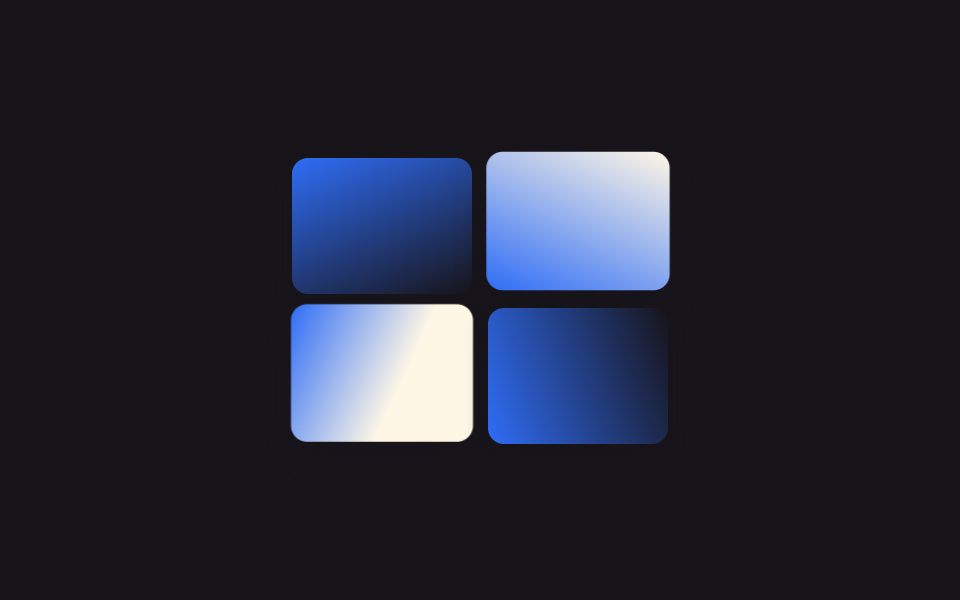 갤러리이미지 갤러리 CSS 9종 — 메이슨리부터 라이트박스까지
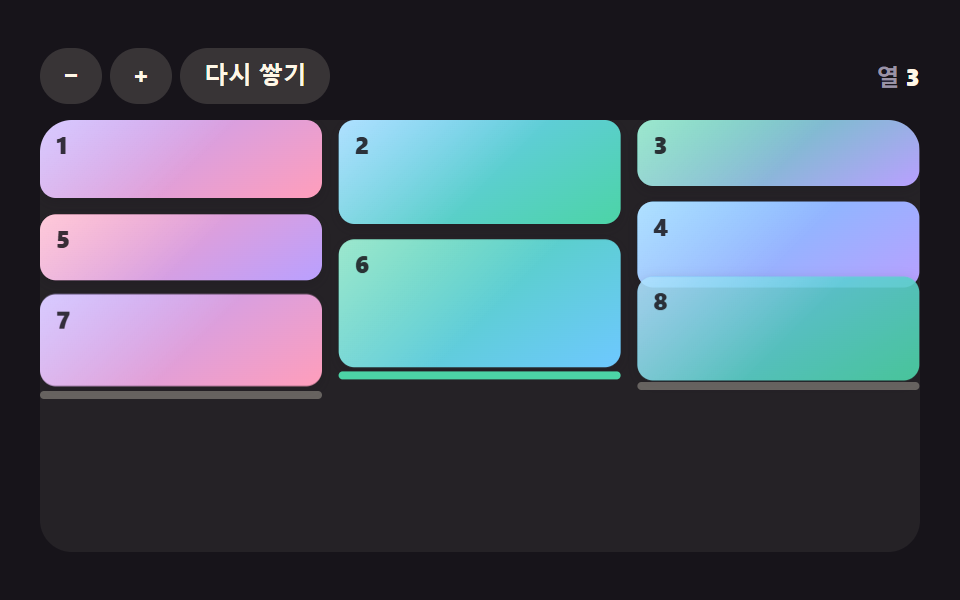 갤러리css masonry layout 9가지 — 높이가 다른 카드가 빈틈없이 자리를 찾는 배열
 갤러리수채화 효과 9종 — 번짐·안료 고임·종이 결을 계산으로 그리는 캔버스
 갤러리눈 내리는 효과 9종 — 소스 그대로 복붙하는 눈송이부터 쌓이는 눈까지
 갤러리이미지 확대 보기 UI 9종 — 사진 파일 없이 만드는 뷰어
 갤러리css 이미지 필터 효과 9가지 — 값 하나가 색을 바꾼다
 갤러리이미지 물결 효과 9가지 — 캔버스로 계산하는 픽셀 파동