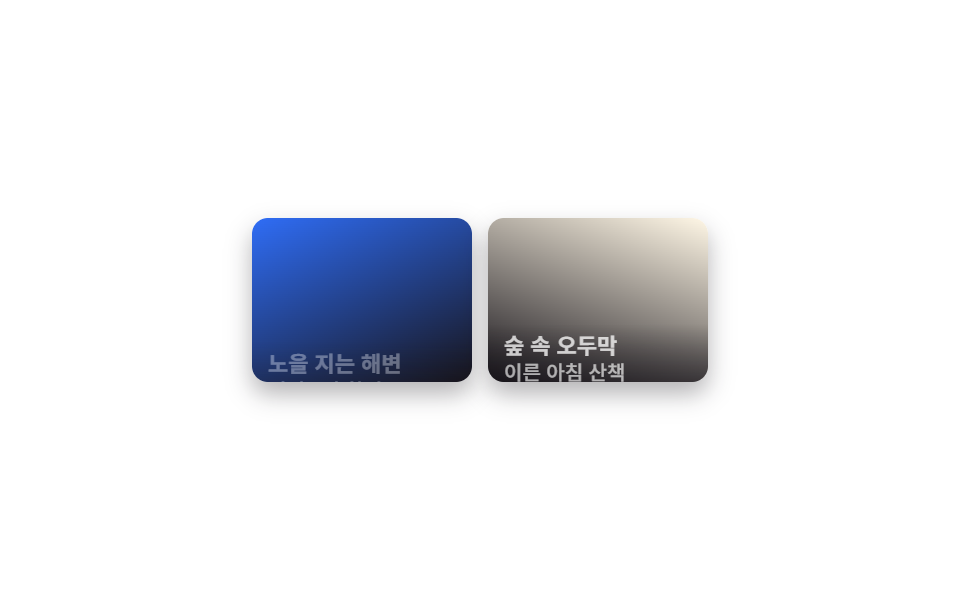
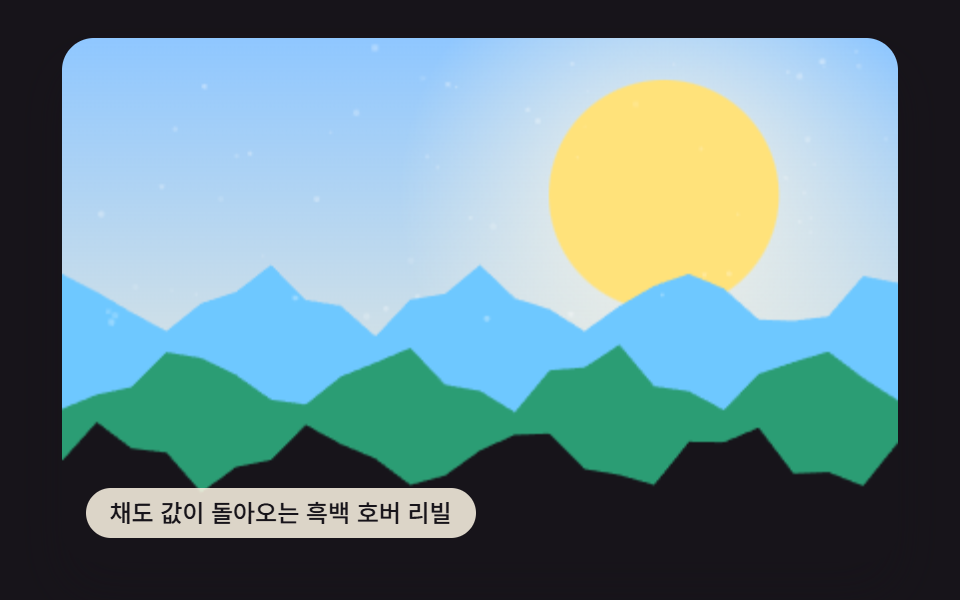
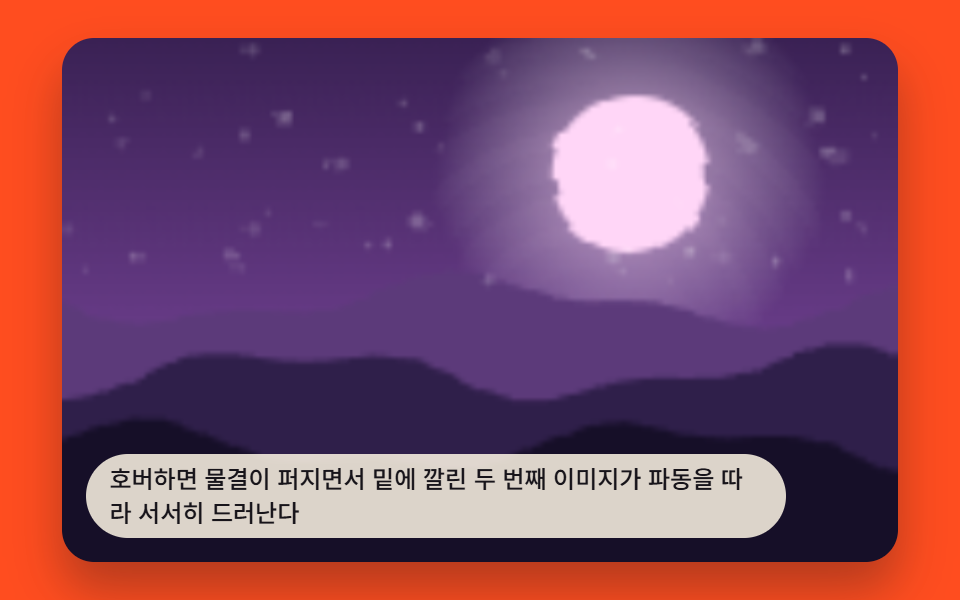
08스크림 캡션 리빌 갤러리
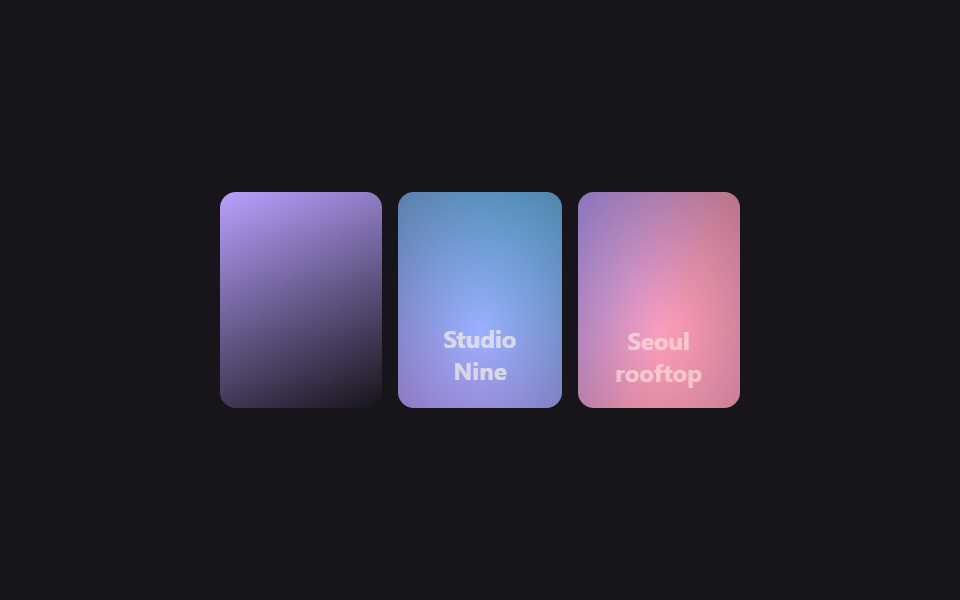
평소엔 사진만 보이다가 커서를 올리면 사진 전체 위로 어두운 스크림이 번지듯 깔리며 가운데에 제목과 설명 글자가 함께 떠오릅니다.
쓰임작품마다 짧은 설명을 붙이는 포트폴리오, 브랜드 이름을 사진 위에 담백하게 얹는 협업 로고 갤러리
radial-gradient 스크림opacity 페이드업translateY(6px) 텍스트
<main class="stage">
  <ul class="cr-gallery is-demo" aria-label="캡션이 있는 사진 갤러리">
    <li class="cr-card" tabindex="0">
      <span class="cr-card__img cr-card__img--a"></span>
      <span class="cr-card__scrim" aria-hidden="true"></span>
      <span class="cr-card__caption">Kyoto, 2024</span>
    </li>
    <li class="cr-card" tabindex="0">
      <span class="cr-card__img cr-card__img--b"></span>
      <span class="cr-card__scrim" aria-hidden="true"></span>
      <span class="cr-card__caption">Studio Nine</span>
    </li>
    <li class="cr-card" tabindex="0">
      <span class="cr-card__img cr-card__img--c"></span>
      <span class="cr-card__scrim" aria-hidden="true"></span>
      <span class="cr-card__caption">Seoul rooftop</span>
    </li>
  </ul>
</main>
@use "../../../../site/static/demo-tokens" as *;
$duration: $dur-base; // 스크림·캡션 리빌 시간
$easing: $ease-out;
$color: $subject-lilac; // 사진 그러데이션 포인트
@include stage($stage-ink);
.cr-gallery {
display: flex;
gap: $sp-2;
list-style: none;
margin: 0;
padding: 0;
width: min(260px, 84vw);
}
.cr-card {
position: relative;
flex: 1 1 0;
aspect-ratio: 3 / 4;
overflow: hidden;
border-radius: $r-sm;
outline: none;
cursor: pointer;
}
.cr-card__img { position: absolute; inset: 0; }
.cr-card__img--a { background: linear-gradient(155deg, $color 0%, $stage-ink 100%); }
.cr-card__img--b { background: linear-gradient(205deg, $subject-sky 0%, $color 100%); }
.cr-card__img--c { background: linear-gradient(115deg, $color 0%, $subject-pink 60%); }
// 132 편의 "하단 띠" 방식과 달리, 사진 전체가 어두워지는 스크림 방식
.cr-card__scrim {
position: absolute;
inset: 0;
background: radial-gradient(120% 120% at 50% 65%, rgba(23, 20, 26, 0) 0%, rgba(23, 20, 26, .86) 100%);
opacity: 0;
transition: opacity $duration $easing;
}
.cr-card__caption {
position: absolute;
left: $sp-2; right: $sp-2; bottom: $sp-3;
color: $subject-cream;
font: 700 12px/1.4 -apple-system, "Segoe UI", "Noto Sans KR", sans-serif;
font-family: inherit;
text-align: center;
opacity: 0;
transform: translateY(6px);
transition: opacity $duration $easing, transform $duration $easing;
}
.cr-card:hover .cr-card__scrim, .cr-card:focus-visible .cr-card__scrim { opacity: 1; }
.cr-card:hover .cr-card__caption, .cr-card:focus-visible .cr-card__caption { opacity: 1; transform: translateY(0); }
.cr-gallery.is-demo .cr-card:nth-child(1) .cr-card__scrim,
.cr-gallery.is-demo .cr-card:nth-child(1) .cr-card__caption { animation-delay: 0s; }
.cr-gallery.is-demo .cr-card:nth-child(2) .cr-card__scrim,
.cr-gallery.is-demo .cr-card:nth-child(2) .cr-card__caption { animation-delay: -0.67s; }
.cr-gallery.is-demo .cr-card:nth-child(3) .cr-card__scrim,
.cr-gallery.is-demo .cr-card:nth-child(3) .cr-card__caption { animation-delay: -1.33s; }
.cr-gallery.is-demo .cr-card__scrim { animation: scrim-loop $dur-loop $easing infinite; }
.cr-gallery.is-demo .cr-card__caption { animation: caption-loop $dur-loop $easing infinite; }
@keyframes scrim-loop {
0%, 10% { opacity: 0; }
25%, 45% { opacity: 1; }
60%, 100% { opacity: 0; }
}
@keyframes caption-loop {
0%, 10% { opacity: 0; transform: translateY(6px); }
25%, 45% { opacity: 1; transform: translateY(0); }
60%, 100% { opacity: 0; transform: translateY(6px); }
}
@media (prefers-reduced-motion: reduce) {
.cr-card__scrim, .cr-card__caption { transition: none; }
.cr-gallery.is-demo .cr-card__scrim, .cr-gallery.is-demo .cr-card__caption { animation: none; }
}html, body {
margin: 0;
overflow: hidden;
}
.stage {
box-sizing: border-box;
min-height: 100vh;
display: grid;
place-items: center;
margin: 0;
background: #17141a;
font-family: -apple-system, "Segoe UI", "Noto Sans KR", sans-serif;
padding: clamp(8px, 4vw, 24px);
}
.cr-gallery {
display: flex;
gap: 8px;
list-style: none;
margin: 0;
padding: 0;
width: min(260px, 84vw);
}
.cr-card {
position: relative;
flex: 1 1 0;
aspect-ratio: 3/4;
overflow: hidden;
border-radius: 8px;
outline: none;
cursor: pointer;
}
.cr-card__img {
position: absolute;
inset: 0;
}
.cr-card__img--a {
background: linear-gradient(155deg, #b9a0ff 0%, #17141a 100%);
}
.cr-card__img--b {
background: linear-gradient(205deg, #6ec8ff 0%, #b9a0ff 100%);
}
.cr-card__img--c {
background: linear-gradient(115deg, #b9a0ff 0%, #ff9ebb 60%);
}
.cr-card__scrim {
position: absolute;
inset: 0;
background: radial-gradient(120% 120% at 50% 65%, rgba(23, 20, 26, 0) 0%, rgba(23, 20, 26, 0.86) 100%);
opacity: 0;
transition: opacity 300ms ease-out;
}
.cr-card__caption {
position: absolute;
left: 8px;
right: 8px;
bottom: 12px;
color: #fff7e6;
font: 700 12px/1.4 -apple-system, "Segoe UI", "Noto Sans KR", sans-serif;
font-family: inherit;
text-align: center;
opacity: 0;
transform: translateY(6px);
transition: opacity 300ms ease-out, transform 300ms ease-out;
}
.cr-card:hover .cr-card__scrim, .cr-card:focus-visible .cr-card__scrim {
opacity: 1;
}
.cr-card:hover .cr-card__caption, .cr-card:focus-visible .cr-card__caption {
opacity: 1;
transform: translateY(0);
}
.cr-gallery.is-demo .cr-card:nth-child(1) .cr-card__scrim,
.cr-gallery.is-demo .cr-card:nth-child(1) .cr-card__caption {
animation-delay: 0s;
}
.cr-gallery.is-demo .cr-card:nth-child(2) .cr-card__scrim,
.cr-gallery.is-demo .cr-card:nth-child(2) .cr-card__caption {
animation-delay: -0.67s;
}
.cr-gallery.is-demo .cr-card:nth-child(3) .cr-card__scrim,
.cr-gallery.is-demo .cr-card:nth-child(3) .cr-card__caption {
animation-delay: -1.33s;
}
.cr-gallery.is-demo .cr-card__scrim {
animation: scrim-loop 2s ease-out infinite;
}
.cr-gallery.is-demo .cr-card__caption {
animation: caption-loop 2s ease-out infinite;
}
@keyframes scrim-loop {
0%, 10% {
opacity: 0;
}
25%, 45% {
opacity: 1;
}
60%, 100% {
opacity: 0;
}
}
@keyframes caption-loop {
0%, 10% {
opacity: 0;
transform: translateY(6px);
}
25%, 45% {
opacity: 1;
transform: translateY(0);
}
60%, 100% {
opacity: 0;
transform: translateY(6px);
}
}
@media (prefers-reduced-motion: reduce) {
.cr-card__scrim, .cr-card__caption {
transition: none;
}
.cr-gallery.is-demo .cr-card__scrim, .cr-gallery.is-demo .cr-card__caption {
animation: none;
}
}import type { CSSProperties } from "react";
import styles from "./CaptionRevealHoverScrim.module.scss";
export type CaptionRevealHoverScrimProps = {
duration?: number;
easing?: string;
/** 사진 그러데이션 포인트 색 */
color?: string;
};
type Vars = CSSProperties & { "--duration"?: string; "--easing"?: string; "--color"?: string };
const CARDS = [
{ tone: "a", caption: "Kyoto, 2024" },
{ tone: "b", caption: "Studio Nine" },
{ tone: "c", caption: "Seoul rooftop" },
];
/** 커서를 올리면 사진 전체 위로 어두운 스크림이 번지듯 깔리며 캡션이 함께 떠오른다 */
export default function CaptionRevealHoverScrim({
duration = 300,
easing = "ease-out",
color = "#b9a0ff",
}: CaptionRevealHoverScrimProps) {
const vars: Vars = { "--duration": `${duration}ms`, "--easing": easing, "--color": color };
return (
<ul className={styles.gallery} style={vars} aria-label="A gallery of photos with captions">
{CARDS.map((c, i) => (
<li key={i} className={styles.card} tabIndex={0}>
<span className={`${styles.img} ${styles["img-" + c.tone]}`} />
<span className={styles.scrim} aria-hidden="true" />
<span className={styles.caption}>{c.caption}</span>
</li>
))}
</ul>
);
}08 스크림 캡션 리빌 갤러리 — 측정 누적면적 17.063% · 움직인 프레임 12/23GODRICH 원작 · zip 에 SCSS·React 포함 · 포트폴리오 갤러리 UI 9종 — 드래그 정렬부터 모프 전환까지
이 데모가 속한 글
 포트폴리오 갤러리 UI 9종 — 드래그 정렬부터 모프 전환까지포트폴리오 갤러리는 사진이나 작업물을 격자로 늘어놓고, 마우스를 올리거나 클릭했을 때 확대·정렬·전환이 일어나는 화면입니다. 핀터레스트에 저장해 둔 그 포트폴리오 갤러리를 아홉 가지 방식으로 나눠 그대로 코드로 드립 이 글의 데모 전부 보기