01Hiện dần khi cuộn
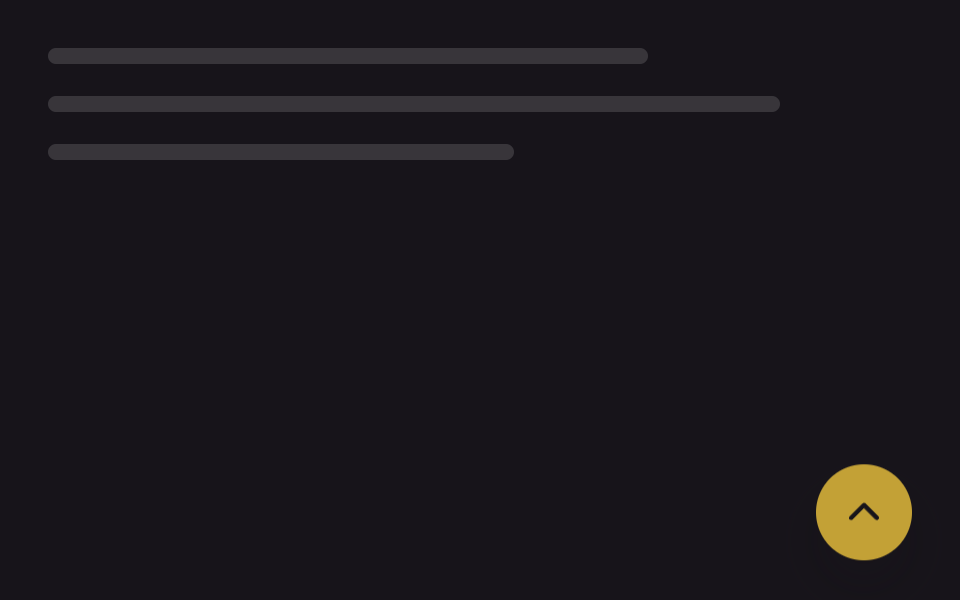
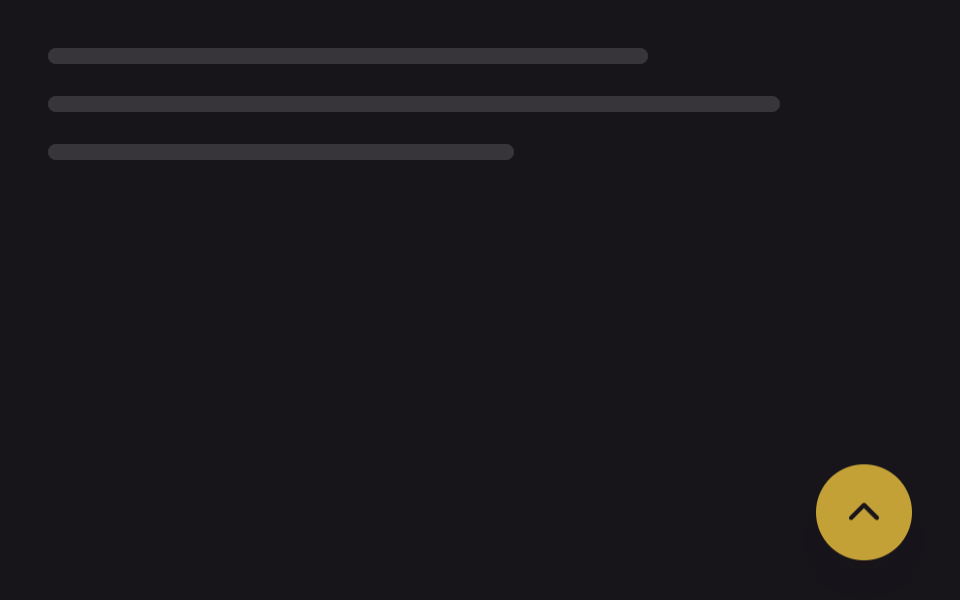
Cuộn qua một ngưỡng nhất định, nút hiện lên từ từ bằng opacity và translateY, nên trước khi cần nó không che kín màn hình.
Dùng choTrang danh sách dài, cuối bài blog, trang landing cuộn dài
scroll 이벤트opacity+translateY260ms
<main class="stage">
  <div class="page-mock" aria-hidden="true">
    <span class="page-mock__line"></span>
    <span class="page-mock__line"></span>
    <span class="page-mock__line"></span>
  </div>
  <button type="button" class="totop is-demo" aria-label="Lên đầu trang">
    <svg class="totop__arrow" viewBox="0 0 24 24" aria-hidden="true"><polyline points="5,15 12,8 19,15"/></svg>
  </button>
</main>
@use "../../../../site/static/demo-tokens" as *;
// ── 변수 3개 ──────────────────────────────────────────
$duration: 260ms; // opacity·translateY 전환 시간 (실사용 값)
$easing: $ease-out;
$color: $subject-ink; // 화살표 색
@include stage($stage-ink);
.stage { position: relative; }
.page-mock {
position: absolute;
inset: $sp-6 $sp-10 auto $sp-6;
display: flex;
flex-direction: column;
gap: $sp-4;
}
.page-mock__line {
display: block;
height: $sp-2;
border-radius: $r-xs;
background: rgba(#fff, .14);
}
.page-mock__line:nth-child(1) { width: 72%; }
.page-mock__line:nth-child(2) { width: 88%; }
.page-mock__line:nth-child(3) { width: 56%; }
.totop {
position: absolute;
right: $sp-6; bottom: $sp-6;
width: 48px; height: 48px;
border: 0;
border-radius: $r-pill;
background: $stage-yellow;
display: grid;
place-items: center;
box-shadow: $shadow-raised;
cursor: pointer;
opacity: 0;
transform: translateY($sp-4);
transition: opacity $duration $easing, transform $duration $easing;
}
.totop.is-visible { opacity: 1; transform: translateY(0); }
// 데모 루프 — 실제 스크롤 대신 자동으로 나타났다 사라진다 (실사용 트리거와는 별도 규칙, 캡처 주기 2s 고정)
.totop.is-demo { animation: totop-loop 2s $easing infinite; }
@keyframes totop-loop {
0%, 100% { opacity: 0; transform: translateY($sp-4); }
20%, 80% { opacity: 1; transform: translateY(0); }
}
.totop__arrow {
width: 22px; height: 22px;
fill: none;
stroke: $color;
stroke-width: 2.4;
stroke-linecap: round;
stroke-linejoin: round;
}
@media (prefers-reduced-motion: reduce) {
.totop, .totop.is-demo { transition: none; animation: none; opacity: 1; transform: translateY(0); }
}html, body {
margin: 0;
overflow: hidden;
}
.stage {
box-sizing: border-box;
min-height: 100vh;
display: grid;
place-items: center;
margin: 0;
background: #17141a;
font-family: -apple-system, "Segoe UI", "Noto Sans KR", sans-serif;
padding: clamp(8px, 4vw, 24px);
}
.stage {
position: relative;
}
.page-mock {
position: absolute;
inset: 24px 40px auto 24px;
display: flex;
flex-direction: column;
gap: 16px;
}
.page-mock__line {
display: block;
height: 8px;
border-radius: 4px;
background: rgba(255, 255, 255, 0.14);
}
.page-mock__line:nth-child(1) {
width: 72%;
}
.page-mock__line:nth-child(2) {
width: 88%;
}
.page-mock__line:nth-child(3) {
width: 56%;
}
.totop {
position: absolute;
right: 24px;
bottom: 24px;
width: 48px;
height: 48px;
border: 0;
border-radius: 999px;
background: #ffd23f;
display: grid;
place-items: center;
box-shadow: 0 14px 24px rgba(23, 20, 26, 0.32);
cursor: pointer;
opacity: 0;
transform: translateY(16px);
transition: opacity 260ms ease-out, transform 260ms ease-out;
}
.totop.is-visible {
opacity: 1;
transform: translateY(0);
}
.totop.is-demo {
animation: totop-loop 2s ease-out infinite;
}
@keyframes totop-loop {
0%, 100% {
opacity: 0;
transform: translateY(16px);
}
20%, 80% {
opacity: 1;
transform: translateY(0);
}
}
.totop__arrow {
width: 22px;
height: 22px;
fill: none;
stroke: #17141a;
stroke-width: 2.4;
stroke-linecap: round;
stroke-linejoin: round;
}
@media (prefers-reduced-motion: reduce) {
.totop, .totop.is-demo {
transition: none;
animation: none;
opacity: 1;
transform: translateY(0);
}
}// 실제 사용: 스크롤이 임계값을 넘으면 .is-visible 을 더해 opacity·translateY 전환이 켜진다 (7줄)
var btn = document.querySelector('.totop');
var threshold = 240;
function sync() { btn.classList.toggle('is-visible', window.scrollY > threshold); }
window.addEventListener('scroll', sync, { passive: true });
sync();import { useEffect, useState, type CSSProperties } from "react";
import styles from "./FadeScrollButton.module.scss";
export type FadeScrollButtonProps = {
/** 몇 px 내려가야 나타나는가 (기본 240) */
threshold?: number;
/** opacity·translateY 전환 시간 (기본 300ms) */
duration?: number;
easing?: string;
};
type Vars = CSSProperties & { "--duration"?: string; "--easing"?: string };
// 실제 사용: 스크롤이 threshold 를 넘으면 opacity·translateY 전환으로 떠오른다
export default function FadeScrollButton({
threshold = 240,
duration = 260,
easing = "ease-out",
}: FadeScrollButtonProps) {
const [visible, setVisible] = useState(false);
useEffect(() => {
const sync = () => setVisible(window.scrollY > threshold);
sync();
window.addEventListener("scroll", sync, { passive: true });
return () => window.removeEventListener("scroll", sync);
}, [threshold]);
const vars: Vars = { "--duration": `${duration}ms`, "--easing": easing };
return (
<button
type="button"
className={`${styles.totop} ${visible ? styles.visible : ""}`}
style={vars}
aria-label="맨 위로"
onClick={() => window.scrollTo({ top: 0, behavior: "smooth" })}
>
<svg className={styles.arrow} viewBox="0 0 24 24" aria-hidden="true">
<polyline points="5,15 12,8 19,15" />
</svg>
</button>
);
}01 Hiện dần khi cuộn — Diện tích đo được 1.764% · khung hình chuyển động 9/23Nguyên tác GODRICH · SCSS và React nằm trong tệp zip · 9 nút back to top button css — hiện khi cuộn
Bài viết chứa demo này
 9 nút back to top button css — hiện khi cuộnNút back to top button css là nút nhỏ đưa bạn về đầu trang khi đã cuộn xuống sâu. Chín kiểu dưới đây chạy từ bản không A Xem tất cả demo trong bài này