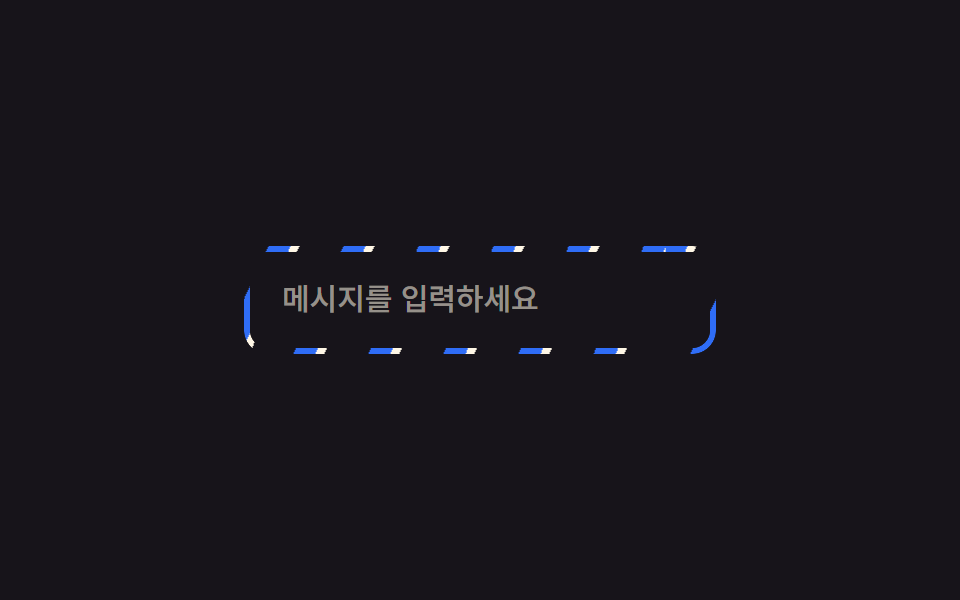
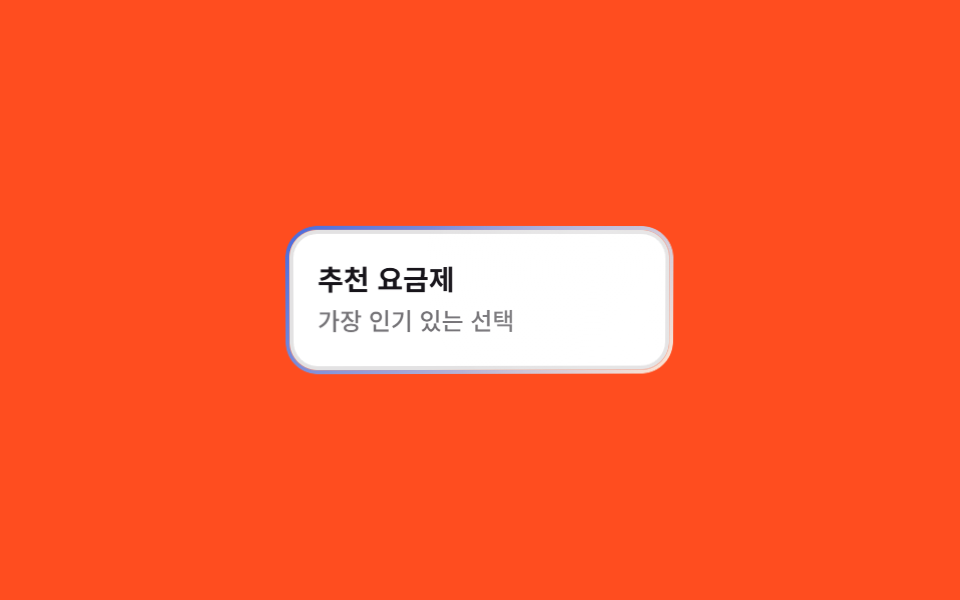
05Viền xoay
Viền gradient xoay liên tục quanh nút.
Dùng choNút tính năng AI, premium — nơi cần cảm giác 'đặc biệt'
3s빠르게 1.5s2색
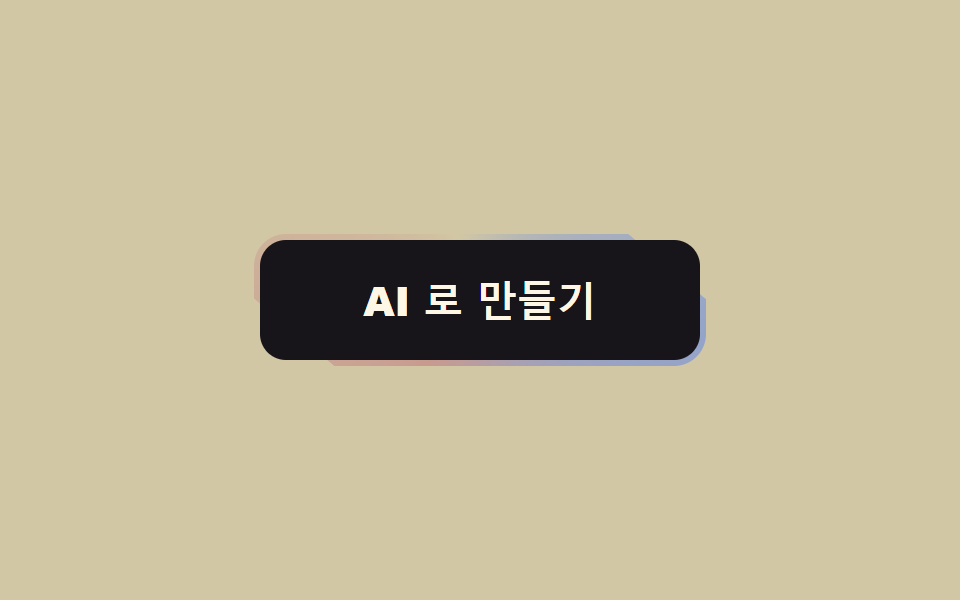
<main class="stage"><button class="btn" type="button"><span class="btn__in">Tạo bằng AI</span></button></main>// ── 변수 3개 ──────────────────────────────────────────
$duration: 3s; // 한 바퀴
$border: 3px;
$colors: #c89a8f, #d2c7a4, #93a4ca, #c89a8f; // 처음과 끝이 같아야 이음새가 없다
html, body { margin: 0; overflow: hidden; } // iframe 안에서 스크롤바가 생기지 않게 (실측 2026-09-09: body 여백 8px 이 100vh 를 넘겼다)
.stage { min-height: 100vh; display: grid; place-items: center; margin: 0; background: #d2c7a4; font-family: -apple-system, "Segoe UI", "Noto Sans KR", sans-serif; }
.btn {
position: relative;
overflow: hidden; // 도는 그라데이션을 버튼 모양으로 자른다
isolation: isolate;
border: 0;
border-radius: 16px;
padding: $border; // 이 두께가 테두리다
background: transparent;
cursor: pointer;
&::before {
content: "";
position: absolute;
inset: -60%; // 회전해도 모서리가 비지 않게 크게
background: conic-gradient(from 0deg, $colors);
animation: spin $duration linear infinite;
z-index: -1;
}
}
.btn__in {
display: block;
border-radius: 13px;
padding: 20px 52px;
font-weight: 800;
font-size: 20px;
line-height: 1;
font-family: inherit;
color: #fff7e6;
background: #17141a; // 안쪽을 덮어서 테두리만 보이게
}
@keyframes spin { to { transform: rotate(360deg); } }
@media (prefers-reduced-motion: reduce) {
.btn::before { animation: none; } // 정지된 그라데이션 테두리로 남는다
}html, body {
margin: 0;
overflow: hidden;
}
.stage {
min-height: 100vh;
display: grid;
place-items: center;
margin: 0;
background: #d2c7a4;
font-family: -apple-system, "Segoe UI", "Noto Sans KR", sans-serif;
}
.btn {
position: relative;
overflow: hidden;
isolation: isolate;
border: 0;
border-radius: 16px;
padding: 3px;
background: transparent;
cursor: pointer;
}
.btn::before {
content: "";
position: absolute;
inset: -60%;
background: conic-gradient(from 0deg, #c89a8f, #d2c7a4, #93a4ca, #c89a8f);
animation: spin 3s linear infinite;
z-index: -1;
}
.btn__in {
display: block;
border-radius: 13px;
padding: 20px 52px;
font-weight: 800;
font-size: 20px;
line-height: 1;
font-family: inherit;
color: #fff7e6;
background: #17141a;
}
@keyframes spin {
to {
transform: rotate(360deg);
}
}
@media (prefers-reduced-motion: reduce) {
.btn::before {
animation: none;
}
}import type { CSSProperties, ReactNode } from "react";
import styles from "./GradientBorderButton.module.scss";
export type GradientBorderButtonProps = { children: ReactNode; duration?: number; border?: number; colors?: string[]; onClick?: () => void };
export default function GradientBorderButton({ children, duration = 3000, border = 3, colors = ["#ff4d1f", "#ffd23f", "#2f6df6", "#ff4d1f"], onClick }: GradientBorderButtonProps) {
const vars = { "--duration": `${duration}ms`, "--border": `${border}px`, "--colors": colors.join(", ") } as CSSProperties;
return (
<button type="button" className={styles.btn} style={vars} onClick={onClick}>
<span className={styles.inner}>{children}</span>
</button>
);
}05 Viền xoay — Diện tích đo được 1.17% · khung hình chuyển động 17/23Nguyên tác GODRICH · SCSS và React nằm trong tệp zip · 9 hiệu ứng css button animation copy-paste
Bài viết chứa demo này
 9 hiệu ứng css button animation copy-pasteCSS button animation là chuyển động nhỏ trên nút, cho người dùng biết nút đã ghi nhận thao tác: hover, nhấn, chờ, lỗi ho Xem tất cả demo trong bài này