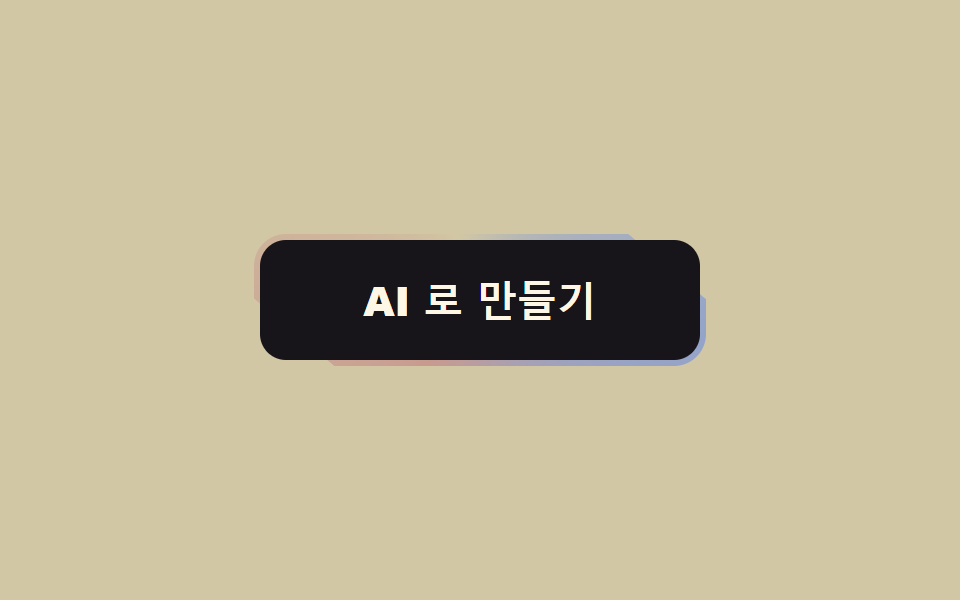
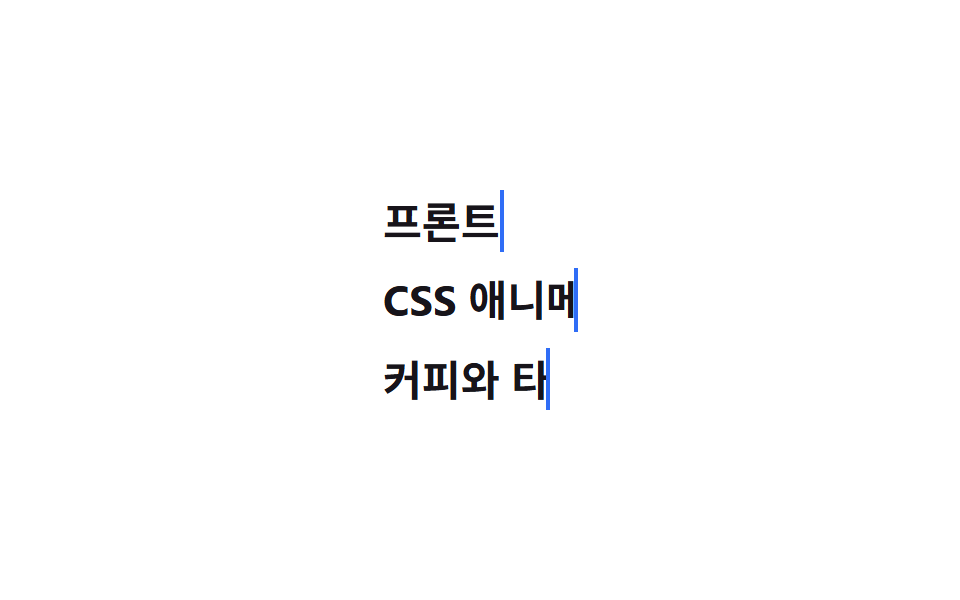
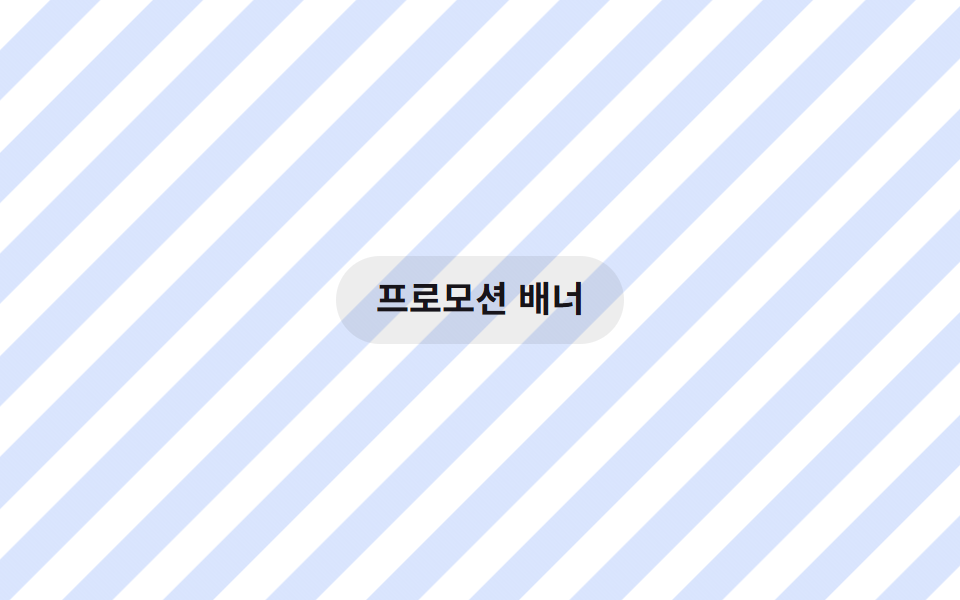
01Nút gradient kẹo chảy
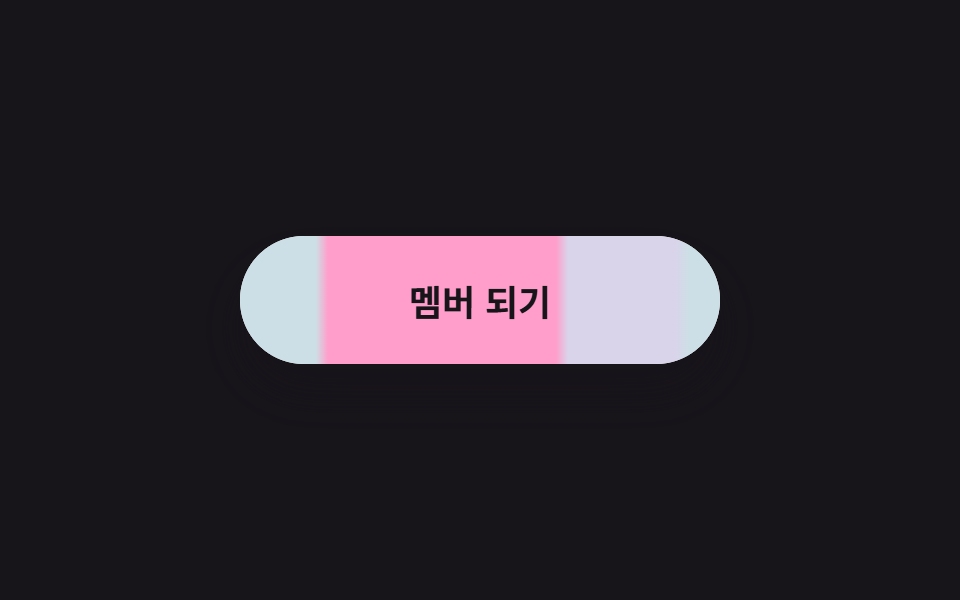
Gradient kẹo rộng gấp ba nút chảy đúng một chu kỳ mỗi lần translateX, nên vòng lặp không bao giờ lộ đường nối.
Dùng choCTA chính trên hero trang landing, nút đăng ký thành viên
repeating-linear-gradienttranslateX(-240px) 한 주기overflow: hidden

<main class="stage is-demo">
  <button class="btn" type="button">
    <span class="btn__bg" aria-hidden="true"></span>
    <span class="btn__label">Tham gia ngay</span>
  </button>
</main>
@use "../../../../site/static/demo-tokens" as *;
// ── 변수 3개 ──────────────────────────────────────────
$duration: $dur-loop; // 2s — 그라데이션 한 주기
$easing: linear; // 흐름은 일정한 속도로
$color: #ff9ecb; // 캔디 핑크 (시작색)
// 한 주기 240px — 세 색이 6px 여백을 두고 스며든다
$candy-b: #d9d4ea; // 바이올렛
$candy-c: #cddfe6; // 스카이
@include stage($stage-ink);
.btn {
box-sizing: border-box;
position: relative;
width: 240px;
height: 64px;
border: none;
border-radius: $r-pill;
color: $subject-ink;
font-family: -apple-system, "Segoe UI", "Noto Sans KR", sans-serif;
font-weight: 700;
font-size: 18px;
cursor: pointer;
overflow: hidden; // 3배 그라데이션이 밖으로 새지 않게
box-shadow: $shadow-raised;
transition: transform $dur-quick $ease-spring, box-shadow $dur-quick $ease-spring;
}
// 3배 폭 그라데이션 층 — 한 주기(240px)씩 translateX 로 흐른다
.btn__bg {
position: absolute;
top: 0; bottom: 0; left: 0;
width: 720px;
background: repeating-linear-gradient(to right,
$color 0 58px, $candy-b 64px 118px, $candy-c 124px 178px, $color 184px 240px);
}
.btn__label { position: relative; z-index: 1; }
// 실사용: 마우스를 올리면 살짝 들리고 흐름은 그대로
.btn:hover { transform: translateY(-2px); box-shadow: 0 18px 28px rgba(23, 20, 26, .4); }
.btn:focus-visible { outline: 3px solid $stage-yellow; outline-offset: 4px; }
// 격자 미리보기: transform 만 이동 (레이아웃 재계산 없음)
.stage.is-demo .btn__bg {
animation: gradient-flow $duration $easing infinite;
}
@keyframes gradient-flow {
0% { transform: translateX(0); }
100% { transform: translateX(-240px); } // 정확히 한 주기 = 이음새 없는 루프
}
@media (prefers-reduced-motion: reduce) {
.stage.is-demo .btn__bg { animation: none; transform: translateX(-120px); }
}html, body {
margin: 0;
overflow: hidden;
}
.stage {
box-sizing: border-box;
min-height: 100vh;
display: grid;
place-items: center;
margin: 0;
background: #17141a;
font-family: -apple-system, "Segoe UI", "Noto Sans KR", sans-serif;
padding: clamp(8px, 4vw, 24px);
}
.btn {
box-sizing: border-box;
position: relative;
width: 240px;
height: 64px;
border: none;
border-radius: 999px;
color: #17141a;
font-family: -apple-system, "Segoe UI", "Noto Sans KR", sans-serif;
font-weight: 700;
font-size: 18px;
cursor: pointer;
overflow: hidden;
box-shadow: 0 14px 24px rgba(23, 20, 26, 0.32);
transition: transform 220ms cubic-bezier(0.2, 0.8, 0.2, 1), box-shadow 220ms cubic-bezier(0.2, 0.8, 0.2, 1);
}
.btn__bg {
position: absolute;
top: 0;
bottom: 0;
left: 0;
width: 720px;
background: repeating-linear-gradient(to right, #ff9ecb 0 58px, #d9d4ea 64px 118px, #cddfe6 124px 178px, #ff9ecb 184px 240px);
}
.btn__label {
position: relative;
z-index: 1;
}
.btn:hover {
transform: translateY(-2px);
box-shadow: 0 18px 28px rgba(23, 20, 26, 0.4);
}
.btn:focus-visible {
outline: 3px solid #ffd23f;
outline-offset: 4px;
}
.stage.is-demo .btn__bg {
animation: gradient-flow 2s linear infinite;
}
@keyframes gradient-flow {
0% {
transform: translateX(0);
}
100% {
transform: translateX(-240px);
}
}
@media (prefers-reduced-motion: reduce) {
.stage.is-demo .btn__bg {
animation: none;
transform: translateX(-120px);
}
}import type { CSSProperties } from "react";
import styles from "./GradientFlowButton.module.scss";
export type GradientFlowButtonProps = {
duration?: number;
easing?: string;
color?: string;
candyB?: string;
candyC?: string;
label?: string;
};
export default function GradientFlowButton({
duration = 2000,
easing = "linear",
color = "#ff9ecb",
candyB = "#a78bfa",
candyC = "#7cd8ff",
label = "멤버 되기",
}: GradientFlowButtonProps) {
const vars: CSSProperties = {
"--duration": `${duration}ms`,
"--easing": easing,
"--color": color,
"--candy-b": candyB,
"--candy-c": candyC,
} as CSSProperties;
return (
<button className={styles.btn} style={vars} type="button">
<span className={styles.bg} aria-hidden="true" />
<span className={styles.label}>{label}</span>
</button>
);
}01 Nút gradient kẹo chảy — Diện tích đo được 9.899% · khung hình chuyển động 23/23Nguyên tác GODRICH · SCSS và React nằm trong tệp zip · 9 css button design ideas — dán một file là chạy
Bài viết chứa demo này
 9 css button design ideas — dán một file là chạycss button design là quyết định màu, hình dáng nút và cách nó phản ứng với chuột, chỉ bằng vài dòng code. Muốn nút gradi Xem tất cả demo trong bài này