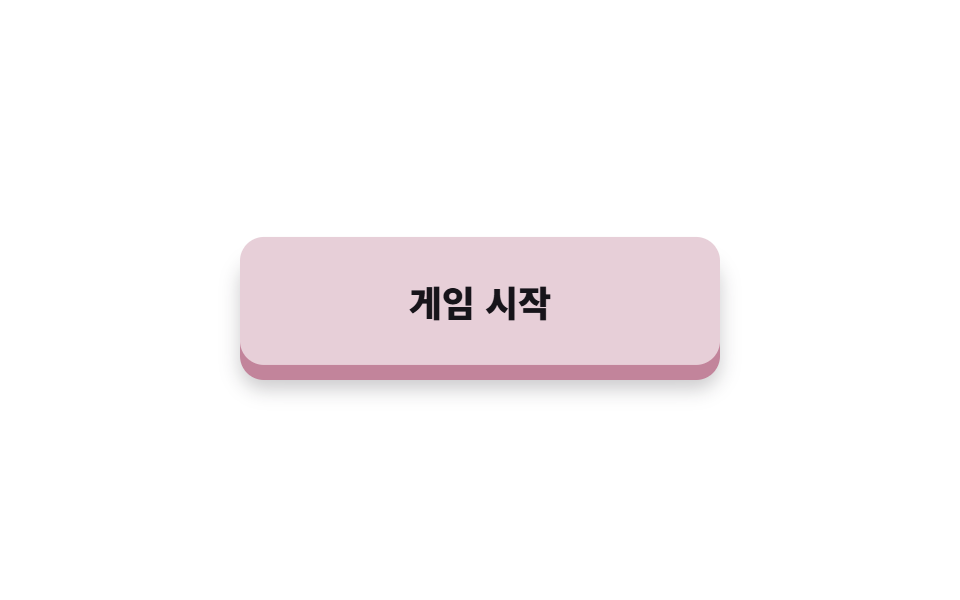
08Nút nhấn 3D
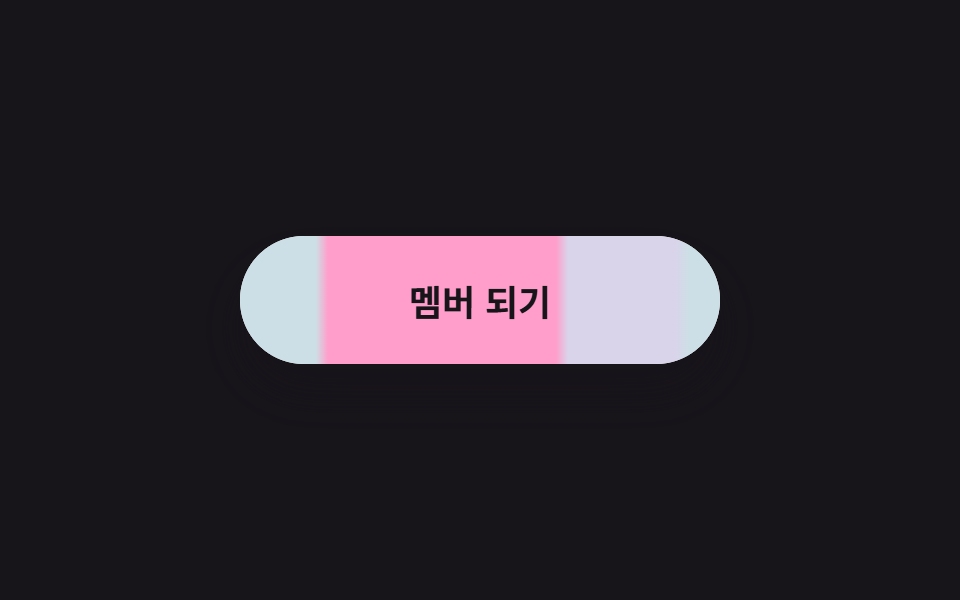
box-shadow tạo chiều dày và translateY đẩy nút xuống, tái hiện đúng cảm giác dùng ngón tay ấn xuống.
Dùng choNút bắt đầu game, nút bấm to trong ứng dụng cho trẻ em
translateY 눌림box-shadow 두께:active 트리거
<main class="stage is-demo">
  <button class="btn" type="button">Bắt đầu game</button>
</main>
@use "../../../../site/static/demo-tokens" as *;
// ── 변수 3개 ──────────────────────────────────────────
$duration: $dur-loop; // 2s — 눌림 한 주기
$easing: $ease-out;
$color: #e7cfd8; // 캔디 핑크
$depth: 8px; // 두께 — 눌림 거리와 같다
@include stage($stage-paper);
.btn {
box-sizing: border-box;
width: 240px;
height: 64px;
border: none;
border-radius: $r-control;
background: $color;
color: $subject-ink;
font-family: -apple-system, "Segoe UI", "Noto Sans KR", sans-serif;
font-weight: 800;
font-size: 18px;
cursor: pointer;
// 두께(box-shadow) + 받침 그림자 — 누르면 둘 다 사라진다
box-shadow: 0 $depth 0 darken($color, 22%),
0 #{$depth + 6px} #{$sp-3} rgba(23, 20, 26, .22);
transition: transform $dur-quick $easing, box-shadow $dur-quick $easing;
}
// 실사용: 누르는 동안 꾹 들어간다
.btn:active {
transform: translateY($depth);
box-shadow: 0 0 0 darken($color, 22%),
0 2px 4px rgba(23, 20, 26, .22);
}
.btn:focus-visible { outline: 3px solid $subject-blue; outline-offset: 4px; }
// 격자 미리보기: 눌림 → 유지 → 튕겨 복귀 루프
.stage.is-demo .btn { animation: press $duration $easing infinite; }
@keyframes press {
0%, 20% {
transform: translateY(0);
box-shadow: 0 $depth 0 darken($color, 22%),
0 #{$depth + 6px} #{$sp-3} rgba(23, 20, 26, .22);
}
35%, 55% {
transform: translateY($depth);
box-shadow: 0 0 0 darken($color, 22%),
0 2px 4px rgba(23, 20, 26, .22);
}
70% {
transform: translateY(-3px);
box-shadow: 0 #{$depth + 3px} 0 darken($color, 22%),
0 #{$depth + 9px} #{$sp-3} rgba(23, 20, 26, .22);
}
85%, 100% {
transform: translateY(0);
box-shadow: 0 $depth 0 darken($color, 22%),
0 #{$depth + 6px} #{$sp-3} rgba(23, 20, 26, .22);
}
}
@media (prefers-reduced-motion: reduce) {
.stage.is-demo .btn { animation: none; }
}html, body {
margin: 0;
overflow: hidden;
}
.stage {
box-sizing: border-box;
min-height: 100vh;
display: grid;
place-items: center;
margin: 0;
background: #ffffff;
font-family: -apple-system, "Segoe UI", "Noto Sans KR", sans-serif;
padding: clamp(8px, 4vw, 24px);
}
.btn {
box-sizing: border-box;
width: 240px;
height: 64px;
border: none;
border-radius: 12px;
background: #e7cfd8;
color: #17141a;
font-family: -apple-system, "Segoe UI", "Noto Sans KR", sans-serif;
font-weight: 800;
font-size: 18px;
cursor: pointer;
box-shadow: 0 8px 0 rgb(75.9215686275%, 51.8431372549%, 60.8725490196%), 0 14px 12px rgba(23, 20, 26, 0.22);
transition: transform 220ms ease-out, box-shadow 220ms ease-out;
}
.btn:active {
transform: translateY(8px);
box-shadow: 0 0 0 rgb(75.9215686275%, 51.8431372549%, 60.8725490196%), 0 2px 4px rgba(23, 20, 26, 0.22);
}
.btn:focus-visible {
outline: 3px solid #2f6df6;
outline-offset: 4px;
}
.stage.is-demo .btn {
animation: press 2s ease-out infinite;
}
@keyframes press {
0%, 20% {
transform: translateY(0);
box-shadow: 0 8px 0 rgb(75.9215686275%, 51.8431372549%, 60.8725490196%), 0 14px 12px rgba(23, 20, 26, 0.22);
}
35%, 55% {
transform: translateY(8px);
box-shadow: 0 0 0 rgb(75.9215686275%, 51.8431372549%, 60.8725490196%), 0 2px 4px rgba(23, 20, 26, 0.22);
}
70% {
transform: translateY(-3px);
box-shadow: 0 11px 0 rgb(75.9215686275%, 51.8431372549%, 60.8725490196%), 0 17px 12px rgba(23, 20, 26, 0.22);
}
85%, 100% {
transform: translateY(0);
box-shadow: 0 8px 0 rgb(75.9215686275%, 51.8431372549%, 60.8725490196%), 0 14px 12px rgba(23, 20, 26, 0.22);
}
}
@media (prefers-reduced-motion: reduce) {
.stage.is-demo .btn {
animation: none;
}
}import type { CSSProperties } from "react";
import styles from "./Push3dButton.module.scss";
export type Push3dButtonProps = {
duration?: number;
easing?: string;
color?: string;
label?: string;
};
export default function Push3dButton({
duration = 220,
easing = "ease-out",
color = "#ff7fae",
label = "게임 시작",
}: Push3dButtonProps) {
const vars: CSSProperties = {
"--duration": `${duration}ms`,
"--easing": easing,
"--color": color,
"--depth": "8px",
} as CSSProperties;
return (
<button className={styles.btn} style={vars} type="button">{label}</button>
);
}08 Nút nhấn 3D — Diện tích đo được 5.983% · khung hình chuyển động 12/23Nguyên tác GODRICH · SCSS và React nằm trong tệp zip · 9 css button design ideas — dán một file là chạy
Bài viết chứa demo này
 9 css button design ideas — dán một file là chạycss button design là quyết định màu, hình dáng nút và cách nó phản ứng với chuột, chỉ bằng vài dòng code. Muốn nút gradi Xem tất cả demo trong bài này