08Fade toàn bộ màu
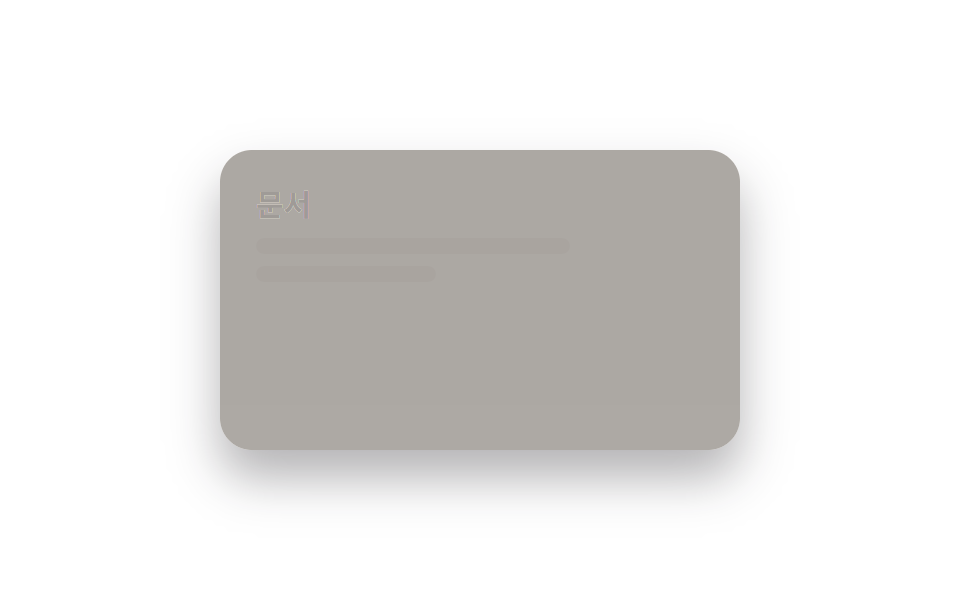
Màu nền và chữ cùng lúc chuyển qua một lớp filter mờ rồi đổi mượt.
Dùng choChuyển theme toàn trang, trình xem tài liệu
800ms필터 blur 2px즉시 전환
<main class="stage">
  <div class="panel">
    <div class="panel__face panel__face--light">
      <p class="panel__title">Tài liệu</p>
      <p class="panel__line"></p>
      <p class="panel__line panel__line--short"></p>
    </div>
    <div class="panel__face panel__face--dark">
      <p class="panel__title">Tài liệu</p>
      <p class="panel__line"></p>
      <p class="panel__line panel__line--short"></p>
    </div>
  </div>
</main>
@use "../../../../site/static/demo-tokens" as *;
// ── 변수 3개 ──────────────────────────────
$duration: $dur-enter;
$easing: $ease-out;
$color: $subject-blue;
// ── 데모 무대 ───────────────────────────────
@include stage($stage-paper);
.panel {
position: relative; overflow: hidden;
width: clamp(200px, 70vw, 260px); height: clamp(120px, 42vw, 150px);
border-radius: $r-card; box-shadow: $shadow-raised;
}
.panel__face {
position: absolute; inset: 0; box-sizing: border-box;
padding: clamp(12px, 5vw, 18px); text-align: left;
}
.panel__face--light {
background: $subject-cream; color: $subject-ink;
opacity: 1; animation: face-light $dur-loop $easing infinite;
}
.panel__face--dark {
background: $stage-ink; color: $subject-cream;
opacity: 0; animation: face-dark $dur-loop $easing infinite;
}
.panel__title { margin: 0 0 6px; font-weight: 700; font-size: clamp(12px, 3.6vw, 15px); line-height: 1.3; font-family: inherit; }
.panel__line { margin: 0 0 6px; width: 70%; height: 8px; border-radius: 4px; background: currentColor; opacity: .25; }
.panel__line--short { width: 40%; }
// 배경과 글자색이 같은 곡선을 따라 함께 뒤바뀐다. 토글 없이 페이지 전체가 페이드한다
@keyframes face-light { 0%, 15% { opacity: 1; } 40%, 60% { opacity: 0; } 85%, 100% { opacity: 1; } }
@keyframes face-dark { 0%, 15% { opacity: 0; } 40%, 60% { opacity: 1; } 85%, 100% { opacity: 0; } }
// ── 접근성: 움직임 줄이기 설정이면 라이트 상태로 고정 ──────────
@media (prefers-reduced-motion: reduce) {
.panel__face--light, .panel__face--dark { animation: none !important; }
}html, body {
margin: 0;
overflow: hidden;
}
.stage {
box-sizing: border-box;
min-height: 100vh;
display: grid;
place-items: center;
margin: 0;
background: #ffffff;
font-family: -apple-system, "Segoe UI", "Noto Sans KR", sans-serif;
padding: clamp(8px, 4vw, 24px);
}
.panel {
position: relative;
overflow: hidden;
width: clamp(200px, 70vw, 260px);
height: clamp(120px, 42vw, 150px);
border-radius: 16px;
box-shadow: 0 14px 24px rgba(23, 20, 26, 0.32);
}
.panel__face {
position: absolute;
inset: 0;
box-sizing: border-box;
padding: clamp(12px, 5vw, 18px);
text-align: left;
}
.panel__face--light {
background: #fff7e6;
color: #17141a;
opacity: 1;
animation: face-light 2s ease-out infinite;
}
.panel__face--dark {
background: #17141a;
color: #fff7e6;
opacity: 0;
animation: face-dark 2s ease-out infinite;
}
.panel__title {
margin: 0 0 6px;
font-weight: 700;
font-size: clamp(12px, 3.6vw, 15px);
line-height: 1.3;
font-family: inherit;
}
.panel__line {
margin: 0 0 6px;
width: 70%;
height: 8px;
border-radius: 4px;
background: currentColor;
opacity: 0.25;
}
.panel__line--short {
width: 40%;
}
@keyframes face-light {
0%, 15% {
opacity: 1;
}
40%, 60% {
opacity: 0;
}
85%, 100% {
opacity: 1;
}
}
@keyframes face-dark {
0%, 15% {
opacity: 0;
}
40%, 60% {
opacity: 1;
}
85%, 100% {
opacity: 0;
}
}
@media (prefers-reduced-motion: reduce) {
.panel__face--light, .panel__face--dark {
animation: none !important;
}
}import type { CSSProperties, ReactNode } from "react";
import styles from "./ColorFadeToggle.module.scss";
export type ColorFadeToggleProps = {
dark: boolean;
/** 전체 페이드가 끝나는 시간 (기본 800ms) */
duration?: number;
easing?: string;
lightContent: ReactNode;
darkContent: ReactNode;
className?: string;
};
type Vars = CSSProperties & { "--duration"?: string; "--easing"?: string };
export default function ColorFadeToggle({
dark,
duration = 800,
easing = "ease-out",
lightContent,
darkContent,
className = "",
}: ColorFadeToggleProps) {
const vars: Vars = { "--duration": `${duration}ms`, "--easing": easing };
return (
<div className={`${styles.panel} ${className}`} style={vars} data-dark={dark}>
<div className={styles.light}>{lightContent}</div>
<div className={styles.dark}>{darkContent}</div>
</div>
);
}08 Fade toàn bộ màu — Diện tích đo được 26.961% · khung hình chuyển động 12/23Nguyên tác GODRICH · SCSS và React nằm trong tệp zip · 9 hiệu ứng css dark mode toggle 1 dòng CSS
Bài viết chứa demo này
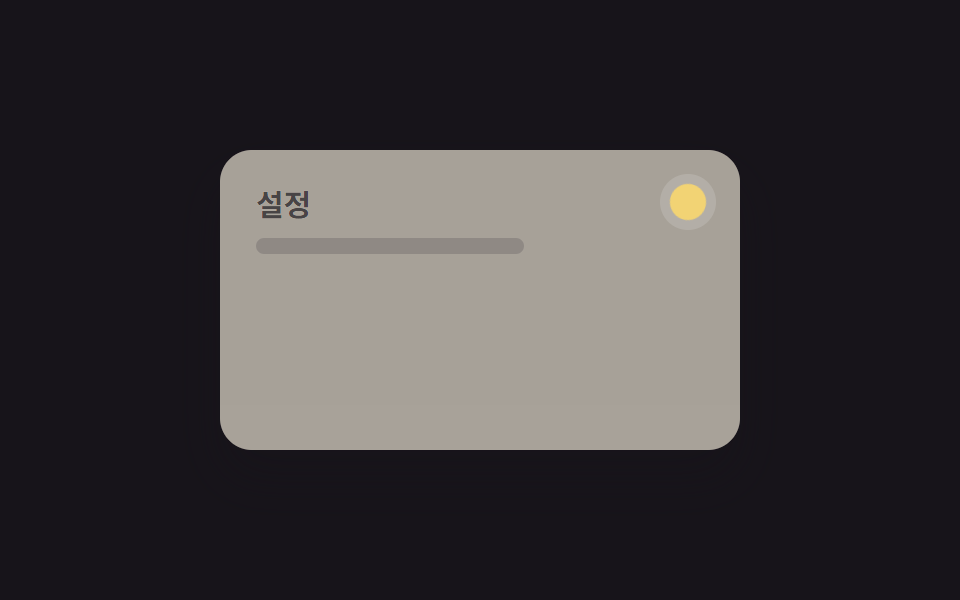 9 hiệu ứng css dark mode toggle 1 dòng CSSCss dark mode toggle là nút chuyển đổi giữa giao diện sáng và tối, thường đặt ở header hoặc menu cài đặt. Đây là chín hi Xem tất cả demo trong bài này