08Skeleton trong Suspense
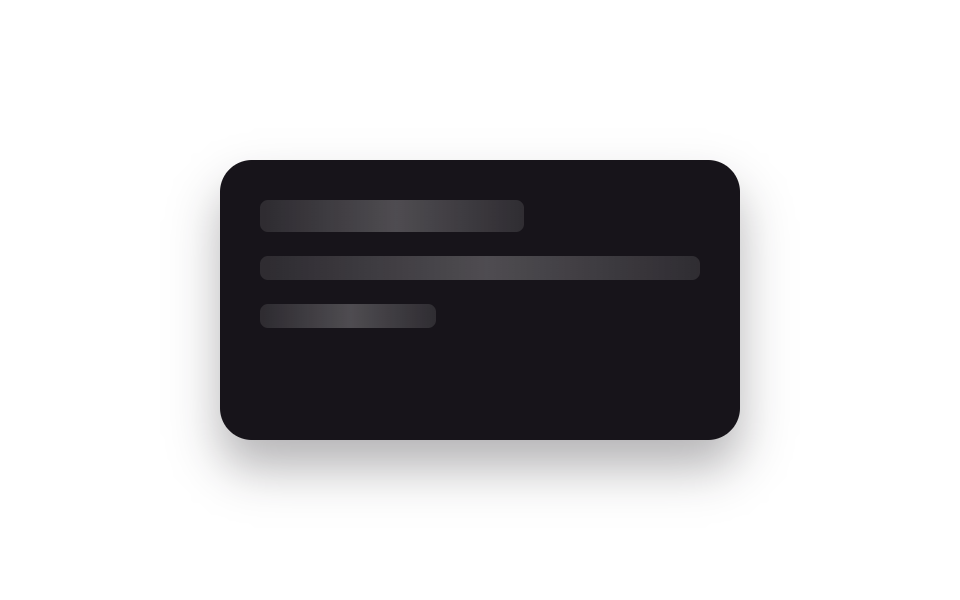
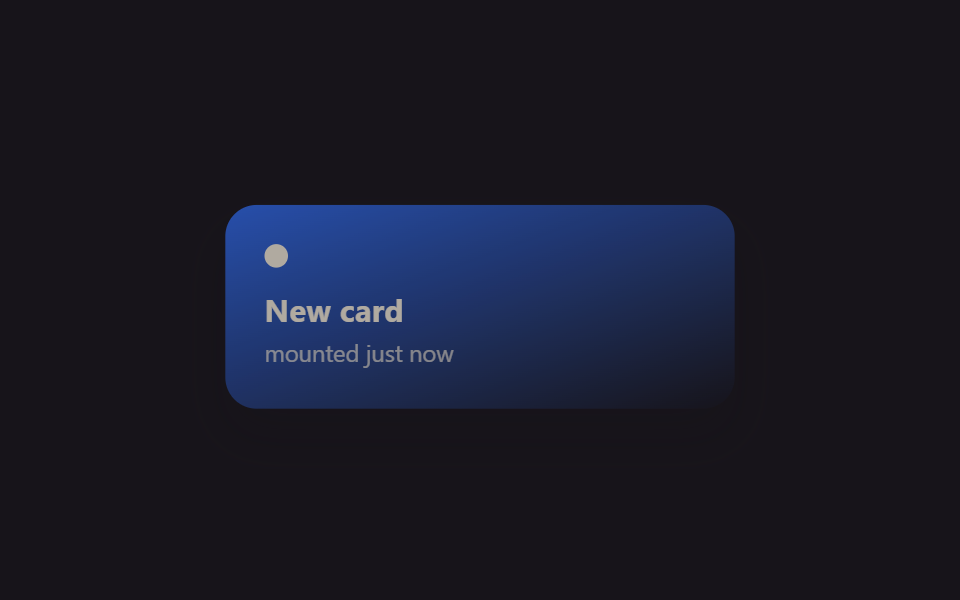
Đặt skeleton shimmer CSS vào chỗ fallback của React.Suspense, khi component lazy đã sẵn sàng thì fallback rút lui và nội dung thật fade vào đúng vị trí đó, màn hình không hề giật pop.
Dùng choNội dung route tách code, widget dashboard tải trễ
React.lazySuspense fallbackshimmer
<main class="stage">
  <div class="sk-card is-demo">
    <div class="sk-skeleton">
      <span class="sk-bar sk-bar--title"></span>
      <span class="sk-bar sk-bar--line"></span>
      <span class="sk-bar sk-bar--line short"></span>
    </div>
    <div class="sk-content">
      <span class="sk-content__title">Widget loaded</span>
      <span class="sk-content__line">Lazy-loaded with React.lazy + Suspense</span>
    </div>
  </div>
</main>
@use "../../../../site/static/demo-tokens" as *;
// ── 변수 3개 ──────────────────────────────────────────
$duration: $dur-enter;
$easing: $ease-out;
$color: $subject-blue;
@include stage($stage-paper);
.sk-card {
position: relative;
width: min(260px, 84vw);
height: 140px;
box-sizing: border-box;
padding: $sp-5;
border-radius: $r-card;
background: $subject-ink;
box-shadow: $shadow-raised;
overflow: hidden;
}
.sk-skeleton, .sk-content {
position: absolute;
inset: $sp-5;
display: flex;
flex-direction: column;
gap: $sp-3;
}
.sk-bar {
height: $sp-3;
border-radius: $r-xs;
background: linear-gradient(90deg, rgba(255, 255, 255, .1) 25%, rgba(255, 255, 255, .24) 50%, rgba(255, 255, 255, .1) 75%);
background-size: 200% 100%;
animation: sk-shimmer 1.1s linear infinite;
}
.sk-bar--title { width: 60%; height: $sp-4; }
.sk-bar--line.short { width: 40%; }
@keyframes sk-shimmer { 0% { background-position: 200% 0; } 100% { background-position: -200% 0; } }
.sk-content { justify-content: center; color: $subject-cream; font-family: -apple-system, "Segoe UI", sans-serif; }
.sk-content__title { font-weight: 700; font-size: 15px; line-height: 1.3; font-family: inherit; }
.sk-content__line { font-weight: 400; font-size: 12px; line-height: 1.5; font-family: inherit; color: $color; }
// 실사용 원리: React.Suspense 의 fallback 자리를 CSS 셰머로 채워두고, 지연 로드된
// 컴포넌트가 준비되면 fallback 은 빠지고 실제 콘텐츠가 같은 자리에서 페이드로 들어온다.
.sk-content { opacity: 0; }
// 캡처용 루프: 스켈레톤(0~55%) → 콘텐츠(65~100%) 크로스페이드
@keyframes sk-out { 0%, 30% { opacity: 1; } 75%, 100% { opacity: 0; } }
@keyframes sk-in { 0%, 30% { opacity: 0; } 75%, 100% { opacity: 1; } }
.sk-card.is-demo .sk-skeleton { animation: sk-out $dur-loop $easing infinite; }
.sk-card.is-demo .sk-content { animation: sk-in $dur-loop $easing infinite; }
@media (prefers-reduced-motion: reduce) {
.sk-bar { animation: none !important; }
.sk-card.is-demo .sk-skeleton,
.sk-card.is-demo .sk-content { animation: none !important; }
.sk-skeleton { opacity: 0; }
.sk-content { opacity: 1; }
}html, body {
margin: 0;
overflow: hidden;
}
.stage {
box-sizing: border-box;
min-height: 100vh;
display: grid;
place-items: center;
margin: 0;
background: #ffffff;
font-family: -apple-system, "Segoe UI", "Noto Sans KR", sans-serif;
padding: clamp(8px, 4vw, 24px);
}
.sk-card {
position: relative;
width: min(260px, 84vw);
height: 140px;
box-sizing: border-box;
padding: 20px;
border-radius: 16px;
background: #17141a;
box-shadow: 0 14px 24px rgba(23, 20, 26, 0.32);
overflow: hidden;
}
.sk-skeleton, .sk-content {
position: absolute;
inset: 20px;
display: flex;
flex-direction: column;
gap: 12px;
}
.sk-bar {
height: 12px;
border-radius: 4px;
background: linear-gradient(90deg, rgba(255, 255, 255, 0.1) 25%, rgba(255, 255, 255, 0.24) 50%, rgba(255, 255, 255, 0.1) 75%);
background-size: 200% 100%;
animation: sk-shimmer 1.1s linear infinite;
}
.sk-bar--title {
width: 60%;
height: 16px;
}
.sk-bar--line.short {
width: 40%;
}
@keyframes sk-shimmer {
0% {
background-position: 200% 0;
}
100% {
background-position: -200% 0;
}
}
.sk-content {
justify-content: center;
color: #fff7e6;
font-family: -apple-system, "Segoe UI", sans-serif;
}
.sk-content__title {
font-weight: 700;
font-size: 15px;
line-height: 1.3;
font-family: inherit;
}
.sk-content__line {
font-weight: 400;
font-size: 12px;
line-height: 1.5;
font-family: inherit;
color: #2f6df6;
}
.sk-content {
opacity: 0;
}
@keyframes sk-out {
0%, 30% {
opacity: 1;
}
75%, 100% {
opacity: 0;
}
}
@keyframes sk-in {
0%, 30% {
opacity: 0;
}
75%, 100% {
opacity: 1;
}
}
.sk-card.is-demo .sk-skeleton {
animation: sk-out 2s ease-out infinite;
}
.sk-card.is-demo .sk-content {
animation: sk-in 2s ease-out infinite;
}
@media (prefers-reduced-motion: reduce) {
.sk-bar {
animation: none !important;
}
.sk-card.is-demo .sk-skeleton,
.sk-card.is-demo .sk-content {
animation: none !important;
}
.sk-skeleton {
opacity: 0;
}
.sk-content {
opacity: 1;
}
}import React, { CSSProperties } from "react";
import styles from "./SuspenseSkeletonSwap.module.scss";
function Skeleton() {
return (
<div className={styles.skeleton}>
<span className={`${styles.bar} ${styles.title}`} />
<span className={styles.bar} />
<span className={`${styles.bar} ${styles.short}`} />
</div>
);
}
// React.lazy simulates a code-split widget — in a real app this import() would be a
// separate chunk fetched over the network, which is exactly what Suspense's fallback
// (the shimmer skeleton above) is there to cover while it loads.
const Widget = React.lazy(
() =>
new Promise<{ default: () => any }>((resolve) => {
setTimeout(() => {
resolve({
default: () => (
<div className={styles.content}>
<span className={styles.contentTitle}>Widget loaded</span>
<span className={styles.contentLine}>Lazy-loaded with React.lazy + Suspense</span>
</div>
),
});
}, 900);
})
);
export interface SuspenseSkeletonSwapProps {
duration?: string;
easing?: string;
}
export default function SuspenseSkeletonSwap({
duration = "600ms",
easing = "ease-out",
}: SuspenseSkeletonSwapProps) {
const style: CSSProperties & { "--duration"?: string; "--easing"?: string } = {
"--duration": duration,
"--easing": easing,
};
return (
<div className={styles.card} style={style}>
<React.Suspense fallback={<Skeleton />}>
<Widget />
</React.Suspense>
</div>
);
}08 Skeleton trong Suspense — Diện tích đo được 4.592% · khung hình chuyển động 15/23Nguyên tác GODRICH · SCSS và React nằm trong tệp zip · 9 hiệu ứng react css animation không cần library
Bài viết chứa demo này
 9 hiệu ứng react css animation không cần libraryReact css animation là cách thêm chuyển động cho component bằng chính CSS, không cần cài library. Chín hiệu ứng dưới đây Xem tất cả demo trong bài này