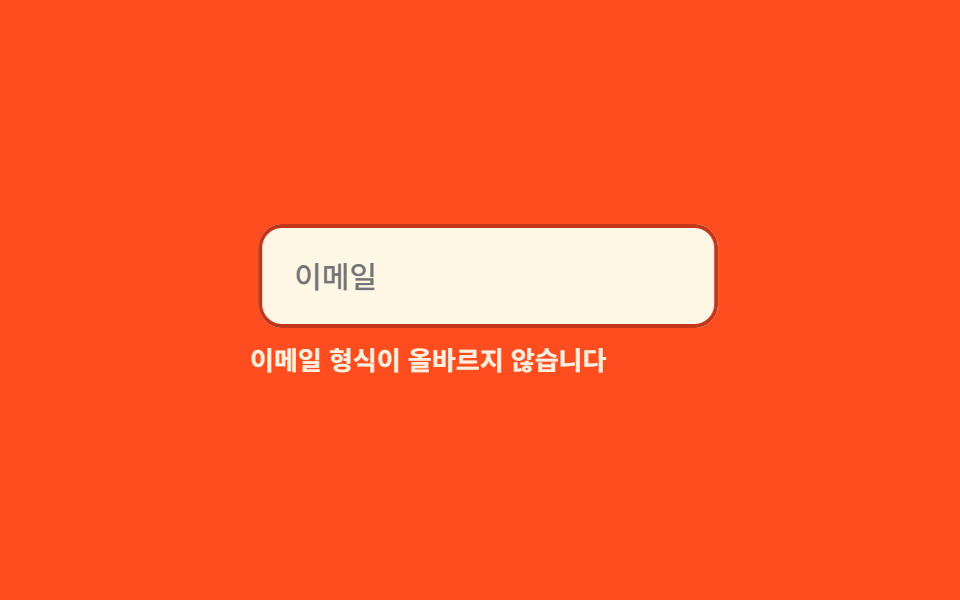
08Mẫu reset chạy lại từ đầu
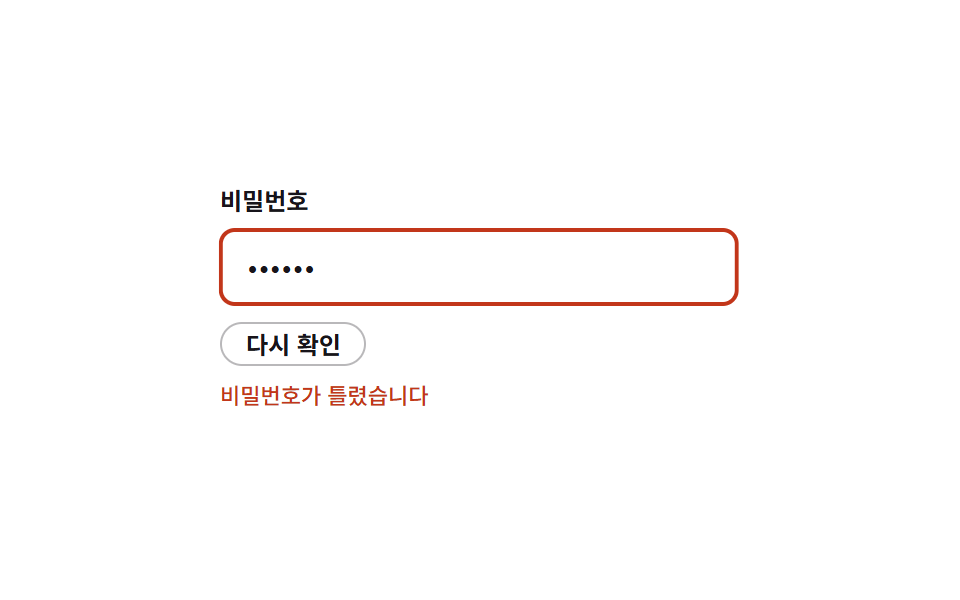
Gắn lại đúng class cũ thì animation không chạy lại, nên vài dòng JS ép reflow để mỗi lần sai đều rung từ đầu.
Dùng choNhập sai mật khẩu liên tiếp, một ô fail validation nhiều lần
animationendreflowJS 6줄
<main class="stage">
  <div class="rs is-demo">
    <label class="rs__label" for="rs-pw">Mật khẩu</label>
    <input class="rs__input" id="rs-pw" type="password" value="wrong1" readonly>
    <button class="rs__btn" type="button" id="rs-check">Kiểm tra lại</button>
    <p class="rs__msg">Sai mật khẩu</p>
  </div>
</main>
@use "../../../../site/static/demo-tokens" as *;
$duration: 500ms; // 흔들림 한 번의 길이
$easing: $ease-out;
$color: $error;
@include stage($stage-paper);
.rs { width: min(260px, 86vw); display: flex; flex-direction: column; gap: $sp-2; }
.rs__label { font-weight: 600; font-size: 12px; line-height: 1; font-family: inherit; color: $subject-ink; }
.rs__input {
box-sizing: border-box;
width: 100%;
padding: $sp-2 $sp-3;
border-radius: $r-sm;
border: 2px solid $color;
background: #fff;
color: $subject-ink;
font-weight: 400;
font-size: 14px;
line-height: 1;
font-family: inherit;
}
.rs__btn {
align-self: flex-start;
padding: $sp-1 $sp-3;
border: 1px solid rgba(23, 20, 26, .3);
border-radius: $r-control;
background: none;
color: $subject-ink;
font-weight: 600;
font-size: 12px;
line-height: 1;
font-family: inherit;
}
.rs__msg { margin: 0; color: $color; font-weight: 500; font-size: 11px; line-height: 1.3; font-family: inherit; }
@keyframes rs-shake {
0%, 100% { transform: translateX(0); }
10% { transform: translateX(-7px); }
20% { transform: translateX(6px); }
30% { transform: translateX(-5px); }
40% { transform: translateX(4px); }
50% { transform: translateX(-3px); }
60% { transform: translateX(2px); }
70% { transform: translateX(-1px); }
80% { transform: translateX(1px); }
}
// 실제 동작: "다시 확인" 을 연속으로 눌러도 리플로우 트릭 덕분에 매번 새로 흔들린다
.rs__input.rs--shake { animation: rs-shake $duration $easing; }
// 데모 루프: 같은 흔들림을 반복해 "매번 처음부터" 를 보여준다
.rs.is-demo .rs__input { animation: rs-shake $duration $easing infinite; }
@media (prefers-reduced-motion: reduce) {
.rs__input.rs--shake,
.rs.is-demo .rs__input { animation: none !important; }
}html, body {
margin: 0;
overflow: hidden;
}
.stage {
box-sizing: border-box;
min-height: 100vh;
display: grid;
place-items: center;
margin: 0;
background: #ffffff;
font-family: -apple-system, "Segoe UI", "Noto Sans KR", sans-serif;
padding: clamp(8px, 4vw, 24px);
}
.rs {
width: min(260px, 86vw);
display: flex;
flex-direction: column;
gap: 8px;
}
.rs__label {
font-weight: 600;
font-size: 12px;
line-height: 1;
font-family: inherit;
color: #17141a;
}
.rs__input {
box-sizing: border-box;
width: 100%;
padding: 8px 12px;
border-radius: 8px;
border: 2px solid #c2361a;
background: #fff;
color: #17141a;
font-weight: 400;
font-size: 14px;
line-height: 1;
font-family: inherit;
}
.rs__btn {
align-self: flex-start;
padding: 4px 12px;
border: 1px solid rgba(23, 20, 26, 0.3);
border-radius: 12px;
background: none;
color: #17141a;
font-weight: 600;
font-size: 12px;
line-height: 1;
font-family: inherit;
}
.rs__msg {
margin: 0;
color: #c2361a;
font-weight: 500;
font-size: 11px;
line-height: 1.3;
font-family: inherit;
}
@keyframes rs-shake {
0%, 100% {
transform: translateX(0);
}
10% {
transform: translateX(-7px);
}
20% {
transform: translateX(6px);
}
30% {
transform: translateX(-5px);
}
40% {
transform: translateX(4px);
}
50% {
transform: translateX(-3px);
}
60% {
transform: translateX(2px);
}
70% {
transform: translateX(-1px);
}
80% {
transform: translateX(1px);
}
}
.rs__input.rs--shake {
animation: rs-shake 500ms ease-out;
}
.rs.is-demo .rs__input {
animation: rs-shake 500ms ease-out infinite;
}
@media (prefers-reduced-motion: reduce) {
.rs__input.rs--shake,
.rs.is-demo .rs__input {
animation: none !important;
}
}// 같은 클래스를 다시 붙이기만 하면 애니메이션이 재생되지 않는다.
// 지우고 → 강제 리플로우(offsetWidth) → 다시 붙이면 매번 처음부터 흔들린다 (JS 6줄).
var input = document.getElementById('rs-pw');
document.getElementById('rs-check').addEventListener('pointerdown', function () {
input.classList.remove('rs--shake');
void input.offsetWidth;
input.classList.add('rs--shake');
});import { useState } from "react";
import type { CSSProperties } from "react";
import styles from "./ShakeOnceReset.module.scss";
export type ShakeOnceResetProps = {
duration?: number;
easing?: string;
color?: string;
};
type Vars = CSSProperties & { "--duration"?: string; "--easing"?: string; "--color"?: string };
// DOM 판의 리플로우 트릭 대신, React 는 key 를 바꿔 요소를 통째로 새로 마운트한다 —
// 같은 효과(매번 처음부터 재생)를 React 답게 낸다.
export default function ShakeOnceReset({ duration = 500, easing = "ease-out", color = "#c2361a" }: ShakeOnceResetProps) {
const [run, setRun] = useState(0);
const vars: Vars = { "--duration": `${duration}ms`, "--easing": easing, "--color": color };
return (
<div className={styles.rs} style={vars}>
<label className={styles.label} htmlFor="rs-pw">비밀번호</label>
<input key={run} id="rs-pw" className={`${styles.input} ${styles.shake}`} type="password" defaultValue="wrong1" readOnly />
<button type="button" className={styles.btn} onClick={() => setRun((n) => n + 1)}>다시 확인</button>
<p className={styles.msg}>비밀번호가 틀렸습니다</p>
</div>
);
}08 Mẫu reset chạy lại từ đầu — Diện tích đo được 0.56% · khung hình chuyển động 23/23Nguyên tác GODRICH · SCSS và React nằm trong tệp zip · 9 css shake animation — hiệu ứng rung báo lỗi form
Bài viết chứa demo này
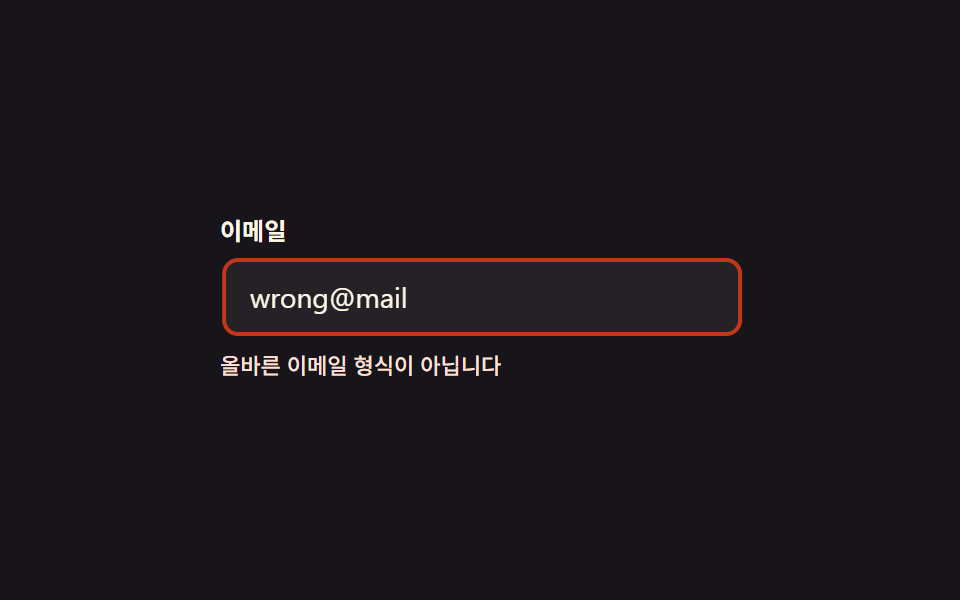 9 css shake animation — hiệu ứng rung báo lỗi formBạn từng thấy ô mật khẩu rung qua rung lại khi gõ sai chưa? Đó là css shake animation — vài dòng CSS, không cần JS, đủ b Xem tất cả demo trong bài này