01Ẩn rồi hiện lại
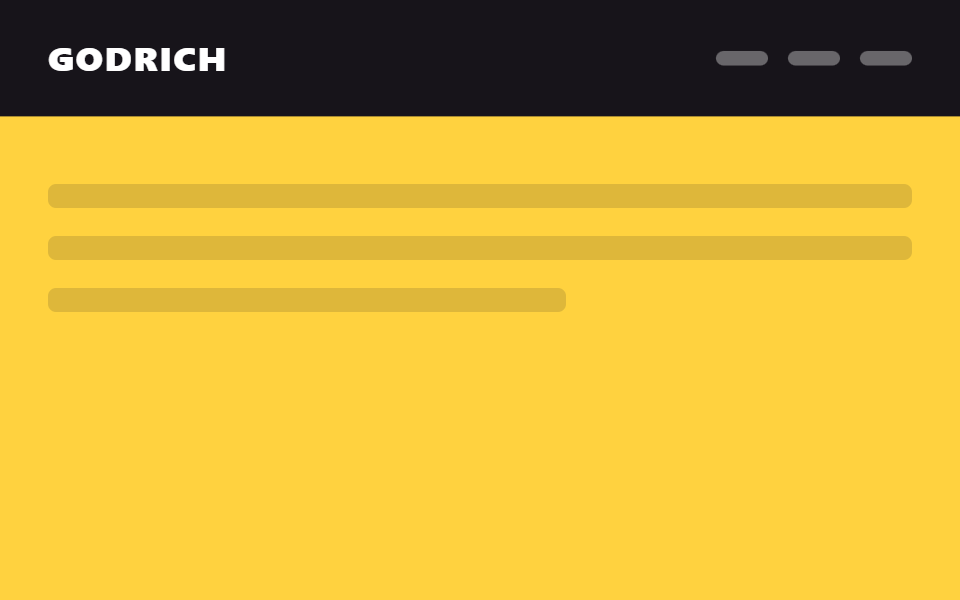
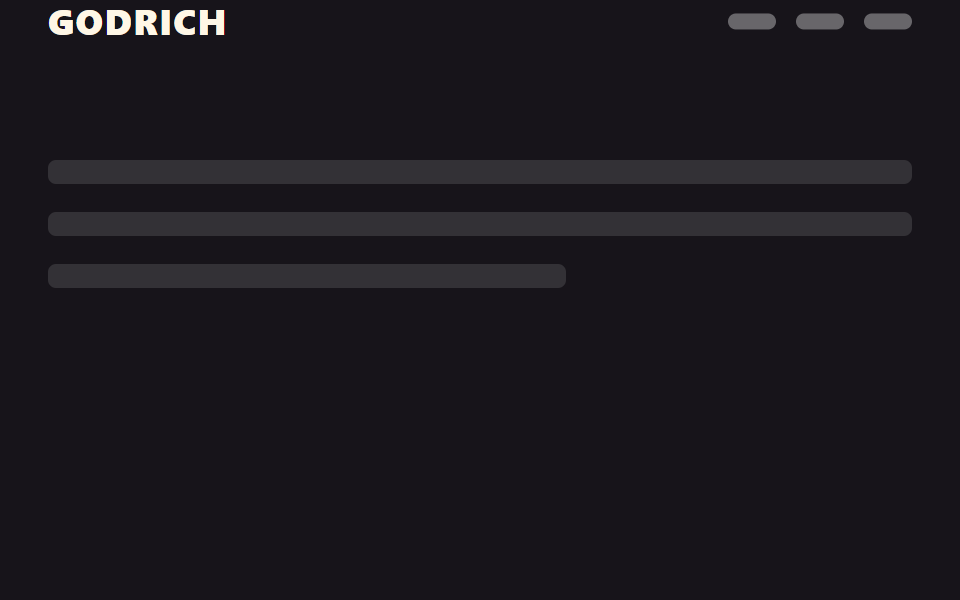
Cuộn xuống thì header trượt lên biến mất, chỉ hiện lại đúng lúc bạn cuộn ngược lên, nên không che nội dung lâu.
Dùng choHeader bài viết dài, thanh trên cùng của trang mua sắm trên di động
position:stickytranslateY(-100%)방향 감지

<main class="stage">
  <header class="head is-demo">
    <span class="head__logo">GODRICH</span>
    <nav class="head__nav" aria-hidden="true"><span></span><span></span><span></span></nav>
  </header>
  <div class="page">
    <p class="page__line"></p>
    <p class="page__line"></p>
    <p class="page__line short"></p>
  </div>
</main>
@use "../../../../site/static/demo-tokens" as *;
// ── 변수 3개. 변형은 이것만 바꾼다 ──────────────────────────
$duration: $dur-base; // 숨고 나타나는 시간
$easing: $ease-out;
$color: $stage-ink; // 헤더 배경
// ── 데모 무대 ──────────────────────────────────────────
html, body { margin: 0; overflow: hidden; }
.stage {
min-height: 100vh;
margin: 0;
background: $stage-ink;
font-family: -apple-system, "Segoe UI", "Noto Sans KR", sans-serif;
}
.head {
position: sticky;
top: 0;
height: 56px;
display: flex;
align-items: center;
justify-content: space-between;
padding: 0 clamp(16px, 5vw, 24px);
background: $color;
transition: transform $duration $easing;
&__logo { color: $subject-cream; font-weight: 800; font-size: 18px; line-height: 1; font-family: inherit; letter-spacing: .04em; }
&__nav { display: flex; gap: 10px; span { width: 24px; height: 8px; border-radius: 4px; background: rgba(255, 255, 255, .35); } }
// 실제 사용: 아래로 스크롤하면 위로 숨는다 (JS 가 .is-hidden 을 토글)
&.is-hidden { transform: translateY(-100%); }
}
// ── 데모(.is-demo): 숨었다 나타났다 2초 루프 ──────────────
.head.is-demo {
animation: hide-reveal-loop $dur-loop $easing infinite;
}
@keyframes hide-reveal-loop {
0%, 20% { transform: translateY(0); }
45%, 70% { transform: translateY(-100%); }
95%, 100% { transform: translateY(0); }
}
// ── 배경: 문서처럼 보이는 자리 ─────────────────────────
.page { padding: 24px 24px 0; }
.page__line {
height: 12px;
margin: 0 0 14px;
border-radius: 4px;
background: rgba(255, 255, 255, .12);
&.short { width: 60%; }
}
// ── 접근성: 움직임 줄이기 설정이면 즉시 상태만 바뀐다 ────────
@media (prefers-reduced-motion: reduce) {
.head { transition: none; }
.head.is-demo { animation: none !important; transform: translateY(0); }
}html, body {
margin: 0;
overflow: hidden;
}
.stage {
min-height: 100vh;
margin: 0;
background: #17141a;
font-family: -apple-system, "Segoe UI", "Noto Sans KR", sans-serif;
}
.head {
position: sticky;
top: 0;
height: 56px;
display: flex;
align-items: center;
justify-content: space-between;
padding: 0 clamp(16px, 5vw, 24px);
background: #17141a;
transition: transform 300ms ease-out;
}
.head__logo {
color: #fff7e6;
font-weight: 800;
font-size: 18px;
line-height: 1;
font-family: inherit;
letter-spacing: 0.04em;
}
.head__nav {
display: flex;
gap: 10px;
}
.head__nav span {
width: 24px;
height: 8px;
border-radius: 4px;
background: rgba(255, 255, 255, 0.35);
}
.head.is-hidden {
transform: translateY(-100%);
}
.head.is-demo {
animation: hide-reveal-loop 2s ease-out infinite;
}
@keyframes hide-reveal-loop {
0%, 20% {
transform: translateY(0);
}
45%, 70% {
transform: translateY(-100%);
}
95%, 100% {
transform: translateY(0);
}
}
.page {
padding: 24px 24px 0;
}
.page__line {
height: 12px;
margin: 0 0 14px;
border-radius: 4px;
background: rgba(255, 255, 255, 0.12);
}
.page__line.short {
width: 60%;
}
@media (prefers-reduced-motion: reduce) {
.head {
transition: none;
}
.head.is-demo {
animation: none !important;
transform: translateY(0);
}
}// 실제 페이지: 아래로 스크롤하면 숨기고 위로 스크롤하는 순간에만 다시 보인다 (방향 감지, 8줄)
var head = document.querySelector('.head');
var lastY = window.scrollY;
window.addEventListener('scroll', function () {
var y = window.scrollY;
head.classList.toggle('is-hidden', y > lastY && y > 40);
lastY = y;
}, { passive: true });import { useEffect, useRef } from "react";
import type { CSSProperties, ReactNode } from "react";
import styles from "./HideRevealHeader.module.scss";
export type HideRevealHeaderProps = {
logo: string;
children?: ReactNode;
/** 숨고 나타나는 시간 (기본 300ms) */
duration?: number;
easing?: string;
color?: string;
};
type Vars = CSSProperties & { "--duration"?: string; "--easing"?: string; "--color"?: string };
export default function HideRevealHeader({
logo,
children,
duration = 300,
easing = "ease-out",
color = "#17141a",
}: HideRevealHeaderProps) {
const ref = useRef<HTMLElement>(null);
const vars: Vars = { "--duration": `${duration}ms`, "--easing": easing, "--color": color };
useEffect(() => {
let lastY = window.scrollY;
function onScroll() {
const y = window.scrollY;
ref.current?.classList.toggle("is-hidden", y > lastY && y > 40);
lastY = y;
}
window.addEventListener("scroll", onScroll, { passive: true });
return () => window.removeEventListener("scroll", onScroll);
}, []);
return (
<header ref={ref} className={styles.head} style={vars}>
<span className={styles.logo}>{logo}</span>
<nav className={styles.nav}>{children}</nav>
</header>
);
}01 Ẩn rồi hiện lại — Diện tích đo được 3.501% · khung hình chuyển động 9/23Nguyên tác GODRICH · SCSS và React nằm trong tệp zip · 9 CSS sticky header không cần JS
Bài viết chứa demo này
 9 CSS sticky header không cần JSCss sticky header là kiểu header dùng position: sticky để dính lại trên đầu màn hình khi bạn cuộn trang, thay vì trôi mấ Xem tất cả demo trong bài này