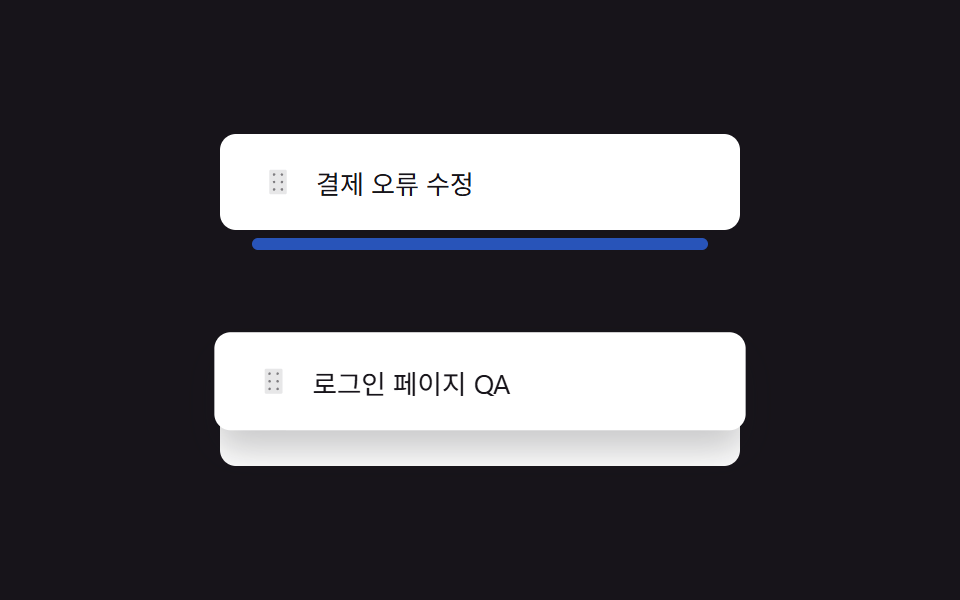
04Kéo để sắp xếp lại
Giữ tay cầm sáu chấm bên trái và kéo lên xuống, các dòng bị đi qua sẽ nhường chỗ và thứ tự thay đổi.
Dùng choSắp xếp lại playlist, danh sách công việc theo ưu tiên
pointerdown 드래그형제 요소 reflowdrop index 계산
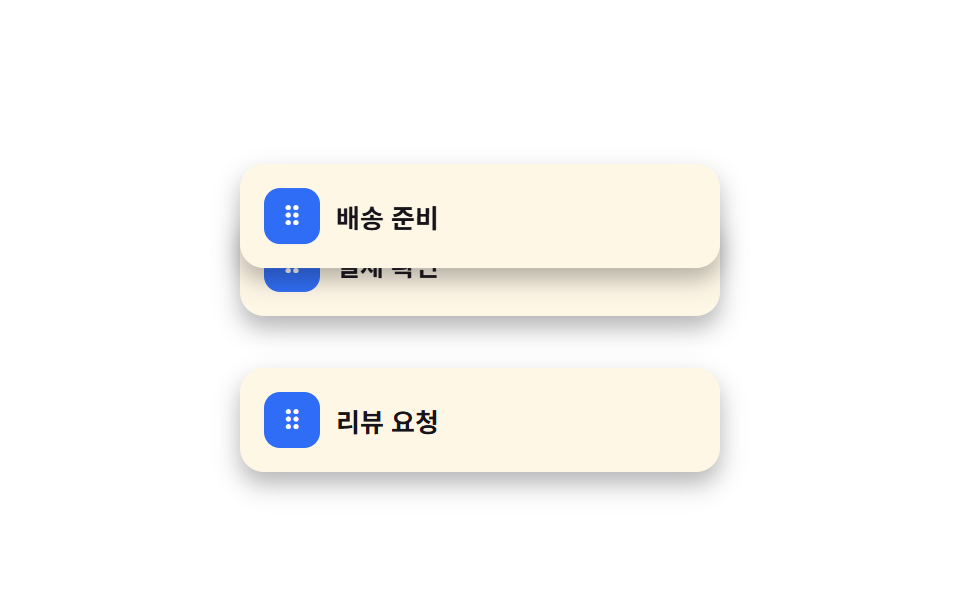
<main class="stage">
  <ul class="drag-list is-demo" aria-label="Thứ tự xử lý">
    <li class="drag-row">
      <button class="drag-row__handle" type="button" aria-label="Kéo hoặc dùng phím mũi tên để sắp xếp lại">⠿</button>
      <span class="drag-row__label">Xác nhận thanh toán</span>
    </li>
    <li class="drag-row">
      <button class="drag-row__handle" type="button" aria-label="Kéo hoặc dùng phím mũi tên để sắp xếp lại">⠿</button>
      <span class="drag-row__label">Chuẩn bị giao hàng</span>
    </li>
    <li class="drag-row">
      <button class="drag-row__handle" type="button" aria-label="Kéo hoặc dùng phím mũi tên để sắp xếp lại">⠿</button>
      <span class="drag-row__label">Yêu cầu đánh giá</span>
    </li>
  </ul>
</main>
@use "../../../../site/static/demo-tokens" as *;
$duration: $dur-quick; // 드래그 중 스냅 시간
$easing: $ease-out;
$color: $subject-blue; // 핸들 색
@include stage($stage-paper);
.drag-list {
position: relative;
list-style: none;
margin: 0;
padding: 0;
width: min(240px, 78vw);
display: flex;
flex-direction: column;
gap: $sp-2;
}
.drag-row {
display: flex;
align-items: center;
gap: $sp-2;
padding: $sp-3;
border-radius: $r-control;
background: $subject-cream;
box-shadow: $shadow-press;
transition: transform $duration $easing;
&.is-dragging { transition: none; z-index: 2; box-shadow: $shadow-raised; }
}
.drag-row__handle {
flex: 0 0 auto;
width: 28px;
height: 28px;
border: 0;
border-radius: $r-sm;
background: $color;
color: $stage-paper;
font-size: 14px;
line-height: 1;
cursor: grab;
touch-action: none;
}
.drag-row__handle:focus-visible { outline: 2px solid $stage-ink; outline-offset: 2px; }
.drag-row__label { font-weight: 700; font-size: 13px; color: $stage-ink; font-family: inherit; }
.drag-list.is-demo .drag-row:nth-child(1) { animation: drag-a $dur-loop $easing infinite; }
.drag-list.is-demo .drag-row:nth-child(2) { animation: drag-b $dur-loop $easing infinite; }
@keyframes drag-a {
0%, 10% { transform: translateY(0); }
45%, 65% { transform: translateY(60px); }
95%, 100% { transform: translateY(0); }
}
@keyframes drag-b {
0%, 10% { transform: translateY(0); }
45%, 65% { transform: translateY(-60px); }
95%, 100% { transform: translateY(0); }
}
@media (prefers-reduced-motion: reduce) {
.drag-row { transition: none; }
.drag-list.is-demo .drag-row:nth-child(1),
.drag-list.is-demo .drag-row:nth-child(2) { animation: none; }
}html, body {
margin: 0;
overflow: hidden;
}
.stage {
box-sizing: border-box;
min-height: 100vh;
display: grid;
place-items: center;
margin: 0;
background: #ffffff;
font-family: -apple-system, "Segoe UI", "Noto Sans KR", sans-serif;
padding: clamp(8px, 4vw, 24px);
}
.drag-list {
position: relative;
list-style: none;
margin: 0;
padding: 0;
width: min(240px, 78vw);
display: flex;
flex-direction: column;
gap: 8px;
}
.drag-row {
display: flex;
align-items: center;
gap: 8px;
padding: 12px;
border-radius: 12px;
background: #fff7e6;
box-shadow: 0 6px 12px rgba(23, 20, 26, 0.32);
transition: transform 220ms ease-out;
}
.drag-row.is-dragging {
transition: none;
z-index: 2;
box-shadow: 0 14px 24px rgba(23, 20, 26, 0.32);
}
.drag-row__handle {
flex: 0 0 auto;
width: 28px;
height: 28px;
border: 0;
border-radius: 8px;
background: #2f6df6;
color: #ffffff;
font-size: 14px;
line-height: 1;
cursor: grab;
touch-action: none;
}
.drag-row__handle:focus-visible {
outline: 2px solid #17141a;
outline-offset: 2px;
}
.drag-row__label {
font-weight: 700;
font-size: 13px;
color: #17141a;
font-family: inherit;
}
.drag-list.is-demo .drag-row:nth-child(1) {
animation: drag-a 2s ease-out infinite;
}
.drag-list.is-demo .drag-row:nth-child(2) {
animation: drag-b 2s ease-out infinite;
}
@keyframes drag-a {
0%, 10% {
transform: translateY(0);
}
45%, 65% {
transform: translateY(60px);
}
95%, 100% {
transform: translateY(0);
}
}
@keyframes drag-b {
0%, 10% {
transform: translateY(0);
}
45%, 65% {
transform: translateY(-60px);
}
95%, 100% {
transform: translateY(0);
}
}
@media (prefers-reduced-motion: reduce) {
.drag-row {
transition: none;
}
.drag-list.is-demo .drag-row:nth-child(1),
.drag-list.is-demo .drag-row:nth-child(2) {
animation: none;
}
}(function () {
var list = document.querySelector('.drag-list');
Array.prototype.forEach.call(list.children, function (row) {
var handle = row.querySelector('.drag-row__handle');
var startY = 0, dy = 0, dragging = false;
handle.addEventListener('pointerdown', function (e) {
list.classList.remove('is-demo');
dragging = true; startY = e.clientY; row.classList.add('is-dragging');
handle.setPointerCapture(e.pointerId);
});
handle.addEventListener('pointermove', function (e) {
if (!dragging) return;
dy = e.clientY - startY;
row.style.transform = 'translateY(' + dy + 'px)';
});
function end() {
if (!dragging) return;
dragging = false; row.classList.remove('is-dragging');
var target = dy > 30 ? row.nextElementSibling : dy < -30 ? row.previousElementSibling : null;
row.style.transform = '';
if (target) list.insertBefore(dy > 0 ? target : row, dy > 0 ? row : target);
dy = 0;
}
handle.addEventListener('pointerup', end);
handle.addEventListener('pointercancel', end);
handle.addEventListener('keydown', function (e) {
list.classList.remove('is-demo');
var sib = e.key === 'ArrowDown' ? row.nextElementSibling : e.key === 'ArrowUp' ? row.previousElementSibling : null;
if (!sib) return;
e.preventDefault();
if (e.key === 'ArrowDown') list.insertBefore(sib, row); else list.insertBefore(row, sib);
handle.focus({ preventScroll: true });
});
});
})();import { useEffect, useRef, useState, type CSSProperties, type PointerEvent } from "react";
import styles from "./DragHandleReorder.module.scss";
export type DragHandleReorderProps = {
items: string[];
/** 드래그 스냅 시간 (기본 220ms) */
duration?: number;
easing?: string;
/** 핸들 색 */
color?: string;
};
type Vars = CSSProperties & { "--duration"?: string; "--easing"?: string; "--color"?: string };
export default function DragHandleReorder({
items,
duration = 220,
easing = "ease-out",
color = "#2f6df6",
}: DragHandleReorderProps) {
const [rows, setRows] = useState(items);
const [dragIndex, setDragIndex] = useState<number | null>(null);
const [dy, setDy] = useState(0);
const startY = useRef(0);
const handles = useRef<{ [label: string]: HTMLButtonElement | null }>({});
const refocusLabel = useRef<string | null>(null);
const vars: Vars = { "--duration": `${duration}ms`, "--easing": easing, "--color": color };
// 키보드로 순서를 바꾼 뒤에도 같은 핸들에 포커스가 남아 있어야 연속으로 화살표 키를 누를 수 있다
// (vanilla 판의 handle.focus({ preventScroll: true }) 와 같은 목적 — react 는 key 재조정으로도
// 대개 포커스가 유지되지만, 여기서는 명시적으로 한 번 더 확인해 다른 리렌더에 흔들리지 않게 한다)
useEffect(() => {
const label = refocusLabel.current;
if (label) { handles.current![label]?.focus({ preventScroll: true }); refocusLabel.current = null; }
}, [rows]);
const swap = (i: number, j: number, keyboardLabel?: string) => {
if (j < 0 || j >= rows.length) return;
const next = rows.slice();
const t = next[i]; next[i] = next[j]; next[j] = t;
if (keyboardLabel) refocusLabel.current = keyboardLabel;
setRows(next);
};
const down = (i: number) => (e: PointerEvent<HTMLButtonElement>) => {
setDragIndex(i); startY.current = e.clientY;
e.currentTarget.setPointerCapture(e.pointerId);
};
const move = (e: PointerEvent<HTMLButtonElement>) => {
if (dragIndex === null) return;
setDy(e.clientY - (startY.current ?? 0));
};
const up = () => {
if (dragIndex === null) return;
if (dy > 30) swap(dragIndex, dragIndex + 1);
else if (dy < -30) swap(dragIndex, dragIndex - 1);
setDragIndex(null); setDy(0);
};
const key = (i: number, label: string) => (e: any) => {
if (e.key === "ArrowDown") { e.preventDefault(); swap(i, i + 1, label); }
else if (e.key === "ArrowUp") { e.preventDefault(); swap(i, i - 1, label); }
};
return (
<ul className={styles.list} style={vars}>
{rows.map((label, i) => (
<li
key={label}
className={styles.row}
style={dragIndex === i ? { transform: `translateY(${dy}px)`, transition: "none" } : undefined}
>
<button
ref={(el: HTMLButtonElement | null) => { handles.current![label] = el; }}
className={styles.handle}
type="button"
aria-label="드래그하거나 화살표 키로 순서 변경"
onPointerDown={down(i)}
onPointerMove={move}
onPointerUp={up}
onPointerCancel={up}
onKeyDown={key(i, label)}
>⠿</button>
<span className={styles.label}>{label}</span>
</li>
))}
</ul>
);
}04 Kéo để sắp xếp lại — Diện tích đo được 18.702% · khung hình chuyển động 17/23Nguyên tác GODRICH · SCSS và React nằm trong tệp zip · 9 mẫu List UI: swipe to delete css và phân trang
Bài viết chứa demo này
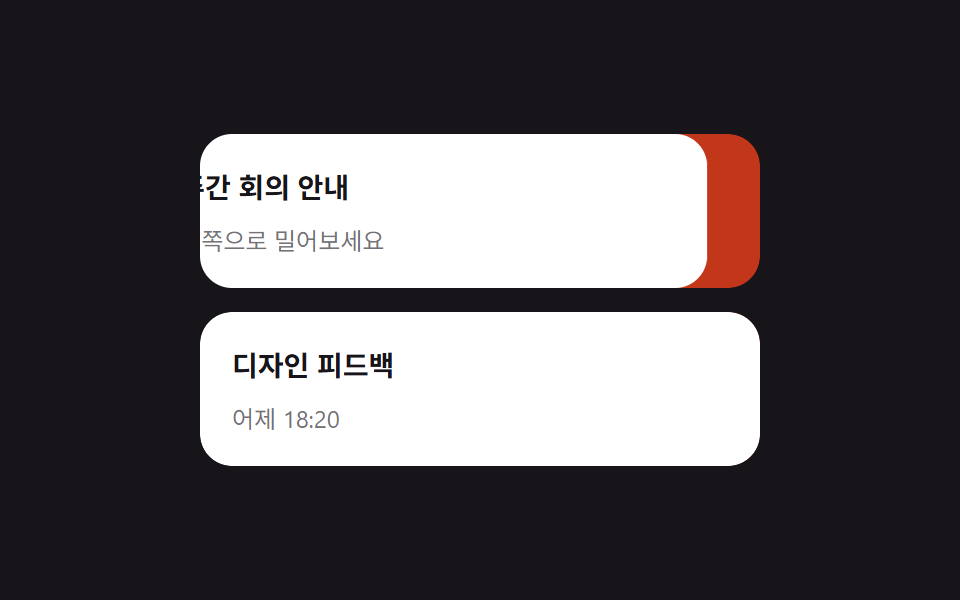 9 mẫu List UI: swipe to delete css và phân trangSwipe to delete css là vuốt một dòng để lộ nút xóa phía sau — thao tác bạn hay thấy trong app, giờ có luôn trên web. Bài Xem tất cả demo trong bài này