02Bookmark Button That Morphs From Outline to Filled
Before it's saved the ribbon is only an outline, and the moment it's tapped the color fills in from the inside out.
Best forWishlist button on a product card
CYCLE_SrendersetSaved
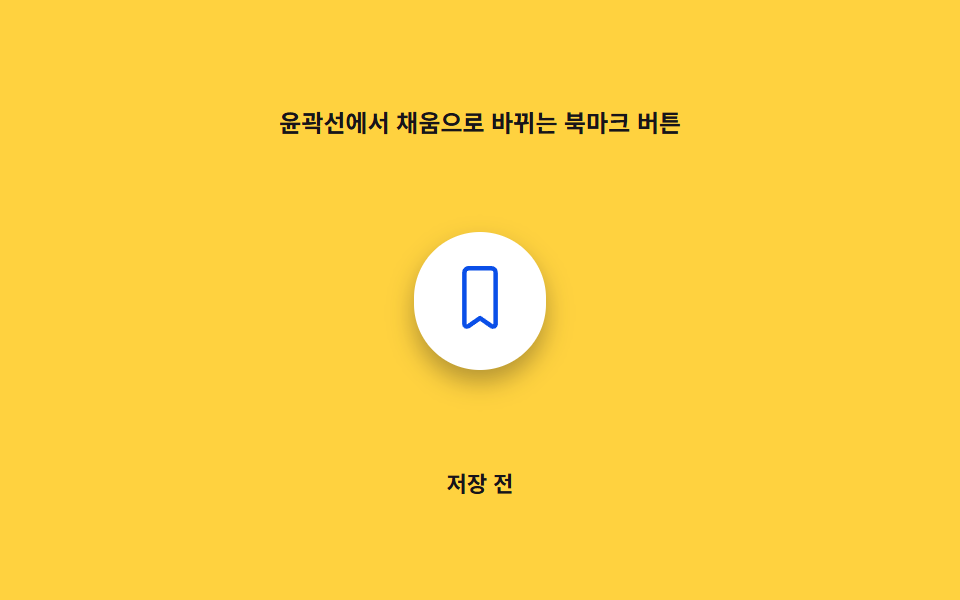
<main class="stage">
<div class="ob is-demo" id="ob">
  <p class="ob__caption">A Bookmark Button That Morphs From Outline to Fill</p>
  <div class="ob__scene" id="obScene">
    <div class="ob__panel" id="obPanel" aria-hidden="true"></div>
    <button class="ob__btn" id="obBtn" type="button" aria-pressed="false">
      <svg class="ob__icon" viewBox="0 0 24 24" width="34" height="34" aria-hidden="true" focusable="false">
        <defs>
          <clipPath id="obClip">
            <path d="M6.5 3A1.5 1.5 0 0 1 8 1.5h8A1.5 1.5 0 0 1 17.5 3v18.2a.9.9 0 0 1-1.38.76L12 19.1l-4.12 2.86A.9.9 0 0 1 6.5 21.2Z"/>
          </clipPath>
        </defs>
        <path class="ob__outline" d="M6.5 3A1.5 1.5 0 0 1 8 1.5h8A1.5 1.5 0 0 1 17.5 3v18.2a.9.9 0 0 1-1.38.76L12 19.1l-4.12 2.86A.9.9 0 0 1 6.5 21.2Z"/>
        <rect class="ob__fill" id="obFill" x="0" y="24" width="24" height="24" clip-path="url(#obClip)"/>
      </svg>
    </button>
  </div>
  <p class="ob__status" id="obStatus" aria-live="polite">Not saved</p>
</div>
</main>
@use "../../../../site/static/demo-tokens" as *;
// 값 하나: fill 진행률(0~1) → SVG rect 의 y/height, clip-path 로 리본 모양 안에서만 차오른다.
$duration: $dur-base;
$easing: $ease-out;
$color: $subject-blue-deep;
@include stage($stage-yellow);
.ob {
display: grid;
gap: $sp-3;
justify-items: center;
}
.ob__caption {
margin: 0;
font-size: 12px;
font-weight: 600;
color: $subject-ink;
}
.ob__scene {
position: relative;
width: 200px;
height: 140px;
display: grid;
place-items: center;
}
.ob__panel {
position: absolute;
inset: 0;
margin: auto;
width: 200px;
height: 140px;
--fill-p: 0;
border-radius: $r-card;
background: radial-gradient(circle, rgba($subject-blue-deep, calc(var(--fill-p) * .62)) 0%, rgba($subject-blue-deep, calc(var(--fill-p) * .28)) 55%, transparent 90%);
pointer-events: none;
}
.ob__btn {
position: relative;
z-index: 1;
border: 0;
background: $stage-paper;
border-radius: $r-pill;
padding: $sp-4;
cursor: pointer;
box-shadow: $shadow-press;
transform-origin: center;
}
.ob__btn:focus-visible {
outline: 2px solid $subject-blue;
outline-offset: 3px;
}
.ob__outline {
fill: none;
stroke: $color;
stroke-width: 1.6;
stroke-linejoin: round;
}
.ob__fill {
fill: $color;
}
.ob__status {
margin: 0;
font-size: 11px;
color: $subject-ink;
font-weight: 600;
}
@media (max-width: 340px) {
.ob__scene { width: 150px; height: 96px; }
.ob__panel { width: 130px; height: 78px; }
}
@media (prefers-reduced-motion: reduce) {
.ob__btn { transition: none; }
}html, body {
margin: 0;
overflow: hidden;
}
.stage {
box-sizing: border-box;
min-height: 100vh;
display: grid;
place-items: center;
margin: 0;
background: #ffd23f;
font-family: -apple-system, "Segoe UI", "Noto Sans KR", sans-serif;
padding: clamp(8px, 4vw, 24px);
}
.ob {
display: grid;
gap: 12px;
justify-items: center;
}
.ob__caption {
margin: 0;
font-size: 12px;
font-weight: 600;
color: #17141a;
}
.ob__scene {
position: relative;
width: 200px;
height: 140px;
display: grid;
place-items: center;
}
.ob__panel {
position: absolute;
inset: 0;
margin: auto;
width: 200px;
height: 140px;
--fill-p: 0;
border-radius: 16px;
background: radial-gradient(circle, rgba(10, 79, 232, calc(var(--fill-p) * 0.62)) 0%, rgba(10, 79, 232, calc(var(--fill-p) * 0.28)) 55%, transparent 90%);
pointer-events: none;
}
.ob__btn {
position: relative;
z-index: 1;
border: 0;
background: #ffffff;
border-radius: 999px;
padding: 16px;
cursor: pointer;
box-shadow: 0 6px 12px rgba(23, 20, 26, 0.32);
transform-origin: center;
}
.ob__btn:focus-visible {
outline: 2px solid #2f6df6;
outline-offset: 3px;
}
.ob__outline {
fill: none;
stroke: #0a4fe8;
stroke-width: 1.6;
stroke-linejoin: round;
}
.ob__fill {
fill: #0a4fe8;
}
.ob__status {
margin: 0;
font-size: 11px;
color: #17141a;
font-weight: 600;
}
@media (max-width: 340px) {
.ob__scene {
width: 150px;
height: 96px;
}
.ob__panel {
width: 130px;
height: 78px;
}
}
@media (prefers-reduced-motion: reduce) {
.ob__btn {
transition: none;
}
}(function () {
"use strict";
var CYCLE_S = 2;
var root = document.getElementById("ob");
var scene = document.getElementById("obScene");
var panel = document.getElementById("obPanel");
var btn = document.getElementById("obBtn");
var fillRect = document.getElementById("obFill");
var status = document.getElementById("obStatus");
var reduce = window.matchMedia("(prefers-reduced-motion: reduce)").matches;
var saved = false;
var progress = 0;
var target = 0;
function render(p) {
// 값 하나: fill 진행률(p, 0~1) → SVG rect 의 y·height(=clip-path 로 잘려 채움 비율이 된다)
var y = 24 * (1 - p);
fillRect.setAttribute("y", y.toFixed(3));
fillRect.setAttribute("height", (24 - y).toFixed(3));
panel.style.setProperty("--fill-p", p.toFixed(3));
}
function setSaved(v) {
saved = v;
target = v ? 1 : 0;
btn.setAttribute("aria-pressed", String(v));
status.textContent = v ? "Saved" : "Not saved";
}
btn.addEventListener("click", function () {
root.classList.remove("is-demo");
setSaved(!saved);
});
var start = null;
var prevT = 0;
var toggledA = false;
var toggledB = false;
function loop(now) {
if (start === null) start = now;
var t = ((now - start) / 1000) % CYCLE_S;
if (t < prevT) { toggledA = false; toggledB = false; }
prevT = t;
if (!reduce && root.classList.contains("is-demo")) {
if (!toggledA && t > 0.3) { toggledA = true; setSaved(true); }
if (!toggledB && t > 1.3) { toggledB = true; setSaved(false); }
}
if (reduce) {
progress = target;
} else {
// 관성 lerp: 진행률이 목표를 향해 부드럽게 수렴한다 (속성 트윈이 아니라 매 프레임 계산)
progress += (target - progress) * 0.22;
}
render(progress);
requestAnimationFrame(loop);
}
requestAnimationFrame(loop);
})();// OutlineFillMorphBookmark — vanilla 판(run/416/demo/02-bookmark-btn-outline-fill-morph/index.html) 의 React 포트.
// 값 하나: fill 진행률(0~1, 관성 lerp) → SVG rect 의 y/height(clip-path 로 리본 모양 안에서만 차오른다) + 배경 패널 강도.
import { useEffect, useRef, useState } from "react";
import styles from "./OutlineFillMorphBookmark.module.scss";
type Box<T> = { current: T };
const CYCLE_S = 2;
const LERP_RATE = 0.22;
export default function OutlineFillMorphBookmark() {
const panelRef = useRef<HTMLDivElement | null>(null);
const fillRef = useRef<SVGRectElement | null>(null);
const progressRef = useRef<number>(0) as Box<number>;
const targetRef = useRef<number>(0) as Box<number>;
const frameRef = useRef<number>(0) as Box<number>;
const [saved, setSaved] = useState(false);
const [demo, setDemo] = useState(true);
const [reduce, setReduce] = useState(false);
function render(p: number): void {
const fill = fillRef.current;
const panel = panelRef.current;
if (!fill || !panel) return;
const y = 24 * (1 - p);
fill.setAttribute("y", y.toFixed(3));
fill.setAttribute("height", (24 - y).toFixed(3));
panel.style.setProperty("--fill-p", p.toFixed(3));
}
function toggle(v: boolean): void {
setSaved(v);
targetRef.current = v ? 1 : 0;
}
useEffect(() => {
setReduce(window.matchMedia("(prefers-reduced-motion: reduce)").matches);
}, []);
useEffect(() => {
let start = 0;
let prevT = 0;
let toggledA = false;
let toggledB = false;
function loop(now: number): void {
if (start === 0) start = now;
const t = ((now - start) / 1000) % CYCLE_S;
if (t < prevT) { toggledA = false; toggledB = false; }
prevT = t;
if (!reduce && demo) {
if (!toggledA && t > 0.3) { toggledA = true; toggle(true); }
if (!toggledB && t > 1.3) { toggledB = true; toggle(false); }
}
if (reduce) {
progressRef.current = targetRef.current;
} else {
progressRef.current += (targetRef.current - progressRef.current) * LERP_RATE;
}
render(progressRef.current);
frameRef.current = requestAnimationFrame(loop);
}
frameRef.current = requestAnimationFrame(loop);
return () => cancelAnimationFrame(frameRef.current);
}, [reduce, demo]);
function onClick(): void {
setDemo(false);
toggle(!saved);
}
return (
<main className={styles.stage}>
<div className={styles.ob}>
<p className={styles.caption}>윤곽선에서 채움으로 바뀌는 북마크 버튼</p>
<div className={styles.scene}>
<div className={styles.panel} aria-hidden="true" ref={panelRef} />
<button className={styles.btn} type="button" aria-pressed={saved} onClick={onClick}>
<svg className={styles.icon} viewBox="0 0 24 24" width={34} height={34} aria-hidden="true" focusable="false">
<defs>
<clipPath id="obClip">
<path d="M6.5 3A1.5 1.5 0 0 1 8 1.5h8A1.5 1.5 0 0 1 17.5 3v18.2a.9.9 0 0 1-1.38.76L12 19.1l-4.12 2.86A.9.9 0 0 1 6.5 21.2Z" />
</clipPath>
</defs>
<path className={styles.outline} d="M6.5 3A1.5 1.5 0 0 1 8 1.5h8A1.5 1.5 0 0 1 17.5 3v18.2a.9.9 0 0 1-1.38.76L12 19.1l-4.12 2.86A.9.9 0 0 1 6.5 21.2Z" />
<rect className={styles.fill} ref={fillRef} x={0} y={24} width={24} height={24} clipPath="url(#obClip)" />
</svg>
</button>
</div>
<p className={styles.status} aria-live="polite">{saved ? "저장됨" : "저장 전"}</p>
</div>
</main>
);
}02 Bookmark Button That Morphs From Outline to Filled — Measured area 16.04% · moving frames 7/23Original by GODRICH · SCSS and React ship in the zip · Bookmark Icon Animation: 9 Patterns, One Icon
The post this demo lives in
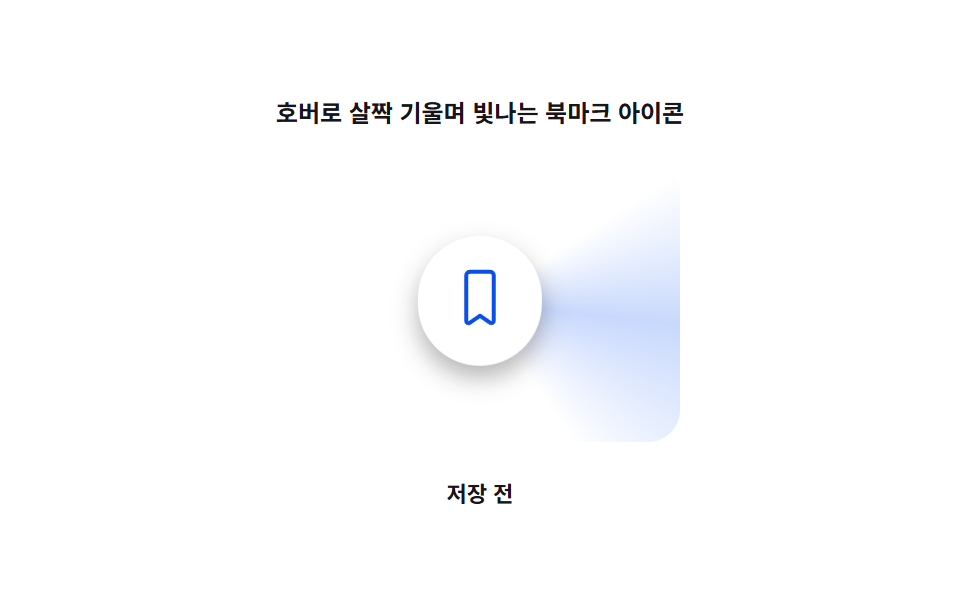 Bookmark Icon Animation: 9 Patterns, One Iconbookmark icon animation: Saved. One word, nine feelings — 03 overshoots by a spring value, 06 stacks the count digit by See all demos in this post
If you like this effect - similar demos
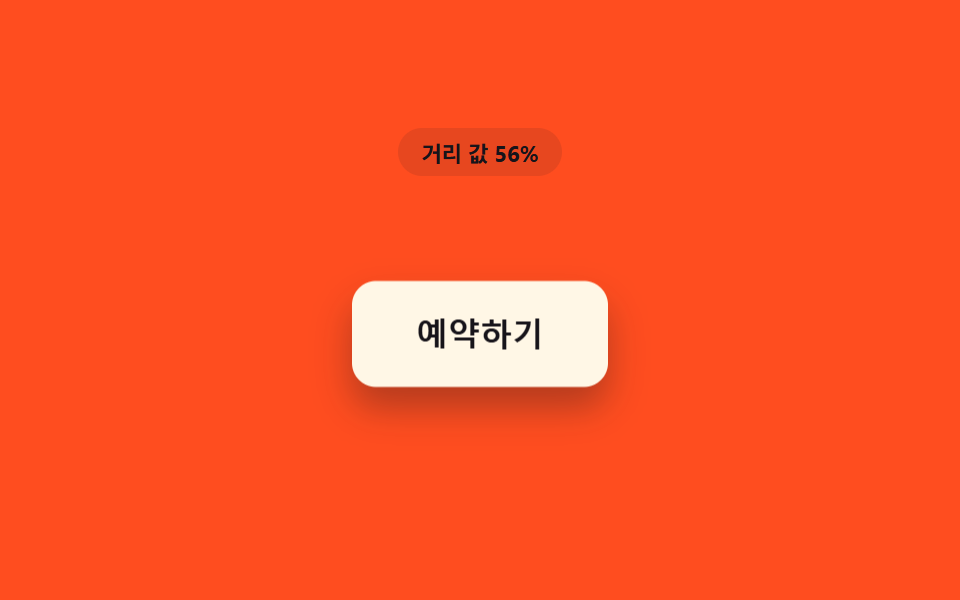 Buttons07 Button That Lifts by the Distance Value's ShadowCSS Button Hover Effects — 9 Proximity Patterns
 Buttons01 Ink-diffusion Button That Spreads From the Click PointButton Click Effect CSS: 9 Canvas Pixel Patterns
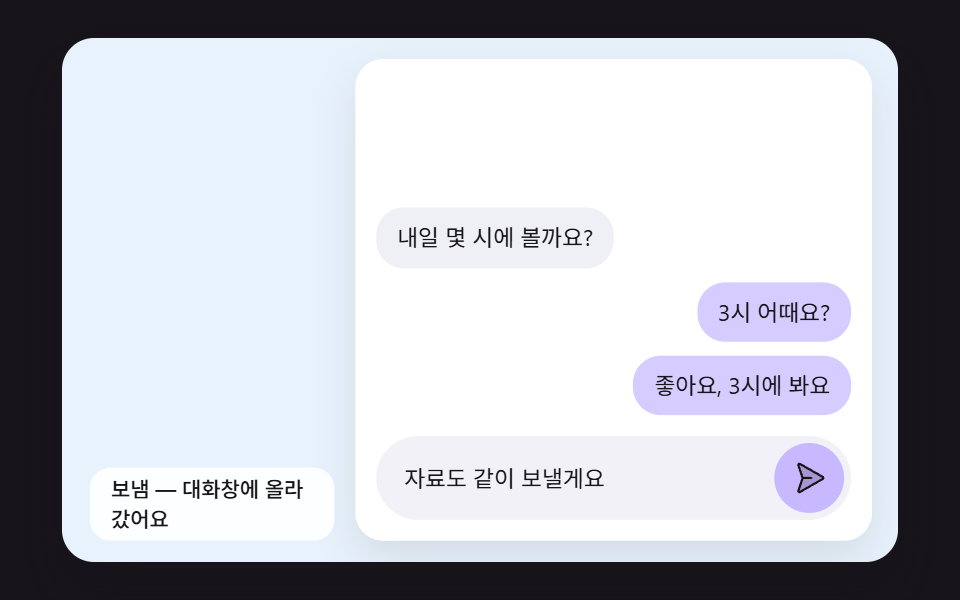 Buttons09 A Chat Bubble That Arcs From the Send Button and Lands in the ThreadSend Button Animation CSS: 9 Fold-and-Fly Buttons