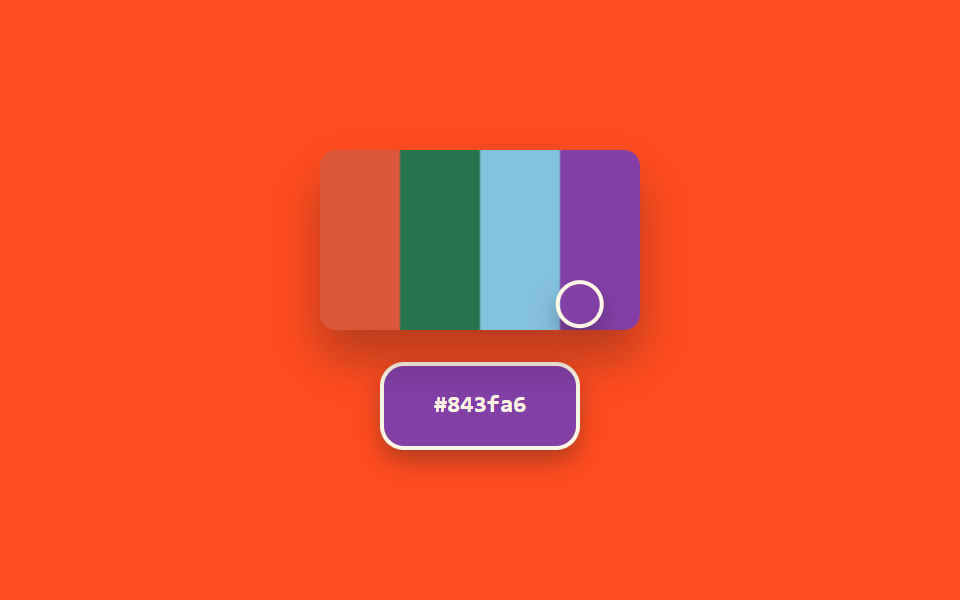
08Eyedropper — a color picker that recomputes its preview from the extracted color's brightness
The brightness value of the color extracted from the screen is computed, and that value jointly resets both the preview swatch's text color and its border thickness.
Best forScreen color-extraction tools, design-QA color checks
getImageDataBANDSaria-hidden
<main class="stage">
<section class="panel">
  <div class="screenWrap">
    <canvas class="screen" id="screen" width="160" height="90" aria-hidden="true"></canvas>
    <div class="loupe" id="loupe"></div>
  </div>
  <div class="preview" id="preview">
    <span class="hex" id="hex">#000000</span>
  </div>
</section>
</main>
@use "../../../../site/static/demo-tokens" as *;
@include stage($stage-orange);
.panel {
display: flex;
flex-direction: column;
align-items: center;
gap: $sp-4;
}
.screenWrap {
position: relative;
width: 160px;
height: 90px;
border-radius: $r-sm;
overflow: hidden;
box-shadow: $shadow-raised;
}
.screen {
display: block;
width: 160px;
height: 90px;
}
.loupe {
position: absolute;
top: 0;
left: 0;
width: 20px;
height: 20px;
border-radius: $r-pill;
border: 2px solid $subject-cream;
box-shadow: $shadow-press;
pointer-events: none;
}
.preview {
display: flex;
align-items: center;
justify-content: center;
width: 96px;
height: 40px;
border-radius: $r-control;
border-style: solid;
border-color: $subject-cream;
color: $subject-cream;
box-shadow: $shadow-press;
&.is-ink {
color: $subject-ink;
border-color: $subject-ink;
}
}
.hex {
font-family: "Space Mono", ui-monospace, monospace;
font-weight: 700;
font-size: 12px;
line-height: 1.3;
}
@media (prefers-reduced-motion: reduce) {
.loupe,
.preview { transition: none; }
}html, body {
margin: 0;
overflow: hidden;
}
.stage {
box-sizing: border-box;
min-height: 100vh;
display: grid;
place-items: center;
margin: 0;
background: #ff4d1f;
font-family: -apple-system, "Segoe UI", "Noto Sans KR", sans-serif;
padding: clamp(8px, 4vw, 24px);
}
.panel {
display: flex;
flex-direction: column;
align-items: center;
gap: 16px;
}
.screenWrap {
position: relative;
width: 160px;
height: 90px;
border-radius: 8px;
overflow: hidden;
box-shadow: 0 14px 24px rgba(23, 20, 26, 0.32);
}
.screen {
display: block;
width: 160px;
height: 90px;
}
.loupe {
position: absolute;
top: 0;
left: 0;
width: 20px;
height: 20px;
border-radius: 999px;
border: 2px solid #fff7e6;
box-shadow: 0 6px 12px rgba(23, 20, 26, 0.32);
pointer-events: none;
}
.preview {
display: flex;
align-items: center;
justify-content: center;
width: 96px;
height: 40px;
border-radius: 12px;
border-style: solid;
border-color: #fff7e6;
color: #fff7e6;
box-shadow: 0 6px 12px rgba(23, 20, 26, 0.32);
}
.preview.is-ink {
color: #17141a;
border-color: #17141a;
}
.hex {
font-family: "Space Mono", ui-monospace, monospace;
font-weight: 700;
font-size: 12px;
line-height: 1.3;
}
@media (prefers-reduced-motion: reduce) {
.loupe,
.preview {
transition: none;
}
}// 스포이드(08) — 캔버스에서 커서 위치의 실제 픽셀 값을 getImageData 로 추출해
// 밝기 값을 계산하고, 그 값에 따라 Preview 글자색과 테두리 두께를 함께 다시 정한다.
// 브라우저 EyeDropper API 는 지원 범위가 좁아 쓰지 않는다 — 캔버스 픽셀 샘플링 시뮬레이션.
// 실키·실서버 요청 없음.
(function () {
var screenEl = document.getElementById('screen');
var loupeEl = document.getElementById('loupe');
var previewEl = document.getElementById('preview');
var hexEl = document.getElementById('hex');
if (!screenEl || !loupeEl || !previewEl || !hexEl || !screenEl.getContext) return;
var ctx = screenEl.getContext('2d');
if (!ctx) return;
var reduce = window.matchMedia('(prefers-reduced-motion: reduce)').matches;
var CANVAS_W = 160;
var CANVAS_H = 90;
var CYCLE_MS = 2600;
var MIN_BORDER = 1;
var MAX_BORDER = 6;
var BANDS = [
{ x0: 0, x1: 40, h: 10, s: 70, l: 55 },
{ x0: 40, x1: 80, h: 150, s: 50, l: 30 },
{ x0: 80, x1: 120, h: 200, s: 60, l: 70 },
{ x0: 120, x1: 160, h: 280, s: 45, l: 45 }
];
BANDS.forEach(function (b) {
ctx.fillStyle = 'hsl(' + b.h + 'deg ' + b.s + '% ' + b.l + '%)';
ctx.fillRect(b.x0, 0, b.x1 - b.x0, CANVAS_H);
});
function toHex(n) {
return n.toString(16).padStart(2, '0');
}
function apply(t) {
var p = (t / CYCLE_MS) % 1;
var triangle = p < .5 ? p * 2 : (1 - p) * 2;
var x = 8 + triangle * (CANVAS_W - 16);
var y = CANVAS_H / 2 + Math.sin(p * Math.PI * 4) * (CANVAS_H / 2 - 6);
var xi = Math.max(0, Math.min(CANVAS_W - 1, Math.round(x)));
var yi = Math.max(0, Math.min(CANVAS_H - 1, Math.round(y)));
var pixel = ctx.getImageData(xi, yi, 1, 1).data;
var r = pixel[0], g = pixel[1], b = pixel[2];
var hex = '#' + toHex(r) + toHex(g) + toHex(b);
var brightness = (r * 299 + g * 587 + b * 114) / 1000;
var ink = brightness > 150;
var borderPx = MIN_BORDER + (brightness / 255) * (MAX_BORDER - MIN_BORDER);
loupeEl.style.transform = 'translate(-50%, -50%) translate(' + x.toFixed(2) + 'px, ' + y.toFixed(2) + 'px)';
previewEl.style.background = hex;
previewEl.style.borderWidth = borderPx.toFixed(1) + 'px';
previewEl.classList.toggle('is-ink', ink);
hexEl.textContent = hex;
}
if (reduce) {
apply(0);
return;
}
var start = null;
function loop(ts) {
if (start === null) start = ts;
var t = (ts - start) % CYCLE_MS;
apply(t);
requestAnimationFrame(loop);
}
requestAnimationFrame(loop);
})();import { useEffect, useRef } from "react";
import styles from "./ColorPickerEyedropper.module.scss";
// 스포이드 — 캔버스에서 커서 위치의 실제 픽셀 값을 getImageData 로 추출해 밝기 값을
// 계산하고, 그 값에 따라 미리보기 글자색과 테두리 두께를 함께 다시 정한다.
// 브라우저 스포이드 API는 지원 범위가 좁아 쓰지 않는다 — 캔버스 픽셀 샘플링 시뮬레이션.
// 실키·실서버 요청 없음.
const CANVAS_W = 160;
const CANVAS_H = 90;
const CYCLE_MS = 2600;
const MIN_BORDER = 1;
const MAX_BORDER = 6;
const BANDS = [
{ x0: 0, x1: 40, h: 10, s: 70, l: 55 },
{ x0: 40, x1: 80, h: 150, s: 50, l: 30 },
{ x0: 80, x1: 120, h: 200, s: 60, l: 70 },
{ x0: 120, x1: 160, h: 280, s: 45, l: 45 },
];
function toHex(n: number) {
return n.toString(16).padStart(2, "0");
}
export default function ColorPickerEyedropper() {
const screenRef = useRef<HTMLCanvasElement>(null);
const loupeRef = useRef<HTMLDivElement>(null);
const previewRef = useRef<HTMLDivElement>(null);
const hexRef = useRef<HTMLSpanElement>(null);
useEffect(() => {
const screen = screenRef.current;
const loupe = loupeRef.current;
const preview = previewRef.current;
const hexEl = hexRef.current;
if (!screen || !loupe || !preview || !hexEl) return;
const ctx = screen.getContext("2d");
if (!ctx) return;
const reduce = window.matchMedia("(prefers-reduced-motion: reduce)").matches;
BANDS.forEach((b) => {
ctx.fillStyle = `hsl(${b.h}deg ${b.s}% ${b.l}%)`;
ctx.fillRect(b.x0, 0, b.x1 - b.x0, CANVAS_H);
});
function apply(t: number) {
const p = (t / CYCLE_MS) % 1;
const triangle = p < .5 ? p * 2 : (1 - p) * 2;
const x = 8 + triangle * (CANVAS_W - 16);
const y = CANVAS_H / 2 + Math.sin(p * Math.PI * 4) * (CANVAS_H / 2 - 6);
const xi = Math.max(0, Math.min(CANVAS_W - 1, Math.round(x)));
const yi = Math.max(0, Math.min(CANVAS_H - 1, Math.round(y)));
const pixel = ctx!.getImageData(xi, yi, 1, 1).data;
const r = pixel[0], g = pixel[1], b = pixel[2];
const hex = "#" + toHex(r) + toHex(g) + toHex(b);
const brightness = (r * 299 + g * 587 + b * 114) / 1000;
const ink = brightness > 150;
const borderPx = MIN_BORDER + (brightness / 255) * (MAX_BORDER - MIN_BORDER);
loupe!.style.transform = `translate(-50%, -50%) translate(${x.toFixed(2)}px, ${y.toFixed(2)}px)`;
preview!.style.background = hex;
preview!.style.borderWidth = `${borderPx.toFixed(1)}px`;
preview!.classList.toggle(styles.isInk, ink);
hexEl!.textContent = hex;
}
if (reduce) {
apply(0);
return;
}
let start: number | null = null;
let raf = 0;
function loop(ts: number) {
if (start === null) start = ts;
const t = (ts - start) % CYCLE_MS;
apply(t);
raf = requestAnimationFrame(loop);
}
raf = requestAnimationFrame(loop);
return () => cancelAnimationFrame(raf);
}, []);
return (
<div className={styles.stage}>
<section className={styles.panel}>
<div className={styles.screenWrap}>
<canvas className={styles.screen} ref={screenRef} width={CANVAS_W} height={CANVAS_H} aria-hidden="true" />
<div className={styles.loupe} ref={loupeRef} />
</div>
<div className={styles.preview} ref={previewRef}>
<span className={styles.hex} ref={hexRef}>#000000</span>
</div>
</section>
</div>
);
}08 Eyedropper — a color picker that recomputes its preview from the extracted color's brightness — Measured area 8.365% · moving frames 23/23Original by GODRICH · SCSS and React ship in the zip · 9 Color Picker Design Patterns (Copy-Paste)
The post this demo lives in
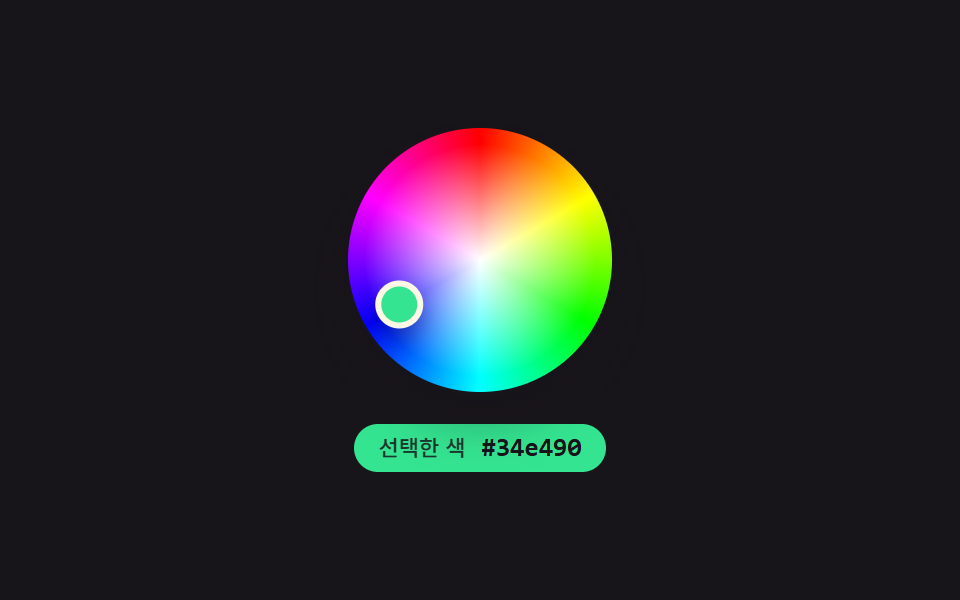 9 Color Picker Design Patterns (Copy-Paste)Nine color-picker UIs that compute: a point's angle turns into a hue, swatch brightness flips the check-icon color, and See all demos in this post
If you like this effect - similar demos
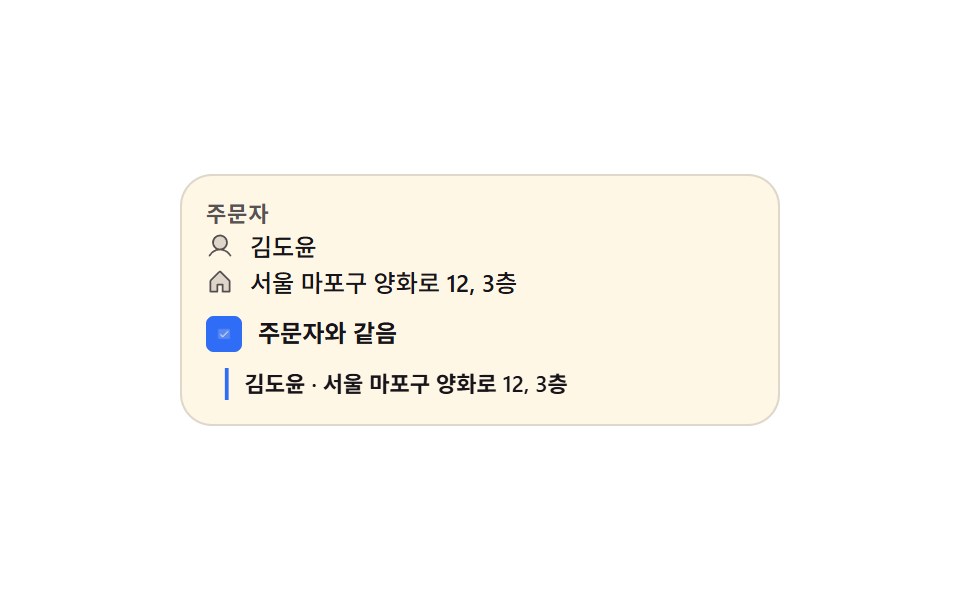 Inputs06 Shipping fields that fold away and fill themselves inCheckout Page Design — 9 Cart Patterns, No Library
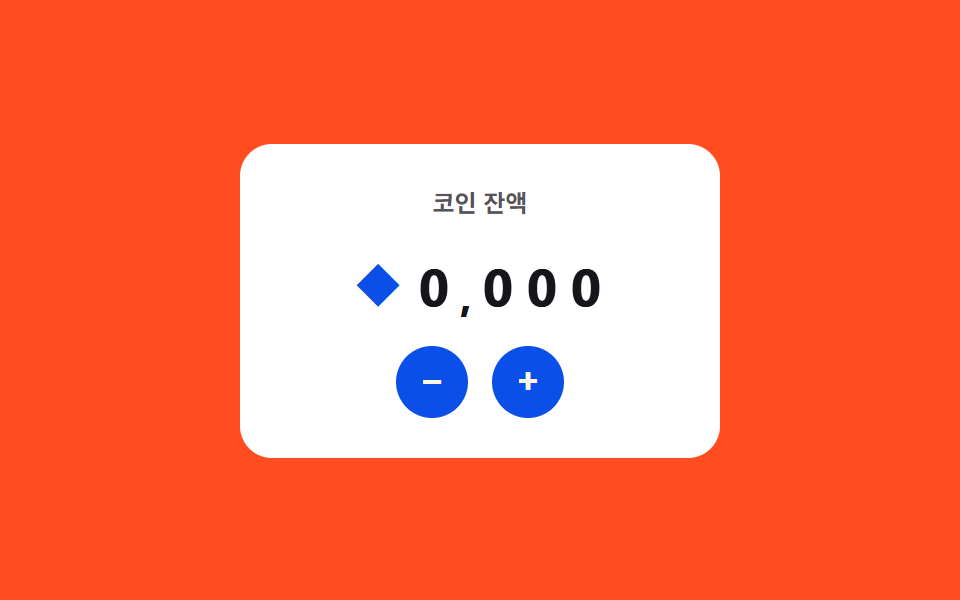 Inputs07 Live currency format — a stepper that recomputes digit-grouping positions every time its value changesNumber Stepper UI: 9 Interaction Patterns
 Inputs09 Continuous color-value morph — the strength value changes continuously instead of jumping between stages, with its mapped color value shifting smoothly alongPassword Strength Meter UI: 9 Calculation Patterns