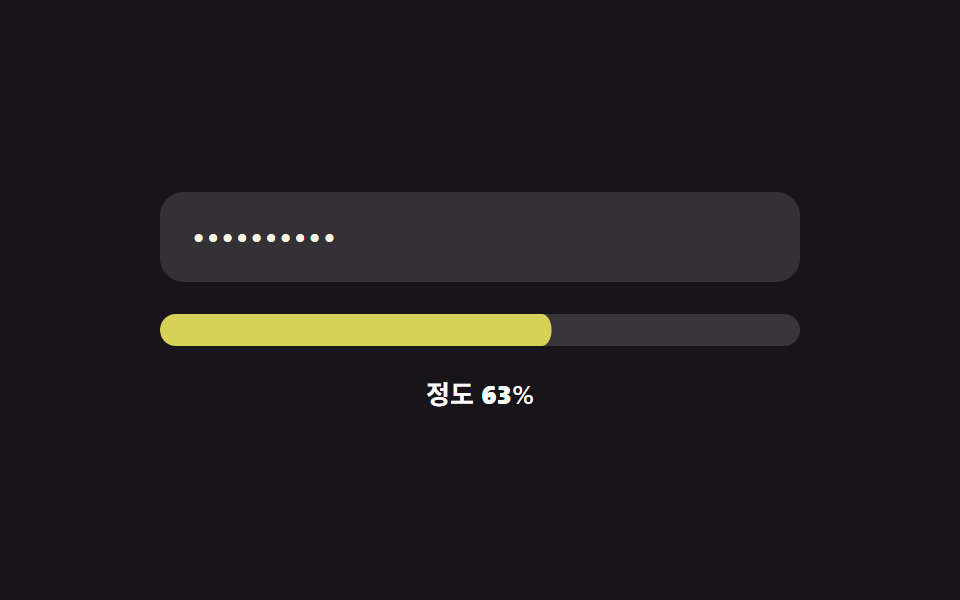
09Continuous color-value morph — the strength value changes continuously instead of jumping between stages, with its mapped color value shifting smoothly along
Instead of jumping between a few fixed stages, the strength value changes continuously, and the color value mapped to it shifts smoothly along with it.
Best forAn account settings screen that gives fine-grained visual feedback, a design-forward signup form
STOPS 색 정지점 3개colorAt(t)scoreT(value)
<main class="stage">
<div class="cm is-demo" id="cm">
  <label class="cm__field">
    <input class="cm__input" id="cmInput" type="text" autocomplete="off" spellcheck="false" value="">
  </label>
  <div class="cm__track"><div class="cm__fill" id="cmFill"></div></div>
  <div class="cm__readout">Degree <b id="cmPct">0</b>%</div>
</div>
</main>
@use "../../../../site/static/demo-tokens" as *;
// 계산 겹: 길이 비중·문자 종류 비중을 반씩 섞은 연속값(0~1)을 3개 색 정지점 사이에서
// RGB 선형보간해 매 입력마다 새 색을 계산한다 — 정해진 색 중 고르는 게 아니라 만든다.
@include stage($stage-ink);
.cm {
width: 100%;
max-width: 320px;
display: grid;
gap: $sp-4;
}
.cm__field { display: block; }
.cm__input {
width: 100%;
box-sizing: border-box;
padding: $sp-3 $sp-4;
border-radius: $r-control;
border: 0;
background: rgba($stage-paper, .12);
color: $subject-cream;
font: 500 16px/1.3 -apple-system, "Segoe UI", "Noto Sans KR", sans-serif;
letter-spacing: .04em;
-webkit-text-security: disc;
&:focus { outline: 2px solid $subject-blue-light; outline-offset: 2px; }
}
.cm__track {
position: relative;
height: $sp-4;
border-radius: $r-sm;
background: rgba($stage-paper, .14);
overflow: hidden;
}
.cm__fill {
position: absolute;
inset: 0;
border-radius: $r-sm;
background: $error;
transform: scaleX(0);
transform-origin: left center;
transition: transform $dur-base $ease-out, background-color $dur-base $ease-out;
}
.cm__readout {
font: 600 13px/1.2 -apple-system, "Segoe UI", "Noto Sans KR", sans-serif;
color: $stage-paper;
text-align: center;
b { font-variant-numeric: tabular-nums; }
}
@media (max-width: 340px) {
.cm { max-width: 260px; }
.cm__input { padding: $sp-2 $sp-3; font-size: 14px; }
.cm__readout { font-size: 11px; }
}
@media (prefers-reduced-motion: reduce) {
.cm__fill { transition: none; }
}html, body {
margin: 0;
overflow: hidden;
}
.stage {
box-sizing: border-box;
min-height: 100vh;
display: grid;
place-items: center;
margin: 0;
background: #17141a;
font-family: -apple-system, "Segoe UI", "Noto Sans KR", sans-serif;
padding: clamp(8px, 4vw, 24px);
}
.cm {
width: 100%;
max-width: 320px;
display: grid;
gap: 16px;
}
.cm__field {
display: block;
}
.cm__input {
width: 100%;
box-sizing: border-box;
padding: 12px 16px;
border-radius: 12px;
border: 0;
background: rgba(255, 255, 255, 0.12);
color: #fff7e6;
font: 500 16px/1.3 -apple-system, "Segoe UI", "Noto Sans KR", sans-serif;
letter-spacing: 0.04em;
-webkit-text-security: disc;
}
.cm__input:focus {
outline: 2px solid #5b8cf8;
outline-offset: 2px;
}
.cm__track {
position: relative;
height: 16px;
border-radius: 8px;
background: rgba(255, 255, 255, 0.14);
overflow: hidden;
}
.cm__fill {
position: absolute;
inset: 0;
border-radius: 8px;
background: #c2361a;
transform: scaleX(0);
transform-origin: left center;
transition: transform 300ms ease-out, background-color 300ms ease-out;
}
.cm__readout {
font: 600 13px/1.2 -apple-system, "Segoe UI", "Noto Sans KR", sans-serif;
color: #ffffff;
text-align: center;
}
.cm__readout b {
font-variant-numeric: tabular-nums;
}
@media (max-width: 340px) {
.cm {
max-width: 260px;
}
.cm__input {
padding: 8px 12px;
font-size: 14px;
}
.cm__readout {
font-size: 11px;
}
}
@media (prefers-reduced-motion: reduce) {
.cm__fill {
transition: none;
}
}(function () {
var root = document.getElementById('cm');
var input = document.getElementById('cmInput');
var fill = document.getElementById('cmFill');
var pctEl = document.getElementById('cmPct');
// 계산 겹: 길이 비중·Char types 비중을 반씩 섞어 연속값(0~1)을 만들고, 그 값을
// 3개 색 정지점(red→yellow→mint) 사이에서 RGB 선형보간해 매 입력마다 새로 계산한다.
var STOPS = [
{ t: 0, rgb: [194, 54, 26] },
{ t: 0.5, rgb: [255, 210, 63] },
{ t: 1, rgb: [76, 212, 166] }
];
function lerp(a, b, f) { return a + (b - a) * f; }
function colorAt(t) {
t = Math.max(0, Math.min(1, t));
var lo = STOPS[0], hi = STOPS[STOPS.length - 1];
for (var i = 0; i < STOPS.length - 1; i++) {
if (t >= STOPS[i].t && t <= STOPS[i + 1].t) { lo = STOPS[i]; hi = STOPS[i + 1]; break; }
}
var span = hi.t - lo.t || 1;
var f = (t - lo.t) / span;
var r = Math.round(lerp(lo.rgb[0], hi.rgb[0], f));
var g = Math.round(lerp(lo.rgb[1], hi.rgb[1], f));
var b = Math.round(lerp(lo.rgb[2], hi.rgb[2], f));
return 'rgb(' + r + ',' + g + ',' + b + ')';
}
function classCount(value) {
var n = 0;
if (/[a-z]/.test(value)) n++;
if (/[A-Z]/.test(value)) n++;
if (/[0-9]/.test(value)) n++;
if (/[^A-Za-z0-9]/.test(value)) n++;
return n;
}
function scoreT(value) {
var lengthPart = Math.min(1, value.length / 20);
var classPart = classCount(value) / 4;
return 0.5 * lengthPart + 0.5 * classPart;
}
function paint(value) {
var t = scoreT(value);
fill.style.transform = 'scaleX(' + t + ')';
fill.style.backgroundColor = colorAt(t);
pctEl.textContent = String(Math.round(t * 100));
}
input.addEventListener('input', function () {
root.classList.remove('is-demo');
stopAutoplay();
paint(input.value);
});
paint(input.value);
// 자동 루프: 시드 고정 문자열 배열로 길이·문자 종류를 함께 늘렸다 줄인다.
var SEQ = ['', 'ab', 'abcdef', 'abcdefGH', 'abcdefGH12', 'abcdefGH12!@',
'abcdefGH12', 'abcdefGH', 'abcdef', 'ab', ''];
var si = 0;
var autoTimer = null;
function autoTick() { input.value = SEQ[si]; paint(SEQ[si]); si = (si + 1) % SEQ.length; }
function stopAutoplay() { if (autoTimer) { clearInterval(autoTimer); autoTimer = null; } }
var reduce = window.matchMedia('(prefers-reduced-motion: reduce)').matches;
if (!reduce) { autoTimer = setInterval(autoTick, 380); autoTick(); }
})();import { useEffect, useRef } from "react";
import styles from "./ColorGradientMorph.module.scss";
type Box<T> = { current: T };
type Stop = { t: number; rgb: [number, number, number] };
const STOPS: Stop[] = [
{ t: 0, rgb: [194, 54, 26] },
{ t: 0.5, rgb: [255, 210, 63] },
{ t: 1, rgb: [76, 212, 166] },
];
function lerp(a: number, b: number, f: number) { return a + (b - a) * f; }
function colorAt(t: number) {
t = Math.max(0, Math.min(1, t));
let lo = STOPS[0], hi = STOPS[STOPS.length - 1];
for (let i = 0; i < STOPS.length - 1; i++) {
if (t >= STOPS[i].t && t <= STOPS[i + 1].t) { lo = STOPS[i]; hi = STOPS[i + 1]; break; }
}
const span = hi.t - lo.t || 1;
const f = (t - lo.t) / span;
const r = Math.round(lerp(lo.rgb[0], hi.rgb[0], f));
const g = Math.round(lerp(lo.rgb[1], hi.rgb[1], f));
const b = Math.round(lerp(lo.rgb[2], hi.rgb[2], f));
return "rgb(" + r + "," + g + "," + b + ")";
}
export default function ColorGradientMorph() {
const rootRef = useRef(null) as unknown as Box<HTMLDivElement | null>;
useEffect(() => {
const root = rootRef.current;
if (!root) return;
const input = root.querySelector(`.${styles.input}`) as HTMLInputElement | null;
const fill = root.querySelector(`.${styles.fill}`) as HTMLElement | null;
const pctEl = root.querySelector(`.${styles.pct}`) as HTMLElement | null;
if (!input || !fill || !pctEl) return;
function classCount(value: string) {
let n = 0;
if (/[a-z]/.test(value)) n++;
if (/[A-Z]/.test(value)) n++;
if (/[0-9]/.test(value)) n++;
if (/[^A-Za-z0-9]/.test(value)) n++;
return n;
}
// 계산 겹: 길이 비중·문자 종류 비중을 반씩 섞어 연속값(0~1)을 만들고, 그 값을
// 3개 색 정지점(red→yellow→mint) 사이에서 RGB 선형보간해 매 입력마다 새로 계산한다.
function scoreT(value: string) {
const lengthPart = Math.min(1, value.length / 20);
const classPart = classCount(value) / 4;
return 0.5 * lengthPart + 0.5 * classPart;
}
function paint(value: string) {
const t = scoreT(value);
fill!.style.transform = "scaleX(" + t + ")";
fill!.style.backgroundColor = colorAt(t);
pctEl!.textContent = String(Math.round(t * 100));
}
function onInput() {
root!.classList.remove(styles["is-demo"]);
stopAutoplay();
paint(input!.value);
}
input.addEventListener("input", onInput);
paint(input.value);
// 자동 루프: 시드 고정 문자열 배열로 길이·문자 종류를 함께 늘렸다 줄인다.
const SEQ = ["", "ab", "abcdef", "abcdefGH", "abcdefGH12", "abcdefGH12!@",
"abcdefGH12", "abcdefGH", "abcdef", "ab", ""];
let si = 0;
let autoTimer: number | null = null;
function autoTick() { input!.value = SEQ[si]; paint(SEQ[si]); si = (si + 1) % SEQ.length; }
function stopAutoplay() { if (autoTimer !== null) { window.clearInterval(autoTimer); autoTimer = null; } }
const reduce = window.matchMedia("(prefers-reduced-motion: reduce)").matches;
if (!reduce) { autoTimer = window.setInterval(autoTick, 380); autoTick(); }
return () => {
stopAutoplay();
input.removeEventListener("input", onInput);
};
}, []);
return (
<div ref={rootRef} className={`${styles.stage} ${styles.cm} ${styles["is-demo"]}`}>
<label className={styles.field}>
<input className={styles.input} type="text" autoComplete="off" spellCheck={false} defaultValue="" />
</label>
<div className={styles.track}><div className={styles.fill} /></div>
<div className={styles.readout}>정도 <b className={styles.pct}>0</b>%</div>
</div>
);
}09 Continuous color-value morph — the strength value changes continuously instead of jumping between stages, with its mapped color value shifting smoothly along — Measured area 3.354% · moving frames 22/23Original by GODRICH · SCSS and React ship in the zip · Password Strength Meter UI: 9 Calculation Patterns
The post this demo lives in
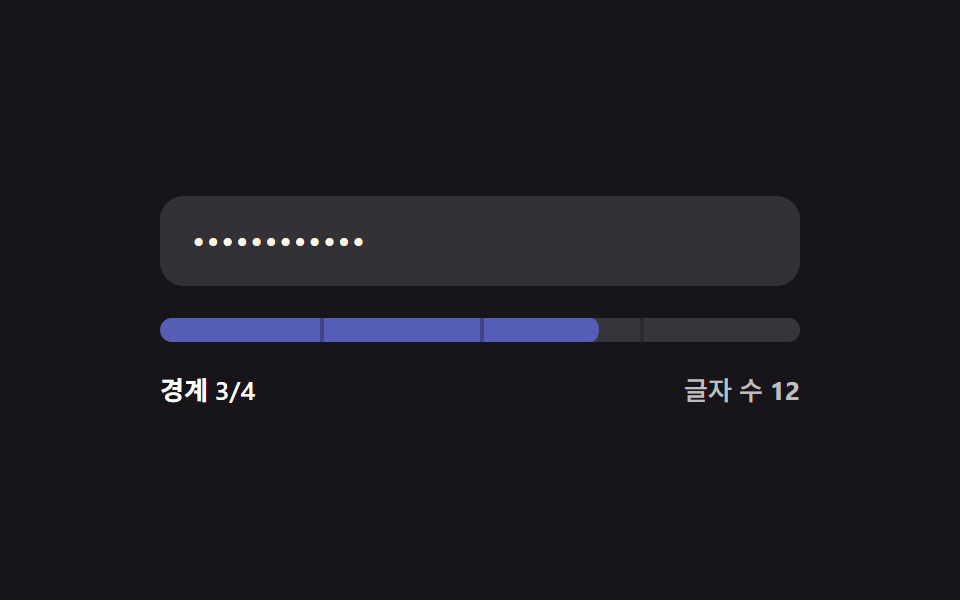 Password Strength Meter UI: 9 Calculation PatternsOne strength value is set by how many character types mix in, one drops when the input matches a common value, and one f See all demos in this post
If you like this effect - similar demos
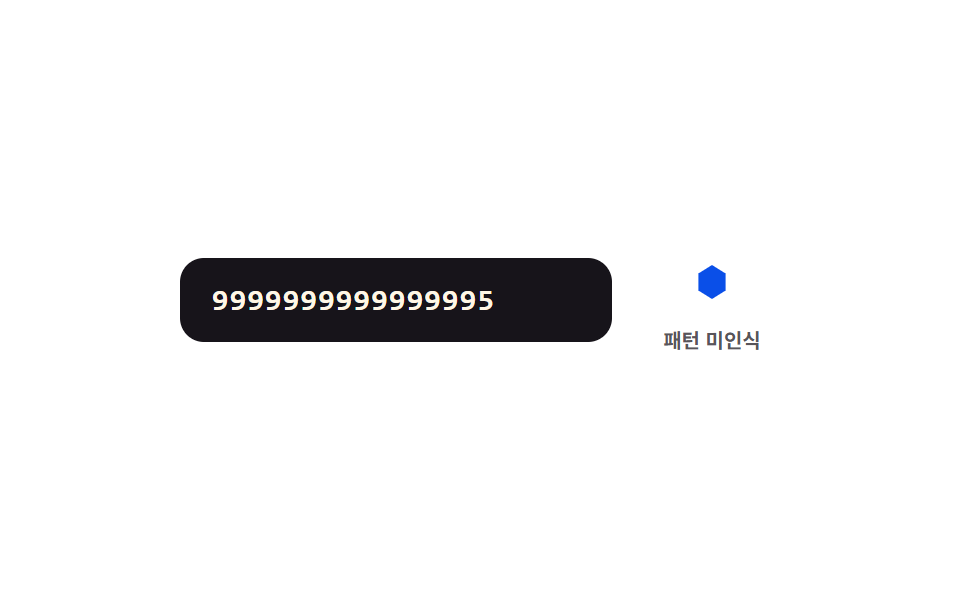 Inputs08 Pattern-match value toggle — when the leading digit value matches a set pattern value, a shape value beside it smoothly changesCredit Card Input UI: 9 Patterns
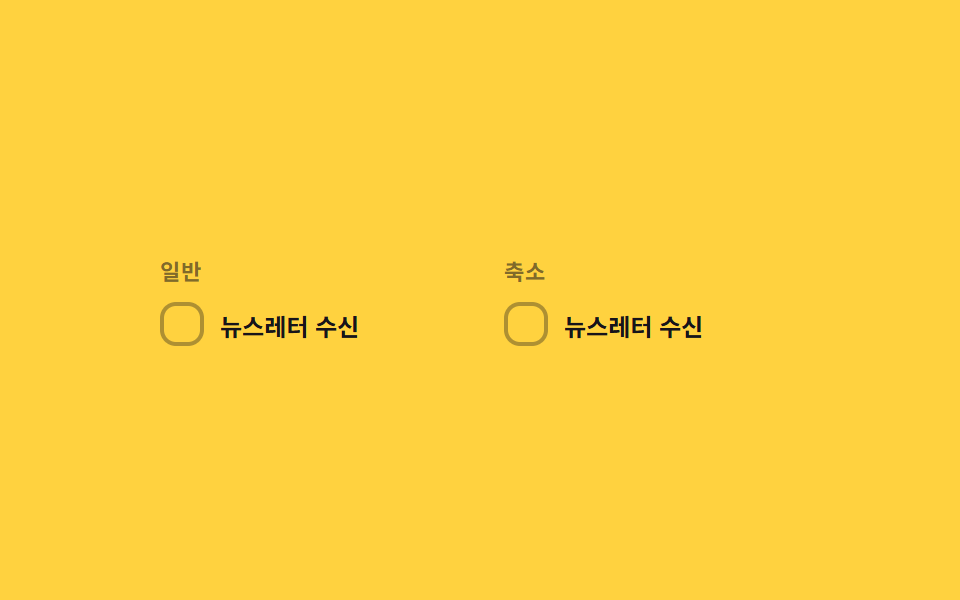 Inputs09 Reduced-motion comparison toggle — the same checked-value change draws its line-length value on the normal panel, and jumps straight to target with no in-between step on the reduced panelCSS Custom Checkbox: 9 Interaction Patterns
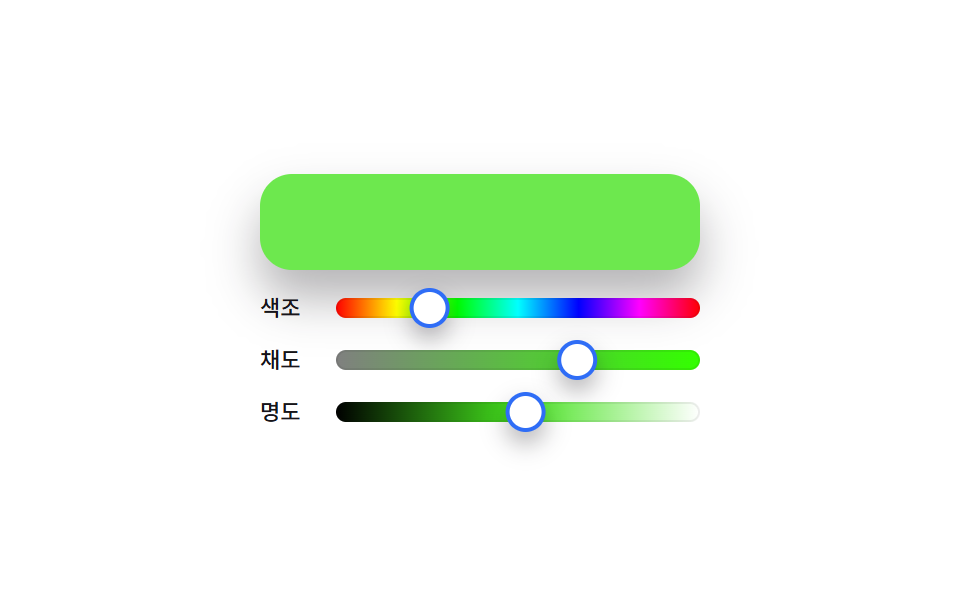 Inputs06 HSL sliders — a color picker that redraws track gradients whenever the hue value changes9 Color Picker Design Patterns (Copy-Paste)