07Drag-and-drop file dropzone
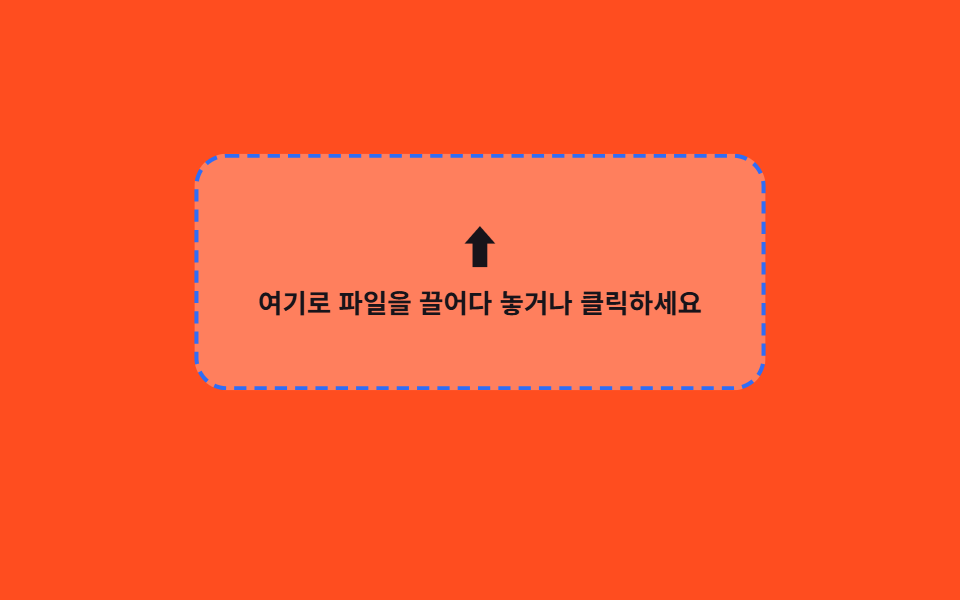
Dragging a file over the zone thickens its border, and dropping it turns the filename into a chip.
Best forProfile photo upload, attachment registration
dragover 표시클릭해서 찾아보기키보드 접근
<main class="stage">
  <div class="drop is-demo" id="drop">
    <label class="drop__zone" for="file-input" id="zone">
      <span class="drop__icon" aria-hidden="true">⬆</span>
      <span class="drop__text">Drag a file here or click to browse</span>
      <input class="drop__input" type="file" id="file-input">
    </label>
    <p class="drop__file" id="filename" aria-live="polite"></p>
  </div>
</main>
@use "../../../../site/static/demo-tokens" as *;
// ── 변수 3개 ──────────────────────────────────────────
$duration: $dur-quick; // 테두리·배경 전환 시간
$easing: $ease-out;
$color: $subject-blue; // 드래그 중 강조 색
// ── 데모 무대 ──────────────────────────────────────────
@include stage($stage-orange);
.drop {
box-sizing: border-box;
width: min(280px, 86vw);
}
.drop__zone {
box-sizing: border-box;
display: flex;
flex-direction: column;
align-items: center;
gap: $sp-2;
width: 100%;
border: 2px dashed rgba(255, 255, 255, .7);
border-radius: $r-card;
padding: $sp-8 $sp-4;
cursor: pointer;
background: rgba(255, 255, 255, .12);
transition: border-color $duration $easing, background $duration $easing, transform $duration $easing;
&.is-over {
border-color: $color;
background: rgba(255, 255, 255, .28);
transform: scale(1.02);
}
&:focus-within { outline: 2px solid $color; outline-offset: 3px; }
}
.drop__icon {
font-size: 22px;
line-height: 1;
color: $stage-ink;
}
.drop__text {
font-weight: 600;
font-size: 13px;
line-height: 1.4;
text-align: center;
font-family: inherit;
color: $stage-ink;
}
.drop__input {
position: absolute;
width: 1px; height: 1px;
padding: 0; margin: -1px; overflow: hidden;
clip: rect(0, 0, 0, 0); white-space: nowrap; border: 0;
}
.drop__file {
margin: $sp-2 0 0;
min-height: 16px;
font-weight: 600;
font-size: 12px;
font-family: inherit;
color: $stage-ink;
border-radius: $r-xs;
display: inline-block;
&:not(:empty) { background: $subject-cream; padding: $sp-1 $sp-2; }
}
@media (prefers-reduced-motion: reduce) {
.drop__zone { transition: none; }
}html, body {
margin: 0;
overflow: hidden;
}
.stage {
box-sizing: border-box;
min-height: 100vh;
display: grid;
place-items: center;
margin: 0;
background: #ff4d1f;
font-family: -apple-system, "Segoe UI", "Noto Sans KR", sans-serif;
padding: clamp(8px, 4vw, 24px);
}
.drop {
box-sizing: border-box;
width: min(280px, 86vw);
}
.drop__zone {
box-sizing: border-box;
display: flex;
flex-direction: column;
align-items: center;
gap: 8px;
width: 100%;
border: 2px dashed rgba(255, 255, 255, 0.7);
border-radius: 16px;
padding: 32px 16px;
cursor: pointer;
background: rgba(255, 255, 255, 0.12);
transition: border-color 220ms ease-out, background 220ms ease-out, transform 220ms ease-out;
}
.drop__zone.is-over {
border-color: #2f6df6;
background: rgba(255, 255, 255, 0.28);
transform: scale(1.02);
}
.drop__zone:focus-within {
outline: 2px solid #2f6df6;
outline-offset: 3px;
}
.drop__icon {
font-size: 22px;
line-height: 1;
color: #17141a;
}
.drop__text {
font-weight: 600;
font-size: 13px;
line-height: 1.4;
text-align: center;
font-family: inherit;
color: #17141a;
}
.drop__input {
position: absolute;
width: 1px;
height: 1px;
padding: 0;
margin: -1px;
overflow: hidden;
clip: rect(0, 0, 0, 0);
white-space: nowrap;
border: 0;
}
.drop__file {
margin: 8px 0 0;
min-height: 16px;
font-weight: 600;
font-size: 12px;
font-family: inherit;
color: #17141a;
border-radius: 4px;
display: inline-block;
}
.drop__file:not(:empty) {
background: #fff7e6;
padding: 4px 8px;
}
@media (prefers-reduced-motion: reduce) {
.drop__zone {
transition: none;
}
}(function () {
var wrap = document.getElementById('drop');
var zone = document.getElementById('zone');
var input = document.getElementById('file-input');
var filename = document.getElementById('filename');
['dragenter', 'dragover'].forEach(function (ev) {
zone.addEventListener(ev, function (e) { e.preventDefault(); stopDemo(); zone.classList.add('is-over'); });
});
['dragleave', 'dragend'].forEach(function (ev) {
zone.addEventListener(ev, function () { zone.classList.remove('is-over'); });
});
zone.addEventListener('drop', function (e) {
e.preventDefault(); stopDemo();
zone.classList.remove('is-over');
var f = e.dataTransfer && e.dataTransfer.files[0];
if (f) show(f.name);
});
input.addEventListener('change', function () {
stopDemo();
if (input.files[0]) show(input.files[0].name);
});
input.addEventListener('pointerdown', stopDemo);
function show(name) { filename.textContent = 'Selected: ' + name; }
function stopDemo() {
if (!wrap.classList.contains('is-demo')) return;
wrap.classList.remove('is-demo');
clearInterval(timer);
zone.classList.remove('is-over');
filename.textContent = '';
}
var phase = 0;
var timer = setInterval(function () {
phase = (phase + 1) % 6;
if (phase === 1) { zone.classList.add('is-over'); filename.textContent = ''; }
else if (phase === 3) { zone.classList.remove('is-over'); show('design-draft.png'); }
else if (phase === 5) { filename.textContent = ''; }
}, 320);
})();import { useRef, useState } from "react";
import styles from "./FileDropzone.module.scss";
export type FileDropzoneProps = {
text?: string;
onFile?: (file: File) => void;
};
export default function FileDropzone({
text = "여기로 파일을 끌어다 놓거나 클릭하세요",
onFile,
}: FileDropzoneProps) {
const [over, setOver] = useState(false);
const [name, setName] = useState("");
const inputRef = useRef<HTMLInputElement | null>(null);
const handleFile = (f?: File) => {
if (!f) return;
setName(f.name);
onFile?.(f);
};
return (
<div className={styles.drop}>
<label
className={over ? `${styles.zone} ${styles.over}` : styles.zone}
onDragEnter={(e: any) => { e.preventDefault(); setOver(true); }}
onDragOver={(e: any) => { e.preventDefault(); setOver(true); }}
onDragLeave={() => setOver(false)}
onDrop={(e: any) => {
e.preventDefault();
setOver(false);
handleFile(e.dataTransfer?.files?.[0]);
}}
>
<span className={styles.icon} aria-hidden="true">⬆</span>
<span className={styles.text}>{text}</span>
<input
ref={inputRef}
className={styles.input}
type="file"
onChange={(e: any) => handleFile(e.target.files?.[0])}
/>
</label>
<p className={styles.file} aria-live="polite">{name ? `선택됨: ${name}` : ""}</p>
</div>
);
}07 Drag-and-drop file dropzone — Measured area 26.096% · moving frames 10/23Original by GODRICH · SCSS and React ship in the zip · CSS Input Design: 9 Form Widgets You Can Paste In
The post this demo lives in
 CSS Input Design: 9 Form Widgets You Can Paste InCSS input design means the small form fields — phone numbers, card numbers, quantities, tags — that fill checkout and si See all demos in this post
If you like this effect - similar demos
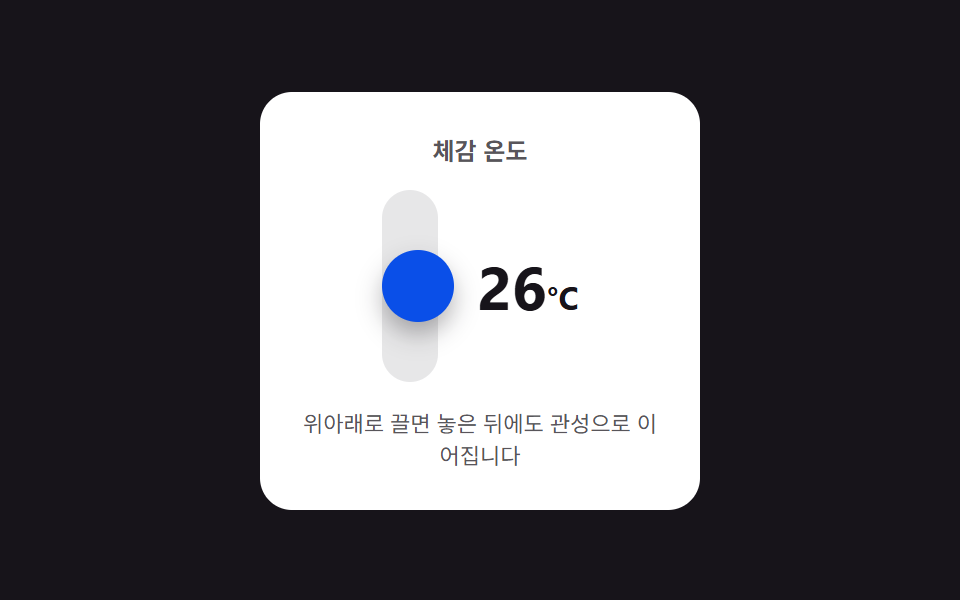 Inputs05 Vertical drag inertia — a stepper that changes with drag distance and keeps advancing a few steps after releaseNumber Stepper UI: 9 Interaction Patterns
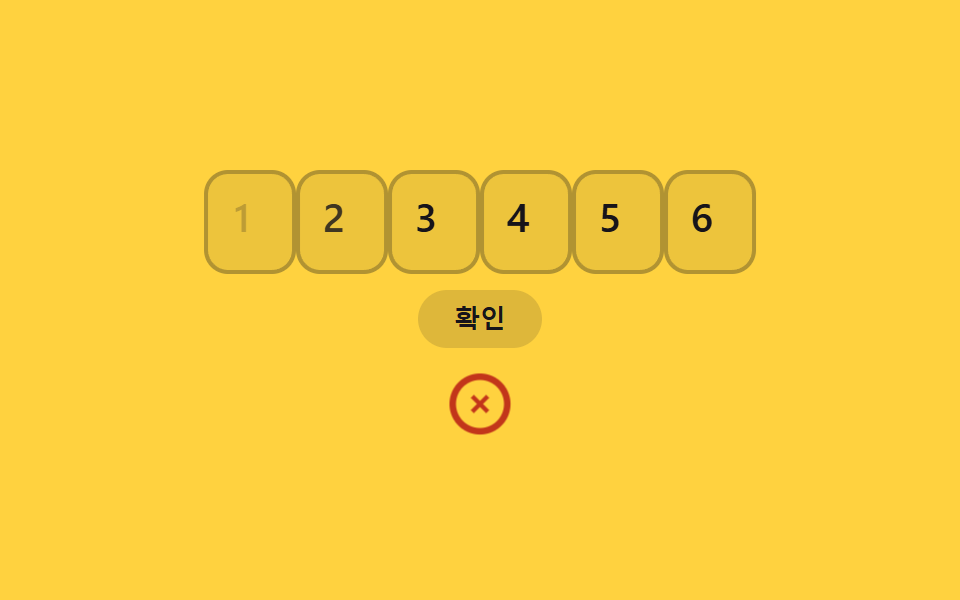 Inputs06 Shake and clear on errorOTP Input UI: 9 States, Validation Included
 Inputs07 Mention and hashtag highlight inputRegister Form Design: 9 Keyboard-Friendly Inputs