04Drag-inertia knob — a rotating handle that eases to a stop after release
Dragging the knob and letting go carries its last speed forward, so it keeps spinning on inertia before easing to rest.
Best forAn audio volume knob, an equipment-setting dial
decayStepDRAG_DECAYMath.atan2
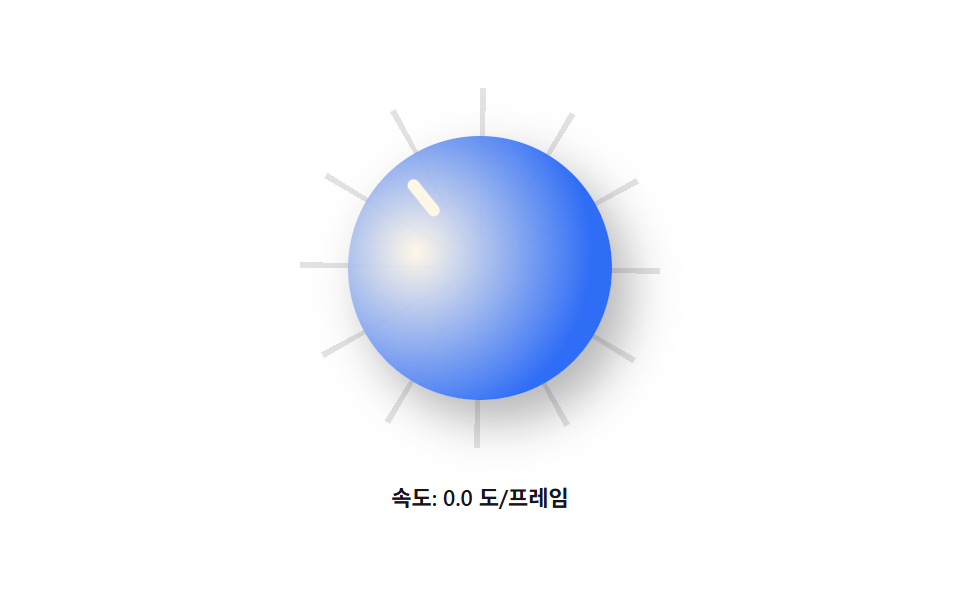
<main class="stage">
<div class="dr is-demo" id="dr">
  <div class="dr__ring" id="drRing">
    <button class="dr__knob" id="drKnob" type="button" aria-label="Drag to turn the volume knob"></button>
  </div>
  <p class="dr__hint" id="drHint">Speed: 0.0 deg/frame</p>
</div>
</main>
@use "../../../../site/static/demo-tokens" as *;
// 드래그 관성 손잡이 — 계산 겹은 index.html 의 감쇠 함수(decayStep)에 있다: 놓는 순간의 속도가
// 매 프레임 DRAG_DECAY 배씩 줄며 각도에 계속 더해진다. 여기는 손잡이·바늘·눈금만 그린다.
$duration: $dur-instant;
$easing: $ease-out;
$color: $subject-blue;
@include stage($stage-paper);
.dr { display: flex; flex-direction: column; align-items: center; gap: $sp-4; }
.dr__ring {
position: relative;
width: 180px;
height: 180px;
border-radius: 50%;
background: repeating-conic-gradient(rgba($subject-ink, .12) 0 2deg, transparent 2deg 30deg);
touch-action: none;
}
.dr__knob {
position: absolute;
inset: 24px;
appearance: none;
border: none;
border-radius: 50%;
cursor: grab;
background: radial-gradient(circle at 35% 30%, rgba($subject-cream, .9), $color 70%);
box-shadow: $shadow-raised;
transform: rotate(calc(var(--angle, 0) * 1deg));
}
.dr__knob:active { cursor: grabbing; }
.dr__knob:focus-visible { outline: 2px solid $subject-blue-deep; outline-offset: 3px; }
.dr__knob::after {
content: "";
position: absolute;
top: 10px;
left: calc(50% - 3px);
width: 6px;
height: 22px;
border-radius: $r-pill;
background: $subject-cream;
}
.dr__hint {
margin: 0;
color: $subject-ink;
font-size: 11px;
font-weight: 600;
font-variant-numeric: tabular-nums;
}
@media (max-width: 340px) {
.dr__ring { width: 132px; height: 132px; }
.dr__knob { inset: 16px; }
.dr__knob::after { height: 16px; top: 8px; }
}
@media (prefers-reduced-motion: reduce) {
.dr__knob { transition: none; }
}html, body {
margin: 0;
overflow: hidden;
}
.stage {
box-sizing: border-box;
min-height: 100vh;
display: grid;
place-items: center;
margin: 0;
background: #ffffff;
font-family: -apple-system, "Segoe UI", "Noto Sans KR", sans-serif;
padding: clamp(8px, 4vw, 24px);
}
.dr {
display: flex;
flex-direction: column;
align-items: center;
gap: 16px;
}
.dr__ring {
position: relative;
width: 180px;
height: 180px;
border-radius: 50%;
background: repeating-conic-gradient(rgba(23, 20, 26, 0.12) 0 2deg, transparent 2deg 30deg);
touch-action: none;
}
.dr__knob {
position: absolute;
inset: 24px;
appearance: none;
border: none;
border-radius: 50%;
cursor: grab;
background: radial-gradient(circle at 35% 30%, rgba(255, 247, 230, 0.9), #2f6df6 70%);
box-shadow: 0 14px 24px rgba(23, 20, 26, 0.32);
transform: rotate(calc(var(--angle, 0) * 1deg));
}
.dr__knob:active {
cursor: grabbing;
}
.dr__knob:focus-visible {
outline: 2px solid #0a4fe8;
outline-offset: 3px;
}
.dr__knob::after {
content: "";
position: absolute;
top: 10px;
left: calc(50% - 3px);
width: 6px;
height: 22px;
border-radius: 999px;
background: #fff7e6;
}
.dr__hint {
margin: 0;
color: #17141a;
font-size: 11px;
font-weight: 600;
font-variant-numeric: tabular-nums;
}
@media (max-width: 340px) {
.dr__ring {
width: 132px;
height: 132px;
}
.dr__knob {
inset: 16px;
}
.dr__knob::after {
height: 16px;
top: 8px;
}
}
@media (prefers-reduced-motion: reduce) {
.dr__knob {
transition: none;
}
}(function () {
var DRAG_DECAY = 0.92; // 손을 뗀 뒤 매 프레임 속도에 곱하는 감쇠율 — 1에 가까울수록 오래 돈다
var MIN_VELOCITY = 0.15; // 이 아래로 떨어지면 정지로 본다(deg/frame)
var LOOP_MS = 2000;
var reduce = window.matchMedia('(prefers-reduced-motion: reduce)').matches;
var root = document.getElementById('dr');
var ring = document.getElementById('drRing');
var knob = document.getElementById('drKnob');
var hint = document.getElementById('drHint');
var isDemo = true;
var angle = 0;
var velocity = 0; // deg/frame — 드래그 중엔 포인터 이동에서, 놓은 뒤엔 감쇠식에서 갱신
var dragging = false;
var lastAngle = 0;
function human() { if (isDemo) { root.classList.remove('is-demo'); isDemo = false; } }
function angleAt(clientX, clientY) {
var r = ring.getBoundingClientRect();
var cx = r.left + r.width / 2, cy = r.top + r.height / 2;
return Math.atan2(clientY - cy, clientX - cx) * 180 / Math.PI;
}
function apply() {
knob.style.setProperty('--angle', angle);
hint.textContent = 'Speed: ' + Math.abs(velocity).toFixed(1) + ' deg/frame';
}
knob.addEventListener('pointerdown', function (e) {
human();
dragging = true;
velocity = 0;
lastAngle = angleAt(e.clientX, e.clientY);
knob.setPointerCapture(e.pointerId);
});
knob.addEventListener('pointermove', function (e) {
if (!dragging) return;
var a = angleAt(e.clientX, e.clientY);
var delta = a - lastAngle;
if (delta > 180) delta -= 360; else if (delta < -180) delta += 360;
angle += delta;
velocity = reduce ? 0 : delta; // 이동량 자체를 프레임당 속도로 기록
lastAngle = a;
apply();
});
knob.addEventListener('pointerup', function () { dragging = false; });
knob.addEventListener('pointercancel', function () { dragging = false; });
// 계산 겹: 관성 감쇠. 놓은 순간의 속도가 매 프레임 DRAG_DECAY 배로 줄며 각도에 계속 더해진다.
// reduce 에서는(실사용 포함) 감쇠 구간을 건너뛰고 즉시 멈춘다 — human() 뒤에도 이 분기는 그대로 적용된다.
function decayStep() {
if (dragging) return;
if (reduce) { velocity = 0; return; }
if (Math.abs(velocity) < MIN_VELOCITY) { velocity = 0; return; }
velocity *= DRAG_DECAY;
angle += velocity;
}
// 자동 루프: Great 속도로 "튕긴" 상태를 반복해 감쇠 곡선 전체를 계속 보여준다
var demoVelocity = 26;
function loop(ts) {
if (isDemo) {
if (!reduce) {
var phase = (ts % LOOP_MS) / LOOP_MS;
if (phase < 0.02) { velocity = demoVelocity; }
decayStep();
} else {
angle = 0; velocity = 0;
}
apply();
} else {
decayStep();
apply();
}
requestAnimationFrame(loop);
}
apply();
requestAnimationFrame(loop);
})();// DragRotateKnob — vanilla 판(run/374/demo/04-arc-drag-rotate/index.html) 의 React 포트.
// 계산 겹: 관성 감쇠(decayStep) — 놓은 순간의 속도가 매 프레임 DRAG_DECAY 배로 줄며 각도에 계속 더해진다.
// reduce 체크는 decayStep 안에 있어 isDemo 분기 밖에서도(실사용에서도) 그대로 적용된다.
import { useEffect, useRef, useState } from "react";
import styles from "./DragRotateKnob.module.scss";
type Box<T> = { current: T };
const DRAG_DECAY = 0.92;
const MIN_VELOCITY = 0.15;
const LOOP_MS = 2000;
export default function DragRotateKnob() {
const rootRef = useRef(null) as unknown as Box<HTMLDivElement>;
const ringRef = useRef(null) as unknown as Box<HTMLDivElement>;
const knobRef = useRef(null) as unknown as Box<HTMLButtonElement>;
const rafRef = useRef(0) as unknown as Box<number>;
const [speedLabel, setSpeedLabel] = useState("속도: 0.0 도/프레임");
useEffect(() => {
const reduce = window.matchMedia("(prefers-reduced-motion: reduce)").matches;
const root = rootRef.current;
const ring = ringRef.current;
const knob = knobRef.current;
if (!root || !ring || !knob) return;
let isDemo = true;
let angle = 0;
let velocity = 0;
let dragging = false;
let lastAngle = 0;
function human() { if (isDemo) { root!.classList.remove(styles.isDemo); isDemo = false; } }
function angleAt(clientX: number, clientY: number) {
const r = ring!.getBoundingClientRect();
const cx = r.left + r.width / 2;
const cy = r.top + r.height / 2;
return (Math.atan2(clientY - cy, clientX - cx) * 180) / Math.PI;
}
function apply() {
knob!.style.setProperty("--angle", String(angle));
setSpeedLabel("속도: " + Math.abs(velocity).toFixed(1) + " 도/프레임");
}
function onDown(e: PointerEvent) {
human();
dragging = true;
velocity = 0;
lastAngle = angleAt(e.clientX, e.clientY);
knob!.setPointerCapture(e.pointerId);
}
function onMove(e: PointerEvent) {
if (!dragging) return;
const a = angleAt(e.clientX, e.clientY);
let delta = a - lastAngle;
if (delta > 180) delta -= 360; else if (delta < -180) delta += 360;
angle += delta;
velocity = reduce ? 0 : delta;
lastAngle = a;
apply();
}
function onUp() { dragging = false; }
knob.addEventListener("pointerdown", onDown);
knob.addEventListener("pointermove", onMove);
knob.addEventListener("pointerup", onUp);
knob.addEventListener("pointercancel", onUp);
function decayStep() {
if (dragging) return;
if (reduce) { velocity = 0; return; }
if (Math.abs(velocity) < MIN_VELOCITY) { velocity = 0; return; }
velocity *= DRAG_DECAY;
angle += velocity;
}
const demoVelocity = 26;
function loop(ts: number) {
if (isDemo) {
if (!reduce) {
const phase = (ts % LOOP_MS) / LOOP_MS;
if (phase < 0.02) { velocity = demoVelocity; }
decayStep();
} else {
angle = 0; velocity = 0;
}
apply();
} else {
decayStep();
apply();
}
rafRef.current = requestAnimationFrame(loop);
}
apply();
rafRef.current = requestAnimationFrame(loop);
return () => {
knob.removeEventListener("pointerdown", onDown);
knob.removeEventListener("pointermove", onMove);
knob.removeEventListener("pointerup", onUp);
knob.removeEventListener("pointercancel", onUp);
cancelAnimationFrame(rafRef.current);
};
}, []);
return (
<main className={styles.stage}>
<div className={styles.dr + " " + styles.isDemo} ref={rootRef}>
<div className={styles.ring} ref={ringRef}>
<button className={styles.knob} ref={knobRef} type="button" aria-label="드래그해서 볼륨 손잡이 돌리기" />
</div>
<p className={styles.hint}>{speedLabel}</p>
</div>
</main>
);
}04 Drag-inertia knob — a rotating handle that eases to a stop after release — Measured area 17.067% · moving frames 17/23Original by GODRICH · SCSS and React ship in the zip · CSS Radial Menu: 9 Circular Control Patterns
The post this demo lives in
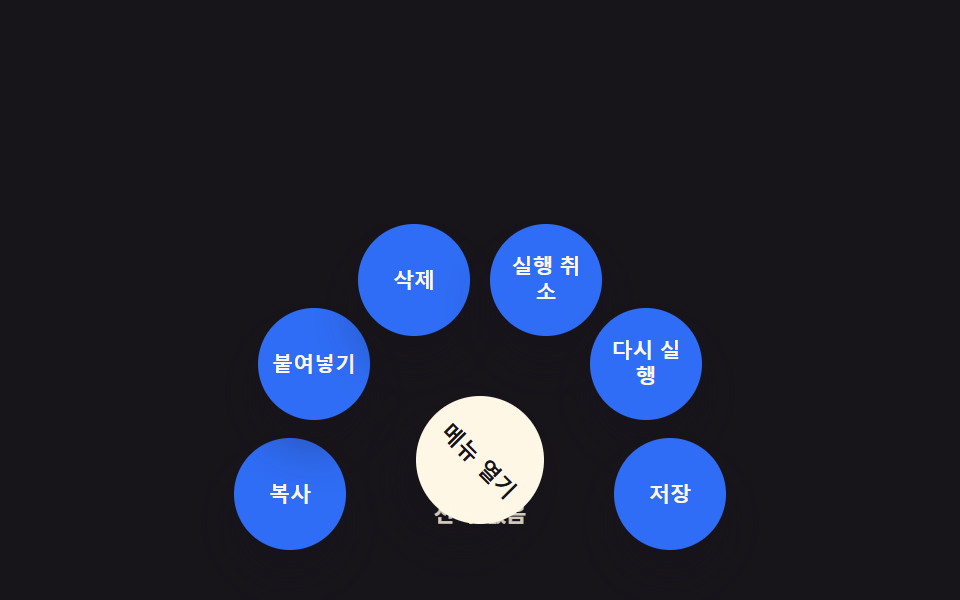 CSS Radial Menu: 9 Circular Control PatternsNine css radial menu style controls: one decays a dragged angle with inertia, one turns a value into a conic-gradient ri See all demos in this post
If you like this effect - similar demos
 Creative UI01 Rotating globe drawn from latitude/longitude lines3D Globe Website: 9 Canvas Orbit Scenes
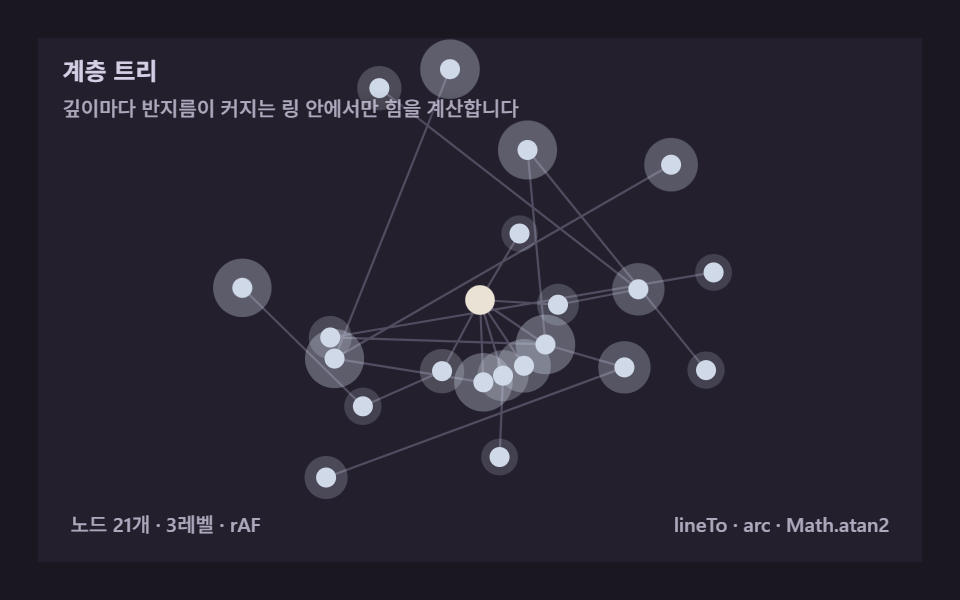 Creative UI05 Hierarchy tree — levels radiating out from a single rootForce Directed Graph: 9 Network Layout Demos
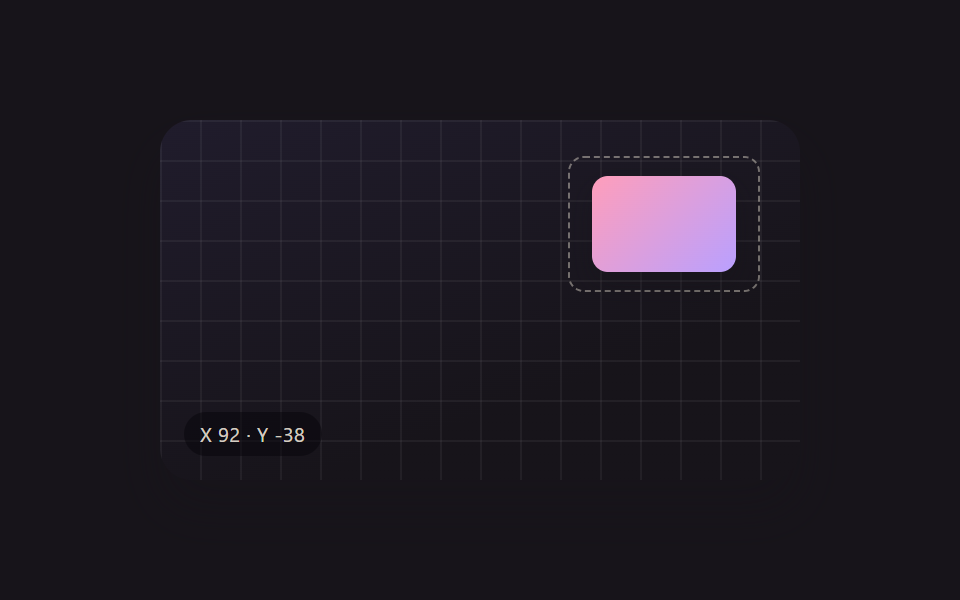 Creative UI01 Whole-Object Drag Move, No Handle NeededResize Handle UI — 9 Free-Transform Patterns