02Box model comparison — a card that shows whether border and padding count toward its size
Switching between two sizing modes compares, side by side, how the same width value produces a different actual card size depending on whether border and padding are included.
Best forA layout-debugging card, checking grid item sizing
box-sizingcontent-boxborder-box
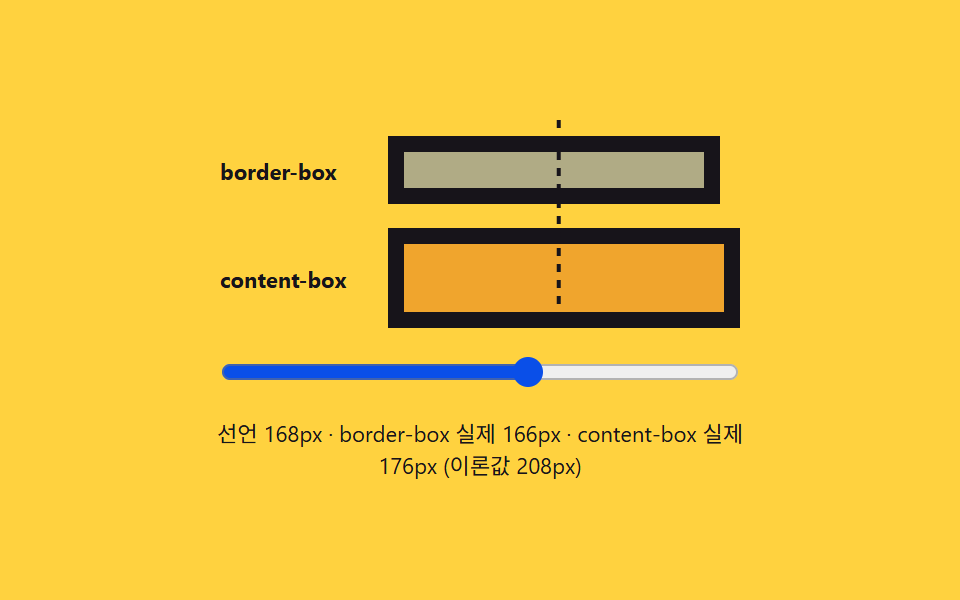
<main class="stage">
<div class="wrap is-demo" id="wrap">
  <div class="track" id="track">
    <div class="guide" id="guide"></div>
    <div class="row">
      <span class="rowLabel">border-box</span>
      <div class="box borderBox" id="borderBox"></div>
    </div>
    <div class="row">
      <span class="rowLabel">content-box</span>
      <div class="box contentBox" id="contentBox"></div>
    </div>
  </div>
  <input class="widthRange" id="widthRange" type="range" min="120" max="200" value="140" aria-label="Declared width">
  <div class="readout" id="readout">Declared width —px</div>
</div>
</main>
@use "../../../../site/static/demo-tokens" as *;
// 계산 겹은 index.html 의 apply() 에 있다 — 선언 너비를 실제 style.width 로 넣고
// getBoundingClientRect 로 다시 잰 실제 렌더 너비를 이론값(선언+테두리·패딩)과 나란히 보여준다.
// 여기는 두 박스의 테두리·패딩 값과 안내선 모양만 맡는다.
@include stage($stage-yellow);
$border-w: 8px;
$pad-w: 12px;
.wrap {
width: 280px;
display: flex;
flex-direction: column;
gap: $sp-3;
align-items: center;
}
.track {
position: relative;
width: 260px;
display: flex;
flex-direction: column;
gap: $sp-3;
padding-top: $sp-2;
}
.guide {
position: absolute;
top: 0;
left: 0;
width: 2px;
height: 100%;
background: repeating-linear-gradient($subject-ink, $subject-ink 4px, transparent 4px, transparent 8px);
transform: translateX(140px);
}
.row {
display: flex;
align-items: center;
gap: $sp-2;
}
.rowLabel {
width: 76px;
flex: 0 0 auto;
color: $subject-ink;
font-size: 11px;
font-weight: 700;
}
.box {
height: 34px;
border: $border-w solid $subject-ink;
padding: 0 $pad-w;
background: rgba($subject-blue, .38);
transition: width $dur-base $ease-out;
box-sizing: content-box;
}
.contentBox {
box-sizing: content-box;
background: rgba($subject-orange-deep, .28);
}
.borderBox {
box-sizing: border-box;
}
.widthRange {
width: 260px;
accent-color: $subject-blue-deep;
}
.readout {
color: $subject-ink;
font-size: 11px;
text-align: center;
}
@media (max-width: 340px) {
.wrap { width: 230px; gap: $sp-2; }
.track, .widthRange { width: 210px; gap: $sp-2; }
.rowLabel { width: 64px; font-size: 10px; }
.box { height: 28px; }
}
@media (prefers-reduced-motion: reduce) {
// reduce: 자동 루프의 사인 진동만 멈춘다(슬라이더로 하는 실사용 조작은 그대로 즉시 반영)
.box { transition: none; }
}html, body {
margin: 0;
overflow: hidden;
}
.stage {
box-sizing: border-box;
min-height: 100vh;
display: grid;
place-items: center;
margin: 0;
background: #ffd23f;
font-family: -apple-system, "Segoe UI", "Noto Sans KR", sans-serif;
padding: clamp(8px, 4vw, 24px);
}
.wrap {
width: 280px;
display: flex;
flex-direction: column;
gap: 12px;
align-items: center;
}
.track {
position: relative;
width: 260px;
display: flex;
flex-direction: column;
gap: 12px;
padding-top: 8px;
}
.guide {
position: absolute;
top: 0;
left: 0;
width: 2px;
height: 100%;
background: repeating-linear-gradient(#17141a, #17141a 4px, transparent 4px, transparent 8px);
transform: translateX(140px);
}
.row {
display: flex;
align-items: center;
gap: 8px;
}
.rowLabel {
width: 76px;
flex: 0 0 auto;
color: #17141a;
font-size: 11px;
font-weight: 700;
}
.box {
height: 34px;
border: 8px solid #17141a;
padding: 0 12px;
background: rgba(47, 109, 246, 0.38);
transition: width 300ms ease-out;
box-sizing: content-box;
}
.contentBox {
box-sizing: content-box;
background: rgba(201, 48, 0, 0.28);
}
.borderBox {
box-sizing: border-box;
}
.widthRange {
width: 260px;
accent-color: #0a4fe8;
}
.readout {
color: #17141a;
font-size: 11px;
text-align: center;
}
@media (max-width: 340px) {
.wrap {
width: 230px;
gap: 8px;
}
.track, .widthRange {
width: 210px;
gap: 8px;
}
.rowLabel {
width: 64px;
font-size: 10px;
}
.box {
height: 28px;
}
}
@media (prefers-reduced-motion: reduce) {
.box {
transition: none;
}
}(function () {
var BORDER_PX = 8;
var PADDING_PX = 12;
var reduce = window.matchMedia('(prefers-reduced-motion: reduce)').matches;
var wrap = document.getElementById('wrap');
var track = document.getElementById('track');
var guide = document.getElementById('guide');
var borderBox = document.getElementById('borderBox');
var contentBox = document.getElementById('contentBox');
var widthRange = document.getElementById('widthRange');
var readout = document.getElementById('readout');
var isDemo = true;
var declared = 140;
function human() { if (isDemo) { wrap.classList.remove('is-demo'); isDemo = false; } }
widthRange.addEventListener('input', function () {
human();
declared = Number(widthRange.value);
});
widthRange.addEventListener('pointerdown', human);
function apply() {
borderBox.style.width = declared + 'px';
contentBox.style.width = declared + 'px';
// 실측 — 계산값을 가정하지 않고 실제 렌더 결과를 다시 잰다
var bRect = borderBox.getBoundingClientRect();
var cRect = contentBox.getBoundingClientRect();
guide.style.transform = 'translateX(' + declared + 'px)';
widthRange.value = String(Math.round(declared));
// 이론값 = Declared width + 테두리·패딩 두 변 — 실측(getBoundingClientRect)과 맞는지 함께 보여준다
var theory = declared + 2 * (BORDER_PX + PADDING_PX);
readout.textContent = 'Declared ' + Math.round(declared) + 'px · border-box actual ' +
Math.round(bRect.width) + 'px · content-box actual ' + Math.round(cRect.width) +
'px (theoretical ' + Math.round(theory) + 'px)';
}
var start = 0;
function loop(ts) {
if (!start) start = ts;
if (isDemo && !reduce) {
declared = 160 + 38 * Math.sin((ts - start) / 900);
}
apply();
requestAnimationFrame(loop);
}
requestAnimationFrame(loop);
})();// BoxModel — vanilla 판(run/376/demo/02-box-model/index.html) 의 React 포트.
// 슬라이더로 선언 너비를 바꾸면 border-box·content-box 두 박스에 같은 width 를 넣고,
// 실제 렌더 결과(getBoundingClientRect)를 이론값(선언+테두리·패딩)과 나란히 보여준다.
import { useEffect, useRef } from "react";
import styles from "./BoxModel.module.scss";
type Box<T> = { current: T };
const BORDER_PX = 8;
const PADDING_PX = 12;
export default function BoxModel() {
const wrapRef = useRef(null) as unknown as Box<HTMLDivElement>;
const guideRef = useRef(null) as unknown as Box<HTMLDivElement>;
const borderBoxRef = useRef(null) as unknown as Box<HTMLDivElement>;
const contentBoxRef = useRef(null) as unknown as Box<HTMLDivElement>;
const widthRangeRef = useRef(null) as unknown as Box<HTMLInputElement>;
const readoutRef = useRef(null) as unknown as Box<HTMLDivElement>;
const rafRef = useRef(0) as unknown as Box<number>;
useEffect(() => {
const reduce = window.matchMedia("(prefers-reduced-motion: reduce)").matches;
const wrap = wrapRef.current;
const guide = guideRef.current;
const borderBox = borderBoxRef.current;
const contentBox = contentBoxRef.current;
const widthRange = widthRangeRef.current;
const readout = readoutRef.current;
if (!wrap || !guide || !borderBox || !contentBox || !widthRange || !readout) return;
let isDemo = true;
let declared = 140;
function human() { if (isDemo) { wrap!.classList.remove(styles.isDemo); isDemo = false; } }
function onInput() { human(); declared = Number(widthRange!.value); }
function onPointerDown() { human(); }
widthRange.addEventListener("input", onInput);
widthRange.addEventListener("pointerdown", onPointerDown);
function apply() {
borderBox!.style.width = declared + "px";
contentBox!.style.width = declared + "px";
const bRect = borderBox!.getBoundingClientRect();
const cRect = contentBox!.getBoundingClientRect();
guide!.style.transform = "translateX(" + declared + "px)";
widthRange!.value = String(Math.round(declared));
const theory = declared + 2 * (BORDER_PX + PADDING_PX);
readout!.textContent = "선언 " + Math.round(declared) + "px · border-box 실제 " +
Math.round(bRect.width) + "px · content-box 실제 " + Math.round(cRect.width) +
"px (이론값 " + Math.round(theory) + "px)";
}
let start = 0;
function loop(ts: number) {
if (!start) start = ts;
if (isDemo && !reduce) { declared = 160 + 38 * Math.sin((ts - start) / 900); }
apply();
rafRef.current = requestAnimationFrame(loop);
}
rafRef.current = requestAnimationFrame(loop);
return () => {
widthRange!.removeEventListener("input", onInput);
widthRange!.removeEventListener("pointerdown", onPointerDown);
cancelAnimationFrame(rafRef.current);
};
}, []);
return (
<main className={styles.stage}>
<div className={styles.wrap + " " + styles.isDemo} ref={wrapRef}>
<div className={styles.track}>
<div className={styles.guide} ref={guideRef}></div>
<div className={styles.row}>
<span className={styles.rowLabel}>border-box</span>
<div className={styles.box + " " + styles.borderBox} ref={borderBoxRef}></div>
</div>
<div className={styles.row}>
<span className={styles.rowLabel}>content-box</span>
<div className={styles.box + " " + styles.contentBox} ref={contentBoxRef}></div>
</div>
</div>
<input className={styles.widthRange} ref={widthRangeRef} type="range" min="120" max="200" defaultValue="140" aria-label="선언 너비" />
<div className={styles.readout} ref={readoutRef}>선언 너비 —px</div>
</div>
</main>
);
}02 Box model comparison — a card that shows whether border and padding count toward its size — Measured area 2.36% · moving frames 22/23Original by GODRICH · SCSS and React ship in the zip · CSS Reset: 9 Patterns From Basics to Safe-Area
The post this demo lives in
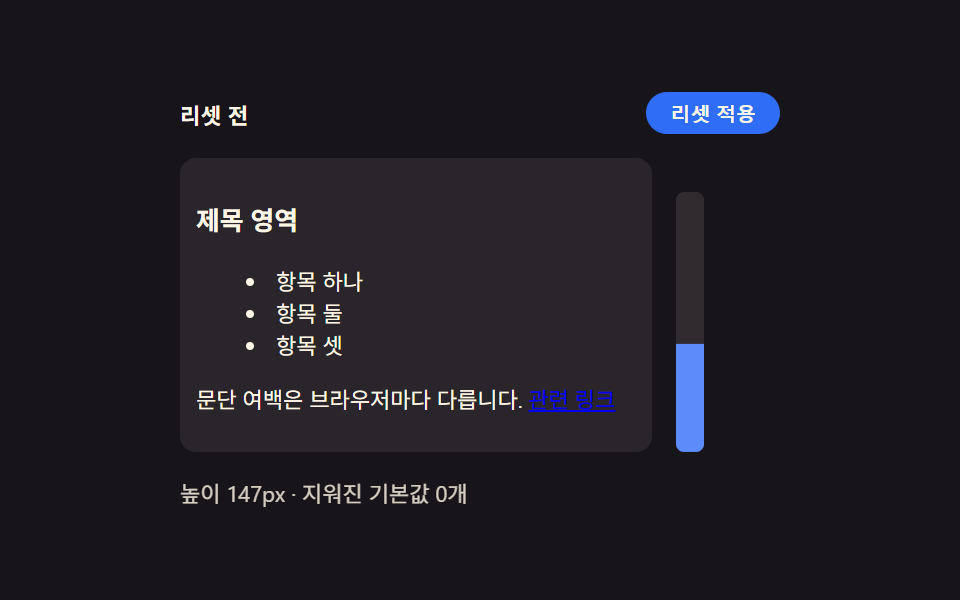 CSS Reset: 9 Patterns From Basics to Safe-AreaNine css reset patterns: one recalculates padding for the safe area, one shrinks transition duration near zero when moti See all demos in this post
If you like this effect - similar demos
 base01 Squircle card — a superellipse exponent value flows between circle and square while the card's corner ridge changesCSS corner-shape: 9 Corner Cutting Patterns
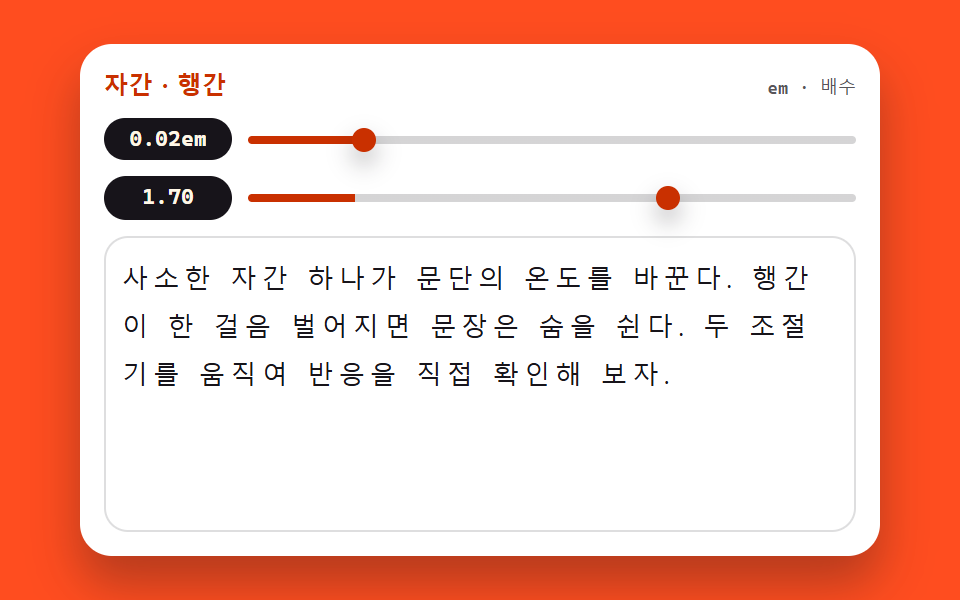 base03 Tracking and leading tunerCSS Typography Playground: 9 Demos, No Webfonts
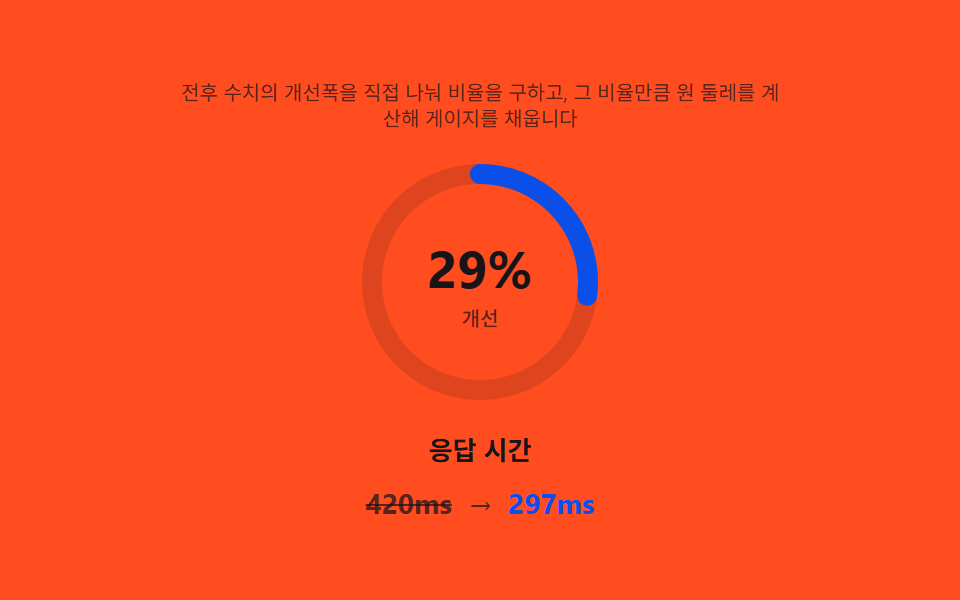 Landing sections03 Metric highlight — a card that divides before and after to work out its own ratio9 Case Study Page Design Sections (Copy-Paste)